⚖️ Our Verdict
Supernotes should be used by everyone as it is very flexible according to the needs of their users. It is simple, aesthetically pleasing, and personalized according to usage. This application was originally made and is best used by students; it is also a great help for home-based learners.
Some say that Supernotes is like a fusion of Notion and Roam Research, so you could definitely see the different use cases of this app. Additionally, it shines as a quick and easy research tool and an application for note sharing among students. Just like how this application is marketed, it is best for collaborative note-taking.
Supernotes is appropriate for everyday and academic use. It is one of the best note-taking apps in the market today. All in all, it is easy to use, has a ton of features, and is an essential application for all your note-taking needs!
| 👍 Pros | 👎 Cons |
| 👍 Good UX/UI 👍 Simple and easy to use 👍 Good support team 👍 Has a free plan 👍 Operates on Mac, Linus, and Windows 👍 Different view options and dark mode | 👎 Limited import options 👎 Limited cards on the free plan 👎 Cannot edit online 👎 Native apps are early-access |
🌟 About Supernotes
Supernotes 2 is here 🥳
— Supernotes (@supernotesapp) February 18, 2022
Explore your knowledge now! pic.twitter.com/hs3hMWD8DS
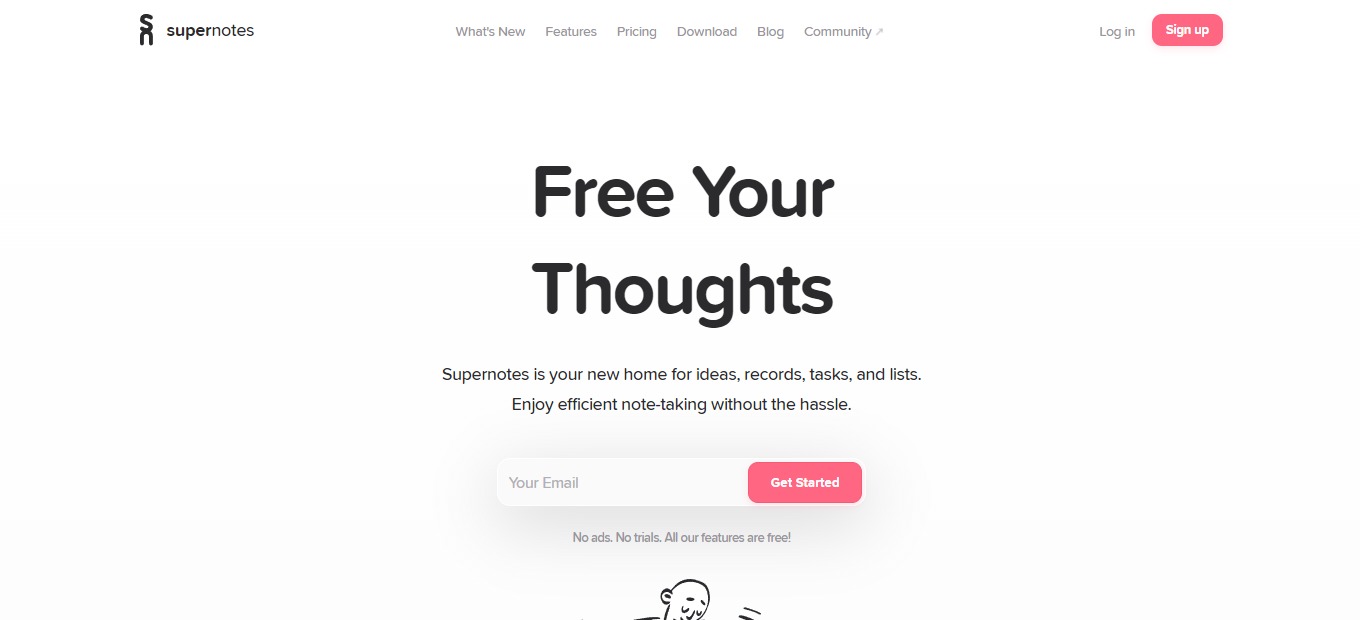
Supernotes is a note-taking and knowledge-sharing application. It is a home for your ideas, tasks, records, and lists. This app basically utilizes notecards to save your thoughts and link them together to create a good knowledge base.
This application is based on the concept of how we think: interconnected thoughts. In Supernotes, the notecards represent our thoughts, which are linkable, taggable, and nestable. The goal behind this wonderful app is to help people create meaningful digital knowledge.
Supernotes was created because back then, creating good notes and working with others was messy. Each notecard is not only for individual use, but can also be collaboratively edited by other people – keeping your knowledge organized even while working with others.
🎁 What’s In It For You?
Supernotes makes you more productive from its good deal of features. The main feature of Supernotes: notecards, allows you to document stuff practically. The notes in Supernotes are also a step further as you can collaborate, link, nest, and do a lot of things on the notecards.
Supernotes lets you utilize different views like the daily collection, broadsheet view, and graph view. That way, you can find what’s appeasing for you and use it to build your knowledge base. Supernotes utilize shortcuts, including automatic note creation and other keyboard controls that help you easily navigate and use the app.
You can instantly access, interact, and find your notes on this application. Many features are packed within Supernotes; all of which can help you create amazing documentation.
🖥️ How Does It Work?
- The left side shows you the sidebar, where you can arrange hierarchy and switch active views. On the right is the note board where you can add notecards. The sidebar also shows you other cards and allows you to filter them.
- Click the plus button on the lower-left corner of the note board or start typing to add a card. Add a title and the elements of your notecard.


- The help menu gives you access to the cheatsheet – the collection of shortcuts you can use on Supernotes.

- Click ‘finish’ to create your notecard. After that, click on the title to show a preview of that card.

💲 Pricing Plans & Support
Supernotes have a simple pricing plan. They offer a freemium version and an upgrade for unlimited use!
LOOKING FOR A ONE-STOP SOLUTION TO YOUR GROWTH NEEDS?

💎 Starter – $0/Month
Get started with Supernotes and use it for a quick and easy way to share notes for free!
〰️ All features
〰 Mac, Windows, Linux
〰️ 40 cards
💎 Unlimited – $8.04/Month
Upgrade to the unlimited plan for only $8.04 per month!
〰️ All features
〰 Mac, Windows, Linux
〰️ Unlimited cards
〰️ API access
〰️ Early access to mobile apps
〰 Priority support
〰️ 1:1 onboarding
〰 Supporter badge
📍 The Competition

| 👍 Pros | 👎 Cons |
| 👍 Easy to use 👍 Highly customizable 👍 Many use cases | 👎 Has a learning curve 👎 Lags and bugs |
Fast note-taking and knowledge sharing with Supernotes!
Related read: Supernotes keeps your cards in the cloud for fast sharing. Developers who would rather hold their notes as local Markdown files that work offline often compare it against Boostnote.