🏆 Our Verdict
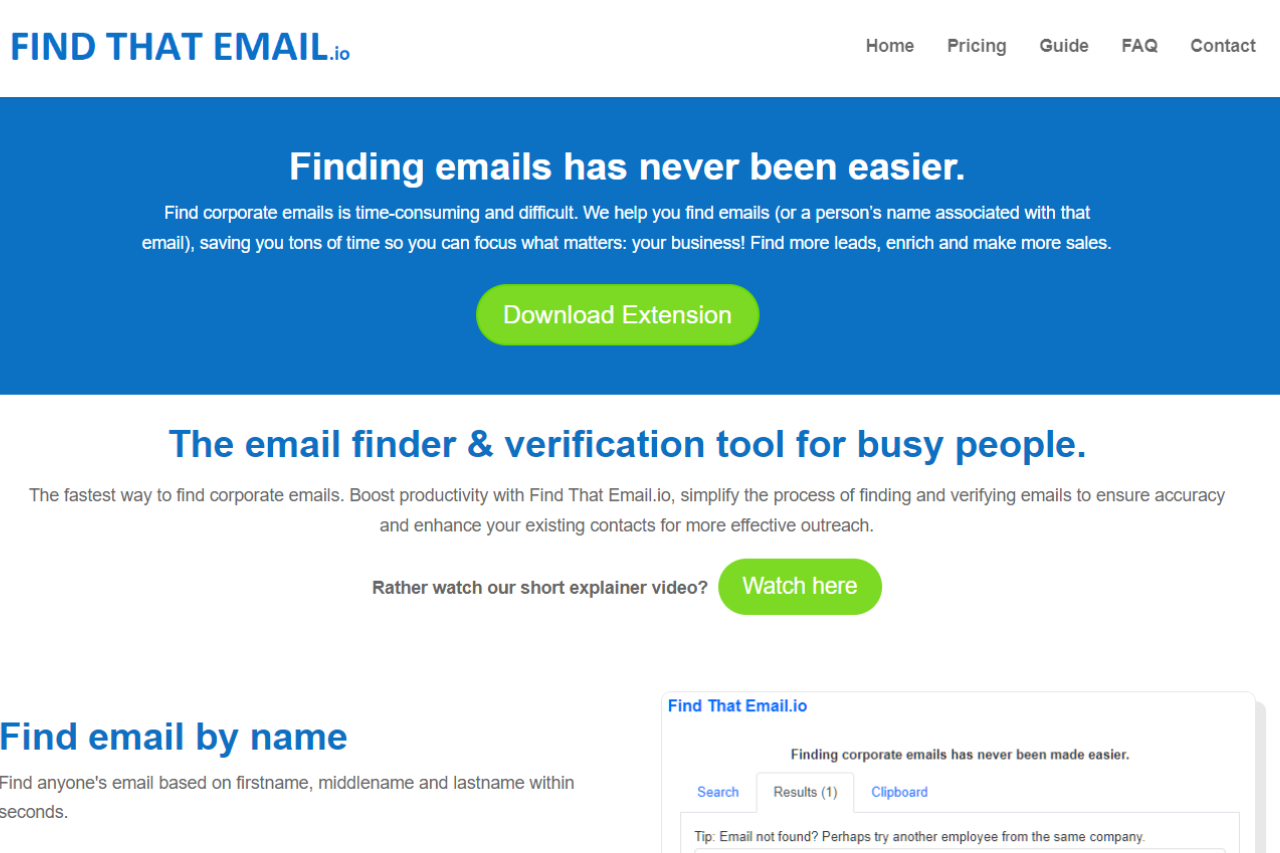
FindThat.Email stands out as a powerful email lookup and verification tool designed to help businesses and professionals find accurate email addresses and manage their outreach efforts effectively. With its user-friendly interface and reliable results, it offers a great solution for lead generation and contact management.
✅ Pros & ❌ Cons
Pros:
- 📧 Email Verification & Finding: FindThat.Email excels at finding and verifying email addresses, ensuring that your contact list is up-to-date and accurate.
- 🔍 User-Friendly Interface: The platform offers a clean and intuitive interface, making it easy to search for email addresses and manage your leads.
- 📊 Integration: Integrates seamlessly with various CRM systems and email marketing tools, enhancing your overall workflow.
- 🌍 Global Reach: Supports email discovery and verification for a wide range of countries, making it suitable for international outreach.
Cons:
- 💲 Pricing: Some users may find the pricing plans relatively higher compared to competitors, especially for smaller teams or individual users.
- 🤯 Limited Free Features: The free plan offers limited features, which may not be sufficient for users with extensive email verification needs.
- 🔧 Occasional Accuracy Issues: Users may encounter occasional issues with email accuracy, which can affect the effectiveness of outreach campaigns.
📖 About FindThat.Email
FindThat.Email is a leading email discovery and verification platform that provides businesses and professionals with the tools they need to build and maintain an accurate email list. It helps streamline outreach efforts by ensuring that contact information is reliable and up-to-date.
🗓️ How It Works
Here’s a step-by-step guide on how to start using FindThat.Email:

- Sign Up: The email provided is used for verification purposes within the Chrome browser, accessible at chrome://settings/profile (ensure SYNC is enabled). If there is an error with the email provided during checkout, or if a transfer of the email is necessary, please contact support for modifications.
- Download Extension: Optionally, you can download their browser extension to enhance functionality.
- Finding Emails: Enter the first name, middle name (if applicable), and last name along with the domain of the person whose email you are looking for. The format is like john, doe, company.com to get john@company.com.
- Email Verification: To verify an email, simply type the email into the search field. You can save this search and then press “Start” to begin the verification.
- Using in Bulk: Both email finding and verification can be done in bulk by creating a list of names or emails.
- Results: The results will appear in the Results tab after the search or verification is done.
For a more detailed guide and visual aids, you can watch the explainer video or read the guide available on their website.
💲 Pricing Overview
FindThat.Email offers several pricing plans to accommodate different needs and budgets:

Price: $19 per month
Features:
- Unlimited emails/names: You can search for and verify an unlimited number of emails and names.
- 30 Days Money Back Guarantee: If you are not satisfied with the service within the first 30 days, you can get a full refund.
- Bulk Search: Allows you to search for emails in bulk by uploading a list of names and domains.
- Email Validator: Verifies emails to ensure they are correct, reducing the chances of sending emails to incorrect or fake addresses.
- LinkedIn Integration: Use the LinkedIn ‘People’ tab to send names to Clipboard for later use in generating leads.
- CSV Export: Export search results in CSV format for easy use in other applications.
For more detailed information and to start using Find That Email, visit their Pricing Page.
LOOKING FOR A ONE-STOP SOLUTION TO YOUR GROWTH NEEDS?
.
🥊 Competition

| FindThat.Email | Hunter |
|---|---|
| Pros | Pros |
| – Accurate email verification | – Extensive email lookup features |
| – User-friendly interface | – Robust email verification tools |
| – Global reach | – Comprehensive CRM integration |
| Cons | Cons |
| – Higher pricing | – Higher cost for advanced features |
| – Limited free features | – Learning curve for new users |
| – Occasional accuracy issues | – Some features are not available on lower plans |
📌 Conclusion
FindThat.Email is a top choice for businesses and professionals looking to enhance their email discovery and verification processes. With its accurate results, user-friendly interface, and integration capabilities, it stands out as a valuable tool for effective email management and lead generation.
FindThat.Email: Your Reliable Partner in Email Discovery