🏆 Our Verdict
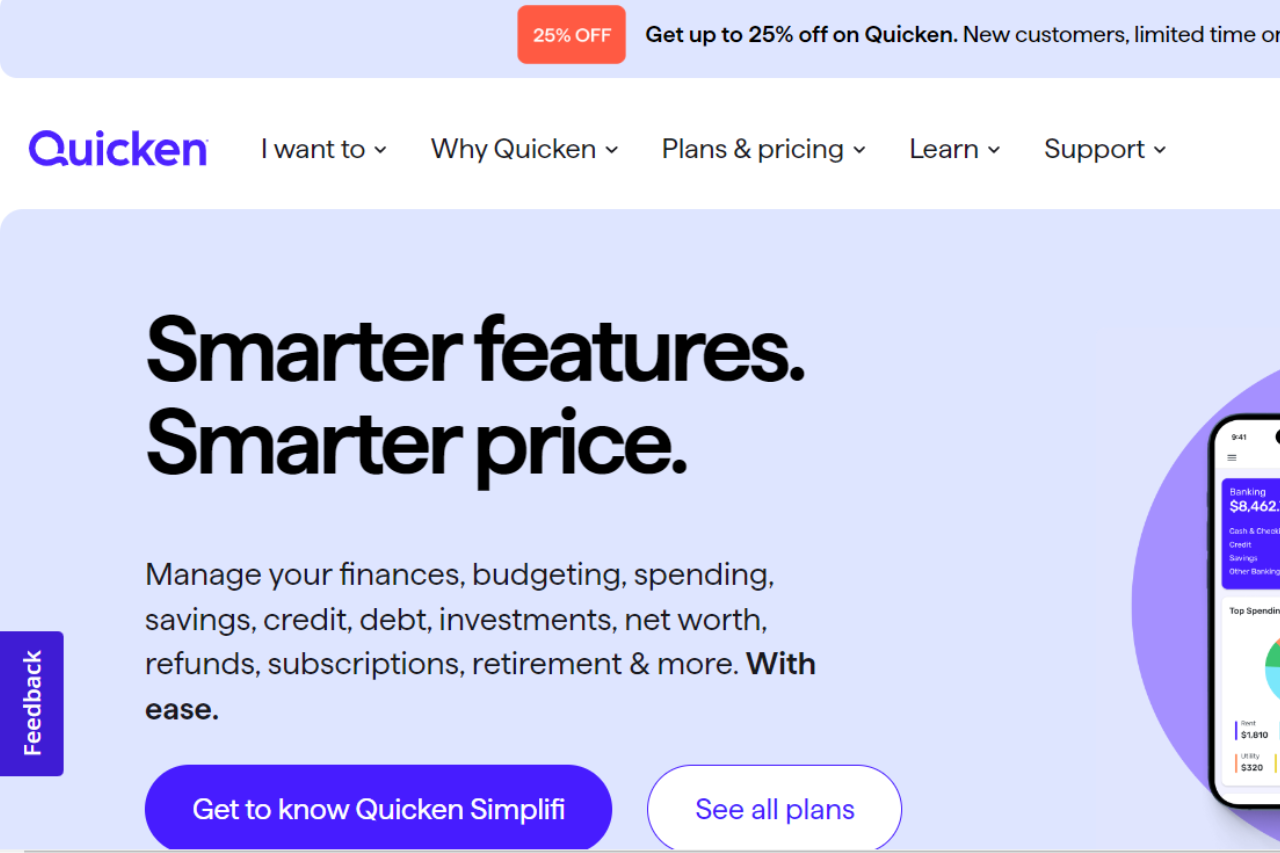
Quicken stands out as a powerful financial management tool designed to help users track and manage their personal and business finances effectively. With its extensive features and customizable options, Quicken provides a comprehensive solution for budgeting, investing, and expense tracking.
✅ Pros & ❌ Cons
Pros:
- 📈 Robust Financial Management Tools: Quicken offers an extensive range of tools for budgeting, expense tracking, investment management, and bill payment.
- 📊 Comprehensive Reporting: The platform provides detailed financial reports and insights, helping users make informed decisions about their money.
- 💻 Sync Across Devices: Quicken supports synchronization across multiple devices, ensuring that your financial data is always up-to-date and accessible.
- 🔒 Security: Quicken prioritizes user data security with advanced encryption and security measures to protect sensitive information.
Cons:
- 💲 Pricing: Quicken’s subscription plans can be relatively high compared to some other financial management tools, especially considering the advanced features.
- 🧩 Complexity: New users might find Quicken’s extensive features and interface a bit overwhelming and may require time to fully understand and utilize the platform.
- 🔄 Sync Issues: Occasionally, users may experience issues with syncing accounts or data between devices.
📖 About Quicken
Quicken is a leading financial management software that provides individuals and businesses with the tools needed to manage their finances efficiently. It offers a wide range of features, from budgeting and expense tracking to investment management and bill payment, all designed to help users achieve their financial goals.
🗓️ How It Works

- Sign Up: Visit the Quicken website and choose a subscription plan that fits your needs.
- Download and Install: Download and install the Quicken software on your device.
- Set Up Accounts: Link your bank accounts, credit cards, and investment accounts to Quicken for automatic syncing.
- Create Budgets: Use Quicken’s budgeting tools to create and manage your monthly and annual budgets.
- Track Expenses: Monitor your spending and track expenses through detailed reports and categories.
- Manage Investments: Track and manage your investment portfolio with Quicken’s investment management tools.
- Generate Reports: Access comprehensive financial reports to gain insights and make informed decisions about your finances.
💲 Pricing Overview
Quicken offers several subscription plans, each tailored to different financial management needs:

- Starter: Basic budgeting and expense tracking.
- Deluxe: Includes everything in Starter, plus debt tracking and savings goals.
- Premier: Adds investment tracking and simplified taxes.
- Home & Business: Designed for small business owners, includes everything in Premier plus business tracking.
Each plan is available on multiple platforms, ensuring accessibility for managing finances on the go. Detailed features and pricing can be found on the Quicken Pricing Comparison page.
🥊 Competition

| Quicken | Mint |
|---|---|
| Pros | Pros |
| – Comprehensive financial tools | – Free to use |
| – Detailed reporting | – User-friendly interface |
| – Sync across multiple devices | – Budgeting and expense tracking |
| – High security measures | – Automatic syncing |
| Cons | Cons |
| – Higher pricing | – Limited investment tracking |
| – Can be complex for beginners | – Ads in free version |
| – Sync issues occasionally | – Basic financial tools |
📌 Conclusion
Quicken emerges as a top choice for individuals and businesses seeking a comprehensive financial management solution. With its extensive features, secure platform, and detailed reporting, Quicken provides valuable tools to help users manage their finances effectively.
Quicken: Your Partner in Financial Mastery