🏆 Our Verdict
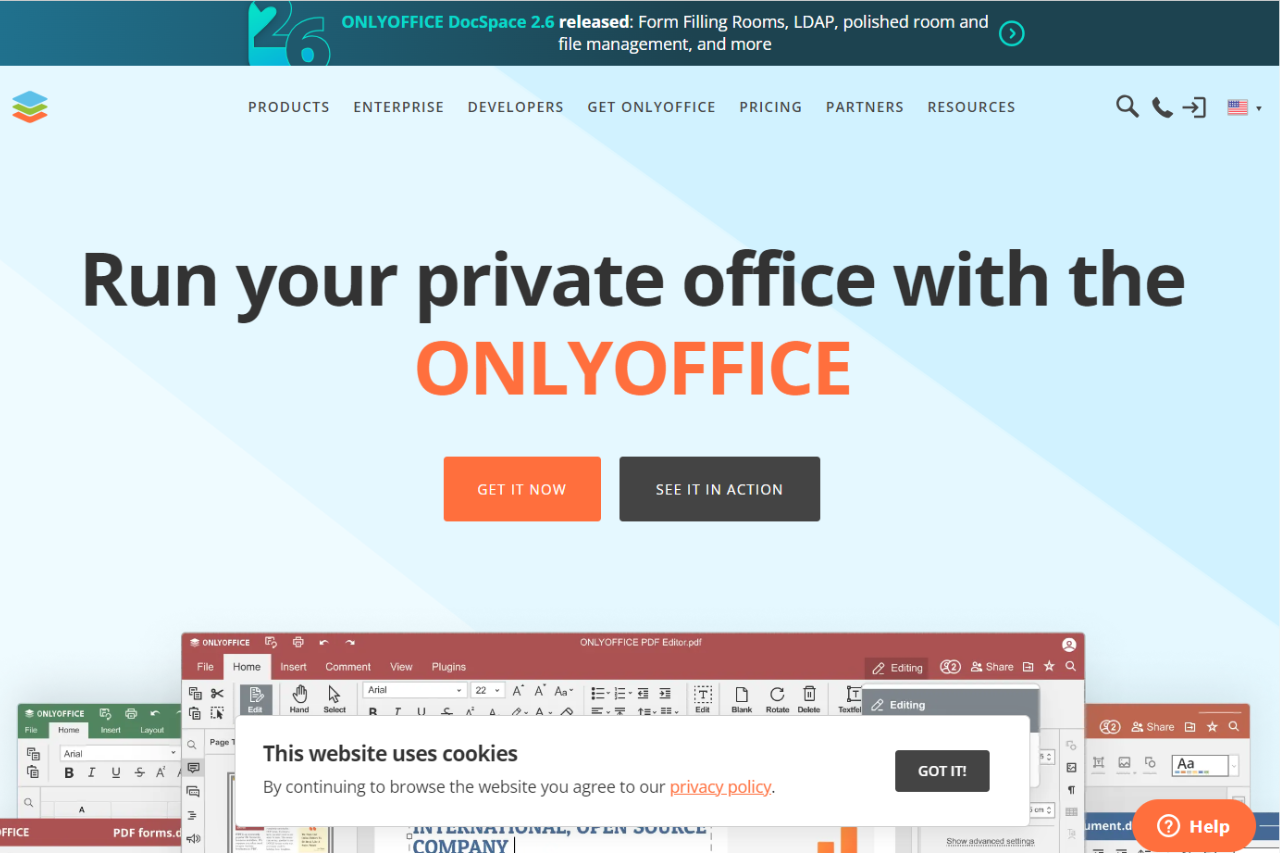
OnlyOffice is a formidable competitor in the office suite market, distinguishing itself with robust compatibility and enhanced collaboration features. It directly challenges mainstream platforms like Google Workspace by offering extensive document editing tools that cater to both individual and enterprise needs.
✅ Pros & ❌ Cons
Pros:
- Extensive File Compatibility: Supports all popular formats, ensuring smooth transitions between different office suites.
- Enhanced Collaboration Tools: Provides advanced collaboration features including real-time co-editing and commenting, which are comparable to Google Workspace.
- Self-Hosted Solutions: Offers both cloud-based and self-hosted configurations, providing flexibility for businesses concerning data control and management.
Cons:
- User Interface: While functional, the interface may feel less intuitive to users accustomed to other office suites like Google Workspace.
- Integration with External Apps: Limited third-party app integration compared to Google Workspace’s extensive ecosystem.
- Market Penetration: Less recognition and smaller user base, which may affect new users looking for community support and widespread use.
📖 About OnlyOffice
OnlyOffice is an office suite that integrates document management, project management, and CRM systems into one streamlined package. It offers unique compatibility with Microsoft Office formats and is available in both free and premium versions.
🗓️ How It Works

- Setup and Download: Easily accessible via the web or through a self-hosted server.
- Document Management: Create, edit, and manage documents using a rich feature set that supports DOCX, XLSX, and PPTX files.
- Collaboration: Collaborate in real time with team members, with changes reflected instantly.
💲 Pricing Overview
Here’s a detailed breakdown of the pricing for ONLYOFFICE DocSpace:

Business Plans:
- Startup: Free; includes a 30-day trial of the Supporters Edition.
- Business Cloud: $20 per month per admin. This includes:
- Unlimited projects and file storage of 250 GB per admin.
- Unlimited rooms and users.
- Advanced security features such as two-factor authentication and IP restriction.
- Comprehensive document management capabilities.
Enterprise Plan:
- On-premises: Starts at $6,550 for a lifetime license, including 2 years of free updates. This plan is suitable for larger teams needing on-premises installation with advanced customization and control.
These plans provide various levels of access and functionality tailored to different business needs, from small startups to large enterprises
🥊 Competition

| Feature | OnlyOffice | Google Workspace |
|---|---|---|
| Real-Time Collaboration | Strong with detailed history | Extremely robust with wide adoption |
| File Compatibility | Excellent MS Office compatibility | Good with native Google formats |
| Pricing Flexibility | Free tier; affordable premiums | More expensive with comprehensive plans |
| Third-Party Integration | Basic | Extensive |
| User Interface | Functional but steep learning curve | Highly intuitive |
📌 Conclusion
OnlyOffice presents a compelling option for users and organizations looking for a cost-effective, highly compatible office suite with strong collaboration tools. While it faces stiff competition from more established platforms like Google Workspace, its unique offerings and flexible deployment options make it a standout choice.
OnlyOffice: Where Flexibility Meets Productivity