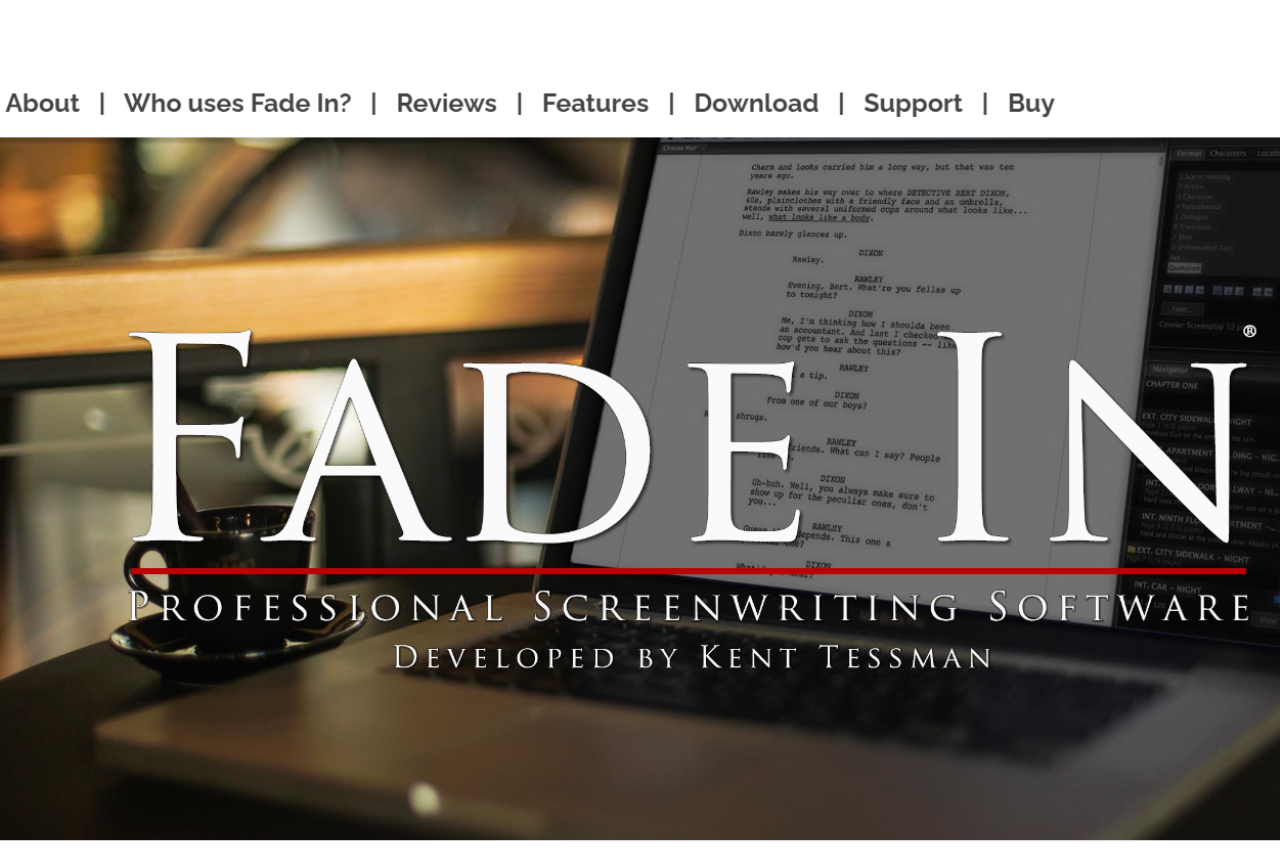
Fade In is professional screenwriting software made by Kent Tessman. It runs on Mac, Windows, and Linux and supports industry-standard formatting, revision modes, and Final Draft (.fdx) import and export. Fade In costs $79.95 as a one-time purchase â there is no subscription â which makes it significantly cheaper than Final Draft’s $249.99 license. For a Mac-only alternative, see our Highland 2 review.
🏆 Our Verdict
Fade In is a robust screenwriting software that stands out for its affordability and comprehensive feature set. It competes directly with Final Draft, offering a seamless user experience tailored to both novice and professional screenwriters. With its straightforward interface and powerful writing tools, Fade In simplifies the screenwriting process, making it an excellent choice for writers focused on producing industry-standard scripts.
✅ Pros & ❌ Cons
Pros:
- Affordable Pricing: One-time purchase that offers significant savings over competitors.
- Intuitive Interface: Easy to navigate and conducive to writing without distractions.
- Comprehensive Formatting Tools: Automatically formats scripts to industry standards.
- Cross-Platform Compatibility: Available on Mac, Windows, and Linux with a mobile app for writing on the go.
Cons:
- Limited Collaboration Features: While capable, its collaboration tools are not as developed as those in Final Draft.
- Simpler Feature Set: Some advanced features available in Final Draft are missing here.
- Occasional Glitches: Users have reported minor bugs, especially when using the Chromebook or switching between devices.
📖 About
Fade In is dedicated to providing a streamlined and efficient environment for screenwriters. It includes essential tools such as scene navigation, character tracking, and extensive editing features, all wrapped in a user-friendly interface. Its goal is to make professional screenwriting accessible to everyone, without the steep learning curve associated with other software.
🗓️ How It Works

- Download and Install: Begin by purchasing and downloading the software from the Fade In website.
- Create a Project: Start a new script with pre-formatted templates.
- Write and Structure: Use tools like tab-completion and script notes to efficiently structure your screenplay.
- Revise and Edit: Utilize the revision mode and compare scripts feature to polish your drafts.
- Export and Share: Export your script in various file formats, including PDF and Final Draft files for easy sharing with collaborators or submission to studios.
💲 Pricing Overview

Special Offer Price: $79.95 (Regularly $99.95)
Step-by-Step Purchase Process:
- Trial Version: Start by downloading the free trial version of Fade In from the official website to see if it meets your needs. This allows you to test the software’s capabilities before making a purchase.
- Purchase Full Version:
- Visit the Fade In online store to buy the full version. The reduced price of $79.95 is significantly more affordable compared to many competing screenwriting software options.
- The payment process is secure and handled by FastSpring, ensuring that your transaction details remain safe.
- Additional Purchase Options:
- Gift Purchase: Fade In can also be purchased as a gift. If you wish to gift the software, there’s a specific option available on the purchase page.
- Educational Pricing: Students can avail themselves of special pricing, details of which are available through a dedicated link for educational discounts.
- Site or Multiuser Licensing: For those needing multiple licenses, for instance for educational institutions or production companies, there is an option to inquire about site or multiuser licensing.
Key Benefits of Purchasing Fade In:
- Cost Efficiency: The one-time purchase price includes all features, with free updates. This is a fraction of the cost of purchasing new copies of some competitors’ software or even their updates.
- Comparative Advantage: For just $79.95, you get a comprehensive software package that offers all the functionalities of higher-priced alternatives like Final Draft, plus additional features unique to Fade In.
Relevant Costs:
- Taxes: Be aware that relevant taxes may apply, which are handled by the payment processor during the transaction.
Security and Reliability:
- Purchases are sold and fulfilled by FastSpring, a trusted reseller and partner, which uses a secure system to handle transactions, ensuring peace of mind during your purchase.
This detailed guide should help you understand the full scope of purchasing Fade In, including the cost benefits and the straightforward process involved, making it an attractive option for both new and experienced screenwriters.
🥊 Competition

| Feature | Fade In | Final Draft |
|---|---|---|
| Pricing | More affordable | More expensive |
| User Interface | Simple and efficient | More complex but feature-rich |
| Collaboration | Basic real-time collaboration | Advanced collaboration tools |
| Mobile App | Basic functionality | More robust and feature-rich |
| Cross-Platform | Available on multiple platforms | Limited to iOS for mobile |
| Script Formatting | Excellent | Excellent |
📌 Conclusion
Fade In provides an effective, budget-friendly alternative to more expensive screenwriting software, making it especially appealing to those new to screenwriting or those who prefer a more straightforward tool. Its focus on essential features and usability ensures that writers can concentrate on storytelling rather than navigating complex software.
Fade In: Your Scriptwriting Starts Here
Frequently asked questions about Fade In
Is Fade In better than Final Draft?
Fade In matches Final Draft on formatting fidelity and .fdx interchange but costs roughly a third the price ($79.95 vs $249.99). Final Draft has more advanced production features like revision-mode tracking with built-in SmartType, whereas Fade In favours a lighter, faster interface. For writing and export the two are interchangeable; for working inside a studio or network that mandates Final Draft for production revisions, stick with Final Draft.
Is Fade In free?
Fade In offers a free demo that watermarks exports â you can write, edit, and save .fadein files without paying. To export clean PDFs, Final Draft .fdx, or .fountain files without the watermark requires the $79.95 one-time licence. There is no subscription and no feature-gated edition; the paid licence unlocks all export formats.
LOOKING FOR A ONE-STOP SOLUTION TO YOUR GROWTH NEEDS?
Does Fade In work on Mac?
Yes. Fade In ships native builds for macOS, Windows, and Linux, and a single licence covers all three platforms on up to two machines. The Mac version is an Apple Silicon (arm64) binary that runs natively on M1/M2/M3 without Rosetta.
Can Fade In open Final Draft files?
Yes. Fade In reads and writes Final Draft .fdx directly, preserving scene numbers, character names, revisions, and element formatting. Round-tripping a script through Fade In and back into Final Draft is lossless for text; complex revision-mode colouring may need manual reconciliation. Fade In also imports .fountain, .celtx, and several older .txt formatting conventions.
Is Fade In still being updated?
Yes. Kent Tessman ships point releases through 2026 and maintains public changelogs on the Fade In site. Major version upgrades have historically been free for existing licence-holders, which is unusual in the screenwriting tool market.
Mac-native alternative: Fade In runs cross-platform. If you write entirely on macOS and want a Fountain-first plain-text drafting tool from the creator of the format, Highland 2 is the closest sibling and exports cleanly into Fade In for production.
Legacy counterpart: Fade In is the modern indie pick with a flat one-off price. The older studio-pipeline tool some production offices still require on submission is Movie Magic Screenwriter.
Mac-native counterpart: Fade In is the cross-platform one-time-paid alternative to Final Draft. Writers who work only on Mac and want the same plain-text Fountain workflow without a layout engine in the way tend to land on Highland 2.