🏆 Our Verdict
InVision stands out as a versatile digital product design platform, perfect for teams seeking to enhance collaboration and streamline their design process. Its array of tools for prototyping, workflow management, and real-time feedback positions it as a leader in the digital design space.
✅ Pros & ❌ Cons
Pros:
- 🌐 Comprehensive prototyping and animation tools.
- 👥 Strong focus on team collaboration and workflow management.
- 🔄 Integration with various design tools and software.
Cons:
- 📶 May require stronger internet connectivity for collaboration features.
- 🖥️ Faced with strong competition from platform-agnostic tools like Figma.
📖 About InVision
Founded with the vision to empower designers, InVision has become a key player in the digital product design industry. Offering a cloud-based platform, it facilitates efficient prototyping, collaboration, and workflow management for design teams globally.
🎯 What’s In It For You?
InVision offers a centralized platform for designing, prototyping, and collaborating on digital products. Its tools cater to designers, project managers, and stakeholders alike, ensuring a cohesive and efficient design process.
🚀 How It Works

- Sign Up for InVision: Visit InVision’s website and sign up for an account. You can start with a free plan or choose a plan that suits your needs.
- Download InVision Studio (Optional): While InVision offers web-based tools, for a more integrated experience, you can download InVision Studio, their desktop application for macOS and Windows.
- Explore InVision Dashboard: Familiarize yourself with the InVision dashboard. This is where you can manage your projects, collaborate with your team, and access various InVision tools.
- Create a New Project: Start a new project by clicking the ‘Create’ button. You can choose to start from scratch or use one of the many templates available.
- Design and Prototype: Use InVision Studio or the web-based platform to design your screens. Add interactions and animations to transform your static screens into clickable prototypes.
- Invite Collaborators: Collaborate with your team by inviting them to join your InVision workspace. You can share designs, gather feedback, and iterate rapidly.
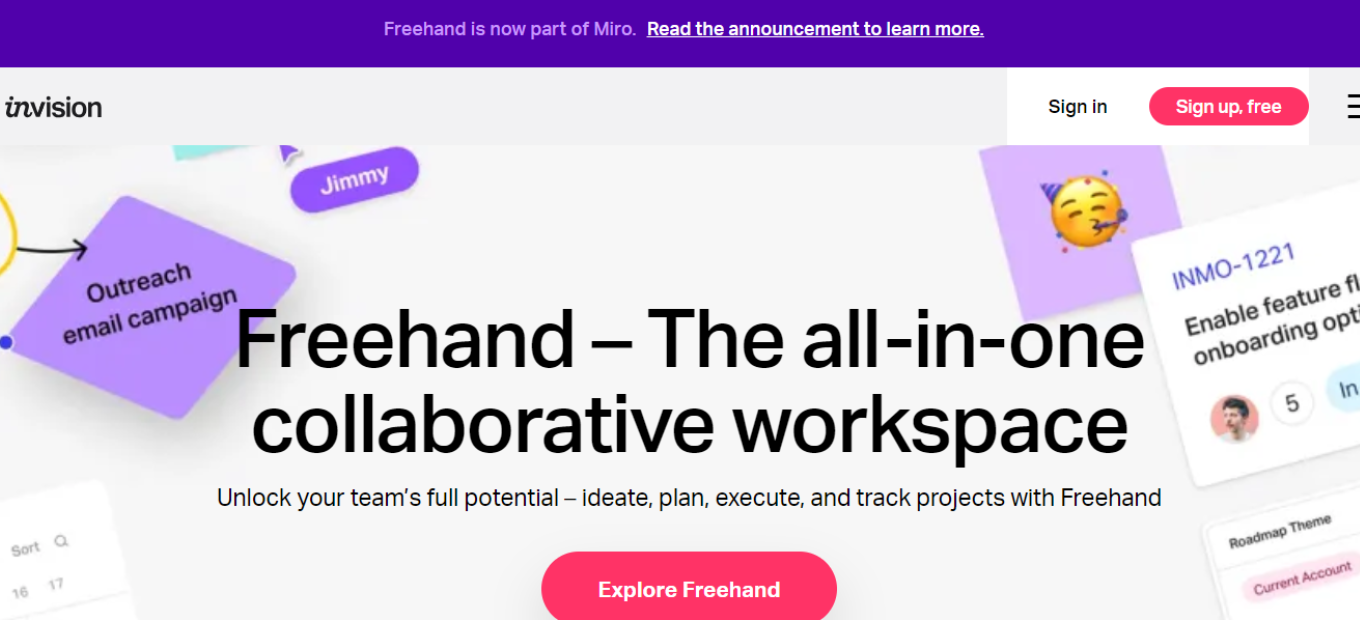
- Use InVision’s Freehand: Explore Freehand, a digital whiteboard, for brainstorming sessions, wireframing, or presenting ideas. It’s a great tool for collaborative real-time designing.
- Integrate with Other Tools: Integrate InVision with other tools like Slack, JIRA, Trello, etc., for a more streamlined workflow.
- Participate in the Community: Engage with InVision’s community for additional support, insights, and inspiration.
- Practice and Explore: The best way to learn InVision is through regular use and exploration of its features. Experiment with different tools and functionalities to enhance your design skills.
💲 InVision Pricing Overview
InVision offers various pricing plans, each designed to cater to different user needs and team sizes. The pricing details are as follows:
- Free Plan: Ideal for individuals and small teams just getting started. It typically includes basic features such as limited prototypes and limited access to collaboration tools.
- Professional Plan: Targeted at professional designers and small teams. This plan often includes more advanced features like unlimited prototypes, more collaborative tools, and advanced project management features.
- Team Plan: Designed for mid-sized teams, offering additional collaboration features and higher limits on prototypes and projects. This plan may also include enhanced team management tools.
- Enterprise Plan: Suited for large organizations requiring comprehensive collaboration, security, and workflow features. This plan often includes advanced security measures, custom user roles, and dedicated support.
- Education Plan: InVision offers special pricing or free access for students and educators, providing the necessary tools for educational purposes.
🥊 Competition
InVision Pros:
- Comprehensive tool for prototyping and animation.
- Strong focus on team collaboration and project management.
- Useful digital whiteboard feature with Freehand.
InVision Cons:
- Can be less intuitive for new users compared to Figma.
- Limited design capabilities within the platform itself.
Figma Pros:

- Real-time collaboration in a web-based environment.
- User-friendly interface suitable for both beginners and professionals.
- Extensive plugin ecosystem and community support.
Figma Cons:
- Reliance on internet connectivity for optimal functionality.
- May have a learning curve for users transitioning from traditional desktop applications.
These comparisons highlight InVision’s strengths in prototyping and team collaboration, while Figma excels in its user-friendly, collaborative design environment.
📌 Conclusion
InVision is an essential tool for modern digital design teams, offering comprehensive solutions for prototyping and collaboration. While facing stiff competition from tools like Figma, it continues to be a valuable asset for efficient digital product design.
“Design Better. Faster. Together.”