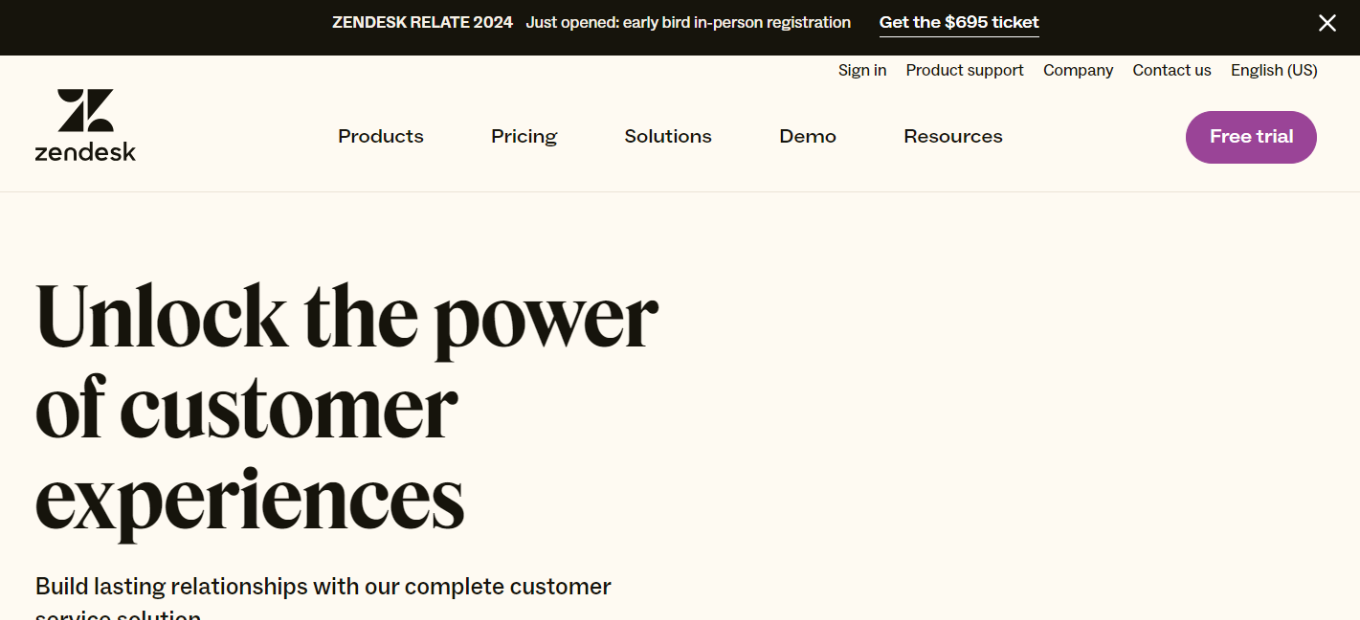
Overview 🌐
Zendesk is a leading customer service solution that offers a suite of tools designed to enhance customer support interactions. Known for its user-friendly interface and powerful features, Zendesk streamlines the process of managing customer queries and support tickets across multiple channels.
Key Features 🔑
- Omnichannel Support: Allows handling of customer interactions across email, chat, social media, and phone from a single platform.
- Automation and AI: Leverages automation and AI for efficient ticket routing and quick responses.
- Customizable Interface: Offers a highly customizable platform to match unique business needs and branding.
- Reporting and Analytics: Provides in-depth insights into customer interactions and support team performance.
Benefits and Use Cases 💡
- Enhanced Customer Experience: Delivers a seamless and personalized customer experience across various communication channels.
- Increased Efficiency: Automates routine tasks, freeing up time for more complex customer issues.
- Scalability: Adapts easily to businesses of all sizes, growing alongside your customer base and support needs.
Getting Started with Zendesk: A Step-by-Step Guide

Step 1: Sign Up for Zendesk 📝
- Create an Account: Visit the Zendesk website and click on the ‘Free trial’ or ‘Get started’ button.
- Provide Details: Fill in your business details, including your name, email address, and company information.
Step 2: Choose Your Plan 🏷️
- Select a Plan: Decide between the various plans offered by Zendesk, such as Essential, Team, Professional, or Enterprise, based on your business needs.
- Free Trial Option: Many plans offer a free trial period, allowing you to explore Zendesk’s features before committing.
Step 3: Set Up Your Zendesk Environment 🖥️
- Configure Your Account: Follow the setup wizard to configure your account settings, including company domain and support email.
- Customize Your Space: Personalize your Zendesk workspace by setting up branding elements like logos and custom domain names.
Step 4: Create Support Channels 📞
- Add Channels: Set up various support channels (like email, chat, phone, or social media) through which customers can reach you.
- Integrate Channels: Integrate your existing support channels into Zendesk for centralized management.
Step 5: Build Your Knowledge Base 📚
- Create Help Articles: Start creating help articles for common queries and issues to empower customers with self-service options.
- Organize Your Knowledge Base: Categorize and tag articles for easy navigation.
Step 6: Customize Ticket System 🎟️
- Define Ticket Forms: Create custom ticket forms to gather necessary information from customers.
- Set Up Automation: Automate ticket routing and responses to improve efficiency.
Step 7: Add Team Members 👥
- Invite Agents: Add your team members as agents in Zendesk.
- Assign Roles and Permissions: Set roles and permissions for each team member according to their function.
Step 8: Train Your Team 🚀
- Familiarize with Zendesk: Ensure your team is familiar with Zendesk’s features and functionalities.
- Training Resources: Utilize Zendesk’s training materials and resources for effective onboarding.
Step 9: Test and Go Live 🎉
- Test Your Setup: Perform internal tests to ensure everything is working as expected.
- Launch: Once satisfied, go live with your Zendesk support center.
Step 10: Regularly Review and Optimize 🔄
- Monitor Performance: Regularly review performance metrics and customer feedback.
- Iterate and Improve: Continuously optimize your support processes and knowledge base based on insights and feedback.
Conclusion 🎯
By following these steps, you can effectively set up and start using Zendesk to streamline your customer support operations and enhance customer satisfaction. Zendesk’s flexibility and range of features make it a valuable tool for businesses looking to improve their customer service and support systems.
Zendesk Pricing Overview

Free or Trial Version 🆓
- Access: Limited features, usually meant for basic use or a short trial period.
- Best For: Small businesses or individuals wanting to test the platform before purchasing.
Essential Plan 💡
- Cost: Lower cost with basic features.
- Includes: Basic customer support features suitable for small businesses or startups.
- Limitations: Limited customization and advanced features.
Team Plan 🌀
- Pricing: Mid-range cost, offering a balance of features and value.
- Features: Additional capabilities like advanced reporting and analytics, integration options.
- Best For: Growing teams needing more than just the basics.
Professional Plan 🚀
- Cost: Higher pricing for advanced features.
- Advanced Features: More comprehensive tools for customer service, including extensive customization and integration capabilities.
- Suitable For: Established businesses requiring robust customer support solutions.
Enterprise Plan 🏢
- Custom Pricing: Tailored to large businesses and enterprises.
- Comprehensive Features: Full suite of advanced tools and features, including dedicated support and customization options.
- Target Audience: Large enterprises with complex customer support needs.
Zendesk may also offer additional add-ons or specialized plans for specific industries or needs. For the most accurate and comprehensive pricing information, refer to Zendesk’s official pricing page.
Zendesk vs. Salesforce Service Cloud: A Comparative Analysis
Pros of Zendesk
User-Friendly Interface 🌟
- Ease of Use: Known for its intuitive and user-friendly interface, making it accessible to both beginners and experts.
- Quick Setup: Offers a straightforward setup process, allowing businesses to get up and running rapidly.
Scalability and Versatility 🚀
- Scalability: Adapts well to the needs of small businesses and scales up to accommodate the requirements of large enterprises.
- Versatile: Suitable for various industries and can be customized to meet unique business needs.
Omnichannel Support 📱
- Multi-Channel Handling: Provides seamless support across multiple channels, including email, chat, social media, and phone.
- Unified Inbox: Offers a unified inbox for agents to manage all customer interactions efficiently.
Cons of Zendesk
Cost Consideration 💲
- Pricing: Depending on the plan and feature requirements, Zendesk’s pricing can become costly, especially for larger teams.
Advanced Features 🛠️
- Limited Complexity: While feature-rich, Zendesk may lack some of the advanced customization and automation capabilities required by complex enterprises.
Pros of Salesforce Service Cloud

Comprehensive CRM Integration 🔄
- Seamless Integration: Deeply integrates with the Salesforce ecosystem, providing a comprehensive customer relationship management (CRM) solution.
- 360-Degree Customer View: Offers a complete view of customer interactions and history for informed decision-making.
Advanced Customization 🛠️
- Highly Customizable: Provides extensive customization options to tailor the platform to unique business processes.
- Automation: Offers robust automation capabilities for complex workflows.
Enterprise-Level Features 🏢
- Diverse Functionality: Includes a wide range of features, such as AI-powered insights, field service management, and analytics, suitable for large enterprises.
Cons of Salesforce Service Cloud
Learning Curve 🤔
- Complexity: Due to its extensive feature set, Salesforce Service Cloud may have a steeper learning curve, requiring more training and resources.
Cost and Scalability 💰
- Cost: Tends to be more expensive than Zendesk, which may be a concern for smaller businesses.
- Enterprise Focus: While suitable for enterprises, it might be overkill for smaller organizations with simpler support needs.
Choose between Zendesk and Salesforce Service Cloud based on your business needs. Zendesk is user-friendly, ideal for small to medium-sized businesses, while Salesforce Service Cloud offers robust CRM integration and advanced customization for larger enterprises. Consider budget, business size, and automation requirements when deciding.
Conclusion 🎯
Zendesk stands out as an intuitive and robust solution for customer service. Its wide range of features, combined with ease of use and customization options, makes it an ideal choice for businesses looking to improve their customer support operations. Whether you’re a small startup or a large enterprise, Zendesk provides the tools necessary to deliver outstanding customer service.
“Build better customer relationships with Zendesk.”