🏆 Our Verdict
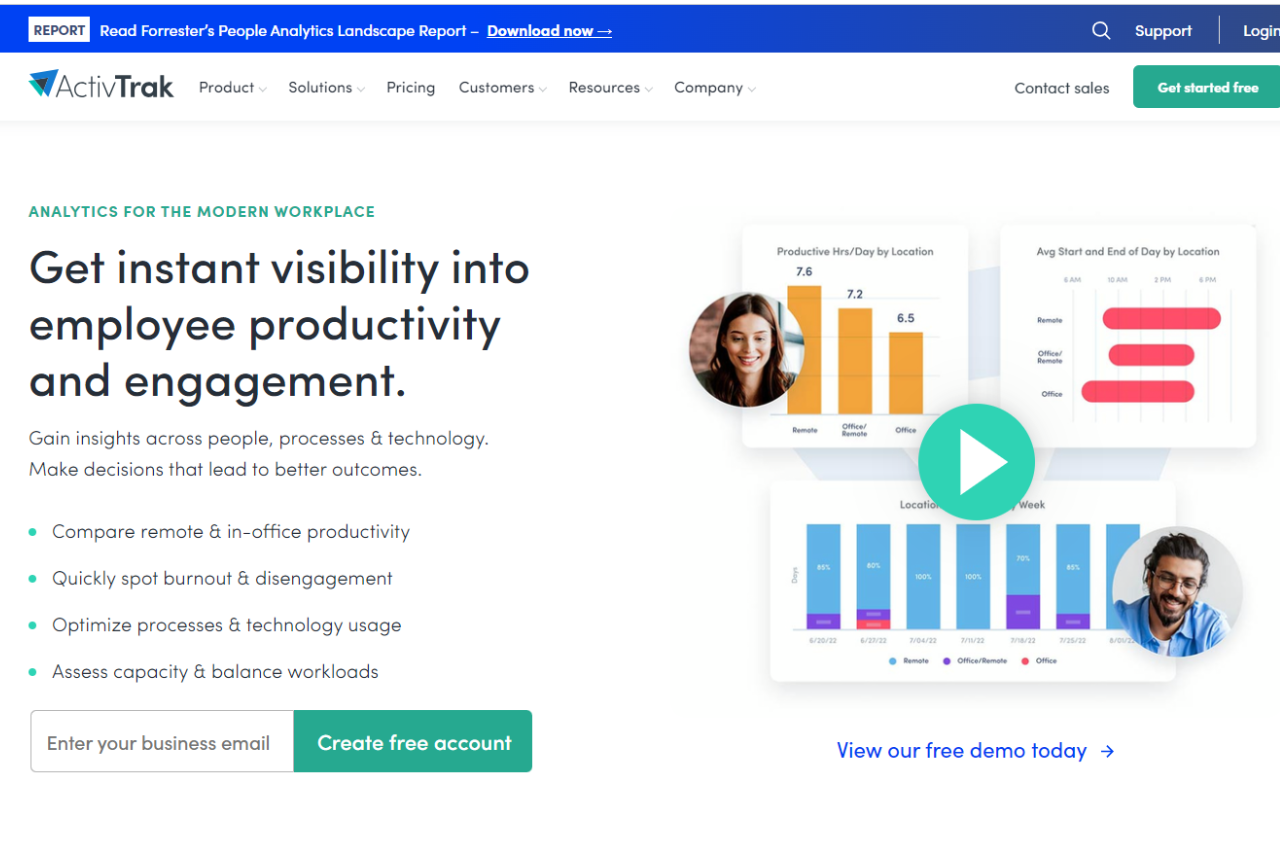
ActivTrak earns our top recommendation as a comprehensive workforce productivity solution, providing businesses with powerful insights into employee activities and productivity levels. With its intuitive interface, extensive feature set, and robust security measures, ActivTrak stands out as a versatile tool suitable for businesses of all sizes.
✅ Pros & ❌ Cons
Pros:
- 📊 Detailed Activity Monitoring: Provides in-depth insights into employee activities, helping businesses understand productivity patterns.
- 🔒 Data Security: Ensures data security and privacy compliance with advanced security measures.
- 📈 Productivity Optimization: Enables businesses to identify areas for improvement and optimize workflows for increased efficiency.
- 🛠️ User-Friendly Interface: Features an intuitive dashboard for easy navigation and access to key analytics.
- 🌐 Integration Capabilities: Integrates seamlessly with various platforms and tools for enhanced functionality.
Cons:
- 💲 Pricing: Some users may find the pricing plans relatively higher compared to competitors.
- ⚙️ Learning Curve: New users may require time to familiarize themselves with all features and functionalities.
- 🔐 Limited Customization: Customization options may be somewhat restricted compared to other monitoring solutions.
📖 About ActivTrak
ActivTrak is a leading workforce productivity and analytics software designed to empower businesses with insights into employee activities. With its comprehensive feature set and user-friendly interface, ActivTrak helps businesses optimize productivity and streamline workflows.
🗓️ How It Works

Signing Up for ActivTrak:
- Visit the ActivTrak website to begin the signup process.
- Choose a plan that aligns with your business needs, whether it’s for small teams or enterprise-level solutions.
- Create an account by providing necessary details and customizing settings according to your preferences.
- Install the ActivTrak agent on your employees’ devices to start monitoring activities.
Exploring Features:
- Gain access to detailed analytics and reports on employee productivity and efficiency.
- Customize settings to tailor monitoring and alerts based on specific requirements.
- Utilize integrations with other tools and platforms to enhance functionality and workflow optimization.
Optimizing Productivity:
- Analyze data to identify trends and patterns in employee behavior and productivity.
- Implement strategies to improve efficiency and address any areas of concern.
- Leverage insights to make informed decisions and drive business growth.
💲 Pricing Overview

🌟 Pricing Tiers
- Free:
- Cost: $0 per user/month
- Basic visibility into productivity and working hours for small teams
- Data History: 30 Days
- Included features:
- Activity Dashboard
- Top Applications Report
- Top Websites Report
- Top Users Report
- Working Hours Report
- Top Categories Report
- Productivity Report
- Automated Classification of Websites & Apps Activity
- Limited to 3 users
- Support: No support plan included
- Essentials:
- Cost: $10 per user/month billed annually
- Employee monitoring capabilities for time tracking, schedule adherence, and auditing
- Data History: 6 months
- Everything in Free plus:
- Real-time activity reports
- Team productivity pulse
- Productivity classification by groups & category
- Automated user management
- Single sign-on
- Activity alerts & notifications
- Website Blocking
- USB device & file transfer detection
- Remote install
- Support: Digital support included with all paid subscriptions
- Professional:
- Cost: $17 per user/month billed annually
- Optimize team productivity, performance, engagement & workforce planning
- Data History: 12 months
- Everything in Essentials plus:
- Remote vs. in-office productivity analysis
- Dashboards for executives & managers
- Productivity goal setting & tracking
- Team & individual productivity benchmarks
- Workload balance & burnout risk analysis
- Capacity & Headcount planning
- Work efficiency & focus insights
- Inefficiency and distraction analysis
- AI-powered productivity Coach
- Personal insights dashboard for employees
- Technology & AI usage
- Before-and-after analysis & A/B testing
- Email subscriptions and sharing
- Support: Digital support included with all paid subscriptions
- Enterprise:
- Designed for large organizations to maximize productivity & workforce planning in a custom solution
- Data History: 24 months
- A comprehensive suite of functionality and features designed for large organizations, including enterprise licensing and dedicated Signature Support
🥊 Competition

| ActivTrak | Teramind |
|---|---|
| Pros | Pros |
| Detailed activity monitoring | Comprehensive activity tracking |
| User-friendly interface | Advanced security measures |
| Integration capabilities | Detailed productivity analytics |
| Cons | Cons |
| Relatively higher pricing for some users | Pricing may not be suitable for small businesses |
| Learning curve for new users | Complexity may require training for effective utilization |
| Limited customization options | Customization may require technical expertise |
📌 Conclusion
ActivTrak emerges as a robust workforce productivity solution, offering comprehensive monitoring and analytics tools to empower businesses with valuable insights. With its user-friendly interface, integration capabilities, and detailed analytics, ActivTrak is an ideal choice for businesses seeking to optimize productivity and drive growth.
“Unlock Your Team’s Potential with ActivTrak.”