⚖️ Our Verdict
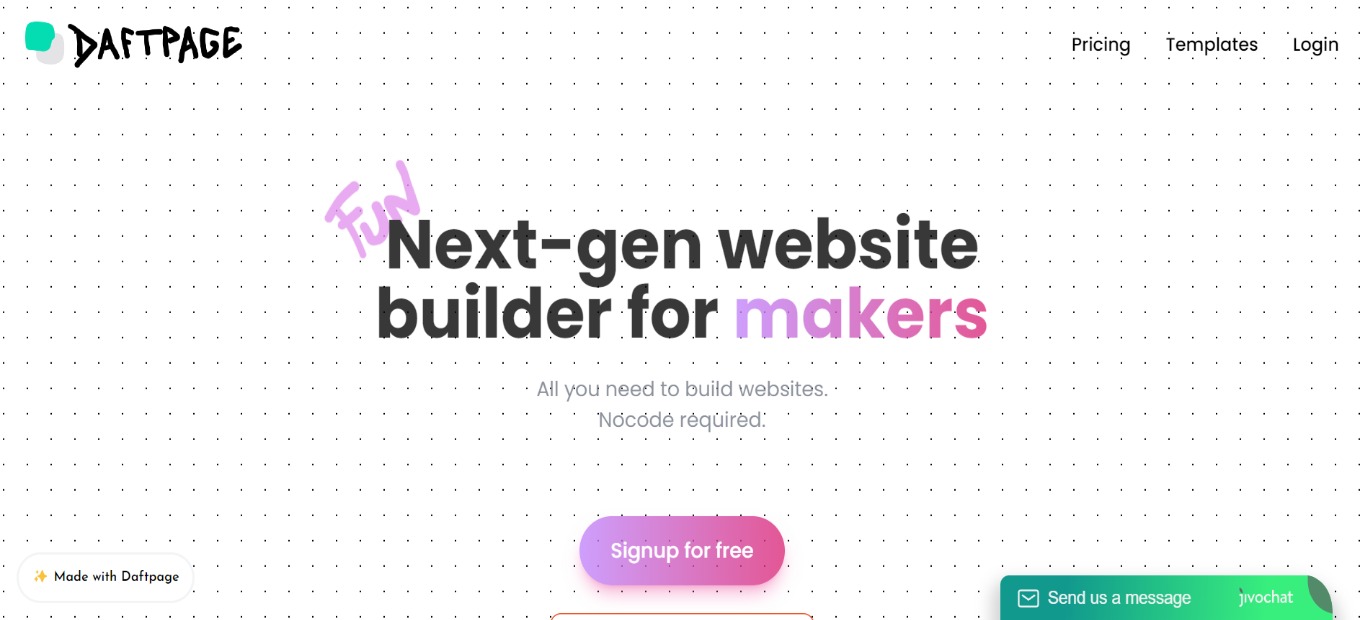
Daftpage is a simple yet powerful website builder that allows you to construct and host amazing websites on a budget. Other website builders exist out there but they either cost more or are hard to learn. This app is the easiest way to create fun and successful pages in a matter of minutes.
It is made for makers as it can be used to create landing pages for a business. It can also function as a blogging and knowledge base platform for individuals. And lastly, Daftpage can be used as a marketplace to sell your products!
All in all, it’s a fun-to-use, simple, and amazing tool for creating your own websites effortlessly without code!
| 👍 Pros | 👎 Cons |
| 👍 Create landing pages in a short time 👍 Good roadmap 👍 Intuitive and simple to use 👍 Unlimited sites, blog posts, domains 👍 No-code | 👎 Has bugs 👎 Website is sometimes down 👎 Lacks server in Europe |
🌟 About Daftpage
✨ Launching Daftpage Affiliate Program
— Daftpage (@DaftpageHQ) July 28, 2022
Get paid to recommend Daftpage to your network.
Refer customers to Daftpage Premium and get 20% recurring commissions every month 🤑
More info here:https://t.co/3hBge1jBaf
There are countless landing page builders in the market that are expensive and have a learning curve. Daftpage is not one of them. This app is the quickest method to create engaging and successful landing pages in a short amount of time. It is a new type of site builder that functions similarly to a word doc.
Beautiful websites/blogs/knowledge bases may be created in minutes and for free! As webpage components, it uses ‘blocks.’ Blocks are meant to strike the proper mix between use and customization, ensuring that your page always looks amazing!
All of the amazing features make Daftpage the next-gen website builder for makers and no-coders!
🎁 What’s In It For You?
Daftpage features a no-code site builder that offers a simple and powerful interface. It allows you to drag and drop to create beautiful layouts. Daftpage also lets you start from multiple pre-made templates.
Daftpage lets you use the color gradient, animations, etc. all in a single click! It also allows you to utilize drops, which are drag and drop elements that can be placed anywhere on the webpage. Additionally, Daftpage allows you to draw inside your webpage.
Furthermore, Daftpage lets you use the different modes such as Ghost mode which lets you easily manipulate drops, Skeleton mode which helps you see the grid of the page, directory mode, and dark mode.
Even though Daftpage is a no-code site builder, it also lets you use your own code in creating your website! Lastly, Daftpage lets you bring your data inside and use integrations such as Notion, Airtable, Google Sheets, and others. You can use Daftpage as your front-end!
LOOKING FOR A ONE-STOP SOLUTION TO YOUR GROWTH NEEDS?
🖥️ How Does It Work?
- Create a new site and name it. Select typography but you can change it later.

- Click on an element, and the editor will appear on the left side of the screen. Here you can change the layout and the general appearance of the element.

- Click add block then select what you want to add.

- Change the settings of a block by clicking on it.

- The drop button lets you place a GIF on your website.

💲 Pricing Plans & Support
Daftpage allows you to create an unlimited number of websites, with a free plan included!

💎 Free – $0/Month
This essential plan is for free!
〰 Unlimited websites
〰 Unlimited pages
〰 Unlimited traffic
〰 Free hosting
〰 Free Daftpage Subdomain
〰 Automatic HTTPS via Let’s Encrypt
〰 Draftpage Branding
💎 Premium – $29/Month
This upgraded plan is only $29 per month!
〰 Unlimited websites
〰 Unlimited custom domains
〰 Custom code integration
〰 Remove Daftpage branding
〰 Unlimited traffic
〰 Unlimited pages
〰 Hosting
〰 Free Daftpage Subdomain
〰 Automatic HTTPS (via Let’s Encrypt)
📍 The Competition

| 👍 Pros | 👎 Cons |
| 👍 Product design tool 👍 Good for making prototypes 👍 Automatically publish changes on web 👍 Good UI | 👎 Big learning curve 👎 Has bugs |