🏆 Our Verdict
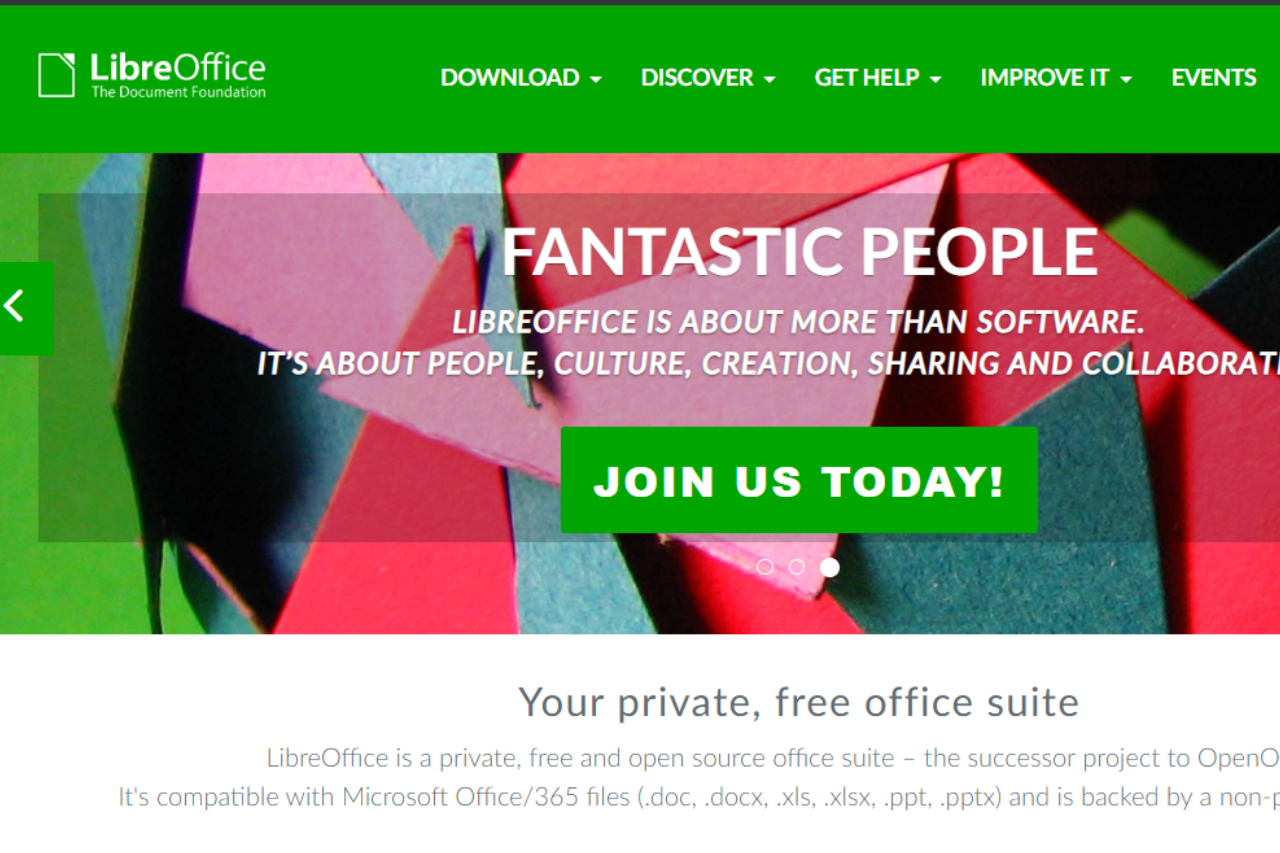
LibreOffice Writer shines as a robust and accessible word processor, ideal for those who need a reliable and feature-rich tool without the hefty price tag. As part of the LibreOffice suite, Writer excels in compatibility, versatility, and user control, offering a strong alternative to more costly subscriptions like Microsoft 365.
✅ Pros & ❌ Cons
Pros:
- 🆓 Cost-Effective: LibreOffice Writer is completely free, making it accessible to everyone without any subscription fees.
- 🔗 High Compatibility: Excellent compatibility with a wide range of document formats, including those used by major office suites like Microsoft Office.
- 🌐 Community-Driven Updates: Benefits from regular updates and features developed by a vibrant community, ensuring continuous improvement and innovation.
- 🛠️ Extensive Customization: Highly customizable with a variety of plugins and extensions, allowing users to tailor the tool to their specific needs.
Cons:
- 🔄 Occasional Compatibility Issues: While generally good, compatibility with Microsoft Office formats can sometimes result in formatting discrepancies, particularly with more complex documents.
- 👨💻 User Interface: The interface may feel outdated compared to more modern office suites, which can affect user experience.
- 📊 Lacks Some Advanced Features: While it covers most functionalities, it may lack the cutting-edge features provided by some paid competitors.
📖 About LibreOffice Writer
LibreOffice Writer, a prominent component of the LibreOffice suite, is a powerful word processor that supports a variety of document types and formatting options. Developed by The Document Foundation, it is widely recognized for its strong commitment to open-source principles and its robust functionality that rivals even the most established word processors.
🗓️ How It Works

- Download: Obtain the software from the LibreOffice website, available for multiple operating systems.
- Installation: Install LibreOffice Writer on your device following simple installation instructions.
- Create and Edit Documents: Start creating or editing documents with an array of tools for text formatting, layout adjustments, and more.
- Customize: Enhance your experience by adding extensions and customizing the interface.
- Save and Share: Export your documents in various formats, ensuring compatibility across different platforms.
💲 Pricing Overview
LibreOffice Writer is part of the LibreOffice suite, which is available for free. There are no hidden costs, subscription fees, or upsells, making it an exceptional choice for budget-conscious users, educational institutions, and non-profits seeking comprehensive word processing capabilities without financial burden.
🥊 Competition

| Feature | LibreOffice Writer | Microsoft 365 (Office) |
|---|---|---|
| Cost-Effectiveness | Free with no hidden costs | Subscription-based with various plans |
| Ease of Use | Functional but traditional interface | Modern, streamlined interface |
| Functionality | Strong core features and extensions | More advanced features and integrations |
| Compatibility | Good, with occasional issues | Excellent, particularly with own formats |
| Updates | Community-driven, regular updates | Frequent, but requires subscription |
📌 Conclusion
LibreOffice Writer proves to be a compelling choice for users seeking a capable and cost-effective word processor. With its strong feature set and community support, it stands out as a practical alternative to more expensive options.
LibreOffice Writer: Where Word Processing Meets Affordability