🏆 Our Verdict
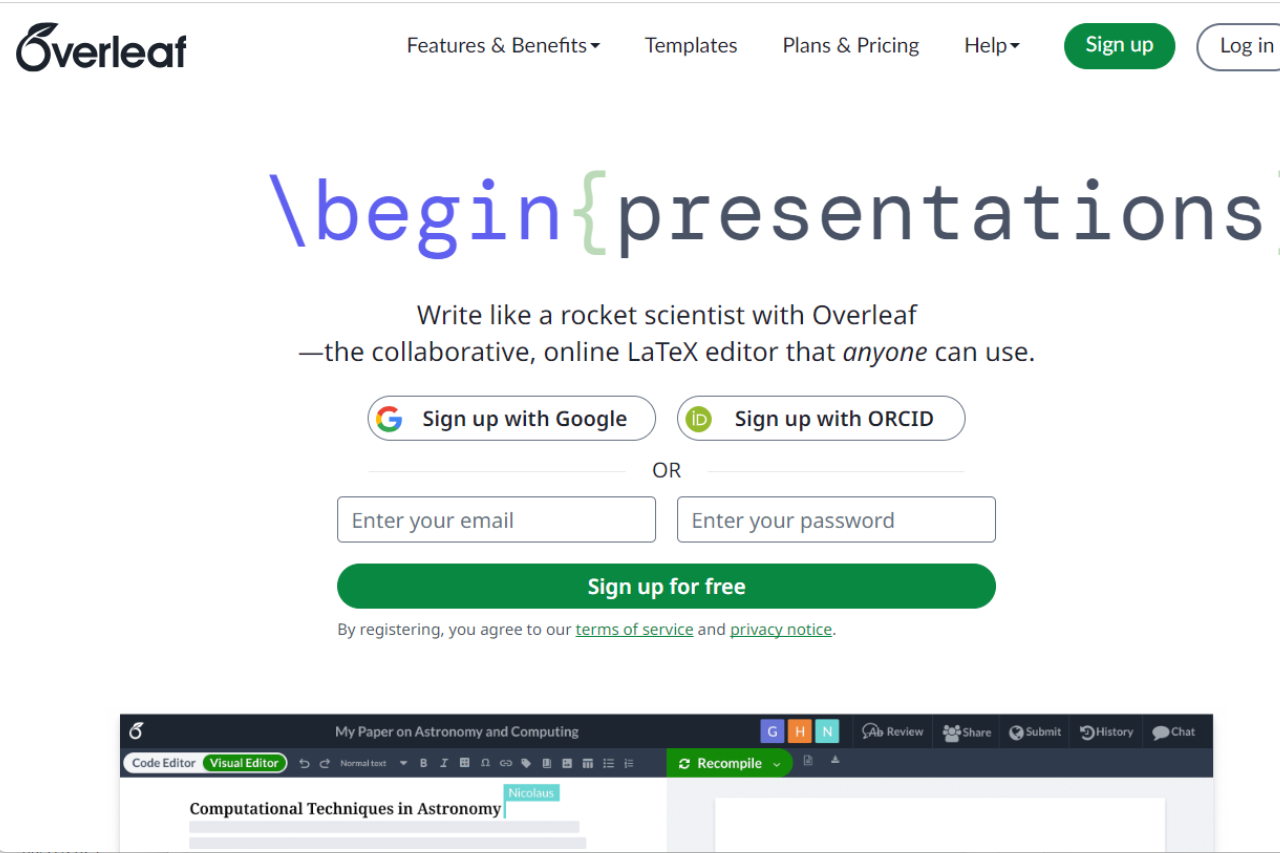
Overleaf sets itself apart as an exceptional online LaTeX editor, offering seamless collaboration and real-time synchronization. Designed for academics, researchers, and students, it integrates well with a host of reference management tools and publishing services, making document creation and sharing both efficient and user-friendly.
✅ Pros & ❌ Cons
Pros:
- 🤝 Real-Time Collaboration: Enables multiple users to work simultaneously on a document with instant updates.
- 📘 Rich Text Editor: Provides a user-friendly interface for those who might not be familiar with LaTeX code.
- 📁 Version Control: Offers a robust version control system that keeps track of changes and simplifies the revision process.
- 🌐 Integration with Academic Tools: Seamlessly integrates with bibliographic tools like Mendeley and Zotero, and supports direct submissions to several scientific journals.
Cons:
- 🌍 Internet Dependency: Requires an active internet connection to access and edit documents, which can be limiting in offline scenarios.
- 💾 Limited Offline Functionality: While there is some support for offline work, it’s not as robust as desktop applications.
- 🖥️ Performance with Large Documents: Can experience slowdowns or become less responsive with very large or complex documents.
📖 About Overleaf
Overleaf is a cloud-based LaTeX editor that simplifies the process of creating, editing, and publishing academic documents. It’s particularly favored in the scientific community for its collaborative features and direct integration with scholarly publishers and repositories.
🗓️ How It Works

- Sign Up: Register on the Overleaf platform to start creating or importing projects.
- Choose a Template: Select from numerous templates designed for various types of documents such as articles, theses, and presentations.
- Collaborate and Edit: Invite collaborators to work on the document. Use LaTeX directly or the Rich Text mode to edit content.
- Compile and Review: Instantly compile your document to see the output and make necessary revisions.
- Publish or Export: Submit directly to journals, export to multiple formats, or share with others for feedback.
💲 Pricing Overview
Overleaf offers a variety of subscription plans for individuals and groups:

- Free Plan: $0 forever
- 1 collaborator per project
- Unlimited projects
- Basic compile timeout on fast servers
- Ready-to-use templates
- Standard Plan: $199/year or $21/month
- 10 collaborators per project
- Longer compile timeout on faster servers
- Full document history
- Advanced reference search
- Git, GitHub, Dropbox, Mendeley, and Zotero integrations
- Professional Plan: $399/year or $42/month
- Unlimited collaborators per project
- Includes all features from the Standard plan with the fastest compile servers
For more details, you can visit Overleaf’s pricing page.
🥊 Competition

| Feature | Overleaf | Visual Studio Code |
|---|---|---|
| Focus | Scientific writing and collaboration | General coding and development |
| Collaboration | Real-time, with multiple collaborators | Primarily single-user, with extensions for collaboration |
| Integration | Direct with scholarly tools and publishers | Extensive with development tools and languages |
| Ease of Use | High for LaTeX and scientific documents | High for programmers and developers |
| Offline Capability | Limited | Extensive |
📌 Conclusion
Overleaf is a powerful tool for anyone involved in academic writing, particularly in fields where LaTeX is standard. It stands out for its collaborative features and integrations, providing a modern solution for document management and publication.
Overleaf: Write, Collaborate, Publish – Seamlessly
Related read: Overleaf keeps LaTeX in the browser so co-authors can edit the same file. To write offline with no account and no compile queue, the TeXworks editor installs free with TeX Live and MiKTeX.
Related read: real-time collaboration is what Overleaf is for, and internet dependence is the price of it. When you are writing alone, on a plane, or on a document that cannot leave your machine, Texmaker is the offline answer to the same job, free and installed locally.
Related read: the two things Overleaf cannot do are work without a connection and stay responsive on a very large document, and both are desktop problems with a desktop answer. TeXstudio compiles locally, so a thesis-sized project is limited by your machine rather than by a shared server, and a train with no signal costs you nothing. Plenty of people run both and keep the Overleaf project as the shared copy.
LOOKING FOR A ONE-STOP SOLUTION TO YOUR GROWTH NEEDS?