Seismic: Elevating Your Sales Enablement Strategy

πŸ† Our Verdict

Seismic stands out as a powerful sales enablement platform designed to enhance the efficiency and effectiveness of sales teams. With its robust feature set and intuitive interface, Seismic is tailored for businesses aiming to streamline their sales processes and improve content management.

βœ… Pros & ❌ Cons

Pros:

  • πŸ“ˆ Sales Enablement: Seismic provides comprehensive tools to manage and deliver sales content, helping teams stay aligned and productive.
  • πŸ” Analytics: The platform offers advanced analytics to track content performance and gain insights into sales activities.
  • πŸ”— Integration: Seamlessly integrates with various CRM and marketing platforms, enhancing overall workflow efficiency.
  • πŸš€ Customization: Highly customizable, allowing businesses to tailor the platform to their specific needs and preferences.

Cons:

  • πŸ’² Pricing: Seismic’s pricing may be on the higher end, which could be a barrier for smaller businesses or those with tight budgets.
  • 🀯 Complexity: The platform’s extensive features may come with a learning curve for new users.
  • πŸ› οΈ Implementation: Initial setup and integration can be complex and time-consuming, requiring dedicated resources.

πŸ“– About Seismic

Seismic is a leading sales enablement platform that equips sales teams with the tools they need to optimize content delivery and drive revenue growth. With a focus on content management, analytics, and integration, Seismic aims to enhance sales effectiveness and streamline sales processes.

πŸ—“οΈ How It Works

  1. Sign Up: Visit the Seismic website and sign up for an account.
  2. Choose a Plan: Explore the available pricing plans and select the one that aligns with your business requirements.
  3. Set Up Your Account: Complete the setup process by providing necessary information about your sales teams and content needs.
  4. Customize Your Platform: Tailor Seismic’s features to suit your specific sales processes and content management requirements.
  5. Upload Content: Use Seismic’s tools to upload and organize your sales content for easy access and distribution.
  6. Track Performance: Monitor the performance of your content and sales activities using Seismic’s analytics tools.
  7. Integrate: Connect Seismic with your existing CRM and marketing platforms for a seamless workflow.

πŸ’² Pricing Overview

Seismic does not provide a straightforward pricing list on their website. Instead, they encourage potential customers to contact them directly to discuss specific business requirements and obtain a customized quote. This approach allows Seismic to tailor their solutions to fit the unique needs of each business, considering factors such as the number of users, the range of services offered, and specific feature requirements.

For more detailed information and to request a pricing quote, you can visit their official pricing page and explore their various offerings or contact their sales team directly.

πŸ₯Š Competition

SeismicHighspot
ProsPros
– Comprehensive sales enablement tools– Robust sales content management
– Advanced analytics and insights– Intuitive user interface
– Strong integration capabilities– Effective sales training features
– High customization options– Detailed analytics and reporting
ConsCons
– Higher pricing– Can be expensive for small teams
– Learning curve for new users– Limited customization compared to Seismic
– Complex implementation– Integration options may be less extensive

πŸ“Œ Conclusion

Seismic proves to be an exceptional choice for businesses looking to enhance their sales enablement strategy. With its comprehensive features, strong analytics, and seamless integration capabilities, Seismic empowers sales teams to work more efficiently and effectively.

Seismic: Your Partner in Sales Enablement Excellence
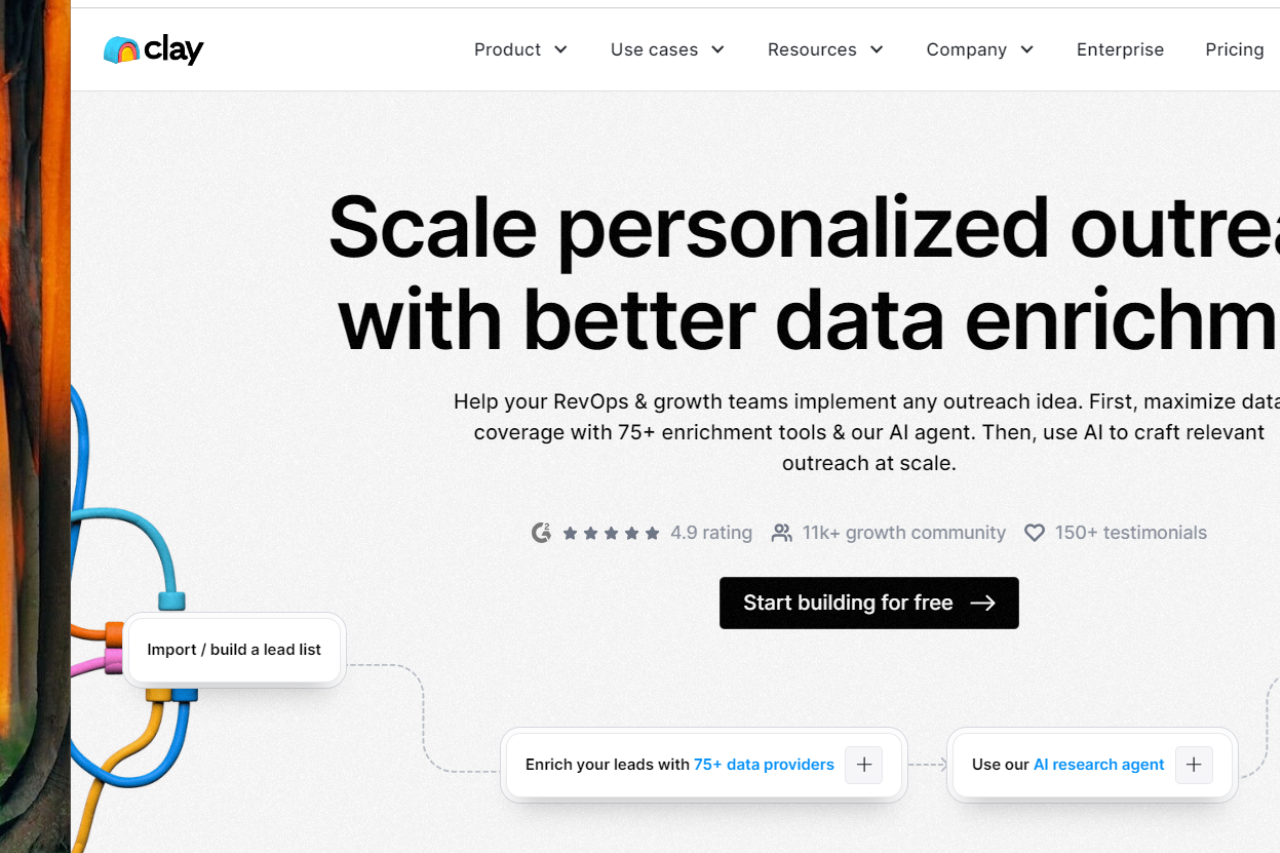
Clay: Revolutionizing Your CRM Experience

πŸ† Our Verdict

Clay stands out as a modern CRM solution that excels in streamlining customer relationship management with its intuitive design and robust feature set. It caters to businesses looking for a sophisticated yet user-friendly tool to enhance their customer engagement and data management.

βœ… Pros & ❌ Cons

Pros:

  • πŸ” Customizable CRM Tools: Clay offers flexible CRM tools that can be tailored to fit specific business needs, providing a personalized experience.
  • 🧩 Integration Capabilities: The platform integrates seamlessly with various other tools and services, enhancing overall workflow efficiency.
  • πŸ“Š Data Management: Clay excels in managing and visualizing customer data, helping businesses gain valuable insights and make informed decisions.
  • πŸš€ User-Friendly Interface: The platform features a clean, intuitive interface that makes it easy for users to navigate and utilize its functionalities.

Cons:

  • πŸ’² Pricing: Some users might find Clay’s pricing plans on the higher side, particularly for advanced features and larger teams.
  • πŸ€” Learning Curve: New users might experience a slight learning curve as they familiarize themselves with the platform’s more advanced features.
  • πŸ”’ Limited Customization: While customizable, some users may find that the extent of personalization available is limited compared to other CRM solutions.

πŸ“– About Clay

Clay is an innovative CRM platform designed to simplify and enhance customer relationship management for businesses. It provides powerful tools for managing customer data, integrating with other systems, and improving overall business efficiency.

πŸ—“οΈ How It Works

  1. Sign Up: Visit the Clay website and create an account.
  2. Choose a Plan: Select the pricing plan that best aligns with your business needs and budget.
  3. Set Up Your Account: Input necessary details about your business and customer management goals.
  4. Integrate Tools: Connect Clay with other platforms and services you use.
  5. Manage Data: Use Clay’s tools to organize and analyze customer data.
  6. Monitor Performance: Track key metrics and performance indicators to refine your CRM strategies.

πŸ’² Pricing Overview

Clay offers flexible pricing plans to cater to different user needs. Below is a detailed overview of their pricing:

Starter Plan:

  • Price: $20 per user/month (billed annually)
  • Features:
    • 10,000 Contacts
    • 2,500 Monthly Enrichments
    • API Access
    • Unlimited Workflows
    • Email Support

Professional Plan:

  • Price: $60 per user/month (billed annually)
  • Features:
    • Everything in Starter Plan
    • 50,000 Contacts
    • 10,000 Monthly Enrichments
    • Custom Branding
    • Priority Email Support
    • Premium Integrations

Business Plan:

  • Price: Custom pricing (contact sales)
  • Features:
    • Everything in Professional Plan
    • Unlimited Contacts
    • Unlimited Monthly Enrichments
    • Dedicated Account Manager
    • Custom Solutions and Integrations
    • Phone Support

For more detailed information and to request a personalized quote, visit the Clay Pricing Page.

πŸ₯Š Competition

FeatureClayHubSpot
Pros
Customizable CRM ToolsTailored to specific needsExtensive CRM features
Integration CapabilitiesSeamless with other toolsWide range of integrations
Data ManagementAdvanced data visualizationComprehensive data insights
User-Friendly InterfaceIntuitive designEasy to navigate
Cons
PricingHigher for advanced featuresCan be expensive at higher tiers
Learning CurveSlight learning curveComplexity for beginners
Limited CustomizationSome restrictionsExtensive customization options

πŸ“Œ Conclusion

Clay emerges as a powerful CRM solution for businesses seeking to enhance their customer relationship management with a modern, user-friendly platform. Its integration capabilities, data management tools, and customizable features make it a standout choice.

Clay: Your Next-Gen CRM Solution

Revel Systems: Revolutionizing Restaurant POS Solutions

πŸ† Our Verdict

Revel Systems excels as a comprehensive POS solution tailored for restaurants and retail businesses. With its advanced features and intuitive interface, it offers powerful tools for managing operations, enhancing customer experiences, and optimizing sales.

βœ… Pros & ❌ Cons

Pros:

  • 🍽️ Comprehensive POS Features: Revel Systems provides a wide range of POS functionalities including order management, inventory tracking, and sales analytics.
  • πŸ“Š Advanced Reporting & Analytics: The platform offers detailed reporting tools to help businesses analyze performance and make data-driven decisions.
  • πŸ“ˆ Customization Options: Revel Systems allows for extensive customization to fit specific business needs, including menu design and payment processing.
  • πŸ’» Integration Capabilities: Integrates seamlessly with various third-party applications, enhancing overall business operations.

Cons:

  • πŸ’² Cost: Revel Systems can be expensive, particularly for smaller businesses or those just starting out.
  • πŸ”§ Complex Setup: Some users report that the initial setup and configuration can be complex and time-consuming.
  • πŸ“± Mobile Performance: While functional, the mobile app experience may not be as smooth or feature-rich as the desktop version.

πŸ“– About Revel Systems

Revel Systems is a leading POS solution designed for the foodservice and retail industries. It provides a unified platform that combines POS functionality with advanced management tools, helping businesses streamline operations and improve customer service.

πŸ—“οΈ How It Works

  1. Sign Up: Visit the Revel Systems website and request a demo or sign up for an account.
  2. Choose a Plan: Explore the available pricing plans and select the one that best suits your business needs.
  3. Set Up Your System: Work with Revel Systems to configure the POS hardware and software according to your business requirements.
  4. Customize Your POS: Design your menus, set up inventory, and integrate with other applications as needed.
  5. Train Your Team: Use Revel Systems’ training resources to get your team up to speed on the new system.
  6. Start Selling: Begin processing transactions and managing operations using Revel Systems’ comprehensive tools.
  7. Analyze Performance: Utilize reporting and analytics features to track sales, monitor performance, and make informed decisions.

πŸ’² Pricing Overview

Revel Systems offers tailored pricing for their point of sale (POS) solutions based on the specific needs of your business. To get a detailed quote, you will need to contact their sales team. Here are some of the features and offerings you can expect:

  • Flexible Payments: Revel allows you to choose the best payment processor for your needs, offering a payments-agnostic platform.
  • Inventory Management: Real-time tracking at the ingredient level to minimize waste and maximize profits.
  • 24/7 Support: Ongoing support with self-service resources like video tutorials and a help site.
  • Scalable Solutions: Ideal for small businesses and large enterprises, with the flexibility to grow with your business.
  • Secure Transactions: PCI compliant cloud technology with point-to-point encrypted (P2PE) payments.

πŸ₯Š Competition

Revel SystemsToast
ProsPros
– Comprehensive POS features– Tailored for the restaurant industry
– Advanced reporting & analytics– Robust features for restaurants
– Customization options– User-friendly interface
– Integration capabilities– Excellent customer support
ConsCons
– Cost can be high– Higher pricing for premium features
– Complex setup– Limited customization options
– Mobile app performance– Initial setup can be challenging

πŸ“Œ Conclusion

Revel Systems stands out as a top choice for businesses looking for a robust and feature-rich POS solution. Its extensive capabilities, customization options, and integration features make it ideal for restaurants and retail businesses aiming to enhance efficiency and customer satisfaction.

Revel Systems: Elevating Your POS Experience

Showpad: Revolutionizing Sales Enablement

πŸ† Our Verdict

Showpad stands out as a powerful sales enablement platform, designed to enhance sales performance through its comprehensive features and engaging user experience.

βœ… Pros & ❌ Cons

Pros:

  • πŸ“Š Comprehensive Sales Enablement Tools: Showpad offers an extensive suite of tools for sales enablement, including content management, training modules, and sales analytics.
  • 🎨 User Experience: The platform provides an intuitive and visually appealing interface that makes navigation and content access straightforward for users.
  • πŸ“ˆ Analytics: Showpad’s robust analytics capabilities help track content engagement and sales performance, allowing for data-driven decision-making.
  • πŸ’‘ Training and Onboarding: Features like interactive training and onboarding support help sales teams get up to speed quickly and effectively.

Cons:

  • πŸ’² Pricing: Some users may find Showpad’s pricing plans to be on the higher side compared to other sales enablement tools.
  • πŸ”§ Customization Limitations: Customization options might be limited, which can affect the ability to tailor the platform to specific business needs.

πŸ“– About Showpad

Showpad is a leading sales enablement platform that empowers sales teams with the tools and insights needed to engage customers effectively and drive sales growth.

πŸ—“οΈ How It Works

  1. Sign Up: Visit the Showpad website and register for an account.
  2. Choose a Plan: Review the available pricing plans and select the one that best fits your organization’s needs.
  3. Set Up Your Account: Configure your account by adding necessary business details and setting up user roles.
  4. Upload Content: Use Showpad’s content management features to upload and organize sales materials.
  5. Train Your Team: Utilize the platform’s training modules to onboard and train your sales team.
  6. Analyze Performance: Track and analyze sales activities and content engagement using Showpad’s analytics tools to refine strategies.

πŸ’² Pricing Overview

Showpad offers various pricing plans to accommodate different business sizes and needs. Specific pricing details are available upon request from the Showpad sales team.

Essential Plan:

  • Price: Custom pricing (contact sales)
  • Features:
    • Content management
    • Basic reporting and analytics
    • Sales enablement tools
    • Mobile access

Plus Plan:

  • Price: Custom pricing (contact sales)
  • Features:
    • Everything in the Essential Plan
    • Advanced analytics
    • Integrations with CRM
    • Custom branding
    • Enhanced security features

Ultimate Plan:

  • Price: Custom pricing (contact sales)
  • Features:
    • Everything in the Plus Plan
    • AI-driven recommendations
    • Personalized content experiences
    • Advanced user permissions
    • Enterprise-level support

For more detailed information and to request a quote, visit the Showpad Pricing Page.

πŸ₯Š Competition

ShowpadHighspot
ProsPros
– Comprehensive tools for sales enablement– Robust sales enablement features
– User-friendly interface– Advanced analytics capabilities
– Effective training and onboarding– Excellent content management
ConsCons
– Higher pricing plans– Complex pricing structure
– Limited customization– Steeper learning curve

πŸ“Œ Conclusion

Showpad excels as a sales enablement platform by offering comprehensive tools, an intuitive interface, and valuable insights to boost sales performance. With its focus on user experience and effective training, Showpad is a top choice for organizations looking to enhance their sales efforts.

Showpad: Empowering Your Sales Success

Allego: Transforming Sales Enablement and Learning

πŸ† Our Verdict

Allego stands out as a powerful sales enablement and learning platform, designed to enhance team performance through video-based training and collaborative tools.

βœ… Pros & ❌ Cons

Pros:

  • πŸ“Ή Video-Based Learning: Allego leverages video to provide engaging and interactive training modules that can be accessed anytime, anywhere.
  • 🀝 Collaborative Tools: Features like video coaching and peer feedback foster collaboration and continuous improvement among team members.
  • πŸ“ˆ Performance Tracking: Allego offers robust analytics and tracking tools to monitor learning progress and sales performance, helping managers identify areas for improvement.
  • πŸ”— Integration: Integrates seamlessly with various CRM and LMS platforms, ensuring smooth data flow and enhanced productivity.

Cons:

  • πŸ’΅ Pricing: Allego’s pricing may be on the higher side compared to other sales enablement platforms, which might be a consideration for smaller teams or businesses.
  • πŸ”§ Complexity: The wide range of features and customization options can create a steep learning curve for new users.

πŸ“– About Allego

Allego is dedicated to revolutionizing sales training and enablement with its innovative approach to learning. By combining video content with interactive features, Allego helps sales teams improve their skills and performance in a dynamic and engaging manner.

πŸ—“οΈ How It Works

  1. Sign Up: Visit the Allego website and sign up for an account.
  2. Choose a Plan: Select a pricing plan that suits your organizational needs and goals.
  3. Set Up Your Account: Configure your account by uploading training materials and integrating with your existing systems.
  4. Create Content: Develop and upload video-based training modules and create interactive learning experiences.
  5. Engage and Train: Use Allego’s tools to deliver training, provide feedback, and facilitate collaboration among team members.
  6. Track Progress: Monitor the performance and engagement of your team through Allego’s analytics and reporting tools.

πŸ’² Pricing Overview

Allego provides various pricing plans tailored to different business sizes and needs. Here’s a general idea of what to expect:

  1. Core Platform Features:
    • Sales Content Management
    • Conversation Intelligence
    • Modern Learning & Coaching
    • Digital Sales Rooms
  2. Pricing Factors:
    • Pricing depends on several factors, including the number of seats purchased and the length of the contract.
    • Non-revenue roles and partner sales roles have lower pricing.
  3. Buyout Program:
    • Allego offers a competitive Buyout Program to facilitate a smooth transition from other providers, even if you’re currently under contract.
  4. Contract Terms:
    • Typical contract length is 3 years, with 2-year and 1-year options available.
  5. Professional Services:
    • Every deployment includes Premium Success Services, covering implementation, key integrations, ongoing engagement, training, enhanced technical support, and new feature deployment assistance.
    • Additional managed services are available for further customization and support.
  6. Deployment Timeline:
    • Most deployments can be launched within 4 weeks with full participation and responsiveness from the project team.

πŸ₯Š Competition

AllegoShowpad
ProsPros
– Video-based learning– Comprehensive content management
– Collaborative tools– Rich analytics and insights
– Performance tracking– Engaging user interface
– Integration with CRM/LMS– Strong mobile support
ConsCons
– Higher pricing– May be complex for small teams
– Complexity of features– Pricing can be high for full feature set

πŸ“Œ Conclusion

Allego emerges as a top choice for businesses looking to elevate their sales training and enablement through innovative, video-based learning and collaboration tools. With its comprehensive features and strong integration capabilities, Allego is well-suited for organizations aiming to improve sales performance and team development.

Allego: Elevate Your Sales Training and Performance

ExecVision: Elevating Your Sales Conversations

πŸ† Our Verdict

ExecVision stands out as a powerful conversation analytics platform, tailored to enhance sales performance through detailed insights and actionable data. Its robust features and user-centric design make it a valuable tool for organizations looking to refine their sales strategies and drive better results.

βœ… Pros & ❌ Cons

Pros:

  • πŸŽ™οΈ In-Depth Conversation Analytics: ExecVision offers detailed analysis of sales conversations, helping teams identify strengths, weaknesses, and areas for improvement.
  • πŸ“ˆ Performance Tracking: Provides comprehensive metrics to track sales performance, enabling data-driven decisions and strategy adjustments.
  • πŸ’‘ Actionable Insights: Converts conversation data into actionable insights, helping sales teams improve their techniques and close more deals.
  • πŸ”§ Integration Capabilities: Integrates seamlessly with various CRM and sales tools, enhancing workflow efficiency and data synchronization.

Cons:

  • πŸ’² Pricing: ExecVision’s pricing may be on the higher side, which might not be suitable for smaller businesses or startups.
  • πŸ“‰ Complexity: The platform’s extensive features can be overwhelming for new users, requiring a steeper learning curve to fully leverage its capabilities.
  • πŸ”„ Limited Customization: Some users may find the customization options for reports and dashboards somewhat limited compared to other platforms.

πŸ“– About ExecVision

ExecVision is a leading conversation analytics platform designed to help sales teams optimize their performance through detailed analysis and actionable insights. By focusing on conversation quality and performance metrics, ExecVision empowers organizations to make data-driven improvements in their sales strategies.

πŸ—“οΈ How It Works

  1. Sign Up: Visit the ExecVision website and sign up for an account.
  2. Choose a Plan: Explore available pricing options and select the plan that aligns with your business needs.
  3. Integrate with CRM: Connect ExecVision with your CRM and sales tools for seamless data synchronization.
  4. Analyze Conversations: Utilize ExecVision’s analytics tools to review and analyze sales conversations.
  5. Generate Insights: Obtain actionable insights and performance metrics to refine your sales approach.
  6. Implement Strategies: Apply the insights to improve sales techniques and achieve better results.

πŸ’² Pricing Overview

ExecVision does not provide direct pricing details on their website. To get detailed pricing information, you need to schedule a demo. They offer customized solutions based on the specific needs and scale of your business. To request a demo and receive a personalized quote, visit the ExecVision Pricing Page and fill out the form provided.

πŸ₯Š Competition

ExecVisionGong
ProsPros
– In-depth conversation analytics– Comprehensive conversation analytics
– Performance tracking– Extensive integration capabilities
– Actionable insights– User-friendly interface
– Integration capabilities– Advanced reporting and analytics
ConsCons
– Higher pricing– Can be expensive for smaller teams
– Complexity– Steeper learning curve
– Limited customization– Some features may be overkill for smaller operations

πŸ“Œ Conclusion

ExecVision is a top choice for organizations seeking to enhance their sales performance through detailed conversation analytics and actionable insights. With its powerful features and integration capabilities, ExecVision supports sales teams in making data-driven improvements and achieving better results.

ExecVision: Your Partner in Sales Excellence
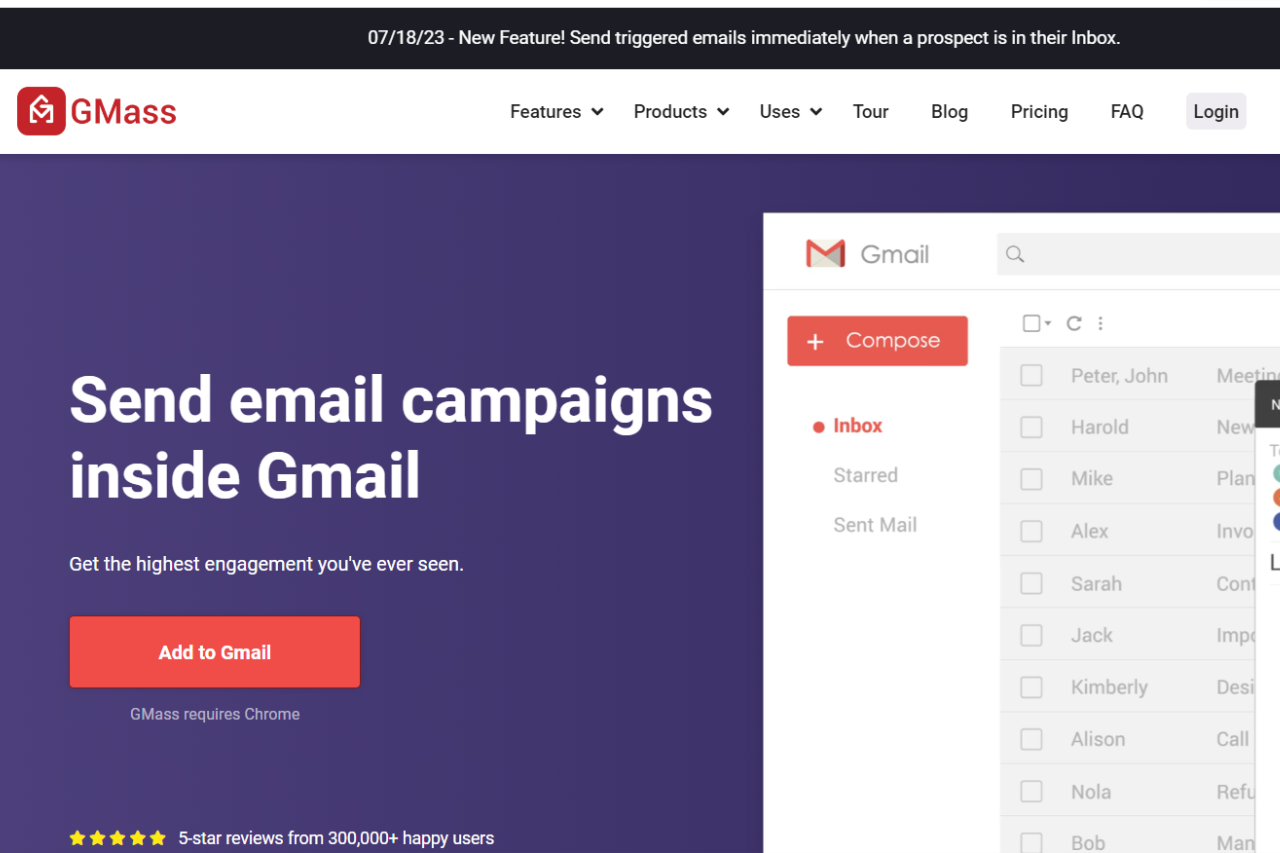
Gmass: Revolutionizing Email Outreach

πŸ† Our Verdict

Gmass excels as a powerful tool for email outreach, designed to enhance productivity with its seamless integration into Gmail. Its features cater to users seeking efficient ways to manage and optimize their email campaigns.

βœ… Pros & ❌ Cons

Pros:

  • πŸ“§ Efficient Email Campaigns: Gmass integrates directly with Gmail, allowing users to create and manage large-scale email campaigns effortlessly.
  • πŸ”„ Automated Follow-Ups: The platform includes automated follow-up sequences, ensuring timely responses and engagement with recipients.
  • πŸ“ˆ Analytics and Tracking: Provides detailed analytics and tracking for email opens, clicks, and responses, helping users refine their strategies.
  • πŸ”§ Customizable Templates: Users can create and use customizable email templates to streamline their outreach efforts.

Cons:

  • πŸ’² Pricing: Gmass can be relatively expensive, especially for smaller businesses or those needing advanced features.
  • πŸ“© Limited CRM Features: Unlike some competitors, Gmass lacks comprehensive CRM capabilities, which may be a drawback for users needing more in-depth customer relationship management.
  • βš™οΈ Gmail Dependency: The platform relies on Gmail, which may not be ideal for users using other email services or needing more standalone functionality.

πŸ“– About Gmass

Gmass is a robust email outreach tool designed for Gmail users, offering powerful features for managing and optimizing email campaigns. It simplifies the process of sending personalized emails, automating follow-ups, and tracking performance.

πŸ—“οΈ How It Works

  1. Sign Up: Visit the Gmass website and sign up for an account.
  2. Install the Extension: Add the Gmass extension to your Gmail account.
  3. Compose Your Email: Draft your email within Gmail and use Gmass to configure campaign settings.
  4. Set Up Automation: Configure follow-up sequences and schedule your emails for delivery.
  5. Monitor Performance: Track email performance through Gmass’s analytics dashboard and adjust your strategies as needed.

πŸ’² Pricing Overview

Gmass offers several pricing plans to cater to different needs and budgets:

Standard Plan:

  • Monthly: $25 per user
  • Annually: $225 per user
  • Features:
    • Works inside Gmail
    • Unlimited contacts and campaigns
    • Mail merge personalization
    • Free email address verification
    • Custom tracking links with SSL
    • Spam Solver
    • Sequences and follow-ups
    • API access (+Zapier)
    • A/B testing
    • Triggered Emails
    • Inbox Rotation (MultiSend)
    • High-priority email support

Premium Plan:

  • Monthly: $35 per user
  • Annually: $325 per user
  • All Standard features plus enhanced support.

Professional Plan:

  • Monthly: $55 per user
  • Annually: $525 per user
  • All Premium features plus advanced capabilities.

For detailed information, visit the GMass Pricing Page.

πŸ₯Š Competition

FeatureGmassMailshake
Pros
Email CampaignsEfficient large-scale email managementRobust outreach capabilities
AutomationAutomated follow-upsAdvanced automation features
AnalyticsDetailed tracking and analyticsComprehensive reporting and analytics
TemplatesCustomizable email templatesExtensive template library
Cons
PricingRelatively high costHigher price for advanced features
CRM FeaturesLimited CRM capabilitiesMore CRM-focused tools
Gmail DependencyReliance on GmailIndependent of specific email services

πŸ“Œ Conclusion

Gmass stands out as a leading solution for email outreach, particularly for users who prefer working within Gmail. With its efficient email management, automation, and tracking features, Gmass is an excellent choice for businesses aiming to enhance their email campaigns.

Gmass: Streamline Your Email Outreach Today!

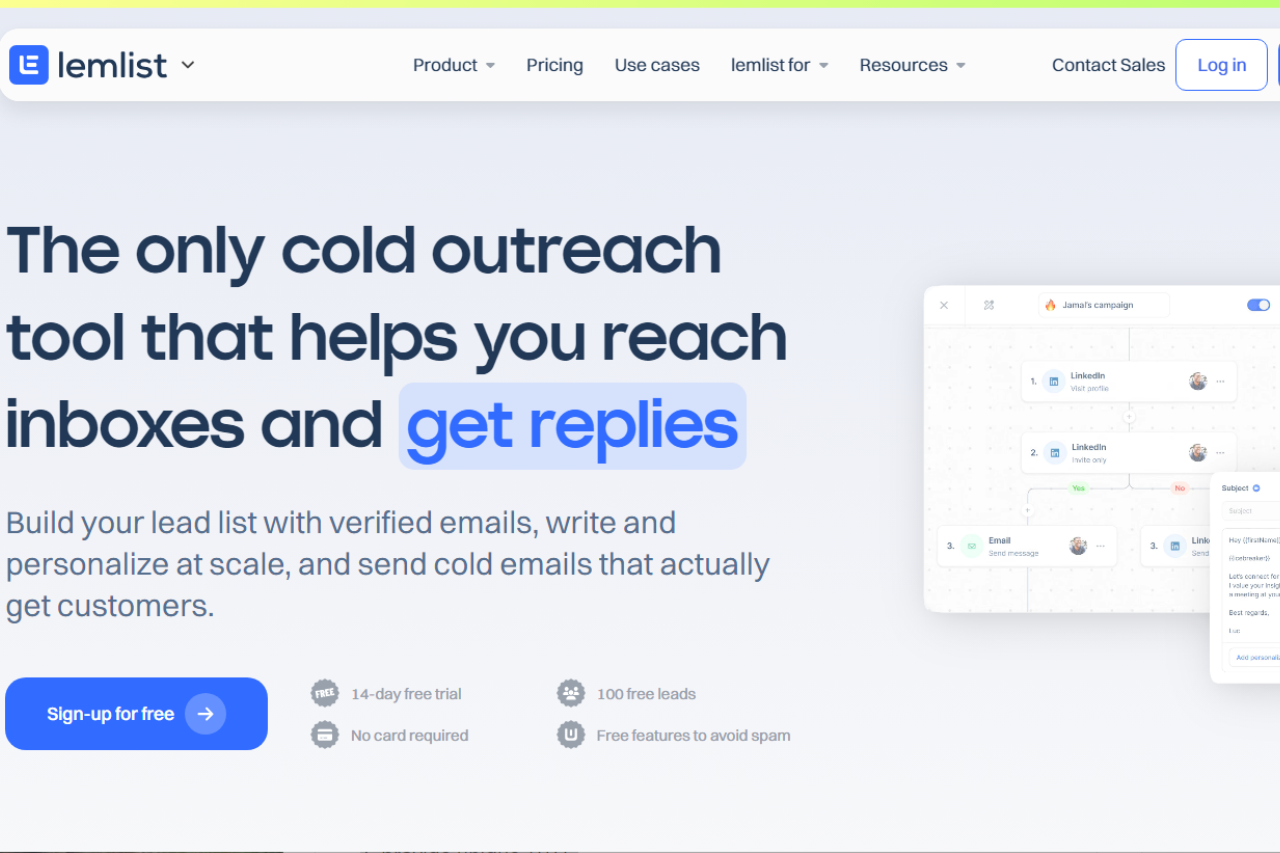
Lemlist: Mastering Personalized Email Campaigns

πŸ† Our Verdict

Lemlist stands out as a dynamic outreach tool, designed to help businesses enhance their email campaigns through personalized engagement and automation. With its user-centric features and intuitive interface, Lemlist is a strong contender for those seeking to optimize their outreach efforts.

βœ… Pros & ❌ Cons

Pros:

  • πŸ“§ Personalized Outreach: Lemlist excels in creating highly personalized email campaigns, allowing for tailored messages that resonate with recipients.
  • 🎨 Visual Design: The platform offers easy-to-use tools for designing visually engaging email templates.
  • πŸ’¬ Customer Support: Offers robust support, including live chat and helpful resources for users.
  • πŸ“Š Analytics: Lemlist provides comprehensive analytics to track campaign performance and optimize strategies.

Cons:

  • πŸ’² Pricing: Lemlist’s pricing may be on the higher side, especially for advanced features and larger teams.
  • πŸ”§ Limited Integrations: Some users might find the integration options limited compared to other outreach tools.
  • 🀯 Learning Curve: New users might face a learning curve when navigating the platform’s extensive features.

πŸ“– About Lemlist

Lemlist is a leading outreach platform specializing in personalized email campaigns and automated follow-ups. It aims to help businesses increase engagement and conversions through targeted and effective outreach strategies.

πŸ—“οΈ How It Works

  1. Sign Up: Visit the Lemlist website and create an account.
  2. Choose a Plan: Select a pricing plan that fits your business needs and goals.
  3. Set Up Your Account: Complete the onboarding process and configure your settings.
  4. Design Your Emails: Use Lemlist’s editor to craft personalized and visually appealing email templates.
  5. Launch Campaigns: Set up your email sequences, define your target audience, and start your campaigns.
  6. Monitor Performance: Utilize Lemlist’s analytics tools to track and refine your outreach efforts.

πŸ’² Pricing Overview

Lemlist offers several pricing plans designed to accommodate various business needs:

  1. Email Starter:
    • Price: $39 per user/month
    • Features: Unlimited campaigns, customizable email campaigns, email finder + verifier (250 credits/month), 450M+ leads database, AI-generated sequence, custom text variable personalization, lemlist Chrome Extension, custom reports & analytics, in-app support, personalized booking page (lemcal Starter).
  2. Email Pro:
    • Price: $69 per user/month
    • Features: All features in Email Starter, email finder + verifier (500 credits/month), 250 free credits/month, email warm-up and deliverability booster (lemwarm), CRM integrations (Hubspot, Pipedrive, Salesforce), custom image personalization, campaign A/B tests, inbox rotation, custom liquid syntax personalization, API access, Zapier integration.
  3. Multichannel Expert:
    • Price: $99 per user/month
    • Features: All features in Email Pro, email finder + verifier (750 credits/month), 500 free credits/month, LinkedIn prospection, LinkedIn voice notes, cold calling prospection with Aircall, advanced campaign conditions, custom landing page, premium support chat.
  4. Outreach Scale:
    • Price: $159 per user/month
    • Features: All features in Multichannel Expert, email finder + verifier (1,000 credits/month), 1,000 free credits/month, dedicated account manager (4+ seats).

For more details, visit the Lemlist Pricing Page.

πŸ₯Š Competition

LemlistOutreach
ProsPros
– Personalized email campaigns– Comprehensive sales engagement features
– Easy-to-use design tools– Advanced analytics and reporting
– Strong customer support– Robust CRM integrations
ConsCons
– Higher pricing– Higher pricing for advanced plans
– Learning curve– Complexity in setting up workflows
– Limited integrations– Steeper learning curve

πŸ“Œ Conclusion

Lemlist emerges as a top choice for businesses looking to enhance their email outreach through personalization and automation. With its robust features, user-friendly design, and excellent support, Lemlist is well-suited for those aiming to elevate their outreach efforts.

Lemlist: Personalize Your Outreach for Maximum Impact

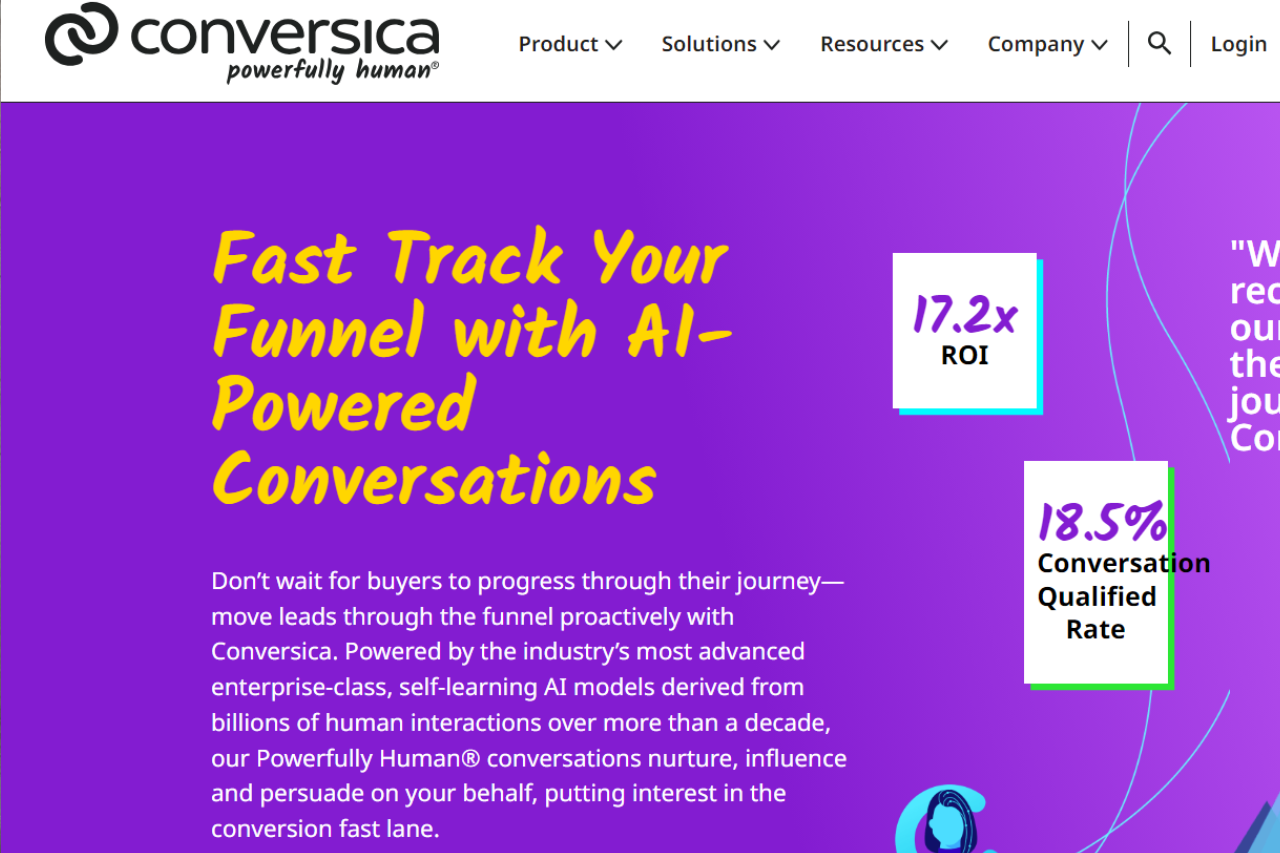
Conversica: Revolutionizing Sales Automation with AI

πŸ† Our Verdict

Conversica stands out as a leading solution for sales automation, leveraging AI-driven technology to enhance lead engagement and streamline follow-ups. Its advanced automation capabilities and user-friendly interface make it a strong choice for businesses aiming to improve their sales processes.

βœ… Pros & ❌ Cons

Pros:

  • πŸ€– AI-Powered Lead Engagement: Conversica uses sophisticated AI to automatically engage with leads, ensuring timely follow-ups and increased conversion rates.
  • πŸ”„ Automation Efficiency: The platform automates repetitive tasks, allowing sales teams to focus on high-value activities and improving overall productivity.
  • πŸ“ˆ Advanced Analytics: Provides detailed insights into lead interactions and campaign performance, helping businesses refine their sales strategies.
  • πŸ”— CRM Integration: Seamlessly integrates with various CRM systems, enhancing data management and workflow efficiency.

Cons:

  • πŸ’² Pricing: Conversica’s pricing can be on the higher side, which might be a consideration for smaller businesses or startups.
  • 🧩 Complex Setup: Some users may find the initial setup and configuration complex, requiring a steeper learning curve.
  • πŸ”§ Limited Customization: Customization options may be limited compared to other sales automation tools, which might affect how well it fits specific business needs.

πŸ“– About Conversica

Conversica is a pioneer in AI-driven sales automation, designed to help businesses increase lead engagement and optimize their sales processes. By automating routine tasks and providing actionable insights, Conversica aims to enhance sales team efficiency and drive higher conversion rates.

πŸ—“οΈ How It Works

  1. Sign Up: Visit the Conversica website and create an account.
  2. Choose a Plan: Select a pricing plan that aligns with your business needs and scale.
  3. Set Up Integration: Integrate Conversica with your existing CRM and other tools.
  4. Configure AI Assistants: Set up AI-driven sales assistants to engage with leads and manage follow-ups.
  5. Monitor Performance: Use Conversica’s analytics tools to track lead engagement and campaign success, making adjustments as needed.

πŸ’² Pricing Overview

Conversica offers various pricing plans to accommodate different business sizes and needs. Here are some details about their plans:

Free Plan: Not available.

Starter Plan: Designed for small businesses, offering basic AI-driven engagement features.

Professional Plan: Includes advanced features such as detailed analytics and CRM integrations, suitable for growing businesses.

Enterprise Plan: Customized solutions for large organizations with comprehensive features and dedicated support.

Regarding pricing information for Conversica, their website does not provide specific exact pricing details. To get an accurate quote tailored to your business needs, you would need to contact their sales team directly. You can visit their pricing page and request a demo or more information from their team.

πŸ₯Š Competition

ConversicaDrift
ProsPros
– AI-powered lead engagement– Advanced live chat and chatbot capabilities
– Automation efficiency– Real-time customer engagement
– Advanced analytics– Robust integration options
– CRM integration– Customizable workflows
ConsCons
– Higher pricing– Pricing may be high for small businesses
– Complex setup– Learning curve for new users
– Limited customization– Limited AI-driven lead management compared to Conversica

πŸ“Œ Conclusion

Conversica is a top-tier solution for businesses seeking to leverage AI for enhanced sales automation. With its powerful features, including AI-driven lead engagement and detailed analytics, Conversica helps streamline sales processes and improve productivity. Despite its higher pricing and complex setup, it remains a valuable tool for businesses aiming to optimize their sales strategies.

Conversica: Your Partner in AI-Driven Sales Success

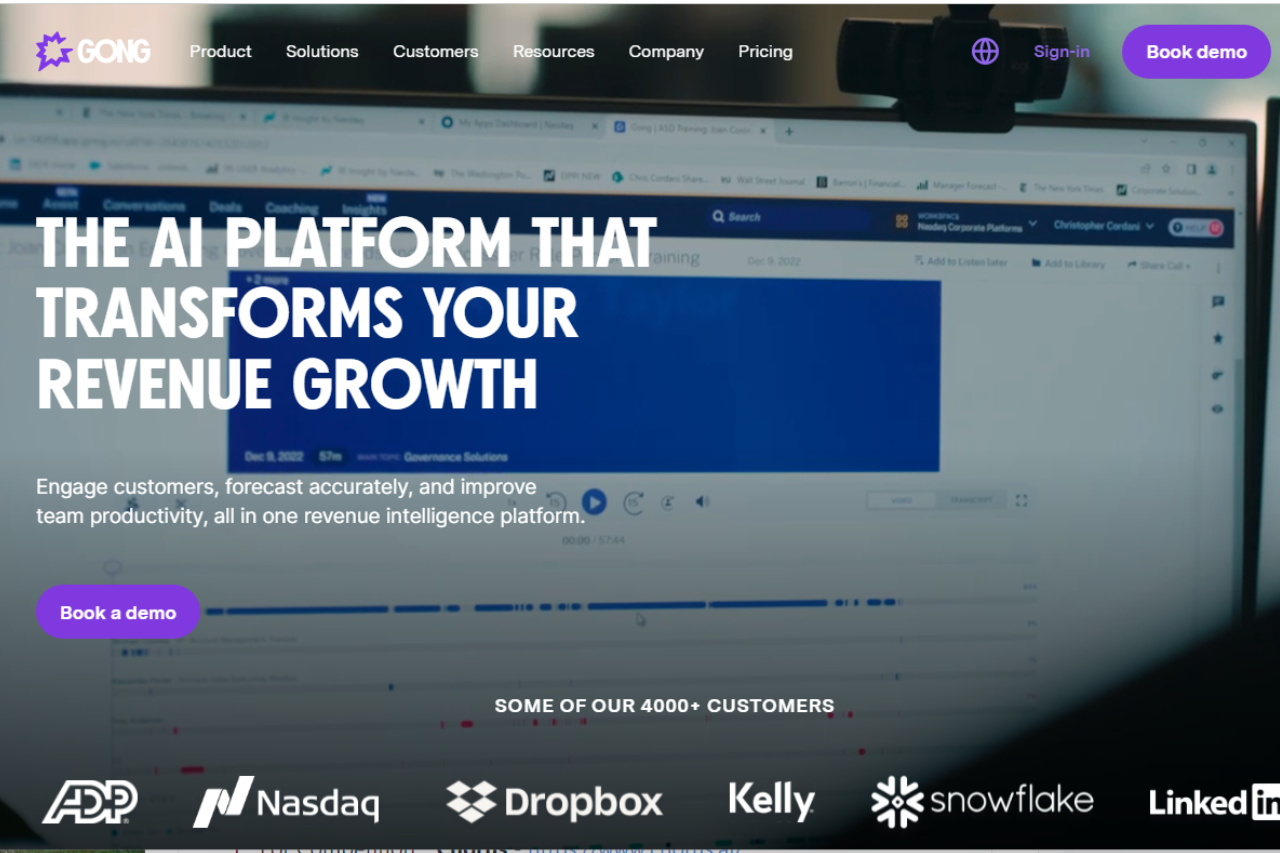
Gong: Revolutionizing Sales Conversations

πŸ† Our Verdict

Gong stands out as a cutting-edge sales conversation analytics platform, offering powerful insights into sales interactions that help teams drive better outcomes. Its comprehensive feature set and user-friendly interface make it a valuable tool for optimizing sales performance.

βœ… Pros & ❌ Cons

Pros:

  • πŸ“ž Advanced Sales Analytics: Gong provides detailed insights into sales conversations, enabling teams to identify trends and improve strategies.
  • πŸ“ˆ Data-Driven Insights: The platform’s analytics capabilities help sales leaders make informed decisions based on real data.
  • πŸ”„ Seamless Integration: Gong integrates effortlessly with various CRM systems and communication tools, streamlining workflows.
  • πŸ“š Comprehensive Training: Gong offers extensive resources and support to help users maximize the platform’s potential.

Cons:

  • πŸ’² Pricing: Gong’s pricing can be on the higher side, which might be a consideration for smaller teams or startups.
  • πŸ€” Learning Curve: Some users may find it challenging to get accustomed to the platform’s extensive features and analytics.
  • πŸ”§ Customization Limitations: The platform’s customization options might be limited compared to some competitors.

πŸ“– About Gong

Gong is a leader in the sales analytics space, specializing in conversation intelligence. By capturing and analyzing sales conversations, Gong helps organizations refine their sales strategies, improve team performance, and close more deals.

πŸ—“οΈ How It Works

  1. Sign Up: Visit the Gong website and sign up for an account.
  2. Integrate Your Tools: Connect Gong with your CRM and communication platforms.
  3. Capture Conversations: Gong records and transcribes sales calls and meetings.
  4. Analyze Data: Utilize Gong’s analytics dashboard to review conversation data and gain actionable insights.
  5. Optimize Strategies: Use the insights gained to refine sales approaches and training.
  6. Monitor Performance: Continuously track and assess team performance to drive improvements.

πŸ’² Pricing Overview

Gong’s pricing is customized based on several factors specific to your team. Here are the key components:

Seat Edition:

  • License Pricing: Priced per recorded user.
  • Features: Different license editions with various features to suit organizational needs.

Optional Products:

  • Enhancements: Additional products to boost Gong’s Revenue Intelligence Platform, providing deeper visibility.

Platform Subscription:

  • Annual Fee: Fixed annual subscription based on the number of users.
  • Includes: Unlimited collaborators, data storage, export, customer success management (CSM) resources, and support.

πŸ₯Š Competition

GongChorus
ProsPros
– Advanced sales analytics– Comprehensive sales engagement features
– Data-driven insights– Advanced analytics and reporting
– Seamless integration– AI-powered lead generation
– Comprehensive training– Integration with multiple platforms
ConsCons
– Higher pricing– Higher pricing for advanced plans
– Learning curve– Complexity in setting up complex workflows
– Limited customization– Limited customization options

πŸ“Œ Conclusion

Gong emerges as a top choice for organizations seeking a powerful sales conversation analytics tool. With its advanced features, comprehensive insights, and excellent support, Gong empowers sales teams to enhance performance and achieve better results.

Gong: Elevate Your Sales Conversations

Conversation intelligence pairs with a journey map. Tools like Gong tell you what is happening inside the call. A buyer journey map tells you what should be happening at this stage of the deal in the first place. Pair them and the rep can see whether the conversation matches the stage, or whether the buyer is signalling that they have skipped ahead, slipped backward, or never really entered the funnel at all. Try our free buyer journey mapper for B2B SaaS β€” four prebuilt templates, edit in place, export PNG or share a link.