ExecVision: Elevating Your Sales Conversations

πŸ† Our Verdict

ExecVision stands out as a powerful conversation analytics platform, tailored to enhance sales performance through detailed insights and actionable data. Its robust features and user-centric design make it a valuable tool for organizations looking to refine their sales strategies and drive better results.

βœ… Pros & ❌ Cons

Pros:

  • πŸŽ™οΈ In-Depth Conversation Analytics: ExecVision offers detailed analysis of sales conversations, helping teams identify strengths, weaknesses, and areas for improvement.
  • πŸ“ˆ Performance Tracking: Provides comprehensive metrics to track sales performance, enabling data-driven decisions and strategy adjustments.
  • πŸ’‘ Actionable Insights: Converts conversation data into actionable insights, helping sales teams improve their techniques and close more deals.
  • πŸ”§ Integration Capabilities: Integrates seamlessly with various CRM and sales tools, enhancing workflow efficiency and data synchronization.

Cons:

  • πŸ’² Pricing: ExecVision’s pricing may be on the higher side, which might not be suitable for smaller businesses or startups.
  • πŸ“‰ Complexity: The platform’s extensive features can be overwhelming for new users, requiring a steeper learning curve to fully leverage its capabilities.
  • πŸ”„ Limited Customization: Some users may find the customization options for reports and dashboards somewhat limited compared to other platforms.

πŸ“– About ExecVision

ExecVision is a leading conversation analytics platform designed to help sales teams optimize their performance through detailed analysis and actionable insights. By focusing on conversation quality and performance metrics, ExecVision empowers organizations to make data-driven improvements in their sales strategies.

πŸ—“οΈ How It Works

  1. Sign Up: Visit the ExecVision website and sign up for an account.
  2. Choose a Plan: Explore available pricing options and select the plan that aligns with your business needs.
  3. Integrate with CRM: Connect ExecVision with your CRM and sales tools for seamless data synchronization.
  4. Analyze Conversations: Utilize ExecVision’s analytics tools to review and analyze sales conversations.
  5. Generate Insights: Obtain actionable insights and performance metrics to refine your sales approach.
  6. Implement Strategies: Apply the insights to improve sales techniques and achieve better results.

πŸ’² Pricing Overview

ExecVision does not provide direct pricing details on their website. To get detailed pricing information, you need to schedule a demo. They offer customized solutions based on the specific needs and scale of your business. To request a demo and receive a personalized quote, visit the ExecVision Pricing Page and fill out the form provided.

πŸ₯Š Competition

ExecVisionGong
ProsPros
– In-depth conversation analytics– Comprehensive conversation analytics
– Performance tracking– Extensive integration capabilities
– Actionable insights– User-friendly interface
– Integration capabilities– Advanced reporting and analytics
ConsCons
– Higher pricing– Can be expensive for smaller teams
– Complexity– Steeper learning curve
– Limited customization– Some features may be overkill for smaller operations

πŸ“Œ Conclusion

ExecVision is a top choice for organizations seeking to enhance their sales performance through detailed conversation analytics and actionable insights. With its powerful features and integration capabilities, ExecVision supports sales teams in making data-driven improvements and achieving better results.

ExecVision: Your Partner in Sales Excellence
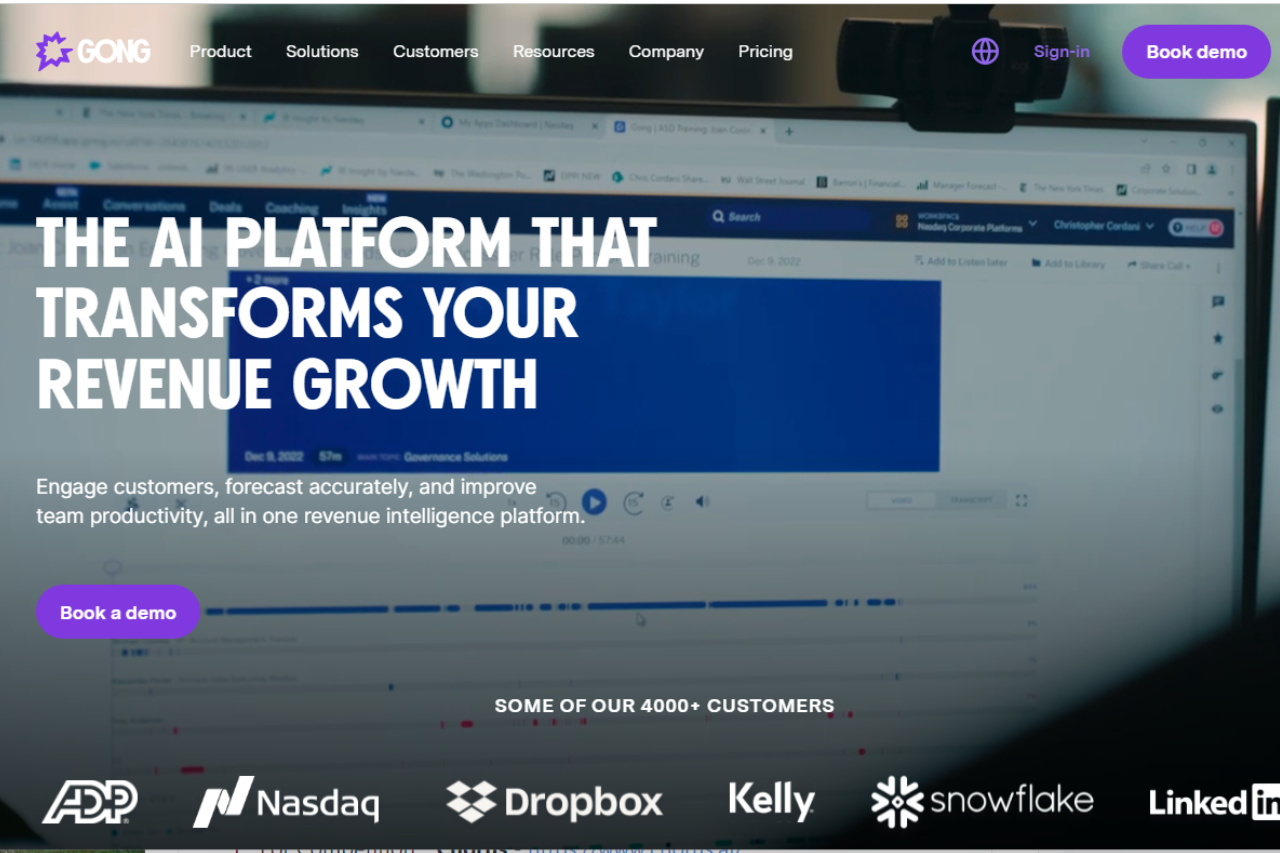
Gong: Revolutionizing Sales Conversations

πŸ† Our Verdict

Gong stands out as a cutting-edge sales conversation analytics platform, offering powerful insights into sales interactions that help teams drive better outcomes. Its comprehensive feature set and user-friendly interface make it a valuable tool for optimizing sales performance.

βœ… Pros & ❌ Cons

Pros:

  • πŸ“ž Advanced Sales Analytics: Gong provides detailed insights into sales conversations, enabling teams to identify trends and improve strategies.
  • πŸ“ˆ Data-Driven Insights: The platform’s analytics capabilities help sales leaders make informed decisions based on real data.
  • πŸ”„ Seamless Integration: Gong integrates effortlessly with various CRM systems and communication tools, streamlining workflows.
  • πŸ“š Comprehensive Training: Gong offers extensive resources and support to help users maximize the platform’s potential.

Cons:

  • πŸ’² Pricing: Gong’s pricing can be on the higher side, which might be a consideration for smaller teams or startups.
  • πŸ€” Learning Curve: Some users may find it challenging to get accustomed to the platform’s extensive features and analytics.
  • πŸ”§ Customization Limitations: The platform’s customization options might be limited compared to some competitors.

πŸ“– About Gong

Gong is a leader in the sales analytics space, specializing in conversation intelligence. By capturing and analyzing sales conversations, Gong helps organizations refine their sales strategies, improve team performance, and close more deals.

πŸ—“οΈ How It Works

  1. Sign Up: Visit the Gong website and sign up for an account.
  2. Integrate Your Tools: Connect Gong with your CRM and communication platforms.
  3. Capture Conversations: Gong records and transcribes sales calls and meetings.
  4. Analyze Data: Utilize Gong’s analytics dashboard to review conversation data and gain actionable insights.
  5. Optimize Strategies: Use the insights gained to refine sales approaches and training.
  6. Monitor Performance: Continuously track and assess team performance to drive improvements.

πŸ’² Pricing Overview

Gong’s pricing is customized based on several factors specific to your team. Here are the key components:

Seat Edition:

  • License Pricing: Priced per recorded user.
  • Features: Different license editions with various features to suit organizational needs.

Optional Products:

  • Enhancements: Additional products to boost Gong’s Revenue Intelligence Platform, providing deeper visibility.

Platform Subscription:

  • Annual Fee: Fixed annual subscription based on the number of users.
  • Includes: Unlimited collaborators, data storage, export, customer success management (CSM) resources, and support.

πŸ₯Š Competition

GongChorus
ProsPros
– Advanced sales analytics– Comprehensive sales engagement features
– Data-driven insights– Advanced analytics and reporting
– Seamless integration– AI-powered lead generation
– Comprehensive training– Integration with multiple platforms
ConsCons
– Higher pricing– Higher pricing for advanced plans
– Learning curve– Complexity in setting up complex workflows
– Limited customization– Limited customization options

πŸ“Œ Conclusion

Gong emerges as a top choice for organizations seeking a powerful sales conversation analytics tool. With its advanced features, comprehensive insights, and excellent support, Gong empowers sales teams to enhance performance and achieve better results.

Gong: Elevate Your Sales Conversations

Conversation intelligence pairs with a journey map. Tools like Gong tell you what is happening inside the call. A buyer journey map tells you what should be happening at this stage of the deal in the first place. Pair them and the rep can see whether the conversation matches the stage, or whether the buyer is signalling that they have skipped ahead, slipped backward, or never really entered the funnel at all. Try our free buyer journey mapper for B2B SaaS β€” four prebuilt templates, edit in place, export PNG or share a link.

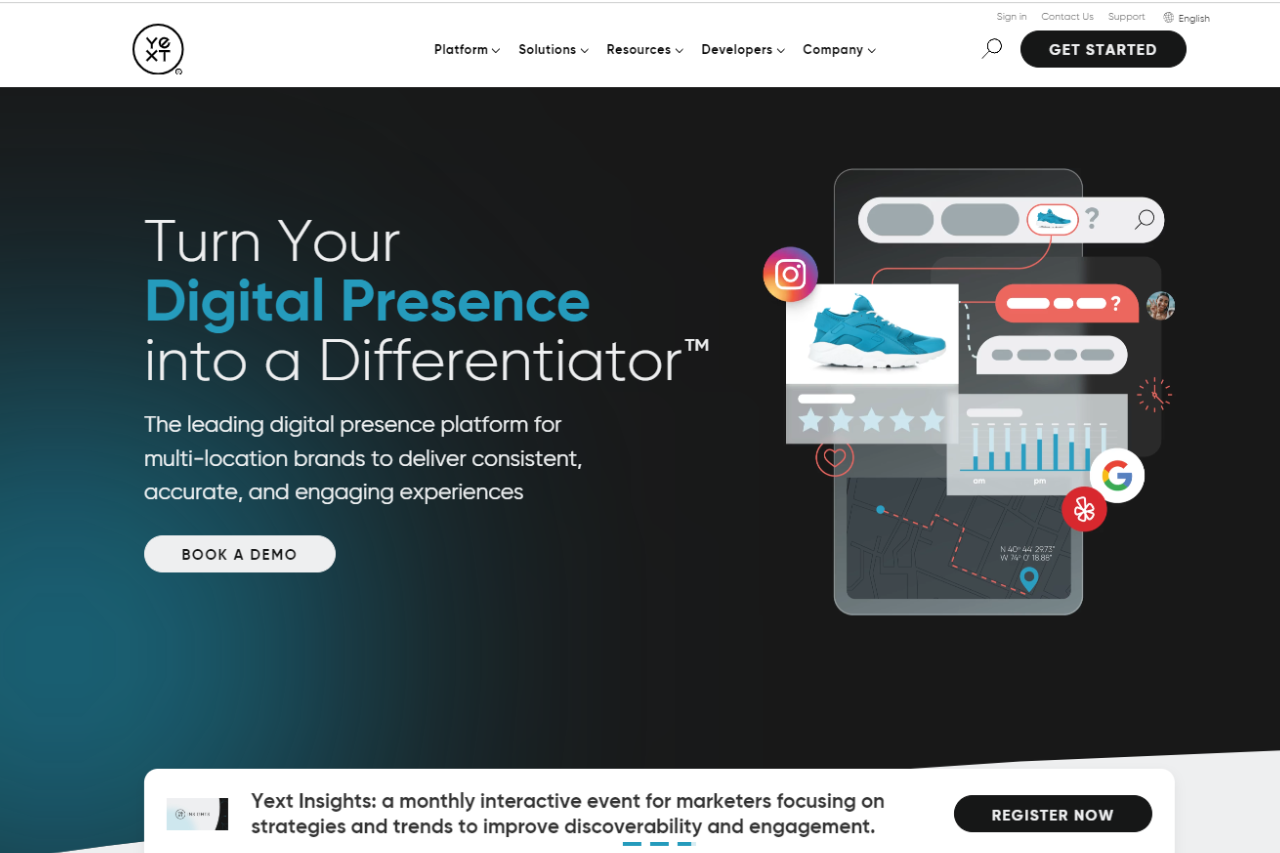
Yext: Revolutionizing Your Digital Knowledge Management

πŸ† Our Verdict

Yext stands out as a robust digital knowledge management platform, empowering businesses to manage and optimize their online presence effectively.

βœ… Pros & ❌ Cons

Pros:

  • 🌐 Digital Knowledge Management: Yext offers comprehensive tools for managing business listings, reviews, and local search visibility across the web.
  • πŸ“ˆ Analytics: Provides actionable insights into customer interactions and performance metrics to refine marketing strategies.
  • πŸ› οΈ Integration: Seamless integration with various third-party platforms enhances operational efficiency and data synchronization.
  • πŸ” SEO Optimization: Helps businesses improve their local search engine rankings through structured data and enhanced listings.

Cons:

  • πŸ’² Pricing: Some users may find Yext’s pricing plans relatively higher compared to competitors, especially for smaller businesses.
  • 🀯 Learning Curve: New users might experience a learning curve while navigating through the platform’s features and functionalities.
  • 🌐 Limited Customization: Customization options may be somewhat limited compared to other digital marketing platforms.

πŸ“– About Yext

Yext is a leading provider of digital knowledge management solutions, enabling businesses to control their brand information across the digital ecosystem.

πŸ—“οΈ How It Works

Sign Up: Visit the Yext website and create an account.
Choose a Plan: Explore the available plans tailored to different business needs and select the most suitable one.
Setup Your Account: Complete the setup process by entering business details and goals for digital knowledge management.
Optimize Listings: Utilize Yext’s tools to optimize business listings across directories and search engines. Monitor Performance: Track performance metrics and customer interactions through Yext’s analytics dashboard.

πŸ’² Pricing Overview

Yext offers various pricing plans designed to accommodate businesses of all sizes:

Emerging Plan:

  • Price: $4/week (billed at $199 annually)
  • Features:
    • 29% Optimization Rate
    • Listings on sites like MerchantCircle, eLocal, Topix, YellowPageCity, LocalStack, EZLocal, ShowMeLocal, and more (total of 30+ sites)
    • PowerListings+ and Analytics

Essential Plan:

  • Price: $9/week (billed at $449 annually)
  • Features:
    • 71% Optimization Rate
    • Listings on major sites like Google, Yahoo, Facebook, Bing, Apple, Yelp, MapQuest, Superpages, Citysearch, Local.com, Foursquare, and more (total of 16 premium sites)
    • Includes all features from the Emerging plan

Complete Plan:

  • Price: $10/week (billed at $499 annually)
  • Features:
    • 100% Optimization Rate
    • Combines all features from the Emerging and Essential plans
    • Additional PowerListings+ capabilities
    • Analytics

Premium Plan:

  • Price: $19/week (billed at $999 annually)
  • Features:
    • 100% Optimization Rate
    • Full Complete Package features
    • Review Monitoring
    • Yext Pages for enhanced website content

πŸ₯Š Competition

YextBirdEye
ProsPros
– Comprehensive digital knowledge management– Extensive review management capabilities
– Integration with third-party platforms– Robust customer experience management
– SEO optimization tools– Social media integration
ConsCons
– Higher pricing for smaller businesses– Complexity in setup and learning curve
– Limited customization options– Higher resource requirements
– Requires dedicated learning and implementation– Limited support for smaller businesses

πŸ“Œ Conclusion

Yext emerges as a top choice for businesses looking to streamline and optimize their digital knowledge management. With its powerful tools for SEO, analytics, and integration, Yext helps businesses enhance their online presence and customer interactions.

Yext: Your Partner in Digital Knowledge Management Success

Revolutionize Your Fitness Business with Glofox: A Comprehensive Review and Comparison

πŸ† Our Verdict

Glofox stands out as a comprehensive fitness management platform, offering versatile tools suitable for gyms and fitness studios of all sizes. With its intuitive interface and extensive feature set, it provides seamless solutions for managing memberships, scheduling classes, and engaging with clients.

βœ… Pros & ❌ Cons

Pros:

  • πŸ‹οΈβ€β™‚οΈ Comprehensive Fitness Management: Offers a wide range of tools for managing memberships, scheduling classes, and tracking progress.
  • πŸ“… Seamless Class Scheduling: Allows easy customization of class schedules and availability for trainers and clients.
  • πŸ“± Mobile App Integration: Provides a dedicated mobile app for clients to book classes, track their progress, and engage with the fitness community.
  • πŸ“Š Advanced Reporting: Offers detailed analytics and reporting features to track attendance, revenue, and member engagement.
  • 🌐 Integration with Wearables: Integrates smoothly with wearable devices to track client activity and provide personalized insights.

Cons:

  • πŸ’² Pricing: Some users may find the pricing plans relatively higher compared to competitors in the fitness management industry.
  • πŸ“‰ Learning Curve: New users may experience a learning curve while familiarizing themselves with the platform’s features, especially for advanced customization options.
  • πŸ› οΈ Limited Customization: Customization options may be somewhat restricted in certain areas compared to other fitness management platforms.

πŸ“– About Glofox

Established as a leader in the fitness management industry, Glofox aims to simplify the management processes for gyms and fitness studios. Its user-friendly interface and comprehensive feature set make it a preferred choice for fitness professionals.

πŸ—“οΈ How It Works

Signing Up for Glofox

  1. Visit the Glofox Website: Navigate to the Glofox website to begin the signup process.
  2. Choose a Plan: Explore the available pricing plans and select the one that aligns with your fitness business needs.
  3. Create an Account: Provide your email address, create a password, and fill in the necessary details to create your account.
  4. Account Setup: Complete the setup process by entering your business information and customizing your scheduling preferences.
  5. Class Scheduling: Customize your class schedules and availability to fit the needs of your trainers and clients.
  6. Mobile App Integration: Download the Glofox mobile app to enable clients to book classes, track their progress, and engage with your fitness community on the go.

πŸ’² Pricing Overview

Glofox offers a range of pricing plans to accommodate different fitness business needs and scales. From basic plans for individual trainers to advanced solutions for large fitness studios, there’s an option for everyone.

  • Basic Plan: Ideal for individual trainers or small fitness businesses seeking essential management tools.
  • Pro Plan: Designed for medium-sized fitness studios and gyms looking for advanced features like mobile app integration and reporting.
  • Enterprise Plan: Suited for large fitness franchises and chains requiring scalable solutions with custom branding and dedicated support.

πŸ₯Š Competition

GlofoxMindbody
ProsPros
– Comprehensive fitness management– Comprehensive fitness management
– Seamless class scheduling– Seamless class scheduling
– Mobile app integration– Mobile app integration
– Advanced reporting– Advanced reporting
– Integration with wearables– Integration with wearables
ConsCons
– Relatively higher pricing for some users– Relatively higher pricing for some users
– Learning curve for new users– Learning curve for new users
– Limited customization options– Limited customization options

πŸ“Œ Conclusion

Glofox emerges as a robust fitness management platform, offering a comprehensive suite of features to streamline operations and enhance client engagement for fitness businesses. With its user-friendly interface, mobile app integration, and advanced reporting capabilities, it’s an ideal choice for gyms and studios looking to elevate their fitness management workflows.

β€œTransform Your Fitness Business with Glofox.”

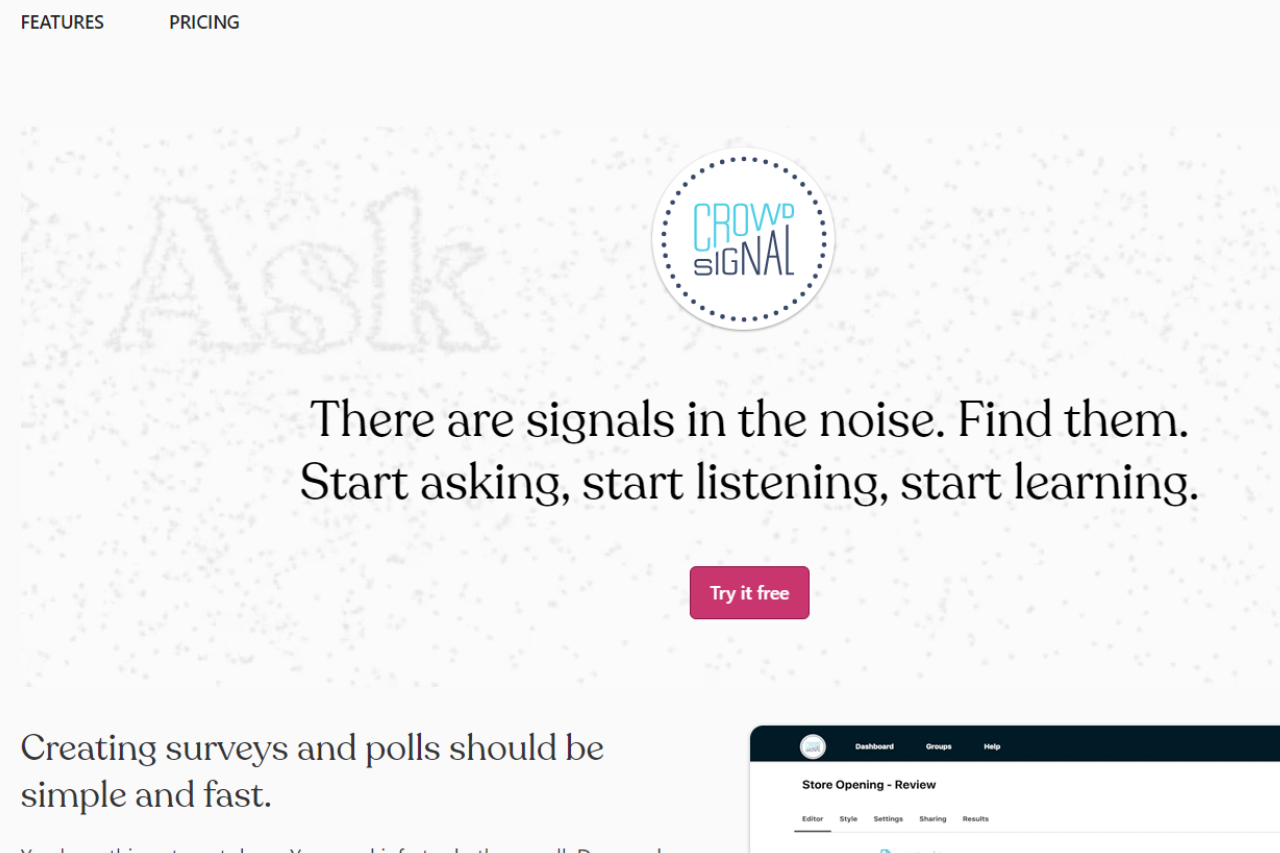
Unraveling the Survey World: Crowdsignal in Focus

πŸ† Our Verdict

Crowdsignal proves to be a robust survey and polling platform, offering versatile tools suitable for various needs. Its user-friendly interface and comprehensive feature set make it a preferred choice for gathering insights and feedback effectively.

βœ… Pros & ❌ Cons

Pros:

πŸ”„ Flexible Survey Creation: Allows easy customization of surveys and polls to suit specific requirements.

πŸ”— Seamless Integration: Integrates smoothly with various platforms for efficient data collection and analysis.

πŸ“Š Advanced Analytics: Provides comprehensive analytics tools for in-depth insights into survey responses.

🌐 Wide Range of Features: Offers extensive features beyond basic survey creation, such as quizzes, ratings, and assessments.

Cons:

πŸ’² Pricing: Some users may find the pricing plans relatively higher compared to competitors.

πŸ“‰ Learning Curve: New users may experience a learning curve while familiarizing themselves with the platform’s features.

πŸ“š Limited Customization: Customization options may be somewhat restricted compared to other survey platforms.

πŸ“– About Crowdsignal

Established as a leader in the survey and polling industry, Crowdsignal aims to simplify the process of gathering feedback and insights for businesses and individuals alike. Its intuitive interface and comprehensive feature set make it a preferred choice for creating surveys and polls seamlessly.

πŸ—“οΈ How It Works

Signing Up for Crowdsignal

  1. Visit the Crowdsignal Website: Navigate to the Crowdsignal website to begin the signup process.
  2. Create an Account: Provide your email address, create a password, and fill in the necessary details to create your account.
  3. Account Setup: Complete the setup process by entering your account information and customizing your survey preferences.
  4. Create a Survey: Start creating surveys and polls by choosing from a variety of question types and customization options.
  5. Distribute Your Survey: Share your survey link via email, social media, or embed it on your website to gather responses from your target audience.
  6. Analyze Responses: Monitor responses in real-time and utilize advanced analytics tools to gain valuable insights from the data collected.

πŸ’² Pricing Overview

🌟 Pricing Tiers

Crowdsignal offers a range of pricing plans to accommodate different survey needs and scales. From basic plans for individual users to advanced solutions for businesses, there’s an option for everyone.

βœ… Free Tools Overview: Crowdsignal provides essential survey tools in its free offering. Included Features: Basic features such as survey creation, response collection, and basic analytics are typically included.

πŸ’Ό Standard Plans Target Audience: Ideal for individual users or small businesses seeking advanced survey capabilities. Key Features: Enhanced functionalities over the free tier, including customization options, advanced analytics, and branding.

πŸš€ Premium Plans Designed For: Medium to large businesses and teams looking for more advanced survey solutions. Advanced Features: Includes features such as team collaboration, white-labeling, and API access for seamless integration.

πŸ₯Š Competition

Crowdsignal VS SurveyMonkey

CrowdsignalSurveyMonkey
Pros– Flexible survey creation– Comprehensive survey analytics
– Seamless integration– Extensive question types
– Advanced analytics– User-friendly interface
– Wide range of features
Cons– Relatively higher pricing for some users– Limited customization options
– Learning curve for new users– Higher pricing for advanced features
– Limited customization compared to competitors– Advanced features may require higher-priced
plans

πŸ“Œ Conclusion

Crowdsignal emerges as a versatile survey and polling platform, offering comprehensive features to gather insights effectively. With its user-friendly interface, advanced analytics, and flexible pricing options, it’s an ideal choice for individuals and businesses looking to gather feedback and make informed decisions.

β€œGain Valuable Insights with Crowdsignal Surveys and Polls.”

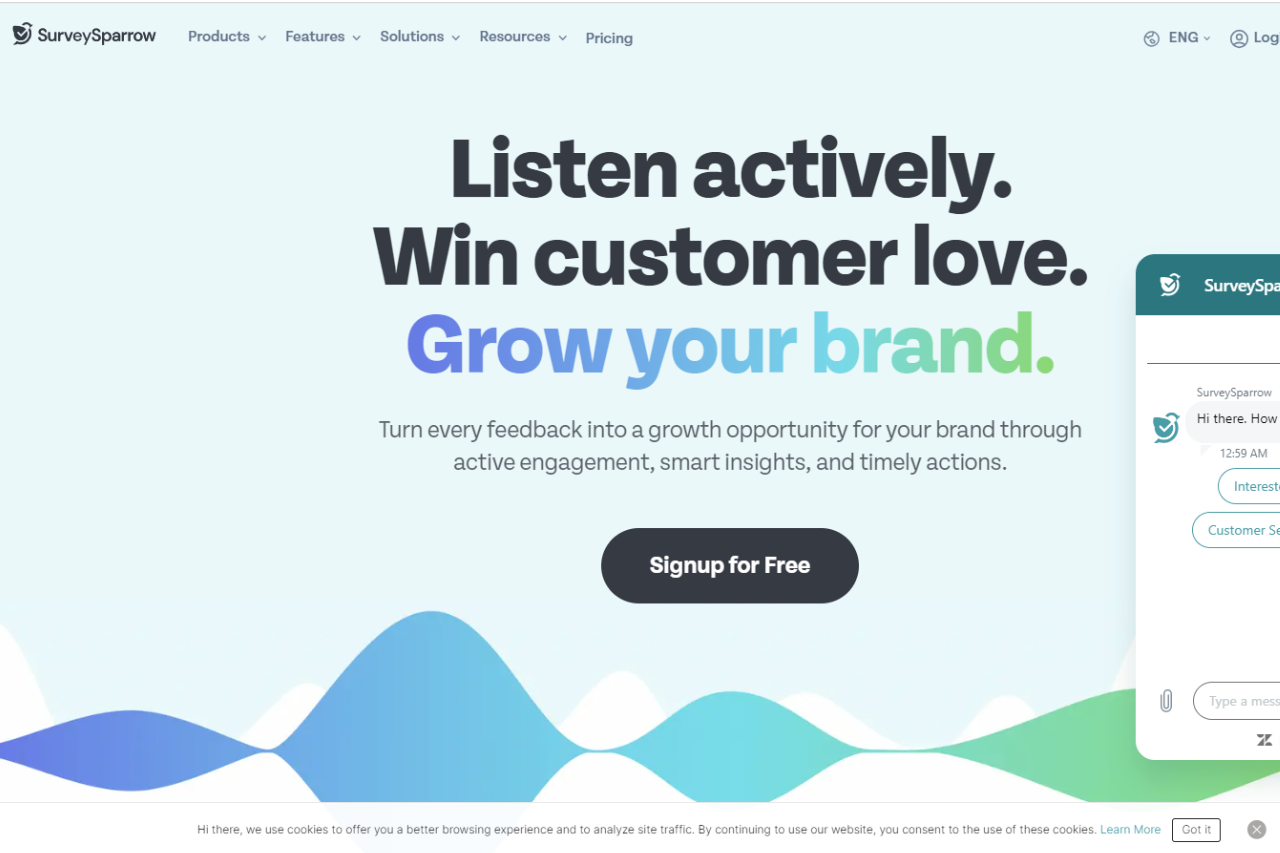
Revolutionizing Surveys: A SurveySparrow Review

πŸ† Our Verdict

SurveySparrow stands out as an innovative survey solution, redefining the way businesses collect feedback with its conversational interface and advanced features.

βœ… Pros & ❌ Cons

Pros:

  • πŸ”„ Conversational Surveys: Engage respondents with interactive, chat-like surveys for higher response rates.
  • πŸ”— Multi-Platform Compatibility: Seamlessly collect feedback across various devices and platforms for enhanced accessibility.
  • πŸ“Š Advanced Reporting: Gain valuable insights with comprehensive reporting tools and real-time analytics.
  • 🌐 Integration Capabilities: Integrate with popular tools and platforms to streamline workflows and enhance productivity.
  • πŸ”’ Security Measures: Ensure data privacy and security with robust encryption and compliance measures.

Cons:

  • πŸ’² Pricing: Some users may find the pricing plans relatively higher compared to competitors.
  • πŸ“‰ Learning Curve: New users may experience a learning curve while familiarizing themselves with the platform’s features.
  • πŸ“š Limited Customization: Customization options may be somewhat restricted compared to other survey platforms.

πŸ“– About SurveySparrow

SurveySparrow reimagines the survey experience with its user-friendly interface and innovative approach, making it a preferred choice for businesses seeking actionable insights through surveys.

πŸš€ How It Works

Signing Up for SurveySparrow

  1. Visit the SurveySparrow Website: Navigate to the SurveySparrow website to begin the signup process.
  2. Choose a Plan: Explore the available pricing plans and select the one that aligns with your business needs.
  3. Create an Account: Provide your email address, create a password, and fill in the necessary details to create your account.
  4. Account Setup: Complete the setup process by entering your business information and customizing your survey preferences.
  5. Design Your Survey: Create interactive and engaging surveys using SurveySparrow’s intuitive survey builder.
  6. Distribute Your Survey: Share your surveys with respondents via email, SMS, social media, or embed them on your website.
  7. Analyze Responses: Gain insights from respondent feedback using SurveySparrow’s advanced reporting and analytics tools.

πŸ’² Pricing Overview

Pricing Tiers

SurveySparrow offers a range of pricing plans to accommodate different business needs and scales. From basic plans for individual professionals to enterprise solutions for large organizations, there’s an option for everyone.

βœ… Free Tools Overview: SurveySparrow provides essential survey tools in its free offering, including basic features and limited responses.

πŸ’Ό Starter Plans Target Audience: Ideal for small businesses and individual professionals seeking advanced survey capabilities.

πŸš€ Professional Plans Designed For: Medium to large businesses looking for more advanced survey solutions with enhanced customization and reporting features.

🏒 Enterprise Plans Suited For: Large organizations requiring scalable survey solutions with advanced customization, security, and support.

πŸ₯Š Competition

SurveySparrowQualtrics
Pros– Conversational survey interface– Advanced reporting and analytics
– Multi-platform compatibility– Integration capabilities
– Advanced reporting features– Security measures
Cons– Relatively higher pricing for some– Limited customization options
users– Learning curve for new users
– Limited customization compared to– Higher pricing for advanced features
competitors– Limited customization compared to
competitors

πŸ“Œ Conclusion

SurveySparrow emerges as a leading survey solution, offering innovative features, intuitive design, and actionable insights to businesses of all sizes. With its conversational interface, advanced reporting capabilities, and integration options, it’s an ideal choice for organizations looking to elevate their survey experience.

β€œTransform Your Surveys with SurveySparrow.”

Qualtrics: A Deep Dive

πŸ† Our Verdict

Qualtrics shines as a premier platform for experience management, providing robust solutions tailored for businesses across various industries. With its versatile features and intuitive interface, it offers unparalleled insights to drive business success.

βœ… Pros & ❌ Cons

Pros:

πŸ“Š Advanced Analytics: Delivers sophisticated analytics tools for in-depth data analysis and insights.

πŸ“ Versatile Survey Creation: Offers a wide range of customizable survey options to gather precise feedback.

πŸ”— Seamless Integration: Integrates smoothly with multiple platforms for enhanced functionality and workflow.

πŸ“ˆ Powerful Reporting: Provides comprehensive reporting features to visualize data effectively.

🌐 Global Reach: Supports multi-language surveys and global operations, catering to diverse audiences.

Cons:

πŸ’² Pricing: Some users may find the pricing plans relatively higher compared to competitors.

πŸ› οΈ Learning Curve: New users may experience a learning curve while navigating the platform’s features.

πŸ”’ Limited Customization: Customization options may be somewhat restricted compared to other survey tools.

πŸ“– About Qualtrics

Established as a leader in experience management, Qualtrics aims to empower organizations with actionable insights to drive business growth. Its user-friendly interface and extensive feature set make it a preferred choice for businesses seeking to optimize customer and employee experiences.

πŸ—“οΈ How It Works

Qualtrics:

  1. Signup Process: Visit the Qualtrics website and sign up for an account.
  2. Select Plan: Explore the available pricing plans and choose the one that aligns with your business needs.
  3. Account Setup: Complete the account setup process by providing necessary information and preferences.
  4. Survey Creation: Create customized surveys tailored to your specific requirements and objectives.
  5. Integration: Integrate Qualtrics seamlessly with your existing platforms for enhanced functionality.
  6. Data Analysis: Utilize advanced analytics tools to derive actionable insights from survey responses.
  7. Reporting: Generate comprehensive reports to visualize data trends and make informed decisions.

πŸ’² Pricing Overview

Qualtrics offers a range of pricing plans designed to accommodate different business needs and scales. From basic plans for individual professionals to enterprise solutions for large organizations, there’s an option for everyone.

πŸ₯Š Competition

Qualtrics vs. SurveyMonkey:

Pros:

  • Advanced Analytics (Qualtrics) vs. User-Friendly Interface (SurveyMonkey)
  • Seamless Integration (Qualtrics) vs. Extensive Survey Templates (SurveyMonkey)
  • Powerful Reporting (Qualtrics) vs. Affordable Pricing (SurveyMonkey)

Cons:

  • Higher Pricing (Qualtrics) vs. Limited Analytics (SurveyMonkey)
  • Learning Curve (Qualtrics) vs. Basic Features (SurveyMonkey)
  • Limited Customization (Qualtrics) vs. Template Restriction (SurveyMonkey)

πŸ“Œ Conclusion

Qualtrics emerges as a leading platform for experience management, offering unparalleled features and insights to optimize customer and employee experiences. With its advanced analytics, seamless integration, and powerful reporting capabilities, it’s an indispensable tool for businesses striving for excellence in today’s competitive landscape.

β€œTransform Your Experiences with Qualtrics.”

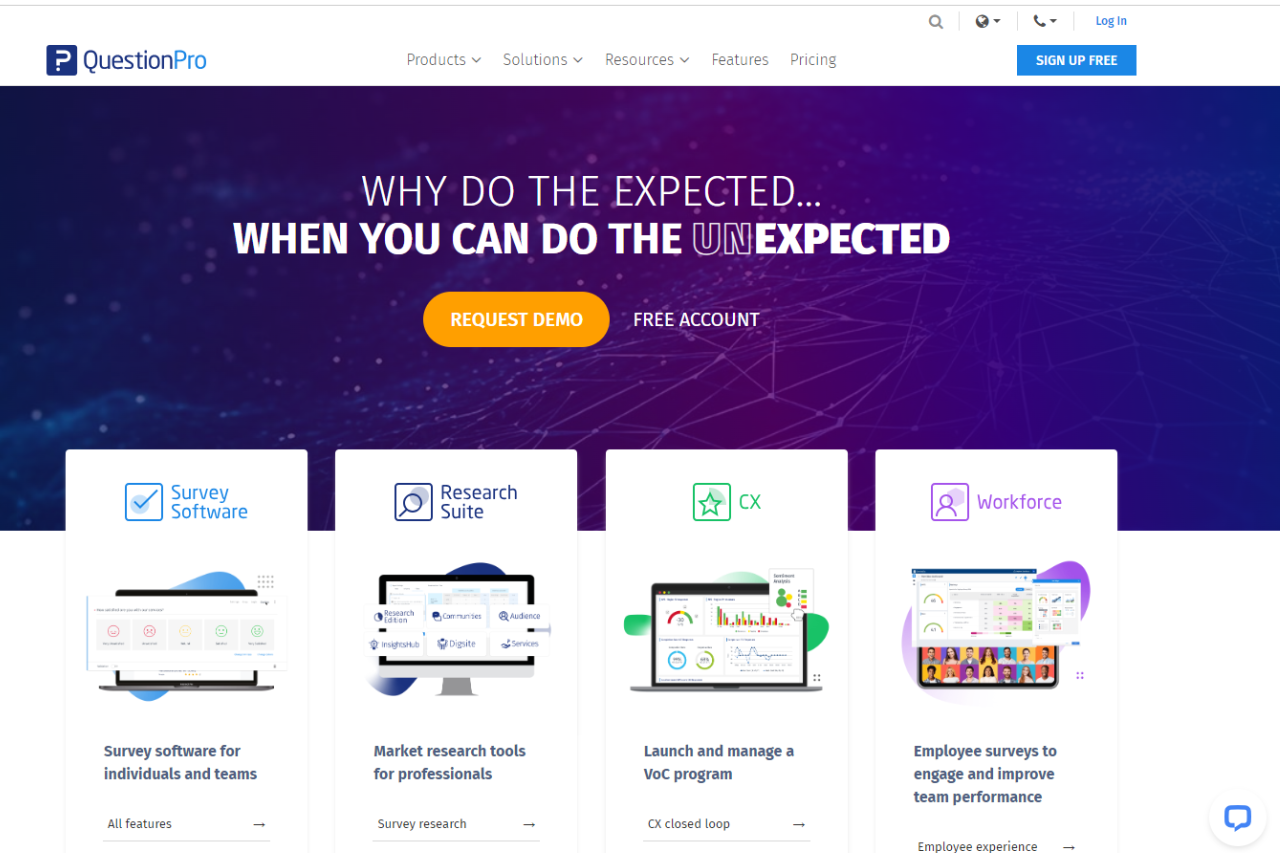
Assessing QuestionPro: A Comprehensive Survey Solution

πŸ† Our Verdict

QuestionPro emerges as a versatile survey platform, catering to various research needs with its array of features. While it offers a robust solution for survey creation and analysis, it has both strengths and areas for improvement.

βœ… Pros & ❌ Cons

Pros:

πŸ“Š Advanced Survey Creation: Offers a wide range of survey question types and customization options for tailored research projects.

πŸ”„ Versatile Analysis Tools: Provides comprehensive analytics and reporting features to derive meaningful insights from survey data.

πŸ“± Multi-Channel Distribution: Facilitates survey distribution across various channels, including email, social media, and websites, enhancing reach.

πŸ”’ Data Security: Ensures data security and compliance with privacy regulations, instilling trust among users and respondents.

🀝 Collaboration Capabilities: Enables seamless collaboration among team members during survey design, deployment, and analysis.

Cons:

πŸ’² Pricing Structure: Some users may find the pricing plans relatively higher compared to competitors, especially for advanced features.

πŸ› οΈ Learning Curve: New users may experience a learning curve while familiarizing themselves with the platform’s features and functionalities.

πŸ“ˆ Limited Customization: Customization options may be somewhat restricted compared to other survey platforms, limiting flexibility.

πŸ“– About QuestionPro

QuestionPro is a leading survey software provider, offering a comprehensive suite of tools for conducting surveys, analyzing responses, and deriving actionable insights. With its user-friendly interface and extensive feature set, it caters to the needs of researchers across various industries.

πŸ—“οΈ How It Works

Signing Up for QuestionPro

  1. Visit the QuestionPro Website: Navigate to the QuestionPro website at www.questionpro.com.
  2. Create an Account: Click on the β€œSign Up” or β€œGet Started” button on the homepage to begin the signup process.
  3. Provide Necessary Details: Enter your email address, create a password, and fill in other required information to create your account.
  4. Choose a Plan: Explore the available pricing plans and select the one that aligns with your needs. QuestionPro offers various plans tailored for different user requirements.
  5. Complete Account Setup: Once you’ve chosen a plan, follow the prompts to complete the setup process. This may involve providing additional details about your organization and preferences.

πŸ₯Š Competition

QuestionPro vs SurveyMonkey

Pros:

  • QuestionPro: Advanced survey creation features
  • QuestionPro: Versatile analysis tools
  • QuestionPro: Multi-channel distribution capabilities
  • SurveyMonkey: Extensive survey template library
  • SurveyMonkey: Intuitive survey builder interface
  • SurveyMonkey: Integration with popular productivity tools

Cons:

  • QuestionPro: Relatively higher pricing for some users
  • QuestionPro: Learning curve for new users
  • QuestionPro: Limited customization compared to competitors
  • SurveyMonkey: Restrictive features in the free plan
  • SurveyMonkey: Limited question types in basic plans
  • SurveyMonkey: Pricing plans may not suit all budgets

πŸ“Œ Conclusion

QuestionPro offers a comprehensive survey solution with advanced features for researchers and businesses. While it excels in survey creation and analysis, its pricing and customization options may require consideration based on specific needs and budget constraints.

β€œUnlock Insights with QuestionPro’s Powerful Survey Platform.”

Oracle: Powering Your Business Solutions

πŸ† Our Verdict

Oracle stands as a leading provider of business solutions, offering a comprehensive suite of tools to enhance organizational efficiency and productivity. With its extensive range of products and services, Oracle is an optimal choice for businesses seeking robust enterprise solutions.

βœ… Pros & ❌ Cons

Pros:

  • πŸ› οΈ Versatile range of business solutions.
  • 🌐 Global scalability and reliability.
  • πŸ”’ Strong emphasis on data security.
  • πŸ“Š Advanced analytics for informed decision-making.

Cons:

  • πŸ’² Higher initial investment.
  • πŸ“ˆ Steeper learning curve for complex features.

πŸ“– About Oracle

Established as a global leader in enterprise technology, Oracle provides businesses with a wide array of software and hardware solutions, including database management systems, cloud applications, and integrated platforms. With a focus on innovation and scalability, Oracle enables organizations to optimize their operations and drive growth.

🎯 What’s In It For You?

Oracle offers:

  • Versatile business solutions tailored to diverse industry needs.
  • Scalable cloud infrastructure for flexible deployment options.
  • Robust security measures to safeguard sensitive data.
  • Advanced analytics tools for actionable insights.

πŸš€ How It Works

Signing Up for Oracle:

  1. Visit the Oracle Website.
  2. Explore Products and Solutions.
  3. Choose a Plan or Request a Demo.
  4. Create an Account.
  5. Account Verification.
  6. Set Up Your Account Preferences.
  7. Access Resources and Support.
  8. Start Implementing Oracle Solutions.

πŸ”— Helpful Tips

  • Utilize Oracle’s extensive documentation and training resources.
  • Engage with the Oracle community for insights and best practices.

πŸ’² Oracle Pricing Overview

Oracle offers a wide range of products and services, and the pricing can vary significantly depending on the specific solutions and customization required by each business. Oracle typically provides customized pricing tailored to the needs of individual organizations. As a result, there isn’t a fixed price available on their website. Businesses interested in Oracle’s products and services usually need to contact Oracle’s sales team or request a quote directly from their website to get pricing details specific to their requirements.

πŸ₯Š Oracle vs. IBM

FeatureOracleIBM
Business SolutionsVersatile range of enterprise tools.Diverse suite of business software.
Global ReachEstablished global presence.Extensive network of clients.
Data SecurityRobust security measures in place.Emphasis on data protection.
AnalyticsAdvanced analytics capabilities.Strong analytics offerings.
PricingCustomized pricing structures.Tailored pricing options available.

πŸ“Œ Conclusion

Oracle stands as a reliable partner for businesses seeking scalable and innovative solutions to drive their digital transformation initiatives. With its comprehensive offerings and commitment to excellence, Oracle empowers organizations to thrive in today’s dynamic business landscape.

β€œEmpower Your Business with Oracle’s Cutting-Edge Solutions.”

ZoomInfo: Revolutionizing Business Intelligence for Growth

Our Verdict 🌟

ZoomInfo stands out as a leader in business intelligence, offering unparalleled access to detailed B2B data and analytics. It’s a vital tool for businesses aiming to refine their sales strategies and market understanding.

βœ… Pros & ❌ Cons

Pros:

  • Robust Database: Vast collection of B2B contacts and company information.
  • Targeted Tools: Advanced features for segmenting and targeting leads.
  • Integration Ease: Smoothly integrates with numerous CRM and marketing platforms.
  • Customization Options: Offers tailored solutions to fit specific business requirements.

Cons:

  • Premium Cost: Higher-tier features come at a premium price.
  • Learning Curve: May present a steep learning curve for beginners.

About ZoomInfo πŸ“Š

ZoomInfo is renowned for its rich database and analytics tools, helping businesses gain a competitive edge in market research, lead generation, and sales strategy formulation.

What’s In It For You? 🎯

ZoomInfo caters to companies seeking deep market insights and effective lead generation strategies. It’s particularly beneficial for sales and marketing teams in need of accurate and actionable business intelligence.

How It Works πŸ› 

  1. Registration Process: Simple and straightforward sign-up.
  2. Database Exploration: Access a comprehensive database of contacts and companies.
  3. Tool Integration: Easily integrate with existing sales and marketing tools.
  4. Personalized Solutions: Customizable options to match business needs.

ZoomInfo Pricing Overview πŸ’°

ZoomInfo offers diverse packages for its data-driven solutions and applications.

  • Business Email: Custom pricing for accurate email addresses, direct phone numbers, and company insights.
  • SalesOS: Packages to enhance the sales process, including company insights, engagement apps, and integration features.
  • MarketingOS: Solutions for digital marketing, including contact data, advertising tools, and integrations for website chat and form management.
  • TalentOS: Tailored for talent acquisition, offering advanced candidate search, sourcing intelligence, and engagement tools.

Each service is designed to optimize different business functions, from sales and marketing to talent acquisition.

Competition πŸ†

In Comparison to LinkedIn:

ZoomInfo Pros:

  • Extensive B2B data and analytics.
  • Detailed company and contact information.
  • Targeted lead generation tools.

ZoomInfo Cons:

  • Premium pricing for full features.
  • Complex interface for new users.

LinkedIn Pros:

  • Broad professional networking platform.
  • Recruitment and job search capabilities.
  • Wide user base for diverse connections.

LinkedIn Cons:

  • General data may lack business-specific depth.
  • Networking focus over targeted B2B insights.

ZoomInfo is ideal for detailed B2B insights and targeted sales strategies, while LinkedIn excels in professional networking and recruitment.

Conclusion 🎬

ZoomInfo is not just a tool but a strategic partner for businesses seeking to enhance their market presence and sales efficacy through data-driven insights.

β€œEmpower Your Business Strategy with ZoomInfo.”