🏆 Our Verdict
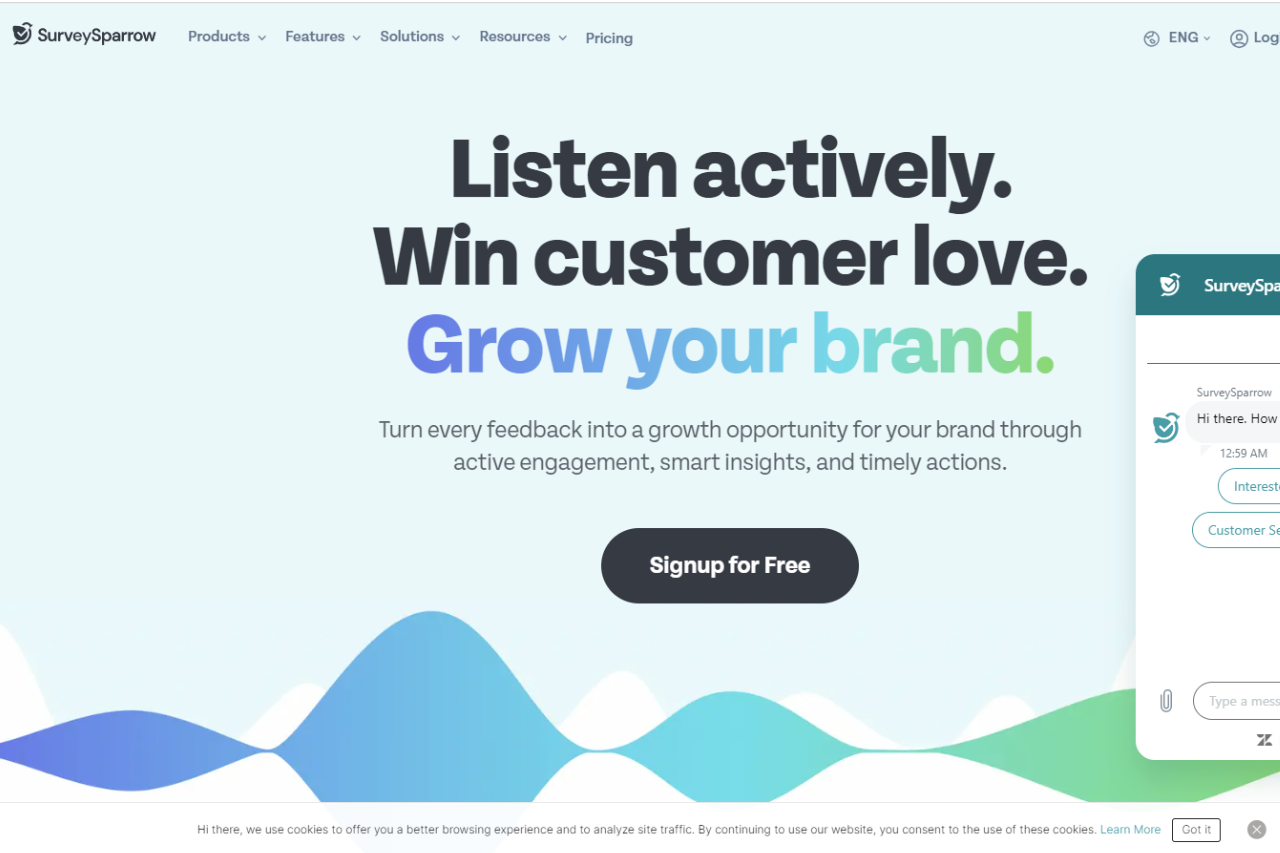
SurveySparrow stands out as an innovative survey solution, redefining the way businesses collect feedback with its conversational interface and advanced features.
✅ Pros & ❌ Cons
Pros:
- 🔄 Conversational Surveys: Engage respondents with interactive, chat-like surveys for higher response rates.
- 🔗 Multi-Platform Compatibility: Seamlessly collect feedback across various devices and platforms for enhanced accessibility.
- 📊 Advanced Reporting: Gain valuable insights with comprehensive reporting tools and real-time analytics.
- 🌐 Integration Capabilities: Integrate with popular tools and platforms to streamline workflows and enhance productivity.
- 🔒 Security Measures: Ensure data privacy and security with robust encryption and compliance measures.
Cons:
- 💲 Pricing: Some users may find the pricing plans relatively higher compared to competitors.
- 📉 Learning Curve: New users may experience a learning curve while familiarizing themselves with the platform’s features.
- 📚 Limited Customization: Customization options may be somewhat restricted compared to other survey platforms.
📖 About SurveySparrow
SurveySparrow reimagines the survey experience with its user-friendly interface and innovative approach, making it a preferred choice for businesses seeking actionable insights through surveys.
🚀 How It Works

Signing Up for SurveySparrow
- Visit the SurveySparrow Website: Navigate to the SurveySparrow website to begin the signup process.
- Choose a Plan: Explore the available pricing plans and select the one that aligns with your business needs.
- Create an Account: Provide your email address, create a password, and fill in the necessary details to create your account.
- Account Setup: Complete the setup process by entering your business information and customizing your survey preferences.
- Design Your Survey: Create interactive and engaging surveys using SurveySparrow’s intuitive survey builder.
- Distribute Your Survey: Share your surveys with respondents via email, SMS, social media, or embed them on your website.
- Analyze Responses: Gain insights from respondent feedback using SurveySparrow’s advanced reporting and analytics tools.
💲 Pricing Overview

Pricing Tiers
SurveySparrow offers a range of pricing plans to accommodate different business needs and scales. From basic plans for individual professionals to enterprise solutions for large organizations, there’s an option for everyone.
✅ Free Tools Overview: SurveySparrow provides essential survey tools in its free offering, including basic features and limited responses.
💼 Starter Plans Target Audience: Ideal for small businesses and individual professionals seeking advanced survey capabilities.
🚀 Professional Plans Designed For: Medium to large businesses looking for more advanced survey solutions with enhanced customization and reporting features.
LOOKING FOR A ONE-STOP SOLUTION TO YOUR GROWTH NEEDS?
🏢 Enterprise Plans Suited For: Large organizations requiring scalable survey solutions with advanced customization, security, and support.
🥊 Competition

| SurveySparrow | Qualtrics | |
|---|---|---|
| Pros | – Conversational survey interface | – Advanced reporting and analytics |
| – Multi-platform compatibility | – Integration capabilities | |
| – Advanced reporting features | – Security measures | |
| Cons | – Relatively higher pricing for some | – Limited customization options |
| users | – Learning curve for new users | |
| – Limited customization compared to | – Higher pricing for advanced features | |
| competitors | – Limited customization compared to | |
| competitors |
📌 Conclusion
SurveySparrow emerges as a leading survey solution, offering innovative features, intuitive design, and actionable insights to businesses of all sizes. With its conversational interface, advanced reporting capabilities, and integration options, it’s an ideal choice for organizations looking to elevate their survey experience.
“Transform Your Surveys with SurveySparrow.”