Growbots: Streamlining Your Sales Outreach

πŸ† Our Verdict

Growbots excels as a robust sales outreach platform, designed to enhance efficiency and effectiveness in generating leads and closing sales.

βœ… Pros & ❌ Cons Pros:

  • πŸ“§ Automated Outreach Sequences: Growbots automates the process of reaching out to leads through personalized email sequences, saving time and improving response rates.
  • πŸ“Š Advanced Analytics: The platform provides detailed analytics on outreach performance, helping teams optimize their sales strategies.
  • πŸ€– AI-Powered Lead Generation: Utilizes AI to identify and qualify leads, enabling more targeted and effective outreach efforts.
  • πŸ’» CRM Integration: Seamlessly integrates with CRM systems, ensuring smooth data flow and enhancing sales team productivity.

Cons:

  • πŸ’² Higher Pricing: Growbots’ pricing may be considered steep for smaller teams or startups, especially compared to competitors offering similar features.
  • πŸ“ˆ Learning Curve: Users may face a learning curve initially, particularly when setting up and optimizing automated sequences.
  • πŸ”§ Limited Customization: Customization options for email templates and workflows could be more extensive to meet diverse user needs.

πŸ“– About Growbots

Growbots is tailored for sales teams looking to automate and optimize their outreach efforts, leveraging AI-driven tools for lead generation and nurturing.

πŸ—“οΈ How It Works

  • Sign Up: Visit the Growbots website and sign up for an account.
  • Explore Features: Discover Growbots’ automation and AI-powered tools for sales outreach.
  • Integrate CRM: Connect Growbots with your CRM system to streamline lead management.
  • Create Outreach Campaigns: Build personalized email sequences to engage and convert leads effectively.
  • Monitor Analytics: Track outreach performance and use insights to refine strategies and improve results.

πŸ’² Pricing Overview

Growbots offers pricing plans tailored to different business needs, providing scalable solutions for sales teams.

FREE PLAN

Discover outbound value

  • No specific details provided.

ALL-IN-ONE

Empower your outbound potential

  • No specific details provided.

CONCIERGE

Bestseller

  • Let the experts handle it
    1. Define outreach volume
    2. Choose data source
    3. Summary

STARTER PACKAGE

  • AI-automated messages handling
  • Zapier integration
  • Deliverability monitoring
  • A/B testing
  • Live chat support
  • Unlimited user seats
  • Unlimited email accounts

PRO PACKAGE

  • Everything in Starter
  • Advanced sending limits
  • CRM integrations
  • AI template generator
  • Imported emails verification
  • Campaigns timeline access
  • Priority live chat support

OUTREACH VOLUME

How many emails per day do you want to send?

  • $29 / mo
  • When sending 100 emails per day, you can contact from 500 to 2,000 new prospects each month
  • Total: $29 / month

This breakdown covers the various packages offered by Growbots, detailing their features and pricing for different levels of outreach needs.

πŸ₯Š Competition

Growbots VS Outreach

GrowbotsOutreach
ProsPros
– Automated outreach sequences– Comprehensive sales engagement features
– Advanced analytics– Advanced analytics and reporting
– AI-powered lead generation– Integration with multiple platforms
ConsCons
– Higher pricing– Higher pricing for advanced plans
– Learning curve– Complexity in setting up complex workflows
– Limited customization options– Limited customization options

πŸ“Œ Conclusion

Growbots stands out as a powerful tool for automating and optimizing sales outreach, integrating AI-driven lead generation with advanced analytics. Despite higher pricing and a learning curve, its features cater well to teams looking to streamline their sales processes and boost productivity.

Growbots: Accelerate Your Sales Outreach Today
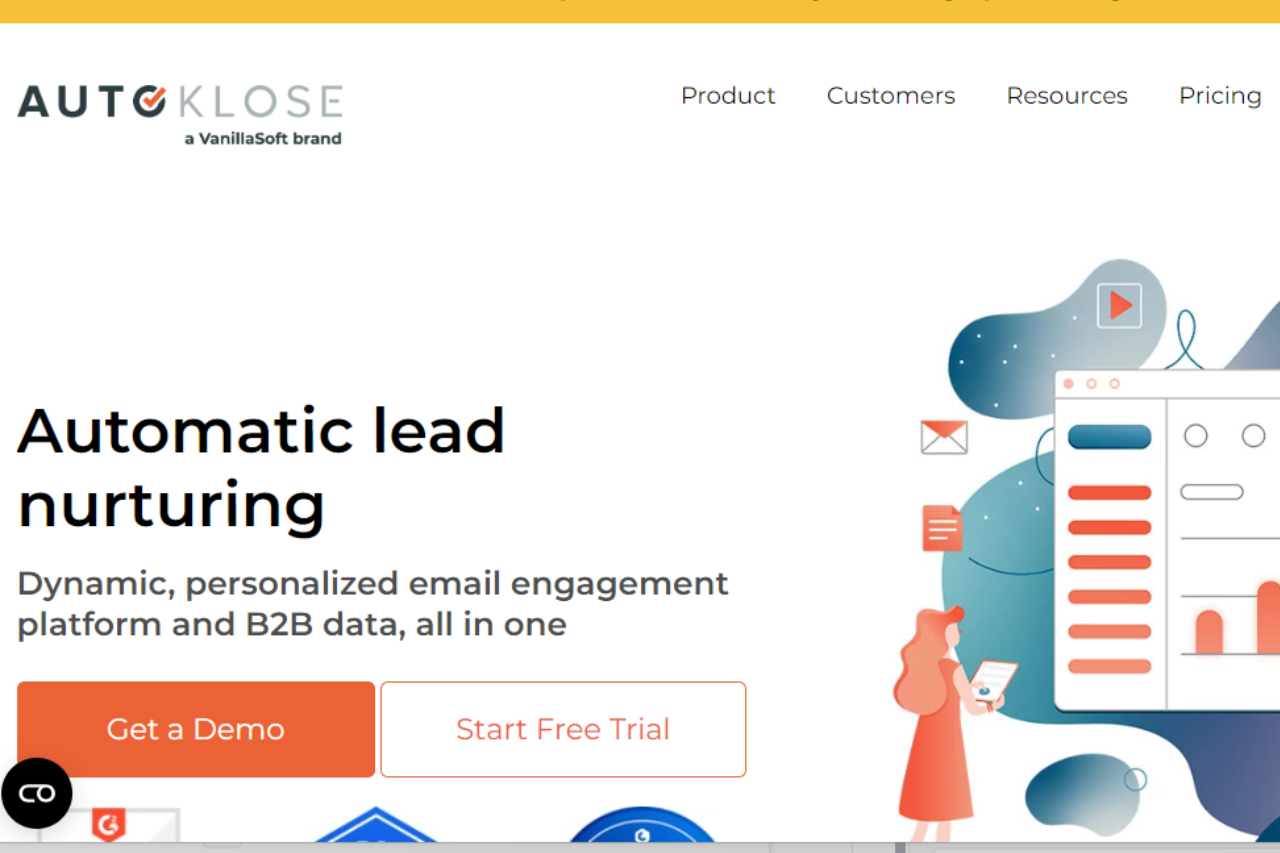
Autoklose: Revolutionizing Sales Outreach

πŸ† Our Verdict

Autoklose stands out as a robust sales automation platform, dedicated to enhancing sales outreach efficiency through its comprehensive features and intuitive interface.

βœ… Pros & ❌ Cons

Pros:

  • πŸ“§ Automated Email Sequences: Autoklose offers powerful tools for creating and managing automated email sequences, streamlining outreach efforts.
  • 🎯 Targeted Lead Generation: The platform provides advanced tools for lead generation, helping users identify and reach out to qualified prospects effectively.
  • πŸ“Š Analytics and Reporting: Autoklose’s analytics dashboard offers detailed insights into email performance and campaign effectiveness, enabling continuous optimization.
  • πŸ’» Integration Capabilities: Seamlessly integrates with various CRM platforms and other third-party tools, enhancing workflow integration.

Cons:

  • πŸ’² Pricing: Some users may find Autoklose’s pricing relatively higher, especially for comprehensive features and larger teams.
  • 🀯 Learning Curve: New users may require time to familiarize themselves with the platform’s extensive features and functionalities.
  • πŸ”§ Limited Customization: Customization options may be somewhat restricted compared to other advanced sales automation platforms.

πŸ“– About Autoklose

Autoklose is designed to empower sales teams with automation tools that streamline outreach efforts, optimize workflows, and improve sales productivity.

πŸ—“οΈ How It Works

  1. Sign Up: Visit the Autoklose website and sign up for an account.
  2. Choose a Plan: Explore the available pricing plans and select the one that best fits your sales needs.
  3. Set Up Your Account: Complete the setup process by configuring your email settings and integrating with your CRM.
  4. Create Email Campaigns: Use Autoklose’s intuitive campaign builder to create personalized email sequences.
  5. Monitor Performance: Track the performance of your campaigns through detailed analytics and reporting.
  6. Optimize Outreach: Adjust your strategies based on insights to improve engagement and conversions.

πŸ’² Pricing Overview

Autoklose offers flexible pricing plans tailored to meet the needs of different sales teams:

Autoklose Pricing Details:

Auto Kloser:

  • Price: $59.99 per user/month (billed monthly)
  • Features:
    • 2 automated email account connections per user
    • 500 outbound emails per connection
    • Unlimited contacts upload, campaigns, tracking, and follow-ups
    • Sales productivity tools & tracking
    • Email campaign management, A/B testing, and reporting

Advanced Kloser:

  • Price: $69.99 per user/month (billed monthly)
  • Features:
    • All features in Auto Kloser
    • 500 email verification credits
    • Application integration (SalesForce, Zapier, Pipedrive)
    • Team management, decision tree, and schedule sending

Accelerated Kloser:

  • Price: $99.99 per user/month (billed monthly)
  • Features:
    • All features in Advanced Kloser
    • 250 data credits per user/month
    • 1000 email verification credits

πŸ₯Š Competition

AutokloseOutreach
πŸ“§ Automated Email SequencesπŸš€ Comprehensive sales automation tools
🎯 Targeted Lead Generation🎯 Customizable sales cadences and workflows
πŸ“Š Analytics and ReportingπŸ“Š Robust analytics and reporting capabilities
πŸ’» Integration CapabilitiesπŸ’» Extensive integration with third-party platforms
πŸ’² Higher PricingπŸ’² Competitive pricing for enterprise solutions
🀯 Learning Curve🀯 Steeper learning curve for new users
πŸ”§ Limited CustomizationπŸ”§ Complexity in setting up and managing workflows

πŸ“Œ Conclusion

Autoklose emerges as a powerful tool for sales teams aiming to streamline outreach processes and boost productivity. With its automation capabilities, integrated analytics, and user-friendly interface, Autoklose empowers teams to achieve sales success efficiently.

Autoklose: Your Partner in Streamlined Sales Outreach

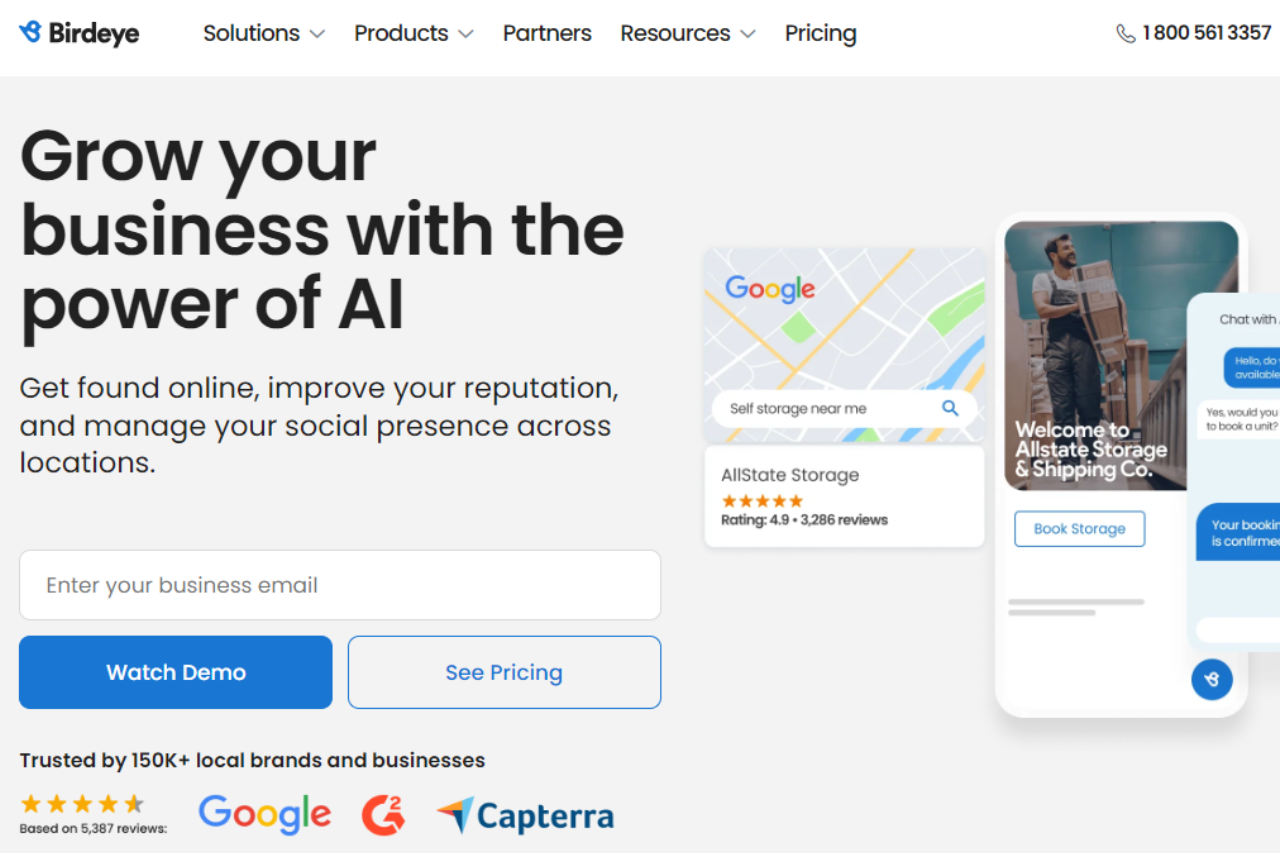
BirdEye: Transforming Your Online Reputation Management

πŸ† Our Verdict

BirdEye stands out as a comprehensive online reputation management platform, offering businesses powerful tools to monitor and enhance their online presence effectively.

βœ… Pros & ❌ Cons

Pros:

  • 🌟 Reputation Management: BirdEye provides robust tools for monitoring and managing online reviews across multiple platforms, helping businesses maintain a positive reputation.
  • πŸ“Š Customer Feedback Insights: The platform offers deep insights into customer feedback trends and sentiment analysis, enabling businesses to make data-driven decisions.
  • πŸ“ˆ Social Media Management: BirdEye integrates social media management features, allowing businesses to engage with customers and manage their social presence seamlessly.
  • πŸ’¬ Customer Interaction: Tools for customer engagement, including automated responses and customer sentiment analysis, help businesses build stronger relationships.

Cons:

  • πŸ’² Pricing: Some users may find BirdEye’s pricing plans to be on the higher side, especially for small businesses or startups.
  • πŸ•΅οΈβ€β™‚οΈ Learning Curve: New users may experience a learning curve when navigating BirdEye’s comprehensive suite of features.
  • πŸ“ˆ Integration Limitations: Integration options with certain CRM or marketing platforms may be limited compared to other reputation management tools.

πŸ“– About BirdEye

BirdEye is a leading platform specializing in online reputation management and customer experience solutions. It empowers businesses to manage customer feedback, online reviews, and social media interactions effectively.

πŸ—“οΈ How It Works

  • Sign Up: Visit the BirdEye website and sign up for an account.
  • Explore Features: Discover BirdEye’s tools for online reputation management, customer feedback insights, and social media engagement.
  • Customize Settings: Tailor BirdEye’s settings to align with your business needs, including integration with existing platforms.
  • Monitor Feedback: Track and analyze customer feedback across various channels to gain actionable insights.
  • Engage Customers: Use BirdEye’s engagement tools to respond to reviews, interact with customers, and enhance your online presence.

πŸ’² Pricing Overview

BirdEye offers customizable pricing plans to suit businesses of all sizes:

  • Essential Plan: Pricing available upon request, basic features for small businesses.
  • Professional Plan: Pricing available upon request, advanced reputation management tools.
  • Enterprise Plan: Pricing available upon request, tailored solutions for large organizations.

πŸ₯Š Competition

BirdEyeYotpo
🌟 Reputation Management🌟 eCommerce Reviews
πŸ“Š Customer Feedback InsightsπŸ“Š Customer Content Creation
πŸ“ˆ Social Media ManagementπŸ“ˆ Social Proof Integration
πŸ’¬ Customer InteractionπŸ’¬ Community Q&A Features
πŸ’² Higher PricingπŸ’² Pricing Suitable for eCommerce
πŸ•΅οΈβ€β™‚οΈ Learning CurveπŸ•΅οΈβ€β™‚οΈ Limited Analytics Features

πŸ“Œ Conclusion

BirdEye emerges as a top choice for businesses seeking to enhance their online reputation and customer engagement. Despite a higher price point, its robust features and comprehensive solutions make it a valuable investment for managing online presence effectively.

BirdEye: Elevate Your Online Reputation Today

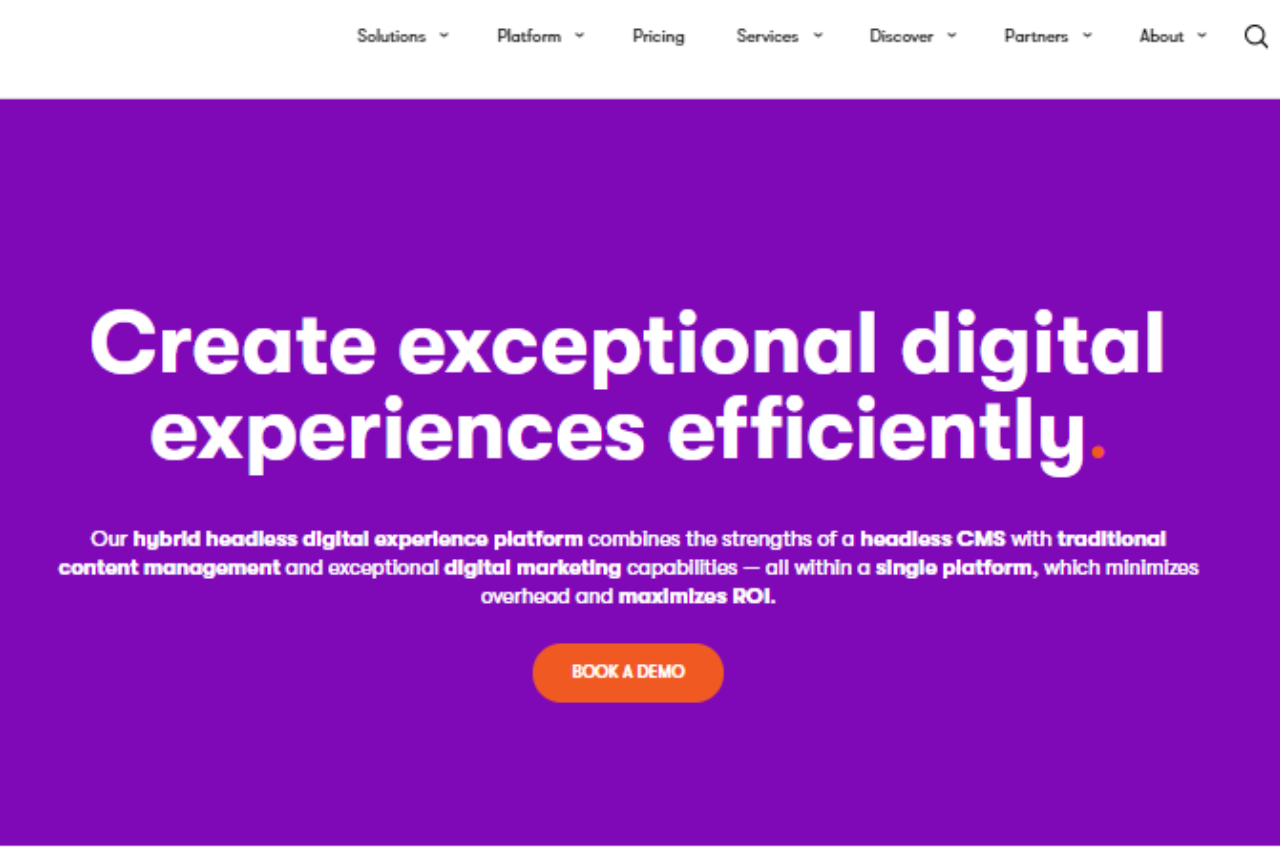
Kentico: Empowering Your Digital Experience

πŸ† Our Verdict

Kentico stands out as a robust digital experience platform, catering to enterprises with its comprehensive features and intuitive interface.

βœ… Pros & ❌ Cons

Pros:

  • 🌐 Comprehensive Digital Experience Tools: Kentico offers a wide range of tools for digital experience management, including content management, digital marketing, and e-commerce capabilities.
  • 🎨 Visual Design: The platform provides flexible tools for designing and customizing websites and digital experiences, ensuring a visually appealing and engaging user interface.
  • πŸ“Š Analytics: Kentico’s analytics dashboard provides actionable insights into user behavior and campaign performance, facilitating data-driven decision-making.
  • πŸ’» Integration: Seamlessly integrates with various third-party systems and applications, enhancing operational efficiency and scalability.

Cons:

  • πŸ’² Pricing: Kentico’s pricing structure may be considered high for smaller businesses or startups, especially compared to some competitors.
  • 🀯 Learning Curve: New users may face a learning curve due to the platform’s extensive feature set and customization options.
  • πŸ”§ Limited Native AI and Machine Learning: Kentico’s capabilities in AI and machine learning integration might be less extensive compared to some leading digital experience platforms.

πŸ“– About Kentico

Kentico has established itself as a leading player in the digital experience platform market, empowering businesses to deliver seamless and personalized digital experiences across multiple channels.

πŸ—“οΈ How It Works

  1. Sign Up: Visit the Kentico website and explore the features and solutions available.
  2. Choose a Plan: Select a suitable plan based on your business needs, whether it’s content management, digital marketing, or e-commerce.
  3. Setup Your Account: Complete the setup process by providing necessary information about your business and digital experience goals.
  4. Design Your Experiences: Use Kentico’s intuitive tools to create and customize websites, landing pages, and digital campaigns.
  5. Deploy and Optimize: Launch your digital experiences, monitor performance through Kentico’s analytics, and optimize based on data insights.

πŸ’² Pricing Overview

Kentico offers flexible pricing tailored to different business needs:

  • Xperience by Kentico (SaaS):
  • Standard Tier:
    • Price: From $1,990/month
  • Advanced Tier:
    • Price: From $2,490/month
  • Xperience by Kentico (Self-managed / License-only):
  • Standard Tier:
    • Price: From $990/month
  • Advanced Tier:
    • Price: From $1,990/month
  • Kentico Xperience 13:
  • Business:
    • Price: From $12,500/year
  • Enterprise:
    • Price: From $22,300/year
  • Corporate:
    • Price: Contact for pricing

πŸ₯Š Competition

Kentico VS Adobe Experience Manager

KenticoAdobe Experience Manager
ProsPros
– Comprehensive digital experience tools– Extensive content management capabilities
– Visual design flexibility– Advanced personalization features
– Integration capabilities– Robust analytics and reporting
ConsCons
– Higher pricing structure– Complexity in setup and customization
– Learning curve for new users– Higher resource requirements
– Limited AI and machine learning features– Costly for smaller businesses

πŸ“Œ Conclusion

Kentico emerges as a top choice for enterprises seeking a robust digital experience platform that combines powerful features with scalability. Despite its pricing and learning curve considerations, Kentico excels in delivering personalized and impactful digital experiences.

Kentico: Transforming Digital Experiences

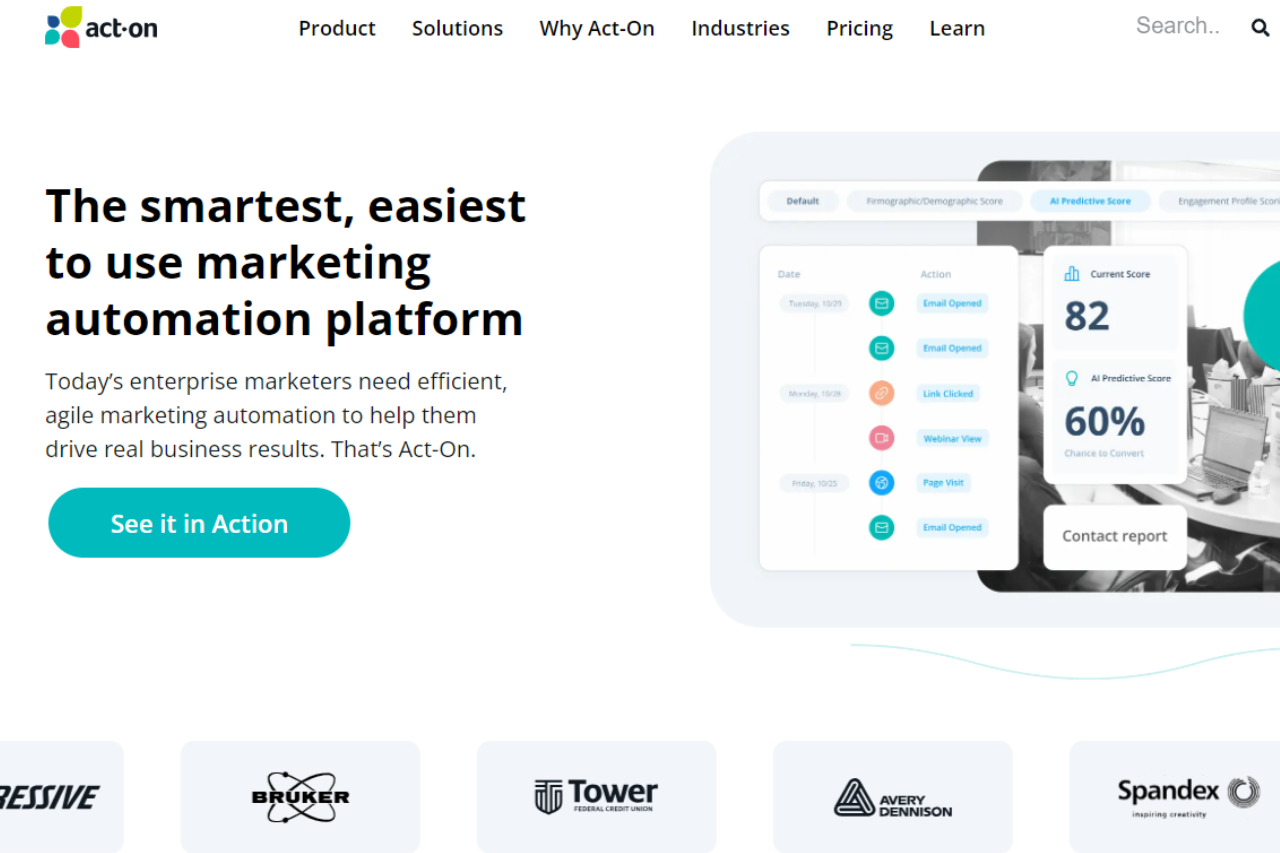
Act-On: Revolutionizing Marketing Automation

πŸ† Our Verdict

Act-On stands out as a powerful marketing automation platform, tailored to streamline marketing efforts across diverse business needs with its robust features and intuitive interface.

βœ… Pros & ❌ Cons

Pros:

  • πŸ€– Advanced Marketing Automation: Act-On offers comprehensive tools for automating marketing tasks, from lead nurturing to customer retention strategies.
  • πŸ“Š Analytics and Reporting: Detailed analytics dashboards provide actionable insights to optimize marketing campaigns and enhance ROI.
  • πŸ“§ Email Marketing Excellence: Powerful email marketing capabilities with personalized messaging and responsive design templates.
  • πŸ“ˆ Scalability: Scalable solutions suitable for small businesses to large enterprises, adapting to growing marketing demands.

Cons:

  • πŸ’² Pricing Complexity: Pricing structures may be perceived as complex, especially for businesses scaling their marketing operations.
  • 🌐 Integration Challenges: Integrating Act-On with other platforms may require technical expertise, impacting workflow efficiency.

πŸ“– About Act-On

Act-On empowers businesses with comprehensive marketing automation solutions, enabling them to drive growth and engagement through targeted campaigns.

πŸ—“οΈ How It Works

  1. Sign Up: Visit Act-On’s website and create an account to get started.
  2. Choose a Plan: Explore Act-On’s pricing options and select the plan that aligns with your business goals.
  3. Set Up: Complete the setup by configuring your account settings and integrating with necessary platforms.
  4. Automate: Use Act-On’s intuitive tools to automate marketing tasks, from email campaigns to lead scoring.
  5. Analyze: Monitor campaign performance using detailed analytics and adjust strategies for optimal results.

πŸ’² Pricing Overview

Act-On offers flexible pricing plans tailored to business needs and scalability:

Act-On Pricing Overview:

  • Professional Plan:
  • Cost: $900 per month
  • Features:
    • World-class marketing automation
    • Integration with various MarTech systems
    • Multichannel marketing programs
    • Customer engagement across lifecycle
    • Standard email-based support
    • Open API, Zapier, and Cazoomi integrations
    • Interactive analytics and reporting dashboards
  • Enterprise Plan:
  • Cost: Custom pricing (contact sales)
  • Features:
    • All features of the Professional plan
    • Deep CRM connectors (Zendesk, Salesforce, Microsoft Dynamics)
    • Data Studio for advanced reporting
    • Account-Based Marketing
    • Additional user accounts
    • Advanced social media module
    • Automated SMS marketing
    • Transactional email

πŸ₯Š Competition

Act-OnHubSpot
Advanced Marketing AutomationExtensive CRM capabilities
Detailed Analytics and ReportingIntegrated Sales Hub
Email Marketing ExcellenceRobust Content Management
Scalable SolutionsAll-in-one Marketing Platform

πŸ“Œ Conclusion

Act-On emerges as a top choice for businesses looking to elevate their marketing efforts through automation and analytics. With scalable solutions and robust features, Act-On empowers businesses to achieve marketing success.

Act-On: Your Path to Marketing Excellence

Vagaro: Streamlining Your Salon and Spa Management

πŸ† Our Verdict

Vagaro stands out as a comprehensive salon and spa management platform, offering robust tools tailored to the needs of beauty and wellness businesses.

βœ… Pros & ❌ Cons

Pros:

  • πŸ§–β€β™€οΈ Comprehensive Spa and Salon Management Tools: Vagaro provides a wide range of tools for managing appointments, client profiles, staff schedules, and inventory efficiently.
  • 🎨 Modern Interface with Intuitive Design: The platform offers a user-friendly interface with intuitive navigation, making it easy for both staff and clients to use.
  • πŸ“Š Advanced Analytics for Strategic Insights: Vagaro’s analytics feature provides valuable insights into business performance, helping spa owners make informed decisions.
  • πŸ’» Extensive Marketplace Integrations: Seamlessly integrates with various third-party applications, enhancing operational efficiency and expanding functionality.

Cons:

  • πŸ’² Higher Pricing for Smaller Businesses: Some smaller businesses may find Vagaro’s pricing plans relatively higher compared to other similar platforms.
  • 🀯 Learning Curve: New users might experience a learning curve while familiarizing themselves with the platform’s extensive features.
  • πŸ”§ Limited Customization Options: Customization capabilities are somewhat limited, especially for businesses looking for highly tailored solutions.

πŸ“– About Vagaro

Vagaro has established itself as a leading software provider for the beauty and wellness industry, empowering businesses with tools to streamline operations and enhance client experiences.

πŸ—“οΈ How It Works

  1. Sign Up: Visit the Vagaro website and sign up for a demo or account.
  2. Choose a Plan: Explore the available pricing plans tailored to different business sizes and needs.
  3. Set Up Your Account: Complete the setup process by configuring services, staff, and other business specifics.
  4. Manage Operations: Utilize Vagaro’s features to schedule appointments, manage inventory, run marketing campaigns, and analyze business performance.
  5. Monitor Performance: Track key metrics and customer feedback to optimize operations and grow your business.

πŸ’² Pricing Overview

Vagaro offers various pricing plans designed to meet the needs of different salon and spa businesses. From basic plans for small studios to advanced solutions for large spas, there’s an option for every business size.

Starter Plan: Starting at $25/month, includes essential scheduling and client management features.
Pro Plan: Priced at $35/month, offers additional marketing and reporting tools to grow your business. Ultimate Plan: At $85/month, this plan includes advanced features like membership management and multi-location support.

πŸ₯Š Competition

VagaroMindbody
ProsPros
– Comprehensive spa and salon management tools– Extensive management features
– Modern interface with intuitive design– Robust scheduling and booking capabilities
– Advanced analytics for strategic insights– Advanced marketplace integrations
ConsCons
– Higher pricing for smaller businesses– Complex setup and learning curve
– Limited customization options– Higher costs for additional features

πŸ“Œ Conclusion

Vagaro emerges as a top choice for salons and spas seeking an all-in-one management solution. With its comprehensive tools, intuitive interface, and robust support, Vagaro empowers businesses to thrive in the competitive beauty industry.

Vagaro: Elevate Your Spa Experience

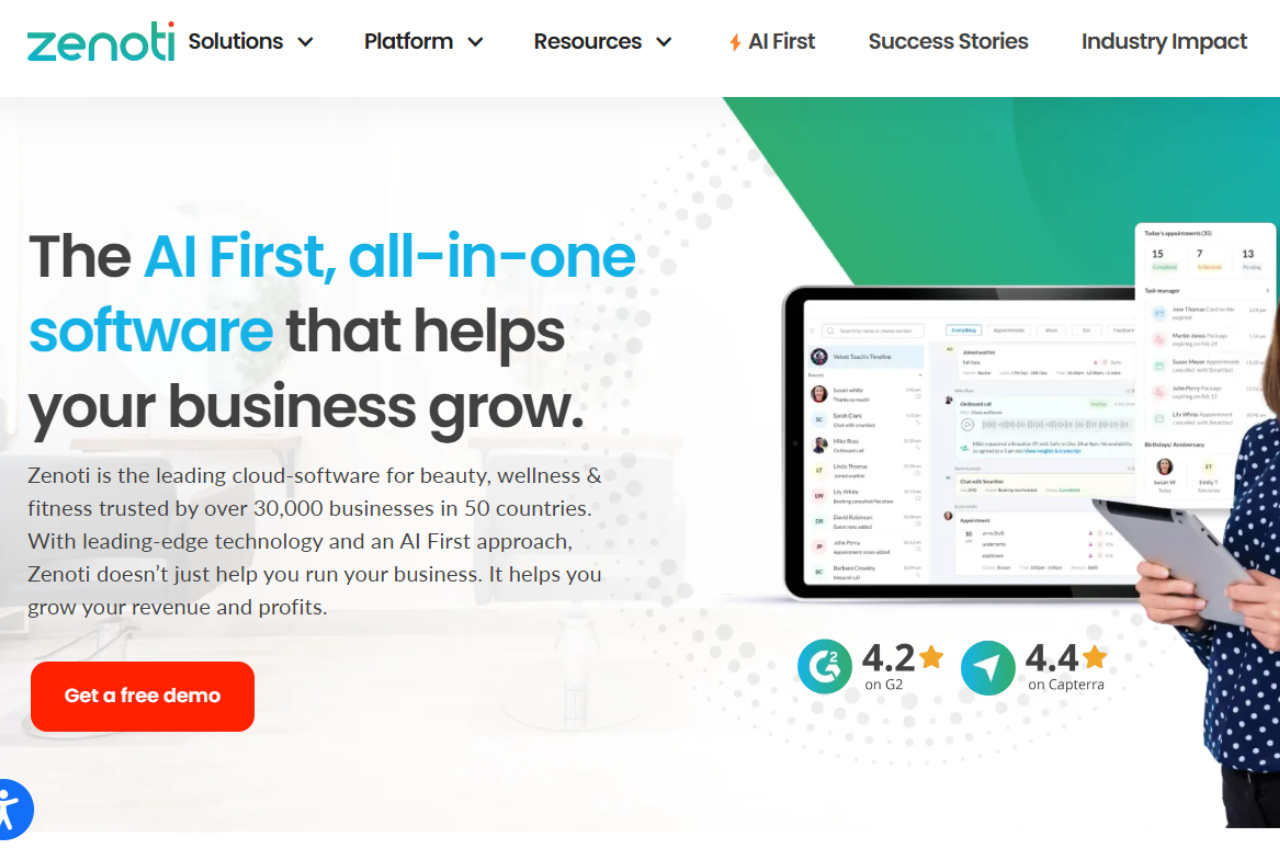
Zenoti: Elevating Your Spa and Salon Management

πŸ† Our Verdict

Zenoti stands out as a comprehensive spa and salon management software, catering to businesses of all sizes with its robust features and intuitive interface.

βœ… Pros & ❌ Cons

Pros:

  • πŸ§– Comprehensive Spa and Salon Management: Zenoti offers a wide array of tools for managing appointments, inventory, marketing, and customer relationships.
  • 🎨 Visual Design: The platform provides a sleek and modern interface that enhances user experience and customer engagement.
  • πŸ“Š Analytics: Zenoti’s advanced analytics capabilities provide valuable insights into business performance, aiding in strategic decision-making.
  • πŸ’» Integration: Seamlessly integrates with various third-party platforms, enhancing operational efficiency.

Cons:

  • πŸ’² Pricing: Some businesses may find Zenoti’s pricing plans relatively higher compared to competitors, especially for smaller establishments.
  • 🀯 Learning Curve: New users may experience a learning curve while adapting to Zenoti’s extensive feature set.
  • πŸ”§ Customization: Customization options may be limited compared to other spa and salon management solutions.

πŸ“– About Zenoti

Zenoti has established itself as a leader in the spa and salon management industry, providing comprehensive tools to streamline operations and enhance customer satisfaction.

πŸ—“οΈ How It Works

  1. Sign Up: Visit the Zenoti website and sign up for a demo or account.
  2. Choose a Plan: Explore the available pricing plans tailored to different business sizes and needs.
  3. Set Up Your Account: Complete the setup process by configuring services, staff, and other business specifics.
  4. Manage Operations: Utilize Zenoti’s features to schedule appointments, manage inventory, run marketing campaigns, and analyze business performance.
  5. Monitor Performance: Track key metrics and customer feedback to optimize operations and grow your business.

πŸ’² Pricing Overview

Searched 6 sites

Zenoti does not provide a straightforward public pricing list on their website. Instead, they encourage potential customers to contact them directly to discuss specific business requirements and obtain a customized quote. This approach allows Zenoti to tailor their solutions to fit the unique needs of each business, considering factors such as the number of locations, the range of services offered, and specific feature requirements.

πŸ₯Š Competition

ZenotiMindbody
ProsPros
– Comprehensive spa and salon management tools– Extensive management features
– Modern interface with intuitive design– Robust scheduling and booking capabilities
– Advanced analytics for strategic insights– Extensive marketplace integrations
ConsCons
– Higher pricing for smaller businesses– Complex setup and learning curve
– Limited customization options– Higher costs for additional features

πŸ“Œ Conclusion

Zenoti emerges as a top choice for spa and salon businesses looking to streamline operations and enhance customer experience. With its powerful features, intuitive interface, and robust support, Zenoti empowers businesses to thrive in the competitive wellness industry.

Zenoti: Transforming Spa and Salon Management

MailerLite: Simplifying Your Email Marketing

πŸ† Our Verdict

MailerLite stands out as a streamlined and user-friendly email marketing platform, ideal for businesses looking to efficiently manage their campaigns with ease.

βœ… Pros & ❌ Cons

Pros:

  • πŸ’Œ Intuitive Email Builder: Create visually appealing emails quickly with drag-and-drop simplicity.
  • πŸ“ˆ Automation Capabilities: Automate workflows to streamline campaign management and audience engagement.
  • 🌐 Integration Options: Seamlessly integrates with various third-party apps and platforms for enhanced functionality.
  • πŸ“Š Analytics Dashboard: Provides insightful metrics to track campaign performance and optimize strategies.

Cons:

  • πŸ’² Limited Advanced Features: Some advanced marketing features may be less robust compared to competitors.
  • πŸ“§ Customer Support: Support options could be more extensive, especially for urgent technical issues.
  • 🎨 Template Variety: Template selection might be narrower compared to more established platforms.

πŸ“– About MailerLite

MailerLite has established itself as a reliable choice for businesses seeking straightforward yet powerful email marketing solutions. With a focus on usability and effectiveness, it caters to both beginners and experienced marketers.

πŸ—“οΈ How It Works

  1. Sign Up: Visit the MailerLite website and sign up for an account.
  2. Choose a Plan: Explore the pricing options and select the plan that suits your business needs.
  3. Set Up Your Account: Complete the setup process by configuring your account settings and preferences.
  4. Create Campaigns: Use the intuitive email editor to design and schedule your campaigns.
  5. Track Performance: Monitor campaign performance through detailed analytics and optimize based on insights.

πŸ’² Pricing Overview

MailerLite offers flexible pricing plans designed to accommodate businesses of various sizes and needs. it scales up with affordable options as your subscriber list grows.

Free plan: Supports up to 1,000 subscribers with 12,000 monthly emails, basic features, and 24/7 email & chat support for up to 30 days.

Growing Business: $9.00 per month ($108.00 billed yearly) for up to 500 subscribers, unlimited emails, 3 users, and expanded features including selling digital products and advanced campaign options.

Advanced: $18.00 per month ($216.00 billed yearly) for up to 500 subscribers, unlimited emails, unlimited users, and enhanced capabilities such as Facebook integration, AI writing assistance, and more.

Enterprise: Custom pricing tailored for businesses with over 100,000 subscribers, offering dedicated support, advanced features, and personalized consultations for optimal email marketing performance.

πŸ₯Š Competition

FeatureMailerLiteMailchimp
Pros– Intuitive email builder– Extensive template library
– Automation capabilities– Robust automation features
– Integration options– Advanced segmentation options
Cons– Limited advanced features– Higher pricing
– Customer support– Limited customer support options
– Template variety– Complexity for beginners

πŸ“Œ Conclusion

MailerLite emerges as a strong contender for businesses seeking an easy-to-use email marketing solution without compromising on essential features. With its intuitive design tools, automation capabilities, and integration options, MailerLite is poised to help businesses succeed in their marketing efforts.

MailerLite: Streamline Your Email Marketing Efforts

AWeber: Empowering Your Email Marketing

πŸ† Our Verdict

AWeber shines as a versatile email marketing platform, catering to businesses of all sizes with its robust features and user-friendly interface.

βœ… Pros & ❌ Cons

Pros:

  • πŸ“§ Comprehensive Email Marketing Tools: AWeber offers a wide array of email marketing features, including customizable templates, autoresponders, and segmentation options.
  • 🎨 Visual Design: The platform provides intuitive tools for designing visually appealing emails that capture audience attention.
  • πŸ“Š Analytics: AWeber’s analytics dashboard offers insightful data on email performance, helping users refine their marketing strategies.
  • πŸ’» Integration: Seamlessly integrates with various third-party platforms, enhancing workflow efficiency.

Cons:

  • πŸ’² Pricing: Some users may find AWeber’s pricing plans relatively higher compared to competitors, especially for advanced features.
  • 🀯 Learning Curve: New users may experience a learning curve while familiarizing themselves with the platform’s features and functionalities.
  • πŸ”§ Limited Customization: Customization options may be somewhat restricted compared to other email marketing platforms.

πŸ“– About AWeber

AWeber has established itself as a leader in the email marketing industry, providing businesses with the tools they need to create and manage successful email campaigns.

πŸ—“οΈ How It Works

  1. Sign Up: Visit the AWeber website and sign up for an account.
  2. Choose a Plan: Explore the available pricing plans and select the one that best suits your business needs.
  3. Set Up Your Account: Complete the setup process by providing necessary information about your business and email marketing goals.
  4. Design Your Emails: Use AWeber’s intuitive email editor to design captivating emails that engage your audience.
  5. Create Your Campaign: Set up your email campaign, define your target audience, and schedule your emails for delivery.
  6. Monitor Performance: Track the performance of your email campaigns using AWeber’s analytics tools, and make adjustments as needed.

πŸ’² Pricing Overview

AWeber offers various pricing plans to accommodate different business needs and budgets. From basic plans for beginners to advanced solutions for established businesses, there’s an option for everyone.

  • Free Plan: Supports up to 500 subscribers and basic features.
  • Lite Plan: Starts at $12.49/month when billed annually, includes more features and capacity for growing subscriber lists.
  • Plus Plan: Priced at $19.99/month (billed annually), this plan offers advanced analytics, unlimited automations, and priority support.
  • Unlimited Plan: At $899/month, this plan offers unlimited subscribers and the highest volume of emails, suitable for very large businesses.

πŸ₯Š Competition

AWeberMailchimp
ProsPros
– Comprehensive email marketing tools– Extensive template library
– Customizable email templates– Robust automation features
– Integration with third-party apps– Advanced segmentation options
ConsCons
– Relatively higher pricing– Limited customer support options
– Learning curve for new users– Complexity for beginners

πŸ“Œ Conclusion

AWeber emerges as a top choice for businesses seeking a reliable and feature-rich email marketing solution. With its comprehensive tools, user-friendly interface, and excellent customer support, AWeber empowers businesses to succeed in their email marketing efforts.

AWeber: Your Partner in Email Marketing Success

Unveiling the Power of GetResponse: A Comprehensive Email Marketing Solution

πŸ† Our Verdict

GetResponse stands out as a comprehensive email marketing solution, offering versatile tools suitable for businesses of all sizes. With its intuitive interface and extensive feature set, it provides seamless email marketing solutions across various industries and needs.

βœ… Pros & ❌ Cons

Pros:

  • πŸ“§ Email Marketing: Offers a wide range of email marketing tools, including email design, automation, and analytics.
  • πŸ”— Landing Pages: Provides customizable landing page templates to create engaging landing pages for campaigns.
  • πŸ“ˆ Marketing Automation: Allows automation of marketing workflows to streamline processes and improve efficiency.
  • πŸ“Š Analytics: Offers in-depth analytics and reporting features to track campaign performance and user engagement.
  • 🌐 Integration: Provides integration with various third-party tools and platforms for enhanced marketing capabilities.

Cons:

  • πŸ’² Pricing: Some users may find the pricing plans relatively higher compared to competitors.
  • πŸ“‰ Learning Curve: New users may experience a learning curve while familiarizing themselves with the platform’s features.
  • πŸ“š Limited Customization: Customization options may be somewhat restricted in certain areas compared to other email marketing tools.

πŸ“– About GetResponse

Established as a leader in the email marketing industry, GetResponse aims to simplify the email marketing process for businesses and marketers alike. Its user-friendly interface and comprehensive feature set make it a preferred choice for email marketing campaigns seamlessly.

πŸ—“οΈ How It Works

  1. Signing Up for GetResponse
    • Visit the GetResponse website and navigate to the signup page.
    • Choose a plan that aligns with your business needs.
    • Create an account by providing your email address and setting up a password.
    • Complete the setup process by entering your business information and customizing your email marketing preferences.
  2. Creating Email Campaigns
    • Explore the email marketing tools offered by GetResponse, including email templates and drag-and-drop editor.
    • Design your email campaign by customizing the template, adding images, text, and CTAs.
    • Set up automation workflows to automate your email marketing campaigns and follow-ups.
  3. Analyzing Campaign Performance
    • Track the performance of your email campaigns using GetResponse’s analytics and reporting features.
    • Monitor metrics such as open rates, click-through rates, and conversion rates to optimize your campaigns for better results.

πŸ’² Pricing Overview

🌟 Pricing Tiers

GetResponse offers a range of pricing plans to accommodate different business needs and scales. From basic plans for individual professionals to advanced solutions for teams and enterprises, there’s an option for everyone.

βœ… Basic Plan: Ideal for beginners and small businesses with basic email marketing needs.
βœ… Plus Plan: Suitable for growing businesses with advanced automation and integration requirements.
βœ… Professional Plan: Designed for larger businesses and enterprises with sophisticated marketing needs.
βœ… Max Plan: Tailored for marketing agencies and high-volume senders requiring maximum scalability and support.

πŸ₯Š Competition

GetResponse VS Mailchimp

GetResponseMailchimp
ProsComprehensive email marketing toolsVersatile email marketing solutions
Customizable landing pagesExtensive integration options
Marketing automation capabilitiesUser-friendly interface
ConsRelatively higher pricing for some usersHigher learning curve for new users
Limited customization optionsPricing plans may be less flexible

πŸ“Œ Conclusion

GetResponse emerges as a robust email marketing solution, offering a comprehensive suite of features to simplify the email marketing process for businesses and marketers. With its user-friendly interface, extensive integrations, and flexible pricing options, it’s an ideal choice for businesses looking to elevate their email marketing strategies.

β€œPower Your Email Marketing with GetResponse.”