Empowering Your Email Marketing: A Comprehensive Review of ConvertKit

🏆 Our Verdict

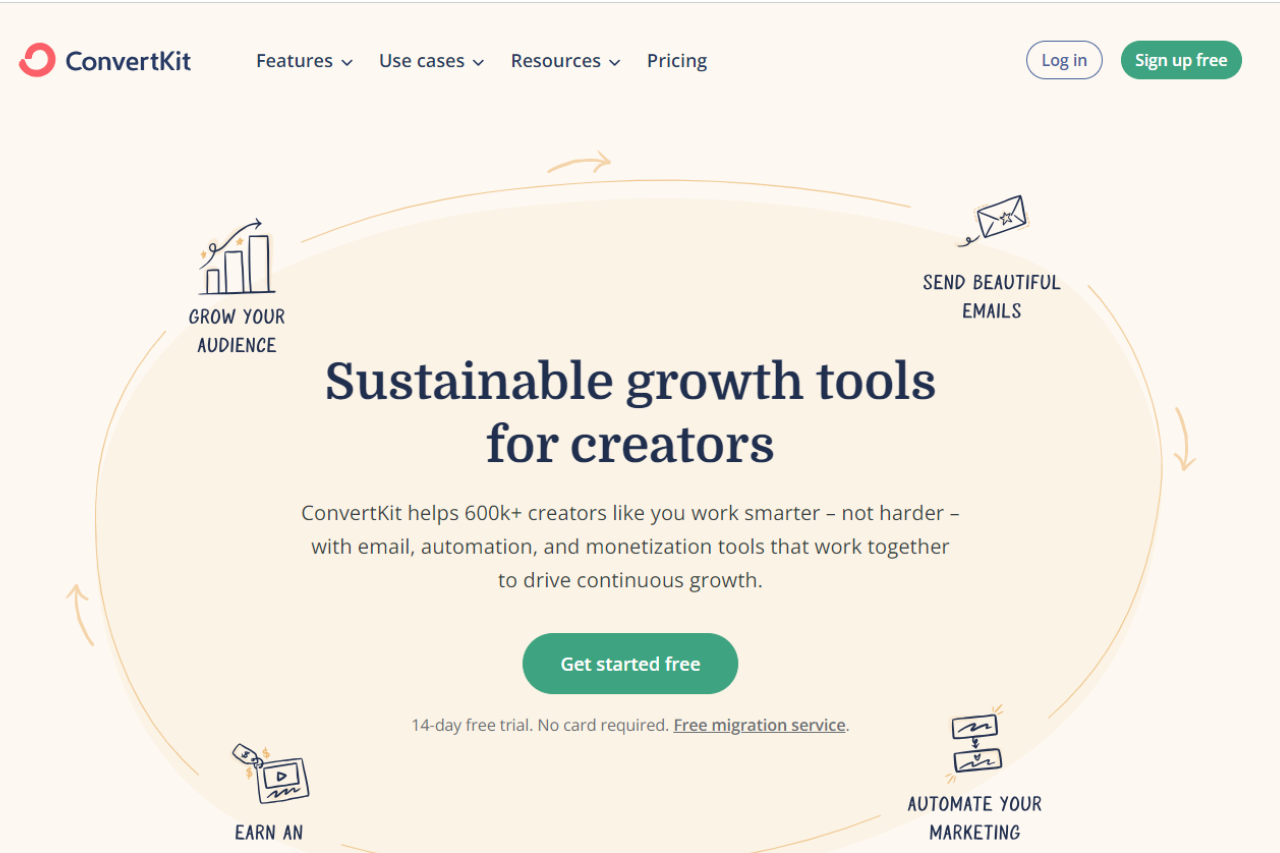
ConvertKit shines as a robust email marketing solution, tailored specifically for creators and businesses aiming to build and nurture their audience effectively. With its user-friendly interface and targeted features, ConvertKit offers a streamlined approach to email marketing campaigns and automation.

✅ Pros & ❌ Cons

Pros:

  • 📧 Audience Segmentation: Allows for precise targeting and segmentation of subscribers based on their behavior and interests.
  • 📈 Visual Automation Builder: Intuitive visual automation builder simplifies the creation of complex email sequences and workflows.
  • 🎨 Customizable Email Templates: Offers a variety of customizable email templates to create professional-looking campaigns without extensive design skills.
  • 📊 Advanced Reporting: Provides detailed analytics and insights into email performance, allowing users to optimize their campaigns for better results.
  • 🔗 Integrations: Seamlessly integrates with a wide range of third-party tools and platforms, enhancing its functionality and compatibility.

Cons:

  • 💲 Pricing: Some users may find ConvertKit’s pricing plans relatively higher compared to competitors, especially for larger subscriber lists.
  • 📉 Learning Curve: New users may experience a learning curve while familiarizing themselves with the platform’s advanced features and automation capabilities.
  • 📧 Design Limitations: While offering customizable templates, ConvertKit may have fewer design options compared to other email marketing platforms.

📖 About ConvertKit

Established as a leading email marketing platform, ConvertKit is designed to empower creators and businesses in building and managing their email lists effectively. With a focus on simplicity and functionality, ConvertKit offers a suite of tools to streamline email marketing workflows and drive engagement.

📊 How It Works

ConvertKit

Signing Up for ConvertKit

  1. Visit the ConvertKit Website: Navigate to the ConvertKit website to begin the signup process.
  2. Choose a Plan: Explore the available pricing plans and select the one that best fits your email marketing needs.
  3. Create an Account: Provide your email address, create a password, and fill in the necessary details to set up your ConvertKit account.
  4. Account Setup: Complete the setup process by entering your business information and preferences for email marketing campaigns.
  5. Import Subscribers: Easily import your existing email list or start building your subscriber base from scratch using ConvertKit’s tools.
  6. Design Email Sequences: Utilize the visual automation builder to create customized email sequences and workflows tailored to your audience.
  7. Send Campaigns: Craft and send engaging email campaigns to your subscribers, leveraging ConvertKit’s templates and tracking features.

💲 Pricing Overview

🌟 Pricing Tiers

ConvertKit offers pricing plans designed to accommodate various business sizes and email marketing needs:

  • Free Plan: Ideal for beginners and small lists, offering basic email marketing features.
  • Creator Plan: Suitable for individual creators and businesses looking to grow their audience, with advanced automation and reporting features.
  • Creator Pro Plan: Geared towards professional creators and businesses requiring advanced segmentation, integrations, and support.

🥊 Competition

ConvertKitMailchimp
Pros– Audience segmentation– Extensive third-party integrations
– Visual automation builder– User-friendly interface
– Customizable email templates– Advanced reporting
– Integrations– Comprehensive email marketing features
Cons– Pricing complexity– Learning curve for new users
– Design limitations– Limited customization options

📌 Conclusion

ConvertKit emerges as a top choice for creators and businesses seeking an intuitive and feature-rich email marketing solution. With its focus on audience segmentation, visual automation, and customizable templates, ConvertKit empowers users to effectively engage with their subscribers and grow their businesses.

“Empower Your Email Marketing with ConvertKit.”

Unveiling Marketo: A Comprehensive Review

🏆 Our Verdict

Marketo, part of Adobe’s suite of business solutions, emerges as a robust marketing automation platform, catering to businesses of all sizes. With its wide array of features and seamless integration with Adobe’s ecosystem, Marketo provides a powerful toolset to streamline marketing efforts across various industries.

✅ Pros & ❌ Cons

Pros:

  • 🚀 Advanced Marketing Automation: Marketo offers sophisticated automation capabilities to streamline marketing workflows and campaigns.
  • 🔗 Seamless Integration: Seamlessly integrates with Adobe’s suite of products, providing a unified platform for marketing, analytics, and more.
  • 📈 Comprehensive Analytics: Provides in-depth analytics and reporting tools to track campaign performance and optimize marketing strategies.
  • 📊 Customization Options: Offers extensive customization options to tailor marketing campaigns and workflows according to specific business needs.
  • 🌐 Scalability: Scales effectively to accommodate the needs of businesses of all sizes, from startups to large enterprises.

Cons:

  • 💲 Pricing Complexity: Some users may find Marketo’s pricing structure complex, especially for smaller businesses or startups.
  • 📉 Learning Curve: New users may experience a learning curve while navigating Marketo’s feature-rich interface and advanced functionalities.
  • 📚 Limited Native Integrations: While Marketo integrates seamlessly with Adobe’s products, it may have limited native integrations with other third-party tools and platforms.

📖 About Marketo

Marketo, acquired by Adobe, is a leading marketing automation platform designed to help businesses drive revenue through targeted marketing campaigns, lead management, and customer engagement.

🗓️ How It Works

Marketo

  1. Navigation to Marketo Website: Begin by visiting the Marketo website to initiate the registration or login process.
  2. Account Setup: If you’re a new user, you’ll need to create an account by providing your email address, creating a password, and filling in other necessary details. For existing users, simply log in to your account.
  3. Explore Features: Familiarize yourself with the various features and tools offered by Marketo. These may include marketing automation, email marketing, lead management, analytics, and more.
  4. Campaign Creation: Create marketing campaigns tailored to your specific goals and target audience. Utilize Marketo’s intuitive campaign builder to design workflows, set triggers, and define actions based on customer interactions.
  5. Integration with Adobe Ecosystem: Marketo seamlessly integrates with the Adobe ecosystem, allowing for smooth data transfer and collaboration between different Adobe products such as Adobe Analytics and Adobe Experience Manager.
  6. Third-Party Integrations: Extend Marketo’s functionality by integrating with a wide range of third-party applications and tools. This integration enhances your marketing efforts by leveraging additional resources and capabilities.
  7. Analytics and Reporting: Gain insights into your marketing performance with comprehensive analytics and reporting features. Track key metrics, measure campaign effectiveness, and identify areas for optimization.
  8. Customization Options: Tailor Marketo to suit your specific business needs with customizable features and settings. From campaign templates to lead scoring models, Marketo offers flexibility for businesses of all sizes.
  9. Scalable Pricing Plans: Choose from a range of pricing plans designed to accommodate businesses of various sizes and budgets. Whether you’re a startup or a large enterprise, Marketo offers scalable solutions to meet your marketing needs.
  10. Continuous Learning and Support: Marketo provides resources such as documentation, tutorials, and customer support to help users navigate the platform effectively. Take advantage of these resources to maximize your marketing efforts with Marketo.

In summary, Marketo empowers businesses to streamline their marketing efforts through automation, integration, and analytics. By leveraging its robust features and tools, businesses can create targeted campaigns, engage with customers effectively, and drive measurable results.

💲 Pricing Overview

Marketo

Marketo offers a range of pricing plans tailored to meet the needs of businesses of all sizes. The pricing structure is designed to provide flexibility and scalability, allowing businesses to choose the plan that best aligns with their marketing objectives and budgetary constraints. Below are the key components of Marketo’s pricing:

  1. Subscription Plans: Marketo offers subscription-based pricing, where customers pay a recurring fee for access to the platform’s features and services. Subscription plans are available for different tiers, each offering varying levels of functionality and support.
  2. Tiered Pricing: Marketo’s pricing is structured into tiers, with each tier offering a different set of features and capabilities. These tiers are typically designed to accommodate businesses at different stages of growth, from startups to large enterprises.
  3. Feature Differentiation: The pricing plans are differentiated based on the features and services included. Higher-tiered plans usually offer more advanced features such as advanced marketing automation, enhanced analytics, and greater customization options.
  4. Scalability: Marketo’s pricing plans are scalable, allowing businesses to upgrade or downgrade their subscription as their needs evolve. This scalability ensures that businesses can easily adjust their investment in Marketo based on their changing requirements and budget constraints.
  5. Customization Options: Marketo offers customization options for businesses with unique needs or specific requirements. Custom pricing plans may be available for businesses that require tailored solutions or additional features beyond what is offered in standard plans.
  6. Consulting and Support Services: Marketo provides consulting and support services to help customers maximize the value of their investment. These services may include implementation support, training, and ongoing guidance from Marketo’s team of experts.
  7. Free Trial: Marketo may offer a free trial period for new customers, allowing them to explore the platform’s features and capabilities before committing to a paid subscription. This free trial period enables businesses to evaluate Marketo’s suitability for their needs and assess its value proposition.

Overall, Marketo’s pricing structure is designed to provide flexibility, scalability, and value for businesses seeking to optimize their marketing efforts and drive growth. By offering a range of pricing options and customization opportunities, Marketo aims to cater to the diverse needs of its customers and empower them to achieve their marketing goals effectively.

🥊 Competition

MarketoHubSpot
ProsAdvanced Marketing AutomationIntuitive User Interface
Seamless Integration with Adobe EcosystemExtensive Third-party Integrations
Comprehensive AnalyticsRobust CRM Functionality
Customization OptionsScalable Pricing Plans
ConsPricing ComplexityPricing Complexity
Limited Customization Options for Some FeaturesLimited Customization Options for Some Features
Learning Curve for New UsersHigher Pricing Tiers for Advanced Features

📌 Conclusion

In conclusion, Marketo stands as a powerful marketing automation solution, offering a comprehensive set of features to drive marketing success. With its seamless integration with Adobe’s ecosystem, advanced automation capabilities, and robust analytics, Marketo is an ideal choice for businesses looking to elevate their marketing strategies.

“Elevate Your Marketing Efforts with Marketo by Adobe.”

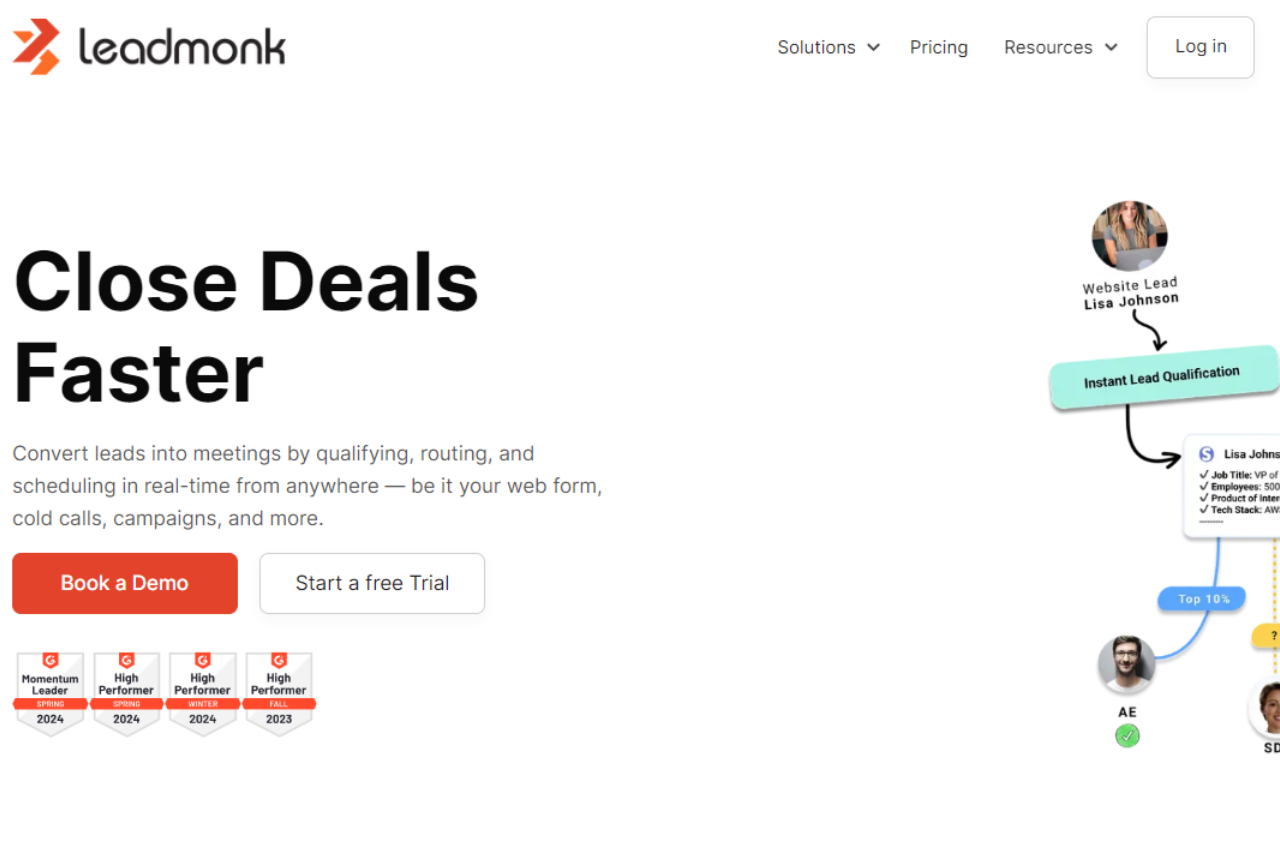
Unveiling Leadmonk: Your Ultimate Marketing Solution

🏆 Our Verdict

Leadmonk emerges as a dynamic marketing automation platform, offering a comprehensive suite of tools tailored to meet the diverse needs of businesses. With its intuitive interface and robust feature set, Leadmonk provides seamless marketing solutions across various industries and scales.

✅ Pros & ❌ Cons

Pros:

  • 🎯 Advanced Marketing Automation: Empowers businesses with powerful automation tools for targeted marketing campaigns.
  • 🔗 Seamless Integration: Integrates smoothly with a variety of third-party platforms for enhanced connectivity.
  • 📊 Detailed Analytics: Offers comprehensive insights and analytics for informed decision-making.
  • 📈 Scalability: Suitable for businesses of all sizes, from startups to enterprises, with flexible scaling options.
  • 🌐 Customizable Solutions: Provides customizable features and workflows to adapt to unique business requirements.

Cons:

  • 💲 Pricing Complexity: Some users may find the pricing plans relatively higher compared to competitors.
  • 📉 Learning Curve: New users may experience a learning curve while navigating the platform’s features.
  • 📚 Limited Support: Customer support options may be somewhat limited, especially for smaller businesses.

📖 About Leadmonk

Established as a leader in the marketing automation industry, Leadmonk aims to streamline marketing processes and drive business growth. Its user-friendly interface and comprehensive feature set make it a preferred choice for businesses seeking effective marketing solutions.

🗓️ How It Works

Signing Up for Leadmonk

  1. Visit the Leadmonk Website: Navigate to the Leadmonk website to begin the signup process.
  2. Choose a Plan: Explore the available pricing plans and select the one that aligns with your business needs.
  3. Create an Account: Provide your email address, create a password, and fill in the necessary details to create your account.
  4. Account Setup: Complete the setup process by entering your business information and customizing your marketing preferences.
  5. Integration: Integrate Leadmonk with your existing systems and platforms for seamless data flow.
  6. Customize Campaigns: Tailor your marketing campaigns using Leadmonk’s intuitive tools and templates.
  7. Launch Campaigns: Deploy your campaigns and track their performance in real-time.

💲 Pricing Overview

Pricing Tiers

Leadmonk offers a range of pricing plans to accommodate different business needs and scales.

  • Starter Plans: Ideal for individual professionals or small businesses seeking essential marketing automation tools.
  • Professional Plans: Designed for medium-sized businesses and teams looking for advanced marketing solutions.
  • Enterprise Plans: Suited for large businesses and enterprises requiring scalable marketing automation with premium features.

🥊 Competition

LeadmonkHubSpot
🎯 Advanced Marketing Automation🎯 Comprehensive Marketing Suite
🔗 Seamless Integration🔗 Extensive CRM Functionality
📊 Detailed Analytics📊 In-depth Reporting Capabilities
📈 Scalability📈 Flexible Scaling Options
🌐 Customizable Solutions🌐 Versatile Marketing Solutions

📌 Conclusion

Leadmonk emerges as a powerful ally for businesses seeking to elevate their marketing efforts. With its robust feature set, customizable solutions, and scalable options, Leadmonk is poised to help businesses of all sizes achieve their marketing goals effectively.

“Unlock Your Marketing Potential with Leadmonk.”

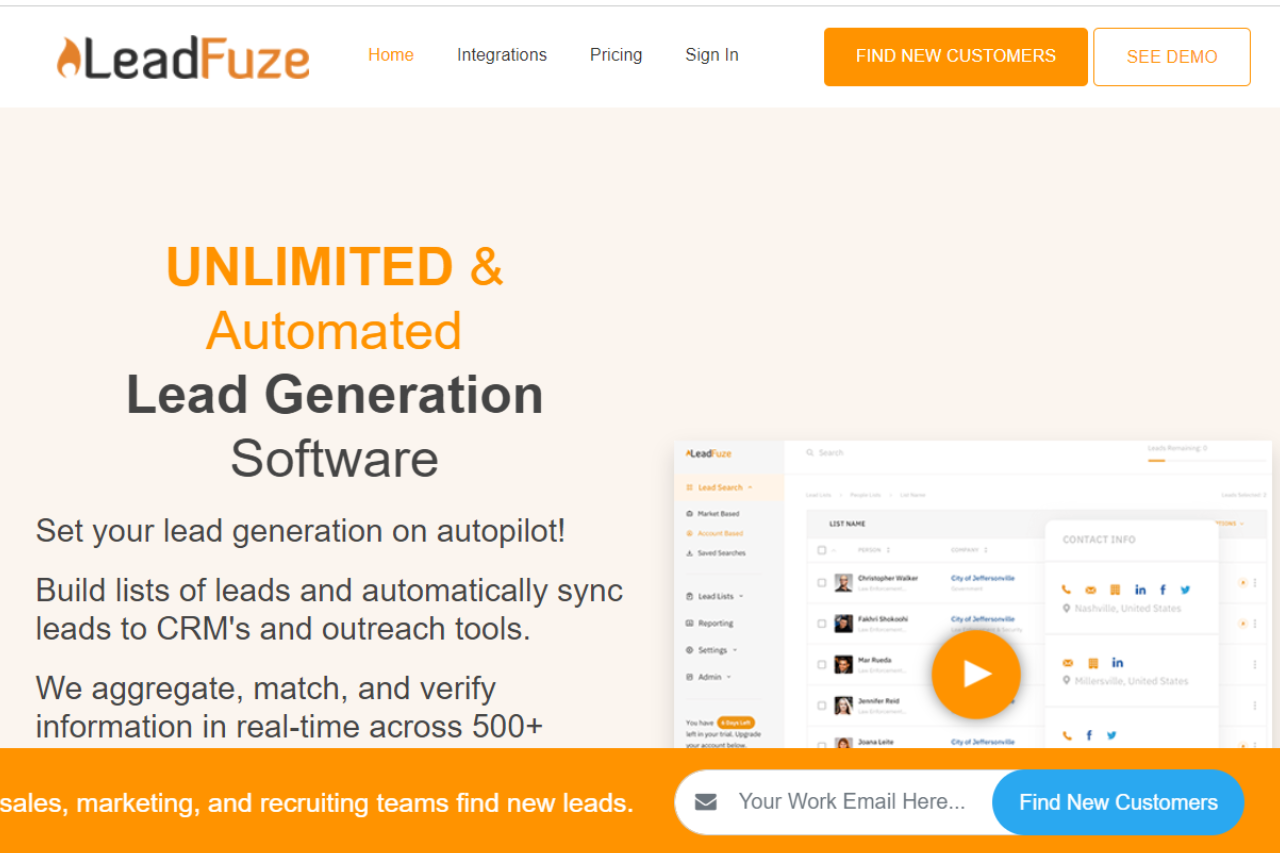
Unleashing the Power of Lead Generation: A Comprehensive Review of LeadFuze

🏆 Our Verdict

LeadFuze emerges as a powerful lead generation platform, catering to businesses seeking efficient and targeted outreach solutions. With its robust features and user-friendly interface, LeadFuze facilitates streamlined lead generation processes across various industries.

✅ Pros & ❌ Cons

Pros:

  • 🎯 Targeted Lead Generation: Offers advanced tools for identifying and reaching out to specific target audiences.
  • 📈 Extensive Database: Provides access to a vast database of leads, enhancing the potential for successful outreach campaigns.
  • 🔍 Advanced Search Filters: Employs comprehensive search filters for precise lead targeting and segmentation.
  • 🔗 Seamless Integration: Integrates smoothly with CRM and marketing automation platforms for enhanced workflow efficiency.
  • 🚀 Personalized Outreach: Enables personalized email outreach campaigns, improving engagement and conversion rates.

Cons:

  • 💲 Pricing: Some users may find the pricing plans relatively higher compared to competitors.
  • 📉 Learning Curve: New users may experience a learning curve while navigating the platform’s features and functionalities.
  • 📚 Limited Customization: Customization options may be somewhat restricted compared to other lead generation tools.

📖 About LeadFuze

LeadFuze is designed to simplify the lead generation process for businesses, offering a comprehensive suite of tools to identify and engage with potential prospects effectively. Its intuitive interface and extensive database make it a preferred choice for businesses looking to scale their outreach efforts.

🗓️ How It Works

Signing Up for LeadFuze

  1. Visit the LeadFuze Website: Navigate to the LeadFuze website to begin the signup process.
  2. Choose a Plan: Explore the available pricing plans and select the one that aligns with your business needs.
  3. Create an Account: Provide your email address, create a password, and fill in the necessary details to create your account.
  4. Account Setup: Complete the setup process by entering your business information and customizing your targeting preferences.
  5. Integration: Integrate LeadFuze with your CRM or marketing automation platform for seamless lead management.
  6. Explore Features: Familiarize yourself with the various features of LeadFuze, including lead search, segmentation, and outreach.
  7. Start Generating Leads: Begin your lead generation journey with LeadFuze’s user-friendly interface and automation features.

💲 Pricing Overview

Pricing Tiers

LeadFuze offers a range of pricing plans to accommodate different business needs and scales. From basic plans for individual professionals to advanced solutions for teams and enterprises, there’s an option for everyone.

✅ Free Tools Overview: LeadFuze provides essential lead generation tools in its free offering. Included Features: Basic features such as lead search and segmentation are typically included.

💼 Starter Plans Target Audience: Ideal for individual professionals or small businesses seeking efficient lead generation capabilities. Key Features: Enhanced functionalities over the free tier, including advanced lead search filters and personalized outreach options.

🚀 Professional Plans Designed For: Medium-sized businesses and teams looking to scale their lead generation efforts. Advanced Features: Includes features such as CRM integration, automated follow-ups, and lead tracking for enhanced lead management.

🏢 Enterprise Plans Suited For: Large businesses and enterprises requiring comprehensive lead generation solutions with advanced customization and support. Premium Offerings: Advanced features like custom branding, dedicated support, and API access for seamless integration with existing systems.

🥊 Competition

LeadFuzeZoomInfo
ProsPros
– Targeted lead generation– Extensive database of contacts
– Advanced search filters– Robust search filters for precise targeting
– Seamless integration– Seamless integration with CRM and marketing platforms
– Personalized outreach– Personalized email outreach campaigns
ConsCons
– Relatively higher pricing for some users– Higher pricing for some users
– Learning curve for new users– Learning curve for new users
– Limited customization– Limited customization compared to competitors

📌 Conclusion

LeadFuze emerges as a reliable lead generation solution, offering a comprehensive set of features to streamline the lead generation process for businesses. With its user-friendly interface, extensive database, and flexible pricing options, it’s an ideal choice for businesses looking to boost their sales and marketing efforts.

“Unlock Your Potential with LeadFuze.”

Exploring Apollo: A Comprehensive Review

🏆 Our Verdict

Apollo presents itself as a robust sales engagement platform, catering to the needs of businesses across various industries. With its extensive features and user-friendly interface, Apollo offers a comprehensive solution for sales teams aiming to streamline their processes and enhance productivity.

✅ Pros & ❌ Cons

Pros:

  • 🚀 Rich Database: Apollo boasts a vast database of contacts, providing users with ample resources for lead generation and prospecting.
  • 🔍 Advanced Search Capabilities: The platform offers advanced search filters, enabling users to refine their searches and target specific leads with precision.
  • 📊 Analytics and Insights: Apollo provides valuable analytics and insights, empowering users to track performance metrics and make data-driven decisions.
  • 💼 Integrations: Apollo seamlessly integrates with various CRM and marketing automation platforms, enhancing its compatibility and utility for businesses.

Cons:

  • 💲 Pricing: Some users may find Apollo’s pricing plans relatively higher compared to competitors, especially for small businesses or individual users.
  • 📉 Learning Curve: New users may experience a learning curve while navigating Apollo’s extensive features and functionalities.
  • 📚 Limited Customization: Customization options may be somewhat limited in certain areas compared to other sales engagement platforms, restricting flexibility for some users.

📖 About Apollo

Apollo positions itself as a leading sales engagement platform, offering a suite of tools designed to streamline sales processes and drive revenue growth. With a focus on efficiency and effectiveness, Apollo aims to empower sales teams with the resources they need to succeed in today’s competitive market landscape.

🗓️ How It Works

Signing Up for Apollo

  1. Visit the Apollo website: Navigate to the Apollo website to begin the signup process.
  2. Choose a Plan: Explore the available pricing plans and select the one that best suits your business needs.
  3. Create an Account: Provide your email address, create a password, and fill in the necessary details to create your Apollo account.
  4. Account Setup: Complete the setup process by entering your business information and customizing your preferences.
  5. Explore Features: Familiarize yourself with Apollo’s features, including lead generation, prospecting, and analytics.
  6. Start Selling: Begin using Apollo to streamline your sales processes, engage with prospects, and drive revenue growth.

💲 Pricing Overview

Pricing Tiers

Apollo offers a range of pricing plans tailored to different business needs and scales. From basic plans for individual users to advanced solutions for large enterprises, there’s an option for everyone.

  • Starter Plans: Ideal for individual users or small businesses looking to get started with basic sales engagement capabilities.
  • Professional Plans: Designed for medium-sized businesses and teams seeking more advanced features and functionalities.
  • Enterprise Plans: Suited for large enterprises requiring scalable solutions with extensive customization and support.

🥊 Competition

AspectApolloZoomInfo
Pros
🚀 Rich Database🚀 Extensive database of contacts
🔍 Advanced Search Capabilities🔍 Robust search filters for precise targeting
📊 Analytics and Insights📊 Comprehensive analytics and insights
💼 Integrations💼 Seamless integration with CRM and marketing automation platforms
Cons
💲 Pricing💲 Relatively higher pricing for some users
📉 Learning Curve📉 Learning curve for new users
📚 Limited Customization📚 Limited customization options compared to competitors

📌 Conclusion

Apollo emerges as a powerful sales engagement platform, offering a comprehensive suite of features to help businesses succeed in today’s competitive market environment. With its rich database, advanced search capabilities, and valuable insights, Apollo empowers sales teams to drive revenue growth and achieve their business objectives effectively.

“Empower Your Sales Team with Apollo’s Comprehensive Sales Engagement Solutions.”

Unleashing Sales Potential: A Comprehensive Review of Salesgenie

🏆 Our Verdict

Salesgenie emerges as a powerful lead generation tool, offering comprehensive solutions tailored for businesses of all sizes. While its user interface might not be as intuitive as some competitors, its robust feature set and extensive database make it a valuable asset for sales and marketing teams.

✅ Pros & ❌ Cons

Pros:

🎯 Extensive Database: Access to a vast database of leads, enabling targeted prospecting and outreach.

🔍 Advanced Search Filters: Granular search filters allow users to refine their lead searches based on various criteria.

📈 Detailed Company Insights: Provides detailed company profiles and insights to facilitate informed decision-making.

📊 Analytics and Reporting: Offers robust analytics and reporting tools to track campaign performance and ROI.

💼 Integration Options: Integrates with popular CRM platforms and other tools for seamless workflow management.

Cons:

💲 Pricing: Some users may find the pricing plans relatively higher compared to competitors.

🖥️ User Interface: The user interface might be perceived as less intuitive compared to some competitors.

📉 Learning Curve: New users may experience a learning curve while navigating the platform and its features.

📖 About Salesgenie

Salesgenie is a robust lead generation platform designed to empower businesses with comprehensive solutions for acquiring high-quality leads and driving revenue growth. With its extensive database, advanced search filters, and detailed company insights, Salesgenie equips sales and marketing teams with the tools they need to succeed in a competitive marketplace.

🗓️ How It Works

Signing Up for Salesgenie

  1. Visit the Salesgenie Website: Navigate to the Salesgenie website to begin the signup process.
  2. Choose a Plan: Explore the available pricing plans and select the one that best suits your business needs.
  3. Create an Account: Provide your email address, create a password, and fill in the necessary details to create your account.
  4. Account Setup: Complete the setup process by entering your business information and customizing your lead generation preferences.
  5. Database Access: Gain access to Salesgenie’s extensive database of leads, segmented by various criteria for targeted prospecting.
  6. Utilize Advanced Features: Explore the platform’s advanced search filters, detailed company profiles, and robust analytics tools to enhance your lead generation efforts.
  7. Integrate with CRM: Seamlessly integrate Salesgenie with your CRM platform to streamline workflow management and maximize efficiency.

💲 Pricing Overview

Pricing Tiers

Salesgenie offers a range of pricing plans tailored to meet the needs of businesses of all sizes:

  • Starter Plans: Ideal for individual professionals or small businesses seeking essential lead generation capabilities.
  • Professional Plans: Designed for medium-sized businesses and teams looking for advanced lead generation solutions.
  • Enterprise Plans: Suited for large businesses and enterprises requiring scalable lead generation solutions with premium features and support.

🥊 Competition

Salesgenie VS ZoomInfo

Salesgenie VS ZoomInfo
Pros
– Extensive database and lead generation capabilities
– Comprehensive company insights and analytics
– Advanced search filters
– Integration options with popular CRM platforms
– Detailed company profiles
– Robust analytics and reporting tools
Cons
– Relatively higher pricing for some users
– Higher pricing for certain plans
– Less intuitive user interface
– Learning curve for new users
– Limited customization options

📌 Conclusion

Salesgenie offers a robust platform for lead generation and prospecting, with its extensive database, advanced search filters, and detailed company insights. While it may have a learning curve and higher pricing for some users, its features make it a valuable asset for businesses looking to enhance their sales and marketing efforts.

“Unlock Your Sales Potential with Salesgenie.”

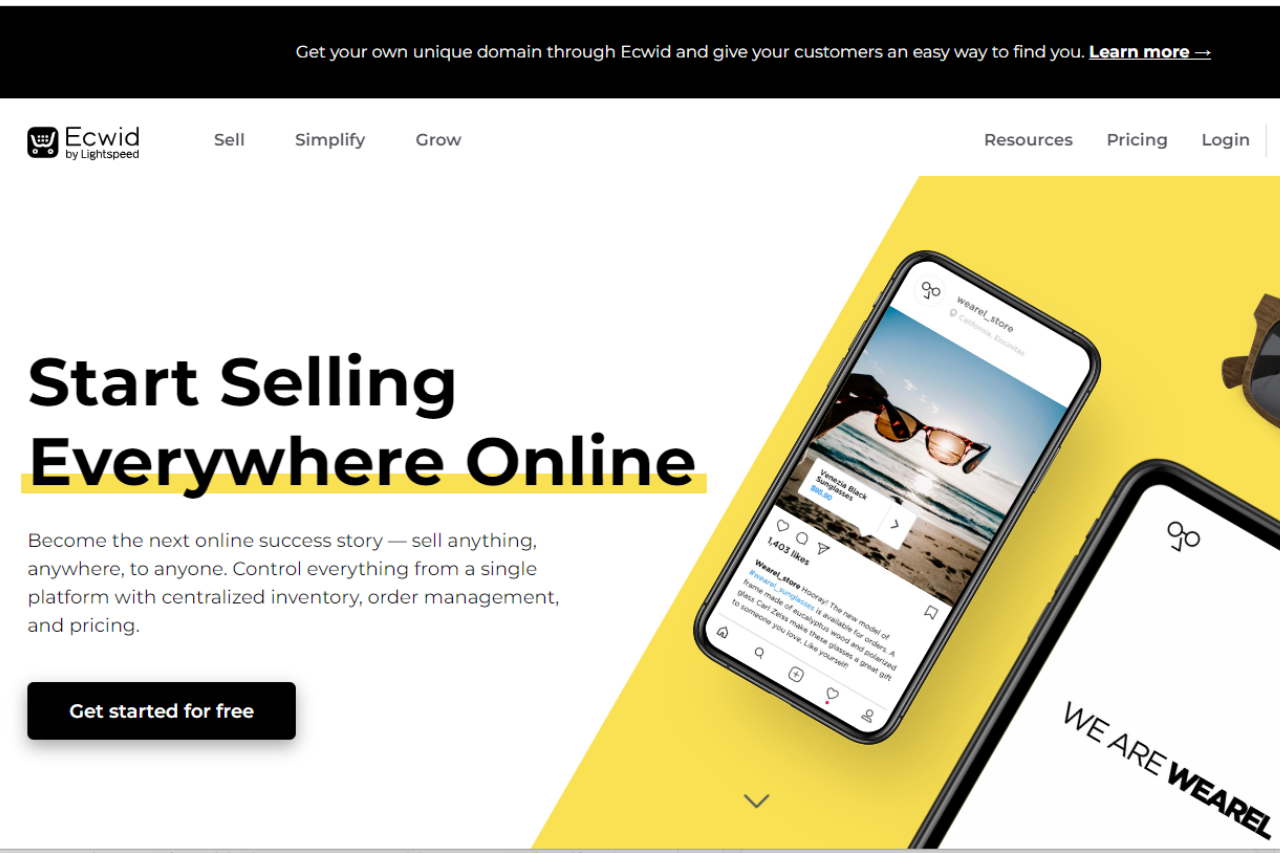
Ecwid: Your E-commerce Solution

🏆 Our Verdict

Ecwid offers a robust e-commerce platform suitable for businesses of all sizes. With its user-friendly interface and extensive feature set, it provides a seamless online selling experience.

✅ Pros & ❌ Cons

Pros:

  • 🛒 Easy Setup: Setting up an online store with Ecwid is quick and straightforward.
  • 🔄 Scalability: Ecwid scales with your business, offering solutions for small businesses to large enterprises.
  • 💳 Payment Options: Provides a variety of payment options, including credit cards, PayPal, and more.
  • 🌍 International Reach: Supports multiple languages and currencies, enabling global expansion.
  • 📱 Mobile-Friendly: Ensures a smooth shopping experience for customers on mobile devices.

Cons:

  • 💲 Pricing: Some users may find the pricing plans relatively higher compared to competitors.
  • 📈 Limited Customization: Customization options may be somewhat restricted compared to other e-commerce platforms.
  • 📊 Advanced Features: Advanced features may require higher-priced plans, limiting accessibility for smaller businesses.

📖 About Ecwid

Established as a leading e-commerce solution, Ecwid aims to simplify online selling for businesses worldwide. Its intuitive platform and comprehensive feature set make it a preferred choice for creating and managing online stores.

🗓️ How It Works

Ecwid simplifies the process of setting up and managing an online store, making it accessible for businesses of all sizes. Here’s a step-by-step guide on how Ecwid works:

1. Sign Up:

  • Visit the Ecwid website and sign up for an account.
  • Provide your email address and create a password to get started.

2. Set Up Your Store:

  • Once signed up, you’ll be guided through the process of setting up your online store.
  • Customize your store’s appearance by choosing a theme that matches your brand identity.
  • Add your products by uploading images, descriptions, and prices.

3. Customize Your Store:

  • Tailor your store to your preferences by adjusting settings such as shipping options, tax rates, and payment gateways.
  • Utilize Ecwid’s drag-and-drop editor to personalize your storefront and create a unique shopping experience for your customers.

4. Add Products:

  • Easily add products to your store by uploading product images, descriptions, and prices.
  • Organize your products into categories and subcategories for easy navigation.

5. Manage Orders:

  • Keep track of your orders and manage them efficiently using Ecwid’s order management system.
  • Receive notifications for new orders and process them seamlessly.

6. Expand Your Reach:

  • Utilize Ecwid’s multi-channel selling capabilities to reach customers across various platforms, including social media and marketplaces.
  • Integrate your store with platforms like Facebook, Instagram, and Amazon to expand your reach and increase sales.

7. Grow Your Business:

  • Take advantage of Ecwid’s marketing tools and analytics to gain insights into your customers’ behavior and preferences.
  • Utilize promotional features such as discounts, coupons, and email marketing to attract and retain customers.

8. Provide Support:

  • Ecwid offers comprehensive support resources, including help articles, tutorials, and a community forum, to assist you in managing your online store effectively.
  • Reach out to Ecwid’s customer support team for personalized assistance and guidance whenever needed.

9. Stay Updated:

  • Ecwid continuously updates its platform with new features and enhancements to ensure that your online store remains competitive and up-to-date.

With Ecwid, setting up and managing an online store is made simple, allowing you to focus on growing your business and providing excellent service to your customers.

💲 Pricing Overview

🌟 Pricing Tiers

  • Start selling for free:
    • Access Ecwid’s Free Plan Forever to launch your business at no cost.
    • Create a store for free and get started with your online business journey.
  • Upgrade whenever:
    • Seamlessly upgrade your plan whenever you’re ready to access more features and resources.
  • Pricing Plans:
    • Free:
      • Cost: $0
      • Features:
        • Easy online store launch.
        • Create a store for free.
    • Venture:
      • Cost: $21/mo (Billed annually) or $25 month-to-month
      • Features:
        • Up to 100 products + egoods.
        • Sell on Instagram & Facebook.
        • Mobile store management app.
        • Live Chat Support.
        • Access to App Market.
        • Automated tax calculations.
        • Discount coupons.
        • Customize checkout.
        • Built-in Domains.
        • Advanced reports.
    • Business:
      • Cost: $39/mo (Billed annually) or $45 month-to-month
      • Features:
        • Everything in Venture plus:
        • Up to 2500 products.
        • Sell on marketplaces.
        • Sell subscriptions.
        • Staff accounts (2).
        • Phone Support.
        • Abandoned cart saver.
        • Wholesale prices.
        • Multi-lingual store.
        • Advanced discounting.
    • Unlimited:
      • Cost: $89/mo (Billed annually) or $105 month-to-month
      • Features:
        • Everything in Business plus:
        • Unlimited products.
        • Sell via branded mobile app.
        • Sell in-person (POS integration).
        • Unlimited Staff accounts.
        • Priority Support.

🥊 Competition

Ecwid vs. Shopify

EcwidShopify
Pros– Easy setup– Extensive customization options
– Scalability– Robust app ecosystem
– Variety of payment options– Powerful marketing tools
Cons– Limited customization– Higher pricing for advanced features
– Higher pricing for some users– Steeper learning curve

📌 Conclusion

Ecwid emerges as a reliable e-commerce solution, offering a seamless online selling experience for businesses of all sizes. While it may have some limitations in customization and pricing, its ease of use and scalability make it a valuable asset for online retailers.

“Unlock Your Online Selling Potential with Ecwid.”

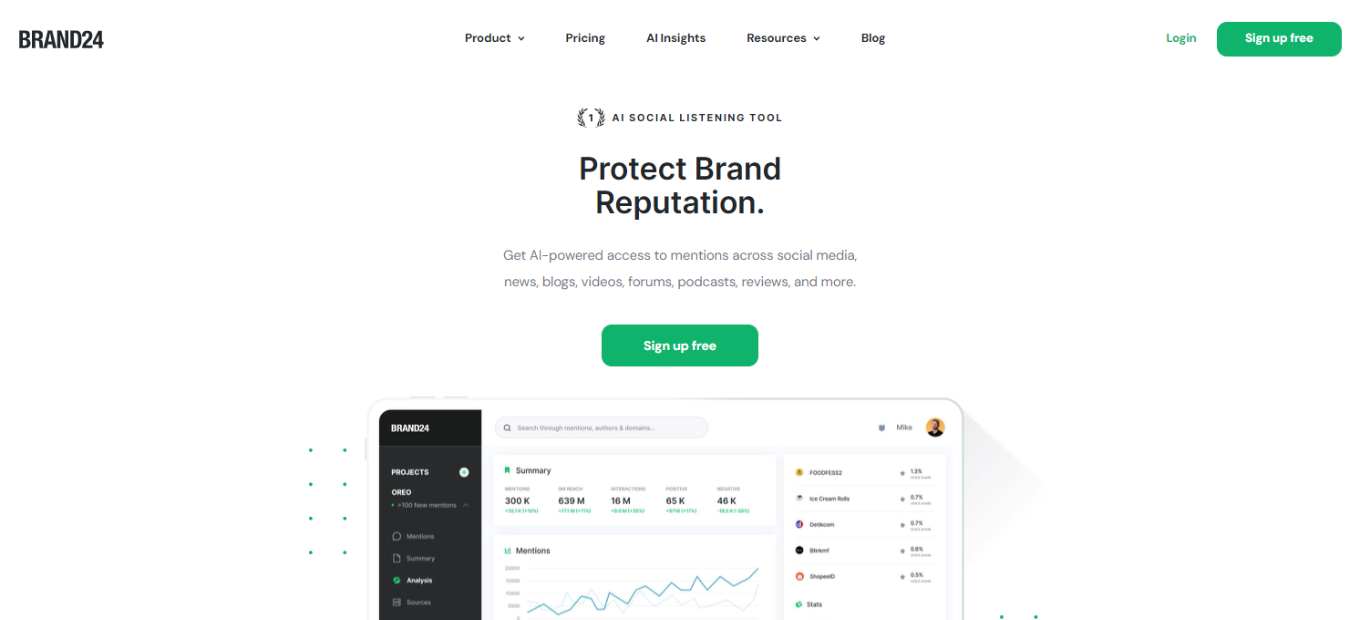
Brand24: Your Ultimate Social Media Monitoring Tool

🏆 Our Verdict

Brand24 is a robust social media monitoring platform designed to empower businesses with valuable insights into their online presence. With its intuitive interface and comprehensive feature set, Brand24 is an invaluable tool for businesses of all sizes seeking to enhance their social media strategy.

✅ Pros & ❌ Cons

Pros:

  • 📈 Real-time social media monitoring for instant insights.
  • 🎯 Advanced sentiment analysis to gauge brand perception.
  • 🌐 Extensive coverage across various social media platforms.
  • 📊 Detailed analytics and customizable reports for actionable insights.

Cons:

  • 💲 Higher pricing tiers may be prohibitive for smaller businesses.
  • 📉 Learning curve for leveraging advanced features effectively.
  • ⚙️ Some users may require additional support for optimal utilization.

📖 About Brand24

Established as a leader in social media monitoring, Brand24 offers businesses a comprehensive solution to track mentions, analyze sentiment, and engage with their audience effectively. Founded on the principles of empowering businesses with actionable insights, Brand24 continues to evolve to meet the ever-changing demands of the digital landscape.

🎯 What’s In It For You?

Brand24 provides businesses with the tools they need to monitor their brand reputation, track competitors, and identify relevant conversations across social media platforms. By harnessing the power of social listening, businesses can make informed decisions to drive engagement and foster meaningful connections with their audience

🚀 How It Works

  1. Sign Up for Brand24: Visit the Brand24 website and sign up for an account.
  2. Set Up Monitoring: Define your keywords, hashtags, or brand mentions to start monitoring.
  3. Analyze Insights: Explore real-time mentions and sentiment analysis to understand your brand perception.
  4. Engage with Audience: Respond to mentions, engage with your audience, and manage your online reputation effectively.
  5. Generate Reports: Utilize customizable reports to gain actionable insights and measure your social media performance.

🔗 Helpful Tips

  • Customize Alerts: Set up alerts to stay informed about critical mentions or changes in sentiment.
  • Engage Proactively: Use social listening to proactively address customer concerns and capitalize on opportunities.
  • Stay Updated: Regularly review your social media analytics to refine your strategy and optimize your performance.

💲 Brand24 Pricing Overview

Brand24 offers various pricing tiers to accommodate different business needs and budgets. These tiers include Basic, Plus, and Premium plans, each offering increasing levels of features and capabilities.

🥊 Competition

Brand24 VS Mention

✅ Pros
📊 Real-time Social Media Monitoring: Instant insights into brand mentions and conversations.
🌐 Extensive Coverage: Tracks mentions across various social media platforms and online channels.
📈 Advanced Analytics: Detailed sentiment analysis and customizable reports for actionable insights.
🔗 User-friendly Interface: Intuitive platform with easy navigation and robust training resources.

❌ Cons
💲 Higher Pricing Tiers: Premium features may be costly for smaller businesses or startups.
📉 Learning Curve: Advanced features may require time and resources to master effectively.
⚙️ Additional Support Needed: Some users may require additional assistance for optimal utilization.

Influencity: Elevate Your Influencer Marketing Strategy

🏆 Our Verdict

Influencity emerges as a robust influencer marketing platform, offering comprehensive tools to streamline influencer discovery, collaboration, and campaign management. With its user-friendly interface and extensive feature set, Influencity is an excellent choice for businesses aiming to leverage influencer partnerships effectively.

Pros & ❌ Cons

Pros:
🔍 Advanced influencer discovery capabilities.
📊 Detailed campaign analytics for informed decision-making.
🔄 Seamless collaboration tools for efficient communication.
🌐 Integration with various marketing platforms. Cons:
💲 Pricing may be perceived as relatively higher.
⚙️ Learning curve for mastering advanced features.

📖 About Influencity

Established as a leader in the influencer marketing arena, Influencity provides brands and agencies with the tools needed to identify, collaborate with, and analyze influencers effectively. Its innovative solutions empower businesses to enhance brand visibility and engagement through strategic influencer partnerships.

🎯 What’s In It For You?

Influencity offers:

  • Advanced influencer discovery for precise targeting.
  • Actionable campaign analytics for optimizing performance.
  • Seamless collaboration tools for effective partnership management.
  • Integration with existing marketing infrastructure for workflow efficiency.

🚀 How It Works

Signing Up for Influencity:

  1. Visit the Influencity Website.
  2. Choose a Plan.
  3. Create an Account.
  4. Account Verification.
  5. Set Up Your Account.
  6. Explore Influencity Features.
  7. Start Utilizing Influencity.

🔗 Helpful Tips

  • Explore the Knowledge Base.
  • Engage with the Community.

💲 Influencity Pricing Overview

  • Basic: Suitable for individuals and small businesses.
  • Pro: Ideal for growing businesses with higher demands.
  • Enterprise: Tailored solutions for large enterprises.

🥊 Influencity vs. Traackr

FeatureInfluencityTraackr
Influencer DiscoveryAdvanced search capabilities.Robust influencer database.
AnalyticsDetailed campaign analytics.Comprehensive influencer performance metrics.
Collaboration ToolsSeamless communication features.Tools for influencer relationship management.
Integration CapabilitiesIntegration with marketing platforms.Integration with various third-party apps.
PricingCompetitive pricing plans.Perception of higher pricing.

📌 Conclusion

Influencity is a game-changer in the influencer marketing landscape, empowering businesses to forge meaningful connections with influencers and amplify brand reach effectively.

“Elevate Your Influencer Marketing Strategy with Influencity.”

NinjaOutreach: Elevate Your Outreach Strategy

🏆 Our Verdict

NinjaOutreach emerges as a powerful platform tailored to enhance outreach strategies, providing a suite of tools designed to streamline influencer marketing, lead generation, and content promotion. With its user-friendly interface and versatile feature set, NinjaOutreach is a valuable asset for businesses aiming to amplify their outreach efforts and expand their online presence.

Pros & ❌ Cons

Pros:

  • 🎯 Versatile Outreach Capabilities: Offers a wide range of outreach tools including influencer marketing, lead generation, and content promotion.
  • 🔍 Extensive Database: Boasts a vast repository of influencers, bloggers, and journalists, facilitating targeted outreach campaigns.
  • 🤝 Relationship Management: Facilitates seamless communication and relationship building with influencers and prospects, enhancing campaign effectiveness.
  • 🔗 Integration Options: Provides integration with popular CRM platforms and email service providers, ensuring workflow efficiency and data synchronization.

Cons:

  • 💰 Pricing Structure: Some users may find the pricing plans relatively higher, particularly for advanced features, potentially limiting accessibility for smaller businesses.
  • ⚙️ Learning Curve: Mastery of advanced features may require time and resources, especially for users new to outreach marketing, potentially hindering adoption.
  • 🌐 Coverage Limitations: While comprehensive, NinjaOutreach’s database may have coverage limitations in certain niches or regions, affecting outreach targeting options.

📖 About NinjaOutreach

Established in [Year], NinjaOutreach has established itself as a prominent player in the outreach marketing landscape, empowering businesses to connect with influencers, bloggers, and prospects effectively. With its innovative approach and commitment to delivering results, NinjaOutreach enables users to foster meaningful relationships and drive tangible outcomes through strategic outreach initiatives.

🎯 What’s In It For You?

NinjaOutreach offers a plethora of benefits for businesses and marketers, including:

Access to a diverse database of influencers, bloggers, and journalists for targeted outreach campaigns. Efficient tools for managing outreach campaigns, fostering relationships, and tracking campaign performance. Integration capabilities with existing marketing infrastructure for streamlined workflow and data management.

🚀 How It Works

Signing Up for NinjaOutreach

  1. Visit the NinjaOutreach Website Navigate to NinjaOutreach’s website. Locate the sign-up option, typically available on the homepage.
  2. Choose a Plan Review the available plans based on your outreach needs and budget. Select a plan that aligns with your objectives, whether it’s the Starter, Pro, or Enterprise plan.
  3. Create an Account Provide the necessary information to create your NinjaOutreach account.
  4. Account Verification Verify your account through the email confirmation sent by NinjaOutreach.
  5. Set Up Your Account Complete the account setup process by personalizing your settings and preferences.
  6. Explore NinjaOutreach Features Familiarize yourself with NinjaOutreach’s features, including influencer search, email outreach, and campaign management.
  7. Start Utilizing NinjaOutreach Begin leveraging NinjaOutreach to discover influencers, conduct outreach campaigns, and track campaign performance.

🔗 Helpful Tips

Explore the Knowledge Base: Utilize NinjaOutreach’s knowledge base and resources to maximize your usage of the platform. Engage with the Community: Participate in webinars and forums to stay updated on the latest trends and best practices in outreach marketing.

💲 NinjaOutreach Pricing Overview

🌟 Pricing Tiers

NinjaOutreach offers a range of pricing tiers tailored to different business needs:

Starter: Ideal for individuals and small businesses venturing into outreach marketing.

Pro: Suitable for growing businesses with higher outreach demands.

Enterprise: Customized solutions for large enterprises and agencies requiring advanced features and dedicated support.

🤔 Considerations Budget Allocation: Evaluate the value proposition of each pricing tier relative to your outreach objectives and budget constraints. Scalability: Choose a plan that accommodates your business growth and evolving outreach needs.

🥊 NinjaOutreach vs. BuzzStream

FeatureNinjaOutreachBuzzStream
Outreach CapabilitiesOffers versatile tools for influencer marketing, lead generation, and content promotion.Provides outreach solutions including influencer identification, email outreach, and relationship management.
DatabaseBoasts a diverse database of influencers, bloggers, and journalists for targeted outreach campaigns.Offers a comprehensive database of influencers and bloggers, facilitating targeted outreach efforts.
Relationship ManagementFacilitates seamless communication and relationship building with influencers and prospects.Provides tools for managing outreach campaigns, fostering relationships, and tracking campaign performance.
Integration OptionsIntegrates with popular CRM platforms and email service providers for streamlined workflow and data synchronization.Offers integration with CRM systems and email platforms, ensuring efficient data exchange and workflow management.
PricingPricing plans may be perceived as relatively higher, particularly for advanced features.Offers competitive pricing plans with scalable features suitable for businesses of all sizes.
Learning CurveMastery of advanced features may require time and resources, potentially posing a learning curve for new users.BuzzStream may have a shorter learning curve due to its user-friendly interface and straightforward features.

📌 Conclusion

NinjaOutreach emerges as a game-changer in the outreach marketing landscape, equipping businesses with the tools they need to succeed in today’s competitive environment. With its diverse database, efficient outreach capabilities, and integration options, NinjaOutreach empowers users to orchestrate impactful campaigns and forge meaningful connections with influencers and prospects.

“Elevate Your Outreach Strategy with NinjaOutreach.”