Our Verdict 💬
Freshdesk excels as a customer service tool, blending advanced functionalities with ease of use. Its diverse features cater to a variety of business needs, making it a versatile choice for enhancing customer service operations.
✅ Pros & ❌ Cons 📊
Pros:
- Freshdesk’s integration across multiple channels guarantees a uniform customer experience.
- The platform’s robust automation and AI streamline customer service, enhancing efficiency and satisfaction.
Cons:
- Access to premium features can be costly, potentially stretching the budgets of smaller companies.
- Limited customization in basic plans may not suffice for businesses seeking highly personalized solutions.
About Freshdesk 📘
Freshdesk has consistently delivered quality in customer support software since 2010. Its commitment to innovation and user experience has established it as a leader in the field, offering a range of tools for streamlined customer interactions.
What’s In It For You? 🌟
Leveraging Freshdesk can revolutionize the way businesses interact with customers. Its integrated ticketing system, live chat options, and self-service portals offer a comprehensive solution for handling customer queries efficiently.
Getting Started with Freshdesk: A Step-by-Step Guide

To start using Freshdesk, you can follow these general steps:
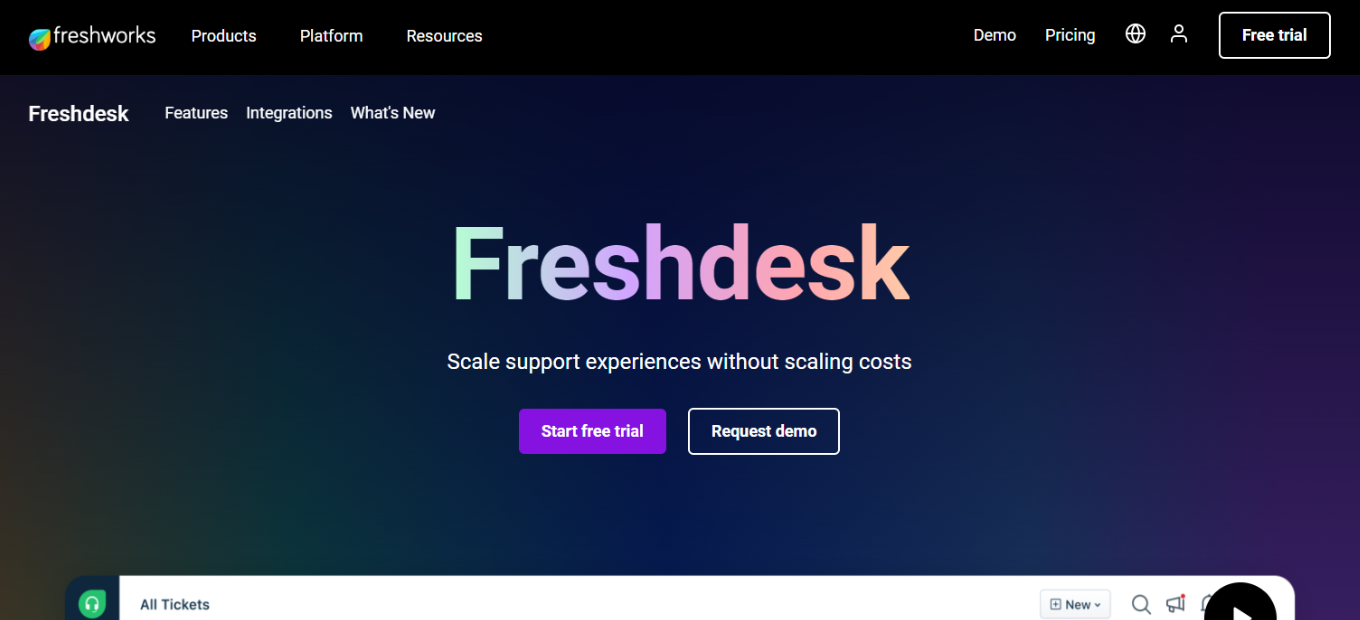
- Visit the Freshdesk Website: Go to Freshdesk’s official website.
- Sign Up: Look for a sign-up option, which usually involves entering your company details and creating an account.
- Customize Your Account: Once signed up, customize your account by setting up your company profile, adding team members, and configuring settings to match your business needs.
- Explore Features: Familiarize yourself with Freshdesk’s features like ticketing, customer support, automation, and reporting.
- Set Up Integrations: Integrate Freshdesk with other tools and services you use.
- Start Using: Begin using Freshdesk for your customer support needs, creating tickets, responding to customer inquiries, etc.
For detailed instructions and features, it’s best to refer directly to Freshdesk’s website and their user guides or support resources.
Freshdesk Pricing Plans Overview

Freshdesk offers a range of plans tailored to different business needs, focusing on omnichannel customer support:
- Growth Omnichannel: Ideal for smaller businesses, featuring basic omnichannel support capabilities, bot sessions, and a user-friendly chatbot builder.
- Pro Omnichannel: Targeted at medium businesses, this plan includes more advanced features like WhatsApp Business, Apple Business chat, enhanced bot sessions, and customer timeline insights.
- Enterprise Omnichannel: Designed for large enterprises, offering the most comprehensive set of features including high bot session limits, Omniroute for streamlined team management, and sophisticated AI and voice bots.
Additionally, Freshdesk provides valuable add-ons like Freddy Ultimate for AI-driven automation and Field Service Management for efficient appointment and schedule management.
Competition: Freshdesk vs Zendesk ⚖️
Freshdesk:
LOOKING FOR A ONE-STOP SOLUTION TO YOUR GROWTH NEEDS?
- Offers an intuitive and easy-to-navigate interface.
- Attractive for its cost-effective solutions, especially beneficial for smaller businesses.
Zendesk:

- Recognized for a wide range of features catering to complex customer service needs.
- Ideal for businesses looking for scalable solutions and extensive integrations.
Conclusion 🏁
Freshdesk stands out as an exceptional customer support tool, offering a range of features that simplify and enhance customer interactions. Its adaptability to different business sizes and needs makes it a recommended choice for those looking to upgrade their customer service experience.
“Empowering Connections, Simplifying Support – Freshdesk”