🏆 Our Verdict
TeXstudio emerges as the ultimate LaTeX editor for users who need an advanced, yet user-friendly environment for writing and managing their documents. As a standout in its category, TeXstudio provides a feature-rich platform that supports extensive LaTeX capabilities along with a suite of powerful tools, making it essential for both academic and professional writing tasks. Kile has a live preview of its own and suits Linux and KDE users, but TeXstudio’s more modern interface and its assistants make it the better choice for users seeking comprehensive LaTeX document management.
✅ Pros & ❌ Cons
Pros of Kile:
- Comprehensive LaTeX Support: Offers a broad range of LaTeX tools which is ideal for complex document creations.
- Open Source and Free: Available at no cost, making it accessible to everyone without financial burden.
- Platform Compatibility: Runs on Linux, where it fits a KDE desktop best, and on Windows through a free Microsoft Store build.
Cons of Kile:
- Limited Interface Appeal: Less modern interface compared to TeXstudio, which might affect user experience.
- Less Intuitive: Might require a steeper learning curve for new users unfamiliar with LaTeX.
Pros of TeXstudio:
- Highly Customizable Interface: More modern and user-friendly, enhancing user engagement and productivity.
- Real-time Preview Features: Allows users to see changes instantly, though Kile has had a comparable live preview since version 3.0.
- Extensive Documentation Support: Great for managing large projects with complex documentation needs.
Cons of TeXstudio:
- Higher Resource Usage: Might consume more system resources compared to lighter editors like Kile.
- Potentially Overwhelming for Beginners: The vast array of features might be daunting for new or casual LaTeX users.
📖 About Kile
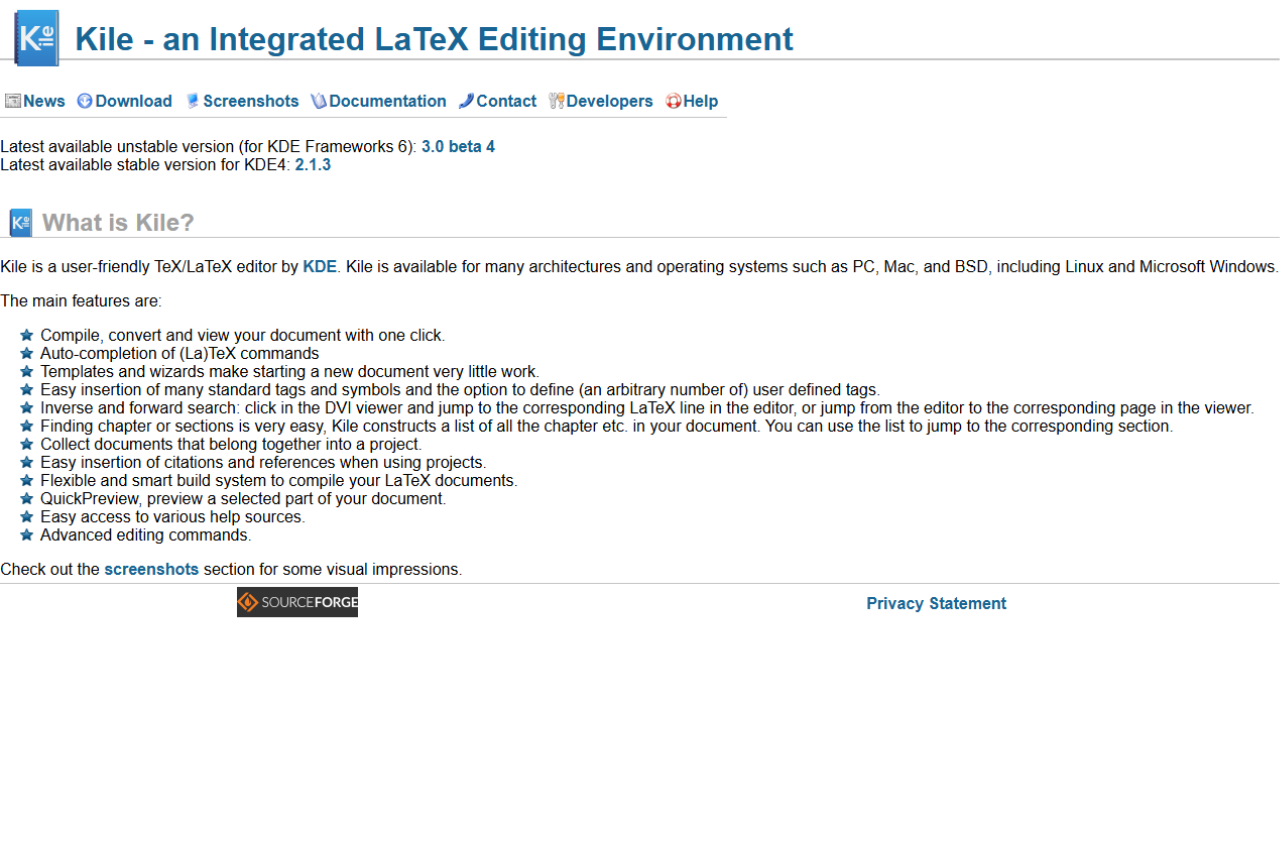
Kile is an open-source LaTeX editor, designed to offer an advanced textual content editing interface for LaTeX documents. While primarily aimed at users familiar with the KDE desktop environment, it offers robust tools to facilitate the creation of complex academic and scientific documents. Kile simplifies the LaTeX document creation process through its structured interface that accommodates numerous templates and tools aimed at enhancing productivity.
🗓️ How It Works

- Setup and Installation
- Download and install Kile from the official repository or as part of the KDE software compilation.
- Starting a New Project
- Easily start new projects with pre-defined or custom templates.
- Editing and Document Management
- Utilize side panels and document structure views to manage chapters, sections, and tags efficiently.
- Compiling Documents
- Quick access to compile buttons allows for easy document building and viewing in PDF format.
- Advanced Features
- Utilize scripts and build tools to customize the compilation process, integrating external tools seamlessly.
💲 Pricing Overview
Kile is completely free to use, which provides significant value considering its extensive features and capabilities without any cost.
🥊 Competition: Kile vs. TeXstudio vs. Texmaker

| Feature | Kile | TeXstudio | Texmaker |
|---|---|---|---|
| Platforms | Linux; Windows through the Microsoft Store | Windows, macOS, Linux | Windows, macOS, Linux |
| Cost | Free | Free | Free |
| Interface | Basic, less modern | Highly customizable, modern | Clean, with a structure view and a symbol panel |
| Compilation Tools | Extensive, customizable | Extensive, more integrated | Quick Build, master mode for multi-file documents |
| Document Preview | Live preview in an embedded Okular viewer, plus QuickPreview | Real-time previewing | Built-in PDF viewer with SyncTeX and continuous view |
| User Support | Community forums, documentation | Extensive documentation, community support | User manual on the official site |
Set up Kile step by step: install, live preview and BibTeX
Kile is the editor. A separate TeX system does the compiling, so the setup has three parts.
- Install Kile and a TeX system. On Linux, install the kile package with your distribution’s package manager, or get it from Flathub. On Windows, Kile is a free app in the Microsoft Store, published by KDE e.V. Then add a TeX distribution such as TeX Live, which also installs BibTeX.
- Open the live preview. Kile 3.0 added a live preview that shows the output in an embedded Okular viewer beside your source. Forward and inverse search take you from a source line to the same spot in the viewer and back. QuickPreview renders only the part you select.
- Build with BibTeX. Kile’s build system reruns LaTeX when the document needs it, and it runs BibTeX and MakeIndex on its own. Kile also reads your .bib files, so citation keys show up when you autocomplete
\cite.
Kile FAQ
Is Kile free?
Yes. Kile is open source under the GPL (version 2 or later) and comes from the KDE community. There is no paid tier, and the Microsoft Store build is free too. The current release is 3.0 beta 4, from March 2024.
Does Kile run on Windows, and do I need WSL?
Kile runs on Windows without WSL. Install it from the Microsoft Store like any other app, then add a TeX distribution. On Linux, the Flathub build also runs outside KDE.
LOOKING FOR A ONE-STOP SOLUTION TO YOUR GROWTH NEEDS?
How does Kile handle BibTeX citations?
The build runs BibTeX for you, and \cite autocompletes the keys in your .bib files. To edit the bibliography itself, Kile can open an external manager such as KBibTeX or JabRef.
Should I pick Kile, Texmaker or TeXstudio?
All three are free. Pick Kile on Linux if you want projects, templates and the Okular viewer. Texmaker is the same program on Windows, macOS and Linux, with a built-in PDF viewer. TeXstudio began as a Texmaker fork and adds more assistants and reference checking. On a Mac, use Texmaker or TeXstudio, because KDE does not list a macOS build of Kile.
📌 Conclusion
Kile stands out as a solid choice for LaTeX users who are looking for a robust, no-cost editor that integrates seamlessly with the KDE desktop environment. While it might not have the sleek interface of some newer editors like TeXstudio, its comprehensive toolset and open-source nature make it a reliable option for students and professionals working on complex documents. However, for those seeking a more modern interface or a native macOS app, alternatives like TeXstudio or Texmaker may be more appealing.
Kile: Streamlined LaTeX Editing for Academia and Beyond
Related read: Kile is built around KDE and gives you project management on top of LaTeX. If you want something that runs the same on any desktop and ships with your TeX distribution, TeXworks is the lighter starting point.
Related read: Kile is a KDE application, so it is most at home on Linux. The equivalent argument on the other side of that line is WinEdt, which is Windows-only by design and spends the same effort on deep configurability rather than on running everywhere.
Related read: Kile is at its best on Linux with KDE, and it has no macOS build. If you move between a Linux box and a Mac or a Windows machine, Texmaker is the closest equivalent that is the same program on all three, with the same Qt interface and the same built-in PDF viewer.