⚖️ Our Verdict
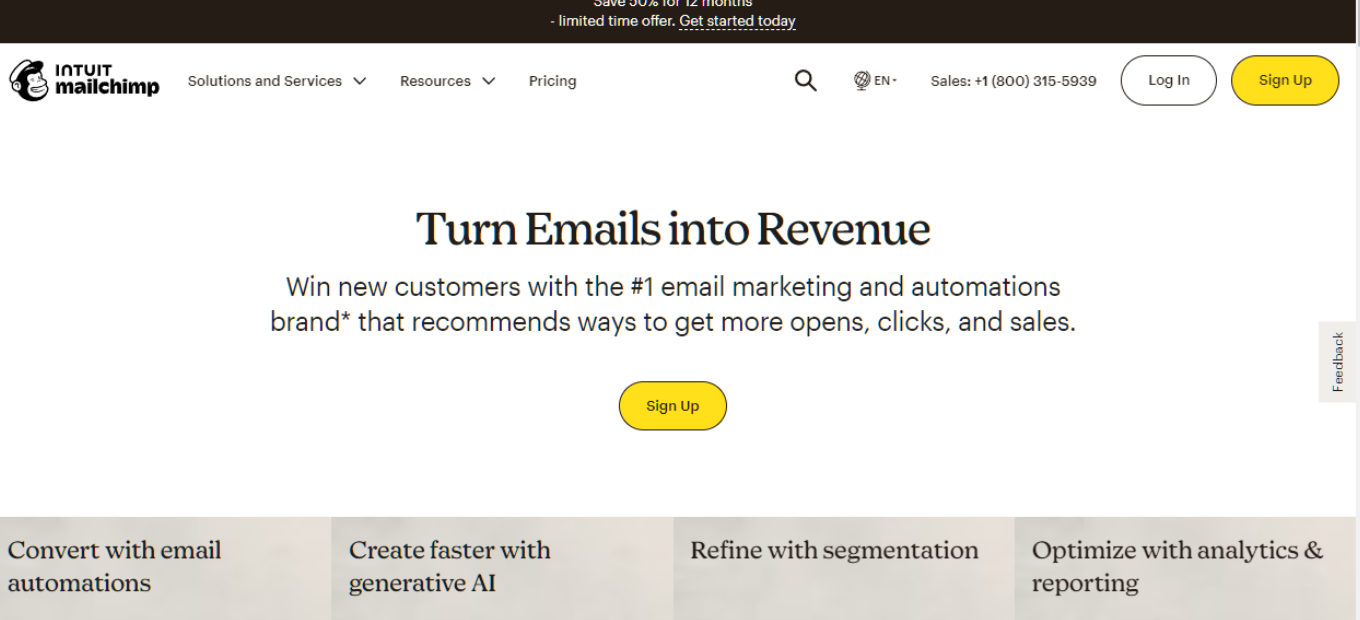
Mailchimp stands as a robust email marketing platform, offering a range of features from email campaigns to automation, ideal for businesses of all sizes. Its user-friendly interface and extensive template library make it a top choice for marketers.
👍 Pros & 👎 Cons
Pros:
– Wide range of email templates and designs
– Intuitive drag-and-drop email builder
– Advanced segmentation and personalization options
– Comprehensive analytics and reporting tools
Cons:
– Can be more expensive than some competitors
– Complexity increases with advanced features
– Limited customization in the free version
💡 About Mailchimp
Established as a simple email marketing tool, Mailchimp has evolved into a multi-faceted marketing platform. It now includes features like CRM, landing pages, and social media tools, catering to a diverse range of marketing needs.
🎯 What’s In It For You?
Mailchimp offers tools that cater to various aspects of digital marketing, not just email campaigns. Its features support effective customer engagement, from acquisition to retention.
🚀 How Does It Work?
🚦 Starting the Signup Process

- Navigate to Mailchimp’s signup page.
- Type in your Email and Password, then click ‘Sign Up’.
- After signing up, check your inbox for the account activation email.
- Open the activation email and click ‘Activate Account’ to complete your account setup.
📋 Completing the Signup Details
- Name: Enter the name associated with your account profile. This profile can have access to multiple Mailchimp accounts.
- Business Name: Provide the name of your company or organization. This will appear on every email along with your physical mailing address.
- Phone Number (optional): Add a mobile phone number for account verification, recovery, and setting up 2-factor authentication.
- Physical Address: Enter a mailing address where you can receive mail. This address is required by law on any email you send out.
- Organization Questions: Answer details about your organization to help Mailchimp provide relevant content and guidance.
- Website URL: Include the website URL for your company, organization, or personal website. Mailchimp uses this to help create on-brand content.
After entering this information, follow the prompts to finish the activation process and start using your new Mailchimp account.
💲 Pricing Plans & Support

Mailchimp offers a free version for basic needs and various paid plans that provide additional features and capabilities. These plans are designed to scale with your business growth.
🥊 Mailchimp vs. ActiveCampaign

ActiveCampaign ([ActiveCampaign](https://www.activecampaign.com/)): Known for its advanced features and marketing automation, ActiveCampaign is a strong competitor offering more specialized tools for segmentation and personalization.
Mailchimp Pros 🌟:
- Easy-to-use interface for beginners.
- Free plan available for small businesses.
- Wide range of email templates and design tools.
- Decent analytics and reporting features.
- Integration with various third-party apps and services.
Mailchimp Cons 💔:
- Automation features limited in the free plan.
- Pricing can become expensive as your email list grows.
- Limited advanced marketing automation capabilities.
- Some users find the support options lacking.
ActiveCampaign Pros 🌟:
- Robust marketing automation capabilities.
- Advanced email segmentation and personalization options.
- CRM integration for better customer management.
- Excellent customer support and educational resources.
- Competitive pricing with various plan options.
ActiveCampaign Cons 💔:
- Learning curve for beginners due to advanced features.
- No free plan, with pricing starting at a higher point.
- Interface may feel complex to some users.
- Requires time and effort to set up advanced automation.
🏁 Conclusion
Mailchimp is an all-in-one marketing platform that excels in email marketing. With its wide range of features, it is suitable for both beginners and advanced users looking to streamline their marketing strategies.
“Built for Growing Businesses.”