⚖️ Our Verdict
If you want to save a tremendous amount of time filtering through your emails, just use Mailman! This amazing tool is not just a tool, it’s basically your personal email assistant that helps shield you from irrelevant emails. At the end of the day, you can rest easy knowing you saved time and effort filtering your emails, and you boost your productivity levels way up!
| 👍 Pros | 👍 Cons |
| 👍Works with your favorite email client 👍Easy to use and integrate 👍Do not disturb mode 👍Delivery slots 👍Block unimportant emails 👍21 day free trial | 👍Mailman does what it advertises to do, and it’s very effective! We can’t say anything negative about it. |
🌟 About Mailman
Mailman was created to help unorganized email inboxes become, well… organized! It’s as simple as that! It’s a productivity-boosting tool that has helped save a lot of people thousands of hours just by organizing their inbox.
Story of how I came to be. 📬 https://t.co/uYrJImyd3A
— Mailman 📬 (@Mailman_HQ) October 26, 2020
🎁 What’s In It For You?
If you are tired of organizing your inbox every single day (sometimes even twice a day), then Mailman should be your go-to app. Not only does it help calm your cluttered inbox, but it also has a lot of cool features for you!
You can use the “Do Not Disturb Mode” which lets you preset hours where you do not want to be disturb. Whether you need a break from emails after a long day, or simply wants to focus on your workload, Mailman will make it so you won’t have to be disturbed at specific hours.
You can also use their “Delivery Slots” feature. It’s a great feature where you can set Mailman to deliver your emails at hourly intervals. You are in control. Figure out what works best for you, and let Mailman handle it.
Plus, if you’re tired of unimportant emails, you can easily block them to avoid distractions. And if you are waiting for important emails, you can add them to your VIP list so you can see them immediately.
🖥️ How Does It Work?
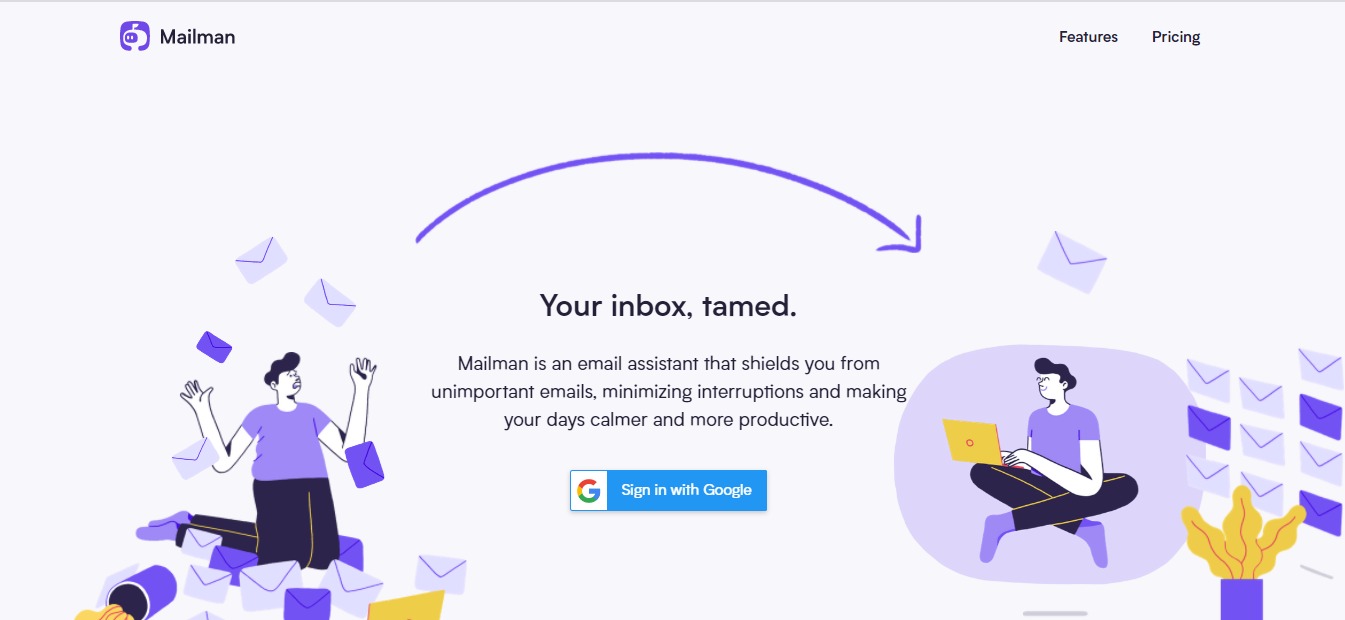
To use MailMan, simply visit their website at https://www.mailmanhq.com/, and click Sign in With Google.

Check the permission requests and click “Continue Signing In”

Once you’ve set the permissions, you will be redirected to a Dashboard where you can Activate Mailman and customize your settings. Pretty easy, right? It takes less than 1 minute to set up!

💲 Pricing Plans & Support
Mailman only comes with 1 plan: Standard. You get access to all the features and use multiple inboxes.
LOOKING FOR A ONE-STOP SOLUTION TO YOUR GROWTH NEEDS?
💎Standard – $8/month paid annual or $10/month paid monthly
〰️ Snooze your inbox
〰️Custom delivery schedule
〰️Custom Do-Not-Disturb period
〰️ VIP Lists
〰️Unlimited Blocking
〰️ Multiple inboxes