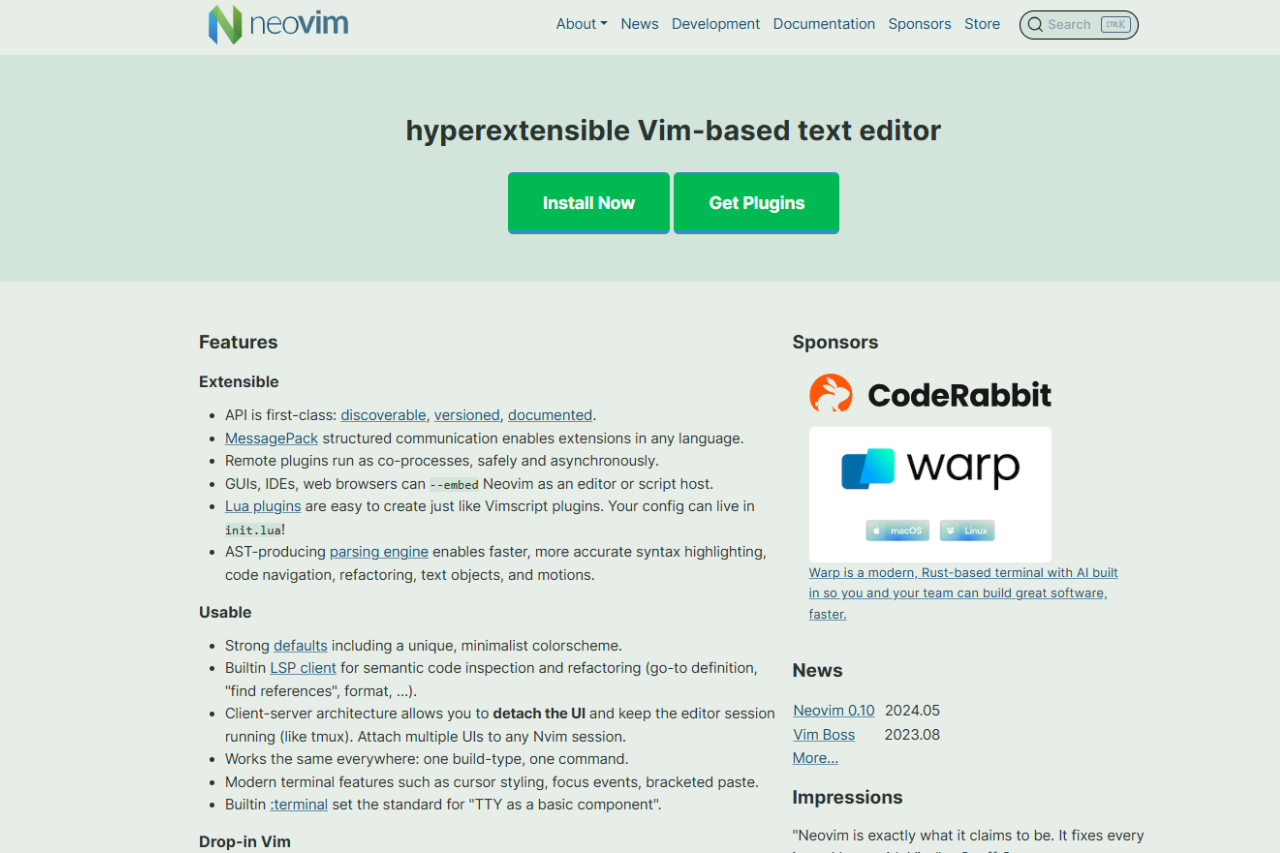
🏆 Our Verdict
Neovim takes the Vim editor to the next level by offering enhanced performance, extensibility, and modern features without compromising the speed and efficiency Vim is known for. As a text editor designed for developers who need full control, Neovim provides a highly customizable experience. It’s especially appealing to users who are familiar with Vim’s key bindings but want additional functionality, such as better plugin management and asynchronous processes. While it doesn’t offer the extensive out-of-the-box features of full IDEs like Visual Studio Code, Neovim provides an ultra-efficient development environment for power users who value simplicity and speed.
✅ Pros & ❌ Cons
Pros:
- Lightweight and Fast: Neovim is optimized for speed and can handle large files with ease.
- Highly Customizable: Provides extensive customization options through plugins and configuration settings.
- Vim Compatibility: For Vim users, Neovim retains all Vim functionality while adding new features and improvements.
- Asynchronous Plugin System: Neovim offers an asynchronous plugin system, allowing for faster and more responsive editing.
- Modern Features: Includes support for modern features like built-in terminal, improved syntax highlighting, and enhanced configuration.
- Extensive Plugin Ecosystem: Leverages a wide range of community-driven plugins that extend its functionality.
Cons:
- Steep Learning Curve: Neovim (and Vim in general) can be difficult for new users due to the unique keyboard shortcuts and command structure.
- No Built-in GUI: Unlike Visual Studio Code, Neovim is primarily a terminal-based editor (though there are GUI frontends available).
- Less User-Friendly: Neovim is better suited for experienced developers, as it doesn’t offer a polished user experience out of the box.
- Limited Out-of-the-Box Features: While Neovim excels in performance and customizability, it requires manual setup and plugin management for many advanced features.
- Not Ideal for Beginners: Neovim requires familiarity with Vim commands and configuration, which can be a barrier for new developers.
📖 About
Neovim is an open-source text editor and an extension of the popular Vim editor. It enhances Vim’s traditional functionality with modern features, focusing on providing a high-performance, extensible development environment. Neovim aims to provide a text editor that is both lightweight and powerful, ideal for experienced developers who appreciate a minimalist, keyboard-centric interface. Neovim improves on Vim by introducing asynchronous plugins, better performance, and support for modern editing workflows. Neovim is especially favored by those who enjoy tweaking their development environment for maximum efficiency.
🗓️ How It Works

- Download and Install: Neovim can be easily installed on Linux, macOS, and Windows using package managers or by downloading the binaries from the official website.
- Configure Settings: Configure Neovim’s settings to suit your needs by editing the configuration file (
init.vim). - Install Plugins: Extend Neovim’s functionality by installing plugins using plugin managers like
vim-plugordein.vim. - Start Coding: Open a file or project and start editing using Vim commands, along with the power of Neovim’s modern features.
- Use Advanced Features: Take advantage of Neovim’s built-in terminal, asynchronous operations, and customizable key mappings for a streamlined experience.
- Optimize Your Workflow: Use plugins to enhance features like auto-completion, syntax checking, and version control integration.
💲 Pricing Overview
- Free and Open Source: Neovim is completely free and open source, with no paid versions or hidden fees.
- No Premium Plans: All features are available to all users, with the option to enhance functionality through plugins and custom configuration.
🥊 Competition

| Feature | Neovim | Visual Studio Code |
|---|---|---|
| Customization | Highly customizable through plugins and configuration | Customizable with extensions, themes, and settings |
| Performance | Lightweight and fast, ideal for power users | Slightly slower due to extension overhead |
| Cross-Platform | Available on Linux, macOS, and Windows | Available on Linux, macOS, and Windows |
| Plugin Ecosystem | Extensive plugin support, community-driven | Vast marketplace of extensions and plugins |
| User Interface | Terminal-based (GUI frontends available) | Full-featured graphical interface |
| Ease of Use | Steep learning curve, Vim-centric | User-friendly, especially for beginners |
| IDE Features | Minimalistic, best for experienced developers | Advanced IDE features for modern workflows |
📌 Conclusion
Neovim is a powerful and lightweight text editor that shines for developers who value speed, customizability, and minimalism. While it is not as beginner-friendly or feature-rich out of the box as Visual Studio Code, Neovim excels in performance and offers a highly customizable experience. Developers who are comfortable with Vim and want more modern features will find Neovim a great choice. If you prefer a terminal-based editor with modern enhancements, Neovim is the way to go.
Neovim: Simplify Your Development with Speed and Flexibility