🏆 Our Verdict
Notepad++ is a powerful, open-source text and code editor that stands out for its simplicity and versatility. It caters to a wide range of users, from casual writers to professional developers, thanks to its extensive features and lightweight design. While it faces stiff competition from alternatives like Visual Studio Code, Notepad++ remains a go-to choice for many due to its ease of use and robust functionality.
✅ Pros & ❌ Cons
Pros:
- Lightweight and Fast: Quick to install and run, making it ideal for quick edits and lightweight tasks.
- User-Friendly Interface: Simple layout that is easy to navigate, even for beginners.
- Extensive Plugin Support: Offers numerous plugins for added functionality, allowing customization to fit user needs.
- Multi-Language Support: Supports multiple programming languages with syntax highlighting, making it versatile for developers.
Cons:
- Limited Advanced Features: Lacks some advanced IDE features found in competitors like Visual Studio Code.
- No Integrated Git Support: Does not include built-in Git version control, which may be a drawback for collaborative projects.
- Windows-Only: Primarily designed for Windows, with limited support for other operating systems.
📖 About
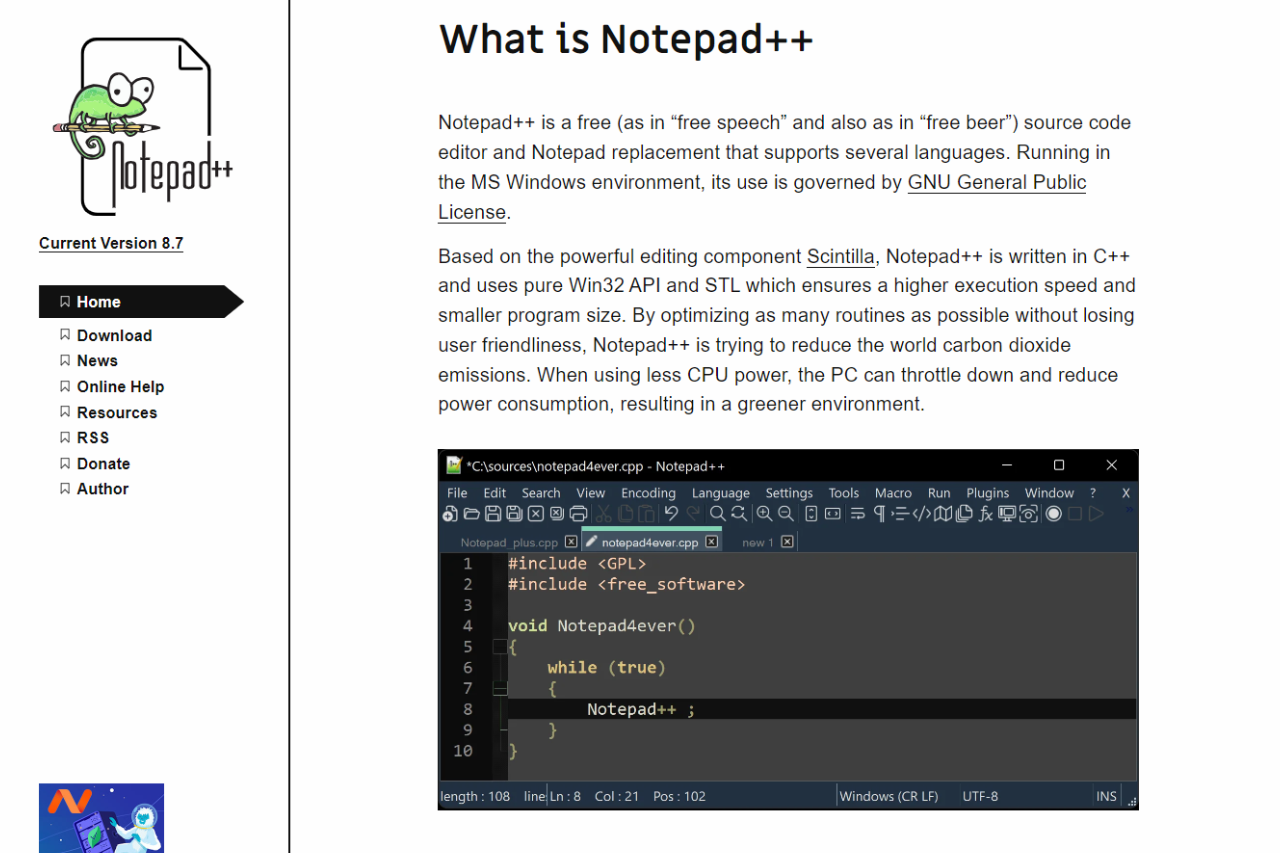
Notepad++ is an open-source text editor designed for Windows. It supports multiple programming languages and offers features like syntax highlighting, customizable themes, and a range of plugins to enhance productivity. With its lightweight design, Notepad++ is ideal for quick edits, coding, and managing text files.
🗓️ How It Works

- Installation: Notepad++ is easily downloadable from its official website and can be installed in minutes.
- Text Editing: Users can create and edit text files or code with syntax highlighting that adapts to the chosen programming language.
- Plugin Management: The built-in plugin manager allows users to add functionalities as needed, enhancing the editor’s capabilities.
- Customization: Users can tailor their experience through themes, layout options, and customizable shortcuts.
💲 Pricing Overview
Notepad++ is completely free to use, making it an accessible choice for anyone looking to edit text or code without the need for expensive software.
🥊 Competition

| Feature | Notepad++ | Visual Studio Code |
|---|---|---|
| Lightweight and Fast | Yes | No |
| User-Friendly Interface | Yes | Yes |
| Plugin Support | Extensive | Extensive |
| Integrated Git Support | No | Yes |
| Cross-Platform Availability | Windows Only | Yes (Windows, macOS, Linux) |
| Advanced IDE Features | Limited | Extensive |
📌 Conclusion
Notepad++ remains a solid choice for users seeking a reliable, lightweight text and code editor. While it may lack some advanced features found in competitors like Visual Studio Code, its simplicity, speed, and extensive plugin support make it an invaluable tool for many. Notepad++ runs only on Windows. On macOS or Linux, Geany is a similarly light, free editor, and it adds a build system that compiles and runs your code.
Notepad++: Your Essential Editor for Efficient Text and Code Management!