UpLead: Elevate Your Lead Generation Game

πŸ† Our Verdict

UpLead stands out as a powerful lead generation tool designed to help businesses find and connect with potential customers efficiently. Its robust features and user-friendly interface make it a go-to choice for businesses looking to enhance their sales outreach and lead management.

βœ… Pros & ❌ Cons

Pros:

  • πŸ“ˆ High-Quality Lead Data: UpLead provides accurate and up-to-date contact information, which helps in targeting the right audience effectively.
  • πŸ” Advanced Search Filters: Offers detailed search options, allowing users to narrow down leads based on specific criteria and improve targeting.
  • πŸ“§ Direct Email Outreach: Enables users to send emails directly from the platform, streamlining the lead engagement process.
  • πŸ’‘ Real-Time Data Verification: Ensures the data is verified in real-time, reducing the risk of bouncing emails and wasted efforts.

Cons:

  • πŸ’² Pricing Structure: Some users may find UpLead’s pricing to be on the higher side, especially for smaller businesses or startups.
  • 🀯 Feature Complexity: The range of features might be overwhelming for new users, requiring a learning period to fully utilize the platform.
  • πŸ”§ Integration Limitations: May have fewer integration options compared to some competitors, potentially impacting workflow efficiency.

πŸ“– About UpLead

UpLead is a leading lead generation platform that provides businesses with high-quality contact data and advanced tools for targeted outreach. It helps users build and manage their sales pipelines effectively, enhancing their ability to convert leads into customers.

πŸ—“οΈ How It Works

  1. Sign Up: Visit the UpLead website and create an account.
  2. Choose a Plan: Review the available subscription plans and select one that aligns with your business needs.
  3. Set Up Your Account: Complete the account setup by providing necessary information and integrating any required tools.
  4. Search for Leads: Use UpLead’s advanced search filters to find potential leads that match your criteria.
  5. Verify Data: Utilize UpLead’s real-time data verification to ensure the accuracy of the contact information.
  6. Engage Leads: Send personalized emails directly from UpLead to start conversations and nurture leads.
  7. Track Performance: Monitor your lead generation and engagement metrics to optimize your outreach strategies.

πŸ’² Pricing Overview

UpLead offers several pricing plans designed to cater to different business needs.


  1. Free Trial (Test Drive): 7-day trial with 5 credits.
  2. Essentials: $99/month, providing 170 credits monthly.
  3. Plus: $199/month, offering 400 credits monthly.
  4. Professional: Custom pricing, tailored to organizational needs, offering extensive features and credits.

Each plan builds on the previous, adding more advanced features like data enrichment, email pattern intel, and full API access as the plans progress.

For the most accurate and detailed information, please visit the UpLead pricing page directly here.

πŸ₯Š Competition

FeatureUpLeadZoomInfo
Pros– High-quality lead data<br>- Advanced search filters<br>- Direct email outreach<br>- Real-time data verification– Extensive contact database<br>- Advanced analytics<br>- Integration with CRM systems<br>- High data accuracy
Cons– Pricing structure<br>- Feature complexity<br>- Integration limitations– Higher cost<br>- Complexity in feature set<br>- May require extensive setup

πŸ“Œ Conclusion

UpLead emerges as a top choice for businesses seeking a robust and efficient lead generation platform. With its high-quality data, advanced search capabilities, and real-time verification, UpLead empowers sales teams to connect with the right prospects and drive growth.

UpLead: Your Ultimate Solution for Quality Lead Generation

Overloop: Streamlining Your Sales Outreach

πŸ† Our Verdict

Overloop excels as a powerful sales outreach tool, offering robust features designed to optimize lead generation, management, and communication. It caters to businesses looking for a streamlined approach to improving their sales processes with an emphasis on automation and efficiency.

βœ… Pros & ❌ Cons

Pros:

  • πŸ“§ Efficient Lead Management: Overloop provides comprehensive tools for managing and nurturing leads effectively.
  • πŸ”„ Automation Features: The platform offers extensive automation options to streamline repetitive tasks and follow-ups.
  • πŸ“Š Detailed Analytics: Overloop’s analytics tools deliver insightful data on sales performance, helping users make informed decisions.
  • 🀝 Integration Capabilities: Seamlessly integrates with various CRM and marketing tools to enhance workflow efficiency.

Cons:

  • πŸ’² Pricing Structure: Some users may find Overloop’s pricing plans to be on the higher side compared to other sales tools.
  • πŸ“š Complex Setup: New users might face a steep learning curve due to the platform’s extensive features and setup process.
  • πŸ› οΈ Customization Limits: Customization options for certain features may be somewhat limited.

πŸ“– About Overloop

Overloop is designed to enhance sales outreach and lead management through automation and integration. It provides tools to automate follow-ups, track lead interactions, and analyze sales performance, making it a valuable asset for sales teams aiming to boost productivity and efficiency.

πŸ—“οΈ How It Works

  1. Sign Up: Visit the Overloop website and create an account.
  2. Choose a Plan: Review the available pricing plans and select the one that aligns with your business needs.
  3. Set Up Your Account: Configure your account by integrating it with your CRM and other tools.
  4. Import Leads: Upload your lead list or integrate with existing databases.
  5. Create Campaigns: Set up automated outreach campaigns and follow-up sequences.
  6. Monitor Performance: Use Overloop’s analytics tools to track the success of your campaigns and make data-driven adjustments.

πŸ’² Pricing Overview

Overloop offers three main pricing plans, each providing access to all features with the flexibility of monthly or annual payments:

  1. Startup Plan: Includes access to all features, a maximum of 3 active campaigns, and 100 Email Finder credits per user per month.
  2. Growth Plan: Builds on the Startup plan by allowing up to 25 active campaigns and providing 250 Email Finder credits per user per month, along with professional services and support.
  3. Enterprise Plan: Offers unlimited campaigns, 500 Email Finder credits per user per month, and other advanced features.

Additional Email Finder credits are available for purchase separately.

For more details, you can visit the Overloop pricing page directly here.

πŸ₯Š Competition

OverloopHubSpot Sales
ProsPros
– Efficient lead management– Comprehensive CRM integration
– Extensive automation– Robust sales automation tools
– Detailed analytics– User-friendly interface
– Integration capabilities– Advanced reporting features
ConsCons
– Higher pricing– Can be expensive for smaller teams
– Complex setup– Overwhelming for beginners
– Limited customization– Some features require additional costs

πŸ“Œ Conclusion

Overloop stands out as an effective tool for sales outreach and lead management, with its strong automation and integration features. Despite its higher pricing and complex setup, it offers significant benefits for businesses looking to optimize their sales processes and improve efficiency.

Overloop: Transforming Sales Outreach with Automation

RocketReach: Unleashing the Power of Lead Generation

πŸ† Our Verdict

RocketReach stands out as a powerful lead generation and contact discovery tool, providing businesses with accurate contact information to drive their sales and marketing efforts.

βœ… Pros & ❌ Cons

Pros:

  • πŸ“§ Accurate Contact Data: RocketReach offers reliable and up-to-date contact information for professionals across various industries, aiding in effective outreach.
  • πŸ” Advanced Search Filters: The platform provides sophisticated search options to narrow down potential leads based on specific criteria, enhancing targeting accuracy.
  • πŸ’‘ Integration Capabilities: RocketReach integrates seamlessly with popular CRM tools and marketing platforms, streamlining data management and lead nurturing processes.
  • πŸ“ˆ Data Enrichment: Users benefit from comprehensive data enrichment features, which provide additional insights about leads and their organizations.

Cons:

  • πŸ’² Pricing: Some users might find RocketReach’s pricing on the higher side compared to other contact discovery tools, especially for smaller businesses.
  • πŸ”’ Data Accuracy Issues: Despite its strengths, occasional inaccuracies in contact data can impact outreach efforts, requiring verification and validation.
  • 🧩 Learning Curve: New users may face a learning curve while navigating the platform’s features and optimizing search capabilities.

πŸ“– About RocketReach

RocketReach has carved a niche in the lead generation space by offering a robust tool that helps businesses find and connect with key decision-makers and influencers across various sectors.

πŸ—“οΈ How It Works

  1. Sign Up: Visit the RocketReach website and create an account.
  2. Choose a Plan: Select a pricing plan that aligns with your business needs and budget.
  3. Set Up Your Account: Complete your profile and configure preferences to tailor the tool to your specific requirements.
  4. Search for Contacts: Use RocketReach’s advanced search filters to find leads based on industry, location, job title, and more.
  5. View and Export Data: Access detailed contact information and export it to your CRM or marketing platform for further engagement.
  6. Track Outreach: Monitor your outreach efforts and refine your strategies based on the data provided by RocketReach.

πŸ’² Pricing Overview

RocketReach offers several pricing tiers to accommodate different business needs and scales, ranging from individual users to large teams:

The RocketReach pricing page outlines several subscription options, each with varying levels of access to contact lookups and additional features like API access, integration capabilities, and more. The plans are structured to cater to different user needs, from basic email lookups to comprehensive access that includes phone lookups and advanced integrations. The page also details the benefits of each plan, helping users choose the right one based on their specific requirements.

For the most accurate and detailed information, please visit the RocketReach pricing page directly: RocketReach Pricing.

πŸ₯Š Competition

FeatureRocketReachHunter
Pros– Accurate contact data– Extensive email verification tools
– Advanced search filters– User-friendly interface
– Integration capabilities– Free plan available
– Data enrichment– Affordable pricing
Cons– Higher pricing– Limited contact data
– Data accuracy issues– Less comprehensive search filters
– Learning curve– Occasional data inaccuracies

πŸ“Œ Conclusion

RocketReach proves to be a leading choice for businesses seeking a reliable and comprehensive tool for contact discovery and lead generation. Its powerful features, combined with its advanced search capabilities and integration options, make it a standout option for driving sales and marketing success.

RocketReach: Your Gateway to Precise Lead Generation
LeadGenius: Revolutionizing Lead Generation

πŸ† Our Verdict

LeadGenius stands out as a powerful lead generation platform tailored for businesses seeking high-quality, data-driven leads. Its combination of advanced data sourcing and personalized outreach capabilities makes it a strong contender in the competitive landscape of lead generation tools.

βœ… Pros & ❌ Cons

Pros:

  • πŸ“ˆ Advanced Data Enrichment: LeadGenius provides in-depth data enrichment features, helping businesses acquire and manage high-quality leads with detailed insights.
  • πŸ” Customizable Lead Generation: The platform offers customizable lead generation strategies that can be tailored to specific business needs and target audiences.
  • πŸ€– AI-Powered Automation: LeadGenius leverages AI to automate lead sourcing and outreach, improving efficiency and scaling efforts.
  • πŸ”— Integration Capabilities: The platform integrates with various CRM and marketing tools, ensuring a seamless workflow and data consistency.

Cons:

  • πŸ’² Pricing: LeadGenius’s pricing may be on the higher side compared to some competitors, which might be a consideration for smaller businesses.
  • πŸ’Ό Complex Onboarding: New users may face a steep learning curve during the initial setup and integration phases.
  • πŸ“Š Limited Free Features: The free features offered are limited, pushing users towards paid plans for comprehensive functionality.

πŸ“– About LeadGenius

LeadGenius is a leading lead generation platform known for its ability to provide businesses with high-quality leads through advanced data enrichment and AI-driven automation. It offers customizable solutions to help companies find and engage with their ideal customers effectively.

πŸ—“οΈ How It Works

  1. Sign Up: Visit the LeadGenius website and create an account.
  2. Choose a Plan: Select a plan based on your business needs and budget.
  3. Set Up Your Account: Complete the setup by configuring your preferences and integrating with existing CRM systems.
  4. Define Lead Criteria: Use LeadGenius’s tools to define your target audience and lead criteria.
  5. Generate Leads: Utilize the platform’s AI and data enrichment features to generate and qualify leads.
  6. Engage Leads: Use personalized outreach tools to engage with leads and track interactions.
  7. Analyze Results: Monitor and analyze the performance of your lead generation efforts to optimize strategies.

πŸ’² Pricing Overview

LeadGenius does not provide a standard pricing list on their website. Instead, they offer customized pricing based on your specific business needs. To get detailed pricing information, you need to request a demo.

For more information and to request a personalized quote, visit the LeadGenius Request Demo Page.

πŸ₯Š Competition

LeadGeniusZoomInfo
ProsPros
– Advanced data enrichment– Comprehensive data coverage
– Customizable lead strategies– Extensive lead database
– AI-powered automation– Robust integration options
– Strong CRM integration– Detailed analytics and reporting
ConsCons
– Higher pricing– Higher cost for premium features
– Complex onboarding– Learning curve for new users
– Limited free features– Can be overwhelming for small teams

πŸ“Œ Conclusion

LeadGenius proves to be a top choice for businesses looking to enhance their lead generation strategies with advanced data tools and AI-driven automation. Its customizable features and strong integration capabilities make it a valuable asset for companies aiming to optimize their lead acquisition and engagement efforts.

LeadGenius: Your Partner in Elite Lead Generation

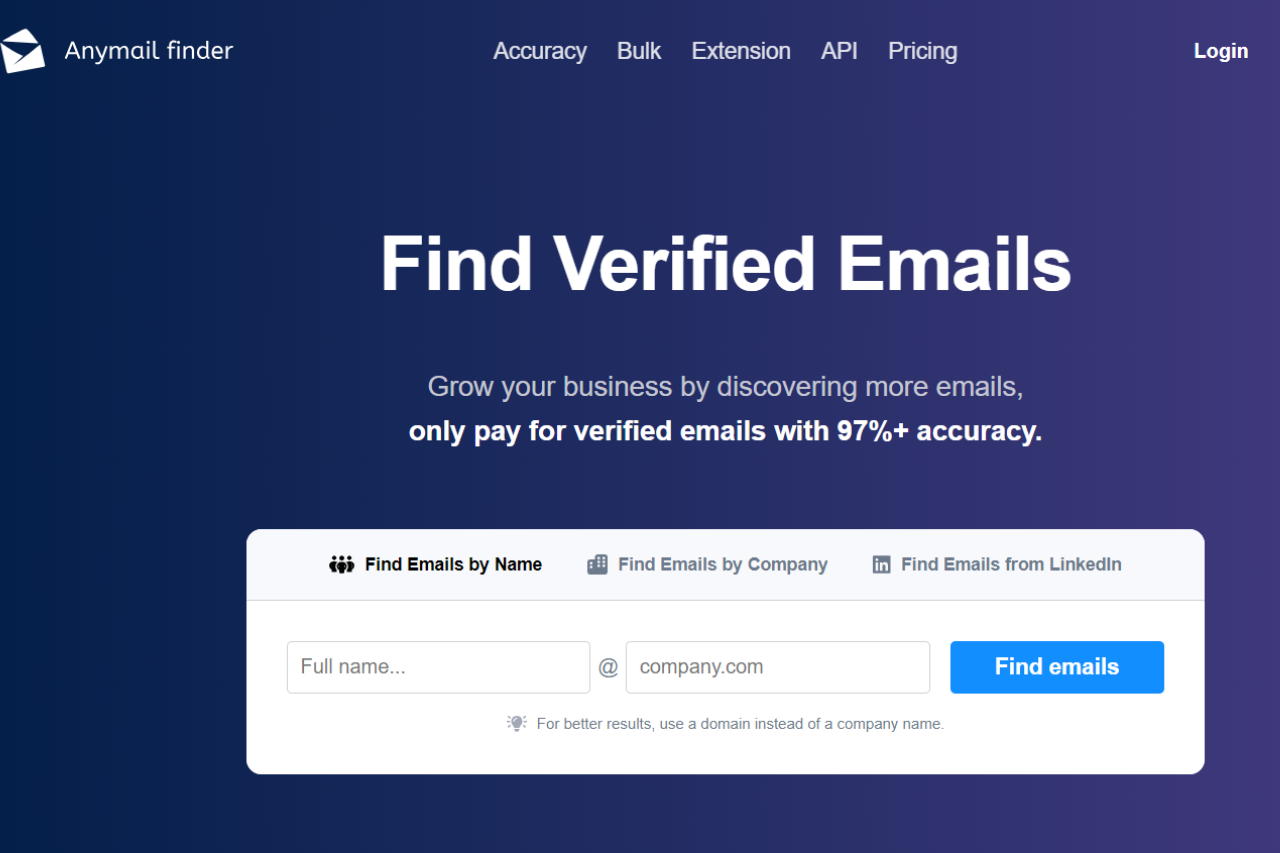
Anymail Finder: Simplify Your Email Outreach

πŸ† Our Verdict

Anymail Finder stands out as a robust tool for finding and verifying email addresses, catering to businesses and professionals who need accurate contact information for effective outreach.

βœ… Pros & ❌ Cons

Pros:

  • πŸ“§ Email Finding and Verification: Anymail Finder excels at locating and validating email addresses, ensuring high deliverability and accuracy.
  • πŸ” Search Filters: The tool offers advanced search filters to refine your search results based on criteria like domain and company size.
  • πŸ’Ό B2B Focus: Tailored for business-to-business contexts, making it ideal for sales and marketing professionals.
  • πŸ’¬ Integration: Seamlessly integrates with various CRM and marketing platforms to enhance workflow efficiency.

Cons:

  • πŸ’² Pricing: The cost may be higher compared to other email finding tools, especially for small businesses or occasional users.
  • πŸ€– Limited Free Plan: The free plan has limitations that may not suffice for users with extensive email finding needs.
  • πŸ”§ User Interface: Some users might find the interface less intuitive compared to other tools, requiring a learning curve.

πŸ“– About Anymail Finder

Anymail Finder provides a comprehensive solution for finding and verifying email addresses, focusing on accuracy and integration with various business tools. It helps users build targeted email lists, crucial for effective marketing and outreach.

πŸ—“οΈ How It Works

  1. Sign Up: Visit the Anymail Finder website and create an account.
  2. Choose a Plan: Explore and select a pricing plan that suits your email finding needs.
  3. Enter Search Criteria: Use the platform’s search filters to enter details about the email addresses you need.
  4. Verify Emails: Anymail Finder will validate the emails to ensure they are accurate and deliverable.
  5. Download Results: Export the verified email addresses to your preferred format or integrate directly with your CRM.
  6. Monitor Usage: Keep track of your email searches and verifications through the platform’s dashboard.

πŸ’² Pricing Overview

Anymail Finder offers several pricing plans to cater to different needs and budgets, from individual users to large teams.

Starter Plan:

  • Price: $9 per month
  • Features:
    • 600 credits per year
    • Unused credits roll over
    • Pay only for fully verified emails

Standard Plan:

  • Price: $32 per month
  • Features:
    • 12,000 credits per year
    • Unused credits roll over
    • Pay only for fully verified emails

Scale Plan:

  • Price: $99 per month
  • Features:
    • 60,000 credits per year
    • Unused credits roll over
    • Pay only for fully verified emails

Ultimate Plan:

  • Price: $200 per month
  • Features:
    • 300,000 credits per year
    • Unused credits roll over
    • Pay only for fully verified emails

For more detailed information, visit the Anymail Finder Pricing Page.

πŸ₯Š Competition

FeatureAnymail FinderHunter
Email Verificationβœ”οΈ Advanced verification with detailed resultsβœ”οΈ Comprehensive verification and real-time results
Search Filtersβœ”οΈ Advanced filters for refined searchesβœ”οΈ Basic filters for email searches
Integrationβœ”οΈ Integrates with CRM and marketing toolsβœ”οΈ Seamless integration with various platforms
PricingπŸ’² Higher cost for extensive useπŸ’² More cost-effective plans available
User InterfaceπŸ”§ Learning curve for some users🎨 More intuitive and user-friendly interface

πŸ“Œ Conclusion

Anymail Finder is a powerful tool for businesses seeking accurate and reliable email addresses. With its advanced verification features and robust integrations, it supports efficient email outreach and campaign management.

Anymail Finder: Your Solution for Accurate Email Outreach

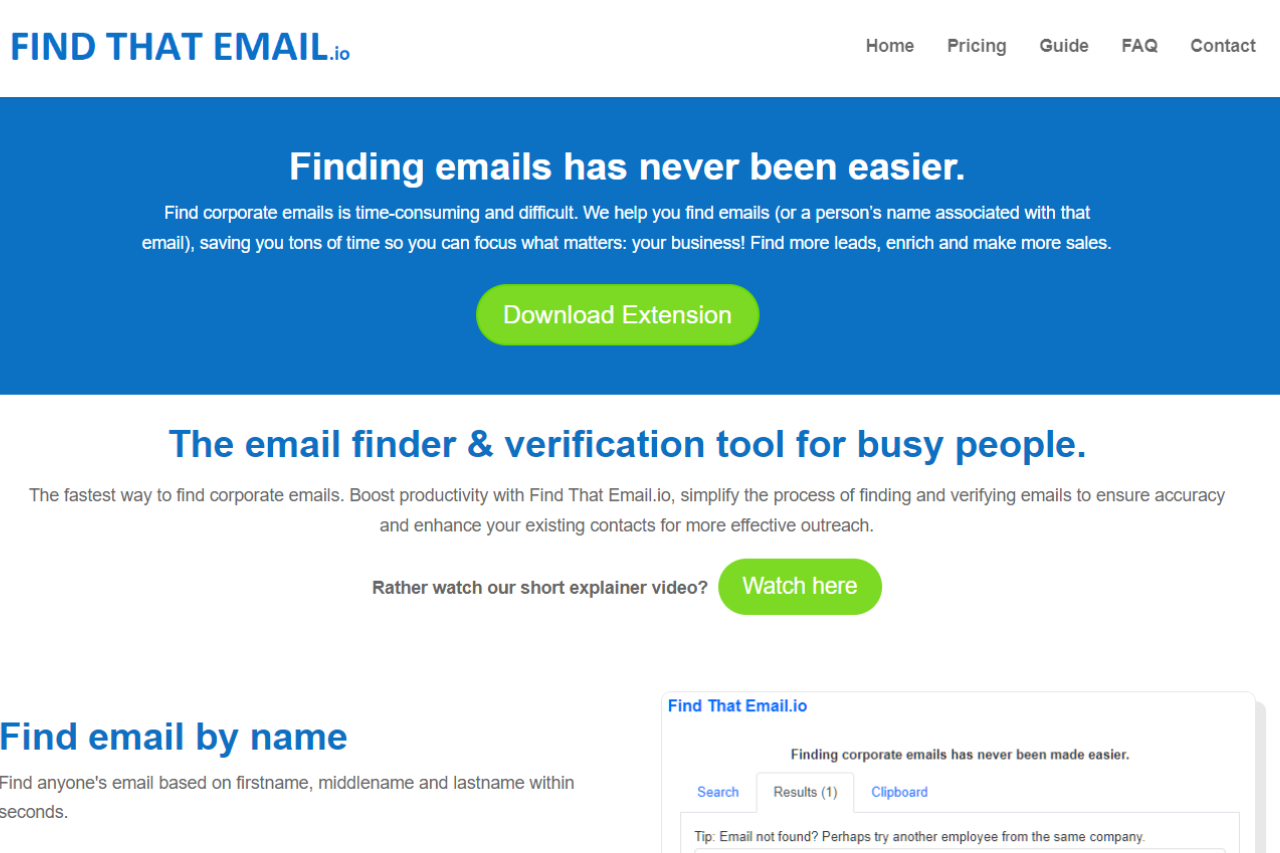
FindThat.Email: Your Go-To Tool for Email Discovery

πŸ† Our Verdict

FindThat.Email stands out as a powerful email lookup and verification tool designed to help businesses and professionals find accurate email addresses and manage their outreach efforts effectively. With its user-friendly interface and reliable results, it offers a great solution for lead generation and contact management.

βœ… Pros & ❌ Cons

Pros:

  • πŸ“§ Email Verification & Finding: FindThat.Email excels at finding and verifying email addresses, ensuring that your contact list is up-to-date and accurate.
  • πŸ” User-Friendly Interface: The platform offers a clean and intuitive interface, making it easy to search for email addresses and manage your leads.
  • πŸ“Š Integration: Integrates seamlessly with various CRM systems and email marketing tools, enhancing your overall workflow.
  • 🌍 Global Reach: Supports email discovery and verification for a wide range of countries, making it suitable for international outreach.

Cons:

  • πŸ’² Pricing: Some users may find the pricing plans relatively higher compared to competitors, especially for smaller teams or individual users.
  • 🀯 Limited Free Features: The free plan offers limited features, which may not be sufficient for users with extensive email verification needs.
  • πŸ”§ Occasional Accuracy Issues: Users may encounter occasional issues with email accuracy, which can affect the effectiveness of outreach campaigns.

πŸ“– About FindThat.Email

FindThat.Email is a leading email discovery and verification platform that provides businesses and professionals with the tools they need to build and maintain an accurate email list. It helps streamline outreach efforts by ensuring that contact information is reliable and up-to-date.

πŸ—“οΈ How It Works

Here’s a step-by-step guide on how to start using FindThat.Email:

  1. Sign Up: The email provided is used for verification purposes within the Chrome browser, accessible at chrome://settings/profile (ensure SYNC is enabled). If there is an error with the email provided during checkout, or if a transfer of the email is necessary, please contact support for modifications.
  2. Download Extension: Optionally, you can download their browser extension to enhance functionality.
  3. Finding Emails: Enter the first name, middle name (if applicable), and last name along with the domain of the person whose email you are looking for. The format is like john, doe, company.com to get john@company.com.
  4. Email Verification: To verify an email, simply type the email into the search field. You can save this search and then press “Start” to begin the verification.
  5. Using in Bulk: Both email finding and verification can be done in bulk by creating a list of names or emails.
  6. Results: The results will appear in the Results tab after the search or verification is done.

For a more detailed guide and visual aids, you can watch the explainer video or read the guide available on their website.

πŸ’² Pricing Overview

FindThat.Email offers several pricing plans to accommodate different needs and budgets:

Price: $19 per month

Features:

  • Unlimited emails/names: You can search for and verify an unlimited number of emails and names.
  • 30 Days Money Back Guarantee: If you are not satisfied with the service within the first 30 days, you can get a full refund.
  • Bulk Search: Allows you to search for emails in bulk by uploading a list of names and domains.
  • Email Validator: Verifies emails to ensure they are correct, reducing the chances of sending emails to incorrect or fake addresses.
  • LinkedIn Integration: Use the LinkedIn ‘People’ tab to send names to Clipboard for later use in generating leads.
  • CSV Export: Export search results in CSV format for easy use in other applications.

For more detailed information and to start using Find That Email, visit their Pricing Page.

.

πŸ₯Š Competition

FindThat.EmailHunter
ProsPros
– Accurate email verification– Extensive email lookup features
– User-friendly interface– Robust email verification tools
– Global reach– Comprehensive CRM integration
ConsCons
– Higher pricing– Higher cost for advanced features
– Limited free features– Learning curve for new users
– Occasional accuracy issues– Some features are not available on lower plans

πŸ“Œ Conclusion

FindThat.Email is a top choice for businesses and professionals looking to enhance their email discovery and verification processes. With its accurate results, user-friendly interface, and integration capabilities, it stands out as a valuable tool for effective email management and lead generation.

FindThat.Email: Your Reliable Partner in Email Discovery

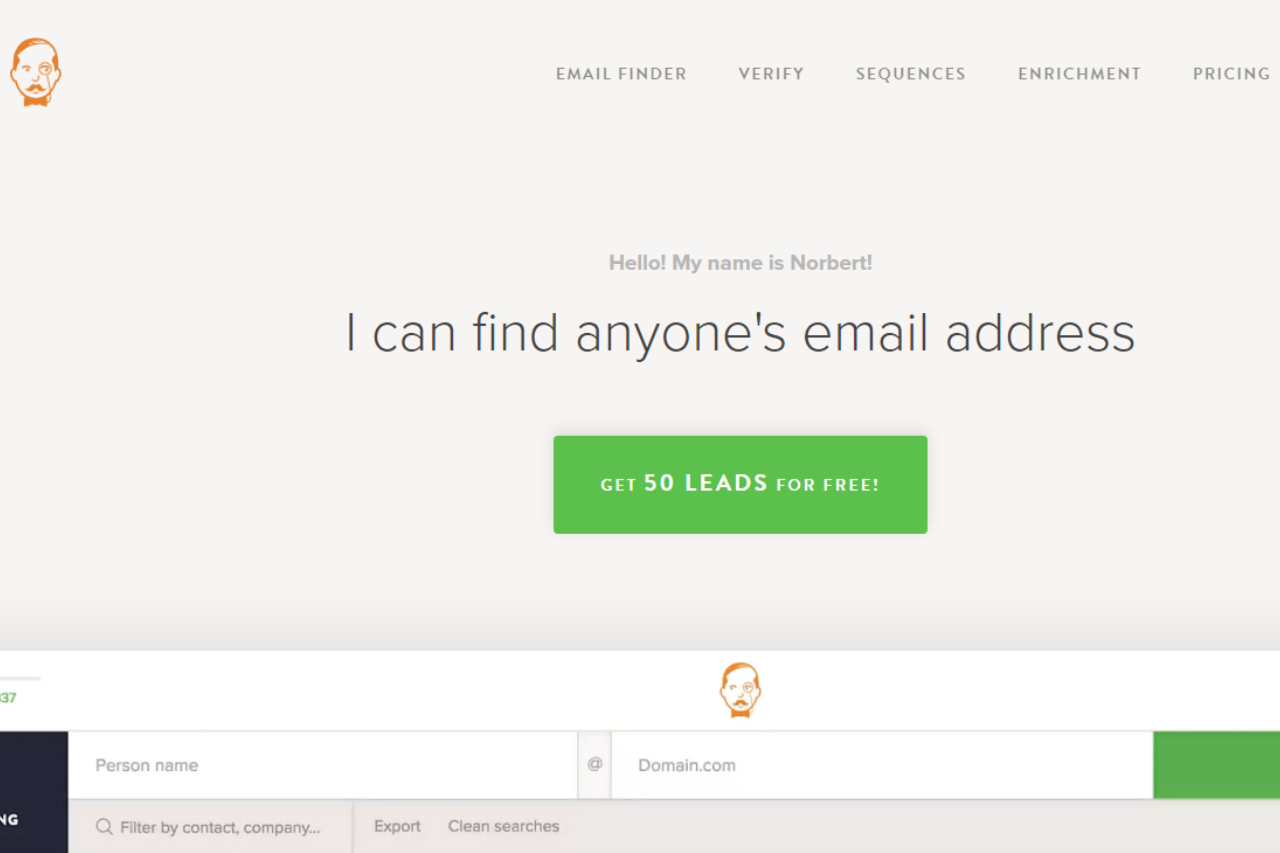
Voila Norbert: Mastering Email Verification and Lead Enrichment

πŸ† Our Verdict

Voila Norbert stands out as an efficient email verification and lead enrichment tool, designed to help businesses accurately identify and reach their target audience with minimal effort.

βœ… Pros & ❌ Cons

Pros:

  • πŸ“§ Accurate Email Verification: Voila Norbert provides high accuracy in verifying email addresses, reducing bounce rates and ensuring better email deliverability.
  • πŸ” Lead Enrichment: The tool offers lead enrichment features, allowing users to gather additional information about their leads for more personalized outreach.
  • πŸ’Ό User-Friendly Interface: Its intuitive interface makes it easy to use, even for those who are not tech-savvy.
  • πŸ”— Integration: Seamlessly integrates with popular CRM and marketing tools to streamline workflows.

Cons:

  • πŸ’² Pricing: Some users may find Voila Norbert’s pricing plans to be on the higher side compared to other email verification tools.
  • πŸ› οΈ Limited Features: While strong in email verification and lead enrichment, it may lack some advanced features available in more comprehensive platforms.
  • πŸ”’ Data Security: Concerns about data privacy and security may arise for some users due to the nature of lead enrichment.

πŸ“– About Voila Norbert

Voila Norbert specializes in email verification and lead enrichment, providing businesses with the tools needed to ensure accurate and efficient communication with potential clients.

πŸ—“οΈ How It Works

  1. Sign Up: Visit the Voila Norbert website and create an account.
  2. Choose a Plan: Select the pricing plan that fits your needs.
  3. Upload Data: Upload your list of email addresses or leads.
  4. Verify Emails: Use the email verification feature to check the validity of addresses.
  5. Enrich Leads: Apply lead enrichment to gather additional information about your leads.
  6. Integrate: Connect with CRM and marketing tools to integrate your enriched leads.

πŸ’² Pricing Overview

Voila Norbert offers various pricing plans to accommodate different business sizes and needs.

Valet Plan:

  • Price: $49 per month (billed monthly) / $39 per month (billed annually)
  • Features:
    • Up to 1,000 leads/month
    • Unlimited team members
    • Bulk & API usage included
    • Credit rollover

Butler Plan:

  • Price: $99 per month (billed monthly) / $79 per month (billed annually)
  • Features:
    • Up to 5,000 leads/month
    • Unlimited team members
    • Bulk & API usage included
    • Credit rollover

Advisor Plan:

  • Price: $249 per month (billed monthly) / $199 per month (billed annually)
  • Features:
    • Up to 15,000 leads/month
    • Unlimited team members
    • Bulk & API usage included
    • Credit rollover

Counselor Plan:

  • Price: $499 per month (billed monthly) / $399 per month (billed annually)
  • Features:
    • Up to 50,000 leads/month
    • Unlimited team members
    • Bulk & API usage included
    • Credit rollover

For more detailed information, visit the Voila Norbert Pricing Page.

πŸ₯Š Competition

Voila NorbertHunter
ProsPros
– Accurate email verification– Comprehensive email verification
– Lead enrichment features– Extensive lead generation tools
– User-friendly interface– Integration with multiple platforms
– Seamless integrations– Advanced search filters
ConsCons
– Higher pricing plans– Limited email verification accuracy
– Limited advanced features– Less focus on lead enrichment
– Data security concerns– Higher cost for premium features

πŸ“Œ Conclusion

Voila Norbert excels as a specialized tool for email verification and lead enrichment. Its accuracy, user-friendly interface, and integration capabilities make it a strong choice for businesses looking to improve their email outreach and lead management.

Voila Norbert: Elevate Your Lead Management with Confidence

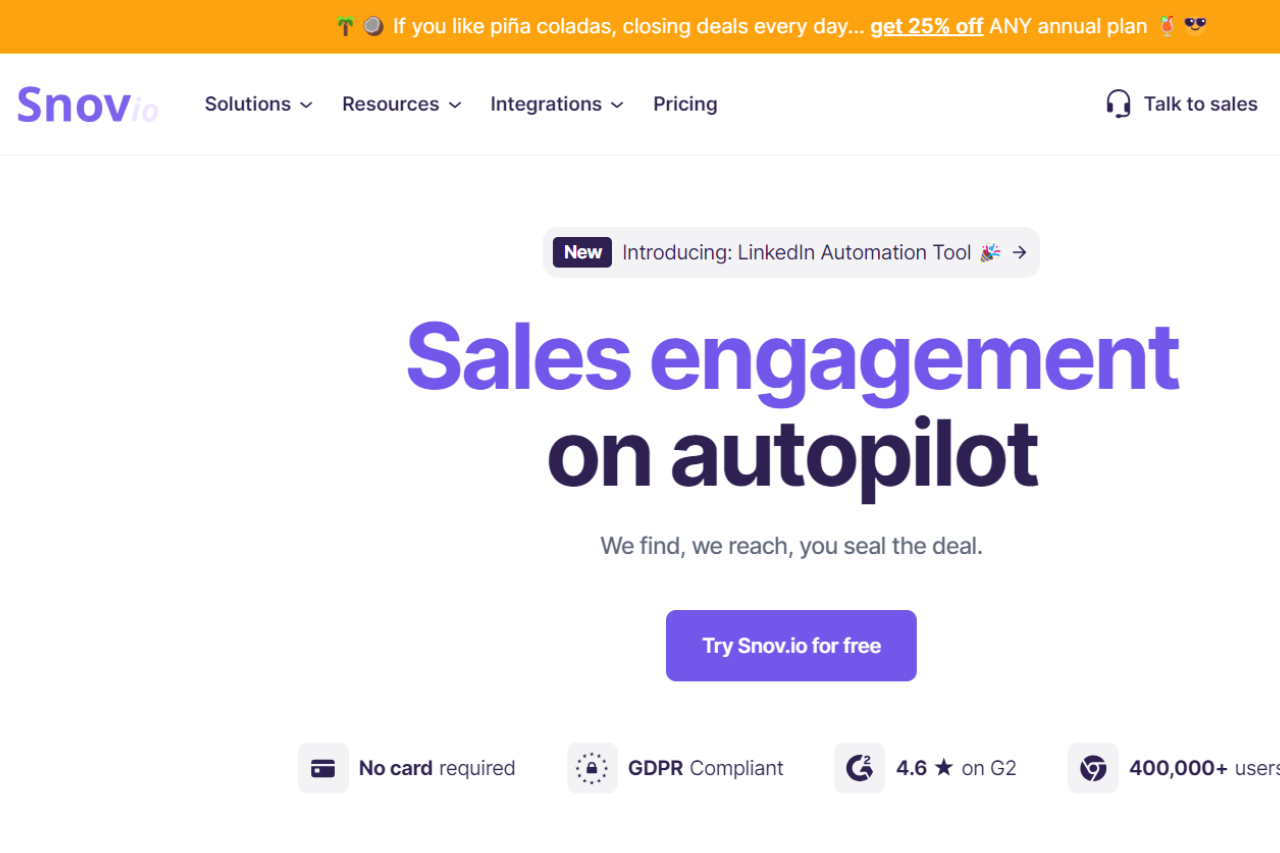
Snov: Your Comprehensive Lead Generation Solution

πŸ† Our Verdict

Snov excels as a comprehensive lead generation and outreach platform, offering a range of tools for email verification, lead search, and automation. It stands out for its flexibility and integration capabilities, catering to diverse business needs.

βœ… Pros & ❌ Cons

Pros:

  • πŸ“§ Lead Generation Tools: Snov provides robust features for finding and verifying email addresses, which is crucial for building a quality lead list.
  • πŸ” Email Finder: The platform excels in locating potential contacts through various search methods, enhancing lead generation efforts.
  • πŸ“ˆ Automation: Snov offers advanced automation capabilities for email outreach, saving time and improving efficiency.
  • πŸ”— Integrations: It integrates seamlessly with popular CRM systems and other marketing tools, streamlining workflows.

Cons:

  • πŸ’² Pricing: Some users may find Snov’s pricing to be on the higher side, especially when scaling up or needing advanced features.
  • 🀯 User Interface: The platform’s interface can be complex for new users, requiring time to navigate and master.
  • πŸ”§ Limited Features in Basic Plans: Some features are only available in higher-tier plans, which may not be ideal for small businesses or startups.

πŸ“– About Snov

Snov is a versatile lead generation and email outreach platform designed to help businesses grow their customer base through effective email marketing and lead management tools.

πŸ—“οΈ How It Works

  1. Sign Up: Visit the Snov website and create an account.
  2. Choose a Plan: Review the available pricing plans and select the one that aligns with your needs.
  3. Set Up Your Account: Complete the onboarding process by providing necessary business information and integrating with your CRM.
  4. Find Leads: Use Snov’s email finder and lead generation tools to build your contact list.
  5. Automate Outreach: Set up automated email campaigns and follow-ups to engage with leads.
  6. Monitor Performance: Track the performance of your campaigns using Snov’s analytics tools and adjust strategies as needed.

πŸ’² Pricing Overview

Snov offers various pricing plans to cater to different business requirements. Each plan provides access to a range of features based on the chosen level.

Trial Plan:

  • Price: Free
  • Features:
    • 50 credits
    • 100 email recipients
    • 1 mailbox warm-up

Starter Plan:

  • Price: $30/month
  • Features:
    • 1,000 credits
    • 5,000 email recipients
    • 3 mailbox warm-ups
    • LinkedIn Automation
    • Unlimited follow-ups and campaigns

Pro Plan:

  • Price: $75/month
  • Features:
    • 5,000 credits
    • 10,000 email recipients
    • Unlimited mailbox warm-ups
    • Additional advanced features

For more details, visit the Snov.io Pricing Page.

πŸ₯Š Competition

FeatureSnovHunter
Lead GenerationComprehensive email finder and lead search toolsAdvanced email finder with detailed filters
AutomationRobust automation capabilitiesBasic automation options
IntegrationsExtensive CRM and marketing tool integrationsIntegrates with major CRMs and tools
PricingHigher cost for advanced featuresGenerally lower cost, tiered plans available
User InterfaceCan be complex for new usersIntuitive and user-friendly

πŸ“Œ Conclusion

Snov stands out as a powerful tool for lead generation and email outreach, offering a range of features to enhance your marketing and sales efforts. With its comprehensive tools and integration capabilities, Snov is well-suited for businesses aiming to improve their lead management and automation processes.

Snov: Transform Your Lead Generation and Outreach Today!

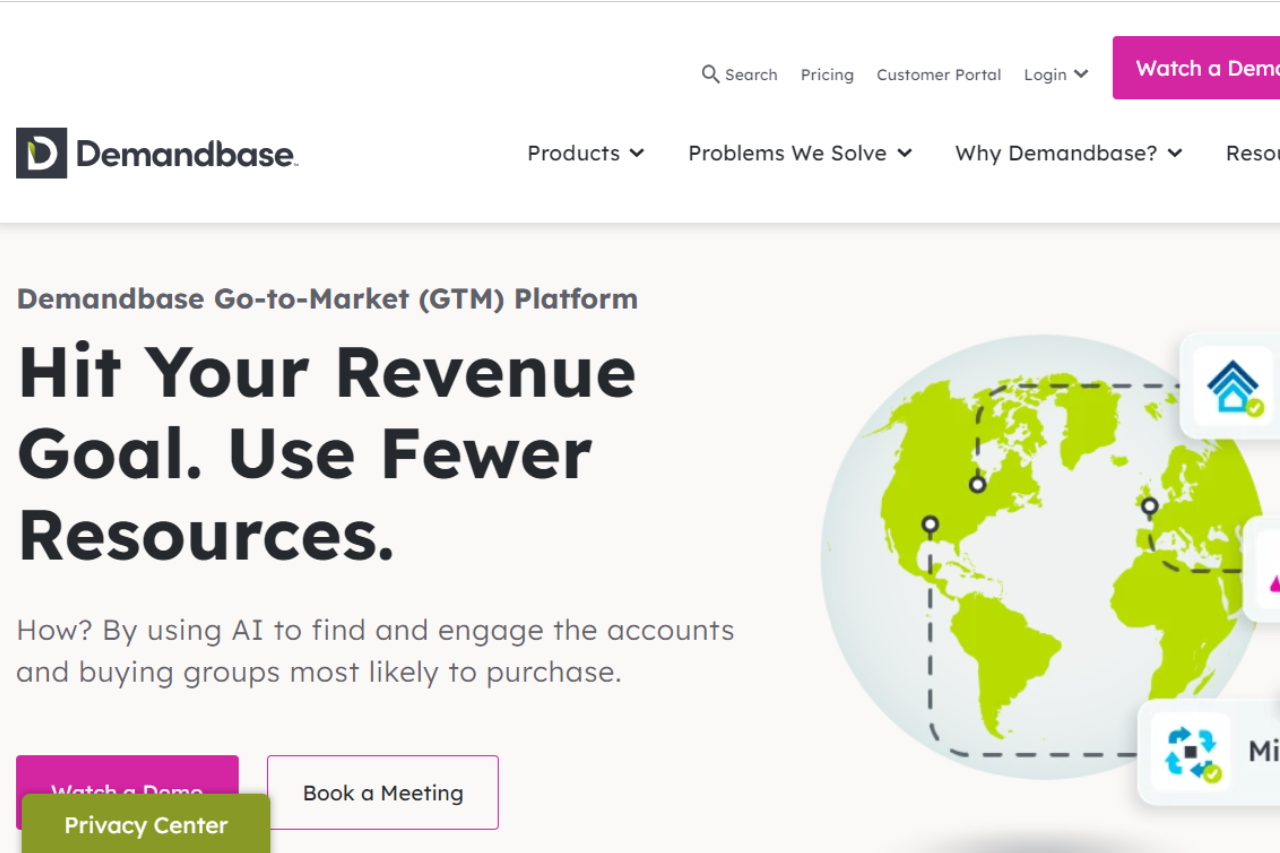
Demandbase: Elevating Your B2B Marketing Strategy

πŸ† Our Verdict

Demandbase stands out as a leading platform in account-based marketing (ABM), offering powerful tools to enhance B2B marketing strategies with its robust features and advanced targeting capabilities.

βœ… Pros & ❌ Cons

Pros:

  • πŸ“Š Advanced Targeting and Personalization: Demandbase excels in account-based marketing by providing deep insights and personalized engagement strategies tailored to target specific business accounts.
  • πŸ” Comprehensive Analytics: The platform offers detailed analytics and reporting features that help track and optimize marketing campaigns effectively.
  • 🀝 Integration Capabilities: Demandbase integrates seamlessly with major CRM and marketing automation platforms, enhancing overall marketing efficiency.
  • πŸ“ˆ Lead Generation and Nurturing: It supports lead generation with sophisticated tools to nurture and convert high-value leads.

Cons:

  • πŸ’² Cost: Demandbase’s advanced features come with a higher price point, which may be a consideration for smaller businesses or those with limited budgets.
  • πŸ“š Complexity: The platform’s extensive features and functionalities can present a learning curve for new users or those unfamiliar with ABM strategies.
  • πŸ”§ Customization: Some users might find the customization options limited compared to other marketing platforms.

πŸ“– About Demandbase

Demandbase is a pioneering leader in account-based marketing solutions, designed to help B2B companies target, engage, and convert high-value accounts through data-driven insights and advanced marketing technologies.

πŸ—“οΈ How It Works

  1. Sign Up: Visit the Demandbase website and sign up for an account.
  2. Choose a Plan: Review and select a pricing plan that fits your business requirements.
  3. Set Up Your Account: Configure your account by integrating with CRM and marketing tools and defining your target accounts.
  4. Create Campaigns: Use Demandbase’s tools to design and launch personalized marketing campaigns aimed at specific business accounts.
  5. Track and Optimize: Utilize the platform’s analytics to monitor campaign performance and make data-driven adjustments for improved results.

πŸ’² Pricing Overview

Demandbase Oneβ„’ Pricing:

  1. Professional Plan:
    • Features:
      • Account-Based Experience Platform – Professional
      • Sales Intelligence User Seats
      • Supported Advertising
      • Embedded B2B Data (Account Identification, Company Information, B2B Contacts, Intent, Installed Tech Data)
      • Plug and Play Partner Integrations
      • SSO Support
    • Add-On Modules:
      • Personalization: Increase conversion rates by creating unique website experiences.
      • Orchestration: Run full cross-channel marketing and sales automations.
      • Data Integrity: Keep your CRM data up-to-date automatically.
  2. Enterprise Plan:
    • Features:
      • All Professional Plan capabilities
      • Additional Pipeline Predict Models
      • Additional Qualification Score Models
      • Orchestration
      • Additional Domains
    • Add-On Modules:
      • Advertising: Target accounts and people with ad impressions.
      • Personalization: Unique website experiences.
      • Data Integrity: CRM data management.
  3. Elite Plan:
    • Features:
      • All Enterprise Plan capabilities
      • Unlimited Pipeline Predict Models
      • Unlimited Qualification Score Models
      • Data Integrity
      • Unlimited Domains
      • Sandbox Access
    • Add-On Modules:
      • Advertising: Advanced targeting for B2B ads.
      • Personalization: Customized website experiences.

For detailed pricing tailored to your needs, visit the Demandbase Pricing Page.

πŸ₯Š Competition

Demandbase6sense
ProsPros
– Advanced targeting and personalization– Deep account insights and predictive analytics
– Comprehensive analytics and reporting– Robust AI-driven recommendations
– Strong integration capabilities– Seamless CRM and marketing automation integration
– Effective lead generation and nurturing– User-friendly interface with strong support
ConsCons
– Higher cost for advanced features– Pricing can be high for smaller businesses
– Complex features for new users– Learning curve associated with advanced functionalities
– Limited customization options– Customization may require additional support

πŸ“Œ Conclusion

Demandbase emerges as a top choice for businesses seeking a robust and effective account-based marketing platform. With its advanced targeting, comprehensive analytics, and strong integration capabilities, Demandbase empowers businesses to excel in B2B marketing.

Demandbase: Your Strategic Partner in Account-Based Marketing

Map the journey before you target the account. Account-based platforms like Demandbase work hardest when the team agrees on which stages of the buyer journey they are trying to influence and which personas show up at each one. Without that map, ABM spend tends to scatter across stages that are already covered and miss the handoff moments where deals actually stall. Our free buyer journey mapper includes a starter ABM template β€” account selection, engagement, multi-thread, pilot, land, expand β€” that you can edit in the browser and share with your team.

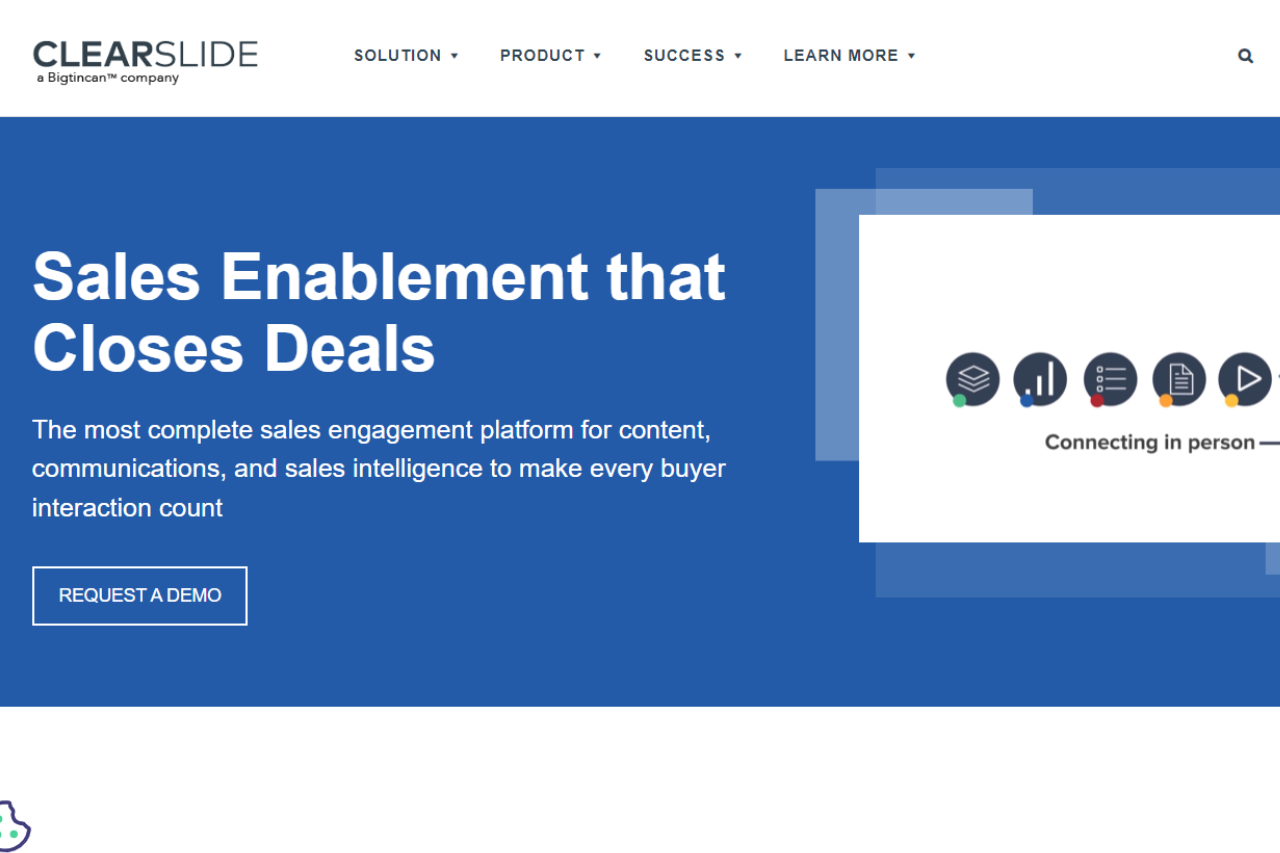
ClearSlide: Transforming Sales Engagement

πŸ† Our Verdict

ClearSlide excels as a comprehensive sales engagement platform, designed to enhance communication and presentation with its robust features and user-friendly interface. It is an excellent tool for sales teams looking to improve their engagement strategies and streamline their workflow.

βœ… Pros & ❌ Cons

Pros:

  • πŸ“ˆ Sales Engagement Tools: ClearSlide provides a range of tools for engaging prospects, including live presentations, real-time analytics, and content sharing capabilities.
  • πŸŽ₯ Visual Design: The platform offers intuitive visual design tools that make it easy to create professional and engaging presentations and content.
  • πŸ“Š Analytics: ClearSlide’s analytics dashboard offers detailed insights into how your content is performing, helping you refine your sales strategies.
  • πŸ”— Integration: It integrates seamlessly with CRM systems and other third-party platforms, enhancing overall workflow efficiency.

Cons:

  • πŸ’² Pricing: Some users might find ClearSlide’s pricing plans on the higher side compared to competitors, especially for smaller teams or businesses.
  • πŸ” Complexity: The platform’s extensive features may have a steep learning curve for new users, requiring time to fully leverage its capabilities.
  • πŸ”§ Limited Customization: Customization options for certain features may be limited compared to other sales engagement tools.

πŸ“– About ClearSlide

ClearSlide is a leading sales engagement platform that equips sales teams with the tools to effectively communicate and present to prospects. Its features aim to improve engagement through interactive presentations and detailed analytics.

πŸ—“οΈ How It Works

  1. Sign Up: Visit the ClearSlide website and sign up for an account.
  2. Choose a Plan: Review the available pricing plans and select one that meets your team’s needs.
  3. Set Up Your Account: Complete the setup by configuring your account settings and integrating with your CRM system.
  4. Create Content: Use ClearSlide’s tools to design and organize your presentations and sales materials.
  5. Engage Prospects: Utilize live presentation features and content sharing to engage with prospects.
  6. Analyze Performance: Monitor engagement and performance metrics through the ClearSlide analytics dashboard to optimize your sales strategies.

πŸ’² Pricing Overview

ClearSlide offers customized pricing plans to cater to various business needs. They do not provide a standard pricing list on their website. Instead, they encourage potential customers to contact their sales team for detailed pricing information tailored to their specific requirements.

To get a personalized quote and learn more about the pricing, you can visit the ClearSlide Pricing Page and request a demo or contact their sales team directly.

πŸ₯Š Competition

FeatureClearSlideHighspot
ProsProsPros
Sales engagement toolsSales enablement and engagementAdvanced sales enablement features
Intuitive design toolsContent management and analyticsStrong content management
Detailed analyticsSeamless CRM integrationRobust integration capabilities
CRM integrationEasy-to-use interfaceCustomizable sales playbooks
ConsConsCons
Higher pricingComplex for new usersCan be expensive for smaller teams
Learning curveLimited customizationSteeper learning curve
Limited customization

πŸ“Œ Conclusion

ClearSlide stands out as a powerful tool for enhancing sales engagement with its advanced features and seamless integration capabilities. Although it may come with a higher price tag and a learning curve, its robust tools and analytics make it a valuable asset for sales teams looking to elevate their performance.

ClearSlide: Elevate Your Sales Engagement Today!