Adobe Acrobat Pro: The Comprehensive PDF Solution

πŸ† Our Verdict

Adobe Acrobat Pro stands out as a premier PDF management tool, offering extensive features for creating, editing, and securing PDFs. It’s an industry leader known for its reliability and advanced functionality.

βœ… Pros & ❌ Cons

Pros:

  • πŸ“„ Extensive PDF Tools: Adobe Acrobat Pro provides a full suite of PDF tools, including creation, editing, converting, and secure sharing options.
  • πŸ”’ Advanced Security: Robust security features like password protection, encryption, and redaction ensure document confidentiality.
  • πŸ–ŠοΈ E-Signatures: Integrated e-signature capabilities streamline document signing processes, enhancing productivity.
  • πŸ–ΌοΈ Multimedia Support: Allows embedding of multimedia elements such as audio and video in PDFs for richer content presentations.

Cons:

  • πŸ’² Pricing: Adobe Acrobat Pro can be relatively expensive, especially for individuals or small businesses.
  • 🧩 Complexity: The broad range of features can make the software overwhelming for users who only need basic PDF functions.
  • πŸ”„ Performance Issues: Some users report slower performance with larger or complex PDFs.

πŸ“– About Adobe Acrobat Pro

Adobe Acrobat Pro is a powerful PDF tool designed for professionals and businesses that need advanced PDF management capabilities. It is part of Adobe’s suite of creative and productivity tools and is widely used across various industries for its comprehensive features.

πŸ—“οΈ How It Works

  1. Sign Up: Visit the Adobe Acrobat Pro website and choose a subscription plan that fits your needs.
  2. Download and Install: Download the software and follow the installation instructions.
  3. Create or Open a PDF: Start by creating a new PDF or opening an existing one using Adobe Acrobat Pro.
  4. Edit and Customize: Use the software’s tools to edit text, images, and other elements within your PDF.
  5. Secure and Share: Apply security settings and share your PDF through various channels directly from the software.
  6. Sign Documents: Utilize e-signature features to sign or request signatures on important documents.

πŸ’² Pricing Overview

Adobe Acrobat Pro offers several pricing plans to suit different needs and budgets:

  • Acrobat Reader: Free
    • View, print, and share PDFs
    • Add comments to PDFs
  • Acrobat Standard: $12.99/month
    • Includes all Reader features
    • Create, edit, and sign PDFs
    • Export PDFs to Word or Excel
  • Acrobat Pro: $14.99/month
    • Includes all Standard features
    • Convert scans into editable PDFs
    • Compare two PDFs to review differences
    • Prepare PDFs consistent with accessibility standards

Each plan is tailored for different levels of PDF usage, from basic viewing to advanced editing and compliance features.

πŸ₯Š Competition

FeatureAdobe Acrobat ProFoxit PhantomPDF
Pros– Extensive PDF tools– Cost-effective pricing
– Advanced security features– Lightweight and fast performance
– Integrated e-signatures– User-friendly interface
– Multimedia support– Robust collaboration tools
Cons– Relatively high pricing– Fewer advanced features compared to Adobe Acrobat Pro
– Complex for basic users– Less integration with other Adobe products
– Can be slow with large files– Some features require additional purchases

Free alternative: Adobe Acrobat Pro is the full professional suite with a subscription to match. For simple edits and form filling at no cost, PDFescape handles the common tasks straight from the browser.

Confluence by Atlassian: The Ultimate Team Collaboration Hub

πŸ† Our Verdict

Confluence by Atlassian stands out as a powerful and comprehensive team collaboration tool, designed to enhance productivity through organized documentation, collaborative spaces, and streamlined project management.

βœ… Pros & ❌ Cons

Pros:

  • πŸ“ Robust Documentation Tools: Confluence excels in providing a wide range of tools for creating and managing detailed documentation, including templates, rich text editing, and collaborative editing.
  • πŸ“… Project Management Integration: Seamlessly integrates with Jira and other Atlassian tools, enabling efficient project tracking and management within the same ecosystem.
  • πŸ”„ Real-Time Collaboration: Facilitates real-time collaboration with features such as simultaneous editing, comment threads, and task assignments.
  • πŸ” Customizable Spaces: Offers customizable spaces and pages, allowing teams to organize their work in a way that best suits their needs and workflows.

Cons:

  • πŸ’² Cost: Confluence can be relatively expensive, particularly for smaller teams or organizations, with additional costs for advanced features and user tiers.
  • πŸ“š Complexity: The platform’s extensive features and customization options can result in a steeper learning curve, especially for new users.
  • πŸ”„ Performance Issues: Some users report performance issues and slow loading times with larger or heavily customized instances.

πŸ“– About Confluence

Confluence by Atlassian, developed by Atlassian, is a leading team collaboration and documentation tool that helps organizations create, share, and manage content in a unified workspace. It is widely used for project management, knowledge sharing, and team collaboration.

πŸ—“οΈ How It Works

  1. Sign Up: Visit the Confluence website and sign up for an account or start a free trial.
  2. Set Up Your Workspace: Create your workspace and customize it according to your team’s needs.
  3. Create and Organize Pages: Use Confluence’s templates and rich text editor to create pages and organize them into spaces.
  4. Collaborate: Invite team members to collaborate on documents in real-time, assign tasks, and leave comments.
  5. Integrate: Connect Confluence with other Atlassian tools like Jira to streamline project management.
  6. Monitor and Manage: Utilize built-in analytics and admin tools to monitor activity and manage user permissions.

πŸ’² Pricing Overview

Confluence by Atlassian offers various pricing plans to cater to different organizational sizes and needs.

  • Free Plan: No cost, supports up to 10 users. Includes unlimited pages and spaces, templates, up to 3 active whiteboards per user, and 2 GB file storage.
  • Standard Plan: $5.75 per user/month billed annually. It builds on the Free plan by offering external collaboration, enhanced permissions, and 250 GB of storage.
  • Premium Plan: $11.50 per user/month billed annually. Includes everything in Standard plus unlimited whiteboards, admin insights, 24/7 support, and unlimited storage.
  • Enterprise Plan: Custom pricing for advanced needs. Offers everything in Premium plus SSO, user provisioning, and unlimited automation.
  • For more details, you can view their pricing information directly on their website here.

πŸ₯Š Competition

ConfluenceNotion
ProsPros
– Robust documentation tools– Highly customizable workspace
– Integration with Jira and Atlassian tools– User-friendly interface
– Real-time collaboration– Versatile use cases (notes, tasks, databases)
– Customizable spaces– Affordable pricing for advanced features
ConsCons
– Relatively expensive– Limited integration with other tools
– Steeper learning curve– Advanced features require additional setup
– Performance issues with large instances– May lack some enterprise-level functionalities

πŸ“Œ Conclusion

Confluence by Atlassian emerges as a top choice for teams seeking a comprehensive and flexible collaboration tool. Its extensive features, real-time collaboration capabilities, and integration with Atlassian products make it a powerful solution for managing projects and documentation. However, potential users should consider the cost and complexity associated with its robust feature set.

Confluence by Atlassian: Empowering Team Collaboration and Documentation

Tiller: Your Customizable Financial Management Solution

πŸ† Our Verdict

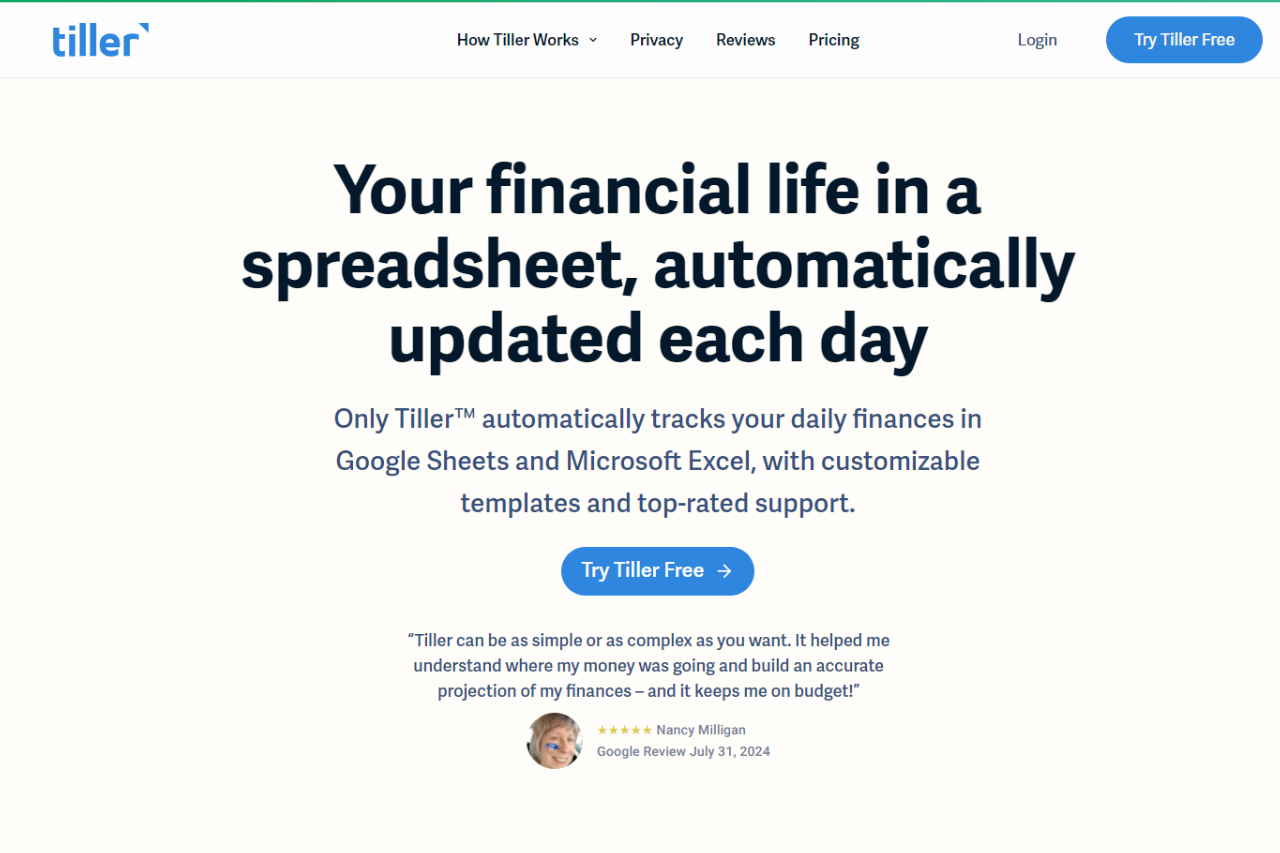
Tiller stands out as a powerful financial management tool that leverages the flexibility of spreadsheets to help users gain detailed insights into their finances. Its unique approach of integrating with Google Sheets and Microsoft Excel allows for high customization and control over budgeting and financial tracking.

βœ… Pros & ❌ Cons

Pros:

  • πŸ“Š Customizable Spreadsheets: Tiller uses Google Sheets or Microsoft Excel, offering extensive customization options to tailor your budget and financial reports according to your needs.
  • πŸ”— Bank Integration: Automatically syncs with over 21,000 banks, credit cards, and financial institutions, ensuring up-to-date financial data.
  • πŸ“ˆ Detailed Reports: Provides customizable templates for detailed financial tracking and reporting.
  • πŸ’¬ Support: Offers responsive customer support to help users with any issues or questions.

Cons:

  • πŸ’° Pricing: Requires a monthly subscription fee, which may be a drawback compared to free options.
  • πŸ› οΈ Learning Curve: Some users may find the spreadsheet-based approach requires a learning curve, particularly if they are not familiar with spreadsheet functionalities.
  • πŸ“‰ Limited Built-In Features: Unlike more integrated solutions, Tiller might lack certain advanced budgeting features found in other dedicated apps.

πŸ“– About Tiller

Tiller is designed to provide a high degree of customization in financial management by leveraging spreadsheets. It aims to offer users a flexible solution for tracking and managing their finances, integrating with numerous banks and providing detailed reports to help with budgeting and expense management.

πŸ—“οΈ How It Works

  1. Sign Up: Visit the Tiller website and create an account.
  2. Connect Your Accounts: Link your bank accounts, credit cards, and other financial institutions to Tiller.
  3. Customize Your Spreadsheets: Use Tiller’s templates or create your own spreadsheets in Google Sheets or Microsoft Excel.
  4. Track and Manage: Monitor your transactions, categorize expenses, and generate reports to manage your finances effectively.
  5. Review and Adjust: Regularly review your financial data and adjust your budget and financial plans as needed.

πŸ’² Pricing Overview

Tiller offers two main pricing plans designed to fit different user needs:

  • Free Trial: 30 days free without requiring payment information upfront.
  • Annual Subscription: $79 per year after the trial period ends.
  • Cancellation: Users can cancel anytime during the trial or subscription period.
  • Refund Policy: Full refunds available if not satisfied.
  • No Ads or Hidden Fees: The service promises transparency in pricing.

For more detailed information, you can visit their pricing page.

πŸ₯Š Competition

TillerYNAB (You Need A Budget)
ProsPros
– Highly customizable spreadsheets– Comprehensive budgeting tools
– Automatic bank sync– Detailed financial insights
– Secure data handling– Robust educational resources
ConsCons
– Subscription fee– Higher cost compared to some other budgeting tools
– Learning curve for spreadsheets– Limited integration with non-US banks
– Fewer built-in features– No direct integration with spreadsheets

πŸ“Œ Conclusion

Tiller is an excellent choice for users who appreciate the flexibility and customization of spreadsheets for managing their finances. With its integration capabilities and customizable templates, it empowers users to take control of their budgeting and financial tracking. If you’re looking for a tailored financial management solution with a focus on detailed reporting and bank integration, Tiller is worth considering.

Tiller: Your Customizable Path to Financial Clarity

Quicken: Master Your Finances with Confidence

πŸ† Our Verdict

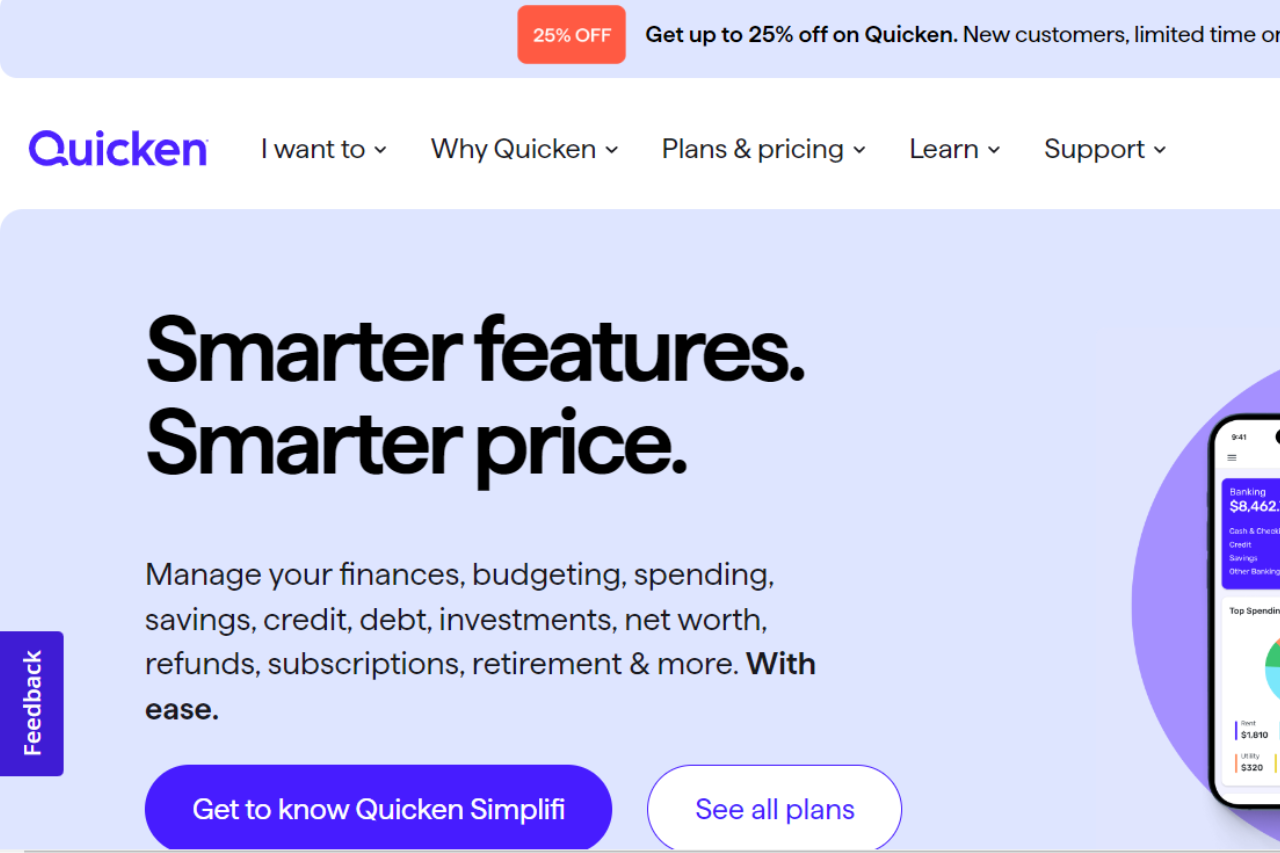
Quicken stands out as a powerful financial management tool designed to help users track and manage their personal and business finances effectively. With its extensive features and customizable options, Quicken provides a comprehensive solution for budgeting, investing, and expense tracking.

βœ… Pros & ❌ Cons

Pros:

  • πŸ“ˆ Robust Financial Management Tools: Quicken offers an extensive range of tools for budgeting, expense tracking, investment management, and bill payment.
  • πŸ“Š Comprehensive Reporting: The platform provides detailed financial reports and insights, helping users make informed decisions about their money.
  • πŸ’» Sync Across Devices: Quicken supports synchronization across multiple devices, ensuring that your financial data is always up-to-date and accessible.
  • πŸ”’ Security: Quicken prioritizes user data security with advanced encryption and security measures to protect sensitive information.

Cons:

  • πŸ’² Pricing: Quicken’s subscription plans can be relatively high compared to some other financial management tools, especially considering the advanced features.
  • 🧩 Complexity: New users might find Quicken’s extensive features and interface a bit overwhelming and may require time to fully understand and utilize the platform.
  • πŸ”„ Sync Issues: Occasionally, users may experience issues with syncing accounts or data between devices.

πŸ“– About Quicken

Quicken is a leading financial management software that provides individuals and businesses with the tools needed to manage their finances efficiently. It offers a wide range of features, from budgeting and expense tracking to investment management and bill payment, all designed to help users achieve their financial goals.

πŸ—“οΈ How It Works

  1. Sign Up: Visit the Quicken website and choose a subscription plan that fits your needs.
  2. Download and Install: Download and install the Quicken software on your device.
  3. Set Up Accounts: Link your bank accounts, credit cards, and investment accounts to Quicken for automatic syncing.
  4. Create Budgets: Use Quicken’s budgeting tools to create and manage your monthly and annual budgets.
  5. Track Expenses: Monitor your spending and track expenses through detailed reports and categories.
  6. Manage Investments: Track and manage your investment portfolio with Quicken’s investment management tools.
  7. Generate Reports: Access comprehensive financial reports to gain insights and make informed decisions about your finances.

πŸ’² Pricing Overview

Quicken offers several subscription plans, each tailored to different financial management needs:

  • Starter: Basic budgeting and expense tracking.
  • Deluxe: Includes everything in Starter, plus debt tracking and savings goals.
  • Premier: Adds investment tracking and simplified taxes.
  • Home & Business: Designed for small business owners, includes everything in Premier plus business tracking.

Each plan is available on multiple platforms, ensuring accessibility for managing finances on the go. Detailed features and pricing can be found on the Quicken Pricing Comparison page.

πŸ₯Š Competition

QuickenMint
ProsPros
– Comprehensive financial tools– Free to use
– Detailed reporting– User-friendly interface
– Sync across multiple devices– Budgeting and expense tracking
– High security measures– Automatic syncing
ConsCons
– Higher pricing– Limited investment tracking
– Can be complex for beginners– Ads in free version
– Sync issues occasionally– Basic financial tools

πŸ“Œ Conclusion

Quicken emerges as a top choice for individuals and businesses seeking a comprehensive financial management solution. With its extensive features, secure platform, and detailed reporting, Quicken provides valuable tools to help users manage their finances effectively.

Quicken: Your Partner in Financial Mastery

GoodBudget: Master Your Personal Finances

πŸ† Our Verdict

GoodBudget stands out as an effective budgeting tool designed to help individuals manage their finances efficiently. Its envelope budgeting system, combined with a user-friendly interface, makes it a solid choice for those looking to gain control over their spending.

βœ… Pros & ❌ Cons

Pros:

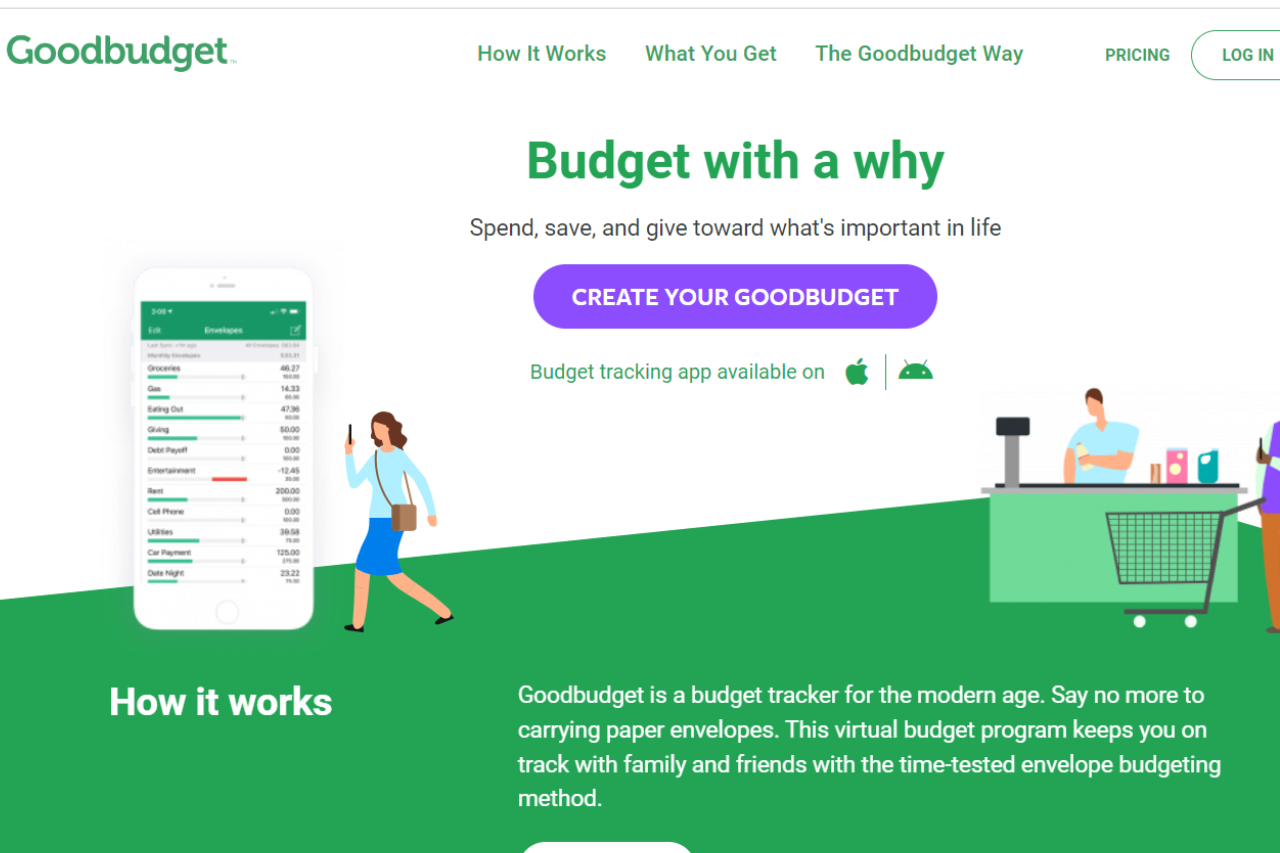
  • πŸ’° Envelope Budgeting System: GoodBudget uses a digital envelope system that helps users allocate funds for specific categories, making budgeting straightforward.
  • πŸ“± Mobile Accessibility: The app is available on both iOS and Android, allowing users to manage their budgets on-the-go.
  • πŸ”’ Security: GoodBudget provides robust security features, including data encryption, to ensure your financial information remains safe.
  • πŸ“ˆ Expense Tracking: The app offers effective tools for tracking and categorizing expenses, helping users stay on top of their spending.

Cons:

  • πŸ’² Limited Features in Free Version: The free version has limited features, which may necessitate an upgrade to the paid version for more comprehensive functionality.
  • πŸ”„ Syncing Issues: Users may occasionally experience syncing issues between devices, impacting the seamless management of budgets.
  • πŸ“Š No Bill Pay Feature: Unlike some competitors, GoodBudget does not offer bill payment features, which might be a drawback for users looking for an all-in-one solution.

πŸ“– About GoodBudget

GoodBudget is a digital envelope budgeting app that helps users manage their finances by allocating funds to various categories. With a focus on simplicity and security, GoodBudget is designed to help users track their spending and save money.

πŸ—“οΈ How It Works

  1. Sign Up: Visit the GoodBudget website or download the app from your device’s app store.
  2. Create Envelopes: Set up digital envelopes for different spending categories, such as groceries, entertainment, and savings.
  3. Allocate Funds: Allocate a portion of your income to each envelope based on your budget.
  4. Track Expenses: Record your spending in each envelope to keep track of your budget and ensure you stay within your limits.
  5. Review and Adjust: Regularly review your budget and adjust envelope allocations as needed to stay on track with your financial goals.

πŸ’² Pricing Overview

GoodBudget offers two distinct pricing plans to cater to different budgeting needs. Here’s a detailed breakdown of each plan:

FREE Plan: Free Forever

  • Cost: $0
  • Features:
    • 10 Regular Envelopes: Manage up to 10 spending categories with regular envelopes.
    • 10 More Envelopes: Add up to 10 additional envelopes for extra categories.
    • 1 Account: Track one financial account.
    • 2 Devices: Sync your budget across up to two devices.
    • 1 Year of History: Access up to one year of past budgeting data.
    • Debt Tracking: Monitor and manage your debt.
    • Community Support: Access support through GoodBudget’s user community.

PREMIUM Plan: Everything That You Need

  • Cost: $10 per month or $80 annually
  • Features:
    • Automatic Bank Sync (US Banks Only): Automatically sync your bank accounts for real-time updates (available for US banks).
    • Unlimited Regular Envelopes: Manage an unlimited number of regular envelopes for various spending categories.
    • Unlimited More Envelopes: Add an unlimited number of additional envelopes for extra categories.
    • Unlimited Accounts: Track an unlimited number of financial accounts.
    • 5 Devices: Sync your budget across up to five devices.
    • 7 Years of History: Access up to seven years of past budgeting data.
    • Debt Tracking: Comprehensive debt management tools.
    • Email Support: Receive support via email for any issues or questions.

πŸ₯Š Competition

GoodBudgetYNAB (You Need A Budget)
ProsPros
– Envelope budgeting system– Comprehensive budgeting approach
– Mobile accessibility– Advanced financial reporting
– Security features– Real-time syncing and updates
– Expense tracking– Educational resources and support
ConsCons
– Limited features in free version– Higher cost compared to other apps
– Syncing issues between devices– Steeper learning curve
– No bill pay feature– Limited free version features

πŸ“Œ Conclusion

GoodBudget is a reliable tool for individuals seeking to implement a straightforward budgeting system. With its envelope budgeting approach and strong security features, it is well-suited for those looking to control their spending and track their expenses effectively.

GoodBudget: Take Charge of Your Finances with Confidence

EveryDollar: Simplifying Your Budgeting Experience

πŸ† Our Verdict

EveryDollar stands out as a practical and user-friendly budgeting tool, designed to help individuals and families manage their finances with ease and precision.

βœ… Pros & ❌ Cons

Pros:

  • πŸ“Š Simple Budgeting Interface: EveryDollar offers a clean and intuitive interface that makes budgeting straightforward and easy to use.
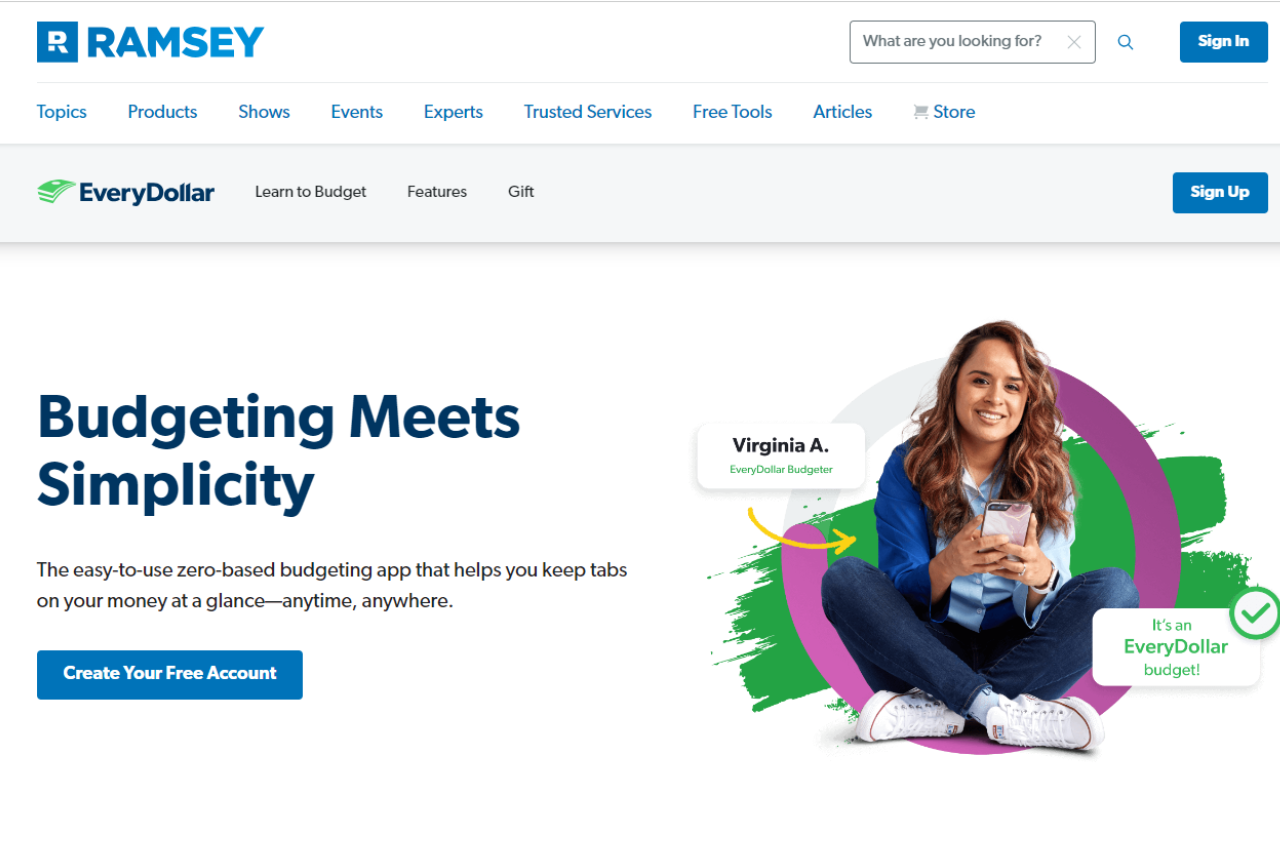
  • 🎯 Zero-Based Budgeting: This approach ensures that every dollar has a purpose, helping users allocate their funds effectively.
  • πŸ“± Mobile App: The mobile app provides on-the-go access, allowing users to track their spending and update their budget anytime, anywhere.
  • πŸ’» Integration: Syncs with bank accounts to automate transactions and simplify tracking.

Cons:

  • πŸ’΅ Pricing: Some advanced features, like bank synchronization and financial reports, are only available in the paid version.
  • πŸ“‰ Limited Free Features: The free version offers basic budgeting tools, but lacks the more advanced functionalities that come with the paid plan.
  • πŸ”’ No Investment Tracking: Unlike some competitors, EveryDollar does not offer investment or net worth tracking features.

πŸ“– About EveryDollar

EveryDollar is designed to help users take control of their finances by creating and sticking to a zero-based budget. It aims to simplify the budgeting process and make financial management more accessible to everyone.

πŸ—“οΈ How It Works

  1. Sign Up: Visit the EveryDollar website and sign up for an account.
  2. Create Your Budget: Set up your budget by categorizing your income and expenses.
  3. Track Your Spending: Use the app to log expenses and monitor your budget throughout the month.
  4. Sync Accounts: Connect your bank accounts to automatically track transactions and adjust your budget.
  5. Review and Adjust: Regularly review your budget and make adjustments as needed to stay on track.

πŸ’² Pricing Overview

EveryDollar offers a subscription plan that provides comprehensive budgeting tools, designed to help users manage their finances effectively. This plan includes features like zero-based budgeting, expense tracking, and financial reporting. They also offer a free trial period for new users to explore the services before committing to a subscription. For more detailed information on their offerings, you can visit their official website.

πŸ₯Š Competition

EveryDollarYNAB (You Need A Budget)
ProsPros
– Simple interface for budgeting– Comprehensive budgeting approach
– Zero-based budgeting– Detailed reporting and insights
– Mobile app for tracking– Strong community and support
– Bank account sync (paid)– Advanced tools for managing goals
ConsCons
– Advanced features behind paywall– Higher price point
– No investment tracking– Steeper learning curve
– Limited free functionality– No free version

πŸ“Œ Conclusion

EveryDollar is an excellent choice for those looking for a simple yet effective budgeting tool. With its intuitive design and zero-based budgeting approach, it empowers users to manage their finances with confidence. While some advanced features are behind a paywall, the free version still offers solid budgeting capabilities.

EveryDollar: Your Gateway to Financial Clarity

PocketGuard: Master Your Finances with Ease

πŸ† Our Verdict

PocketGuard excels as a straightforward and user-friendly budgeting app, designed to help users track their spending, save money, and manage their finances effortlessly.

βœ… Pros & ❌ Cons

Pros:

  • πŸ“Š Simple Budgeting Tools: PocketGuard provides intuitive tools for tracking expenses, setting budgets, and monitoring savings, making it easy to stay on top of your finances.
  • πŸ”’ Secure Banking Integration: The app integrates securely with your bank accounts, allowing for automatic expense tracking and real-time updates.
  • πŸ“ˆ Budget Insights: PocketGuard offers valuable insights into your spending habits, helping you identify areas where you can save.
  • πŸ’Έ Cash Flow Management: The app highlights how much money you have left to spend after accounting for bills, goals, and necessities.

Cons:

  • πŸ’‘ Limited Features: PocketGuard may lack some advanced features found in other budgeting apps, such as detailed investment tracking or in-depth financial planning tools.
  • πŸ”„ Sync Issues: Occasionally, users report syncing issues with their bank accounts, which can delay updates and disrupt budgeting.
  • πŸ’° Premium Plan Cost: Some users may find the cost of the premium plan a bit high, especially if they’re looking for more advanced budgeting features.

πŸ“– About PocketGuard

PocketGuard is a budgeting app designed to simplify financial management. By connecting to your bank accounts, it helps you track spending, set budgets, and save money effortlessly.

πŸ—“οΈ How It Works

  1. Sign Up: Visit the PocketGuard website or download the app and create an account.
  2. Connect Accounts: Link your bank accounts and credit cards for automatic expense tracking.
  3. Set Your Budget: Define your spending limits and savings goals.
  4. Track Spending: Monitor your transactions and see how much you have left to spend.
  5. Analyze Insights: Use PocketGuard’s insights to make informed decisions and adjust your budget as needed.
  6. Upgrade (Optional): Consider upgrading to the premium plan for additional features and enhanced functionality.

πŸ’² Pricing Overview

PocketGuard offers a variety of pricing plans to suit different needs

PocketGuard offers two main subscription plans:

  1. Monthly Plan: Priced at $12.99 per month, totaling $155.99 if billed monthly for a year.
  2. Annual Plan: Priced at $6.25 per month, which comes to $74.99 per year, billed annually. This plan offers a 50% savings compared to the monthly plan.

Both plans include a comprehensive set of budgeting and financial management tools. For more detailed information, you can view their pricing page directly here.

πŸ₯Š Competition

FeaturePocketGuardMint
ProsSimple budgeting tools, Secure banking integration, Budget insights, Cash flow managementExtensive financial tools, Comprehensive reporting, User-friendly interface, Free to use
ConsLimited features, Sync issues, Premium plan costAds in the free version, Can be overwhelming for beginners, Limited customer support

πŸ“Œ Conclusion

PocketGuard stands out as a top choice for those seeking a simple yet effective budgeting app. With its user-friendly interface, secure integrations, and valuable insights, PocketGuard helps users manage their finances with ease.

PocketGuard: Your Budgeting Companion for Financial Success

Personal Capital: Your Ultimate Financial Dashboard

πŸ† Our Verdict

Personal Capital excels as a comprehensive financial management tool, offering robust features for tracking investments, budgeting, and net worth. Its sophisticated tools and user-friendly interface make it a top choice for individuals seeking detailed financial insights.

βœ… Pros & ❌ Cons

Pros:

  • πŸ“ˆ Investment Tracking: Personal Capital provides advanced tools for tracking and analyzing investments, helping users understand their portfolio performance and make informed decisions.
  • πŸ“Š Net Worth Calculation: The platform offers a clear view of your overall net worth by aggregating all your financial accounts.
  • πŸ’‘ Retirement Planning: With tools like the Retirement Planner, users can forecast future retirement savings and make adjustments to meet their goals.
  • πŸ”’ Security: Personal Capital uses bank-level encryption and security protocols to ensure your data remains safe.

Cons:

  • πŸ’² Pricing for Advisory Services: While the core features are free, accessing the wealth management services comes with a cost, which might be high for some users.
  • πŸ“‰ Limited Budgeting Tools: Compared to other budgeting apps, Personal Capital’s budgeting features are less detailed and may not cater to all users’ needs.
  • πŸ’» Complex Interface: New users may find the interface and features overwhelming initially, requiring some time to navigate and utilize effectively.

πŸ“– About Personal Capital

Personal Capital offers a powerful platform for managing your finances, combining budgeting, investment tracking, and retirement planning into one comprehensive tool. It aims to provide users with a holistic view of their financial health.

πŸ—“οΈ How It Works

  1. Sign Up: Visit the Personal Capital website and create a free account.
  2. Link Your Accounts: Connect your bank, investment, and retirement accounts to aggregate your financial data.
  3. Set Up Your Goals: Define financial goals, including budgeting targets and retirement plans.
  4. Track Your Finances: Use Personal Capital’s dashboard to monitor your spending, investments, and net worth.
  5. Plan for the Future: Utilize the Retirement Planner and other tools to project future financial scenarios and adjust your strategies accordingly.
  6. Monitor and Adjust: Regularly review your financial status and make necessary adjustments to stay on track with your goals.

πŸ’² Pricing Overview

Personal Capital offers a variety of financial management tools for free, including a budgeting app and investment tracking tools. For more extensive services, including wealth management with access to financial advisors, there’s a tiered fee structure based on the amount of assets managed:

  • For assets up to $1 million, the annual fee is 0.89%.
  • The fee reduces to 0.79% for the first $3 million, 0.69% for the next $2 million, 0.59% for the next $5 million, and drops to 0.49% for assets over $10 million.

These wealth management services are available to individuals with at least $100,000 in investable assets​ (InvestingAnswers).

πŸ₯Š Competition

Personal CapitalQuicken
ProsPros
– Advanced investment tracking– Extensive budgeting tools
– Detailed net worth calculation– Comprehensive financial reports
– Free core features– Multi-platform support
– Strong security measures– Customizable categories and tags
ConsCons
– High cost for advisory services– Higher cost for advanced features
– Less detailed budgeting tools– Steeper learning curve
– Complex interface for new users– Limited free version

πŸ“Œ Conclusion

Personal Capital stands out as an exceptional tool for those looking to manage their investments and track their financial health comprehensively. With its free core features and advanced tools for those willing to invest in wealth management services, it offers a powerful solution for financial planning.

Personal Capital: Master Your Financial Future Today!

Mint: Your Personal Finance Companion

πŸ† Our Verdict

Mint stands out as a comprehensive personal finance management tool that helps users track expenses, create budgets, and achieve financial goals with ease. Its user-friendly interface and powerful features make it a popular choice for those looking to streamline their finances.

βœ… Pros & ❌ Cons

Pros:

  • πŸ’Έ Expense Tracking: Mint automatically categorizes and tracks expenses, giving users a clear view of their spending habits.
  • πŸ“Š Budgeting Tools: Users can create and manage budgets effortlessly, with visual aids to help stay on track.
  • πŸ”” Financial Goals: Set and track financial goals, such as saving for a vacation or paying off debt, with Mint’s goal-setting features.
  • πŸ“ˆ Financial Insights: Mint provides personalized insights and recommendations based on spending patterns and financial behavior.

Cons:

  • πŸ”’ Data Security: While Mint uses robust security measures, some users may have concerns about storing sensitive financial information online.
  • πŸ”„ Integration Issues: Occasionally, users may face issues with linking certain bank accounts or financial institutions.
  • πŸ“± App Performance: Some users report occasional glitches or performance issues within the mobile app, affecting user experience.

πŸ“– About Mint

Mint, a product of Intuit, is a leading personal finance management tool designed to help users take control of their finances. It offers a suite of features to track spending, manage budgets, and plan for financial goals, making it a go-to solution for individuals seeking a holistic view of their financial health.

πŸ—“οΈ How It Works

  1. Sign Up: Visit the Mint website and create an account by providing basic personal information.
  2. Link Accounts: Connect your bank accounts, credit cards, and other financial institutions to Mint for automatic tracking.
  3. Set Up Budgets: Create customized budgets based on your spending patterns and financial goals.
  4. Track Spending: Monitor your expenses and income through Mint’s dashboard and categorize transactions.
  5. Achieve Goals: Use Mint’s goal-setting tools to save for specific objectives and track your progress.
  6. Review Insights: Regularly check Mint’s insights and recommendations to optimize your financial management.

πŸ’² Pricing Overview

Mint’s services are now offered through Credit Karma, and they are available for free. This includes features like monitoring transactions, tracking spending, and managing net worth, all centralized on the Credit Karma platform. For more detailed information on these services, you can visit their website directly here.

πŸ₯Š Competition

Feature/PlatformMintYNAB (You Need A Budget)
Expense TrackingAutomated tracking and categorizationManual entry and categorization
Budgeting ToolsEasy-to-use budgeting featuresDetailed budgeting with a focus on zero-based budgeting
Financial GoalsGoal-setting and trackingGoal tracking integrated with budgeting
Financial InsightsPersonalized insights and recommendationsIn-depth financial analysis and reports
Data SecurityStrong security measuresStrong security measures
Integration IssuesOccasional linking issuesGenerally seamless integration
PricingFree$14.99/month or $98.99/year

πŸ“Œ Conclusion

Mint is an excellent choice for individuals seeking a comprehensive and user-friendly tool for managing their personal finances. With its free access and powerful features, Mint helps users track spending, set budgets, and achieve financial goals with ease.

Mint: Master Your Finances with Confidence

YNAB: Mastering Your Budgeting Game

πŸ† Our Verdict

YNAB (You Need A Budget) is a powerful budgeting tool that stands out for its proactive approach to managing personal finances. With a focus on giving every dollar a job and helping users plan ahead, YNAB provides a comprehensive system for financial control and goal setting.

βœ… Pros & ❌ Cons

Pros:

  • πŸ“Š Effective Budgeting Methodology: YNAB’s unique approach helps users allocate funds for every dollar, ensuring that budgeting is both intentional and flexible.
  • πŸ“ˆ Goal Tracking: The platform allows users to set and track financial goals, making it easier to save for specific objectives.
  • πŸ”” Real-Time Syncing: YNAB offers real-time syncing across devices, ensuring that your financial information is always up to date.
  • πŸ“š Educational Resources: YNAB provides extensive educational resources and workshops to help users better understand budgeting principles and practices.

Cons:

  • πŸ’² Subscription Cost: YNAB’s pricing may be considered high compared to some free alternatives, which may deter budget-conscious users.
  • 🀯 Learning Curve: New users may experience a learning curve while adapting to YNAB’s unique budgeting methodology and features.
  • πŸ”§ Limited Investment Tracking: YNAB focuses primarily on budgeting and lacks comprehensive investment tracking features found in some competitors.

πŸ“– About YNAB

YNAB (You Need A Budget) is a budgeting software designed to help users take control of their finances. By emphasizing proactive budgeting and goal setting, YNAB empowers users to make informed financial decisions and achieve their financial goals.

πŸ—“οΈ How It Works

  1. Sign Up: Visit the YNAB website and create an account.
  2. Set Up Your Budget: Define your income and allocate funds to various spending categories based on your financial goals.
  3. Sync Accounts: Connect your bank accounts to YNAB for real-time transaction syncing and updates.
  4. Track Spending: Monitor your spending and adjust your budget as needed to stay on track.
  5. Review and Adjust: Regularly review your budget, make adjustments, and set new goals to ensure continued financial success.

πŸ’² Pricing Overview

YNAB offers two main pricing plans for their budgeting software:

  1. Annual Plan: $109 per year, which breaks down to about $9.08 per month. This plan saves users approximately $70 annually compared to the monthly option.
  2. Monthly Plan: $14.99 per month.

Both prices are listed in USD and may be subject to applicable taxes. YNAB also provides a 34-day free trial to new users, allowing them to test the service before committing to a subscription.

For more details, you can visit their pricing page.

πŸ₯Š Competition

YNABMint
ProsPros
– Effective budgeting methodology– Free to use
– Goal tracking– Comprehensive expense tracking
– Real-time syncing– Investment tracking
– Educational resources– User-friendly interface
ConsCons
– Subscription cost– Limited budgeting features
– Learning curve– Ads and promotions
– Limited investment tracking– Data privacy concerns

πŸ“Œ Conclusion

YNAB is an excellent choice for individuals seeking a robust and proactive budgeting solution. With its unique methodology, real-time syncing, and goal-setting features, YNAB provides a comprehensive tool for financial management. While it comes with a subscription cost and a learning curve, the benefits of effective budgeting and financial control make YNAB a standout option.

YNAB: Your Partner in Proactive Budgeting