🏆 Our Verdict
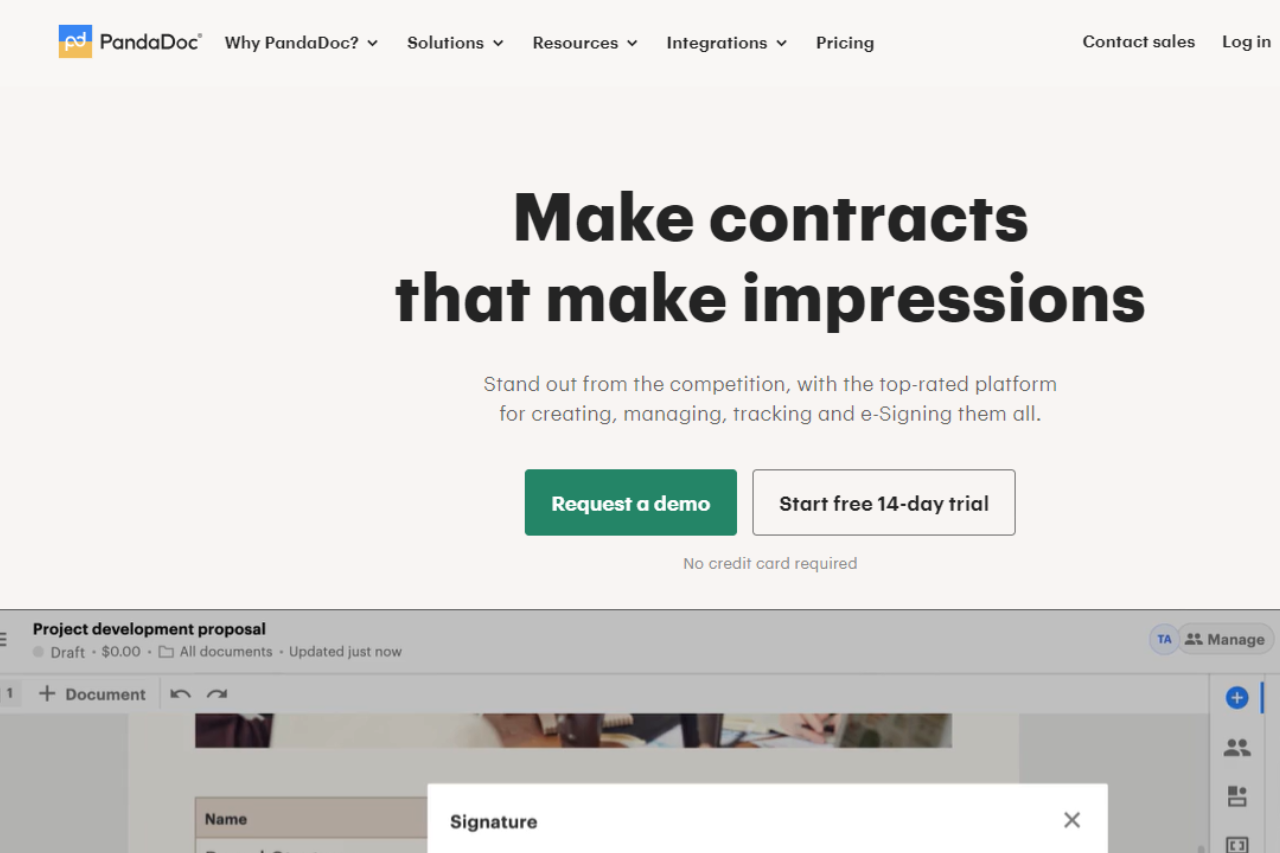
PandaDoc stands out as a versatile document management platform, offering robust features tailored to streamline document workflows for businesses of all sizes.
✅ Pros & ❌ Cons
Pros:
- 📄 Comprehensive Document Management: PandaDoc provides a wide array of tools for document creation, editing, and electronic signatures, enhancing workflow efficiency.
- 🎨 Customizable Templates: The platform offers intuitive tools for designing professional documents, from proposals to contracts, with customizable templates.
- 📊 Analytics: PandaDoc’s analytics feature provides valuable insights into document engagement and performance, aiding in optimizing sales processes.
- 🔧 Integration: Seamlessly integrates with various CRM and business tools, ensuring smooth document management within existing workflows.
Cons:
- 💲 Pricing: Some users may find PandaDoc’s pricing plans higher compared to competitors, particularly for advanced features and larger teams.
- 🤯 Learning Curve: New users might experience a learning curve while navigating through the platform’s extensive features and customization options.
📖 About PandaDoc
PandaDoc has established itself as a leading platform for modern document management, empowering businesses to streamline their document workflows and accelerate sales cycles.
🗓️ How It Works

- Sign Up: Visit the PandaDoc website and create an account.
- Choose a Plan: Explore the available pricing plans and select the one that best suits your business needs. Setup: Complete the setup process by integrating with your CRM and uploading your document templates.
- Create Documents: Use PandaDoc’s intuitive editor to create and customize documents tailored to your business needs.
- Send for Signature: Send documents for electronic signatures directly from the platform, ensuring secure and legally binding agreements.
- Track and Analyze: Monitor document engagement and performance using PandaDoc’s analytics tools to optimize your sales processes.
💲 Pricing Overview
PandaDoc offers flexible pricing plans designed to meet varying business needs and budgets:

Simple, Scalable Pricing No extra charges. No hidden fees.
Essentials For creating impressive documents that generate results.
- $19 USD per seat per month, 2 seats max
- Start a free trial (No credit card required)
Key Features:
- Unlimited document uploads and e-Signatures
- Templates
- Real-time tracking and notifications
- Rich media drag and drop document editor
- Document analytics
- Email and chat support
Business For seamless integrations and sending documents in bulk.
- $49 USD per seat per month
- Request a demo (No credit card required)
Everything in Essentials, plus:
LOOKING FOR A ONE-STOP SOLUTION TO YOUR GROWTH NEEDS?
- Unlimited document uploads and e-Signatures
- CRM integrations
- RoomsNEW
- Content library
- Custom branding and themes
- Approval workflows
- Forms*
- Bulk send*
- Salesforce integration*
Enterprise For large companies with complex document workflows.
- Let’s talk (Per-seat or per-document pricing)
- Contact sales
Everything in Business, plus:
- Unlimited document uploads and e-Signatures
- Configure price quote
- Smart content (conditional content)
- Single sign-on (SSO)
- Team workspaces
- Reports
- Notary
- API*
This pricing structure ensures that businesses can choose a plan tailored to their specific needs, whether they require basic document creation tools or advanced integrations and enterprise-level features. Each plan offers transparent pricing without hidden fees, along with options for trials and demos to explore PandaDoc’s capabilities.
🥊 Competition

| PandaDoc | DocuSign |
|---|---|
| Pros | Pros |
| – Comprehensive document management | – Extensive electronic signature capabilities |
| – Customizable templates | – Robust integration with CRM systems |
| – Analytics for document performance | – Advanced security and compliance features |
| Cons | Cons |
| – Higher pricing for advanced features | – Complex pricing structure for larger teams |
| – Learning curve for new users | – Learning curve for initial setup |
📌 Conclusion
PandaDoc emerges as a top choice for businesses seeking a robust document management solution. With its comprehensive features, customizable templates, and seamless integration capabilities, PandaDoc empowers teams to enhance productivity and accelerate sales processes.
PandaDoc: Redefining Document Management Efficiency