⚖️ Our Verdict
RemoteHQ is an amazing platform to collaborate with your team in real-time. It can be used by different organizations depending on their needs. Different use cases of RemoteHQ include customer support, e-learning, sales, collaboration, onboarding, and more!
This application is different from other collaboration tools as it is packed with multiple features, making it an all-in-one application. This includes note-taking, screen sharing and controlling, and video calls. Using this app prevents miscommunication between users and replaces the traditional screen sharing that we all know of.
Overall, it is collaborative, packed with features, and an essential application for remote collaboration needs.
| 👍 Pros | 👎 Cons |
| 👍 Share multiple apps and edit the layout 👍 Multiple integrations 👍 Command center for shortcuts 👍 Multiple people controlling the screen 👍 Session history | 👎 Chrome-based only 👎 Paid application 👎 No audio in shared browser 👎 Cannot edit notes after meeting |
🌟 About RemoteHQ
Ever wanted to have all participants to see exactly what you see during a meeting?
— RemoteHQ (@HQRemote) April 14, 2022
In RemoteHQ you can share your layout and have other participants follow it! Whenever you reorganize tiles – you can be sure everyone will see what you see 😎https://t.co/LPD8SVyEFg pic.twitter.com/BSINrl2pbU
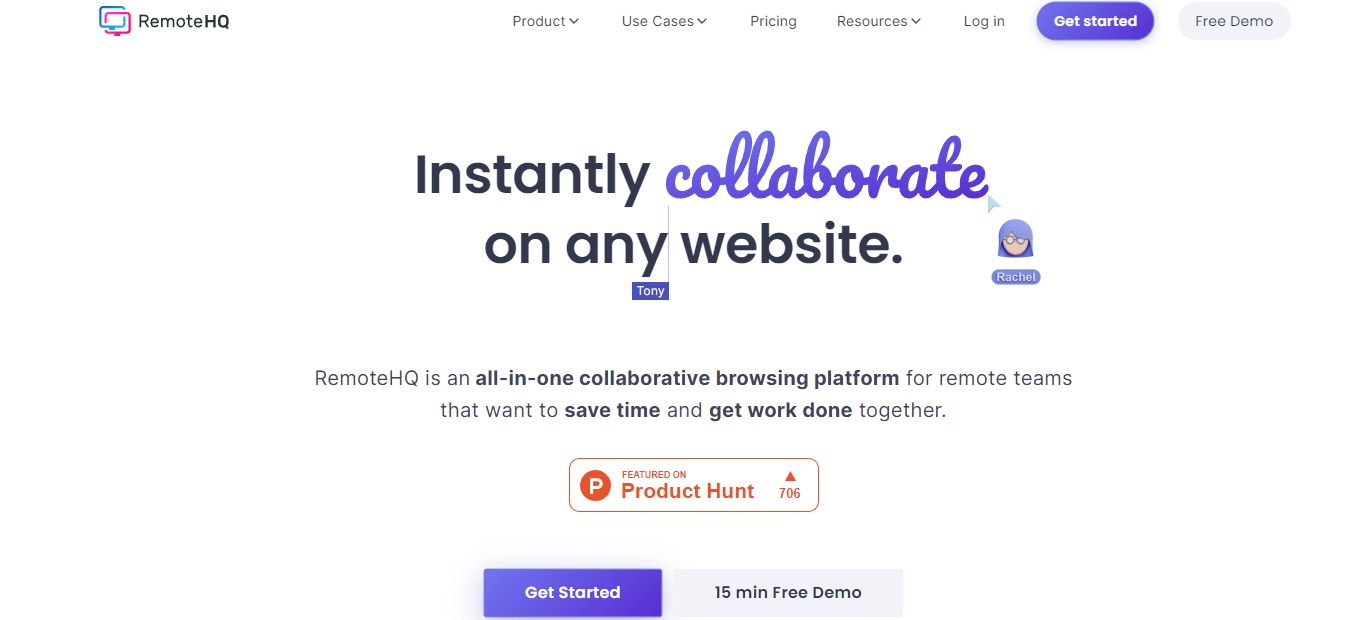
RemoteHQ is an online collaborative remote browser that lets multiple people co-browse and control any website easily in real-time. This application is an all-in-one collaborative browsing platform suited for teams working remotely for them to save more time and accomplish more work together.
RemoteHQ revolutionized internet browsing for online teams. The remote browser that this app employs is a multiplayer cloud-based browser. With this application, you can co-browse and co-edit any web application with your peers or customers being part of your daily work stack online.
There are three ways how to use this app. It can be used as a collaboration hub, as integration for apps, and as an embeddable remote browser. Additionally, RemoteHQ is integrated with Slack, Webex, Intercom, and Zoom.
🎁 What’s In It For You?
With RemoteHQ, you can get the most out of every remote meeting as everything you need to collaborate remotely with team members, clients, customers, and anyone is included in this app! RemoteHQ allows you to turn any website into a multiplayer experience with the Remote Browser that can be run in the cloud, is 100% secure, and does not require any installation.
This application also features app persistence across your sessions. With that, you can work with persistence across recurring meetings just by entering the room. You can also carry over apps, layouts, and content from one meeting to another.
RemoteHQ also lets you feel like you and your team are literally beside each other with the HD audio and video. It also enables you to co-browse with as many people as you require just by inviting them. Not only that but RemoteHQ also lets you search across all session logs and stuff regarding your notes, images, transcripts, etc. all in one place!
🖥️ How Does It Work?
- After logging in, create a new workspace and invite new members. You can create multiple workspaces.

- Create different rooms in a workspace according to your needs.

- Click on any room to see any artifacts including notes, recording, files, duration, and guests.

- The green dot on a room lets you know there’s an active meeting. Join by clicking the blue ‘join’ button.

- While inside a room, hit cmd+K to open the app launcher. You can share different sites and apps using the launcher just by typing in the search bar.

- Click the ‘open app’ button on the bottom right side of the screen to add a tile. You can drag and drop any application on the screen.

- Change your layout and share it with your team.

💲 Pricing Plans & Support
RemoteHQ offers simple and transparent pricing for different types of organizations.
LOOKING FOR A ONE-STOP SOLUTION TO YOUR GROWTH NEEDS?

💎 Professional – $15/Month
This deal for individuals and team collaboration is only $15 per month!
〰 10 rooms (public only)
〰 Remote browser
〰 Limited access to other applications
〰 90 days of session log
〰 2GB storage
〰 Basic support
💎 Business – $30/Month
This deal for sales, support, onboarding, training, and collaboration is only $30 per month!
〰 Everything in professional
〰 Unlimited rooms (public and private)
〰 Access to all apps
〰 Indefinite session log
〰 5GB storage
〰 Premium real-time support and onboarding
〰 Search across all session logs and artifacts
〰 CRM integrations
📍 The Competition

| 👍 Pros | 👎 Cons |
| 👍 Easy to use and user-friendly 👍 Good UI 👍 Chat and call options 👍 Access history of meeting 👍 Integrations | 👎 Missing important features 👎 Issues and bugs 👎 No 2-factor authentication |