🏆 Our Verdict
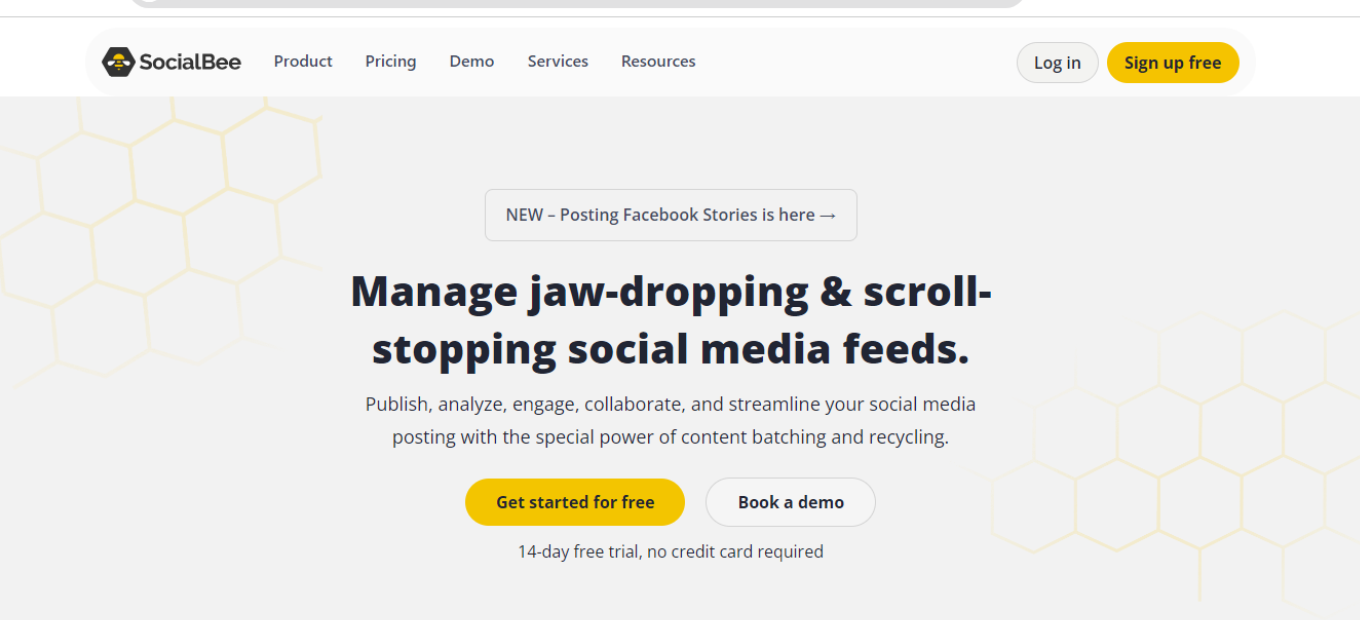
SocialBee is a comprehensive social media management platform that caters to businesses seeking an integrated approach to social media scheduling, content curation, and audience engagement. Its user-friendly interface and extensive feature set make it a top choice for companies of all sizes.
✅ Pros & ❌ Cons
Pros:
- 🔄 Integration with major social media platforms: SocialBee seamlessly connects with various social media networks for efficient management.
- 📊 Advanced content scheduling and categorization tools: It offers robust scheduling and content categorization features to streamline your social media posting.
- 🌐 Extensive third-party integrations: SocialBee supports a wide range of third-party integrations to enhance its functionality.
- 🧑💼 User-friendly interface with comprehensive training resources: SocialBee’s intuitive interface is complemented by helpful training materials.
Cons:
- 💲 Premium features may come at an additional cost: Some advanced features may require a higher-tier subscription, potentially leading to additional expenses.
- 📏 Limited customization in lower-tier plans: Lower-tier plans may have limitations in terms of customization options.
- 📚 Steeper learning curve for advanced features: Mastering advanced features in SocialBee may require some time and effort.
📖 About SocialBee
Founded to simplify social media management, SocialBee has evolved into a leader in the field. It provides a comprehensive suite of tools designed to streamline social media posting, content curation, and audience engagement across multiple platforms.
🎯 What’s In It For You?
SocialBee offers an all-in-one solution for managing your social media presence, with features that include content scheduling, content categorization, and audience targeting.
🚀 How It Works

Signing Up for SocialBee
- Visit the SocialBee Website
- Navigate to SocialBee: Go to the SocialBee website.
- Find the Sign-Up Option: Look for a sign-up button or link, usually located on the top right corner of the website.
- Choose a Plan
- Review the Plans: SocialBee offers various plans, including tiered pricing for additional features.
- Select a Plan: Choose a plan that suits your business needs. You can start with the basic version or select a paid plan for more advanced features.
- Create an Account
- Enter Your Information: Provide your email address, create a password, and complete the required details.
- Business Information: You may need to enter information about your business, such as its size and industry.
- Account Verification
- Check Your Email: After registering, you’ll receive an email from SocialBee.
- Verify Your Account: Open the email and click on the verification link to activate your account.
- Set Up Your Account
- Complete the Setup: Once your account is verified, follow the prompts to finalize your account setup.
- Onboarding Process: SocialBee might guide you through an onboarding process to help you get started.
- Integrate Your Tools
- Connect Your Social Media Accounts: Integrate your social media accounts with SocialBee to start managing them.
- Authorization: Authorize SocialBee to connect to your social media profiles.
- Explore SocialBee Features
- Familiarize Yourself: Begin exploring the various features of SocialBee, such as content scheduling, categorization, and audience targeting.
- Use Helpful Resources: SocialBee provides tutorials and guides to assist you in maximizing the platform.
- Start Using SocialBee
- Begin Managing Your Social Media: You can now start using SocialBee to enhance your social media management efforts.
🔗 Helpful Tips
- Take Advantage of Training: SocialBee offers training resources to help you make the most of the platform.
- Utilize Customer Support: If you need assistance, SocialBee’s customer support team is available to help.
💲 SocialBee Pricing Overview

🌟 Pricing Tiers
SocialBee offers various pricing tiers, each designed to cater to different business needs and scales. These tiers typically range from basic free options to more advanced, feature-rich paid plans.
- Free Tools
- Overview: SocialBee provides a range of free tools, particularly in its basic offering.
- Included Features: Basic features such as content scheduling and basic categorization are typically included.
- Starter Plans
- Target Audience: Ideal for small businesses or startups looking to enhance their social media presence.
- Key Features: Enhanced functionalities over the free tier, including additional scheduling options.
- Professional Plans
- Designed For: Medium-sized businesses looking for more advanced capabilities.
- Advanced Features: Includes advanced scheduling, categorization, and audience targeting options.
- Agency Plans
- Suited For: Agencies and enterprises requiring extensive, scalable solutions.
- Premium Offerings: Advanced features like team management, white-labeling, and client reporting.
🤔 Competition
Here are the Pros and Cons of SocialBee compared to Buffer:
SocialBee
Pros:
- Advanced content scheduling and categorization tools.
- User-friendly interface with comprehensive training resources.
- Extensive third-party integrations.
- Suitable for businesses seeking comprehensive social media management.
Cons:
LOOKING FOR A ONE-STOP SOLUTION TO YOUR GROWTH NEEDS?
- Premium features may come at an additional cost.
- Limited customization in lower-tier plans.
- Steeper learning curve for advanced features.
Buffer

Pros:
- User-friendly interface with an intuitive dashboard.
- Robust social media publishing and scheduling features.
- Excellent analytics and reporting tools.
- Suitable for businesses of all sizes, including startups.
Cons:
- Some advanced features may require higher-tier subscriptions.
- Limited social media content categorization options.
- May not offer as many advanced customization options as SocialBee.
Please note that the specific pros and cons may vary depending on your individual needs and preferences. It’s essential to consider your business goals and requirements when choosing between these two social media management platforms.
📌 Conclusion
SocialBee is an all-in-one social media management platform suitable for businesses of all sizes. With its comprehensive feature set and user-friendly interface, it offers an efficient solution for managing your social media presence.
“Enhance Your Social Media Management with SocialBee.”