🏆 Our Verdict
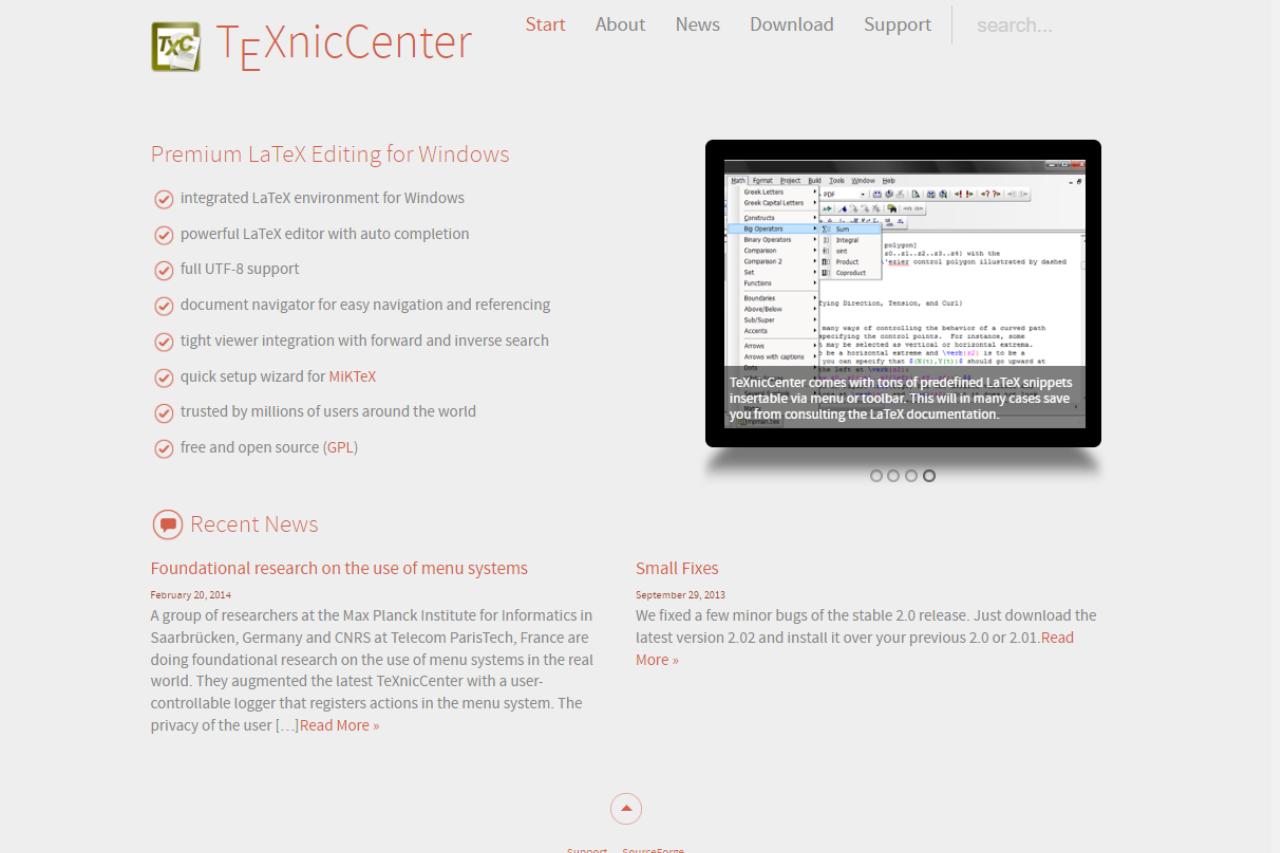
TeXnicCenter is a robust LaTeX editor that provides a straightforward interface for users who want to create high-quality documents with LaTeX. It stands out for its ease of use and flexibility, making it an excellent choice for both beginners and experienced users, competing effectively with other editors like TeXstudio.
✅ Pros & ❌ Cons
Pros:
- User-Friendly Interface: Designed to be intuitive, allowing for easy navigation and document creation.
- Customizable Templates: Offers a variety of templates to streamline the document preparation process.
- Built-In PDF Viewer: Provides a convenient way to view documents without needing external applications.
Cons:
- Limited Features: Lacks some advanced functionalities that other editors may offer.
- Windows Only: Primarily available on Windows, which may limit accessibility for users on other operating systems.
- Less Frequent Updates: Updates and new features may not be as frequent as competing software.
📖 About TeXnicCenter
TeXnicCenter is a free and open-source LaTeX editor that provides a comprehensive environment for creating LaTeX documents. It is particularly popular among students and researchers for its straightforward setup and powerful document handling capabilities.
🗓️ How It Works
- Setup and Installation: Easily downloadable and installable on Windows systems.
- Document Creation: Users can create and edit documents using a user-friendly interface that simplifies LaTeX coding.
- Compilation and Preview: Supports direct compilation of documents with an integrated PDF viewer for immediate feedback.
💲 Pricing Overview
TeXnicCenter is completely free to use, making it an accessible option for anyone looking to create LaTeX documents without the need for expensive software licenses.
🥊 Competition

| Feature | TeXnicCenter | TeXstudio |
|---|---|---|
| User Interface | Intuitive | Highly customizable |
| Template Availability | Good | Extensive |
| Built-In Viewer | Yes | Yes, with additional features |
| Platform Compatibility | Windows only | Cross-platform (Windows, macOS, Linux) |
| Advanced Features | Basic | Extensive |
📌 Conclusion
TeXnicCenter is a solid choice for users seeking a straightforward, user-friendly LaTeX editor that allows for efficient document creation. While it may lack some of the advanced features found in competitors like TeXstudio, its accessibility and ease of use make it a valuable tool for academics and researchers.
TeXnicCenter: Your Gateway to Effortless LaTeX Document Creation
How TeXnicCenter compares to other LaTeX editors
The honest case for TeXnicCenter is narrow and strong: you are on Windows, you want a free editor, and you would rather configure a build profile once than fight a heavier interface every day. Against the cross-platform editors, TeXmaker and TeXstudio give you the same toolchain on any operating system and more out-of-the-box assistants, at the cost of a busier screen. Against WinEdt, the trade is money: WinEdt is more polished but charges a license fee, while TeXnicCenter stays free and open source.
For academic writing specifically, the project view and the named output profiles are what keep a long thesis manageable. You set the PDF or DVI workflow once, point the editor at your MiKTeX install, and forward and inverse search lets you jump between the source line and the rendered page. If your work ever moves to a Mac or a shared browser-based setup, that is the point to look at a cross-platform tool instead.
Last updated: 17 June 2026. Feature and pricing notes verified against the current TeXnicCenter release for Windows.
Related read: TeXnicCenter is a Windows-focused IDE for LaTeX. For a cross-platform editor that also comes bundled with your TeX distribution, TeXworks runs the same on macOS and Linux.
LOOKING FOR A ONE-STOP SOLUTION TO YOUR GROWTH NEEDS?
Related read: TeXnicCenter and WinEdt are the two Windows-only answers to the same question, and the split is price against depth. TeXnicCenter is free and stays out of your way. WinEdt asks for a one-off license after a 31-day trial and gives you an editor you can rebuild around your own macros.
Related read: the comparison above stops at features, and the one that decides it for most people is the Windows-only line in the cons. If you move between a Windows desktop and a Mac or Linux machine, TeXstudio is the closest thing to the same editor on all three, with the built-in viewer and forward and inverse search you would be giving up otherwise.