Our Verdict 🌟
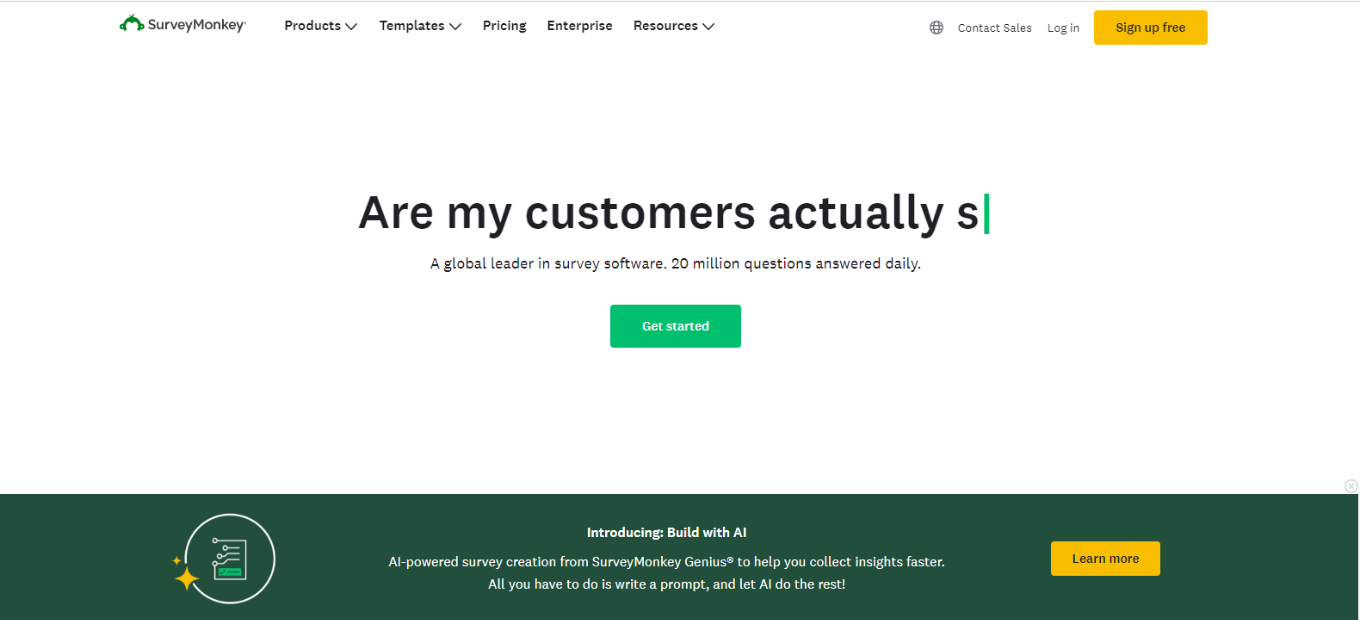
SurveyMonkey shines as a versatile and user-friendly online survey tool, perfect for businesses, academics, and individuals seeking insights through well-structured surveys and market research. Its ease of design and wide range of question types cater to various data collection needs.
✅ Pros & ❌ Cons
Pros:
- Intuitive Design: Easy to create and distribute surveys.
- Diverse Question Types: Offers a variety of question formats.
- Powerful Analysis Tools: In-depth data analysis features.
- Integration Capabilities: Seamlessly integrates with various platforms.
Cons:
- Cost Factor: Premium features can be expensive.
- Limited Customization: In free and lower-tier plans.
- Overwhelming Options: Can be complex for new users.
About SurveyMonkey 📊
Founded in 1999, SurveyMonkey has become a leading tool in online surveys, offering solutions for businesses, educational institutions, and individuals to gather and analyze data efficiently.
What’s In It For You? 🎯
SurveyMonkey provides a comprehensive set of tools for creating, distributing, and analyzing surveys, making it an ideal choice for market research, customer feedback, and academic research.
How It Works 🛠
Creating a Survey

- Sign Up: Register on SurveyMonkey’s website.
- Choose a Template: Select from various survey templates or create your own.
- Customize Your Survey: Add questions, change layouts, and personalize.
- Distribute: Share your survey via email, social media, or embed on a website.
Analyzing Results
- View Responses: Check real-time responses and data.
- Use Analytics Tools: Analyze data with built-in tools for insights.
SurveyMonkey Pricing Plans: Choose What Works for You 💰

Overview of Plans 🌟
Team Plans 🏢
- Team Advantage: ₱920/user/month, 50,000 responses/year, essential collaboration tools.
- Team Premier: ₱2,275/user/month, 100,000 responses/year, advanced features.
Individual Plans 🧑
- Similar core features as Team plans but tailored for solo use.
Enterprise 🌐
- Custom pricing, unlimited surveys and questions, enhanced support and security.
Key Features Across All Plans 🔑
- Collaboration: Survey sharing, comments, response notifications.
- Integration: Works with popular collaboration apps.
- Support: Ranges from email to phone support.
- Customization: Custom logo, colors, URL, and skip logic.
- Analytics: Advanced features, benchmarks, data visualization.
Enterprise Exclusive Features 🚀
- Advanced Collaboration: More extensive tools for team collaboration.
- Enhanced Security: Includes HIPAA compliance, SSO, audit logs.
- Dedicated Support: Access to a customer success manager.
Whether you’re part of a team, an individual, or a large enterprise, SurveyMonkey offers a range of plans to fit different survey and analysis needs.
Competition 🏆
Compared to Qualtrics

✅ Pros
- User-Friendly: More intuitive for beginners.
- Affordable Plans: More accessible for small businesses and individuals.
❌ Cons
- Less Advanced Analytics: Qualtrics offers more depth in data analysis.
- Fewer Customization Options: Qualtrics provides more flexibility.
Conclusion 🎬
SurveyMonkey stands out for its ease of use, diverse question types, and robust analysis tools, catering to a wide range of survey needs.
“Empower Your Insights with SurveyMonkey.”