🏆 Our Verdict
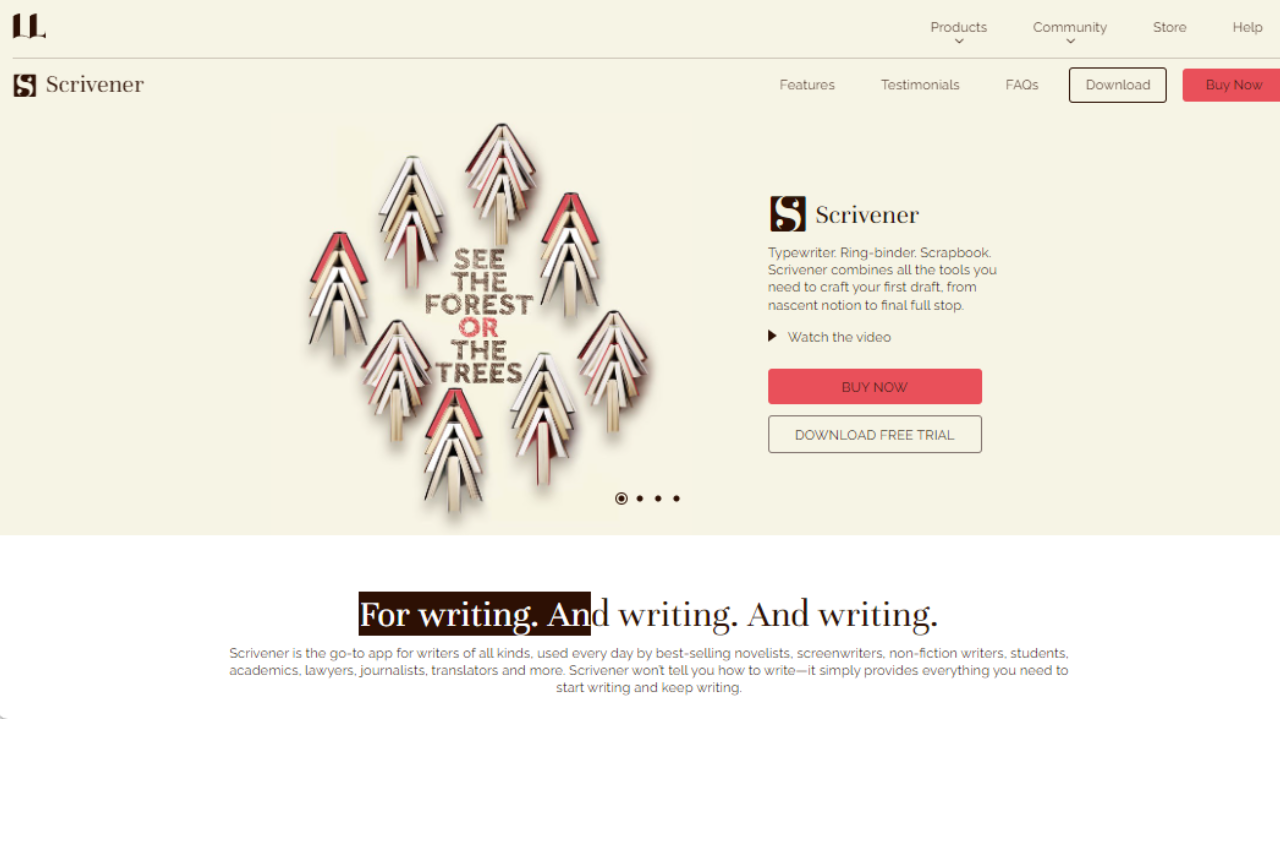
Scrivener is a powerhouse for writers who need more than a simple word processor. Its rich feature set allows for detailed organizing, formatting, and writing, making it particularly suited for long-form projects like novels, research papers, and scripts. With its robust management tools and customizable interface, Scrivener supports a writer’s workflow from brainstorming to final draft.
✅ Pros & ❌ Cons
Pros:
- 📚 Comprehensive Writing Suite: Scrivener integrates all writing tools in one application—writing, organizing, and formatting.
- 🔗 Powerful Organization Tools: Offers corkboard, outlining tools, and a research folder making the management of large projects straightforward.
- 👀 Focused Writing Modes: Includes a full-screen mode to minimize distractions and a “typewriter” mode to keep the text centered.
- 🔄 Extensive Format Support: Exports to a variety of formats including DOCX, PDF, HTML, ePub, and more.
Cons:
- 👩💻 Steep Learning Curve: New users may find Scrivener’s vast array of features overwhelming.
- 🔄 Compatibility Issues: Syncing between devices, especially non-Mac devices, can be cumbersome.
- 💼 No Mobile Version for Android: While there is an iOS app, Android users are left without a mobile option.
📖 About Scrivener
Developed by Literature and Latte, Scrivener is designed specifically for writers who need to structure complex writing projects. Whether it’s drafting a novel, scripting a film, or compiling research, Scrivener provides a flexible platform that accommodates a variety of writing endeavors.
🗓️ How It Works

- Download and Install: Download Scrivener from Literature and Latte’s website and install it on your computer.
- Set Up Your Project: Choose from various templates (novel, screenplay, non-fiction, etc.) or start with a blank project.
- Write and Organize: Utilize the corkboard, binder, and outliner to structure your work. Import research, images, and PDFs directly into the project.
- Compile and Export: Once your project is complete, compile your manuscript into a single document for printing, self-publishing, or submitting to publishers.
💲 Pricing Overview
Here’s the corrected information for Scrivener’s pricing:

- Standard Licence for Windows: $59.99
- Educational Licence for Windows: $50.99
These prices apply for the full version of Scrivener 3 for Windows. For further details and to make purchases, you can visit Scrivener’s official store.
🥊 Competition

| Feature | Scrivener | Ulysses |
|---|---|---|
| Platform | Windows, macOS, iOS | macOS, iOS |
| Pricing | One-time purchase | Subscription-based |
| Target User | Novelists, researchers, academics | Writers preferring Apple devices |
| Writing Tools | Extensive, customizable | Streamlined, minimalistic |
| Support | In-depth tutorials, forums | Limited to online guides |
📌 Conclusion
Scrivener stands out for its comprehensive writing tools and organizational capabilities, catering especially to those managing complex writing projects. While it has a steeper learning curve, its benefits far outweigh the initial investment in time, making it a vital tool for serious writers.
Scrivener: Your Writing, Structured Your Way
Free open-source counterpart: Scrivener is the paid market leader for long-form fiction, but the license is a real cost for a first novel. Writers looking for a free cross-platform alternative with the same corkboard plus outliner workflow tend to land on Manuskript.
Related read: Scrivener is a full writing studio with a corkboard, research binder, and compile pipeline. If you want something free and stripped back to just the words, Quoll Writer gives you a distraction-free editor with light chapter and character organisation.
Structure vs blank canvas: Scrivener gives you a powerful workspace but leaves the method to you. If you want the process taught alongside the tool, The Book Incubator pairs a writing app with a step-by-step path to a finished novel.
LOOKING FOR A ONE-STOP SOLUTION TO YOUR GROWTH NEEDS?
Related read: the steep learning curve is the honest cost of everything Scrivener can do. If you want the structure without the week of setup, Bibisco hands you a fixed novel workflow instead of a blank toolbox: premise, narrative strands, character interviews, and a free edition to test the fit on.