🏆 Our Verdict
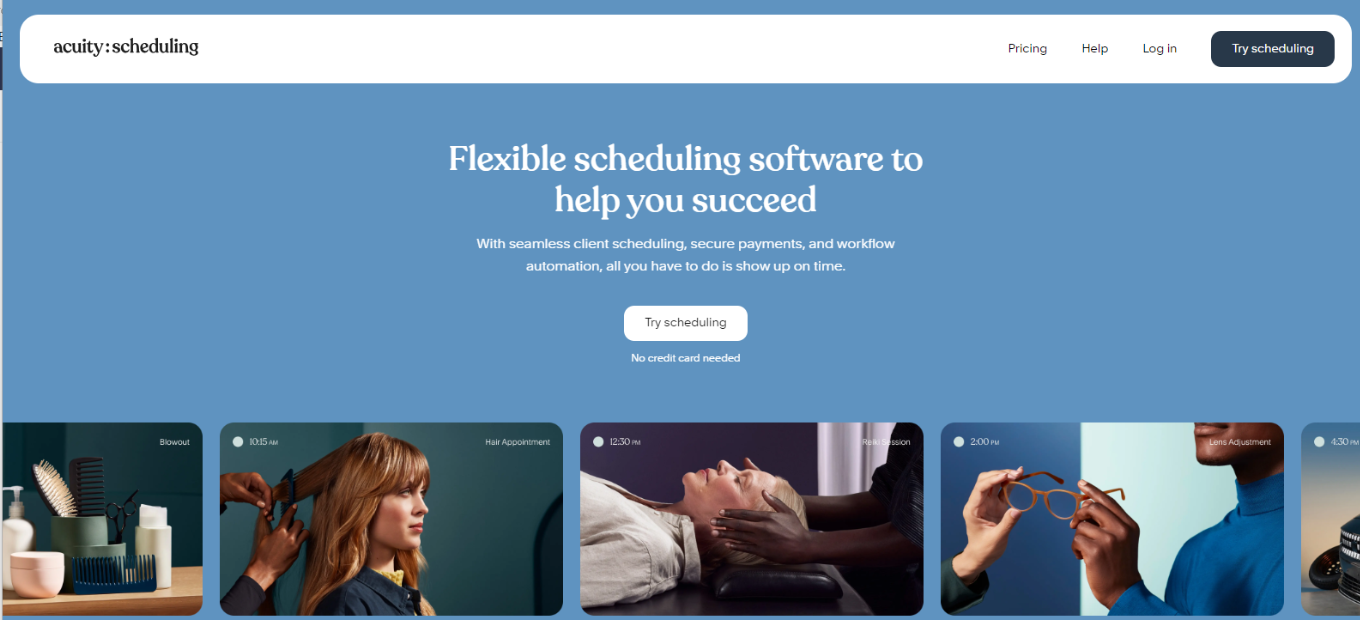
Acuity Scheduling emerges as a versatile appointment scheduling tool, catering to businesses of all sizes. With its user-friendly interface and robust feature set, it offers seamless scheduling solutions for various industries and needs.
✅ Pros & ❌ Cons
Pros:
- 🔄 Flexible Appointment Scheduling: Allows for easy customization of appointment types and availability.
- 🔗 Seamless Calendar Integration: Integrates smoothly with popular calendar platforms for efficient scheduling.
- 📅 Client Self-Booking: Empowers clients to book appointments at their convenience, reducing administrative tasks.
- 📊 Comprehensive Appointment Management: Offers advanced features for managing appointments, cancellations, and rescheduling.
- 🌐 Wide Range of Integrations: Provides extensive third-party integrations to enhance scheduling capabilities.
Cons:
- 💲 Pricing: Some users may find the pricing plans relatively higher compared to competitors.
- 📉 Learning Curve: New users may experience a learning curve while familiarizing themselves with the platform’s features.
- 📚 Limited Customization: Customization options may be somewhat restricted in certain areas compared to other scheduling tools.
📖 About Acuity Scheduling
Established as a leader in the appointment scheduling industry, Acuity Scheduling aims to simplify the booking process for businesses and clients alike. Its intuitive interface and comprehensive feature set make it a preferred choice for scheduling appointments seamlessly.
🗓️ How It Works

Signing Up for Acuity Scheduling
- Visit the Acuity Scheduling Website: Navigate to the Acuity Scheduling website to begin the signup process.
- Choose a Plan: Explore the available pricing plans and select the one that aligns with your business needs.
- Create an Account: Provide your email address, create a password, and fill in the necessary details to create your account.
- Account Setup: Complete the setup process by entering your business information and customizing your scheduling preferences.
- Calendar Integration: Integrate your calendar with Acuity Scheduling to sync appointments seamlessly.
- Customize Booking Page: Personalize your booking page to reflect your brand and scheduling requirements.
- Explore Features: Familiarize yourself with the various features of Acuity Scheduling, including appointment types, reminders, and reporting.
- Start Scheduling: Begin scheduling appointments with clients, utilizing Acuity Scheduling’s user-friendly interface and automation features.
💲 Pricing Overview

🌟 Pricing Tiers Acuity Scheduling offers a range of pricing plans to accommodate different business needs and scales. From basic plans for individual professionals to advanced solutions for teams and enterprises, there’s an option for everyone.
✅ Free Tools Overview: Acuity Scheduling provides essential scheduling tools in its free offering. Included Features: Basic features such as appointment scheduling, calendar integration, and client management are typically included.
💼 Starter Plans Target Audience: Ideal for individual professionals or small businesses seeking advanced scheduling capabilities. Key Features: Enhanced functionalities over the free tier, including customizable booking pages, appointment types, and reminders.
🚀 Professional Plans Designed For: Medium-sized businesses and teams looking for more advanced scheduling solutions. Advanced Features: Includes features such as group scheduling, class booking, and payment integration for enhanced scheduling experiences.
🏢 Enterprise Plans Suited For: Large businesses and enterprises requiring scalable scheduling solutions with advanced customization and support. Premium Offerings: Advanced features like custom branding, dedicated support, and API access for seamless integration with existing systems.
LOOKING FOR A ONE-STOP SOLUTION TO YOUR GROWTH NEEDS?
🥊 Competition
| Acuity Scheduling | Calendly | |
|---|---|---|
| Pros | – Flexible appointment scheduling | – Easy-to-use interface |
| – Seamless calendar integration | – Seamless integration with various platforms | |
| – Client self-booking capability | – Versatile scheduling options | |
| – Comprehensive appointment management | – User-friendly interface | |
| – Wide range of integrations | – Extensive third-party integrations | |
| Cons | – Relatively higher pricing for some users | – Limited customization options |
| – Learning curve for new users | – Higher pricing for advanced features | |
| – Limited customization compared to competitors | – Advanced features may require higher-priced plans |
📌 Conclusion
Acuity Scheduling emerges as a robust appointment scheduling solution, offering a comprehensive suite of features to simplify the booking process for businesses and clients. With its user-friendly interface, extensive integrations, and flexible pricing options, it’s an ideal choice for businesses looking to streamline their appointment scheduling workflows.
“Effortlessly Manage Your Appointments with Acuity Scheduling.”