🏆 Our Verdict
LaTeX stands out as a powerful document preparation system, particularly suited for producing high-quality technical and scientific documents. Its extensive customization and precise control over document formatting make it a top choice for academic and research professionals.
✅ Pros & ❌ Cons
Pros:
- 📄 High-Quality Typesetting: LaTeX excels in producing professionally formatted documents, especially for complex mathematical content and academic papers.
- 🛠️ Customization: Offers extensive customization options through a variety of packages and settings, allowing users to tailor documents to their specific needs.
- 🔬 Precision: Provides precise control over document layout and formatting, essential for scientific and technical documents.
- 📚 Strong Community Support: A robust community provides extensive documentation and support, helping users troubleshoot issues and enhance their LaTeX experience.
Cons:
- 🕒 Steep Learning Curve: New users may find LaTeX’s syntax and setup complex and time-consuming to learn compared to more user-friendly text editors.
- 🔄 Limited WYSIWYG Editing: Unlike modern word processors, LaTeX does not offer a What You See Is What You Get (WYSIWYG) interface, which can be challenging for users accustomed to visual editing.
- 📉 Limited Collaboration Features: Collaboration can be less intuitive compared to platforms that offer real-time editing and comments.
📖 About LaTeX
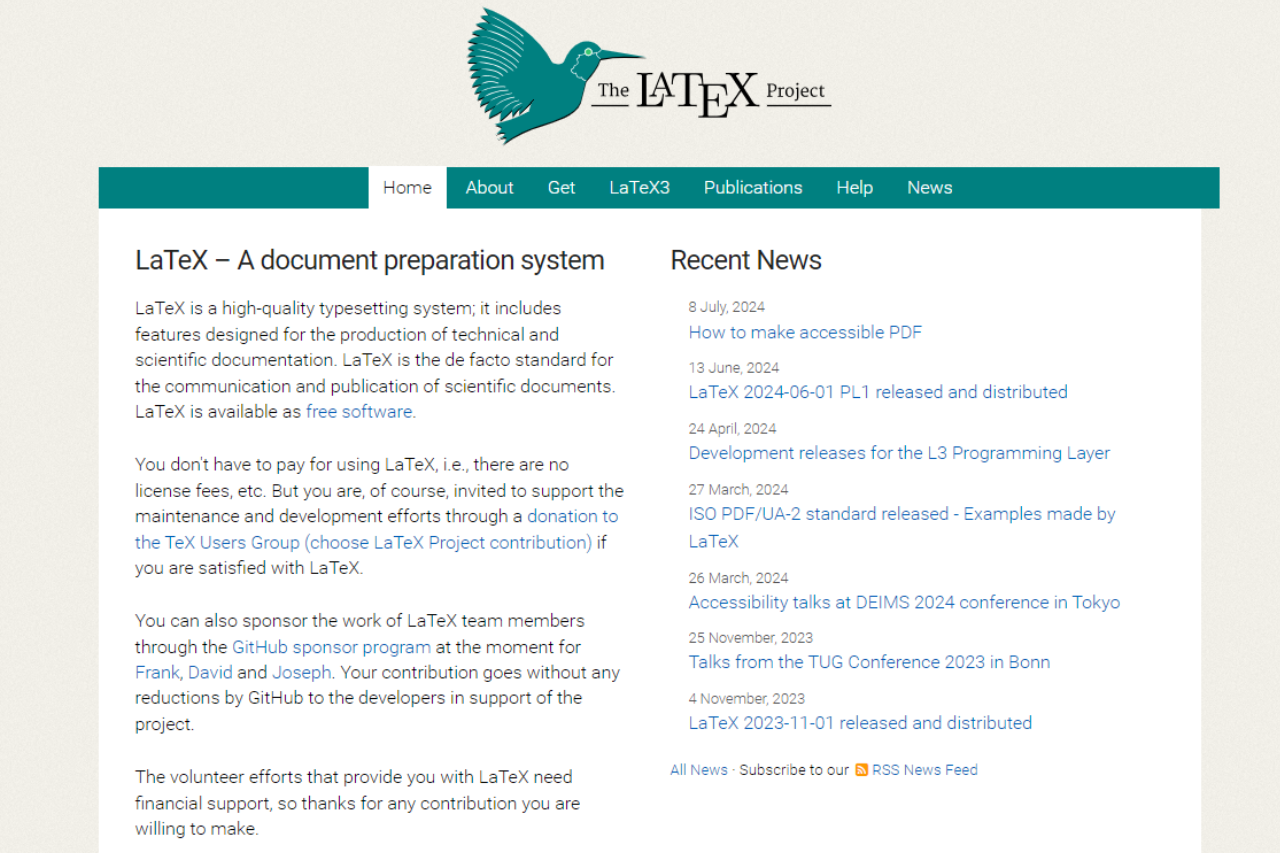
LaTeX is a high-quality typesetting system that is widely used for technical and scientific documentation. Developed by Leslie Lamport, it builds on the TeX typesetting system created by Donald Knuth. LaTeX is renowned for its precision and ability to handle complex formatting tasks, making it a staple in academic and research communities.
🗓️ How It Works

- Installation: Download and install LaTeX from a distribution package like TeX Live or MiKTeX.
- Document Creation: Write your document in LaTeX using a plain text editor, incorporating LaTeX commands for formatting.
- Compiling: Compile the document using a LaTeX processor (e.g., pdflatex) to generate a PDF or other output formats.
- Editing: Make adjustments to your LaTeX code as needed, recompile, and review the output.
- Finalizing: Once satisfied with the formatting and content, finalize the document for publication or sharing.
💲 Pricing Overview
LaTeX itself is open-source and free to use. Costs may arise from associated software or additional packages, but the core system remains accessible at no cost.
🥊 Competition

| Feature | LaTeX | Overleaf |
|---|---|---|
| Pros | High-Quality Typesetting | User-Friendly Interface |
| Customization | Real-Time Collaboration | |
| Precision | Built-in Templates | |
| Strong Community Support | Easy Sharing and Version Control | |
| Cons | Steep Learning Curve | Limited Customization |
| Limited WYSIWYG Editing | Dependent on Internet Connection | |
| Limited Collaboration Features | Potential Cost for Premium Features |
📌 Conclusion
LaTeX remains a premier choice for those requiring high-quality typesetting and precise document control, especially in academic and technical fields. Its robust features and extensive customization make it ideal for detailed and complex documents. For a free editor on Linux, the Kile LaTeX editor runs BibTeX for you and previews the PDF beside your source.
LaTeX: Precision and Quality in Document Preparation
Related read: the precise control over layout that makes LaTeX worth learning also means you spend real time in an editor and a compile loop. On Windows, WinEdt is the long-standing front end for that loop, with MiKTeX and TeX Live integration and forward and inverse search into the PDF.
Related read: the precise control over layout that makes LaTeX worth learning is also why you spend your day in an editor and a compile loop rather than in a word processor. Texmaker is the free, cross-platform front end for that loop: structure pane, symbol panels, and a PDF viewer that jumps to the line you are editing.
Related read: LaTeX rewards you with control over the finished page and charges you for it in the first week, when the errors are cryptic and the commands are unfamiliar. An editor that knows the language shortens that week. TeXstudio runs on Windows, macOS and Linux, previews the PDF next to your source, and puts an assistant in front of the commands you have not learned yet.