🏆 Our Verdict
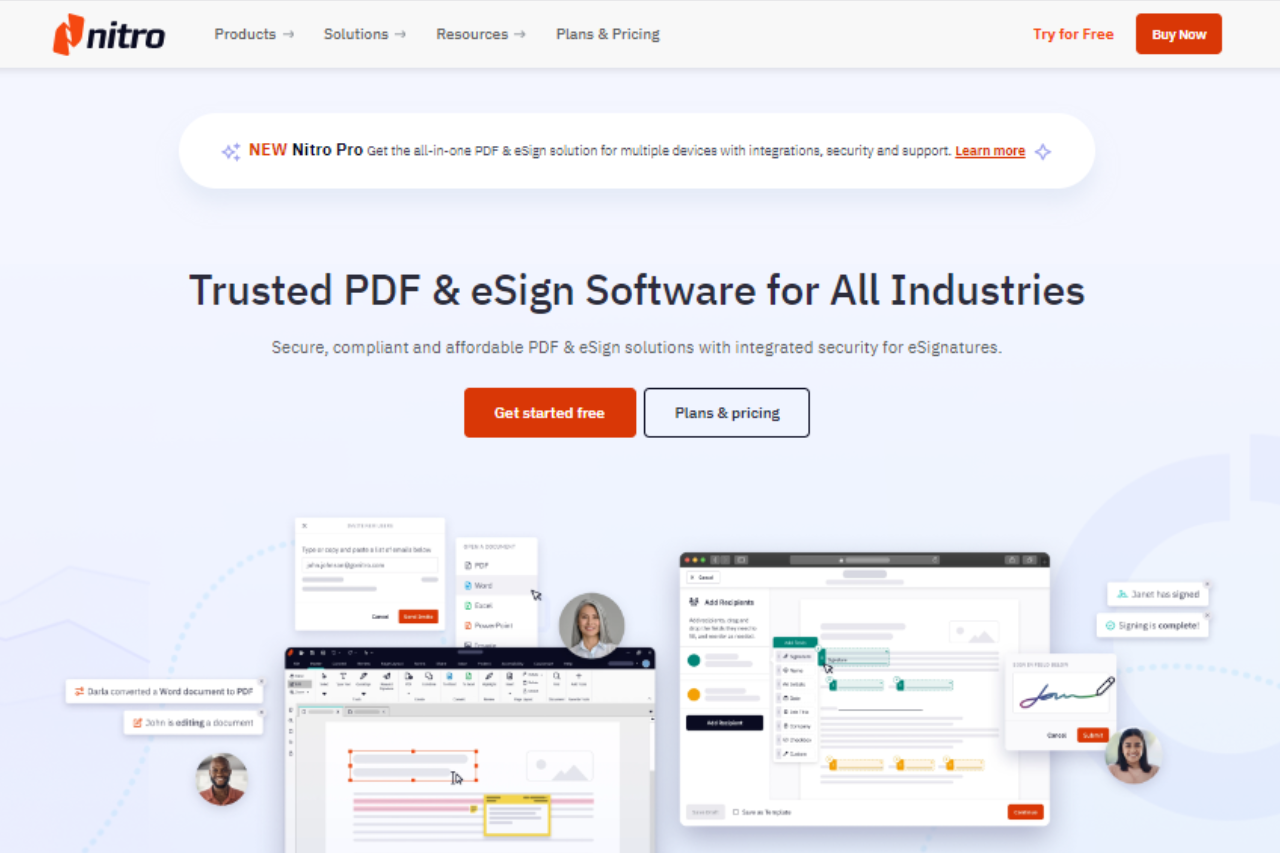
Nitro Pro stands out as a comprehensive PDF solution designed for businesses and professionals looking for powerful document management tools. Its range of features, combined with a user-friendly interface, makes it a competitive choice in the PDF software market.
✅ Pros & ❌ Cons
Pros:
- 📄 Comprehensive PDF Tools: Nitro Pro provides extensive tools for PDF creation, editing, conversion, and collaboration, catering to various business needs.
- 🎨 User-Friendly Interface: The interface is designed for ease of use, allowing users to navigate and utilize features efficiently without a steep learning curve.
- 🔒 Advanced Security Features: Nitro Pro offers robust security options, including password protection and digital signatures, to ensure document confidentiality and integrity.
- 📈 Integration Capabilities: It integrates seamlessly with popular cloud storage solutions and Microsoft Office, enhancing workflow efficiency.
Cons:
- 💲 Pricing: Nitro Pro’s pricing may be higher compared to some other PDF solutions, which could be a consideration for budget-conscious users.
- 🔧 Limited Mobile Features: The mobile version of Nitro Pro may lack some features available in the desktop version, potentially limiting its usability on the go.
📖 About Nitro Pro
Nitro Pro is a leading PDF software that offers a range of features aimed at enhancing productivity and document management. It is designed to cater to both individual users and organizations, providing tools for efficient PDF handling and collaboration.
🗓️ How It Works

- Sign Up: Visit the Nitro Pro website and sign up for a trial or purchase the software.
- Download and Install: Download the Nitro Pro installer and follow the on-screen instructions to install it on your computer.
- Set Up Your Workspace: Customize your workspace by setting preferences and integrating with other tools as needed.
- Create and Edit PDFs: Use Nitro Pro’s tools to create new PDFs, edit existing documents, and apply annotations or digital signatures.
- Convert and Collaborate: Convert PDFs to various formats and share documents for collaboration with built-in features.
- Secure Your Documents: Apply security measures such as password protection and encryption to safeguard sensitive information.
💲 Pricing Overview
Nitro offers different plans suitable for individuals, teams, and businesses:

- Individual & Team Plans:
- Nitro Pro: Subscription-based with features for PDF editing, eSigning, and sharing across devices.
- Nitro Sign Essentials: Provides eSigning with essential features.
- Business Plans:
- Nitro Pro for Business: Includes all Nitro Pro features plus advanced tools and integrations for larger teams.
- Nitro Sign Premium: Offers high-compliance eSignatures suitable for regulated industries.
All plans include 24/7 customer support and a central admin portal. Pricing details and further specifications can be accessed through their pricing page here.
🥊 Competition

| Nitro Pro | Adobe Acrobat |
|---|---|
| Pros | Pros |
| – Comprehensive PDF tools | – Extensive feature set |
| – User-friendly interface | – Industry-standard software |
| – Advanced security features | – Powerful editing and collaboration tools |
| – Integration capabilities | – Cloud-based storage options |
| Cons | Cons |
| – Pricing may be higher | – Higher cost compared to competitors |
| – Limited mobile features | – Can be complex for new users |
📌 Conclusion
Nitro Pro emerges as a strong contender in the PDF software market, offering a comprehensive suite of features tailored to business and professional needs. With its user-friendly interface, advanced security options, and integration capabilities, Nitro Pro provides a robust solution for efficient document management.
Nitro Pro: Your Ultimate PDF Management Partner
Related read: Nitro Pro is a paid desktop suite aimed at heavy PDF work. If you only need to fill a form or mark up a document once in a while, PDFescape does that free in the browser, no install required.