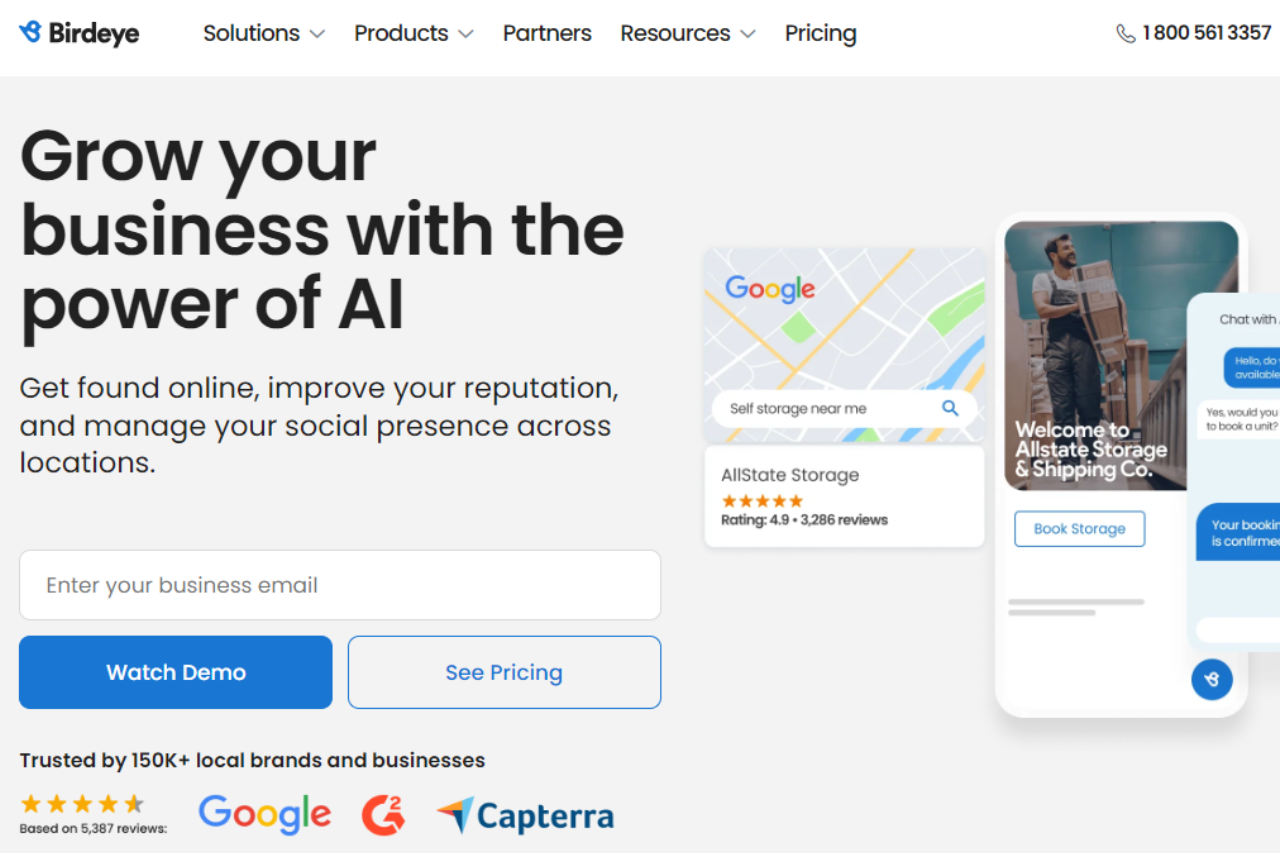
BirdEye: Transforming Your Online Reputation Management

πŸ† Our Verdict

BirdEye stands out as a comprehensive online reputation management platform, offering businesses powerful tools to monitor and enhance their online presence effectively.

βœ… Pros & ❌ Cons

Pros:

  • 🌟 Reputation Management: BirdEye provides robust tools for monitoring and managing online reviews across multiple platforms, helping businesses maintain a positive reputation.
  • πŸ“Š Customer Feedback Insights: The platform offers deep insights into customer feedback trends and sentiment analysis, enabling businesses to make data-driven decisions.
  • πŸ“ˆ Social Media Management: BirdEye integrates social media management features, allowing businesses to engage with customers and manage their social presence seamlessly.
  • πŸ’¬ Customer Interaction: Tools for customer engagement, including automated responses and customer sentiment analysis, help businesses build stronger relationships.

Cons:

  • πŸ’² Pricing: Some users may find BirdEye’s pricing plans to be on the higher side, especially for small businesses or startups.
  • πŸ•΅οΈβ€β™‚οΈ Learning Curve: New users may experience a learning curve when navigating BirdEye’s comprehensive suite of features.
  • πŸ“ˆ Integration Limitations: Integration options with certain CRM or marketing platforms may be limited compared to other reputation management tools.

πŸ“– About BirdEye

BirdEye is a leading platform specializing in online reputation management and customer experience solutions. It empowers businesses to manage customer feedback, online reviews, and social media interactions effectively.

πŸ—“οΈ How It Works

  • Sign Up: Visit the BirdEye website and sign up for an account.
  • Explore Features: Discover BirdEye’s tools for online reputation management, customer feedback insights, and social media engagement.
  • Customize Settings: Tailor BirdEye’s settings to align with your business needs, including integration with existing platforms.
  • Monitor Feedback: Track and analyze customer feedback across various channels to gain actionable insights.
  • Engage Customers: Use BirdEye’s engagement tools to respond to reviews, interact with customers, and enhance your online presence.

πŸ’² Pricing Overview

BirdEye offers customizable pricing plans to suit businesses of all sizes:

  • Essential Plan: Pricing available upon request, basic features for small businesses.
  • Professional Plan: Pricing available upon request, advanced reputation management tools.
  • Enterprise Plan: Pricing available upon request, tailored solutions for large organizations.

πŸ₯Š Competition

BirdEyeYotpo
🌟 Reputation Management🌟 eCommerce Reviews
πŸ“Š Customer Feedback InsightsπŸ“Š Customer Content Creation
πŸ“ˆ Social Media ManagementπŸ“ˆ Social Proof Integration
πŸ’¬ Customer InteractionπŸ’¬ Community Q&A Features
πŸ’² Higher PricingπŸ’² Pricing Suitable for eCommerce
πŸ•΅οΈβ€β™‚οΈ Learning CurveπŸ•΅οΈβ€β™‚οΈ Limited Analytics Features

πŸ“Œ Conclusion

BirdEye emerges as a top choice for businesses seeking to enhance their online reputation and customer engagement. Despite a higher price point, its robust features and comprehensive solutions make it a valuable investment for managing online presence effectively.

BirdEye: Elevate Your Online Reputation Today
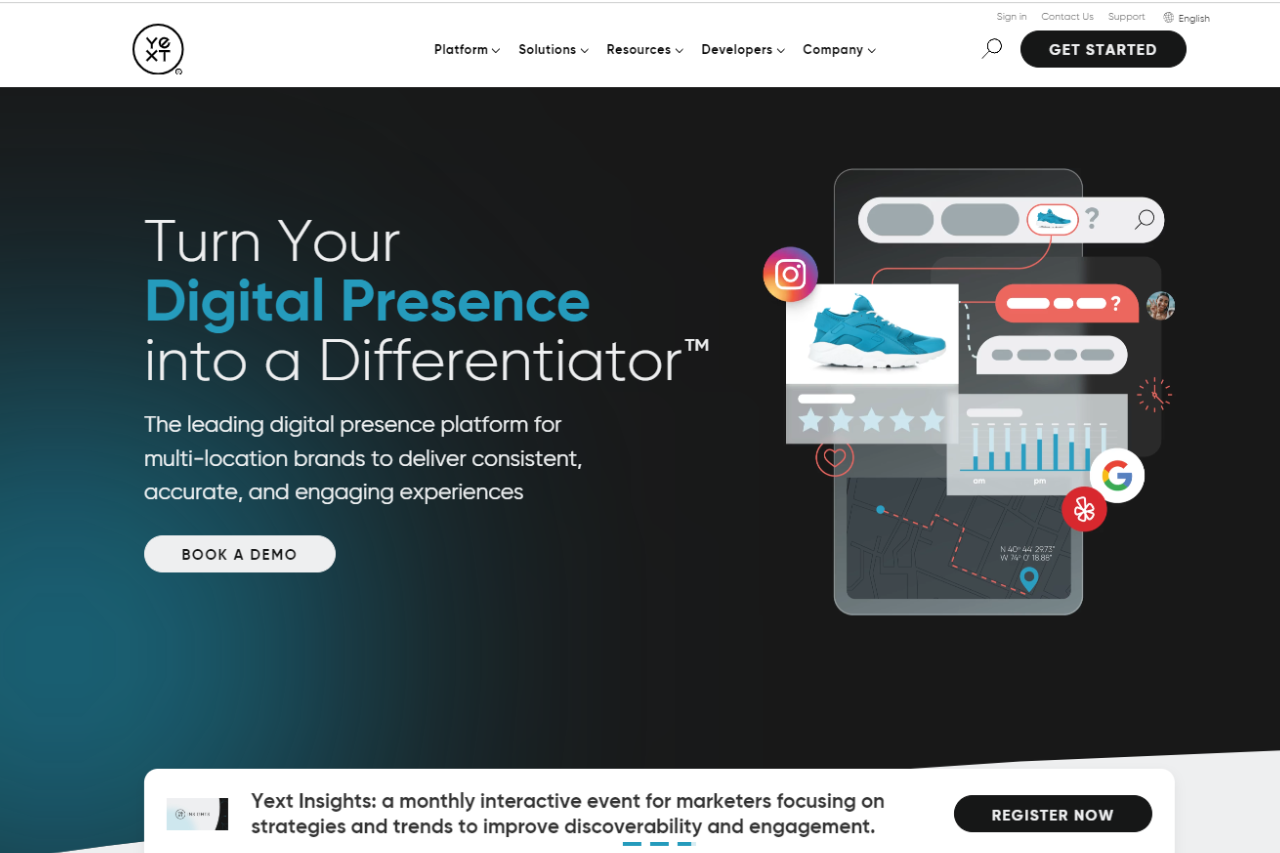
Yext: Revolutionizing Your Digital Knowledge Management

πŸ† Our Verdict

Yext stands out as a robust digital knowledge management platform, empowering businesses to manage and optimize their online presence effectively.

βœ… Pros & ❌ Cons

Pros:

  • 🌐 Digital Knowledge Management: Yext offers comprehensive tools for managing business listings, reviews, and local search visibility across the web.
  • πŸ“ˆ Analytics: Provides actionable insights into customer interactions and performance metrics to refine marketing strategies.
  • πŸ› οΈ Integration: Seamless integration with various third-party platforms enhances operational efficiency and data synchronization.
  • πŸ” SEO Optimization: Helps businesses improve their local search engine rankings through structured data and enhanced listings.

Cons:

  • πŸ’² Pricing: Some users may find Yext’s pricing plans relatively higher compared to competitors, especially for smaller businesses.
  • 🀯 Learning Curve: New users might experience a learning curve while navigating through the platform’s features and functionalities.
  • 🌐 Limited Customization: Customization options may be somewhat limited compared to other digital marketing platforms.

πŸ“– About Yext

Yext is a leading provider of digital knowledge management solutions, enabling businesses to control their brand information across the digital ecosystem.

πŸ—“οΈ How It Works

Sign Up: Visit the Yext website and create an account.
Choose a Plan: Explore the available plans tailored to different business needs and select the most suitable one.
Setup Your Account: Complete the setup process by entering business details and goals for digital knowledge management.
Optimize Listings: Utilize Yext’s tools to optimize business listings across directories and search engines. Monitor Performance: Track performance metrics and customer interactions through Yext’s analytics dashboard.

πŸ’² Pricing Overview

Yext offers various pricing plans designed to accommodate businesses of all sizes:

Emerging Plan:

  • Price: $4/week (billed at $199 annually)
  • Features:
    • 29% Optimization Rate
    • Listings on sites like MerchantCircle, eLocal, Topix, YellowPageCity, LocalStack, EZLocal, ShowMeLocal, and more (total of 30+ sites)
    • PowerListings+ and Analytics

Essential Plan:

  • Price: $9/week (billed at $449 annually)
  • Features:
    • 71% Optimization Rate
    • Listings on major sites like Google, Yahoo, Facebook, Bing, Apple, Yelp, MapQuest, Superpages, Citysearch, Local.com, Foursquare, and more (total of 16 premium sites)
    • Includes all features from the Emerging plan

Complete Plan:

  • Price: $10/week (billed at $499 annually)
  • Features:
    • 100% Optimization Rate
    • Combines all features from the Emerging and Essential plans
    • Additional PowerListings+ capabilities
    • Analytics

Premium Plan:

  • Price: $19/week (billed at $999 annually)
  • Features:
    • 100% Optimization Rate
    • Full Complete Package features
    • Review Monitoring
    • Yext Pages for enhanced website content

πŸ₯Š Competition

YextBirdEye
ProsPros
– Comprehensive digital knowledge management– Extensive review management capabilities
– Integration with third-party platforms– Robust customer experience management
– SEO optimization tools– Social media integration
ConsCons
– Higher pricing for smaller businesses– Complexity in setup and learning curve
– Limited customization options– Higher resource requirements
– Requires dedicated learning and implementation– Limited support for smaller businesses

πŸ“Œ Conclusion

Yext emerges as a top choice for businesses looking to streamline and optimize their digital knowledge management. With its powerful tools for SEO, analytics, and integration, Yext helps businesses enhance their online presence and customer interactions.

Yext: Your Partner in Digital Knowledge Management Success

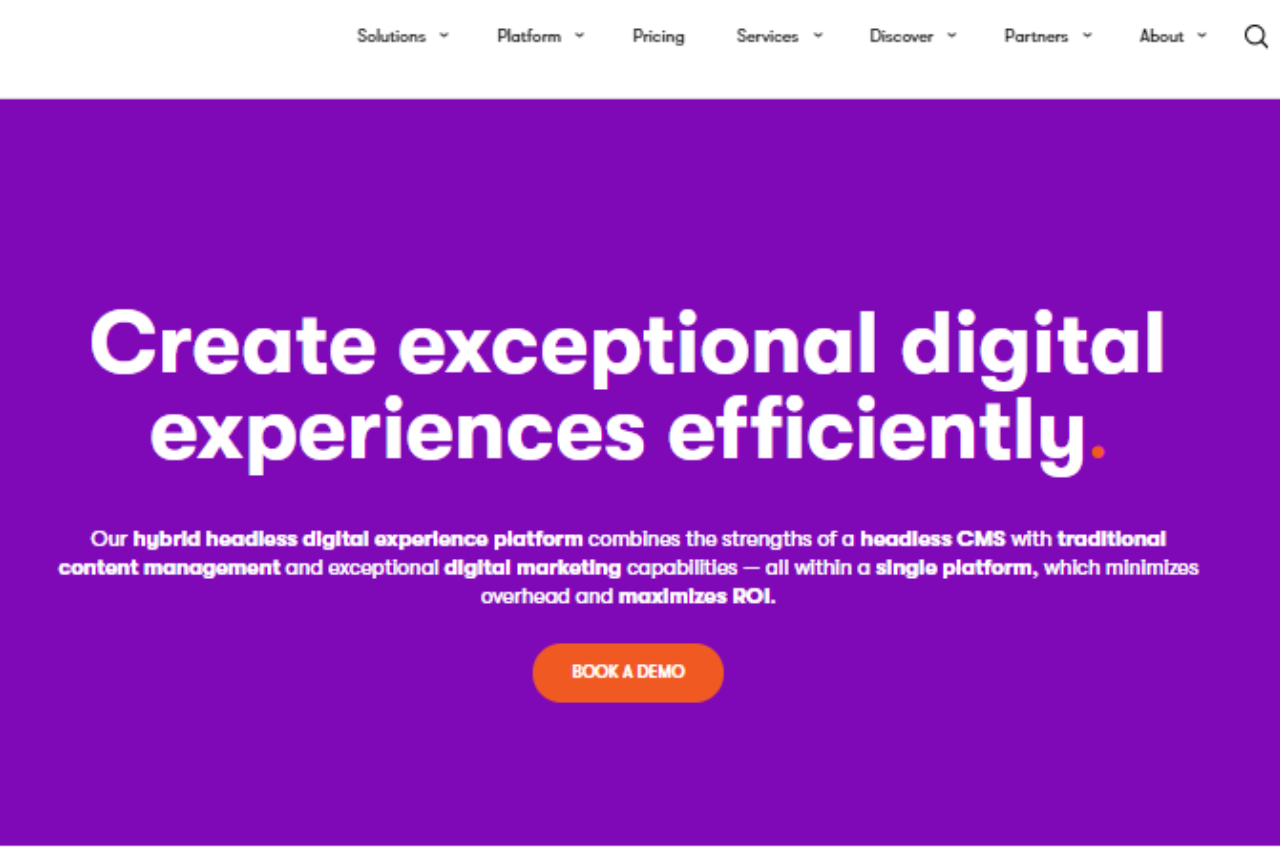
Kentico: Empowering Your Digital Experience

πŸ† Our Verdict

Kentico stands out as a robust digital experience platform, catering to enterprises with its comprehensive features and intuitive interface.

βœ… Pros & ❌ Cons

Pros:

  • 🌐 Comprehensive Digital Experience Tools: Kentico offers a wide range of tools for digital experience management, including content management, digital marketing, and e-commerce capabilities.
  • 🎨 Visual Design: The platform provides flexible tools for designing and customizing websites and digital experiences, ensuring a visually appealing and engaging user interface.
  • πŸ“Š Analytics: Kentico’s analytics dashboard provides actionable insights into user behavior and campaign performance, facilitating data-driven decision-making.
  • πŸ’» Integration: Seamlessly integrates with various third-party systems and applications, enhancing operational efficiency and scalability.

Cons:

  • πŸ’² Pricing: Kentico’s pricing structure may be considered high for smaller businesses or startups, especially compared to some competitors.
  • 🀯 Learning Curve: New users may face a learning curve due to the platform’s extensive feature set and customization options.
  • πŸ”§ Limited Native AI and Machine Learning: Kentico’s capabilities in AI and machine learning integration might be less extensive compared to some leading digital experience platforms.

πŸ“– About Kentico

Kentico has established itself as a leading player in the digital experience platform market, empowering businesses to deliver seamless and personalized digital experiences across multiple channels.

πŸ—“οΈ How It Works

  1. Sign Up: Visit the Kentico website and explore the features and solutions available.
  2. Choose a Plan: Select a suitable plan based on your business needs, whether it’s content management, digital marketing, or e-commerce.
  3. Setup Your Account: Complete the setup process by providing necessary information about your business and digital experience goals.
  4. Design Your Experiences: Use Kentico’s intuitive tools to create and customize websites, landing pages, and digital campaigns.
  5. Deploy and Optimize: Launch your digital experiences, monitor performance through Kentico’s analytics, and optimize based on data insights.

πŸ’² Pricing Overview

Kentico offers flexible pricing tailored to different business needs:

  • Xperience by Kentico (SaaS):
  • Standard Tier:
    • Price: From $1,990/month
  • Advanced Tier:
    • Price: From $2,490/month
  • Xperience by Kentico (Self-managed / License-only):
  • Standard Tier:
    • Price: From $990/month
  • Advanced Tier:
    • Price: From $1,990/month
  • Kentico Xperience 13:
  • Business:
    • Price: From $12,500/year
  • Enterprise:
    • Price: From $22,300/year
  • Corporate:
    • Price: Contact for pricing

πŸ₯Š Competition

Kentico VS Adobe Experience Manager

KenticoAdobe Experience Manager
ProsPros
– Comprehensive digital experience tools– Extensive content management capabilities
– Visual design flexibility– Advanced personalization features
– Integration capabilities– Robust analytics and reporting
ConsCons
– Higher pricing structure– Complexity in setup and customization
– Learning curve for new users– Higher resource requirements
– Limited AI and machine learning features– Costly for smaller businesses

πŸ“Œ Conclusion

Kentico emerges as a top choice for enterprises seeking a robust digital experience platform that combines powerful features with scalability. Despite its pricing and learning curve considerations, Kentico excels in delivering personalized and impactful digital experiences.

Kentico: Transforming Digital Experiences

Signority: Simplifying Digital Signatures

πŸ† Our Verdict

Signority stands out as a robust digital signature solution, streamlining document workflows with its user-friendly interface and comprehensive features.

βœ… Pros & ❌ Cons

Pros:

  • πŸ“œ Comprehensive Digital Signature Tools: Signority offers a wide range of tools for creating, sending, and managing digital signatures, ensuring secure and legally binding transactions.
  • 🎯 Ease of Use: Intuitive interface that simplifies the signing process for both senders and recipients, enhancing overall user experience.
  • πŸ”’ Security: Advanced encryption and compliance with international standards ensure document security and integrity.
  • πŸš€ Integration: Seamlessly integrates with various third-party applications, enhancing workflow efficiency and flexibility.

Cons:

  • πŸ’² Pricing: Some users may find Signority’s pricing plans relatively higher compared to competitors, especially for advanced features and large-scale usage.
  • πŸ“ˆ Learning Curve: New users might experience a slight learning curve while familiarizing themselves with all features and functionalities.

πŸ“– About Signority

Signority has established itself as a leading provider of digital signature solutions, offering businesses a reliable platform to manage document signing processes securely and efficiently.

πŸ—“οΈ How It Works

  1. Sign Up: Visit the Signority website and create an account.
  2. Upload Documents: Upload your documents and prepare them for digital signatures.
  3. Send for Signing: Send documents to recipients for signing with automated reminders and notifications.
  4. Track Progress: Monitor document status and signing progress in real-time.
  5. Complete Transactions: Once signed, download signed documents with full audit trails and compliance reports.

πŸ’² Pricing Overview

Signority offers flexible pricing plans tailored to different business needs:

  • Basic Plan: Starts at $XX/month for XX signatures per month.
  • Standard Plan: Priced at $XX/month for unlimited signatures and advanced features.
  • Enterprise Plan: Custom pricing available for large-scale deployments and additional features.

πŸ₯Š Competition

SignorityDocuSign
βœ… Comprehensive digital signature toolsβœ… Extensive features including advanced templates
βœ… Ease of use for seamless signing experienceβœ… Integration with a wide range of third-party apps
❌ Pricing plans may be higher for advanced features❌ Complex pricing structure for larger organizations
❌ Learning curve for new users❌ Limited customization options

πŸ“Œ Conclusion

Signority emerges as a top choice for businesses seeking a secure and efficient digital signature solution. With its user-friendly interface, robust security features, and seamless integration capabilities, Signority empowers organizations to streamline document workflows effectively.

Signority: Your Partner in Secure Digital Transactions

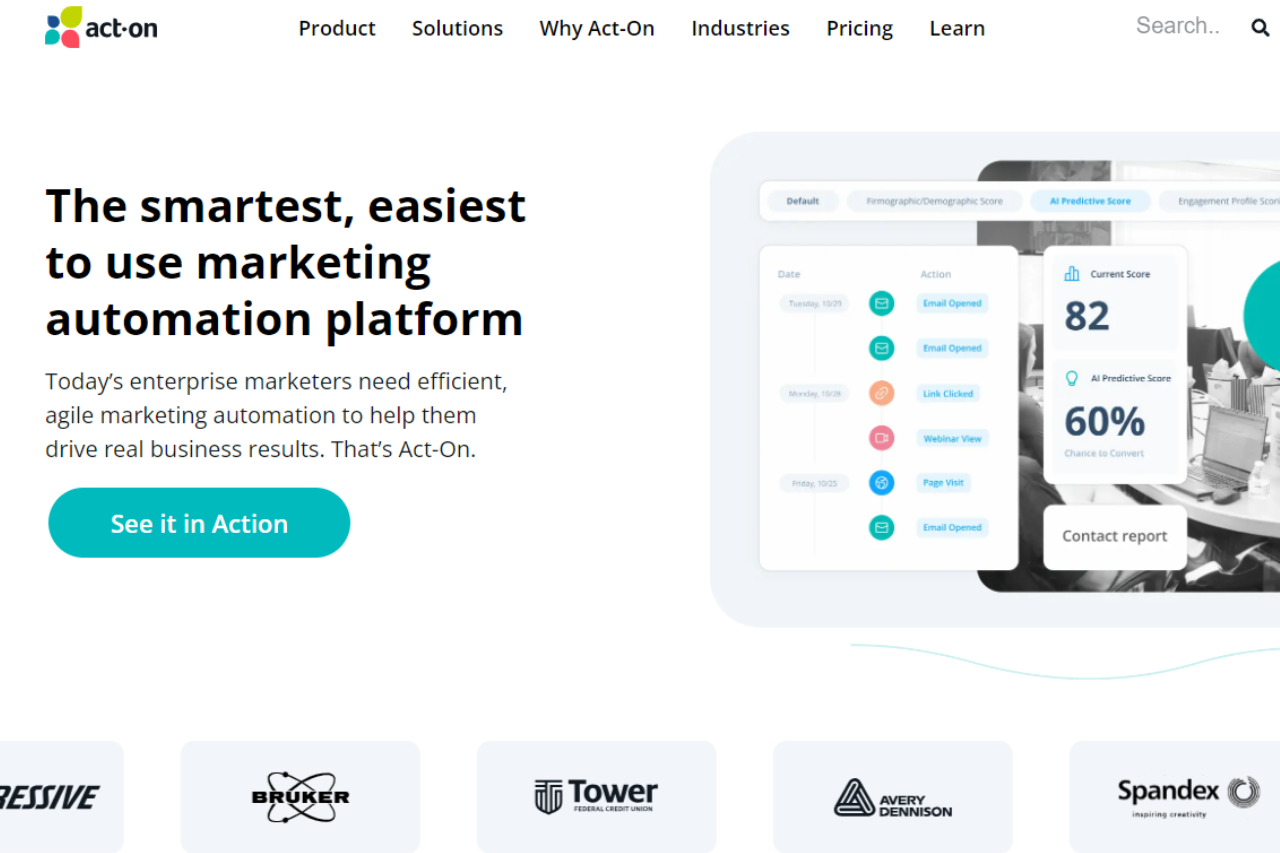
Act-On: Revolutionizing Marketing Automation

πŸ† Our Verdict

Act-On stands out as a powerful marketing automation platform, tailored to streamline marketing efforts across diverse business needs with its robust features and intuitive interface.

βœ… Pros & ❌ Cons

Pros:

  • πŸ€– Advanced Marketing Automation: Act-On offers comprehensive tools for automating marketing tasks, from lead nurturing to customer retention strategies.
  • πŸ“Š Analytics and Reporting: Detailed analytics dashboards provide actionable insights to optimize marketing campaigns and enhance ROI.
  • πŸ“§ Email Marketing Excellence: Powerful email marketing capabilities with personalized messaging and responsive design templates.
  • πŸ“ˆ Scalability: Scalable solutions suitable for small businesses to large enterprises, adapting to growing marketing demands.

Cons:

  • πŸ’² Pricing Complexity: Pricing structures may be perceived as complex, especially for businesses scaling their marketing operations.
  • 🌐 Integration Challenges: Integrating Act-On with other platforms may require technical expertise, impacting workflow efficiency.

πŸ“– About Act-On

Act-On empowers businesses with comprehensive marketing automation solutions, enabling them to drive growth and engagement through targeted campaigns.

πŸ—“οΈ How It Works

  1. Sign Up: Visit Act-On’s website and create an account to get started.
  2. Choose a Plan: Explore Act-On’s pricing options and select the plan that aligns with your business goals.
  3. Set Up: Complete the setup by configuring your account settings and integrating with necessary platforms.
  4. Automate: Use Act-On’s intuitive tools to automate marketing tasks, from email campaigns to lead scoring.
  5. Analyze: Monitor campaign performance using detailed analytics and adjust strategies for optimal results.

πŸ’² Pricing Overview

Act-On offers flexible pricing plans tailored to business needs and scalability:

Act-On Pricing Overview:

  • Professional Plan:
  • Cost: $900 per month
  • Features:
    • World-class marketing automation
    • Integration with various MarTech systems
    • Multichannel marketing programs
    • Customer engagement across lifecycle
    • Standard email-based support
    • Open API, Zapier, and Cazoomi integrations
    • Interactive analytics and reporting dashboards
  • Enterprise Plan:
  • Cost: Custom pricing (contact sales)
  • Features:
    • All features of the Professional plan
    • Deep CRM connectors (Zendesk, Salesforce, Microsoft Dynamics)
    • Data Studio for advanced reporting
    • Account-Based Marketing
    • Additional user accounts
    • Advanced social media module
    • Automated SMS marketing
    • Transactional email

πŸ₯Š Competition

Act-OnHubSpot
Advanced Marketing AutomationExtensive CRM capabilities
Detailed Analytics and ReportingIntegrated Sales Hub
Email Marketing ExcellenceRobust Content Management
Scalable SolutionsAll-in-one Marketing Platform

πŸ“Œ Conclusion

Act-On emerges as a top choice for businesses looking to elevate their marketing efforts through automation and analytics. With scalable solutions and robust features, Act-On empowers businesses to achieve marketing success.

Act-On: Your Path to Marketing Excellence

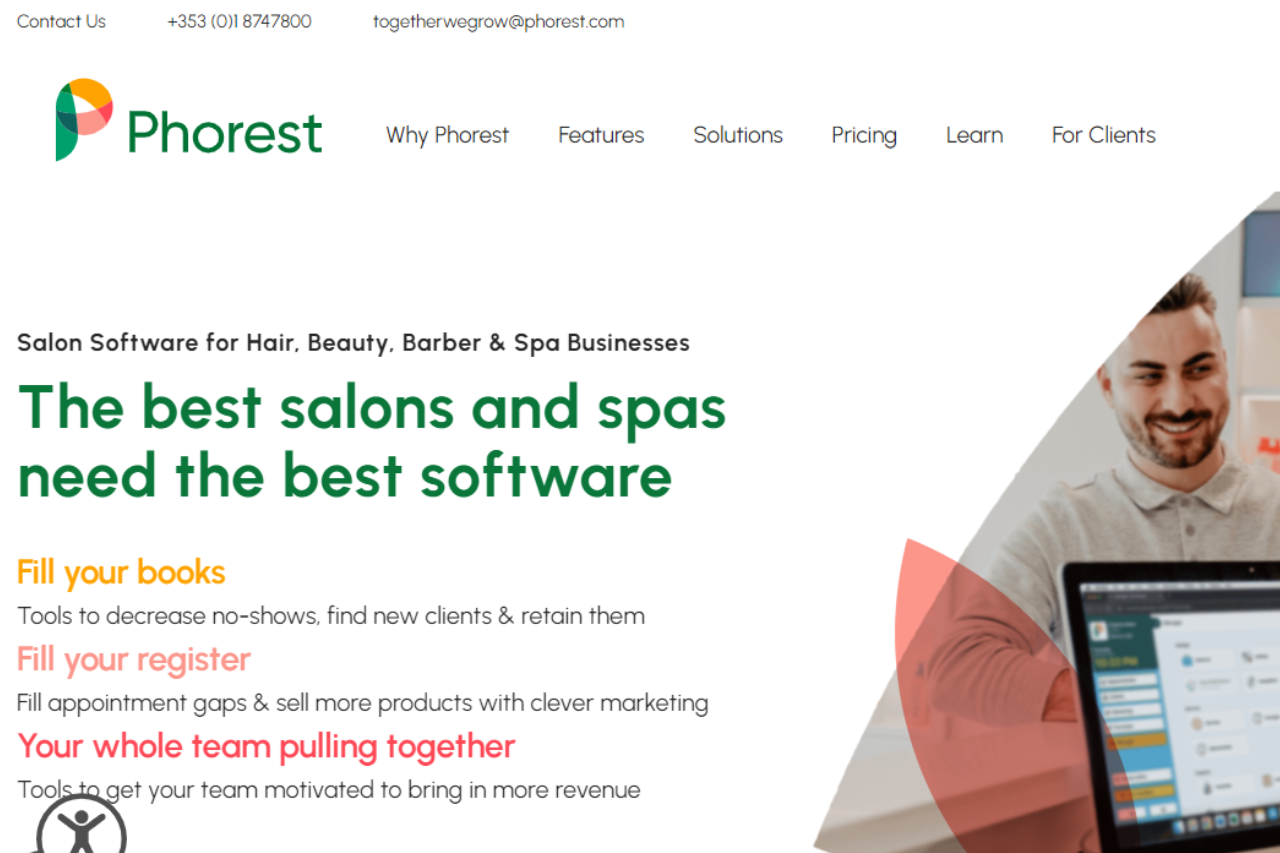
Phorest: Elevating Salon Management

πŸ† Our Verdict

Phorest stands out as a comprehensive salon management platform, tailored to streamline operations and enhance client engagement with its robust features and user-friendly interface.

βœ… Pros & ❌ Cons

Pros:

  • 🌟 Comprehensive Salon Management: Phorest offers a complete suite of tools for managing appointments, client records, inventory, and marketing campaigns.
  • 🎨 Visual Design: Intuitive tools allow for creating visually appealing marketing materials and client communications.
  • πŸ“Š Analytics: Detailed analytics help salon owners understand business performance and client trends. πŸ› οΈ Integration: Seamless integration with third-party applications enhances operational efficiency.

Cons:

  • πŸ’² Pricing: Some users may find Phorest’s pricing on the higher end compared to competitors.
  • 🀯 Learning Curve: New users may require time to familiarize themselves with the platform’s extensive features.
  • πŸ”§ Limited Customization: Customization options may be somewhat constrained compared to other salon management solutions.

πŸ“– About Phorest

Phorest has established itself as a leading salon management software, empowering salons and spas with tools to thrive in a competitive market.

πŸ—“οΈ How It Works

  1. Sign Up: Visit the Phorest website and sign up for a free trial or account.
  2. Choose a Plan: Explore Phorest’s pricing plans tailored to different salon sizes and needs.
  3. Set Up Your Account: Complete the setup process by configuring services, staff, and client management settings.
  4. Manage Operations: Utilize Phorest’s tools for scheduling, inventory management, marketing, and reporting.
  5. Monitor Performance: Track key metrics and client feedback to optimize salon operations and grow your business.

πŸ’² Pricing Overview

Phorest offers several pricing tiers to accommodate varying salon needs and sizes.

  • Starter Plan: Pricing starts at $129/month, suitable for smaller salons.
  • Standard Plan: Ideal for medium-sized salons, starting at $199/month.
  • Premium Plan: Customized solutions for larger salons, pricing available upon request.

πŸ₯Š Competition

PhorestZenoti
🌟 Comprehensive salon management🌟 Extensive spa and salon management tools
🎨 Visual design tools🎨 Modern interface with intuitive design
πŸ“Š Detailed analyticsπŸ“Š Advanced analytics for strategic insights
πŸ› οΈ Seamless integrationπŸ› οΈ Extensive marketplace integrations
πŸ’² Higher pricingπŸ’² Higher pricing for smaller businesses
🀯 Learning curve for new users🀯 Complex setup and learning curve
πŸ”§ Limited customization optionsπŸ”§ Limited customization options

πŸ“Œ Conclusion

Phorest emerges as a top choice for salon owners looking to optimize operations and enhance client engagement. With its robust feature set and user-friendly interface, Phorest empowers salons to thrive in a competitive industry.

Phorest: Your Partner in Salon Management Success

Salon Iris: Streamlining Salon Management

πŸ† Our Verdict

Salon Iris excels as a comprehensive salon management software, designed to optimize operations and enhance client experiences with its robust features and intuitive interface.

βœ… Pros & ❌ Cons

Pros:

  • 🎨 Visual Design: Salon Iris offers a modern and user-friendly interface that simplifies salon management tasks.
  • πŸ“… Appointment Scheduling: Efficient scheduling tools enable easy booking and management of appointments.
  • πŸ“Š Analytics: Insightful analytics provide salon owners with data-driven insights to improve business performance.
  • πŸ’» Integration: Seamless integration with third-party apps enhances operational efficiency and flexibility.

Cons:

  • πŸ’² Pricing: Some users may find Salon Iris pricing relatively higher, especially compared to competitors with more affordable options.
  • 🀯 Learning Curve: New users might experience a learning curve while familiarizing themselves with all features.
  • πŸ”§ Customization Limitations: Customization options may be limited compared to other salon management solutions.

πŸ“– About Salon Iris

Salon Iris is a trusted salon management software known for its extensive features and user-friendly design, helping salons streamline operations and enhance client satisfaction.

πŸ—“οΈ How It Works

  1. Sign Up: Visit the Salon Iris website and sign up for a demo or account.
  2. Choose a Plan: Explore the pricing plans tailored to different salon sizes and needs.
  3. Set Up Your Account: Complete the setup process by configuring services, staff, and other business specifics.
  4. Manage Operations: Utilize Salon Iris’s features for appointment scheduling, client management, inventory tracking, and marketing campaigns.
  5. Monitor Performance: Track key metrics and client feedback to optimize operations and grow your salon business.

πŸ’² Pricing Overview

Salon Iris offers flexible pricing plans to accommodate various salon needs and budgets:

  • Starter Plan: Basic features for smaller salons.
  • Standard Plan: More comprehensive features for growing salons.
  • Pro Plan: Advanced tools and capabilities for larger salons.

πŸ₯Š Competition

Salon IrisMindbody
ProsPros
– Modern interface for easy management– Robust scheduling and booking capabilities
– Insightful analytics for business improvement– Extensive marketplace integrations
ConsCons
– Higher pricing for smaller businesses– Complex setup and learning curve
– Limited customization options– Higher costs for additional features

πŸ“Œ Conclusion

Salon Iris stands out as a comprehensive solution for salon owners looking to streamline operations and enhance client experiences. With its user-friendly interface, robust features, and effective support, Salon Iris empowers salons to thrive in a competitive market.

Salon Iris: Elevating Your Salon Management Experience

Vagaro: Streamlining Your Salon and Spa Management

πŸ† Our Verdict

Vagaro stands out as a comprehensive salon and spa management platform, offering robust tools tailored to the needs of beauty and wellness businesses.

βœ… Pros & ❌ Cons

Pros:

  • πŸ§–β€β™€οΈ Comprehensive Spa and Salon Management Tools: Vagaro provides a wide range of tools for managing appointments, client profiles, staff schedules, and inventory efficiently.
  • 🎨 Modern Interface with Intuitive Design: The platform offers a user-friendly interface with intuitive navigation, making it easy for both staff and clients to use.
  • πŸ“Š Advanced Analytics for Strategic Insights: Vagaro’s analytics feature provides valuable insights into business performance, helping spa owners make informed decisions.
  • πŸ’» Extensive Marketplace Integrations: Seamlessly integrates with various third-party applications, enhancing operational efficiency and expanding functionality.

Cons:

  • πŸ’² Higher Pricing for Smaller Businesses: Some smaller businesses may find Vagaro’s pricing plans relatively higher compared to other similar platforms.
  • 🀯 Learning Curve: New users might experience a learning curve while familiarizing themselves with the platform’s extensive features.
  • πŸ”§ Limited Customization Options: Customization capabilities are somewhat limited, especially for businesses looking for highly tailored solutions.

πŸ“– About Vagaro

Vagaro has established itself as a leading software provider for the beauty and wellness industry, empowering businesses with tools to streamline operations and enhance client experiences.

πŸ—“οΈ How It Works

  1. Sign Up: Visit the Vagaro website and sign up for a demo or account.
  2. Choose a Plan: Explore the available pricing plans tailored to different business sizes and needs.
  3. Set Up Your Account: Complete the setup process by configuring services, staff, and other business specifics.
  4. Manage Operations: Utilize Vagaro’s features to schedule appointments, manage inventory, run marketing campaigns, and analyze business performance.
  5. Monitor Performance: Track key metrics and customer feedback to optimize operations and grow your business.

πŸ’² Pricing Overview

Vagaro offers various pricing plans designed to meet the needs of different salon and spa businesses. From basic plans for small studios to advanced solutions for large spas, there’s an option for every business size.

Starter Plan: Starting at $25/month, includes essential scheduling and client management features.
Pro Plan: Priced at $35/month, offers additional marketing and reporting tools to grow your business. Ultimate Plan: At $85/month, this plan includes advanced features like membership management and multi-location support.

πŸ₯Š Competition

VagaroMindbody
ProsPros
– Comprehensive spa and salon management tools– Extensive management features
– Modern interface with intuitive design– Robust scheduling and booking capabilities
– Advanced analytics for strategic insights– Advanced marketplace integrations
ConsCons
– Higher pricing for smaller businesses– Complex setup and learning curve
– Limited customization options– Higher costs for additional features

πŸ“Œ Conclusion

Vagaro emerges as a top choice for salons and spas seeking an all-in-one management solution. With its comprehensive tools, intuitive interface, and robust support, Vagaro empowers businesses to thrive in the competitive beauty industry.

Vagaro: Elevate Your Spa Experience

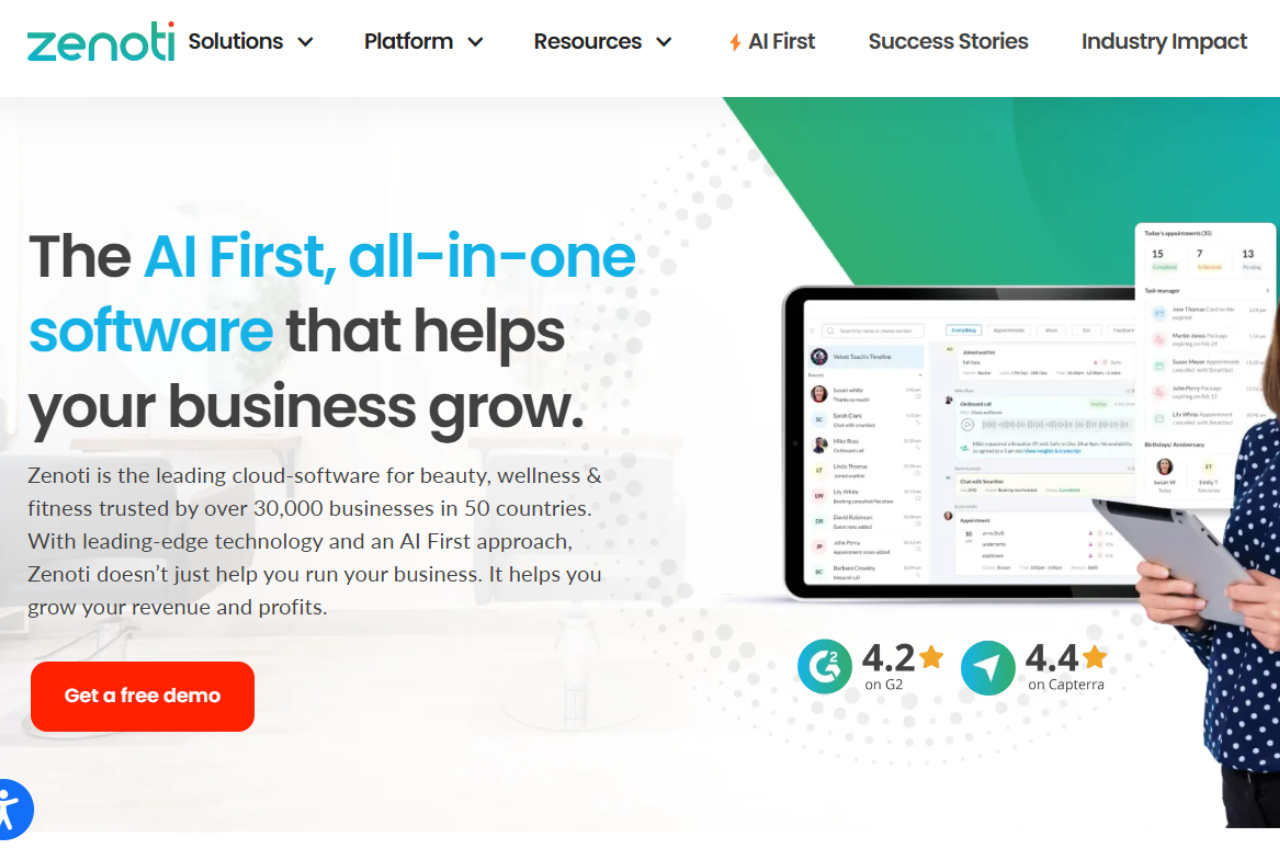
Zenoti: Elevating Your Spa and Salon Management

πŸ† Our Verdict

Zenoti stands out as a comprehensive spa and salon management software, catering to businesses of all sizes with its robust features and intuitive interface.

βœ… Pros & ❌ Cons

Pros:

  • πŸ§– Comprehensive Spa and Salon Management: Zenoti offers a wide array of tools for managing appointments, inventory, marketing, and customer relationships.
  • 🎨 Visual Design: The platform provides a sleek and modern interface that enhances user experience and customer engagement.
  • πŸ“Š Analytics: Zenoti’s advanced analytics capabilities provide valuable insights into business performance, aiding in strategic decision-making.
  • πŸ’» Integration: Seamlessly integrates with various third-party platforms, enhancing operational efficiency.

Cons:

  • πŸ’² Pricing: Some businesses may find Zenoti’s pricing plans relatively higher compared to competitors, especially for smaller establishments.
  • 🀯 Learning Curve: New users may experience a learning curve while adapting to Zenoti’s extensive feature set.
  • πŸ”§ Customization: Customization options may be limited compared to other spa and salon management solutions.

πŸ“– About Zenoti

Zenoti has established itself as a leader in the spa and salon management industry, providing comprehensive tools to streamline operations and enhance customer satisfaction.

πŸ—“οΈ How It Works

  1. Sign Up: Visit the Zenoti website and sign up for a demo or account.
  2. Choose a Plan: Explore the available pricing plans tailored to different business sizes and needs.
  3. Set Up Your Account: Complete the setup process by configuring services, staff, and other business specifics.
  4. Manage Operations: Utilize Zenoti’s features to schedule appointments, manage inventory, run marketing campaigns, and analyze business performance.
  5. Monitor Performance: Track key metrics and customer feedback to optimize operations and grow your business.

πŸ’² Pricing Overview

Searched 6 sites

Zenoti does not provide a straightforward public pricing list on their website. Instead, they encourage potential customers to contact them directly to discuss specific business requirements and obtain a customized quote. This approach allows Zenoti to tailor their solutions to fit the unique needs of each business, considering factors such as the number of locations, the range of services offered, and specific feature requirements.

πŸ₯Š Competition

ZenotiMindbody
ProsPros
– Comprehensive spa and salon management tools– Extensive management features
– Modern interface with intuitive design– Robust scheduling and booking capabilities
– Advanced analytics for strategic insights– Extensive marketplace integrations
ConsCons
– Higher pricing for smaller businesses– Complex setup and learning curve
– Limited customization options– Higher costs for additional features

πŸ“Œ Conclusion

Zenoti emerges as a top choice for spa and salon businesses looking to streamline operations and enhance customer experience. With its powerful features, intuitive interface, and robust support, Zenoti empowers businesses to thrive in the competitive wellness industry.

Zenoti: Transforming Spa and Salon Management

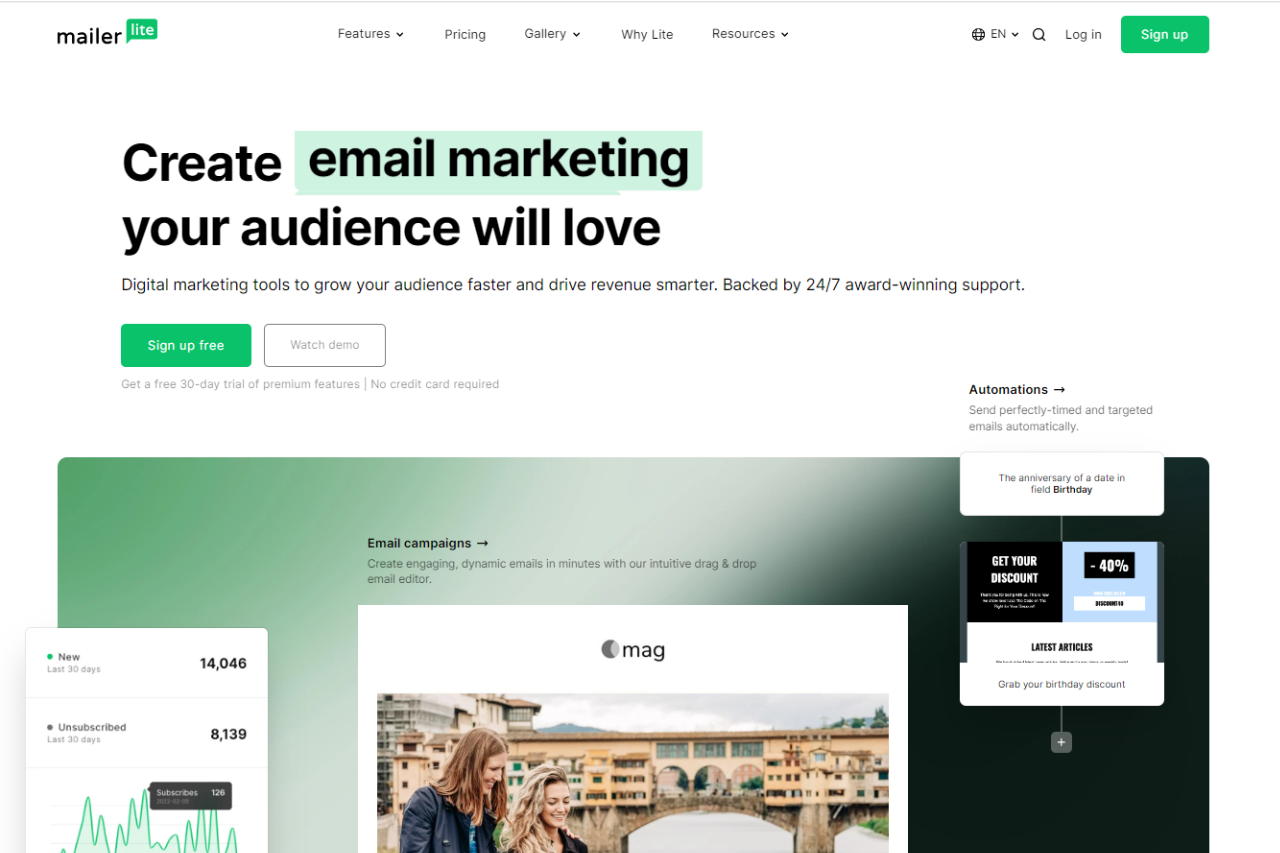
MailerLite: Simplifying Your Email Marketing

πŸ† Our Verdict

MailerLite stands out as a streamlined and user-friendly email marketing platform, ideal for businesses looking to efficiently manage their campaigns with ease.

βœ… Pros & ❌ Cons

Pros:

  • πŸ’Œ Intuitive Email Builder: Create visually appealing emails quickly with drag-and-drop simplicity.
  • πŸ“ˆ Automation Capabilities: Automate workflows to streamline campaign management and audience engagement.
  • 🌐 Integration Options: Seamlessly integrates with various third-party apps and platforms for enhanced functionality.
  • πŸ“Š Analytics Dashboard: Provides insightful metrics to track campaign performance and optimize strategies.

Cons:

  • πŸ’² Limited Advanced Features: Some advanced marketing features may be less robust compared to competitors.
  • πŸ“§ Customer Support: Support options could be more extensive, especially for urgent technical issues.
  • 🎨 Template Variety: Template selection might be narrower compared to more established platforms.

πŸ“– About MailerLite

MailerLite has established itself as a reliable choice for businesses seeking straightforward yet powerful email marketing solutions. With a focus on usability and effectiveness, it caters to both beginners and experienced marketers.

πŸ—“οΈ How It Works

  1. Sign Up: Visit the MailerLite website and sign up for an account.
  2. Choose a Plan: Explore the pricing options and select the plan that suits your business needs.
  3. Set Up Your Account: Complete the setup process by configuring your account settings and preferences.
  4. Create Campaigns: Use the intuitive email editor to design and schedule your campaigns.
  5. Track Performance: Monitor campaign performance through detailed analytics and optimize based on insights.

πŸ’² Pricing Overview

MailerLite offers flexible pricing plans designed to accommodate businesses of various sizes and needs. it scales up with affordable options as your subscriber list grows.

Free plan: Supports up to 1,000 subscribers with 12,000 monthly emails, basic features, and 24/7 email & chat support for up to 30 days.

Growing Business: $9.00 per month ($108.00 billed yearly) for up to 500 subscribers, unlimited emails, 3 users, and expanded features including selling digital products and advanced campaign options.

Advanced: $18.00 per month ($216.00 billed yearly) for up to 500 subscribers, unlimited emails, unlimited users, and enhanced capabilities such as Facebook integration, AI writing assistance, and more.

Enterprise: Custom pricing tailored for businesses with over 100,000 subscribers, offering dedicated support, advanced features, and personalized consultations for optimal email marketing performance.

πŸ₯Š Competition

FeatureMailerLiteMailchimp
Pros– Intuitive email builder– Extensive template library
– Automation capabilities– Robust automation features
– Integration options– Advanced segmentation options
Cons– Limited advanced features– Higher pricing
– Customer support– Limited customer support options
– Template variety– Complexity for beginners

πŸ“Œ Conclusion

MailerLite emerges as a strong contender for businesses seeking an easy-to-use email marketing solution without compromising on essential features. With its intuitive design tools, automation capabilities, and integration options, MailerLite is poised to help businesses succeed in their marketing efforts.

MailerLite: Streamline Your Email Marketing Efforts