AWeber shines as a versatile email marketing platform, catering to businesses of all sizes with its robust features and user-friendly interface.
✅ Pros & ❌ Cons
Pros:
📧 Comprehensive Email Marketing Tools: AWeber offers a wide array of email marketing features, including customizable templates, autoresponders, and segmentation options.
🎨 Visual Design: The platform provides intuitive tools for designing visually appealing emails that capture audience attention.
📊 Analytics: AWeber’s analytics dashboard offers insightful data on email performance, helping users refine their marketing strategies.
💻 Integration: Seamlessly integrates with various third-party platforms, enhancing workflow efficiency.
Cons:
💲 Pricing: Some users may find AWeber’s pricing plans relatively higher compared to competitors, especially for advanced features.
🤯 Learning Curve: New users may experience a learning curve while familiarizing themselves with the platform’s features and functionalities.
🔧 Limited Customization: Customization options may be somewhat restricted compared to other email marketing platforms.
📖 About AWeber
AWeber has established itself as a leader in the email marketing industry, providing businesses with the tools they need to create and manage successful email campaigns.
🗓️ How It Works
Sign Up: Visit the AWeber website and sign up for an account.
Choose a Plan: Explore the available pricing plans and select the one that best suits your business needs.
Set Up Your Account: Complete the setup process by providing necessary information about your business and email marketing goals.
Design Your Emails: Use AWeber’s intuitive email editor to design captivating emails that engage your audience.
Create Your Campaign: Set up your email campaign, define your target audience, and schedule your emails for delivery.
Monitor Performance: Track the performance of your email campaigns using AWeber’s analytics tools, and make adjustments as needed.
💲 Pricing Overview
AWeber offers various pricing plans to accommodate different business needs and budgets. From basic plans for beginners to advanced solutions for established businesses, there’s an option for everyone.
Free Plan: Supports up to 500 subscribers and basic features.
Lite Plan: Starts at $12.49/month when billed annually, includes more features and capacity for growing subscriber lists.
Plus Plan: Priced at $19.99/month (billed annually), this plan offers advanced analytics, unlimited automations, and priority support.
Unlimited Plan: At $899/month, this plan offers unlimited subscribers and the highest volume of emails, suitable for very large businesses.
🥊 Competition
AWeber
Mailchimp
Pros
Pros
– Comprehensive email marketing tools
– Extensive template library
– Customizable email templates
– Robust automation features
– Integration with third-party apps
– Advanced segmentation options
Cons
Cons
– Relatively higher pricing
– Limited customer support options
– Learning curve for new users
– Complexity for beginners
📌 Conclusion
AWeber emerges as a top choice for businesses seeking a reliable and feature-rich email marketing solution. With its comprehensive tools, user-friendly interface, and excellent customer support, AWeber empowers businesses to succeed in their email marketing efforts.
GetResponse stands out as a comprehensive email marketing solution, offering versatile tools suitable for businesses of all sizes. With its intuitive interface and extensive feature set, it provides seamless email marketing solutions across various industries and needs.
✅ Pros & ❌ Cons
Pros:
📧 Email Marketing: Offers a wide range of email marketing tools, including email design, automation, and analytics.
🔗 Landing Pages: Provides customizable landing page templates to create engaging landing pages for campaigns.
📈 Marketing Automation: Allows automation of marketing workflows to streamline processes and improve efficiency.
📊 Analytics: Offers in-depth analytics and reporting features to track campaign performance and user engagement.
🌐 Integration: Provides integration with various third-party tools and platforms for enhanced marketing capabilities.
Cons:
💲 Pricing: Some users may find the pricing plans relatively higher compared to competitors.
📉 Learning Curve: New users may experience a learning curve while familiarizing themselves with the platform’s features.
📚 Limited Customization: Customization options may be somewhat restricted in certain areas compared to other email marketing tools.
📖 About GetResponse
Established as a leader in the email marketing industry, GetResponse aims to simplify the email marketing process for businesses and marketers alike. Its user-friendly interface and comprehensive feature set make it a preferred choice for email marketing campaigns seamlessly.
🗓️ How It Works
Signing Up for GetResponse
Visit the GetResponse website and navigate to the signup page.
Choose a plan that aligns with your business needs.
Create an account by providing your email address and setting up a password.
Complete the setup process by entering your business information and customizing your email marketing preferences.
Creating Email Campaigns
Explore the email marketing tools offered by GetResponse, including email templates and drag-and-drop editor.
Design your email campaign by customizing the template, adding images, text, and CTAs.
Set up automation workflows to automate your email marketing campaigns and follow-ups.
Analyzing Campaign Performance
Track the performance of your email campaigns using GetResponse’s analytics and reporting features.
Monitor metrics such as open rates, click-through rates, and conversion rates to optimize your campaigns for better results.
💲 Pricing Overview
🌟 Pricing Tiers
GetResponse offers a range of pricing plans to accommodate different business needs and scales. From basic plans for individual professionals to advanced solutions for teams and enterprises, there’s an option for everyone.
✅ Basic Plan: Ideal for beginners and small businesses with basic email marketing needs. ✅ Plus Plan: Suitable for growing businesses with advanced automation and integration requirements. ✅ Professional Plan: Designed for larger businesses and enterprises with sophisticated marketing needs. ✅ Max Plan: Tailored for marketing agencies and high-volume senders requiring maximum scalability and support.
🥊 Competition
GetResponse VS Mailchimp
GetResponse
Mailchimp
Pros
Comprehensive email marketing tools
Versatile email marketing solutions
Customizable landing pages
Extensive integration options
Marketing automation capabilities
User-friendly interface
Cons
Relatively higher pricing for some users
Higher learning curve for new users
Limited customization options
Pricing plans may be less flexible
📌 Conclusion
GetResponse emerges as a robust email marketing solution, offering a comprehensive suite of features to simplify the email marketing process for businesses and marketers. With its user-friendly interface, extensive integrations, and flexible pricing options, it’s an ideal choice for businesses looking to elevate their email marketing strategies.
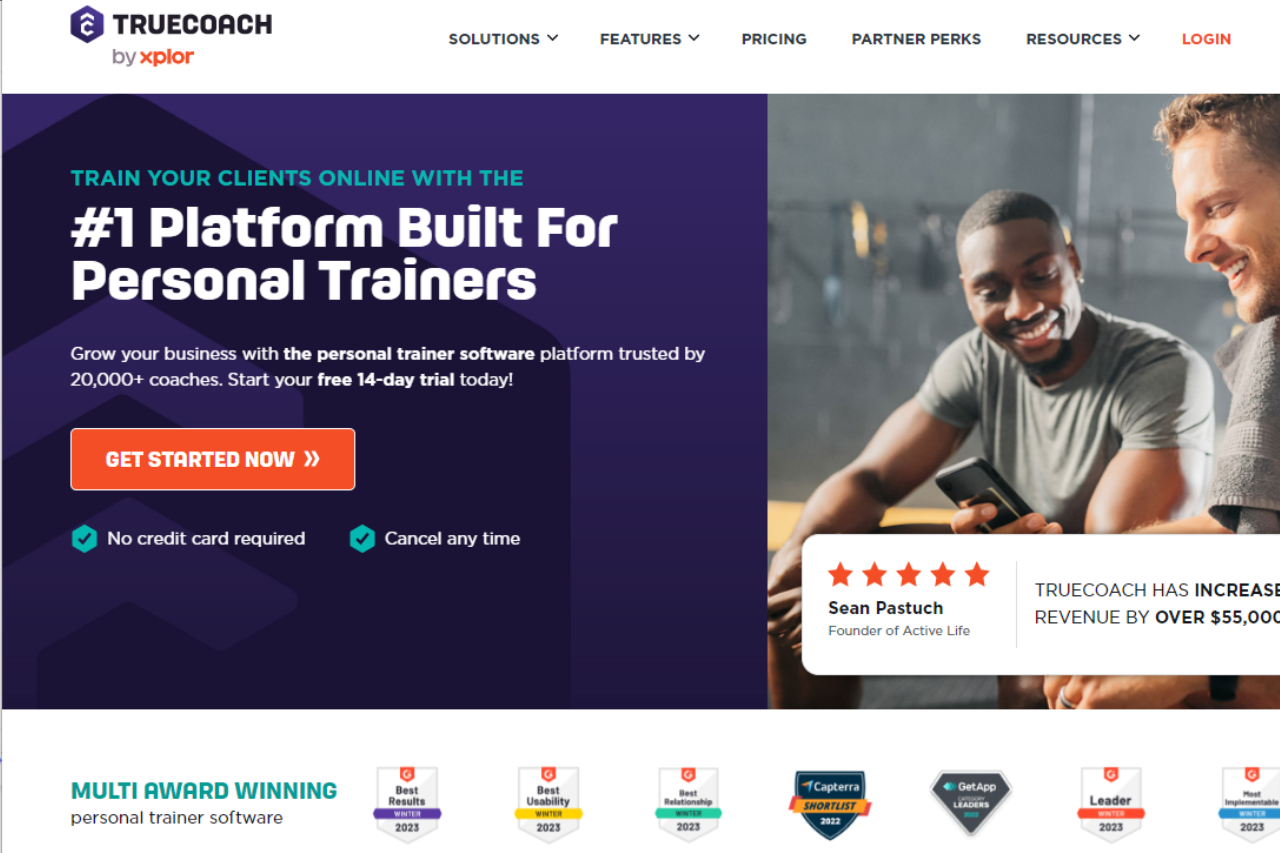
TrueCoach emerges as a robust fitness coaching platform, providing coaches with intuitive tools to streamline their training programs and enhance client engagement. With its user-friendly interface, comprehensive analytics, and seamless integrations, TrueCoach is a top choice for fitness professionals seeking to optimize their coaching services.
✅ Pros & ❌ Cons
Pros:
🔄 Intuitive Workout Program Creation: Simplifies the process of designing customized workout plans for clients.
🔗 Seamless Client Management: Offers tools for easy communication, progress tracking, and goal setting.
📅 Calendar Integration: Integrates with popular calendar platforms for efficient scheduling of sessions.
📊 Comprehensive Analytics: Provides detailed insights into client progress and engagement.
🌐 Extensive Integrations: Offers integration with various third-party apps for enhanced functionality.
Cons:
💲 Higher Pricing for Advanced Features: Some users may find the pricing plans comparatively expensive for access to advanced features.
📉 Learning Curve for New Users: Beginners might experience a learning curve while getting acquainted with the platform’s features.
📚 Limited Customization Options: Customization capabilities may be somewhat restricted compared to other fitness coaching platforms.
📖 About TrueCoach
Established as a leading fitness coaching platform, TrueCoach is dedicated to empowering fitness professionals to deliver personalized training programs and support to their clients. With its innovative features and user-friendly interface, TrueCoach aims to revolutionize the fitness coaching experience.
🗓️ How It Works
Getting Started with TrueCoach:
Visit the TrueCoach Website: Navigate to the TrueCoach website to begin the signup process.
Choose a Plan: Explore the available pricing plans and select the one that best fits your coaching needs.
Create an Account: Provide your email address, create a password, and fill in necessary details to set up your account.
Set Up Your Profile: Complete your profile setup by entering your coaching information and preferences.
Invite Clients: Invite your clients to join your coaching program and provide them access to the TrueCoach platform.
Design Workouts: Utilize TrueCoach’s intuitive tools to design personalized workout plans for your clients.
Schedule Sessions: Use the calendar integration feature to schedule coaching sessions with your clients.
Track Progress: Monitor your clients’ progress and engagement using the comprehensive analytics provided by TrueCoach.
💲 Pricing Overview
the pricing plans available at TrueCoach:
Starter Plan: $19.99 per month
Up to 5 active clients
Free automated payments via Stripe
Standard Plan: $52.99 per month
Up to 20 active clients
Includes wearable integration with devices like Apple, Garmin, and Fitbit
Pro Plan: $106.99 per month
Up to 50 active clients
Includes all features of the Standard Plan plus integration with Zapier
Each plan offers a free trial and provides features such as a program builder, progress tracking, nutrition and habit tracking, in-app messaging, and more. Annual savings are also available.
🥊 Competition
TrueCoach vs Trainerize
Aspect
TrueCoach
Trainerize
Pros
– Intuitive workout creation
– Comprehensive fitness management
– Seamless client management
– Customizable workout plans
– Calendar integration
– Progress tracking
– Comprehensive analytics
– Mobile app integration
– Extensive integrations
– Extensive integration
Cons
– Higher pricing for advanced features
– Learning curve for new users
– Learning curve for new users
– Limited customization options
– Limited customization options
– Higher pricing for advanced features
📌 Conclusion
TrueCoach emerges as a comprehensive solution for fitness professionals looking to elevate their coaching services. With its intuitive interface, robust features, and dedicated support, TrueCoach empowers coaches to deliver personalized training programs and achieve success in their fitness endeavors.
TrainerFu distinguishes itself as a robust training management platform, offering a comprehensive suite of tools tailored to fitness professionals. With its user-friendly interface and feature-rich offerings, TrainerFu simplifies client management, workout planning, and progress tracking.
✅ Pros & ❌ Cons
Pros:
🔄 Comprehensive Client Management: Efficiently organize and manage client profiles, schedules, and progress within the platform.
📅 Customizable Workout Plans: Tailor workout routines and plans to suit individual client needs and preferences.
📊 Progress Tracking: Track client progress, measurements, and achievements over time to monitor results effectively.
📱 Mobile App Integration: Seamlessly access and manage client data, workouts, and schedules on-the-go with the TrainerFu mobile app.
🔗 Integration with Wearables: Integrate data from fitness wearables and devices to enhance client monitoring and engagement.
Cons:
💲 Relatively Higher Pricing for Some Users: Pricing plans may be perceived as costly for individual trainers or smaller fitness businesses.
📉 Learning Curve for New Users: New users may experience a learning curve while familiarizing themselves with the platform’s features and functionalities.
📚 Limited Customization Options: Customization features may be limited in certain areas compared to other training management platforms, restricting personalization options for trainers.
📖 About TrainerFu
TrainerFu is a leading training management platform designed to streamline client management, workout planning, and progress tracking for fitness professionals. With its intuitive interface and versatile feature set, TrainerFu empowers trainers to deliver personalized training experiences and optimize client results.
🗓️ How It Works
Getting Started with TrainerFu
Visit the TrainerFu Website: Navigate to the TrainerFu website to begin the signup process.
Sign Up for an Account: Click on the “Sign Up” or “Get Started” button to create your TrainerFu account.
Choose a Plan: Explore the available pricing plans and select the one that best fits your business needs and budget.
Create Your Account: Provide your email address, create a password, and fill in the necessary details to set up your TrainerFu account.
Complete Your Profile: Fill in your personal information, including your name, location, and contact details.
Customize Your Settings: Set up your preferences and customize your TrainerFu account settings according to your training style and business requirements.
Set Up Client Profiles: Add client profiles to your TrainerFu account, including their personal details, fitness goals, and any relevant health information.
Create Workout Plans: Utilize TrainerFu’s intuitive interface to create customized workout plans tailored to each client’s needs, preferences, and fitness levels.
Schedule Sessions: Schedule training sessions, appointments, and consultations with your clients directly through the TrainerFu platform.
Track Progress: Monitor and track your clients’ progress, measurements, and achievements over time to ensure they stay on track towards their fitness goals.
Engage with Clients: Stay connected with your clients through TrainerFu’s messaging and communication tools, providing support, motivation, and accountability.
Access Mobile App: Download the TrainerFu mobile app to access and manage your client data, workouts, and schedules on-the-go, ensuring seamless integration and flexibility in your coaching approach.
Following these steps will enable you to effectively set up and utilize TrainerFu to streamline your training business and provide optimal support and guidance to your clients.
💲 Pricing Overview
Free Trial: 14 days without contracts, with one-click cancellation.Monthly Plans:
Trainer Plans:
Basic: $29/month for up to 10 clients.
Standard: $49/month for up to 20 clients.
Plus: $79/month for up to 40 clients.
Studio Plans:
Basic: $99/month for up to 60 clients.
Standard: $119/month for up to 80 clients.
Plus: $139/month for up to 100 clients.
Gym Plans:
Gym: $189/month for up to 150 clients.
Gym Pro: $250/month for up to 250 clients.
Enterprise Plan: Custom pricing for 250+ clients.
Add-ons:
Branded App: Additional $75/month for a custom-branded iOS and Android app.
Payment Methods: Accepts all major credit cards.Account Management: Features easy plan changes and cancellations directly through the account management page.
🥊 Competition
Pros
TrainerFu
TrueCoach
Comprehensive Client Management
Efficiently organize and manage client profiles, schedules, and progress within the platform.
Versatile training options
Customizable Workout Plans
Tailor workout routines and plans to suit individual client needs and preferences.
User-friendly interface
Progress Tracking
Track client progress, measurements, and achievements over time to monitor results effectively.
Progress tracking
Mobile App Integration
Seamlessly access and manage client data, workouts, and schedules on-the-go with the TrainerFu mobile app.
Extensive exercise library
Integration with Wearables
Integrate data from fitness wearables and devices to enhance client monitoring and engagement.
Cons
Relatively Higher Pricing
Pricing plans may be perceived as costly for individual trainers or smaller fitness businesses.
Higher pricing for advanced features
Learning Curve for New Users
New users may experience a learning curve while familiarizing themselves with the platform’s features and functionalities.
Limited client management features
Limited Customization Options
Customization features may be limited in certain areas compared to other training management platforms, restricting personalization options for trainers.
Learning curve for new users
📌 Conclusion
TrainerFu emerges as a top choice for fitness professionals seeking a comprehensive training management solution. With its robust features, seamless integration, and user-friendly design, TrainerFu empowers trainers to deliver exceptional training experiences and drive client success effectively.
“Transform Your Training Business with TrainerFu.”
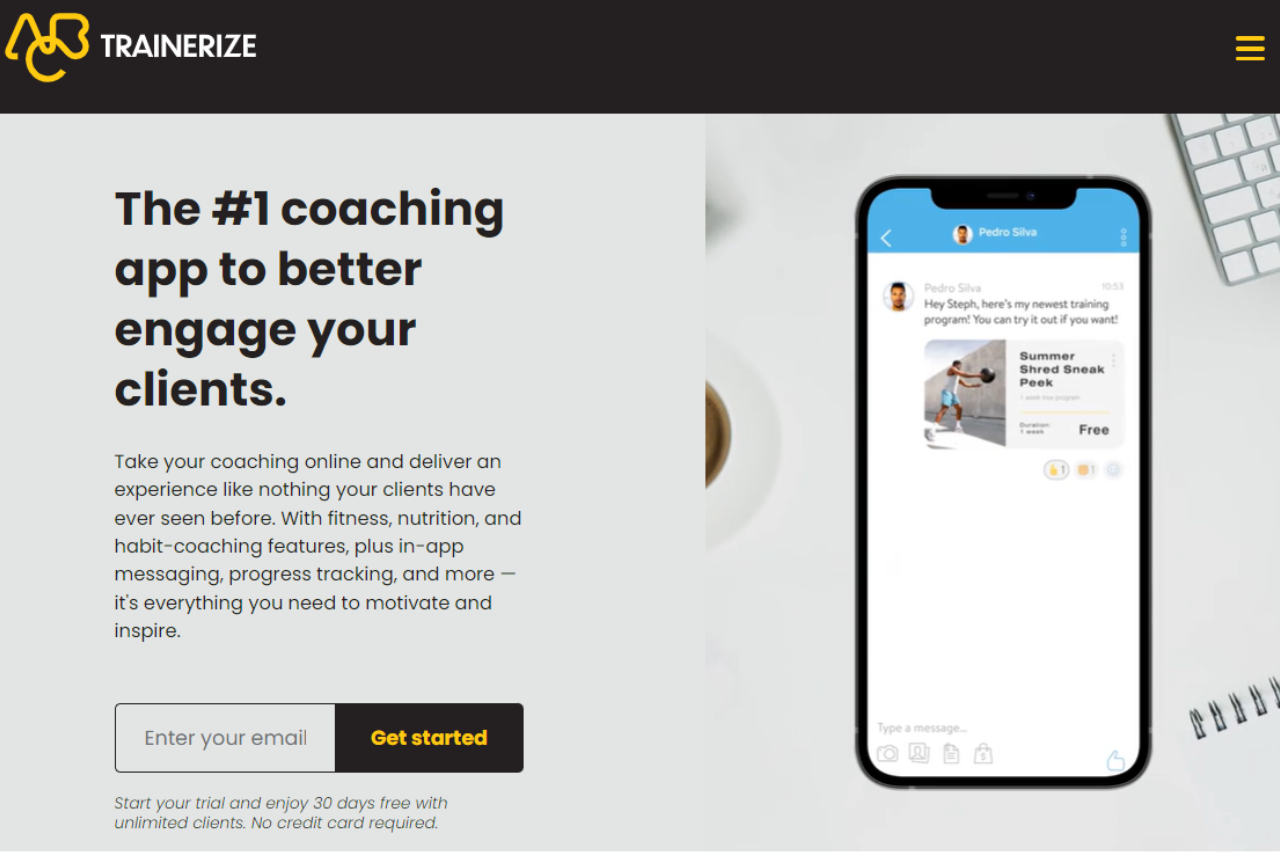
Trainerize stands out as a comprehensive fitness management platform, offering versatile tools tailored for personal trainers and fitness professionals. With its user-friendly interface and robust feature set, it provides seamless solutions for client management, workout planning, and progress tracking.
✅ Pros & ❌ Cons
Pros:
🔄 Comprehensive Fitness Management: Enables trainers to efficiently manage clients, workouts, and progress tracking in one platform.
📅 Customizable Workout Plans: Allows trainers to create personalized workout plans tailored to individual client needs and goals.
📊 Progress Tracking: Provides tools for tracking client progress, including measurements, photos, and performance metrics.
📱 Mobile App Integration: Offers a dedicated mobile app for clients to access workouts, track progress, and communicate with their trainers on-the-go.
🌐 Extensive Integration: Integrates smoothly with various fitness devices, apps, and platforms for enhanced functionality and data syncing.
Cons:
💲 Pricing: Some users may find the pricing plans relatively higher compared to competitors, especially for advanced features.
📉 Learning Curve: New users may experience a learning curve while familiarizing themselves with the platform’s features and functionalities.
📚 Limited Customization: Customization options may be somewhat restricted in certain areas compared to other fitness management tools, limiting branding and personalization options.
📖 About Trainerize
Trainerize is a leading fitness management platform designed to streamline the process of personal training and client management. It offers a comprehensive suite of features aimed at empowering trainers to deliver personalized workouts, track client progress, and engage with their clients effectively.
🗓️ How It Works
Signing Up for Trainerize
Visit the Trainerize website: Navigate to the Trainerize website to begin the signup process.
Choose a Plan: Explore the available pricing plans and select the one that aligns with your business needs.
Create an Account: Provide your email address, create a password, and fill in the necessary details to create your account.
Account Setup: Complete the setup process by entering your business information and customizing your training preferences.
Client Onboarding: Invite your clients to join Trainerize and set up their accounts for seamless communication and workout tracking.
Customize Workouts: Create personalized workout plans for each client based on their goals, preferences, and fitness levels.
Track Progress: Monitor client progress using built-in tools for measurements, photos, and performance tracking.
Engage with Clients: Communicate with your clients through in-app messaging, video calls, and progress updates to keep them motivated and accountable.
💲 Pricing Overview
🌟 Pricing Tiers
Trainerize offers a range of pricing plans to accommodate different business needs and scales. From basic plans for individual trainers to advanced solutions for fitness studios and enterprises, there’s an option for everyone.
✅ Essentials Plan
Ideal for individual trainers or small studios seeking essential features for client management and workout delivery.
🚀 Advanced Plan
Designed for medium to large-scale businesses and fitness studios looking for advanced features, including custom branding, group training, and client engagement tools.
🏢 Enterprise Plan
Suited for larger fitness organizations and enterprises requiring scalable solutions with dedicated support, custom integrations, and advanced analytics.
Relatively higher pricing for some users – Learning curve for new users
✓
✓
Limited customization options
✓
✓
📌 Conclusion
Trainerize emerges as a top-notch fitness management platform, offering a wide range of features to streamline personal training and client management. With its intuitive interface, robust functionality, and seamless integration capabilities, it’s an invaluable tool for fitness professionals looking to elevate their coaching experience.
Glofox stands out as a comprehensive fitness management platform, offering versatile tools suitable for gyms and fitness studios of all sizes. With its intuitive interface and extensive feature set, it provides seamless solutions for managing memberships, scheduling classes, and engaging with clients.
✅ Pros & ❌ Cons
Pros:
🏋️♂️ Comprehensive Fitness Management: Offers a wide range of tools for managing memberships, scheduling classes, and tracking progress.
📅 Seamless Class Scheduling: Allows easy customization of class schedules and availability for trainers and clients.
📱 Mobile App Integration: Provides a dedicated mobile app for clients to book classes, track their progress, and engage with the fitness community.
📊 Advanced Reporting: Offers detailed analytics and reporting features to track attendance, revenue, and member engagement.
🌐 Integration with Wearables: Integrates smoothly with wearable devices to track client activity and provide personalized insights.
Cons:
💲 Pricing: Some users may find the pricing plans relatively higher compared to competitors in the fitness management industry.
📉 Learning Curve: New users may experience a learning curve while familiarizing themselves with the platform’s features, especially for advanced customization options.
🛠️ Limited Customization: Customization options may be somewhat restricted in certain areas compared to other fitness management platforms.
📖 About Glofox
Established as a leader in the fitness management industry, Glofox aims to simplify the management processes for gyms and fitness studios. Its user-friendly interface and comprehensive feature set make it a preferred choice for fitness professionals.
🗓️ How It Works
Signing Up for Glofox
Visit the Glofox Website: Navigate to the Glofox website to begin the signup process.
Choose a Plan: Explore the available pricing plans and select the one that aligns with your fitness business needs.
Create an Account: Provide your email address, create a password, and fill in the necessary details to create your account.
Account Setup: Complete the setup process by entering your business information and customizing your scheduling preferences.
Class Scheduling: Customize your class schedules and availability to fit the needs of your trainers and clients.
Mobile App Integration: Download the Glofox mobile app to enable clients to book classes, track their progress, and engage with your fitness community on the go.
💲 Pricing Overview
Glofox offers a range of pricing plans to accommodate different fitness business needs and scales. From basic plans for individual trainers to advanced solutions for large fitness studios, there’s an option for everyone.
Basic Plan: Ideal for individual trainers or small fitness businesses seeking essential management tools.
Pro Plan: Designed for medium-sized fitness studios and gyms looking for advanced features like mobile app integration and reporting.
Enterprise Plan: Suited for large fitness franchises and chains requiring scalable solutions with custom branding and dedicated support.
🥊 Competition
Glofox
Mindbody
Pros
Pros
– Comprehensive fitness management
– Comprehensive fitness management
– Seamless class scheduling
– Seamless class scheduling
– Mobile app integration
– Mobile app integration
– Advanced reporting
– Advanced reporting
– Integration with wearables
– Integration with wearables
Cons
Cons
– Relatively higher pricing for some users
– Relatively higher pricing for some users
– Learning curve for new users
– Learning curve for new users
– Limited customization options
– Limited customization options
📌 Conclusion
Glofox emerges as a robust fitness management platform, offering a comprehensive suite of features to streamline operations and enhance client engagement for fitness businesses. With its user-friendly interface, mobile app integration, and advanced reporting capabilities, it’s an ideal choice for gyms and studios looking to elevate their fitness management workflows.
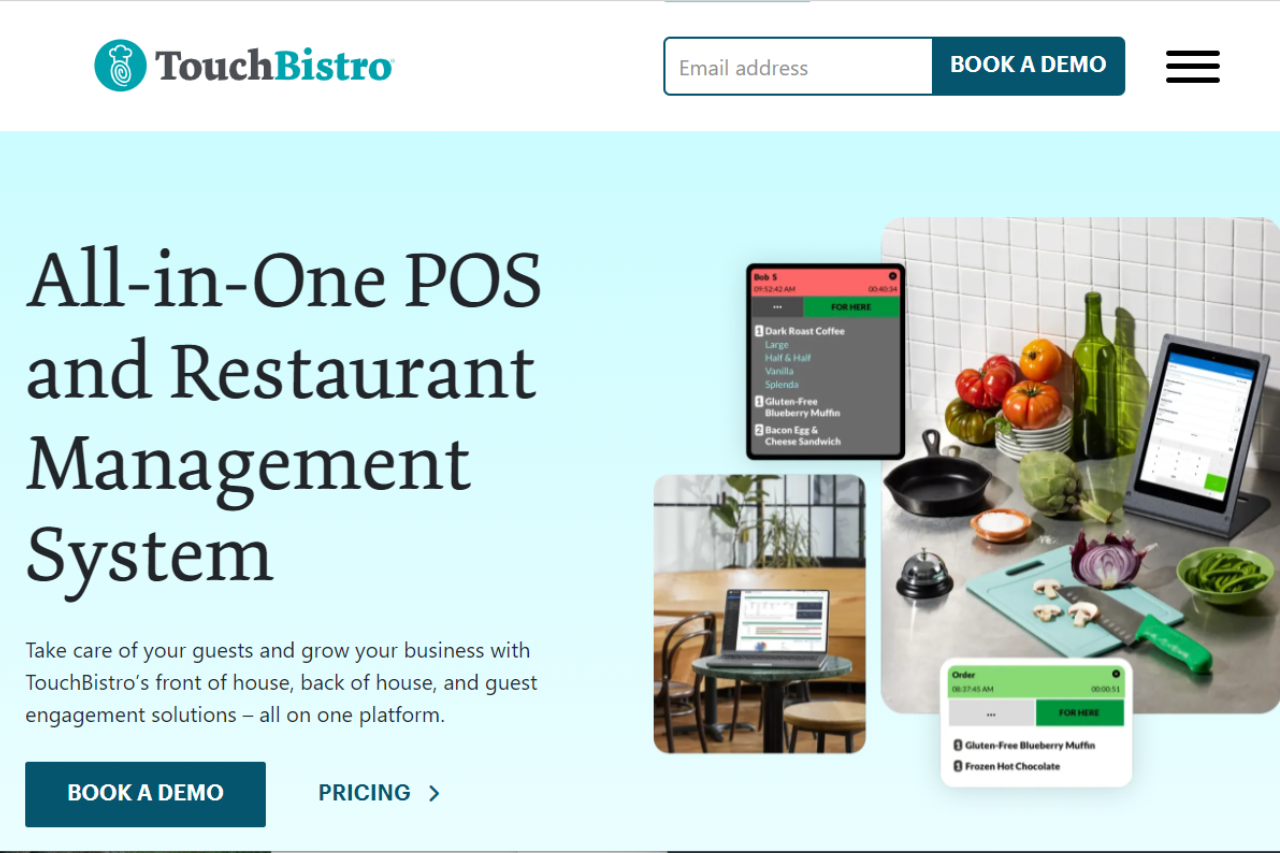
TouchBistro offers a comprehensive restaurant management solution, catering to establishments of all sizes. With its intuitive interface and robust feature set, it streamlines operations, enhances customer service, and boosts efficiency.
✅ Pros & ❌ Cons
Pros:
📊 Advanced Restaurant Management: TouchBistro provides powerful tools for managing orders, inventory, and staff, optimizing restaurant operations.
📱 Intuitive Interface: Its user-friendly interface ensures ease of use for restaurant staff, minimizing training time and increasing productivity.
📅 Table Management: TouchBistro offers seamless table management functionalities, allowing restaurants to efficiently handle reservations and seating arrangements.
🔗 Integration Capabilities: It seamlessly integrates with various third-party platforms, enhancing its functionality and adaptability to specific restaurant needs.
Cons:
💲 Pricing Complexity: Some users may find TouchBistro’s pricing structure complex, especially when considering additional features and integrations.
📉 Learning Curve: New users may experience a learning curve while getting accustomed to the system’s features and settings, potentially impacting initial efficiency.
📦 Limited Customization: TouchBistro’s customization options may be somewhat restricted in certain areas, limiting flexibility for specific restaurant requirements.
📖 About TouchBistro
TouchBistro is a leading restaurant management system designed to streamline operations and enhance customer experiences. With its comprehensive feature set and intuitive interface, it caters to the unique needs of restaurants, cafes, and bars.
🗓️ How It Works
Signing Up for TouchBistro
Visit the TouchBistro website: Navigate to the TouchBistro website to begin the signup process.
Choose a Plan: Explore the available pricing plans and select the one that aligns with your restaurant’s needs.
Create an Account: Provide necessary details to create your account, including restaurant information and contact details.
Account Setup: Complete the setup process by configuring settings, menus, and staff profiles according to your restaurant’s requirements.
Training and Onboarding: Utilize TouchBistro’s training resources and support to onboard staff and familiarize them with the system.
Integration: Integrate TouchBistro with other platforms such as payment processors and accounting software for enhanced functionality.
Start Using: Begin using TouchBistro to manage orders, payments, inventory, and more, optimizing your restaurant’s operations.
💲 Pricing Overview
Pricing Tiers
TouchBistro offers various pricing plans tailored to different restaurant sizes and needs:
Starter Plans: Suitable for small establishments or startups looking for essential restaurant management features.
Standard Plans: Designed for medium-sized restaurants with more advanced requirements, offering additional features and customization options.
Pro Plans: Ideal for larger restaurants or chains requiring comprehensive management tools, advanced reporting, and integrations.
🥊 Competition
TouchBistro vs. Toast
TouchBistro
Toast
Pros
Pros
– Advanced restaurant management capabilities
– Comprehensive POS functionalities
– Intuitive user interface
– Robust inventory management
– Seamless table management
– Loyalty program integration
– Integration capabilities
– Customizable reporting
Cons
Cons
– Pricing complexity
– Limited offline functionality
– Learning curve for new users
– Higher initial setup costs
– Limited customization options
– Limited compatibility with certain hardware and software
📌 Conclusion
TouchBistro emerges as a leading restaurant management system, offering a comprehensive suite of features to optimize operations and enhance customer service. With its intuitive interface, advanced functionalities, and integration capabilities, it’s an ideal choice for restaurants looking to streamline their operations and boost profitability.
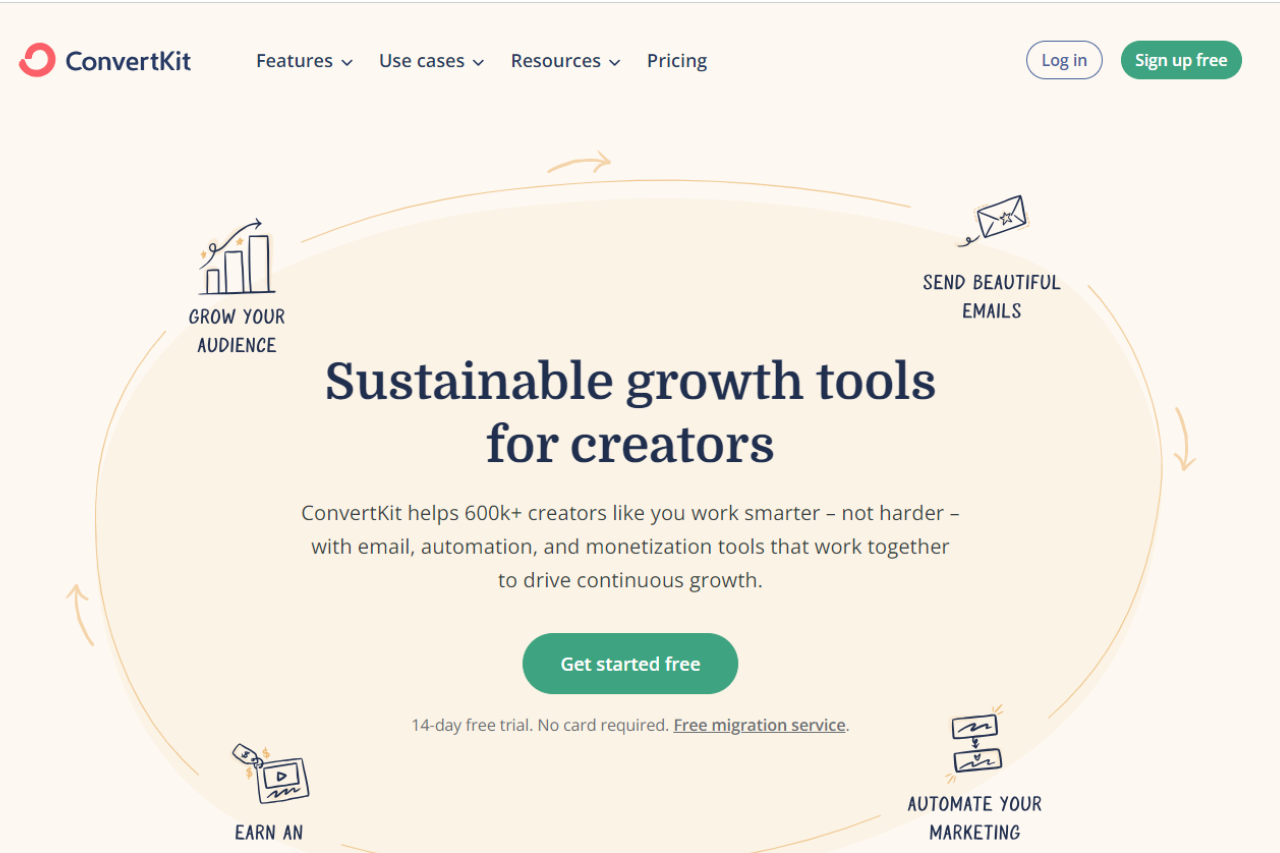
ConvertKit shines as a robust email marketing solution, tailored specifically for creators and businesses aiming to build and nurture their audience effectively. With its user-friendly interface and targeted features, ConvertKit offers a streamlined approach to email marketing campaigns and automation.
✅ Pros & ❌ Cons
Pros:
📧 Audience Segmentation: Allows for precise targeting and segmentation of subscribers based on their behavior and interests.
📈 Visual Automation Builder: Intuitive visual automation builder simplifies the creation of complex email sequences and workflows.
🎨 Customizable Email Templates: Offers a variety of customizable email templates to create professional-looking campaigns without extensive design skills.
📊 Advanced Reporting: Provides detailed analytics and insights into email performance, allowing users to optimize their campaigns for better results.
🔗 Integrations: Seamlessly integrates with a wide range of third-party tools and platforms, enhancing its functionality and compatibility.
Cons:
💲 Pricing: Some users may find ConvertKit’s pricing plans relatively higher compared to competitors, especially for larger subscriber lists.
📉 Learning Curve: New users may experience a learning curve while familiarizing themselves with the platform’s advanced features and automation capabilities.
📧 Design Limitations: While offering customizable templates, ConvertKit may have fewer design options compared to other email marketing platforms.
📖 About ConvertKit
Established as a leading email marketing platform, ConvertKit is designed to empower creators and businesses in building and managing their email lists effectively. With a focus on simplicity and functionality, ConvertKit offers a suite of tools to streamline email marketing workflows and drive engagement.
📊 How It Works
ConvertKit
Signing Up for ConvertKit
Visit the ConvertKit Website: Navigate to the ConvertKit website to begin the signup process.
Choose a Plan: Explore the available pricing plans and select the one that best fits your email marketing needs.
Create an Account: Provide your email address, create a password, and fill in the necessary details to set up your ConvertKit account.
Account Setup: Complete the setup process by entering your business information and preferences for email marketing campaigns.
Import Subscribers: Easily import your existing email list or start building your subscriber base from scratch using ConvertKit’s tools.
Design Email Sequences: Utilize the visual automation builder to create customized email sequences and workflows tailored to your audience.
Send Campaigns: Craft and send engaging email campaigns to your subscribers, leveraging ConvertKit’s templates and tracking features.
💲 Pricing Overview
🌟 Pricing Tiers
ConvertKit offers pricing plans designed to accommodate various business sizes and email marketing needs:
Free Plan: Ideal for beginners and small lists, offering basic email marketing features.
Creator Plan: Suitable for individual creators and businesses looking to grow their audience, with advanced automation and reporting features.
Creator Pro Plan: Geared towards professional creators and businesses requiring advanced segmentation, integrations, and support.
🥊 Competition
ConvertKit
Mailchimp
Pros
– Audience segmentation
– Extensive third-party integrations
– Visual automation builder
– User-friendly interface
– Customizable email templates
– Advanced reporting
– Integrations
– Comprehensive email marketing features
Cons
– Pricing complexity
– Learning curve for new users
– Design limitations
– Limited customization options
📌 Conclusion
ConvertKit emerges as a top choice for creators and businesses seeking an intuitive and feature-rich email marketing solution. With its focus on audience segmentation, visual automation, and customizable templates, ConvertKit empowers users to effectively engage with their subscribers and grow their businesses.
Marketo, part of Adobe’s suite of business solutions, emerges as a robust marketing automation platform, catering to businesses of all sizes. With its wide array of features and seamless integration with Adobe’s ecosystem, Marketo provides a powerful toolset to streamline marketing efforts across various industries.
✅ Pros & ❌ Cons
Pros:
🚀 Advanced Marketing Automation: Marketo offers sophisticated automation capabilities to streamline marketing workflows and campaigns.
🔗 Seamless Integration: Seamlessly integrates with Adobe’s suite of products, providing a unified platform for marketing, analytics, and more.
📈 Comprehensive Analytics: Provides in-depth analytics and reporting tools to track campaign performance and optimize marketing strategies.
📊 Customization Options: Offers extensive customization options to tailor marketing campaigns and workflows according to specific business needs.
🌐 Scalability: Scales effectively to accommodate the needs of businesses of all sizes, from startups to large enterprises.
Cons:
💲 Pricing Complexity: Some users may find Marketo’s pricing structure complex, especially for smaller businesses or startups.
📉 Learning Curve: New users may experience a learning curve while navigating Marketo’s feature-rich interface and advanced functionalities.
📚 Limited Native Integrations: While Marketo integrates seamlessly with Adobe’s products, it may have limited native integrations with other third-party tools and platforms.
📖 About Marketo
Marketo, acquired by Adobe, is a leading marketing automation platform designed to help businesses drive revenue through targeted marketing campaigns, lead management, and customer engagement.
🗓️ How It Works
Marketo
Navigation to Marketo Website: Begin by visiting the Marketo website to initiate the registration or login process.
Account Setup: If you’re a new user, you’ll need to create an account by providing your email address, creating a password, and filling in other necessary details. For existing users, simply log in to your account.
Explore Features: Familiarize yourself with the various features and tools offered by Marketo. These may include marketing automation, email marketing, lead management, analytics, and more.
Campaign Creation: Create marketing campaigns tailored to your specific goals and target audience. Utilize Marketo’s intuitive campaign builder to design workflows, set triggers, and define actions based on customer interactions.
Integration with Adobe Ecosystem: Marketo seamlessly integrates with the Adobe ecosystem, allowing for smooth data transfer and collaboration between different Adobe products such as Adobe Analytics and Adobe Experience Manager.
Third-Party Integrations: Extend Marketo’s functionality by integrating with a wide range of third-party applications and tools. This integration enhances your marketing efforts by leveraging additional resources and capabilities.
Analytics and Reporting: Gain insights into your marketing performance with comprehensive analytics and reporting features. Track key metrics, measure campaign effectiveness, and identify areas for optimization.
Customization Options: Tailor Marketo to suit your specific business needs with customizable features and settings. From campaign templates to lead scoring models, Marketo offers flexibility for businesses of all sizes.
Scalable Pricing Plans: Choose from a range of pricing plans designed to accommodate businesses of various sizes and budgets. Whether you’re a startup or a large enterprise, Marketo offers scalable solutions to meet your marketing needs.
Continuous Learning and Support: Marketo provides resources such as documentation, tutorials, and customer support to help users navigate the platform effectively. Take advantage of these resources to maximize your marketing efforts with Marketo.
In summary, Marketo empowers businesses to streamline their marketing efforts through automation, integration, and analytics. By leveraging its robust features and tools, businesses can create targeted campaigns, engage with customers effectively, and drive measurable results.
💲 Pricing Overview
Marketo
Marketo offers a range of pricing plans tailored to meet the needs of businesses of all sizes. The pricing structure is designed to provide flexibility and scalability, allowing businesses to choose the plan that best aligns with their marketing objectives and budgetary constraints. Below are the key components of Marketo’s pricing:
Subscription Plans: Marketo offers subscription-based pricing, where customers pay a recurring fee for access to the platform’s features and services. Subscription plans are available for different tiers, each offering varying levels of functionality and support.
Tiered Pricing: Marketo’s pricing is structured into tiers, with each tier offering a different set of features and capabilities. These tiers are typically designed to accommodate businesses at different stages of growth, from startups to large enterprises.
Feature Differentiation: The pricing plans are differentiated based on the features and services included. Higher-tiered plans usually offer more advanced features such as advanced marketing automation, enhanced analytics, and greater customization options.
Scalability: Marketo’s pricing plans are scalable, allowing businesses to upgrade or downgrade their subscription as their needs evolve. This scalability ensures that businesses can easily adjust their investment in Marketo based on their changing requirements and budget constraints.
Customization Options: Marketo offers customization options for businesses with unique needs or specific requirements. Custom pricing plans may be available for businesses that require tailored solutions or additional features beyond what is offered in standard plans.
Consulting and Support Services: Marketo provides consulting and support services to help customers maximize the value of their investment. These services may include implementation support, training, and ongoing guidance from Marketo’s team of experts.
Free Trial: Marketo may offer a free trial period for new customers, allowing them to explore the platform’s features and capabilities before committing to a paid subscription. This free trial period enables businesses to evaluate Marketo’s suitability for their needs and assess its value proposition.
Overall, Marketo’s pricing structure is designed to provide flexibility, scalability, and value for businesses seeking to optimize their marketing efforts and drive growth. By offering a range of pricing options and customization opportunities, Marketo aims to cater to the diverse needs of its customers and empower them to achieve their marketing goals effectively.
🥊 Competition
Marketo
HubSpot
Pros
Advanced Marketing Automation
Intuitive User Interface
Seamless Integration with Adobe Ecosystem
Extensive Third-party Integrations
Comprehensive Analytics
Robust CRM Functionality
Customization Options
Scalable Pricing Plans
Cons
Pricing Complexity
Pricing Complexity
Limited Customization Options for Some Features
Limited Customization Options for Some Features
Learning Curve for New Users
Higher Pricing Tiers for Advanced Features
📌 Conclusion
In conclusion, Marketo stands as a powerful marketing automation solution, offering a comprehensive set of features to drive marketing success. With its seamless integration with Adobe’s ecosystem, advanced automation capabilities, and robust analytics, Marketo is an ideal choice for businesses looking to elevate their marketing strategies.
“Elevate Your Marketing Efforts with Marketo by Adobe.”
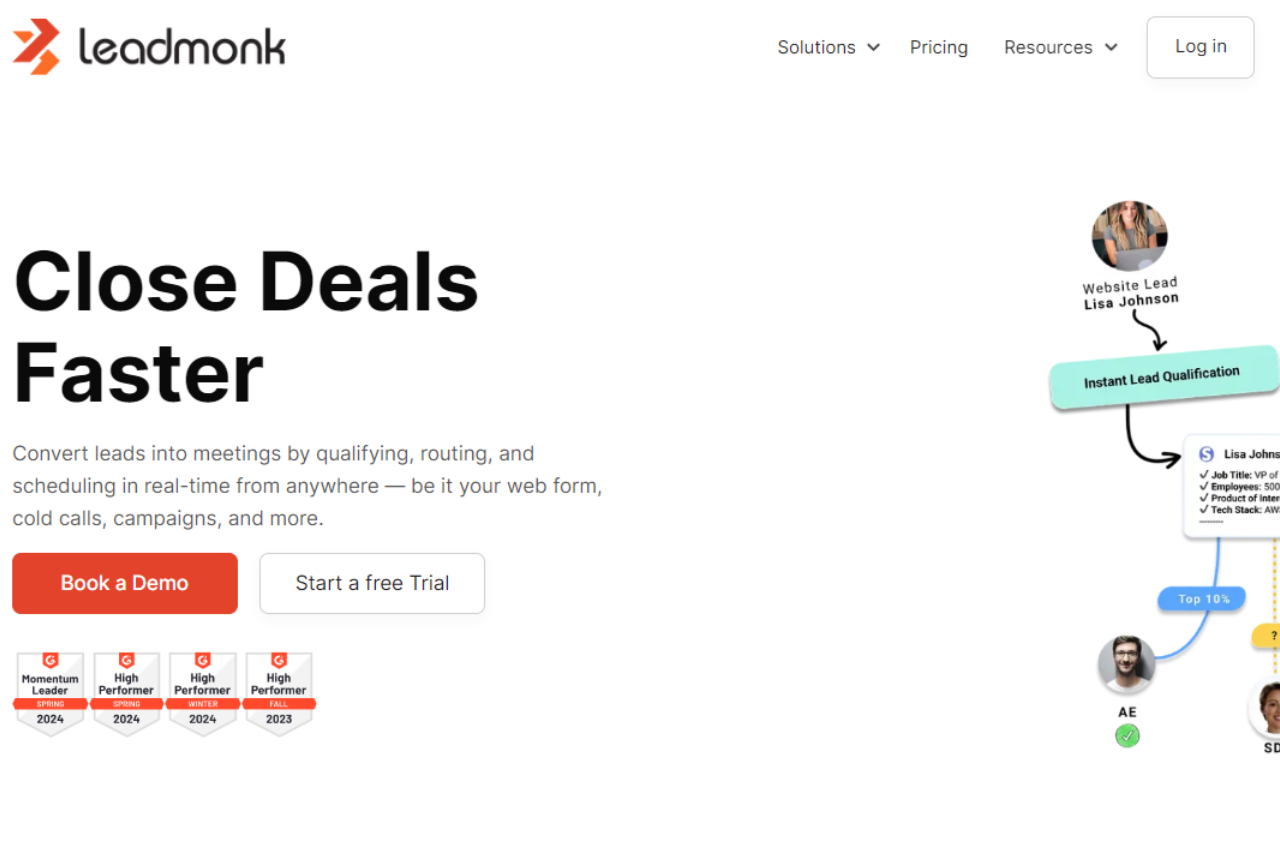
Leadmonk emerges as a dynamic marketing automation platform, offering a comprehensive suite of tools tailored to meet the diverse needs of businesses. With its intuitive interface and robust feature set, Leadmonk provides seamless marketing solutions across various industries and scales.
✅ Pros & ❌ Cons
Pros:
🎯 Advanced Marketing Automation: Empowers businesses with powerful automation tools for targeted marketing campaigns.
🔗 Seamless Integration: Integrates smoothly with a variety of third-party platforms for enhanced connectivity.
📊 Detailed Analytics: Offers comprehensive insights and analytics for informed decision-making.
📈 Scalability: Suitable for businesses of all sizes, from startups to enterprises, with flexible scaling options.
🌐 Customizable Solutions: Provides customizable features and workflows to adapt to unique business requirements.
Cons:
💲 Pricing Complexity: Some users may find the pricing plans relatively higher compared to competitors.
📉 Learning Curve: New users may experience a learning curve while navigating the platform’s features.
📚 Limited Support: Customer support options may be somewhat limited, especially for smaller businesses.
📖 About Leadmonk
Established as a leader in the marketing automation industry, Leadmonk aims to streamline marketing processes and drive business growth. Its user-friendly interface and comprehensive feature set make it a preferred choice for businesses seeking effective marketing solutions.
🗓️ How It Works
Signing Up for Leadmonk
Visit the Leadmonk Website: Navigate to the Leadmonk website to begin the signup process.
Choose a Plan: Explore the available pricing plans and select the one that aligns with your business needs.
Create an Account: Provide your email address, create a password, and fill in the necessary details to create your account.
Account Setup: Complete the setup process by entering your business information and customizing your marketing preferences.
Integration: Integrate Leadmonk with your existing systems and platforms for seamless data flow.
Customize Campaigns: Tailor your marketing campaigns using Leadmonk’s intuitive tools and templates.
Launch Campaigns: Deploy your campaigns and track their performance in real-time.
💲 Pricing Overview
Pricing Tiers
Leadmonk offers a range of pricing plans to accommodate different business needs and scales.
Starter Plans: Ideal for individual professionals or small businesses seeking essential marketing automation tools.
Professional Plans: Designed for medium-sized businesses and teams looking for advanced marketing solutions.
Enterprise Plans: Suited for large businesses and enterprises requiring scalable marketing automation with premium features.
🥊 Competition
Leadmonk
HubSpot
🎯 Advanced Marketing Automation
🎯 Comprehensive Marketing Suite
🔗 Seamless Integration
🔗 Extensive CRM Functionality
📊 Detailed Analytics
📊 In-depth Reporting Capabilities
📈 Scalability
📈 Flexible Scaling Options
🌐 Customizable Solutions
🌐 Versatile Marketing Solutions
📌 Conclusion
Leadmonk emerges as a powerful ally for businesses seeking to elevate their marketing efforts. With its robust feature set, customizable solutions, and scalable options, Leadmonk is poised to help businesses of all sizes achieve their marketing goals effectively.
This website uses cookies to ensure you get the best experience on our website. Surfing the website you are authorizing the use of cookies.
Privacy & Cookies Policy
Privacy Overview
This website uses cookies to improve your experience while you navigate through the website. Out of these cookies, the cookies that are categorized as necessary are stored on your browser as they are essential for the working of basic functionalities of the website. We also use third-party cookies that help us analyze and understand how you use this website. These cookies will be stored in your browser only with your consent. You also have the option to opt-out of these cookies. But opting out of some of these cookies may have an effect on your browsing experience.
Necessary cookies are absolutely essential for the website to function properly. This category only includes cookies that ensures basic functionalities and security features of the website. These cookies do not store any personal information.
Any cookies that may not be particularly necessary for the website to function and is used specifically to collect user personal data via analytics, ads, other embedded contents are termed as non-necessary cookies. It is mandatory to procure user consent prior to running these cookies on your website.