⚖️ Our Verdict
PieSync is easily one of the best syncing tools available in today’s market. It keeps all of your customer data in sync across all your business apps, and syncs in real time. This absolutely incredible tool helps you keep your database organized and in sync no matter where you are, and what your business is!
With PieSync, you can say goodbye to long, tiring hours of manual data entry. Best of all, you do not need to be an expert to use this tool, there is no coding required!
| Pros | Cons |
| 👍 User-friendly 👍 Easy to set up 👍 Easy sync between all integrations 👍 Great customer support | 👎Limited by the scope of base apps APIs. |
🌟 About PieSync
PieSync was founded in 2012 to solve a specific problem that many businesses face: syncing databases. The company provides businesses with a seamless two-way contact sync between their favorite cloud apps.
The goal is to increase everyone’s productivity without the hassles of downloading and installation. You can say goodbye to the errors you normally get from manual data entry, the difficulty and inefficiency of manually importing and exporting contacts, and more.
It literally takes 3 minutes of your time to set up PieSync on your device, and you can easily sync your marketing, sales and customer care platforms together.
PieSync has hundreds and thousands of customers using their platform. Their clients are big companies from different industries such as real estate, digital marketing, digital agencies, sales, and more.
This incredible tool can also be integrated with different apps such as HubSpot, MailChimp, ZenDesk, ActiveCampaign, iCloud, Outlook, Microsoft Dynamics, QuickBooks, Shopify, and more.
🎁 What’s In It For You?
It’s plain and simple: PieSync keeps all of your customer data in sync so you don’t have to do it manually. However, this incredible tool has more to offer. With PieSync, you have total control over the direction of your sync. You can either select a two-way sync or a one-way sync.
Two-way sync lets you sync customer data continuously between both apps, while a one-way sync can be used if you want to make changes in a single app only.
You can also set personalized rules with PieSync IF/THEN rules. It’s a simple programming basic, but you don’t have to do the code! You can use this handy feature to create segments of your contacts to be synced to and from the apps you have chosen.
LOOKING FOR A ONE-STOP SOLUTION TO YOUR GROWTH NEEDS?
If you are running subscription services, PieSync lets you manage this easily. This tool lets you tag contacts or automatically subscribe and/or unsubscribe them from lists in other apps. This way, you can ensure that everyone on your contacts is on the right list.
PieSync also features a health dashboard which lets you monitor your connections. This gives you an overview of actions taken by PieSync.
Best of all, PieSync gives you full control of everything and you can map out how you want to sync different fields across apps. You can sync contacts, leads, companies, and more.
🖥️ How Does It Work?
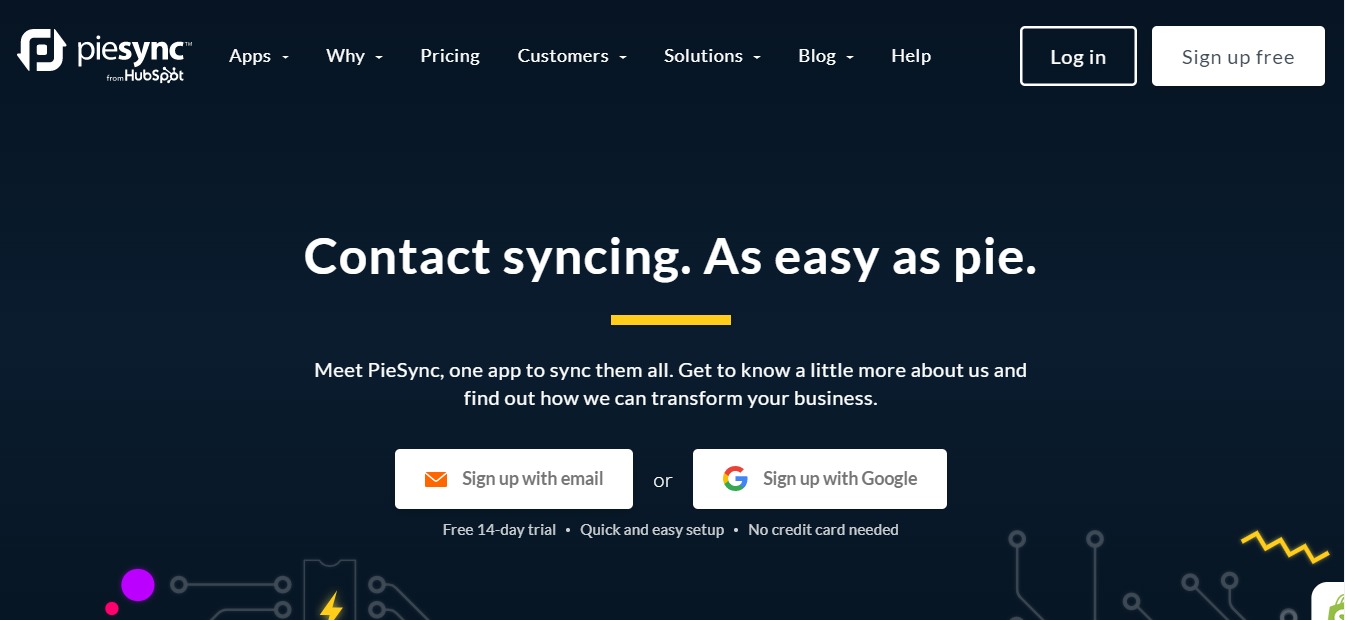
- If you do not have an account with PieSync yet, you can simply sign up for their 14-day free trial to test it out. Go to their website, and click on Sign Up Free.

- Once this is done, you will be redirected to their sign up page where you need to enter your details.

- Once you are in, PieSync will let you choose the apps you want to integrate.

- You will then be asked to authorize the apps by logging into whatever app you have chosen.
- Once this is done, you can choose your contact type and configure your connection.
💲 Pricing Plans & Support

PieSync offers two different plans — the Starter and Pro. However, the price depends on how many contacts you want to keep in sync. Below are the features you will get from each plan:
💎 Starter – $9 per month for 1000 contacts / $359 per month for 175,000 contacts
〰️Sync any of our supported apps
〰️Create up to two if/then rules per connection
〰️Invite unlimited team members to your PieSync subscription
💎 Pro – $49 per month for 1000 contacts / $559 per month for 175,000 contacts
〰️Everything in Starter, plus:
〰️Unlimited rules per connection
〰️Custom field mappings: choose how you want to sync fields across apps
〰️More options to segment and filter your syncs
Both plans are available on a 14-day free trial. Check out PieSync’s pricing page to calculate the exact costs per month.
📍 The Competition
PieSync also faces some tough competition in today’s market. Their website even has a list of their competition and what makes them different. Check them out below:

| Pros | Cons |
| 👍 Easy to use 👍 Amazing customer support 👍 Saves a lot of time | 👎 No two-way sync 👎 Integration setup can take time and effort |

| Pros | Cons |
| 👍 Beginner-friendly 👍 Easy to use 👍 Powerful integrations between different services | 👎 Can be a little bit expensive compared to PieSync |
Keep Your Customer Data In Sync with PieSync
Related read: PieSync kept contact records matched between apps. If you want that joined data analysed rather than just synced, our RetentionX review covers a platform that does the segmentation for you.