🏆 Our Verdict
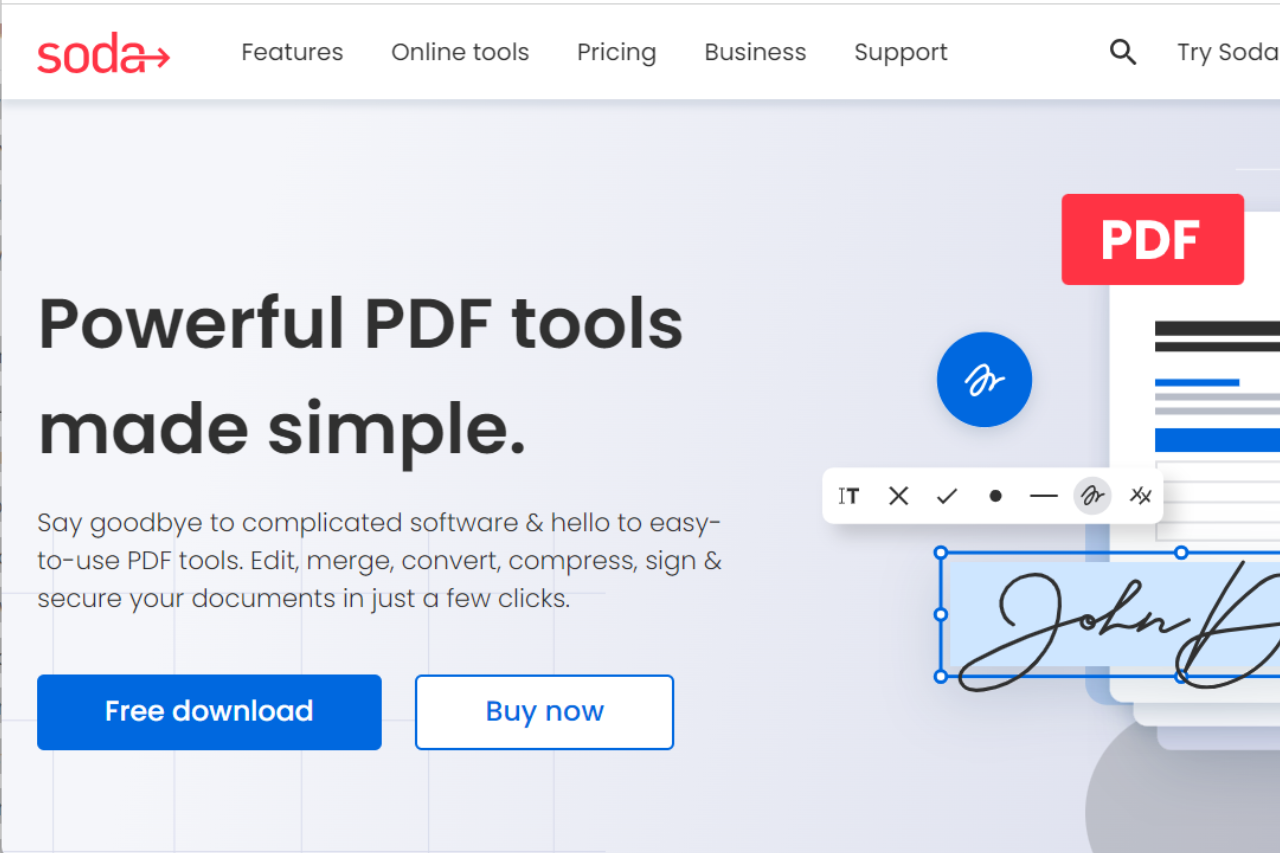
Soda PDF stands out as a versatile and user-friendly PDF management tool, catering to both individuals and businesses with its wide range of features for creating, editing, and securing PDF documents.
✅ Pros & ❌ Cons
Pros:
- 📑 Comprehensive PDF Tools: Soda PDF offers a robust set of features for creating, editing, converting, and securing PDF documents.
- 🎨 User-Friendly Interface: The platform provides an intuitive and easy-to-navigate interface, making it accessible for users of all experience levels.
- 🔒 Advanced Security Options: Includes features like password protection, encryption, and digital signatures to safeguard sensitive information.
- 🔄 Cloud Integration: Seamlessly integrates with popular cloud storage services, allowing easy access and management of documents from anywhere.
Cons:
- 💲 Pricing Structure: The cost may be higher for users seeking advanced features compared to other PDF tools.
- 🤯 Occasional Performance Issues: Some users report performance issues with larger files or complex PDF documents.
- 🔧 Limited Advanced Features: While comprehensive, it may lack some advanced features found in higher-end PDF software.
📖 About Soda PDF
Soda PDF provides a complete suite of tools for managing PDF documents, from creation and editing to conversion and security. It is designed to cater to both personal and professional needs, offering a streamlined approach to handling PDFs.
🗓️ How It Works

- Sign Up: Visit the Soda PDF website and create an account or download the software.
- Choose a Plan: Review the available pricing plans and select the one that best fits your needs.
- Set Up Your Account: Configure your settings and preferences for an optimal experience.
- Manage Your PDFs: Utilize Soda PDF’s tools to create, edit, and convert PDF documents.
- Secure Your Files: Apply security features to protect your sensitive information.
- Access from Anywhere: Use Soda PDF’s cloud integration to manage your documents from any device.
💲 Pricing Overview
Here’s a summary of the Soda PDF plans:

- Soda PDF Standard:
- Price: $7.00/month, billed yearly
- Includes: Viewing, creating, converting, editing, securing, batch processing, commenting, form handling, e-signatures, and OCR features.
- Soda PDF PRO (Most Popular):
- Discounted Price: $7.25/month, billed yearly (30% OFF)
- Includes: All Standard features plus enhanced capabilities.
- Soda PDF Business:
- Price: $16.50/month, billed yearly
- Includes: All PRO tools plus self-serve plan management, deployment across all platforms, and expert phone support.
All plans come with a 30-day money-back guarantee, free customer support, and secure transactions. For more details, you can visit Soda PDF Pricing.
🥊 Competition

| Feature | Soda PDF | Adobe Acrobat |
|---|---|---|
| Pros | Pros | Pros |
| PDF Tools | Comprehensive PDF Tools | Advanced PDF Editing Features |
| Interface | User-Friendly Interface | Robust and Reliable |
| Security | Advanced Security Options | Industry-Leading Security |
| Cloud Integration | Cloud Integration | Strong Cloud Integration |
| Cons | Cons | Cons |
| Pricing | Higher pricing for advanced features | Higher pricing for full features |
| Performance | Occasional performance issues | Can be resource-intensive |
| Features | Limited advanced features | Complex for casual users |
📌 Conclusion
Soda PDF offers a comprehensive and user-friendly solution for PDF management. With its robust tools, ease of use, and security features, it is a strong choice for individuals and businesses looking to simplify their PDF workflows.
Soda PDF: Your Solution for Efficient PDF Management
Free browser option: Soda PDF spreads its features across desktop and online plans. For simple edits and form filling at no cost, PDFescape handles the common tasks straight from the browser.