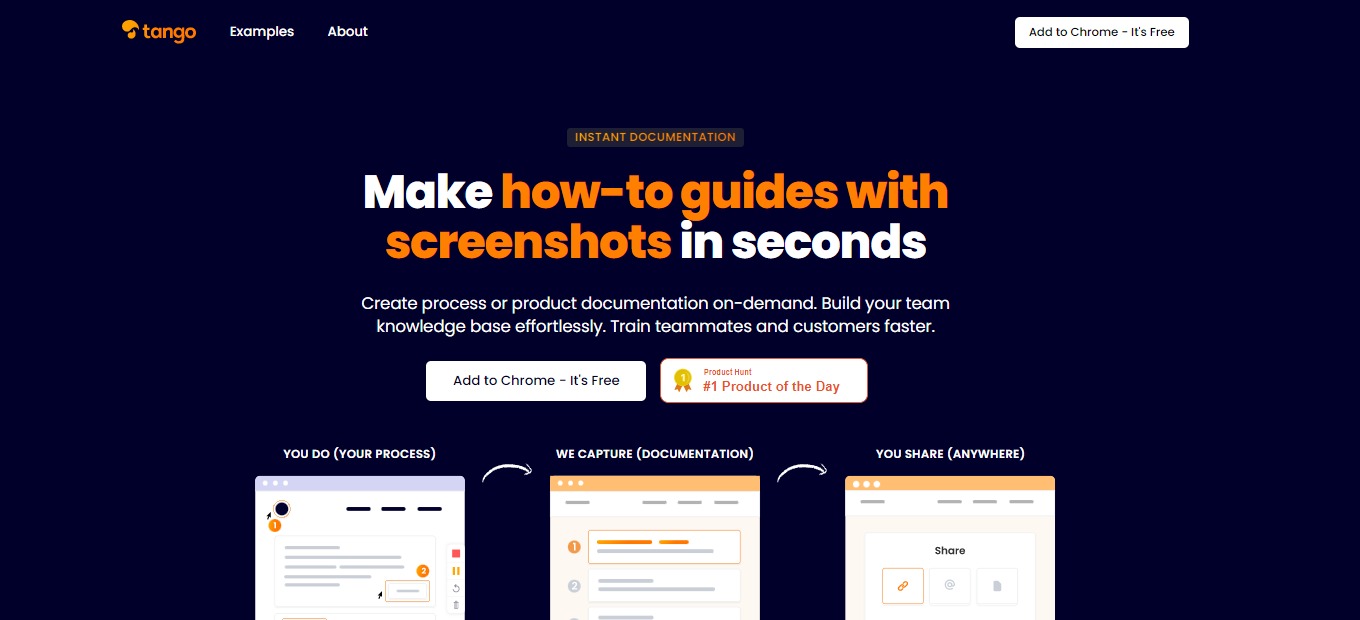
Tango: Automatically create how-to guides with screenshots

⚖️ Our Verdict

Tango should be used by everyone that finds creating how-to guides dreading. It instantly creates guides for you so you can save a lot of time and effort. This is important especially in the work environment where constant communication between employees is occurring. With this tool, you do not have to repeat what you just said or demonstrated. 

People should use Tango to onboard and train newly employed workers. It can also be used to establish and circulate best practices and SOPs. With tango, you can release notes on new product updates. Not only that, but you can also make customer service easier with this application. 

The unique thing about this app is that it uses screenshots instead of the actual video recording of the process. All in all, Tango is easy to use, essential, and effective for creating how-to guides instantly.

👍 Pros👎 Cons
👍 Instant how-to guides using screenshots
👍 Easy to use
👍 Free
👍 Good User Interface
👎 Available as Chrome extension only
👎 Screenshot tool only
👎 Only works on Chrome browser

🌟 About Tango

Tango is a documentation application that allows you to make how-to guides with screenshots instantly. It was created to make systems training and process documentation easier. Writing guides and screenshotting every step is stressful and takes a lot of time. With Tango, it resolves that problem.

Tango is a Chrome Extension, but this does not hide the fact that Tango is a compact and powerful tool. Using it is also easy as you just hit “Capture” and the rest is done by the application. The how-to guide that is created by Tango is editable by the user. With this, create a process or product documentation in an instant, build your team knowledge base easily, and train teammates and customers faster! “You do, we capture, and you share”.

🎁 What’s In It For You?

Tango lets you automatically capture your actions in the browser, on any site. Tango allows you to edit and annotate the titles, descriptions, and URLs for more customization. For more privacy and emphasis, Tango lets you mark up and blur parts of your screenshots. This application offers an easy way to create how-to guides. It saves your time and effort!

The screenshot cropping and annotation are automatically done by Tango, but you can always opt to edit it by yourself. It also generates the step-by-step instructions automatically. After everything, Tango allows you to store and retrieve your guides and share them anywhere.

🖥️ How Does It Work?

  1. Add Tango to your Chrome Extensions then open it to begin.
  1. Click the “Capture Workflow” to start recording and documenting your procedures automatically.
  1. The Tango Controller allows you to pause the recording and capture only when you want to.
  1. Do all the procedures and let Tango record it for you automatically.
  1. The steps are shown on the left side of the screen. Click the red button to generate your Workflow.
  1. On the Web App, you can view, edit, and share your Workflow.
  1. When you are done editing, click on the share and export button. Copy the link and send it to any platform.

💲 Pricing Plans & Support

Tango being a great and useful application is unbelievably free! Since this application is new, the paid version with additional team-focused features is set to be released in December 2021. Fortunately, there will always be a free version!

📍 The Competition

👍 Pros👎 Cons
👍 Create demo videos using screen recording
👍 Simple and easy to use
👍 Free app
👎 Cannot add files other than photos and videos
👎 Website lag

Automatically create how-to guides with screenshots with Tango

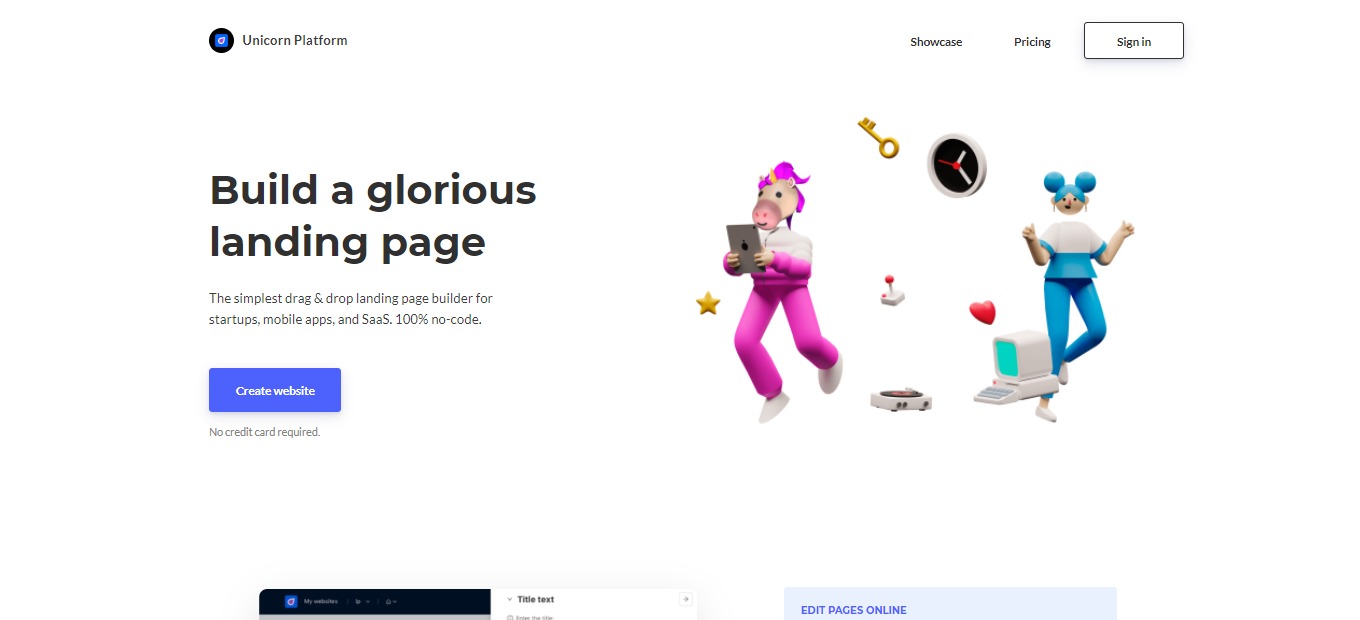
Unicorn Platform 4.0: Simple drag & drop landing page builder for startups

⚖️ Our Verdict

Unicorn Platform is a good application for creating landing pages. It is suitable for anyone, especially newbies and people without coding experience. This app should be used by startup businesses or anyone that requires a good and simple website. 

Unicorn Platform is very easy and simple to use. But with that simplicity comes a bit of disadvantage in terms of control and customization over the elements. It does not provide much versatility when it comes to creating landing pages for various business niches.

Overall, Unicorn Platform is simple, easy to use, and worth the price for creating basic landing pages.

👍 Pros👎 Cons
👍 Easy to use, no coding required
👍 Affordable plans and free option
👍 Online editor saves your changes automatically
👍 Good customization tools
👍 Has integrations
👍 Good support team
👎 Limited options for design
👎 Ads in the free plan
👎 Has some bugs

🌟 About Unicorn Platform

Unicorn Platform is a simple and modern landing page builder that is perfect for SaaS and startups. This application focuses on simplicity because building a website must be easy. Unicorn Platform was created in 2018, and since then, 12,616 people are using this application and have already created 19,632 websites. 

This product started with an integrated HTML-based page generator. Today, it is more flexible and contains more tools for creating new pages, adding different components, editing some site elements, etc. Unicorn Platform was designed by minimalists, making the application easy to master. With that, everybody can build an amazing landing page without requiring technical skills.

🎁 What’s In It For You?

The bread and butter of Unicorn Platform is its simplicity and ease of use. It offers a simple drag and drop feature that allows you to create a landing page without coding. With the customization features, Unicorn Platform allows you to change color palettes, fonts, button styles, and backgrounds. It also lets you change texts, images, buttons, and forms through the online editor. 

Aside from the editor, this app also has templates that can help you jump-start your website. Unicorn Platform saves you time by providing readily available integrations for collecting emails and leads. Take advantage of the safe and easy Stripe Checkout integration and accept one-time purchases as well as recurring payments. 

This app also allows you to add your own code and embed it in the website you are creating. With Unicorn Platform, you can also export any site as the HTML version. After creating your landing page, Unicorn Platform allows you to publish it on a custom domain by clicking a single button. 

🖥️ How Does It Work?

  1. Click the ‘Create new website’ button then add a subdomain.
  1. Click ‘Edit website pages’ and you will be redirected to the pages of your website. You can individually edit, add, or remove a page.
  1. Click ‘Edit page’ and browse through the components collection. Then, select the main page that you prefer. Customize the page and click ‘save changes’.
  1. You can add more components from the collection. 
  1. Edit specifications of the component that you have selected.
  1. Publish the page to see how it looks like in public. 

💲 Pricing Plans & Support

Unicorn Platform offers affordable pricing for everyone!

💎 Lurker – Free

Have a try on the landing page builder for free!

〰️ Custom code

〰 ️1 published website

〰️ 10 blog posts

💎 Maker – $8/Month

For aspiring makers, this plan is only $8 per month!

〰️ Custom code

〰️ Custom domain

〰 ️1 published website

〰️ 10 blog posts

〰️ HTML export

💎 Startup – $18/month

This plan for serious projects that need a reliable website is only $18 per month!

〰️ Custom domain

〰️ Custom code

〰️ 1 published website

〰️ HTML export

〰️ Remove Unicorn branding

〰️ Unlimited blog posts

〰️ 1 collaborator

💎 Business – $28/month

This plan for many projects that need a nice website is only $28 per month!

〰️ Custom domain

〰️ Custom code

〰️ 3 published website

〰️ HTML export

〰️ Remove Unicorn branding

〰️ Unlimited blog posts

〰️ Unlimited collaborators

📍 The Competition

👍 Pros👎 Cons
👍 Platform for creatives that love to design websites
👍 Good design tools and templates
👍 Accessible to anyone
👎 Bad customer service
👎 Lags and crashes

Get a simple drag & drop landing page builder with Unicorn Platform 4.0!

Pixlr: Edit Images and Create Quick Designs with AI Tools

⚖️ Our Verdict

Pixlr is one of the best alternatives to Photoshop as it is free and accessible. It can be used by professional graphic designers and also beginners. For a web application, Pixlr is one powerful editing software.

With the many advanced features, Pixlr is amazingly easy to use, especially if you have experience in using photo editing software. Pixlr might not replace the best editing software around, but for newbies or instant photo editing, this is an essential application.

What is amazing about this app is that it has a free version! You might encounter ads, but it is all worth it. The upgrade plans are also worth the money. Overall, Pixlr is easy to use, all-in-one, and an affordable application for your photo editing needs.

👍 Pros👎 Cons
👍 Suitable for daily photo editing
👍 Saves time and money
👍 Accessible on browser
👍 Many templates
👍 Has free version
👎 Lacks some professional features
👎 Interface gets changed frequently
👎 Shows ads in the free version

🌟 About Pixlr

Pixlr is an online photo editor that allows you to edit pictures and create great designs in the comfort of your browser. It features advanced, intuitive editing and designing with powerful tools for an instant but professional-looking edits.

This application is packed with a lot of advanced features, making it a powerful browser editing tool. Pixlr has two different versions namely Pixlr E and Pixlr X. The difference between these two versions is the functionality and ease of use. 

This application was created to enable everyone to create, edit, and share pictures with ease. Pixlr is part of the INMAGINE creative ecosystem with a mission to make design easy and accessible to everyone.

🎁 What’s In It For You?

Pixlr allows you to optimize its two versions that are both powered by AI. This app can help you with your online image editing needs as it is readily accessible on a browser. Pixlr X is best used for instant and simple editing. It is easy to use and offers amazing templates. Pixlr X lets you use modern photo editing tools for quick edits. It allows you to open most image file types, create collages, and add artistic effects.

On the other hand, Pixlr E is a more advanced version. It allows you to utilize powerful and advanced photo editing tools. Pixlr E has professional features that graphic designers are familiar with. It has selection tools and allows you to cut, copy and paste it. This version also lets you use to fill and gradient tools, sponge/color tool, advanced color picker, more filters, and many more tools!

Another amazing feature of Pixlr is the background remover by Pixlr AI. It allows you to remove background from multiple pictures and create transparent photos. Aside from the browser application, Pixlr also lets you download and install the desktop editing app, both available in Windows and Apple if you are an exclusive subscriber of Pixlr. 

🖥️ How Does It Work?

  1. To use the background remover, click on the ‘Remove BG’ button, then drag and drop the image you want to use.
  1. Using Pixlr X, open an image or load from a URL by clicking the buttons on the left side of the interface.  You can also drag and drop an image.
  1. The editing tools are located on the left side of the screen. Hovering over them will reveal the name of the tool.
  1. Add images from stock.
  1. Save in multiple formats. PXZ format allows you to save your progress and return to editing.

💲 Pricing Plans & Support

Edit smarter, faster, and easier with the different plans of Pixlr! 

💎 Free – $0/Month

This amazing and helpful deal is for free!

〰️ Access to Pixlr X and E

〰️ Basic editing tools

〰️ Limited set of overlays

〰️ Limited set of stickers

〰️ Supported by Ads

💎 Premium – $4.90/Month

This amazing and helpful deal is only $4.90 per month!

〰️ Pay Yearly and Save 38%

〰️ Full Access to Pixlr X and E

〰️ Extensive editing tools

〰️ AI CutOut (and future AI tools)

〰️ 3,000 extra overlays

〰️ 7,000 extra icons/stickers

〰️ 5,000 decorative texts

〰️ 18,000 Assets 

〰️ Templates 

〰️ Supports a maximum of 8196 x 8196 image resolution 

〰️ Exclusive video tutorials

〰️ Ad free!

〰️ Download for Apple and Windows

💎 Creative Pack – $14.99/month

This amazing and helpful deal is only $14.99 per month!

〰️ Pay Yearly and Save 50%

〰️ Unlimited Access to Stock Content – 10 million Graphics, Templates, Fonts, Photos, Video & 3D files.

〰️ Full Access to Pixlr X and E

〰️ Extensive editing tools

〰️ AI CutOut (and future AI tools)

〰️ 28,000 extra overlays

〰️ 7,000 extra icons/stickers

〰️ 5,000 decorative texts

〰️ 18,000 Assets 

〰️ Templates 

〰️ Supports a maximum of 8196 x 8196 image resolution 

〰️ Legal guarantee of $25,000

〰️ Exclusive video tutorials

〰️ 24/7 Premium Support

〰️ Ad free!

〰️ Download for Apple and Windows

📍 The Competition

👍 Pros👎 Cons
👍 User-friendly
👍 Many templates and graphics
👍 Has free version
👍 Collaboration features
👎 Some tools and images are not free
👎 Limited photo editing functions

Edit images and create quick designs with AI tools with Pixlr.

mmm.page: Dead simple, drag and drop personal websites

⚖️ Our Verdict

mmm.page is a useful app for expressing your creativity. It can be used in different backgrounds such as in business or academics. You can create a business website that showcases your products or even cheat sheets as reviewers! The use of this app is not limited and you can go beyond the box.

As there are limited personal websites, this app is relevant especially that almost everyone has the experience of designing. This webpage builder is full of personality and randomness but in a great way! 

Mmm.page is really easy and intuitive to use. You can create a personalized website in a matter of minutes. With giphy and youtube integrations, it makes designing more fun than ever! 

👍 Pros👎 Cons
👍 Easy and intuitive to use
👍 Works on every device
👍 More personalization, not limited
👍 Good UX/UI
👍 Has youtube integration
👍 Free app
👎 Sign up required
👎 Has bugs
👎 Photos cannot be drag and dropped directly to the page
👎 Needs email all the time when logging-in
👎 Limited to three pages per account

🌟 About mmm.page

Mmm.page is an online website builder on a browser that can work on both desktops and mobiles. This app makes it easy to create a collage-like website that is automatically responsive. As there are limited websites that allow you to personally create your own, and almost all of them look increasingly similar, this app is created for the sole purpose of creating your personalized website. More and more people are becoming familiar with graphic design because of apps like Snapchat and Instagram. That is why this app is created to allow you to express your artistic self! 

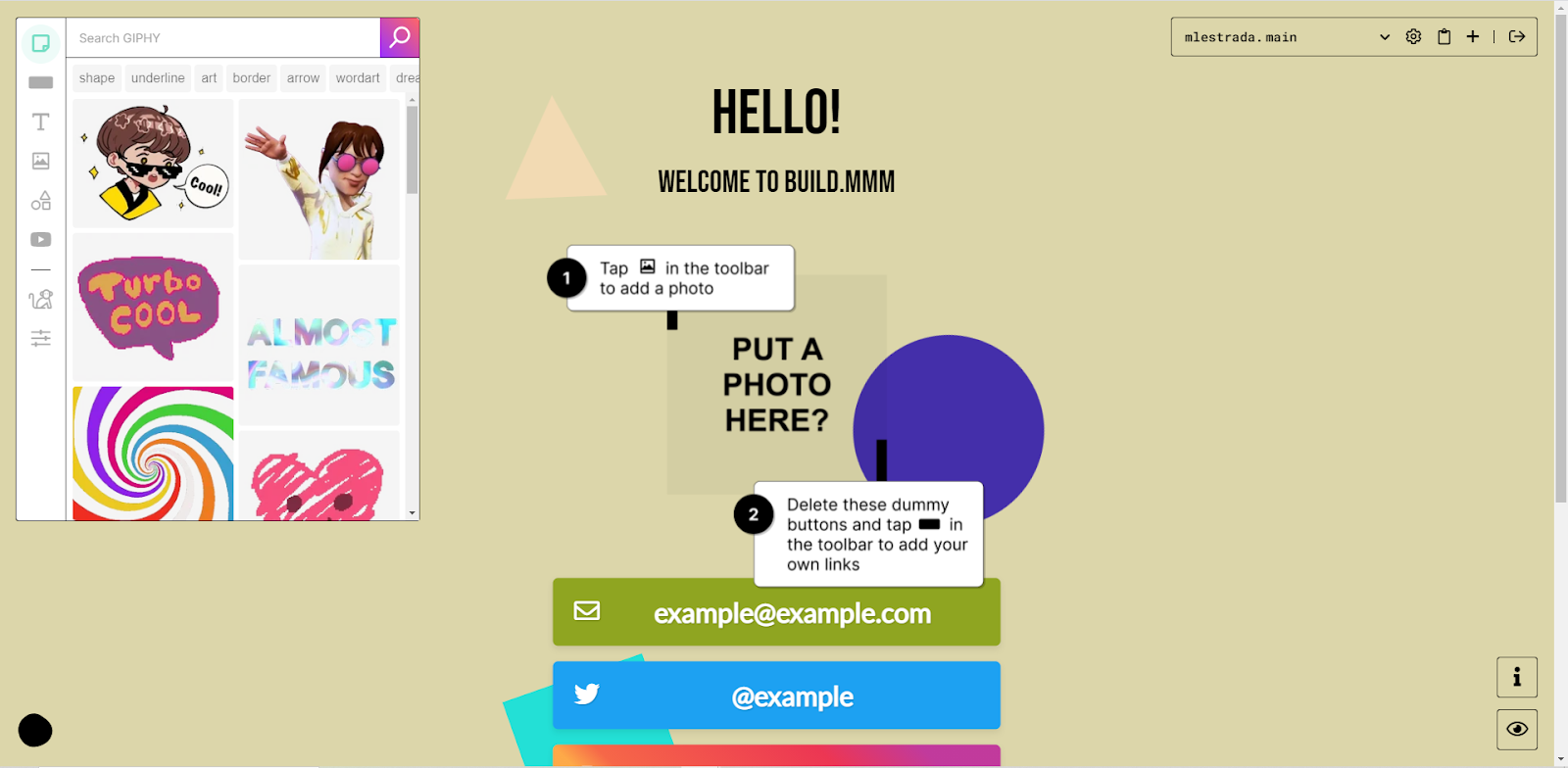
The motto “Dead simple, drag and drop personal websites” is direct to the point just like the app itself. Everything you see in the edit mode can be editable. Websites do not have to be so common. Being campy, kitschy, messy, and imperfect is encouraged as it makes the world more interesting. With mmm.page, you can make a website that feels uniquely you even in under five minutes! 

🎁 What’s In It For You?

Mmm.page allows you to create your website without any limitations. The drag and drop feature is one of the main attributes of this web app. From the toolbar, you can easily drag and drop stickers that are integrated with giphy, add buttons with corresponding links to where you want to lead your viewers, add extremely customizable texts, add images from your files, add shapes, and add youtube videos that can be played on the website that you created, all just to make your website look amazing. The drag and drop feature does not limit you as it has no grid-locking, just layout alignment guides. Lastly, you can overlap your visuals into a collage-like aesthetic.

If you are out of ideas, mmm.page features a button called chaos monkey where you can generate a randomized design for your page. You can also change the color of your webpage to anything you want. Every page is automatically responsive, and you can create as many as three customized pages. After creating your page, you can customize the URL that will be generated to anything you like. It allows text, images, GIFs, shapes, and YouTube videos to start when viewing the page.

🖥️ How Does It Work?

  1. Sign up using your email address, no need for a password.
  1. Everything on the screen is editable. You can arrange the graphics according to your desire.
  1. On the left side of the screen is the toolbar. The first button is a giphy integration and you can search whatever gif would you like to be displayed on your page. Drag and drop the elements to the screen.
  1. The second button from the toolbar allows you to input a link on the webpage.
  1. The third button allows you to add text to your page.
  1. The third and fourth buttons allow you to add an image or a shape to the page.
  1. The fifth button lets you embed a youtube video on your page.
  1. The chaos monkey allows you to generate a random design. You can change the color of the page on the last button of the left toolbar. Click publish if you are satisfied with your page, or you may also change the URL. 

💲 Pricing Plans & Support

Mmm.page is an amazing app for creatives and the like. With all of the features that allow you to express yourself freely, this app is unbelievably free!

📍 The Competition

👍 Pros👎 Cons
👍 Has templates
👍 Has drag and drop feature
👍 Easy to use
👍 Mobile friendly
👍 Free custom domain
👎 Need to sign up
👎 Limited features on free account

Create dead simple, drag and drop personal websites with mmm.page

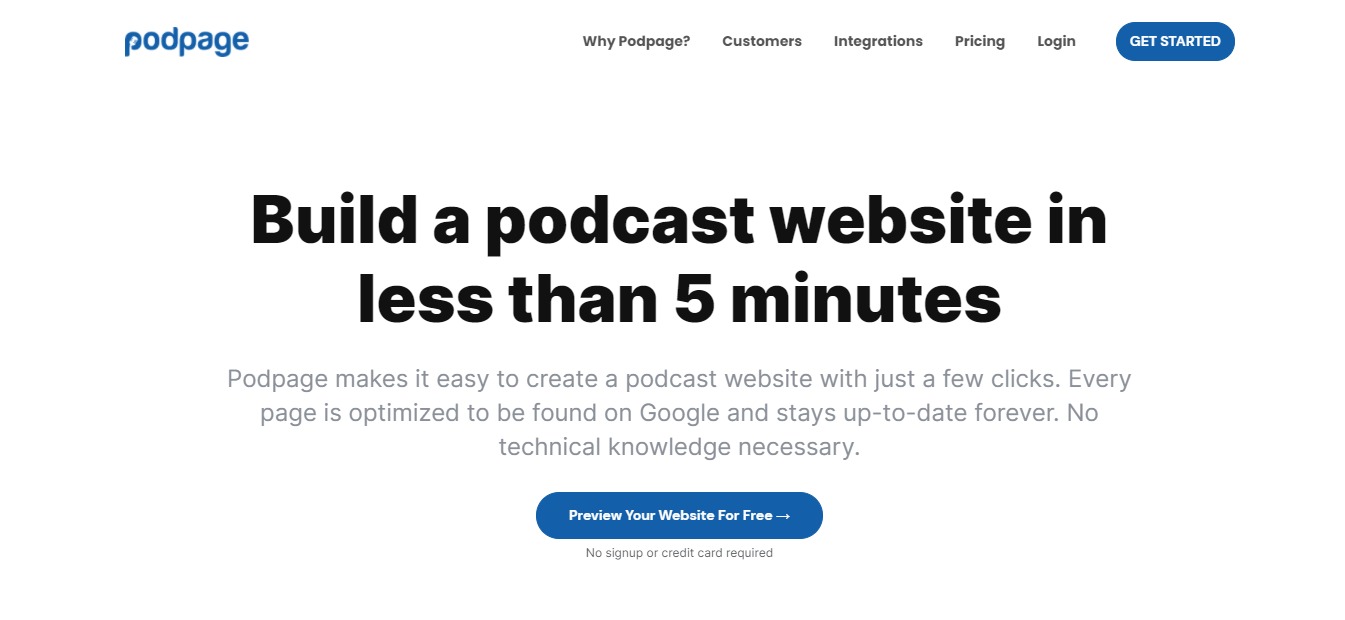
Podpage: Build a Podcast Website in Less Than 5 Minutes

⚖️ Our Verdict

Podcasts are all the rage these days, and Podpage is the most ideal tool to use to create a podcast website. With just a few simple clicks, you can create your own podcast website. The best thing about it is that every page is already SEO optimized so you can rank in Google and stay up-to-date forever. Podpage is a great tool for everyone because there’s no technical knowledge needed. 

👍 Pros👍 Cons
👍 Build podcast websites in less than 5 minutes
👍 Made specifically for Podcasters
👍 No technical knowledge needed
👍 Integrated with Podcaster services
👍 You can engage with your audience
👍 We don’t really see anything con-worthy for this app!

🌟 About Podpage

If you’re a podcaster, and you want to build a gorgeous website that converts customers, Podpage is the perfect tool for you. It’s made specifically to help Podcasters achieve their goals without any technical knowledge necessary. 

🎁 What’s In It For You?

With Podpage, you can create automated episode pages, SEO-friendly webpages for every episode. Each page has its own media player, and automatic transcripts that display your episode’s transcripts alongside show notes.

You can also create pages and profiles for all your guests, making them feel like a part of a community. Plus, you don’t have to be a whiz at web development and SEO, you can build your website with Podpage in minutes.

It automatically updates whenever you release a new episode. You can also engage with your audience, collect email addresses, and contact forms. There’s also a comment section to encourage listeners to discuss and comment on your episodes. 

Podpage also works with all the companies that are trying to make your podcast more successful. 

🖥️ How Does It Work?

To try Podpage, visit their website at https://www.podpage.com/.

Click on Get Started. Enter the necessary details on each field. And click on Generate My Page. 

Check out this video tutorial to learn more:

💲 Pricing Plans & Support

💎 Free

〰️ Unlimited Automation – Your page will stay up to date as you post new episodes to your feed.

〰️ Unlimited Episode Pages – Every episode gets its own page with all relevant info, indexed in Google.

〰️ Unlimited Media Players – Listeners can play episodes directly from your site with great media players.

〰️Unlimited Subscribe Links – Your site will link directly to your podcast on a bunch of different players.

〰️ Receive 20 Voicemails Per Month – Engage with listeners through voicemails.

〰️ Unlimited Pretty Links – All pages automatically have speakable, human readable URLs.

〰️ Built for Sharing – Every episode has social sharing links and looks gorgeous when shared.

〰️ Write an About Page Space to go into detail about you and what the show is about.

〰️ Categories – Define what topics your podcast covers, and sort episodes by category.

〰️ Convenient Links – Easy to remember links like /listen, /rate, /latest, and more.

💎 Basic – $5 per month

All the Free features plus:

〰️ Add a Custom Domain Use any domain you already have to show your Podpage website.

💎 Pro – $12 per month

All Free & Basic Features plus:

〰️ Unlimited voicemails

〰️ Customizable design lets you create a website that fits your brand.

〰️ Give listeners the opportunity to easily join your newsletter.

〰️ Make as many custom pages as you’d like for team, history, or sponsors.

〰️ Your site includes a page that lists your reviews from Apple Podcasts.

〰️ Create and maintain a blog alongside your episode pages.

〰️ Help new listeners find the best episodes to start with.

〰️ Create simple, pretty links for sponsor and affiliate redirects.

〰️ Let listeners search through your archive of older episodes.

〰️ Add your Google Analytics tag to see your traffic.

〰️ Prompt iOS users to open your podcast directly in Apple Podcasts.

〰️ Easily paste your episode transcript to each episode page.

〰️ Give listeners another way to engage with you through comments.

〰️ Make it easy for listeners to donate to your podcast.

〰️ Ask users to join your premium membership program.

〰️ Give listeners a way to get in touch with a contact page.

〰️ Make it as easy as possible for listeners to rate your show.

〰️ Build audiences for advertising platforms with tracking pixels.

〰️ Connect your Podpage to leading mailing list platforms.

〰️ Quickly generate a tweet, Facebook, or LinkedIn post.

〰️ Include a video version of the episode on every episode page.

📍 The Competition

👍 Pros👎 Cons
👍 Free for everyone
👍 Clear and concise output
👍 Saves time and effort
👍 Creates podcasts instantly
👎 Only works in Chrome for now.

Podpage: Build a Podcast Website in Less Than 5 Minutes

V.One: Build Your App with No Codes!

⚖️ Our Verdict

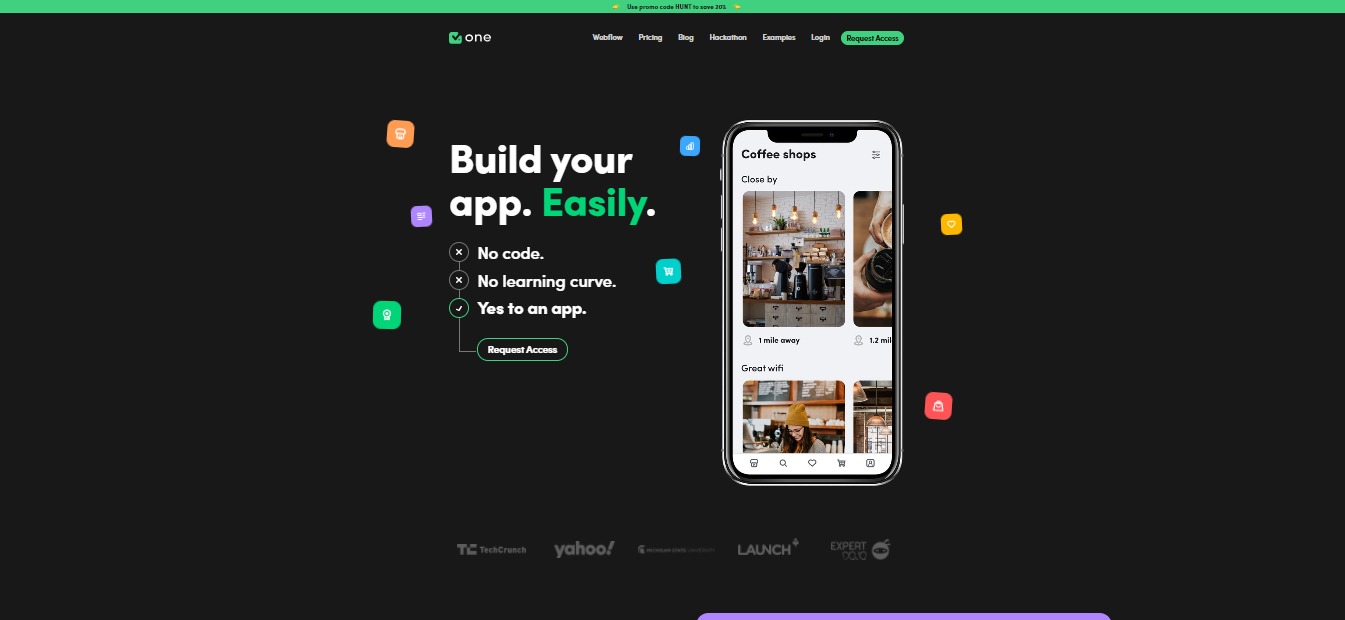
Building an app from scratch no longer needs to be a hassle! Thanks to V.One, you can create a functional app without the need of codes. This no-code app builder will help save you time, money and effort as you create the best app out there!

It features a straightforward interface that will allow users to create apps without hassles. As of right now, V.One is still a work in progress, but we have sampled the product, and we think it’s ready for the market soon!

👍 Pros👎 Cons
👍 Create and design apps without codes
👍 Simple user interface
👍 Use designs you already have
👍 Easily launch in App Store or Google Play Store
👍 Earn money
👍 Focus on user experience
👍 Trainings are available
👎As of right now, V.One is still in its early stages, but there are definitely a lot of potential here!

🌟 About V.One

V.One was built by a non-technical founder and entrepreneur, Jermey Redman. It was his brainchild. V.One was created to help non-technical people to build an app. It is an empowering tool that can help millions of entrepreneurs today. 

Jeremy wanted to create a tool that’s easily accessible to everyone. The team behind V.One knows exactly what their customers have been through, and they focused on creating an easier solution. 

🎁 What’s In It For You?

As we have mentioned above, V.One is a pretty straightforward tool. You can use it to create mobile apps without any knowledge of code. You can simply create the design within this tool, and let V.One do the rest. 

Using this amazing tool, you can create and build your ideas from scratch. You can build functional apps with your design skills. 

V.One allows everyone to create app designs inside their app builder. You can also upload any designs that you already have. Once you’re done, you can download the source code and extend it if you want a technically-skilled teammate to build onto it. Or, you can launch your app to TestFlight to test with beta customers.

This awesome tool also allows you to launch straight to the App Store or Google Play Store with one click. With this, you can focus on your user experience instead of burying your head in a sand of codes!

Not only that, but you can also reach out to V.One’s support team and request a feature. Pretty cool, right?

The possibilities are endless with this tool! There are no more complexities when it comes to creating apps.

They also have built-in integrations with different tools such as Airtable, Canva, Stripe, Zapier, and more.  

🖥️ How Does It Work?

V.One works with a simple drag and drop feature. You can simply choose your modules, connect your data and publish. Right now, it is only available to customers who request access.

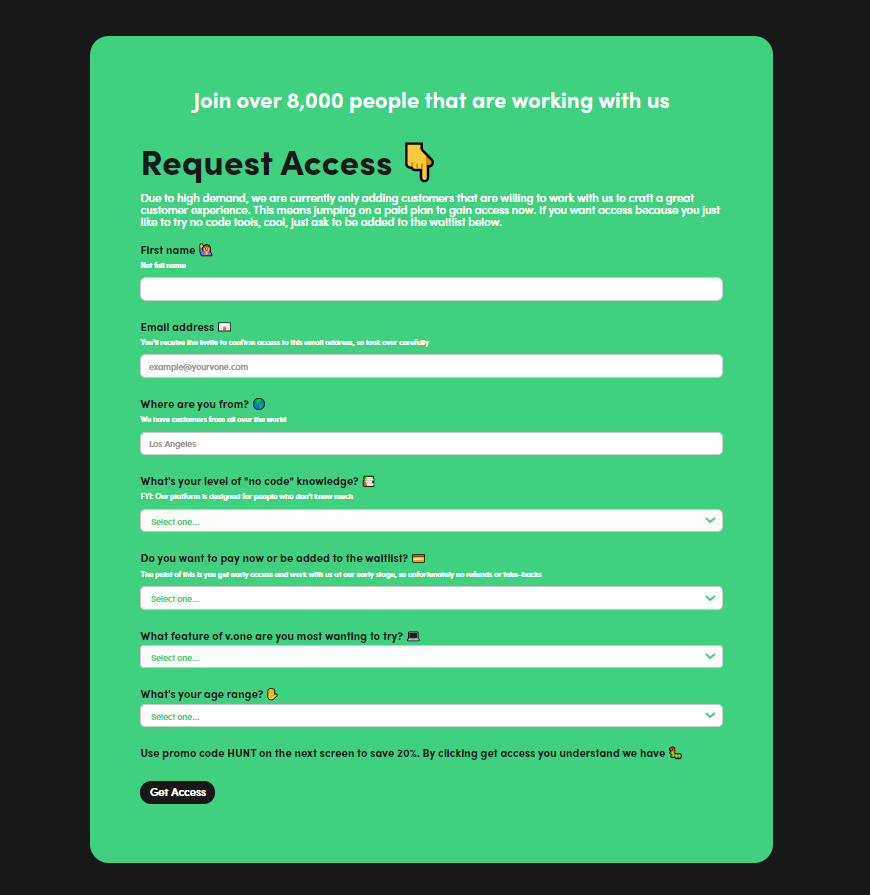
Go to https://www.yourvone.com/

Click on “Request Access” and fill out the form.

You can choose to start working with the app now by paying an annual fee of $96, or wait for the free version.

You can also check out how the whole tool works with Jeremy Redman’s video below:

💲 Pricing Plans & Support

💎 Free – $0 per month

〰️ Access to all modules

〰️ Build first screen free

〰️ No Full Airtable integration

〰️ No 1:1 build sessions

〰️ No sell memberships

〰️ No premium support

〰️ No connect to Weblfow, Shopify & WooCommerce

〰️ No custom admin panel to manage users, data, etc

💎 Start Here – $8 per month / Billed at $96 Annually

〰️ Access to all modules

〰️ Build multiple screens

〰️ Full Airtable integration

〰️ 1:1 build sessions

〰️ Sell memberships

〰️ No premium support

〰️ No connect to Webflow, Shopify & WooCommerce

〰️ No custom admin panel to manage users, data, etc

💎 Growth – $79 Per Month / Billed Annually

〰️ Access to all modules

〰️ Build multiple screens

〰️ Full Airtable integration

〰️ 1:1 build sessions

〰️ Sell memberships

〰️ Premium support

〰️ Connect to Webflow, Shopify & WooCommerce

〰️ Custom admin panel to manage users, data, etc

📍 The Competition

👍 Pros👎 Cons
👍 Create visually stunning apps
👍 Add interactions and database configuration
👍 One-click launch to App & Google Store
👎 Newly launched, limited features, room for improvement
👍 Pros👎 Cons
👍 Cross-platform mobile apps
👍 Hybrid mobile apps
👍 Progressive web apps
👍 Connect & Automate feature
👎 Limited features and functionality

Build your no-code apps with V.One!

PFPMaker: Create Awesome Profile Pic From Any Photo

⚖️ Our Verdict

Profile photos are the first thing clients, colleagues, friends and family see in every profile you have! So why not make it look more professional? We get it, editing photos can be time-consuming and a little bit tricky. But with PFPMaker, you no longer have to spend countless hours in front of the computer screen trying to make your photos look more professional.

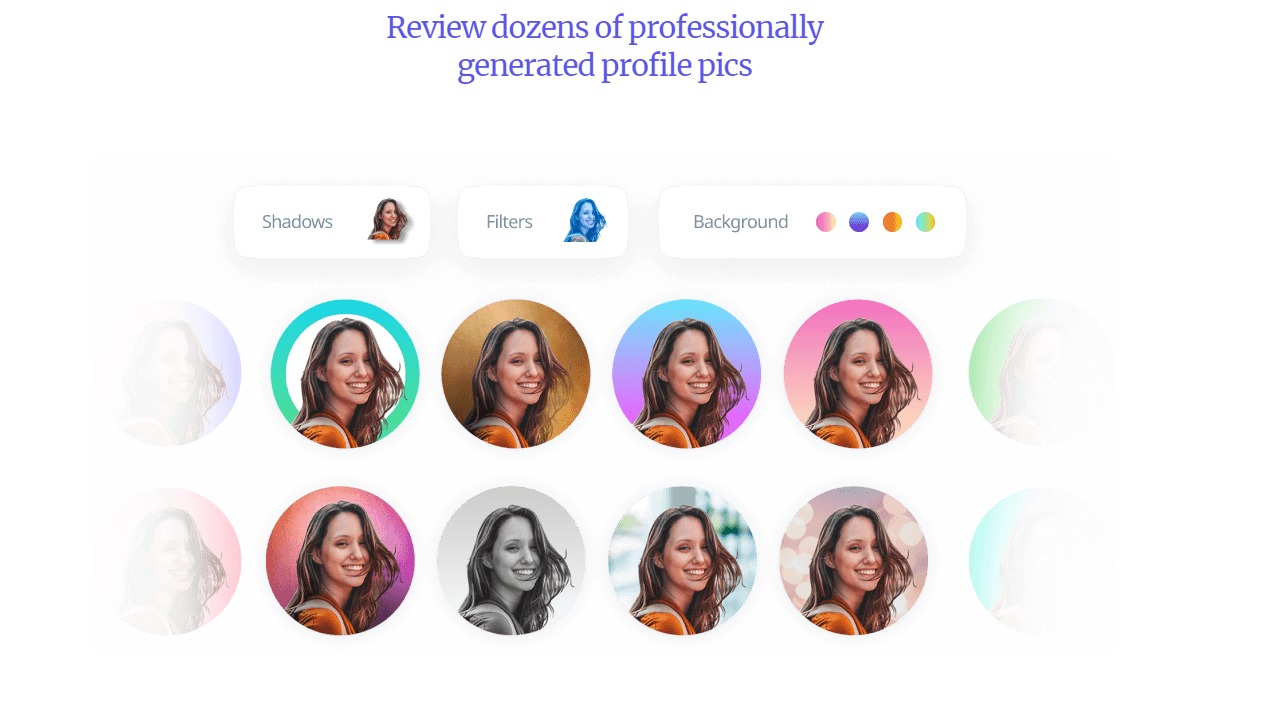
With this awesome tool, you can create professional and creative profile pics from any photo! It automatically removes any background, and generates dozens of photo options to choose from. All of this within seconds! How cool, right?

👍 Pros 👎 Cons
👍 Generate profile photos within seconds
👍 Variety of backgrounds to choose from
👍 Easy editing app
👍 Free to use
👍 Request a feature
👎 No smartphone app yet, but they’re working on it!

🌟 About PFPMaker

PFPMaker is a startup tool that helps you generate professional and creative profile photos from any current photos you have. It was created for everyone who wants to step up their social media with a professional or created profile photo. 

The company only launched a few weeks ago, but we can see it going in the right direction! So far, there is no app like in the market. It truly is the first of its kind!

🎁 What’s In It For You?

This incredible tool is pretty straightforward. You use it if you want to generate a new profile photo, but don’t want to go through the hassles of getting your photo taken professionally. 

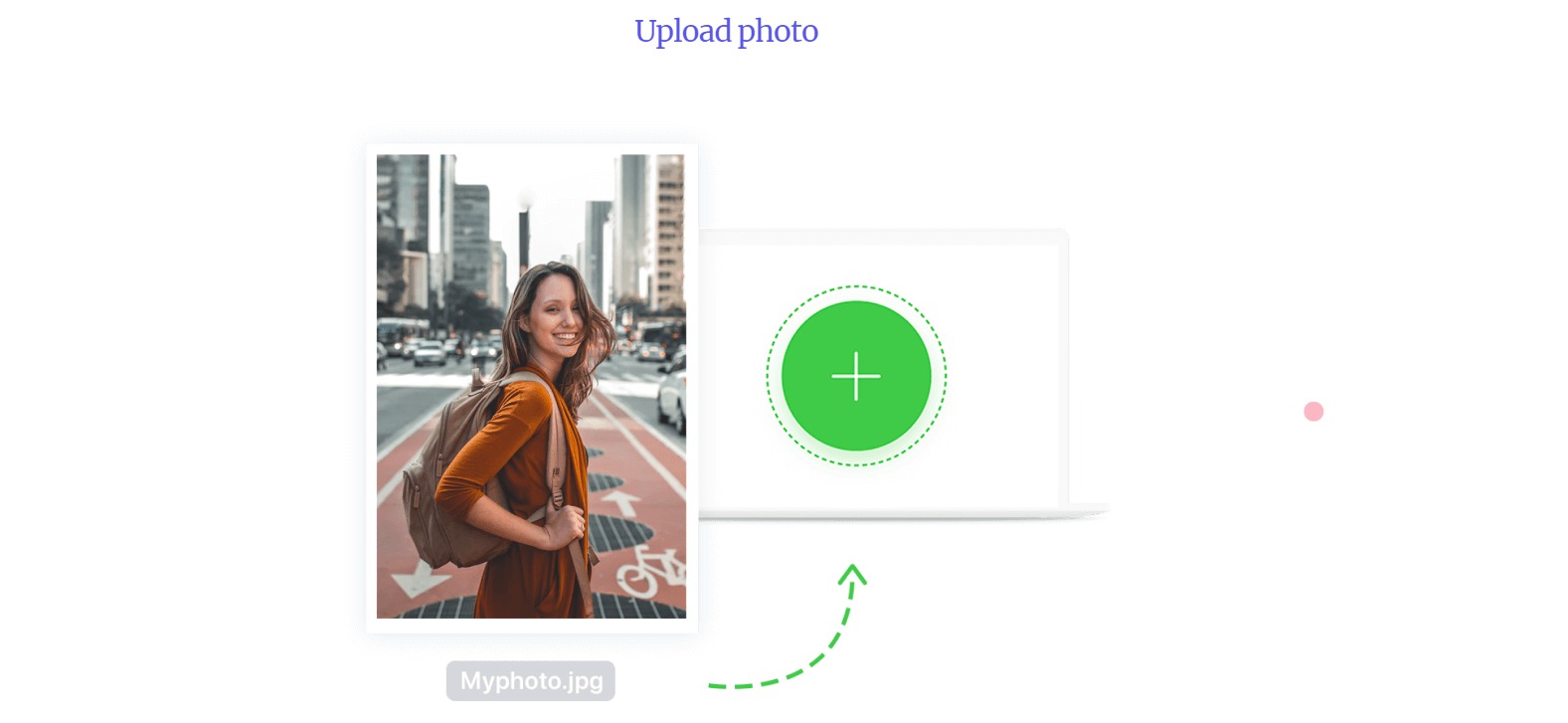
With PFPMaker, you can use photos taken from your smartphone and your digital cameras. All you have to do is upload it on PFPMaker’s website, and boom! You have dozens of professional and creative profile photos to choose from.

This awesome tool features an automatic background remover that removes the background from your photos completely and precisely. You can choose from a wide variety of studio-grade filters to get aesthetically pleasing profile photos. All the photos you upload are automatically deleted after being processed, too!

Did you know that there’s a latest research that shows social media and professional profiles with profile photos gets 14x more clicks and interest? PFPMaker does just that!  It saves you time, money and effort! Who doesn’t want that, right?

🖥️ How Does It Work?

As we have mentioned above, PFPMaker is pretty straightforward. Here’s how you use it:

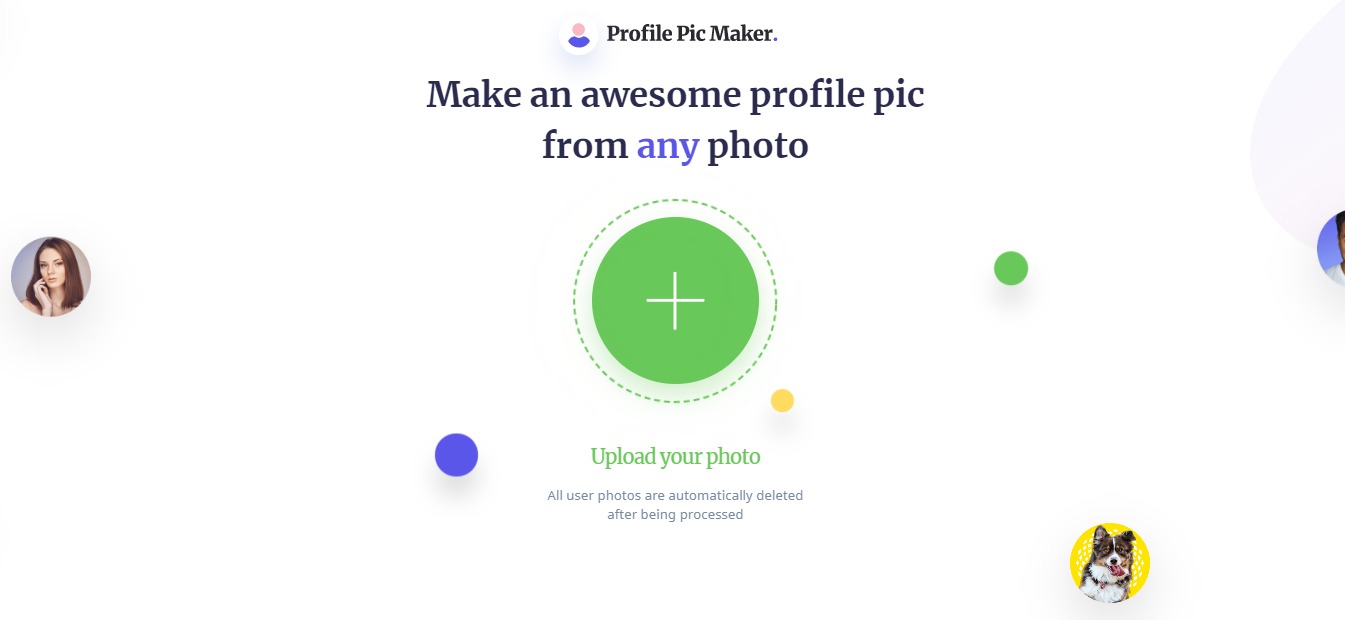
  1. Visit their website at https://pfpmaker.com/.

2. Upload a photo from your computer.

3. Wait for a few seconds while PFPMaker generates filters & removes your photo background.

4. And viola! You now have dozens of auto-generated profile photos to choose from! 

You can also edit the color of the backgrounds and the design using their editor. 

And adjust the shadows if necessary

And adjust the photo itself.

💲 Pricing Plans & Support

PFPMaker is a free tool that can be used by anyone on the internet. They also have a business plan available. To get access, feel free to contact b2b@pfpmaker.com.

📍 The Competition

We have mentioned above that PFPMaker is the first tool of its kind. While there are countless photo editing tools out there, none are as straightforward and easy to use as this one!

Create awesome profile pics with PFPMaker!

Startup 4: Bootstrap Builder to Create Websites

⚖️ Our Verdict

There was a time when creating your own website and app took a lot of time, skills and effort. Not to mention money. These days, almost everything is automated and ready to go. Startup 4 is the best tool to do that in! It’s latest feature, a cool new Online Editor is an online app builder that makes the job a whole lot easier.

Startup 4’s innovative drag and drop builder is curated just for you and your brand. It’s a fantastic and unique tool that helps save a lot of time, money and effort on your part. This awesome tool gives you a fast and easy way to make your presence felt online! If you’re ready to rock the online world with your business, get started with Startup 4!

👍 Pros 👎 Cons
👍 Easy & fast way to create websites and apps
👍 Full control over codes
👍 Full control over the UI
👍 Drag and drop feature
👍 Responsive design
👍 Unlimited style options👍 Clean and understandable codes
👎 What can we say? We have nothing bad to say about this incredible tool. It’s just that good, trust us!

🌟 About Startup 4

Startup4 is a bootstrap builder created by designers and developers. It’s made for everyone, from designers, developers, digital nomads, and even to those who are just starting to learn how to create a website. 

The creators of this incredible tool wanted to make it easier for everyone to go live fast online. With this, you can start making your website today and immediately scale your business. They update and improve their features constantly so there’s always something to look forward to. 

🎁 What’s In It For You?

So, what’s in it for you? Well, we’ve already given you a preview of the incredible things you can do with this tool. Startup 4 is a browser-based editor, which means you can do it using your favorite browser, no app installs necessary!

And it gets better, too, because this latest release is serving you with some amazing features that you will surely love! For instance, you can build your website within minutes. You don’t really need to be an expert programmer and web developer to have your website up!

It features more than 300 blocks with pre-designed and pre-coded elements and styles that you can easily customize. This means you can add just about anything you want in your app or your website. 

The best part is, Startup 4 is optimized for mobile so you know it works and looks beautiful on all devices. You can easily change all the text styles with one click. 

You can even publish content fast, and download the design anywhere you want. That means exporting your website including every image, text and styles directly to your computer. Check out their video below:

🖥️ How Does It Work?

As we said above, using Startup 4 is pretty easy. If you want to try it out for yourself (and we highly recommend that you do), follow the steps below.

  1. Visit their website at https://designmodo.com/startup/. Then click the “Create Your Website” button.

2. You will be redirected to a demo version of their browser-based editor. 

3. You can play around with the different elements and blocks. Hover over the blocks to choose from their ready-made templates.

4. Pick the design you want and simply drag which block you want and drop it in the editor.

5. Once you drag and dropped your block, an editor will appear at the right-side corner. Here, you can customize everything from the text colors, color pallette, background images, and more.

6. To edit the text, simply click on which text you want to edit.

7. You can sign up and download your template for free. 

However, we highly recommend trying their paid versions to unlock all the features. Check out their pricing below.

💲 Pricing Plans & Support

You can always use Startup 4 for free, if you’re a beginner. However, it’s paid versions offer a lot more. 

💎 Starter – Free

Create your first Bootstrap website with Startup – 100% free.

〰️Full access to all features

〰️Demo components

〰️Free Figma sources

〰️Support

💎 Quarterly – $89 per quarter

Need to build a few Bootstrap sites? Pay quarterly.

〰️Full access to all features

〰️All components

〰️Unlimited exports

〰️Billed each quarter

〰️Free Figma sources

〰️Priority support

💎 Annually – $249 per year

Frequently generate Bootstrap websites for clients? Pick this plan. Save $107

〰️Full access to all features

〰️All components

〰️Unlimited exports

〰️Billed annually

〰️Free Figma sources

〰️Priority support

📍 The Competition

👍 Pros👎 Cons
👍 Create on-page sites👍 Simple & responsive UX👍 Free to use👎 Limited features

👍 Pros👎 Cons
👍 Responsive UX
👍 Free to use
👍 Instantly downloadable
👎 Experiences bugs from time to time

Create your websites and landing pages with Startup4!

Burst: Free High-Quality Stock Photos

⚖️ Our Verdict

No matter what business you’re in, Burst has a wide variety of photos that would fit your niche perfectly. All of the images on the website are completely royalty-free. So you know you can do whatever you want with each photo. You can use it for headers, blog posts, social media content, and more!

ProsCons
👍 Completely royalty-free photos
👍 High-quality images
👍 Open-source images
👍 User-friendly
👍 Beginner-friendly
👎Fairly limited images but the numbers are growing daily.

🌟 About Burst

With the ever-growing internet technology, it can prove difficult to find true, royalty-free images that you can use for your business. This is especially true in eCommerce. Thank goodness for Burst. It was founded by Sarah Pflug and Matthew Henry from Toronto. 

It grows larger by the day thanks to the support from the global community of contributors. The photos come from contributors and generous creatives all over the world. 

For photographers, uploading their photos to Burst gives them the chance to share their work with a global audience. It also makes it easier for them to get exposure and potential clients. 

It’s powered by Shopify. Shopify is the leading cloud-based, multi-channel commerce platform. You don’t necessarily need to be a Shopify user if you want to use Burst.

🎁 What’s In It For You?

Whether you’re an independent brand, or a multinational global corporation, Burst is a great platform for free images. Even students and freelancers can use the images for free. The open source image library contains thousands of photographs from different creatives all over the world. 

You can use the images for web design, social media photos, brand content, product design, school products, print ads, menus, and more! Thanks to its royalty-free license. Read more about Burst’s terms of service here. 

If you’re not satisfied or can’t seem to fit the images to your aesthetics, don’t worry, you are welcome to edit and create changes to the images, too! Burst currently allows everyone to do what they wish with the images on their website. 

You have the option to credit the creatives and/or photographers who own the product. This way, they will get recognition for the work they’ve done and possibly gain long-term clients along the way.

If you like a particular photo and wishes to work with the photographer for exclusive content, you also have the option to reach out to them.

In any case, these images from Burst can help entrepreneurs create better layouts, marketing campaigns, websites, and better product photos that will ultimately convert to better sales!  Basically, the sky is the limit with this awesome platform! Can we just say, it’s Burst-ing with opportunities!

🖥️ How Does It Work?

To use Burst, all you have to do is the following steps:

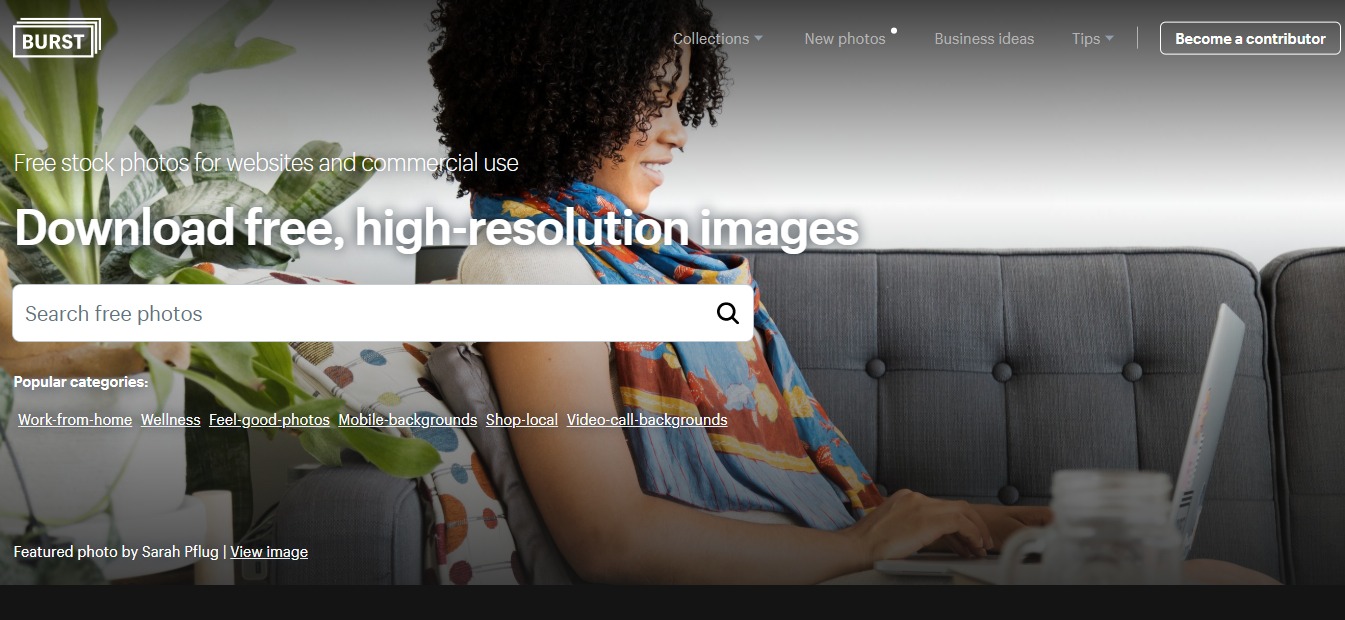
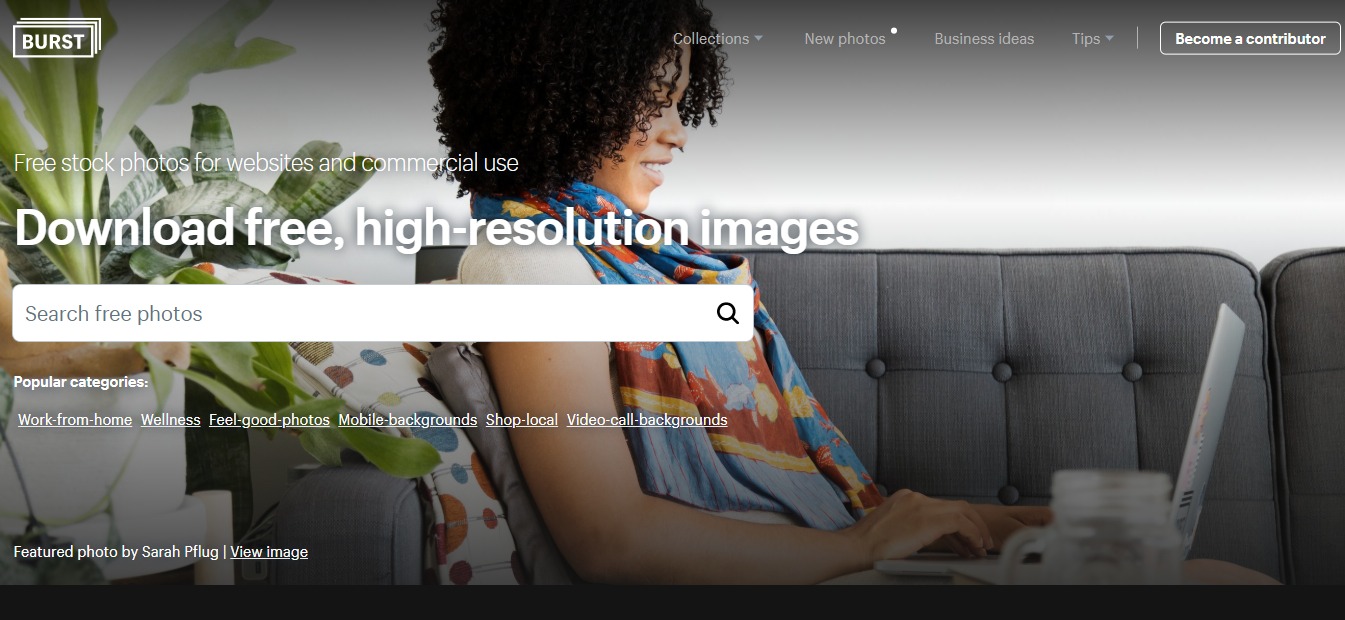
  1. Visit Burst’s website through this link right here. 

  1. Enter the topic, niche, or any keyword you can think of that will be relevant to the project you are currently working on. Then click the search icon or hit ‘Enter’ on your keyboard.

  1. You will be redirected to a search results page where you can see different image results for your search query. Pick one, or multiple images that you’re interested in.

  1. To download the photo, click on high-resolution or low-resolution (depending on what resolution you want) then click the download button. You also have the option to create a Shopify website based on the image you selected.

  1. On the lower left side of the photo, you can see the name of the photographer, as well as the license usage of the photo. You can also see a list of keywords and niches in which the photos are featured.

  1. If you want to give the photographer a credit, simply click on their name.

7. You will be redirected to their Burst profile where you can see some more photos they have previously submitted. There’s also a link to their website, or sometimes their social media pages.

  1. Burst also allows you to browse through different collections if you’re simply looking for inspiration.

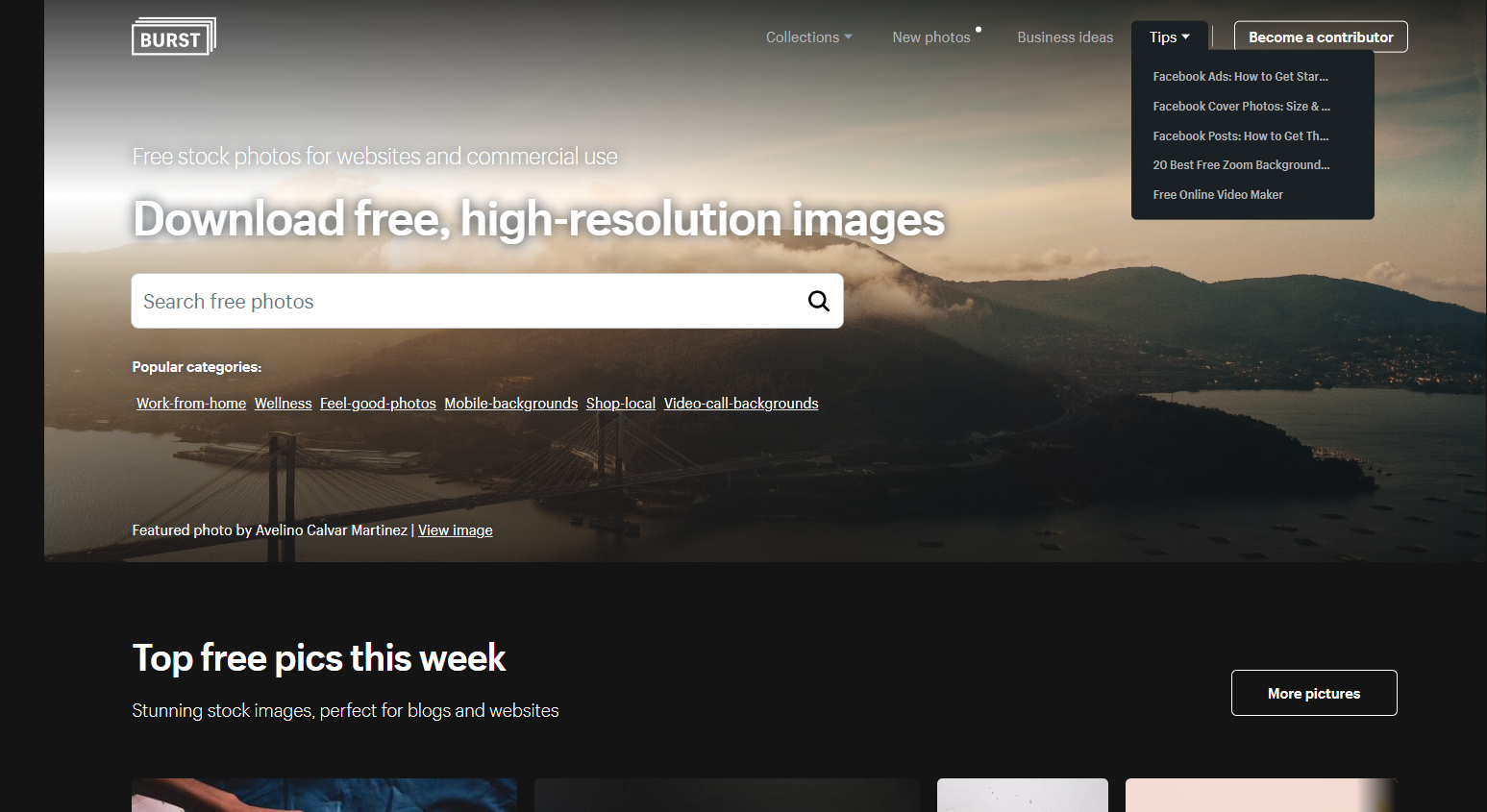
  1. They also have a section dedicated to tips and tricks for those entrepreneurs who are just starting out.

burst

💲 Pricing Plans & Support

As previously stated, Burst is free for use for everyone. This means that you can use their services without needing a credit card or any type of payments.

📍 The Competition

ProsCons
👍 Royalty-free images
👍 Over 1.8 million stock photos available
👍 Stock vectors are also available
👍 Stock videos, music and illustrations are also available
👍 No attribution required
👍 Free for commercial use
👍 High-resolution images
👎Photo tagging is sometimes inaccurate

ProsCons
👍 Royalty-free images
👍 Millions of stock photos available
👍 Stock vectors are also available
👍 Stock videos, music and illustrations are also available
👍 No attribution required
👍 Free for commercial use
👍 High-resolution images
👍 Great customer support
👎Shutterstock is a bit pricier than other stock websites.

Get free high quality stock photos with Burst!