⚖️ Our Verdict
Versoly is an incredible app that helps create responsive and SEO-friendly web pages without the hassle of coding, design, and hosting. It is a great tool that helps you save time, money, and effort. If you are interested in creating faster, lighter, and more appealing web pages, Versoly is a must-try!
| Pros | Cons |
| 👍Integration with multiple tools such as Google Analytics, Facebook, Intercom, Drift, and more. 👍No tech skills needed 👍Offers ready-made templates that are easy to edit 👍Built to Convert | 👎A relatively new tool, so there is still room for progress (this can also be a good thing as they update their tool constantly for improvements!) 👎Limited features for the free version |
🌟 About Versoly
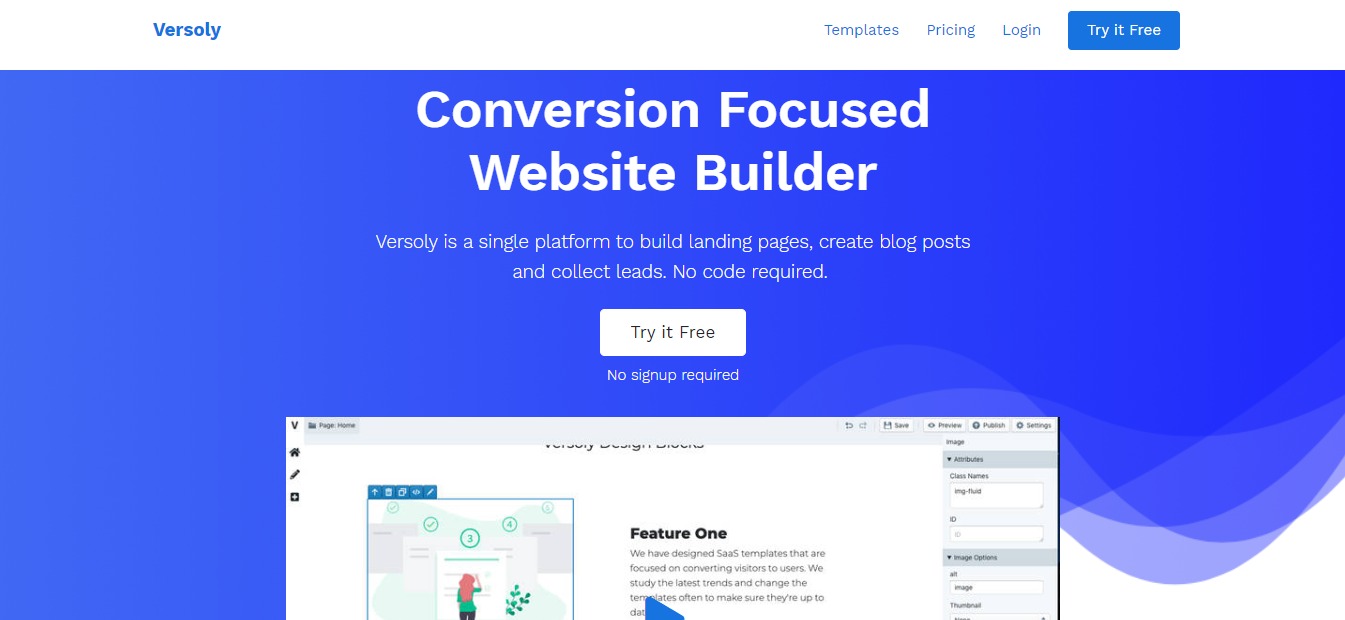
If you are looking for an incredible, SEO-friendly tool that can help you save time, money, and effort, look no further than Versoly. This SaaS helps you create landing pages, blog posts, and more in an efficient manner.
Incredibly enough, Versoly doesn’t only help you create web pages at a quick pace, the web pages are already designed to convert. This helps you convert website visitors into paying customers.
The app provides you with pre-built blocks and templates, making it easier to create web pages. These templates are fully customizable based on the design you have in mind.
From digital marketers, founders, CEOs, web designers, everyone is quickly falling in love with this tool. You can try Versoly on their website here. Volkan Kaya, the developer turned founder of the app, made it his goal to listen to customer feedback and created a great app as a result.
Just created a community for @Versoly where you can get landing page feedback and we have weekly calls to discuss how to increase your conversions.https://t.co/NNZCElLYB1https://t.co/Nb21LcaRij
— Volkan Kaya (@volkandkaya) May 18, 2020
🎁 What’s In It For You?
With Versoly, you no longer have to start from scratch when building your website. They offer more than 80 pre built, fully customizable templates that can help you create a landing page in less than 30 minutes.
It is perfect for those who are looking for the efficiency of a web builder combined with the flexibility to work some HTML/CSS/JS magic. More importantly, you can do all of this in one tab. The need to bounce between tabs and repeatedly hit refresh is gone!
If you are not proficient in coding languages, it doesn’t matter with this amazing tool. Using Versoly doesn’t require you to do coding to build your web pages. However, if you are looking for more flexibility, it does offer a built-in HTML/CSS/JS editor. This feature makes this amazing tool perfect for just about everyone.
Another stand-out feature is the blogging CMS which was built to help you convert your blog visitors into paid customers. All you have to do is create your content, publish it and Versoly will do the rest. It helps collect emails from visitors.
Additionally, the app’s advanced settings also offer the best chances to rank well on search engines such as Google. Each page is already SEO-optimized, lessening your workload and saving you time.
LOOKING FOR A ONE-STOP SOLUTION TO YOUR GROWTH NEEDS?
🖥️ How Does It Work?
Versoly offers a free version with multiple features. This free version can be tried and used on their website. Follow the steps below to see how this amazing tool works.
1. Visit Versoly’s website and click on Try for Free

2. You will be transported to their demo page where you can choose from the pre-built templates.

3. Once you have chosen your preferred template, you will be redirected to the editor as seen below.

4. From here, you can customize the details such as your logo, your landing page content, and more. You can even add customized images and links to your social media accounts.
5. If you wish to edit the code, simply click on “Open Code Editor”
6. Once you are done designing your landing page, simply click on Publish
💲 Pricing Plans & Support

Versoly offers four different plans, as you can see below.
The free version allows you to have access to Unlimited Versoly Subdomains, 50 Form Submissions, HTTPS Included. This plan is great if you are only looking to try out the app and not commit to anything yet.
On the other hand, if you are a startup company looking to launch your very first website, you can try the Launch plan for $15 per month. This plan gives you access to everything offered in the free plan plus the following features:
💎 Launch – $15 per month
〰️1 Website
〰️500 Form Submissions
〰️Send Form to Email
〰️5 Blog Posts per Website
〰️Zapier integration
Additionally, Versoly also offers a Startup plan for $29 per month. This is perfect for those who have growing startup companies that are quickly gaining revenue. This plan is their best-seller. It gives you access to everything the Launch plan has plus the following features:
💎 Startup – $29 per month
〰️3 Website
〰️1500 Form Submissions
〰️Unlimited Blog Posts
〰️Import WP/Ghost (100 Posts)
〰️Export Websites
Lastly, Versoly offers their most expensive plan at $99 per month, the Growth where you can have access to everything included in the Startup plan plus the following:
💎 Growth – $99 per month
〰️15 Websites
〰️10000 Form Submissions
〰️Import WP/Ghost (1000 Posts)
〰️Priority Support
〰️Custom Code
All of these plans are worth it for their price, it is up to you to choose which one you think is the most suitable for your business. If you wish to change your plan, you can easily contact their support team support@versoly.com. Their support team provides quick and friendly customer service for everyone.
📍 The Competition
Naturally, Versoly is not the only player in the game. The company has competitions across the board including Unbounce, Leadpages, and more. Each product has its own pros and cons, so be sure to do your research if you want to keep your choices open.

| 👍 Pros | 👎 Cons |
| 👍 Quickly build and publish landing pages 👍 Split testing functionality is good 👍 Great landing page builder | 👎 Form builder doesn’t have some key features 👎 Landing pages created outside of Unbounce are not available for split testing 👎 Can’t add custom classes to buttons |

| 👍 Pros | 👎 Cons |
| 👍 Easy to use interface 👍 No HTML knowledge needed 👍 Drag and Drop templates 👍 Highly Customizable | 👎 Very difficult to incorporate custom fonts 👎 It can be difficult to incorporate custom HTML & CSS 👎 Pricing could be a bit more aggressive for the Pro plan |