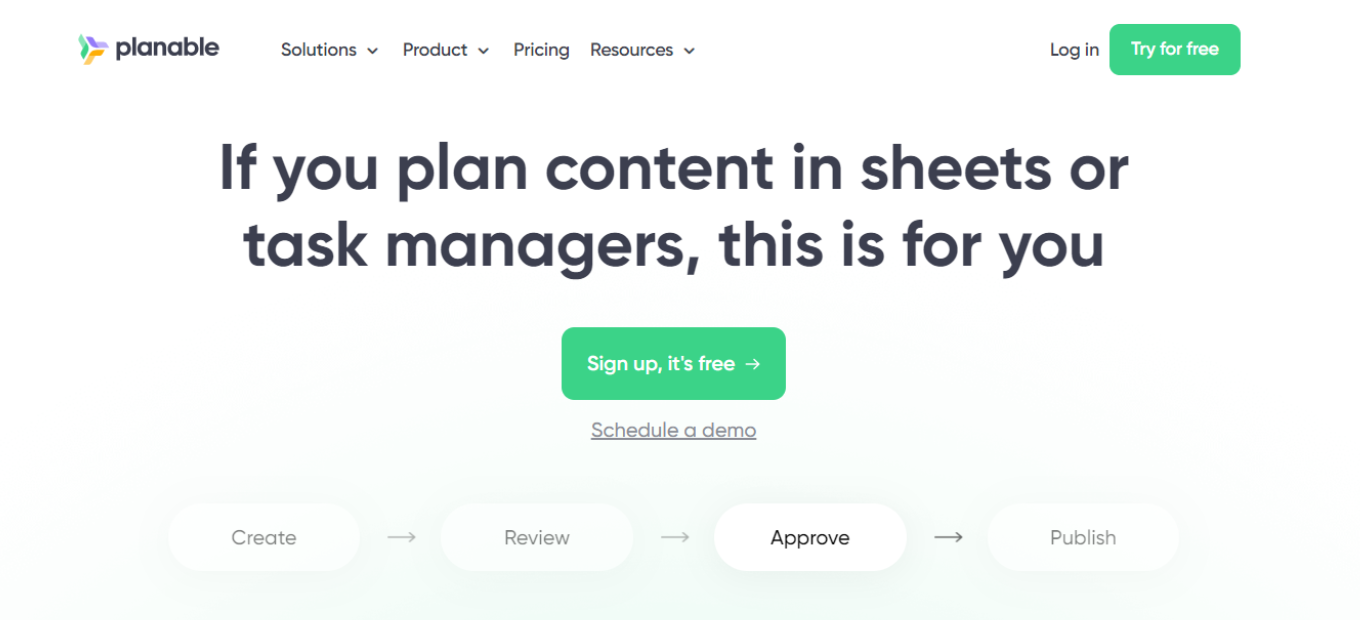
Planable Review: Simplify Your Social Media Collaboration

πŸ† Our Verdict

Planable is a collaborative social media management platform that streamlines your content creation and approval process. Ideal for teams and agencies, its user-friendly interface and robust features make it a top choice for enhancing social media workflows.

βœ… Pros & ❌ Cons

Pros:

  • πŸš€ Seamless Collaboration: Facilitates teamwork with a unified platform for content creation, scheduling, and approval.
  • πŸ“… Content Calendar: Visualize and plan your social media posts in a content calendar view.
  • πŸ§‘β€πŸ’Ό User-Friendly Interface: Easy-to-navigate design requires minimal training.
  • πŸ“ˆ Version Control: Maintain a history of content revisions, ensuring accuracy.
  • πŸ“± Multi-Platform Support: Publish to multiple social media platforms from one place.

Cons:

  • πŸ’² Pricing: Costs can escalate for larger teams or agencies.
  • πŸ“Š Limited Analytics: Basic analytics may require integration with external tools.
  • 🧰 Competition: Faces competition from established platforms like Hootsuite.

πŸ“– About Planable

Founded to streamline social media collaboration, Planable offers a platform that simplifies content creation, approval, and scheduling.

🎯 What’s In It For You?

Planable offers an efficient way to collaborate on social media content, saving time and ensuring a consistent online presence across platforms.

πŸš€ How It Works

  1. Sign Up for Planable:
    • Visit the Planable website.
    • Sign up for an account.
    • Invite team members to collaborate.
  2. Content Creation and Approval:
    • Create and schedule social media posts.
    • Collaborate with team members on content revisions and approvals.
  3. Publish and Analyze:
    • Publish content to multiple social media platforms.
    • Use integrated analytics or external tools for performance analysis.

πŸ’² Planable Pricing Overview

Planable offers pricing plans designed for teams of all sizes, with options ranging from free to enterprise-level subscriptions.

🌟 Free Plan

  • Suitable for individuals or small teams.
  • Limited features but offers essential collaboration tools.

πŸ’Ό Premium Plans

  • Ideal for growing teams and agencies.
  • Enhanced features including advanced analytics and collaboration.

🏒 Enterprise Plans

  • Designed for large organizations and agencies.
  • Customizable solutions and premium support.

πŸ₯Š Competition

Planable

Pros:
  • Streamlined collaboration for social media teams.
  • User-friendly interface.
  • Content calendar for visual planning.
  • Version control for content revisions.
Cons:
  • Pricing can become costly for larger teams.
  • Analytics may require integration.

Hootsuite – www.hootsuite.com

Pros:
  • Established platform with a wide user base.
  • Extensive social media management features.
  • Advanced analytics and reporting.
  • Integrations with numerous third-party apps.
Cons:
  • Learning curve for beginners.
  • Higher cost for comprehensive plans.

πŸ“Œ Conclusion

Planable is an excellent solution for teams and agencies looking to streamline social media collaboration. Its user-friendly interface, content calendar, and version control features make it a valuable addition to any social media marketing toolkit.

“Enhance Your Social Media Workflow with Planable.”
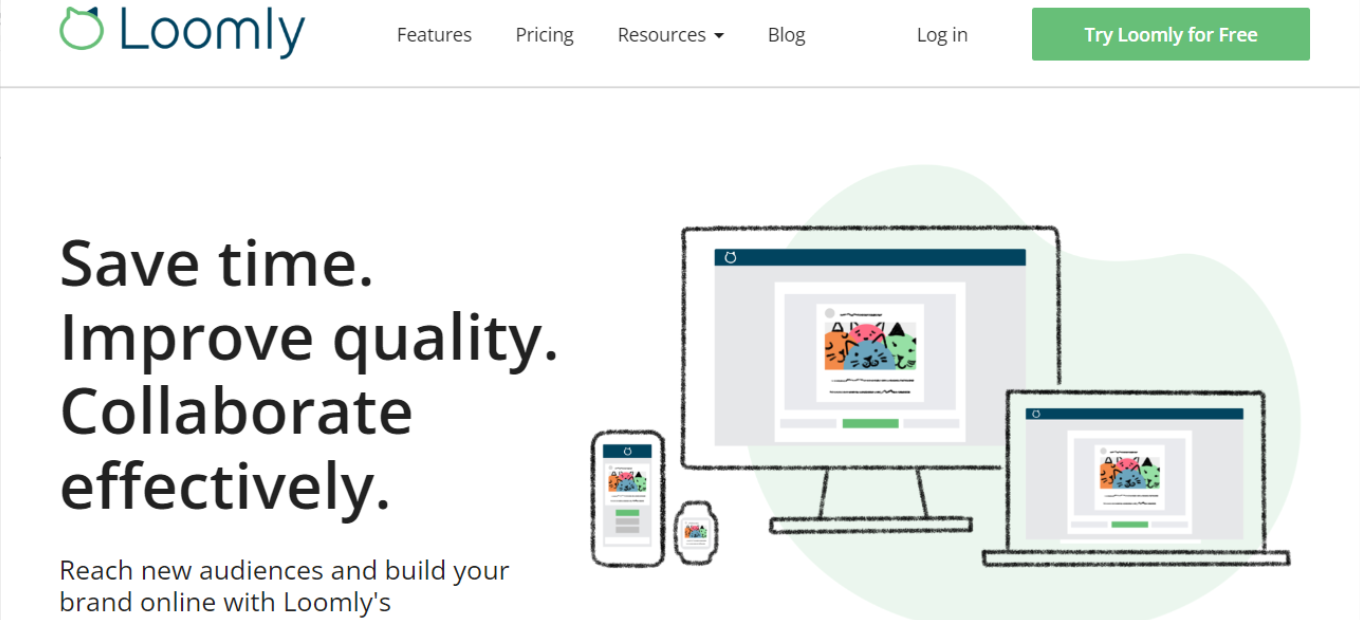
Loomly: Your Ultimate Social Media Management Solution

πŸ† Our Verdict

Loomly is a versatile social media management platform that simplifies content creation and scheduling. It is a valuable tool for businesses aiming to enhance their social media presence and engagement.

βœ… Pros & ❌ Cons

Pros:

πŸ”„ Streamlined Content Creation

Loomly provides a user-friendly interface for creating and scheduling social media content efficiently.

πŸ“Š Comprehensive Analytics

The platform offers detailed analytics and reporting tools for data-driven decision making.

🌐 Multi-Platform Integration

Loomly supports multiple social media platforms, making it convenient for managing diverse accounts.

πŸ§‘β€πŸ’Ό Collaboration Features

Collaboration tools enable teams to work together on social media content.

Cons:

πŸ’² Pricing Considerations

Pricing plans may not be suitable for smaller businesses with limited budgets.

πŸ“ Learning Curve

While intuitive, there might be a slight learning curve for beginners.

πŸ“š Limited Customization

Customization options may be more limited compared to some competitors.

πŸ“– About Loomly

Loomly is a social media management platform designed to simplify content creation and scheduling, helping businesses maintain an active social media presence.

🎯 What’s In It For You?

Loomly streamlines social media management, allowing you to focus on creating engaging content while it handles scheduling and automation.

πŸš€ How It Works

Getting Started with Loomly

  1. Visit the Loomly Website
    • Navigate to Loomly by going to [Website Link].
    • Look for the Sign-Up or Get Started button, typically located prominently.
  2. Choose a Plan
    • Review the available plans, including pricing and features.
    • Select a plan that aligns with your business needs.
  3. Create an Account
    • Provide your email, create a password, and fill in required information.
    • Some business details might be requested.
  4. Account Verification
    • Check your email for a verification link.
    • Click on the link to activate your Loomly account.
  5. Set Up Your Account
    • Complete the setup process, which may involve adding more business details.
    • Loomly may guide you through onboarding.
  6. Connect Your Social Media Profiles
    • Integrate your social media accounts with Loomly.
  7. Schedule Your Content
    • Set up automated posting schedules and let Loomly handle your social media posts.

πŸ”— Helpful Tips

  • Utilize Loomly’s comprehensive analytics to gain insights into your social media performance.
  • Collaborate with your team using Loomly’s built-in collaboration features.

πŸ’² Loomly Pricing Overview

🌟 Pricing Tiers

Loomly offers various pricing tiers to cater to different business sizes and needs. These tiers typically range from basic plans to more advanced ones with additional features.

  • Base Plans
    • Target Audience: Suitable for small businesses and startups.
    • Key Features: Content creation, basic analytics.
  • Advanced Plans
    • Designed for medium-sized businesses seeking advanced capabilities.
    • Advanced Features: Integration options, in-depth analytics.
  • Enterprise Plans
    • Suited for large businesses requiring extensive, scalable solutions.
    • Premium Offerings: Advanced automation, priority support.

πŸ€” Considerations

  • Loomly’s plans are scalable, allowing your social media management to grow with your business.
  • Integration with third-party tools is available to customize your Loomly experience.

πŸ₯Š Competition

Loomly vs. Hootsuite

Loomly

  • βœ… Pros
    • Streamlined Content Creation.
    • Comprehensive Analytics.
    • Collaboration Features.
  • ❌ Cons
    • Pricing Considerations.
    • Learning Curve.
    • Limited Customization.

Hootsuite

  • βœ… Pros
    • Extensive Social Media Scheduling.
    • Analytics and Reporting.
    • Integration Options.
  • ❌ Cons
    • Pricing may vary.
    • Learning curve for beginners.
    • Similar customization options.

Both Loomly and Hootsuite offer valuable features, with Loomly excelling in streamlined content creation and collaboration.

πŸ“Œ Conclusion

Loomly is a versatile platform for simplifying social media management. While pricing may be a consideration for some, its content creation features and comprehensive analytics make it a valuable tool for businesses aiming to enhance their social media presence.

“Simplify Your Social Media with Loomly.”

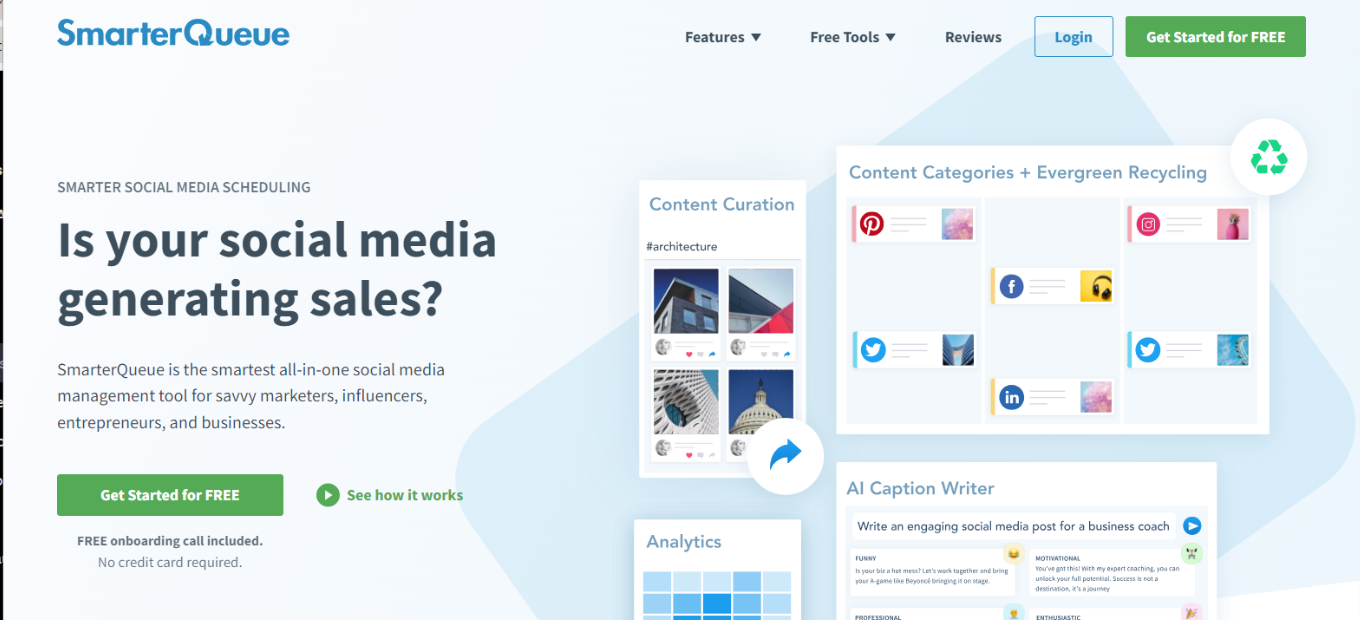
SmarterQueue Review: Streamline Your Social Media Management

πŸ† Our Verdict

SmarterQueue is a powerful social media management platform that simplifies content scheduling and automation. It offers a range of features to help businesses maintain an active and engaging social media presence.

βœ… Pros & ❌ Cons

Pros:

πŸ”„ Automated Content Scheduling

SmarterQueue allows you to automate content scheduling, ensuring a consistent social media presence.

πŸ“Š Advanced Analytics

The platform provides detailed analytics and reporting tools for data-driven decision making.

🌐 Integration Options

SmarterQueue offers integrations with various third-party apps, enhancing its functionality.

πŸ§‘β€πŸ’Ό User-Friendly Interface

Its intuitive interface makes it accessible for users of all skill levels.

Cons:

πŸ’² Pricing Considerations

Pricing plans may not suit smaller businesses or those on a tight budget.

πŸ“ Learning Curve

While user-friendly, there might be a slight learning curve for beginners.

πŸ“š Limited Customization

SmarterQueue’s customization options may be more limited compared to some competitors.

πŸ“– About SmarterQueue

SmarterQueue is a social media management platform designed to streamline content scheduling and automation, helping businesses maintain a consistent social media presence.

🎯 What’s In It For You?

SmarterQueue simplifies your social media management, allowing you to focus on creating engaging content while it takes care of scheduling and automation.

πŸš€ How It Works

Getting Started with SmarterQueue

  1. Visit the SmarterQueue Website
    • Navigate to SmarterQueue by going to [Website Link].
    • Look for the Sign-Up or Get Started button, usually located prominently.
  2. Choose a Plan
    • Review the available plans, including pricing and features.
    • Select a plan that aligns with your business needs.
  3. Create an Account
    • Provide your email, create a password, and fill in required information.
    • Some business details might be requested.
  4. Account Verification
    • Check your email for a verification link.
    • Click on the link to activate your SmarterQueue account.
  5. Set Up Your Account
    • Complete the setup process, which may involve adding more business details.
    • SmarterQueue may guide you through onboarding.
  6. Connect Your Social Media Profiles
    • Integrate your social media accounts with SmarterQueue.
  7. Schedule Your Content
    • Set up automated posting schedules and let SmarterQueue handle your social media posts.

πŸ”— Helpful Tips

  • Utilize SmarterQueue’s advanced analytics to gain insights into your social media performance.
  • Contact SmarterQueue’s customer support if you need assistance.

πŸ’² SmarterQueue Pricing Overview

🌟 Pricing Tiers

SmarterQueue offers various pricing tiers to cater to different business sizes and needs. These tiers typically range from basic plans to more advanced ones with additional features.

  • Starter Plans
    • Target Audience: Suitable for small businesses and startups.
    • Key Features: Automated content scheduling, basic analytics.
  • Professional Plans
    • Designed for medium-sized businesses seeking advanced capabilities.
    • Advanced Features: Integration options, advanced analytics.
  • Enterprise Plans
    • Suited for large businesses requiring extensive, scalable solutions.
    • Premium Offerings: Advanced automation, priority support.

πŸ€” Considerations

  • SmarterQueue’s plans are scalable, allowing your social media management to grow with your business.
  • Integration with third-party tools is available to customize your SmarterQueue experience.

πŸ₯Š Competition

SmarterQueue vs. Buffer

SmarterQueue

  • βœ… Pros
    • Automated Content Scheduling.
    • Advanced Analytics.
    • User-Friendly Interface.
  • ❌ Cons
    • Pricing Considerations.
    • Learning Curve.
    • Limited Customization.

Buffer

  • βœ… Pros
    • Comprehensive Social Media Scheduling.
    • Analytics and Reporting.
    • Integration Options.
  • ❌ Cons
    • Pricing may vary.
    • Learning curve for beginners.
    • Similar customization options.

Both SmarterQueue and Buffer offer valuable features, with SmarterQueue excelling in automated content scheduling and advanced analytics.

πŸ“Œ Conclusion

SmarterQueue is a robust platform for streamlining social media management. While pricing may be a consideration for some, its automation features and advanced analytics make it a valuable tool for businesses aiming to maintain an active and engaging social media presence.

“Simplify Your Social Media with SmarterQueue.”

MeetEdgar Review: Simplifying Social Media Scheduling and Management

πŸ† Our Verdict

MeetEdgar is a valuable social media scheduling and management tool that simplifies content posting across various social platforms. It offers automation features and an organized content library, making it an excellent choice for businesses aiming to enhance their social media presence.

βœ… Pros & ❌ Cons

Pros:

πŸ”„ Automated Content Scheduling

MeetEdgar allows you to automate content scheduling, ensuring a consistent social media presence.

πŸ“Š Content Library Organization

The platform provides a structured content library for easy management and reuse of posts.

🌐 Integration Options

MeetEdgar offers integrations with various third-party apps, enhancing its functionality.

πŸ§‘β€πŸ’Ό User-Friendly Interface

Its intuitive interface makes it accessible for users of all skill levels.

Cons:

πŸ’² Pricing Considerations

Pricing plans may not suit smaller businesses or those on a tight budget.

πŸ“ Limited Analytics

MeetEdgar’s analytics capabilities might be less comprehensive compared to some competitors.

πŸ“š Learning Curve

While user-friendly, there might be a slight learning curve for beginners.

πŸ“– About MeetEdgar

MeetEdgar is a social media scheduling and automation tool designed to simplify content posting on various social media platforms. It offers features for content categorization and automated posting.

🎯 What’s In It For You?

MeetEdgar streamlines your social media scheduling and posting process, allowing you to focus on creating engaging content while it takes care of the rest.

πŸš€ How It Works

Getting Started with MeetEdgar

  1. Visit the MeetEdgar Website
    • Navigate to MeetEdgar by going to https://meetedgar.com/.
    • Look for the Sign-Up or Get Started button, usually located prominently.
  2. Choose a Plan
    • Review the available plans, including pricing and features.
    • Select a plan that aligns with your business needs.
  3. Create an Account
    • Provide your email, create a password, and fill in required information.
    • Some business details might be requested.
  4. Account Verification
    • Check your email for a verification link.
    • Click on the link to activate your MeetEdgar account.
  5. Set Up Your Account
    • Complete the setup process, which may involve adding more business details.
    • MeetEdgar may guide you through onboarding.
  6. Connect Your Social Media Profiles
    • Integrate your social media accounts with MeetEdgar.
  7. Organize Your Content Library
    • Categorize and organize your social media posts in MeetEdgar’s content library.
  8. Schedule Your Content
    • Set up automated posting schedules and let MeetEdgar handle your social media posts.

πŸ”— Helpful Tips

  • Utilize MeetEdgar’s content library to organize and reuse your social media content effectively.
  • Contact MeetEdgar’s customer support if you need assistance.

πŸ’² MeetEdgar Pricing Overview

🌟 Pricing Tiers

MeetEdgar offers various pricing tiers to cater to different business sizes and needs. These tiers typically range from basic plans to more advanced ones with additional features.

  • Starter Plans
    • Target Audience: Suitable for small businesses and startups.
    • Key Features: Automated content scheduling, content library organization.
  • Professional Plans
    • Designed for medium-sized businesses seeking advanced capabilities.
    • Advanced Features: Integration options, advanced scheduling.
  • Enterprise Plans
    • Suited for large businesses requiring extensive, scalable solutions.
    • Premium Offerings: Advanced automation, priority support.

πŸ€” Considerations

  • MeetEdgar’s plans are scalable, allowing your social media management to grow with your business.
  • Integration with third-party tools is available to customize your MeetEdgar experience.

πŸ₯Š Competition

MeetEdgar vs. Buffer

MeetEdgar

  • βœ… Pros
    • Automated Content Scheduling.
    • Content Library Organization.
    • User-Friendly Interface.
  • ❌ Cons
    • Pricing Considerations.
    • Limited Analytics.
    • Learning Curve.

Buffer

  • βœ… Pros
    • Comprehensive Social Media Scheduling.
    • Analytics and Reporting.
    • Integration Options.
  • ❌ Cons
    • Pricing may vary.
    • Learning curve for beginners.

Both MeetEdgar and Buffer offer valuable features, with MeetEdgar excelling in automated content scheduling and content library organization.

πŸ“Œ Conclusion

MeetEdgar is a powerful tool for simplifying social media scheduling and management. While pricing may be a consideration for some, its automation features and content library organization make it a valuable asset for businesses aiming to enhance their social media presence.

“Simplify Your Social Media with MeetEdgar.”

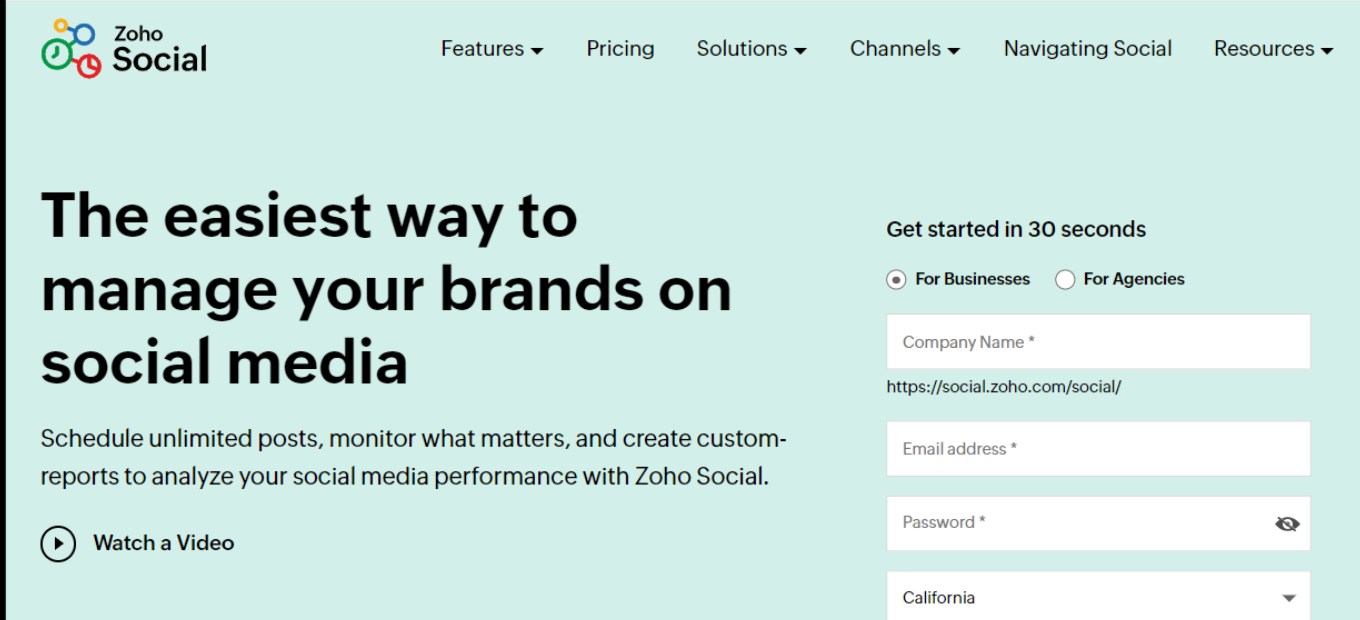
Zoho Social Review: A Comprehensive Social Media Management Solution

πŸ† Our Verdict

Zoho Social is a powerful social media management platform designed to simplify and enhance your social media marketing efforts. With a range of features and a user-friendly interface, it’s a valuable tool for businesses looking to improve their social media presence.

βœ… Pros & ❌ Cons

Pros:

πŸ”„ Multi-Channel Management

Zoho Social allows you to manage multiple social media channels from a single platform, streamlining your social media efforts.

πŸ“Š Analytics and Reporting

The platform provides robust analytics and reporting tools to track your social media performance and make data-driven decisions.

🌐 Integration Options

Zoho Social offers integrations with various third-party apps and tools, enhancing its functionality.

πŸ§‘β€πŸ’Ό User-Friendly Interface

Its intuitive interface and comprehensive training resources make it accessible for users of all skill levels.

Cons:

πŸ’² Pricing Considerations

Pricing plans can be on the higher side for smaller businesses, especially as additional features are needed.

πŸ“ Learning Curve

While user-friendly, there might be a slight learning curve for beginners, especially for advanced features.

πŸ“š Limited Customization

The platform offers customization options but may not be as flexible as some competitors.

πŸ“– About Zoho Social

Zoho Social is a part of the Zoho suite of products and is designed to help businesses manage their social media presence effectively. It offers features for scheduling posts, tracking social media performance, and engaging with followers.

🎯 What’s In It For You?

Zoho Social offers a holistic approach to managing your social media presence, with features that cover post scheduling, social media analytics, engagement, and more.

πŸš€ How It Works

Getting Started with Zoho Social

  1. Visit the Zoho Social Website
  2. Choose a Plan
    • Review the available plans, including pricing and features.
    • Select a plan that aligns with your business needs.
  3. Create an Account
    • Provide your email, create a password, and fill in required information.
    • Some business details might be requested.
  4. Account Verification
    • Check your email for a verification link.
    • Click on the link to activate your Zoho Social account.
  5. Set Up Your Account
    • Complete the setup process, which may involve adding more business details.
    • Zoho Social may guide you through onboarding.
  6. Connect Your Social Media Channels
    • Integrate your social media accounts with Zoho Social.
  7. Explore Zoho Social Features
    • Familiarize yourself with the platform’s features, such as post scheduling and analytics.
  8. Start Managing Your Social Media
    • Begin using Zoho Social to schedule posts, track performance, and engage with your audience.

πŸ”— Helpful Tips

  • Utilize Zoho Social’s training resources to maximize your experience.
  • Contact Zoho Social’s customer support if you need assistance.

πŸ’² Zoho Social Pricing Overview

🌟 Pricing Tiers

Zoho Social offers various pricing tiers to cater to different business sizes and needs. These tiers typically range from basic plans to more advanced ones with additional features.

  • Free Tools (if applicable)
    • Overview: Zoho Social may offer free tools with basic features.
    • Included Features: Basic features such as post scheduling and basic analytics.
  • Starter Plans
    • Target Audience: Suitable for small businesses and startups.
    • Key Features: Enhanced functionalities beyond the free tier.
  • Professional Plans
    • Designed for medium-sized businesses seeking advanced capabilities.
    • Advanced Features: Includes advanced analytics, scheduling options, and more.
  • Enterprise Plans
    • Suited for large businesses requiring scalable solutions.
    • Premium Offerings: Advanced features, increased limits, and extensive customization abilities.

πŸ€” Considerations

  • Zoho Social’s plans are scalable, allowing your social media management to grow with your business.
  • Integration with third-party tools is available to customize your Zoho Social experience.

πŸ₯Š Competition

Zoho Social vs. Hootsuite

Zoho Social

  • βœ… Pros
    • Multi-Channel Management.
    • Analytics and Reporting.
    • User-Friendly Interface.
  • ❌ Cons
    • Pricing Considerations.
    • Learning Curve.
    • Limited Customization.

Hootsuite

  • βœ… Pros
    • Comprehensive Social Media Management.
    • Extensive Integration.
    • Analytics and Reporting.
  • ❌ Cons
    • Pricing may vary.
    • Learning curve for beginners.

Both Zoho Social and Hootsuite offer valuable features, with Zoho Social excelling in its user-friendly interface and integrated approach to social media management.

πŸ“Œ Conclusion

Zoho Social is a comprehensive social media management platform with features for post scheduling, analytics, and engagement. While pricing can be a consideration, its user-friendly interface and integration capabilities make it a valuable asset for businesses looking to enhance their social media presence.

“Elevate Your Social Media with Zoho Social.”

CoSchedule Review: A Comprehensive Marketing Platform

πŸ† Our Verdict

CoSchedule is a robust marketing platform that offers a wide range of features, making it a valuable tool for businesses seeking to streamline their marketing efforts. With its user-friendly interface and extensive capabilities, CoSchedule is a strong contender in the marketing software space.

βœ… Pros & ❌ Cons

Pros:

πŸ”„ Integration Across Marketing Channels

CoSchedule seamlessly integrates with various marketing channels, allowing for centralized campaign management.

πŸ“Š Advanced Analytics and Reporting

The platform provides powerful analytics tools to track campaign performance and make data-driven decisions.

🌐 Social Media Management

CoSchedule excels in social media management, making it easy to schedule and monitor posts across multiple platforms.

πŸ§‘β€πŸ’Ό User-Friendly Interface

Its intuitive interface and comprehensive training resources make it accessible for users of all skill levels.

Cons:

πŸ’² Pricing Considerations

CoSchedule’s pricing can be on the higher side for smaller businesses, especially as additional features are needed.

πŸ“ Learning Curve

While user-friendly, there might be a slight learning curve for beginners, especially for advanced features.

πŸ“š Limited Customization

The platform offers customization options but may not be as flexible as some competitors.

πŸ“– About CoSchedule

CoSchedule, founded in [Year], has established itself as a leading marketing platform designed to simplify marketing and content planning, social media management, and analytics.

🎯 What’s In It For You?

CoSchedule offers an integrated approach to marketing, with features covering content planning, social media management, analytics, and more.

πŸš€ How It Works

Signing Up for CoSchedule

  1. Visit the CoSchedule Website
    • Navigate to CoSchedule by going to https://coschedule.com/
    • Look for the Sign-Up Option, usually located in the top right corner.
  2. Choose a Plan
    • Review the available plans, including pricing and features.
    • Select a plan that aligns with your business needs.
  3. Create an Account
    • Provide your email, create a password, and fill in required information.
    • Some business details might be requested.
  4. Account Verification
    • Check your email for a verification link.
    • Click on the link to activate your CoSchedule account.
  5. Set Up Your Account
    • Complete the setup process, which may involve adding more business details.
    • CoSchedule may guide you through onboarding.
  6. Integrate Your Tools
    • Connect your existing marketing tools and authorize CoSchedule to use them.
  7. Explore CoSchedule Features
    • Familiarize yourself with the platform’s features, such as content planning and social media management.
  8. Start Using CoSchedule
    • Begin using CoSchedule to manage your marketing efforts effectively.

πŸ”— Helpful Tips

  • Take advantage of CoSchedule’s training resources to maximize your experience.
  • Contact CoSchedule’s customer support if you need assistance.

πŸ’² CoSchedule Pricing Overview

🌟 Pricing Tiers

CoSchedule offers various pricing tiers to cater to different business sizes and needs. These tiers typically range from basic plans to more advanced ones with additional features.

  • Free Tools (if applicable)
    • Overview: CoSchedule may offer free tools with basic features.
    • Included Features: Basic features such as content planning and social media scheduling.
  • Starter Plans
    • Target Audience: Suitable for small businesses and startups.
    • Key Features: Enhanced functionalities beyond the free tier.
  • Professional Plans
    • Designed for medium-sized businesses seeking advanced capabilities.
    • Advanced Features: Includes automation, detailed analytics, and customization options.
  • Enterprise Plans
    • Suited for large businesses requiring scalable solutions.
    • Premium Offerings: Advanced features, increased limits, and extensive customization abilities.

πŸ€” Considerations

  • CoSchedule’s plans are scalable, allowing your business to grow within the platform.
  • Integration with third-party tools is available to customize your CoSchedule experience.

πŸ₯Š Competition

CoSchedule vs. Hootsuite

CoSchedule

  • βœ… Pros
    • User-Friendly Interface.
    • Integration Across Marketing Channels.
    • Advanced Analytics.
  • ❌ Cons
    • Pricing Considerations.
    • Learning Curve.
    • Limited Customization.

Hootsuite

  • βœ… Pros
    • Comprehensive Social Media Management.
    • Extensive Integration.
    • Analytics and Reporting.
  • ❌ Cons
    • Pricing may vary.
    • Learning curve for beginners.

Both CoSchedule and Hootsuite offer valuable features, with CoSchedule excelling in its user-friendly interface and integrated approach to marketing.

πŸ“Œ Conclusion

CoSchedule offers a comprehensive marketing platform with features for content planning, social media management, and analytics. While pricing can be a consideration, its user-friendly interface and integration capabilities make it a valuable asset for businesses looking to enhance their marketing strategies.

“Boost Your Marketing with CoSchedule Today.”

SocialPilot: Elevate Your Social Media Presence

πŸ† Overview

SocialPilot offers a powerful social media management solution designed to help businesses enhance their online presence and engage with their audience effectively. In this article, we’ll delve into the pros and cons of using SocialPilot, walk you through the sign-up process, explore its pricing options, and provide valuable tips for making the most of this platform.

βœ… Pros & ❌ Cons

Pros of SocialPilot

  • πŸ”„ Comprehensive social media scheduling
  • 🌐 Support for multiple social media platforms
  • πŸ§‘β€πŸ’Ό User-friendly interface
  • πŸ’² Affordable pricing plans

Cons of SocialPilot

  • πŸ’¬ Limited analytics and reporting in lower-tier plans
  • 🚫 No built-in image editor

πŸ“– About SocialPilot

Founded with a focus on simplifying social media management, SocialPilot empowers businesses to efficiently schedule, publish, and analyze their social media content across various platforms.

🎯 What’s In It For You?

SocialPilot provides an affordable solution for managing your social media presence, with features for content scheduling, team collaboration, and social media analytics.

πŸš€ How It Works

Getting Started with SocialPilot

  1. Visit the SocialPilot Website
    • Navigate to SocialPilot by going to their website.
    • Look for the Sign-Up Option, usually located prominently on the homepage.
  2. Choose a Plan
    • Review the Plans, which include different pricing tiers, including a free plan and paid options.
    • Select a Plan that suits your business needs, whether it’s the free version or a paid plan.
  3. Create an Account
    • Enter Your Information, including your email address, password, and required details.
    • You may need to provide information about your business.
  4. Account Verification
    • Check Your Email for a message from SocialPilot.
    • Verify Your Account by following the instructions in the email.
  5. Set Up Your Account
    • Complete the Setup process, guided by the platform.
    • Connect your social media accounts during this step.
    • SocialPilot may offer an onboarding process to help you get started.
  6. Explore SocialPilot Features
    • Familiarize Yourself with the platform’s features, including social media scheduling, content calendar, and team collaboration.
    • Utilize the provided tutorials and guides to maximize its capabilities.
  7. Start Managing Social Media
    • Begin Posting and scheduling your social media content.

πŸ”— Helpful Tips

  • Utilize Support: SocialPilot offers customer support to assist you with any questions or issues.
  • Take Advantage of the Free Plan: If you’re on a budget, the free plan provides a good starting point.

πŸ’² SocialPilot Pricing Overview

🌟 Pricing Tiers

SocialPilot offers various pricing tiers, catering to different business needs and budgets. These tiers typically range from a free plan to more advanced paid options.

  • Free Plan
    • Overview: SocialPilot provides a free plan with basic features.
    • Included Features: Limited social media profiles and scheduling.
  • Professional Plans
    • Target Audience: Ideal for small to medium-sized businesses.
    • Key Features: Increased social media profiles, bulk scheduling, and analytics.
  • Small Team Plans
    • Designed For: Teams requiring collaboration and advanced scheduling.
    • Advanced Features: Team collaboration, content suggestions, and client management.
  • Agency Plans
    • Suited For: Agencies managing multiple clients’ social media.
    • Premium Offerings: White-label reports, client approval workflows, and social inbox.

πŸ€” Considerations

  • Scalability: SocialPilot’s pricing plans are designed to grow with your business, offering more features as your needs expand.
  • Integration: SocialPilot offers integrations with various social media platforms and tools.

πŸ₯Š SocialPilot vs. Buffer: Social Media Management Showdown

Pros of SocialPilot:

  • πŸ”„ Comprehensive social media scheduling
  • 🌐 Support for multiple social media platforms
  • πŸ§‘β€πŸ’Ό User-friendly interface
  • πŸ’² Affordable pricing plans

Cons of SocialPilot:

  • πŸ’¬ Limited analytics and reporting in lower-tier plans
  • 🚫 No built-in image editor

Pros of Buffer:

  • 🎨 Intuitive and user-friendly interface
  • πŸ“Š Advanced analytics and reporting tools
  • 🌎 Extensive third-party integrations
  • πŸ§‘β€πŸ’Ό Excellent customer support

Cons of Buffer:

  • πŸ’² Higher cost compared to SocialPilot
  • πŸ“ Limited customization in lower-tier plans
  • πŸ“š Learning curve for advanced features

πŸ“Œ Conclusion

SocialPilot is a powerful and cost-effective social media management platform that can help businesses streamline their online presence. Whether you’re a small business or a growing agency, SocialPilot offers the tools you need to succeed in the world of social media marketing.

“Empower Your Social Media Presence with SocialPilot.”

Related read: SocialPilot is the cheaper way to get client approvals running. If you also want social listening in the same dashboard, Hootsuite for social listening covers what that costs you.

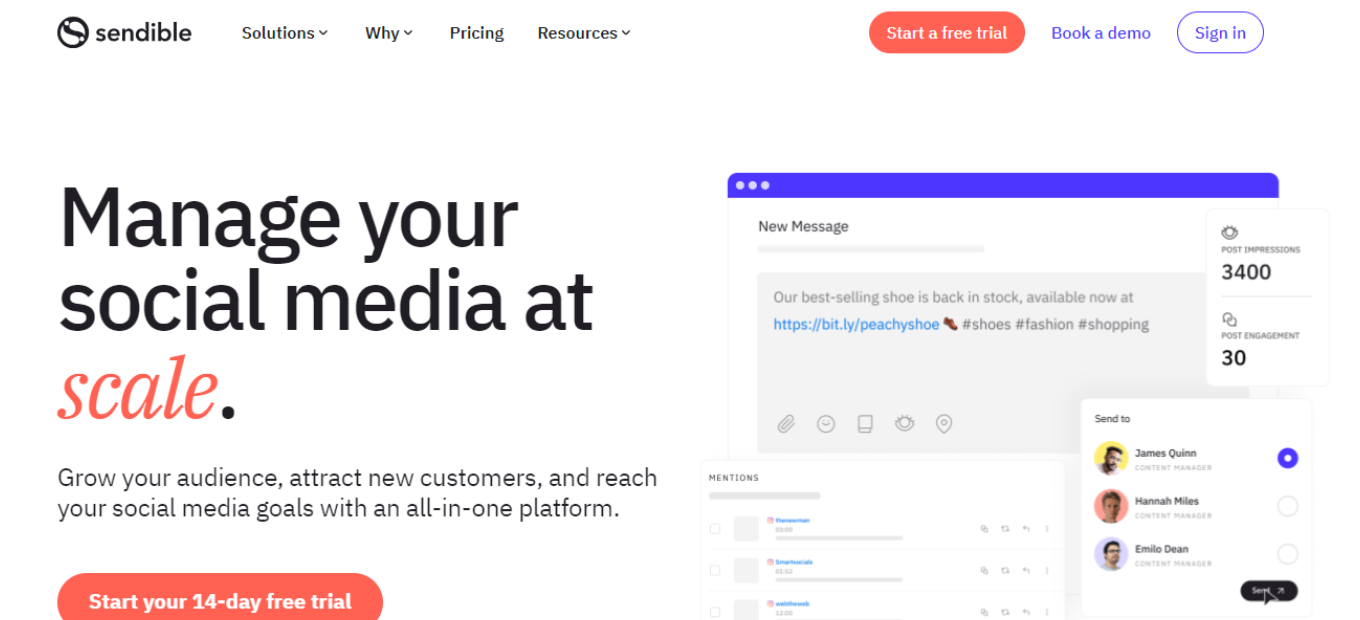
Sendible: Your All-in-One Social Media Management Platform

πŸ† Our Verdict

Sendible is a comprehensive social media management platform that excels in streamlining social media marketing efforts for businesses of all sizes. Its robust features and user-friendly interface make it a top choice for managing social media accounts, scheduling content, and analyzing performance.

βœ… Pros & ❌ Cons Pros:

Pros:

πŸš€ Multi-platform posting and scheduling.
πŸ“Š Advanced analytics and reporting.
πŸ”— Seamless integration with various social media platforms.
πŸ§‘β€πŸ’Ό User-friendly interface with helpful training resources.

Cons:

πŸ’² Higher cost for premium plans.
πŸ“ Limited features in lower-tier plans.
πŸ“š Learning curve for advanced analytics and automation.

πŸ“– About Sendible

Founded in 2009, Sendible has grown to become a leading social media management platform, serving businesses and agencies worldwide. Its mission is to simplify social media management and help businesses achieve their marketing goals.

🎯 What’s In It For You?

Sendible offers a comprehensive suite of tools for social media management, including content scheduling, engagement tracking, and in-depth analytics. It empowers businesses to enhance their social media presence and engage with their audience effectively.

πŸš€ How It Works

Getting Started with Sendible

  1. Visit the Sendible Website Navigate to Sendible: Go to the Sendible website. Sign Up: Click on the “Sign Up” or “Start Your Free Trial” button.
  2. Choose a Plan Review the Plans: Sendible offers various plans, including a free trial and tiered pricing for more advanced features. Select a Plan: Choose a plan that suits your business needs.
  3. Create an Account Provide Information: Enter your email address, create a password, and fill in the required details. Business Information: You may need to provide information about your business.
  4. Account Setup Complete the Setup: Follow the on-screen prompts to set up your account and connect your social media profiles. Onboarding Assistance: Sendible provides guidance to help you get started.
  5. Explore Sendible Features Discover the Tools: Familiarize yourself with Sendible’s features, including content scheduling, social inbox, and analytics. Training Resources: Sendible offers tutorials and a knowledge base to help you make the most of the platform.
  6. Start Managing Your Social Media Begin Posting: You can now start scheduling and posting content to your social media accounts. Engage with Your Audience: Use Sendible to monitor and engage with your audience.

πŸ”— Helpful Tips

Utilize Training Resources: Take advantage of Sendible’s training resources to master the platform.

Customer Support: If you need assistance, Sendible’s customer support team is available to help.

πŸ’² Sendible Pricing Overview

🌟 Pricing Tiers Sendible offers various pricing tiers to cater to different business needs.

βœ… Free Trial Overview: Sendible provides a free trial for users to explore its features. Included Features: Access to core features, limited to a trial period.

πŸ’Ό Plans for Small Businesses Target Audience: Ideal for small businesses and startups looking to manage their social media presence. Key Features: Enhanced capabilities, including content scheduling and reporting.

πŸš€ Plans for Agencies and Enterprises Designed For: Medium to large businesses, marketing agencies, and enterprises. Advanced Features: Includes team collaboration, advanced reporting, and custom branding.

πŸ€” Considerations Scalability: Sendible’s plans are designed to accommodate the growth of businesses and agencies. Integration: Sendible seamlessly integrates with various social media platforms to streamline your workflow.

πŸ₯Š Competition

Here are the pros and cons of Sendible compared to Hootsuite:

Sendible

Pros:

  1. 🌟 Multi-platform posting and scheduling.
  2. πŸ“Š Advanced analytics and reporting.
  3. πŸ”— Seamless integration with various social media platforms.
  4. πŸ§‘β€πŸ’Ό User-friendly interface with helpful training resources.

Cons:

  1. πŸ’² Higher cost for premium plans.
  2. πŸ“ Limited features in lower-tier plans.
  3. πŸ“š Learning curve for advanced analytics and automation.

Hootsuite

Pros:

  1. 🌟 Multi-platform posting and scheduling.
  2. πŸ”Š Robust social media listening and monitoring features.
  3. πŸ› οΈ Extensive app directory for third-party integrations.
  4. πŸ“Š Comprehensive analytics and reporting tools.
  5. πŸ§‘β€πŸ’Ό User-friendly interface with customizable dashboards.

Cons:

  1. πŸ’² Higher cost for premium plans.
  2. πŸ“ Limited features in the free plan.
  3. 🀯 Some users find the interface overwhelming due to the range of features.

πŸ“Œ Conclusion

Sendible is a powerful social media management platform that simplifies the process of managing and growing your social media presence. Whether you’re a small business or a marketing agency, Sendible has the tools you need to succeed in the world of social media marketing.

β€œElevate Your Social Media Marketing with Sendible.”

Related read: for agencies juggling client accounts, Hootsuite centralises scheduling, replies and reporting in one workspace.

Later: Streamline Your Social Media Scheduling

πŸ† Our Verdict

Later is a versatile social media scheduling tool that caters to businesses and individuals alike. It simplifies the process of planning and automating social media content, making it an excellent choice for those looking to enhance their online presence.

βœ… Pros & ❌ Cons

Pros:

  • πŸ“… Easy-to-use social media calendar.
  • πŸ“± Mobile app for on-the-go scheduling.
  • πŸ”— Integration with various social platforms.
  • πŸ†“ Free plan available for small users.

Cons:

  • πŸ’² Limited features in the free plan.
  • πŸ“Š Basic analytics compared to some competitors.
  • πŸš€ Limited automation options in lower-tier plans.

πŸ“– About Later

Founded in 2014, Later has grown to become a prominent player in the social media scheduling industry. Its focus on visual content and Instagram scheduling sets it apart in the market.

🎯 What’s In It For You?

Later offers an efficient way to plan and schedule social media posts, especially for visual platforms like Instagram. It’s designed to save you time and help maintain a consistent online presence.

πŸš€ How It Works

Getting Started with Later

  1. Visit the Later Website
    • Navigate to Later: Go to Later’s website.
    • Sign-Up: Click on the “Sign Up” or “Get Started” button to create an account.
  2. Choose a Plan
    • Later offers a range of plans, including a free option. Choose the one that suits your needs.
  3. Connect Your Social Accounts
    • Link your social media accounts to Later. You can connect Instagram, Facebook, Twitter, and more.
  4. Create and Schedule Posts
    • Use Later’s intuitive calendar to create and schedule your posts. Visual content is its strong suit.
  5. Analytics and Optimization
    • Later provides basic analytics to track engagement and performance. Use this data to refine your strategy.

πŸ”— Helpful Tips

  • Utilize the Mobile App: Later’s mobile app lets you schedule and manage posts from your smartphone.
  • Experiment with Hashtags: Use Later’s hashtag suggestions to boost the visibility of your posts.

πŸ’² Later Pricing Overview

🌟 Pricing Tiers

Later offers a range of pricing options, including a free plan with limited features.

πŸ’Ό Free Plan

Ideal for: Individuals and small businesses. Features: Basic scheduling and 30 posts per social profile per month.

πŸš€ Paid Plans

Designed for: Growing businesses and teams. Features: Advanced scheduling, analytics, and additional social profiles.

🏒 Business Plans

Suited for: Larger organizations and agencies. Features: Enhanced collaboration and branding features.

πŸ₯Š Competition

Later

βœ… Pros
  • πŸ“… Intuitive social media calendar.
  • πŸ“± Mobile app for scheduling on the go.
  • πŸ”— Multi-platform integration.
  • πŸ†“ Free plan available.
❌ Cons
  • πŸ’² Limited features in the free plan.
  • πŸ“Š Basic analytics compared to some competitors.
  • **πŸš€ Limited automation options in lower-tier plans.

Buffer

βœ… Pros
  • πŸ“… Social media calendar with scheduling.
  • πŸ“Š Robust analytics and reporting.
  • πŸ”— Integration with multiple social platforms.
  • πŸ“ˆ Advanced features in paid plans.
❌ Cons
  • πŸ’² Costs may increase for premium features.
  • **πŸ“ Limited automation options in lower-tier plans.

πŸ“Œ Conclusion

Later offers a straightforward approach to social media scheduling, particularly for visual content. It’s an ideal choice for those seeking an efficient way to manage their online presence.

“Enhance Your Social Media Strategy with Later.”

Related read: beyond visual scheduling, Hootsuite adds monitoring and team approvals across every major network from a single dashboard.

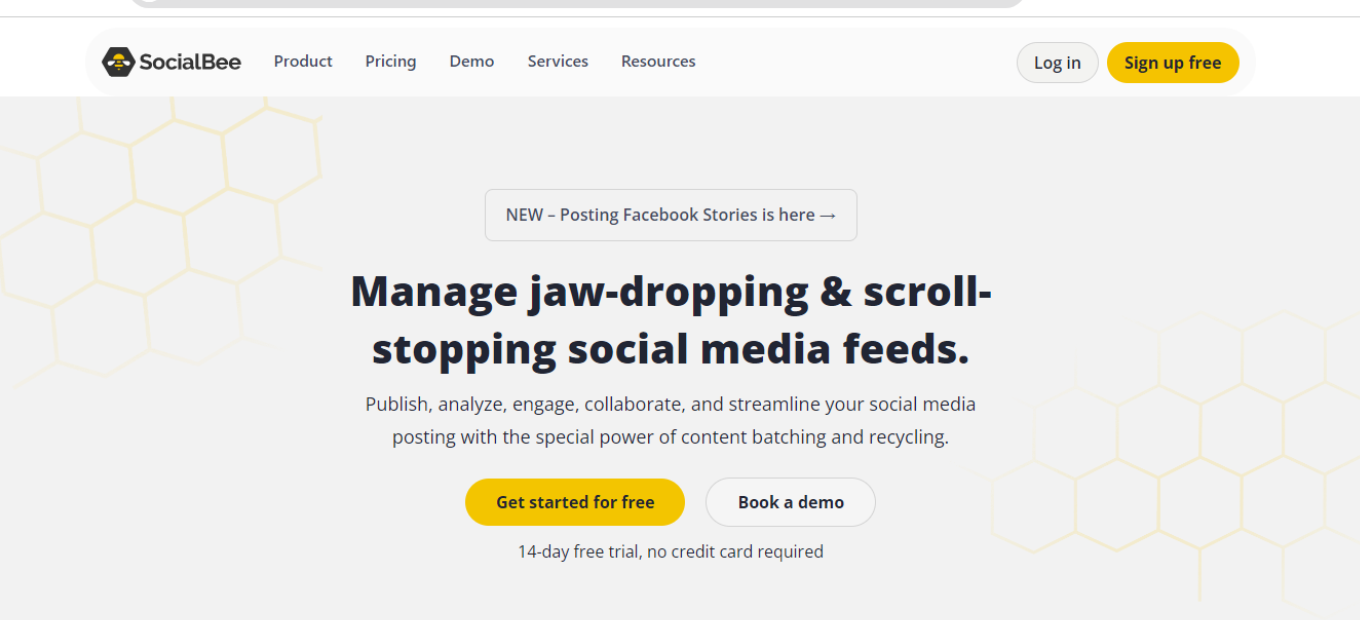
SocialBee: Your Comprehensive Social Media Management Solution

πŸ† Our Verdict

SocialBee is a comprehensive social media management platform that caters to businesses seeking an integrated approach to social media scheduling, content curation, and audience engagement. Its user-friendly interface and extensive feature set make it a top choice for companies of all sizes.

βœ… Pros & ❌ Cons

Pros:

  • πŸ”„ Integration with major social media platforms: SocialBee seamlessly connects with various social media networks for efficient management.
  • πŸ“Š Advanced content scheduling and categorization tools: It offers robust scheduling and content categorization features to streamline your social media posting.
  • 🌐 Extensive third-party integrations: SocialBee supports a wide range of third-party integrations to enhance its functionality.
  • πŸ§‘β€πŸ’Ό User-friendly interface with comprehensive training resources: SocialBee’s intuitive interface is complemented by helpful training materials.

Cons:

  • πŸ’² Premium features may come at an additional cost: Some advanced features may require a higher-tier subscription, potentially leading to additional expenses.
  • πŸ“ Limited customization in lower-tier plans: Lower-tier plans may have limitations in terms of customization options.
  • πŸ“š Steeper learning curve for advanced features: Mastering advanced features in SocialBee may require some time and effort.

πŸ“– About SocialBee

Founded to simplify social media management, SocialBee has evolved into a leader in the field. It provides a comprehensive suite of tools designed to streamline social media posting, content curation, and audience engagement across multiple platforms.

🎯 What’s In It For You?

SocialBee offers an all-in-one solution for managing your social media presence, with features that include content scheduling, content categorization, and audience targeting.

πŸš€ How It Works

Signing Up for SocialBee

  1. Visit the SocialBee Website
    • Navigate to SocialBee: Go to the SocialBee website.
    • Find the Sign-Up Option: Look for a sign-up button or link, usually located on the top right corner of the website.
  2. Choose a Plan
    • Review the Plans: SocialBee offers various plans, including tiered pricing for additional features.
    • Select a Plan: Choose a plan that suits your business needs. You can start with the basic version or select a paid plan for more advanced features.
  3. Create an Account
    • Enter Your Information: Provide your email address, create a password, and complete the required details.
    • Business Information: You may need to enter information about your business, such as its size and industry.
  4. Account Verification
    • Check Your Email: After registering, you’ll receive an email from SocialBee.
    • Verify Your Account: Open the email and click on the verification link to activate your account.
  5. Set Up Your Account
    • Complete the Setup: Once your account is verified, follow the prompts to finalize your account setup.
    • Onboarding Process: SocialBee might guide you through an onboarding process to help you get started.
  6. Integrate Your Tools
    • Connect Your Social Media Accounts: Integrate your social media accounts with SocialBee to start managing them.
    • Authorization: Authorize SocialBee to connect to your social media profiles.
  7. Explore SocialBee Features
    • Familiarize Yourself: Begin exploring the various features of SocialBee, such as content scheduling, categorization, and audience targeting.
    • Use Helpful Resources: SocialBee provides tutorials and guides to assist you in maximizing the platform.
  8. Start Using SocialBee
    • Begin Managing Your Social Media: You can now start using SocialBee to enhance your social media management efforts.

πŸ”— Helpful Tips

  • Take Advantage of Training: SocialBee offers training resources to help you make the most of the platform.
  • Utilize Customer Support: If you need assistance, SocialBee’s customer support team is available to help.

πŸ’² SocialBee Pricing Overview

🌟 Pricing Tiers

SocialBee offers various pricing tiers, each designed to cater to different business needs and scales. These tiers typically range from basic free options to more advanced, feature-rich paid plans.

  • Free Tools
    • Overview: SocialBee provides a range of free tools, particularly in its basic offering.
    • Included Features: Basic features such as content scheduling and basic categorization are typically included.
  • Starter Plans
    • Target Audience: Ideal for small businesses or startups looking to enhance their social media presence.
    • Key Features: Enhanced functionalities over the free tier, including additional scheduling options.
  • Professional Plans
    • Designed For: Medium-sized businesses looking for more advanced capabilities.
    • Advanced Features: Includes advanced scheduling, categorization, and audience targeting options.
  • Agency Plans
    • Suited For: Agencies and enterprises requiring extensive, scalable solutions.
    • Premium Offerings: Advanced features like team management, white-labeling, and client reporting.

πŸ€” Competition

Here are the Pros and Cons of SocialBee compared to Buffer:

SocialBee

Pros:

  • Advanced content scheduling and categorization tools.
  • User-friendly interface with comprehensive training resources.
  • Extensive third-party integrations.
  • Suitable for businesses seeking comprehensive social media management.

Cons:

  • Premium features may come at an additional cost.
  • Limited customization in lower-tier plans.
  • Steeper learning curve for advanced features.

Buffer

Pros:

  • User-friendly interface with an intuitive dashboard.
  • Robust social media publishing and scheduling features.
  • Excellent analytics and reporting tools.
  • Suitable for businesses of all sizes, including startups.

Cons:

  • Some advanced features may require higher-tier subscriptions.
  • Limited social media content categorization options.
  • May not offer as many advanced customization options as SocialBee.

Please note that the specific pros and cons may vary depending on your individual needs and preferences. It’s essential to consider your business goals and requirements when choosing between these two social media management platforms.

πŸ“Œ Conclusion

SocialBee is an all-in-one social media management platform suitable for businesses of all sizes. With its comprehensive feature set and user-friendly interface, it offers an efficient solution for managing your social media presence.

“Enhance Your Social Media Management with SocialBee.”