Daftpage: Next-gen website builder for makers

βš–οΈ Our Verdict

Daftpage is a simple yet powerful website builder that allows you to construct and host amazing websites on a budget. Other website builders exist out there but they either cost more or are hard to learn. This app is the easiest way to create fun and successful pages in a matter of minutes.

It is made for makers as it can be used to create landing pages for a business. It can also function as a blogging and knowledge base platform for individuals. And lastly, Daftpage can be used as a marketplace to sell your products!

All in all, it’s a fun-to-use, simple, and amazing tool for creating your own websites effortlessly without code!

πŸ‘ ProsπŸ‘Ž Cons
πŸ‘ Create landing pages in a short time
πŸ‘ Good roadmap
πŸ‘ Intuitive and simple to use
πŸ‘ Unlimited sites, blog posts, domains
πŸ‘ No-code
πŸ‘Ž Has bugsΒ 
πŸ‘Ž Website is sometimes down
πŸ‘Ž Lacks server in Europe

🌟 About Daftpage

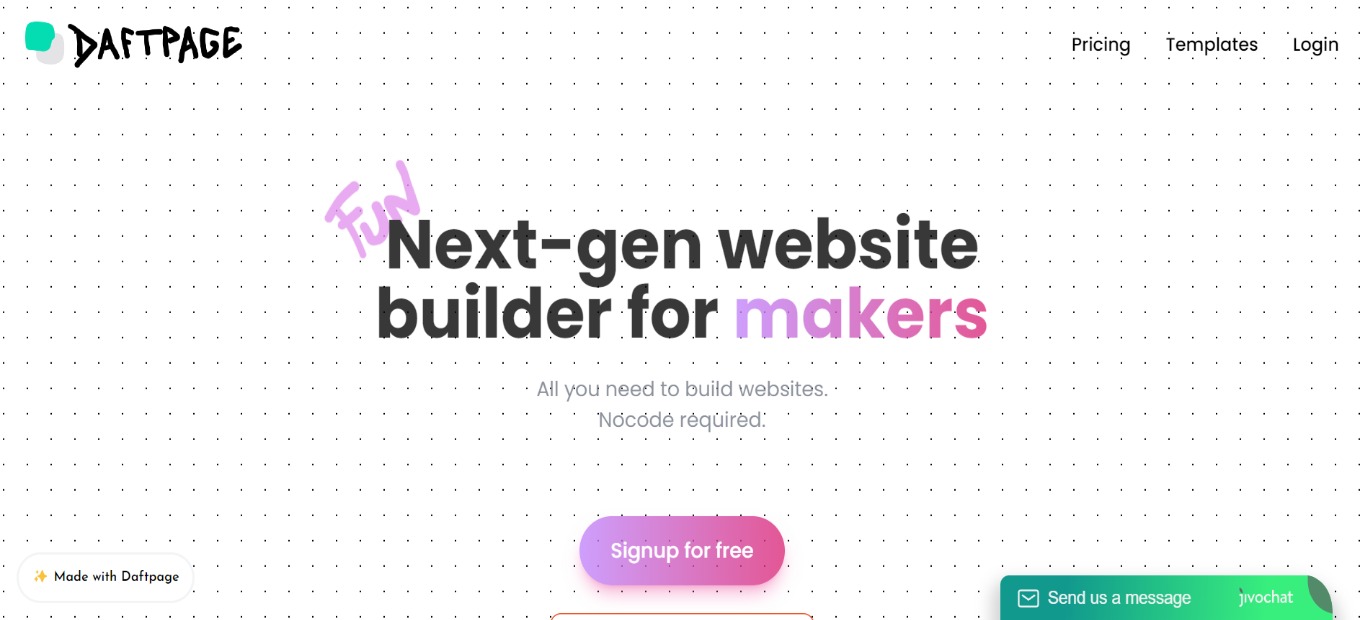
There are countless landing page builders in the market that are expensive and have a learning curve. Daftpage is not one of them. This app is the quickest method to create engaging and successful landing pages in a short amount of time. It is a new type of site builder that functions similarly to a word doc. 

Beautiful websites/blogs/knowledge bases may be created in minutes and for free! As webpage components, it uses ‘blocks.’ Blocks are meant to strike the proper mix between use and customization, ensuring that your page always looks amazing!Β 

All of the amazing features make Daftpage the next-gen website builder for makers and no-coders!

🎁 What’s In It For You?

Daftpage features a no-code site builder that offers a simple and powerful interface. It allows you to drag and drop to create beautiful layouts. Daftpage also lets you start from multiple pre-made templates.

Daftpage lets you use the color gradient, animations, etc. all in a single click! It also allows you to utilize drops, which are drag and drop elements that can be placed anywhere on the webpage. Additionally, Daftpage allows you to draw inside your webpage.

Furthermore, Daftpage lets you use the different modes such as Ghost mode which lets you easily manipulate drops, Skeleton mode which helps you see the grid of the page, directory mode, and dark mode.

Even though Daftpage is a no-code site builder, it also lets you use your own code in creating your website! Lastly, Daftpage lets you bring your data inside and use integrations such as Notion, Airtable, Google Sheets, and others. You can use Daftpage as your front-end!

πŸ–₯️ How Does It Work?

  1. Create a new site and name it. Select typography but you can change it later.
  1. Click on an element, and the editor will appear on the left side of the screen. Here you can change the layout and the general appearance of the element.
  1. Click add block then select what you want to add.
  1. Change the settings of a block by clicking on it. 
  1. The drop button lets you place a GIF on your website.

πŸ’² Pricing Plans & Support

Daftpage allows you to create an unlimited number of websites, with a free plan included!

πŸ’Ž Free – $0/Month

This essential plan is for free!

γ€° Unlimited websites

γ€° Unlimited pages

γ€° Unlimited traffic

γ€° Free hosting

γ€° Free Daftpage Subdomain

γ€° Automatic HTTPS via Let’s Encrypt

γ€° Draftpage Branding

πŸ’Ž Premium – $29/Month

This upgraded plan is only $29 per month!

γ€° Unlimited websites

γ€° Unlimited custom domains

γ€° Custom code integration

γ€° Remove Daftpage branding

γ€° Unlimited traffic

γ€° Unlimited pages

γ€° Hosting

γ€° Free Daftpage Subdomain

γ€° Automatic HTTPS (via Let’s Encrypt)

πŸ“ The Competition

πŸ‘ ProsπŸ‘Ž Cons
πŸ‘ Product design tool
πŸ‘ Good for making prototypes
πŸ‘ Automatically publish changes on web
πŸ‘ Good UI
πŸ‘Ž Big learning curve
πŸ‘Ž Has bugs

Try the next-gen website builder for makers with Daftpage!

Swarmia: Build happier and more productive software teams

βš–οΈ Our Verdict

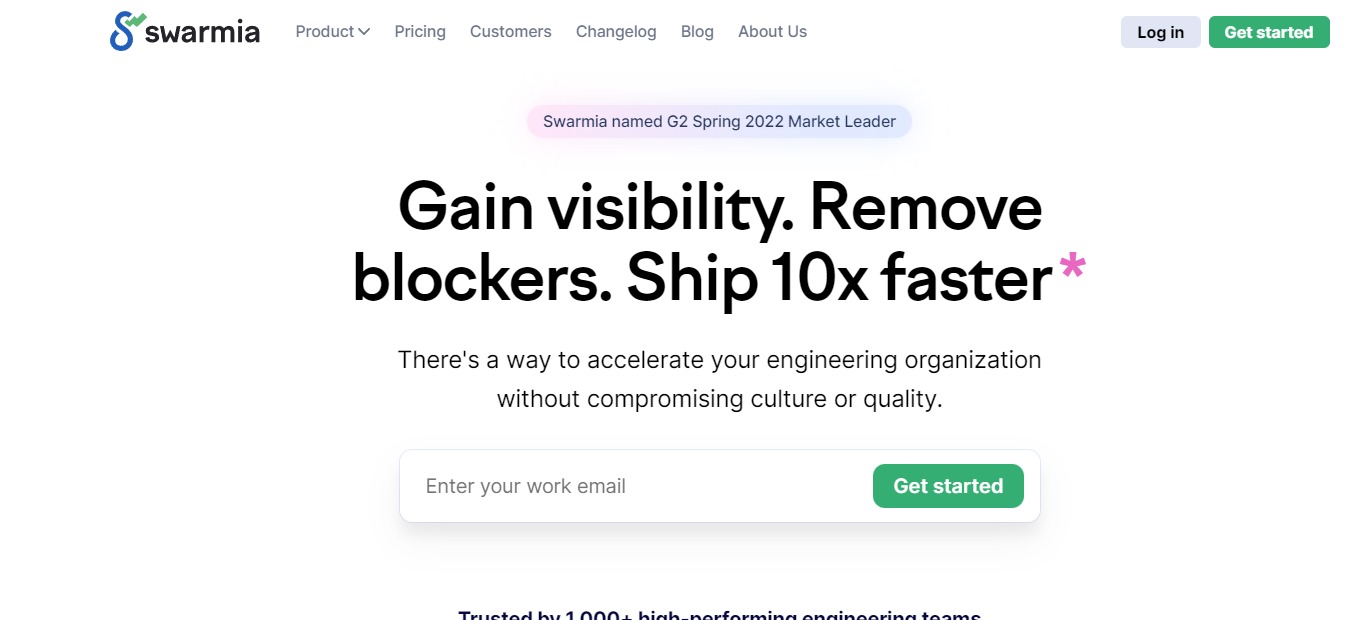
Swarmia is a development productivity platform that looks like it was designed from the ground up for the best engineering organizations. Swarmia integrates with GitHub, Jira, and other platforms to offer engineering firms a comprehensive view of their operations and areas for improvement.

This application is best used by Engineering Leaders, Product Leaders, and Engineering Managers to provide context and save time for individual developers. It enables users to achieve 10x speed without losing product quality or employee health. Swarmia is also SOC2 compliant, making it safe and secure to use.

In summary, it’s a secured, essential, and feature-packed platform for engineering teams to use!

πŸ‘ ProsπŸ‘Ž Cons
πŸ‘ SOC2 compliant
πŸ‘ Offers a collection of metrics
πŸ‘ Integration with Slack and GitHub
πŸ‘ Bring transparency to the whole team
πŸ‘Ž Learning curve
πŸ‘Ž All features are overwhelming
πŸ‘Ž Limited features on free plan

🌟 About Swarmia

Scaling a software development company is challenging. As your teams and codebase expand, complexity rises, processes delay, and overall productivity decreases.

That’s why Swarmia was created: a software development productivity tool that provides engineers, managers, and leaders with the insights they need to recognize what’s dragging them down, as well as the tools they need to make actual improvements.

Swarmia combines your version control, issue tracker, and chat to enable you to analyze research-backed engineering metrics (such as DORA and SPACE framework) and utilize that data to make modest adjustments that have a big impact over time.

🎁 What’s In It For You?

Swarmia is a platform for visibility, flow insights, code insights, and working agreements. This tool lets you and your team obtain instant visibility and transparency for your engineering organization. It also allows you to have access to software development metrics that are both healthy and research-backed.

Swarmia enables its users to determine and solve process bottlenecks to quickly deploy better software. With Swarmia, you can Adopt Working Agreements alongside your organization to boost communication and keep your goals in sight.

Finally, with the bi-directional Slack interface, you can stay on top of your team’s activity, speed up code reviews, and increase data quality.

πŸ–₯️ How Does It Work?

  1. On the investment distribution, you can determine where you and your team mostly spend their time on.
  1. The work log aids you in finding patterns in the way your organization works.
  1. The insights section shows different metrics included in the platform.
  1. The working agreements let the team adopt practices from the industry. Here you can automate feedback loops and measure the progress.

πŸ’² Pricing Plans & Support

Swarmia offers pricing plans that fit how your organization works. Gain instant visibility on your organization and get started now!

πŸ’Ž Free – $0/Month

This amazing deal for small teams is for free!

γ€° up to 20 developers

γ€° GitHub insights

γ€° Issue tracker insights

γ€° Automated reminders

γ€° Configurable working agreements

γ€° Upgrade any time

πŸ’Ž Lite – $10/Month

This amazing deal is only $10 developer/month!

γ€° 20-150 developers

γ€° Github insights

γ€° DORA metrics

γ€° Automated reminders

γ€° Configurable working agreements

γ€° In-app chat support

πŸ’Ž Standard – $39/month

This amazing deal is only $39 developer/month!

γ€° 20-150 developers

γ€° Everything in Lite

γ€° Issue tracker insights

γ€° Investment insights

γ€° Dedicated customer success manager

πŸ“ The Competition

πŸ‘ ProsπŸ‘Ž Cons
πŸ‘ Managing code in a repository
πŸ‘ Build applications within the tool
πŸ‘Β  For Product, Development, QA, Security, and Operations teams to collaborate
πŸ‘Ž Missing several functions
πŸ‘Ž Free plan is limited
πŸ‘Ž Pricey

Build happier and more productive software teams with Swarmia.

ruttl: Collect visual feedback directly on websites, PDFs & images

βš–οΈ Our Verdict

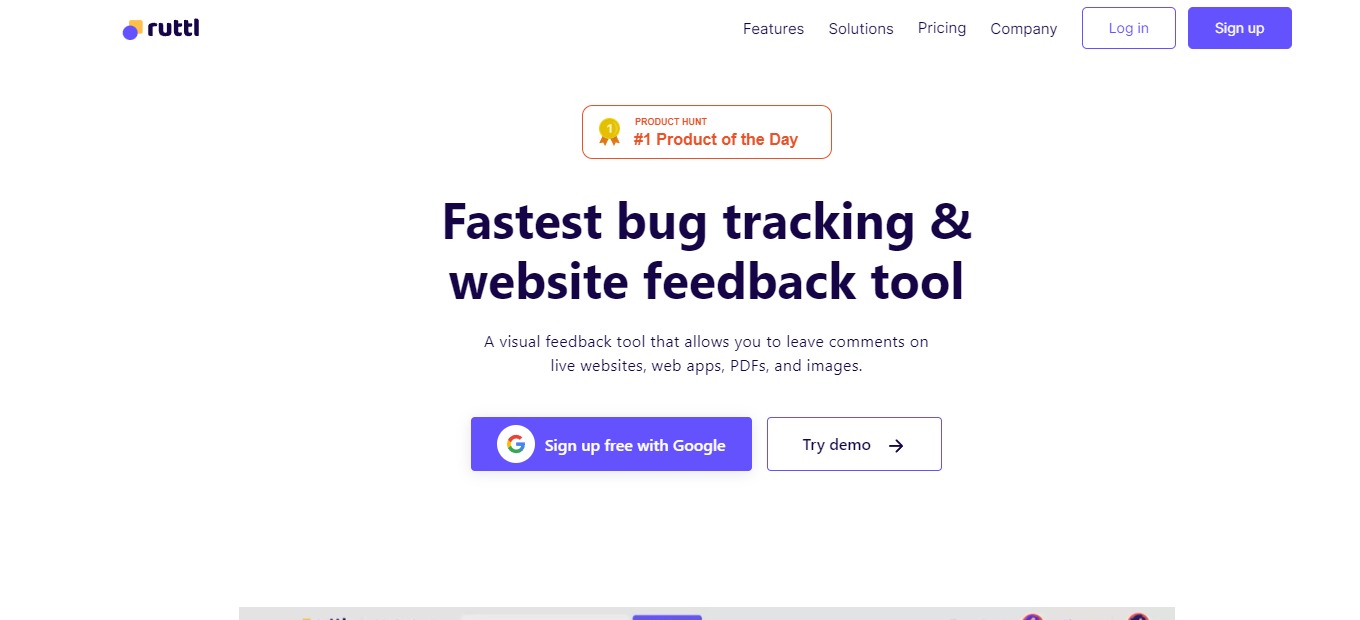
Ruttl is a visual feedback tool that lets you post comments on live sites, web applications, images, and PDFs as well as make real-time modifications, allowing you to provide exact feedback to your developers. The main goal of Ruttl is to improve the process of design review, making it smoother, better, and faster than before. The features of Ruttl are made by designers for designers. Before making things official, Ruttl provides you with all of the resources you need to collaborate and edit your website. Instead of being picture-perfect, strive to be pixel-perfect.

This application is best used by web designers, developers, agencies, writers, and several other teams! Use ruttl now to reduce reviewing apps, sites, and other stuff by almost half!Β 

Overall, it’s affordable, useful, and one of the best applications for gathering feedback on websites, apps, PDFs, and images online!

πŸ‘ ProsπŸ‘Ž Cons
πŸ‘ Receive and provide feedback easily
πŸ‘ Clean and modern UI
πŸ‘ Live site edit feature
πŸ‘ Review apps, sites, PDFs, and images
πŸ‘ Integrations with major tools
πŸ‘Ž Language is in English only
πŸ‘Ž Bugs and lags
πŸ‘Ž Does not support some file types and special elements

🌟 About Ruttl

Ruttl is an online collaborative tool for assessing developed websites. It enables anybody to connect directly with designers and developers regarding live website modifications via text and video feedback. The program functions by including one or more target web pages for design assessment. Ruttl allows you to update website content, change photos, make design changes to web elements, and publish all types of design modifications for developers to apply.

With the use of shareability links, it bridges the gap between clients and web design experts as a feedback mechanism for websites. Ruttl is used by over 4000 designers, developers, and organizations to streamline their online feedback process.

🎁 What’s In It For You?

Ruttl is a quick and simple solution for gathering, organizing, and evaluating design comments on live websites. With real-time text updates, picture replacement features, and alignment tools, you may evaluate changes without updating the actual site your consumers or clients see.

You and your team may also post comments on particular, live pixels to provide meaningful and clear feedback and directly mention other project participants to advise them of improvements. Ruttle even allows you to record your screen and utilize your computer’s microphone to verbally suggest improvements that are needed on particular areas of entire web pages.

The features in Ruttl allow your team to spot problems, bugs, and errors even if your device or browser is the only one experiencing them. Ruttl’s edit mode allows you to adjust website elements such as text, textbox, picture alignment, or font attributes for content that properly suits its design.

πŸ–₯️ How Does It Work?

  1. Create a new project and select the type.
  1. You can add other pages to your project.
  1. Add team members to work with on the same project. Here you can also set their roles in the project.
  1. Click on a page and start reviewing. On the preview mode, the website will be shown the way it is normally. In comment mode, you can click on the elements and add comments or even tag members on it.
  1. All comments are found on the right side of the screen. Team members can resolve them.
  1. The inspect mode allows you to change the live website. 

πŸ’² Pricing Plans & Support

Ruttl has the right pricing plan for every need of different teams!

πŸ’Ž Free – $0/Month

This deal for individuals is for free!

γ€° 1 project

γ€° 5 pages

γ€° 5 collaborators

γ€° Unlimited guests

γ€° Website project type

γ€° 5GB storage

πŸ’Ž Standard – $13/Month

This deal for individual creators and studios is only $13 per month!

γ€° 2 projects

γ€° Unlimited pages

γ€° 10 collaborators

γ€° Unlimited guests

γ€° Website, PDFs, images project types

γ€° Unlimited comments, 1 min video comments

γ€° Edit, replace, and inspect

γ€° 10GB storage

πŸ’Ž Pro – $33/month

This deal for agencies and product companies is only $33 per month!

γ€° Unlimited projects

γ€° Unlimited pages

γ€° 10 collaborators

γ€° Unlimited guests

γ€° All project types

γ€° Unlimited comments, 10 min video comments

γ€° Edit, replace, and inspect

γ€° 50GB storage

πŸ“ The Competition

πŸ‘ ProsπŸ‘Ž Cons
πŸ‘ Easily get feedback from clients
πŸ‘ Simple and easy to use
πŸ‘ Good UI and UX
πŸ‘Ž Limited features
πŸ‘Ž No task progress update

Collect visual feedback directly on websites, PDFs & images using ruttl!

Coda 3.0: The doc that brings it all together

βš–οΈ Our Verdict

Coda combines the versatility of a document, the power of a spreadsheet, and the convenience of apps into a single new canvas. Everyone may benefit from this program, including individuals, startups, businesses, and enterprises.

There are several use cases for this application. Coda documents have been created to assist people to launch products, expanding small enterprises, and studying for examinations. Coda 3.0 is ready to bring your team together with a brand new editor, an open packs platform, and hundreds of your most requested changes.

In summary, it’s an easy-to-use, collaborative, and essential tool for different document purposes.

πŸ‘ ProsπŸ‘Ž Cons
πŸ‘ Powerful tool in building documents
πŸ‘ Flexible pricing and usage
πŸ‘ Multiple templates and doc packs
πŸ‘ Import and transform data
πŸ‘ Good onboarding and tutorials
πŸ‘Ž No native application
πŸ‘Ž Freezes with big data
πŸ‘Ž Steep learning curve

🌟 About Coda

Coda comes with a set of new building blocks that enables anybody to create documents that are as powerful as applications. It is intended for all collaborative teams. Coda is the document that connects everything: words, information, groups, and the entire maker community.

The new editor provides substantial product enhancements that have been high on the users’ priority lists, and it solves the most typical gaps we find in editorsβ€”the choice between writing and publication, and the choice between organized and unstructured content.

🎁 What’s In It For You?

Coda is familiar like a document while engaging like an app, allowing your team to join in fast, engage efficiently, and make choices that stay. As teams and plans progress, you can utilize Coda’s building elements to effortlessly evolve your doc, similar to how a to-do list evolves into a beautiful task board.

Tables communicate with one another in linked data, and modifications appear everywhere. As a result, you can sync updates automatically and roll up your team’s plan to an executive dashboard.

Coda supports several integrations. Pull Google calendars into the team wiki and automatically post edits to Slack. Connect to the applications you use every day to give your documents limitless potential.

πŸ–₯️ How Does It Work?

  1. Create a page and name it. You can also change the icon of the pages that you create. All the pages will appear on the left side panel.
  1. Organize the pages on the left panel.
  1. Type on the page and change the format by highlighting the text.
  1. Click the page options and change the settings.
  1. Type /columns to select the layout of the page.
  1. You can copy and paste to Coda or import from several file formats.

πŸ’² Pricing Plans & Support

Your team can do much in the free plan. Only pay for Doc Makers when you upgrade. One person often develops a document, while others revise it and others merely view it from a distance. Instead of charging everyone, we simply charge those who produce documents.

πŸ’Ž Free – $0/Month

For those that are getting started, this plan is for free!

γ€° Collaborative docs

γ€° Connected tables, charts, kanban, forms

γ€° Formulas and automation

γ€° Pull in data from 3rd party tools

πŸ’Ž Pro – $10/Month

For scaling you and your team, this fantastic deal is only $10 per month per doc maker!

γ€° Everything in free

γ€° Unlimited editors and viewers

γ€° Unlimited doc size

γ€° 30-day version history

γ€° Hidden pages

γ€° Custom form branding

γ€° Pro packs

γ€° Access to Coda experts

πŸ’Ž Team – $30/month

For more powerful collaborations, this fantastic deal is only $30 per month per doc maker!

γ€° Everything in Pro

γ€° Unlimited automations

γ€° Unlimited version history

γ€° Doc locking

γ€° Private doc folders

γ€° Sync across docs

γ€° Team packs

γ€° Access to Coda experts

πŸ“ The Competition

πŸ‘ ProsπŸ‘Ž Cons
πŸ‘ Project and task management/collaboration
πŸ‘ Multiple integrations with apps
πŸ‘ Different view modes
πŸ‘Ž Has a learning curve
πŸ‘Ž Limitations in building database

Get the doc that brings it all together with Coda 3.0!

Dive: Stop Hating Meetings

βš–οΈ Our Verdict

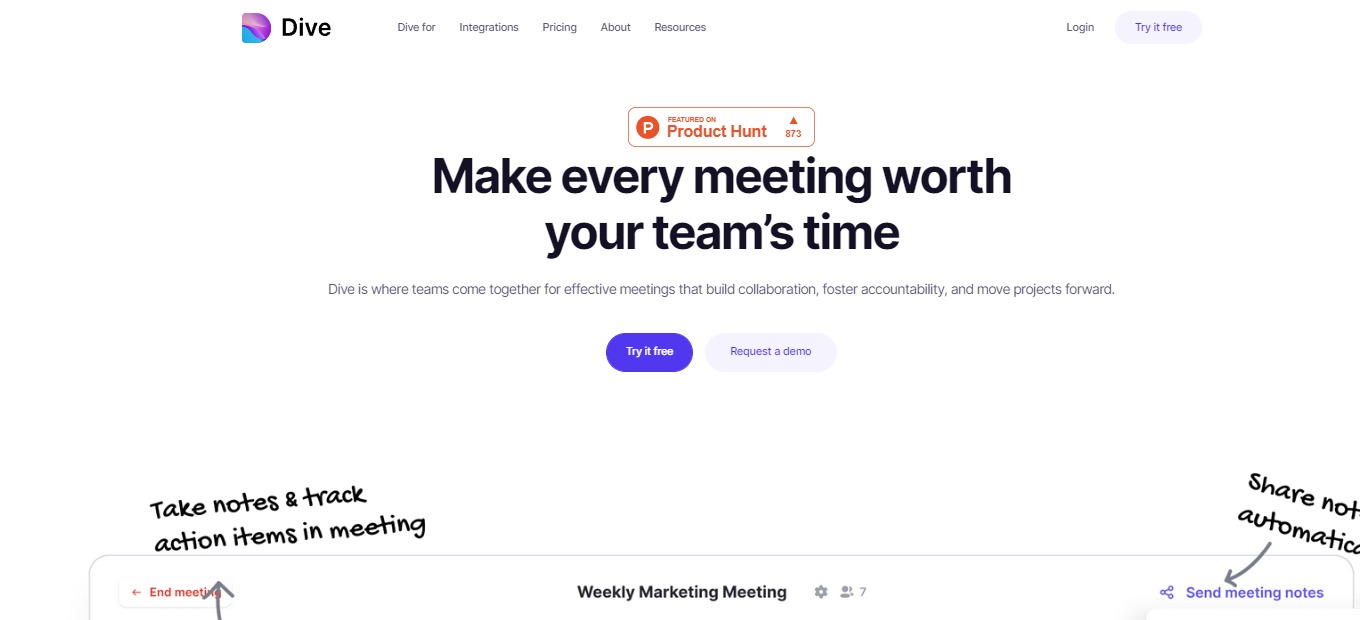
Dive is an amazing online meeting application that is different from other applications. It features video conferencing, times agenda, collaborative note-taking, meeting recaps, and other functional features placed in a single application. 

Dive can be used by small to large groups and can function for weekly meetings, one-on-ones, sales meetings, standups, brainstorming, and several use cases that employ online meetings. It features other tools that existing meeting applications cannot offer. Use Dive now and fill up the void that you experience in online meetings!

In summary, Dive is packed with features, accessible, and easy to use for your remote or hybrid meeting needs!

πŸ‘ ProsπŸ‘Ž Cons
πŸ‘ Agenda-centered
πŸ‘ Collaborate on note-taking
πŸ‘ Multiple integrations and features
πŸ‘Ž Up to 10 members only on free
πŸ‘Ž No recording and breakout rooms on free

🌟 About Dive

<blockquote class=”twitter-tweet”><p lang=”en” dir=”ltr”>Happy customers are the true G.O.A.T! 🐐<a href=”https://twitter.com/hashtag/MakeMeetingsFun?src=hash&amp;ref_src=twsrc%5Etfw”>#MakeMeetingsFun</a> <a href=”https://t.co/fTfHLy8fVw”>https://t.co/fTfHLy8fVw</a></p>&mdash; Let&#39;s Dive (@letsdivehq) <a href=”https://twitter.com/letsdivehq/status/1540125404853202944?ref_src=twsrc%5Etfw”>June 24, 2022</a></blockquote> <script async src=”https://platform.twitter.com/widgets.js” charset=”utf-8″></script>

Meetings are frequently regarded as a waste of time since they do not advance tasks. That’s why Dive was created: so you don’t have to put up with meetings that don’t work for you or your team. Dive is on a mission to make remote and hybrid teams happy at work. Dive is an online conferencing application packed with different tools essential for your meeting needs.

This enables teams to reclaim control and prepare for success on their own terms. Dive is where teams get together for successful meetings that create cooperation, accountability, and the progress of projects. Get more done before, during, and after meetings because Dive adheres to your agenda, is time-bound, and holds everyone responsible.

🎁 What’s In It For You?

Dive lets you collaborate on the meeting agenda in advance and during the meeting itself. It also allows you to time your agenda so everything runs smoothly. Dive has additional features allowing you to utilize the online space such as polls, whiteboard, and other different applications.Β 

With Dive, you can also take notes with your team in real-time and track actions together. All the post-meeting items will be documented and can be found in one place. Furthermore, you can also play games inside the meeting room to boost engagement. 

Dive enables you to make discussions more productive by the use of breakout rooms. Lastly, Dive integrates with the largest applications such as Zoom, Google Calendar, Outlook, and more!

πŸ–₯️ How Does It Work?

  1. Construct an agenda to create a meeting in advance.
  1. Click on a meeting and hit join.
  1. Select a GIF to play on your screen to express yourself more.
  1. On the right panel of the meeting room, add or edit an agenda. You can set out the duration and play it so that the meeting is organized.
  1. Add other activities to your meeting.

πŸ’² Pricing Plans & Support

Dive offers promising pricing plans. You can now save your team’s most important resource which is the time!

πŸ’Ž Basic – $0/Month

This plan is for teams of up to 10 people and is for free!

γ€° Up to 10 members

γ€° 50+ embedded apps

γ€° GCal, Zoom, and MS Teams integrations

γ€° Unlimited meetings and agendas

γ€° Collaborative agendas and note-taking

πŸ’Ž Pro – $10/Month/User

This plan is for teams and companies of up to 100 people and is only $10 per month per user!

γ€° Everything in Basic plan

γ€° Up to 100 team members

γ€° Bespoke training and onboarding

γ€° Slack integration

γ€° Session recording and breakout rooms

πŸ“ The Competition

πŸ‘ ProsπŸ‘Ž Cons
πŸ‘ Easy to use and accessible
πŸ‘ Record meetings and conduct breakout rooms
πŸ‘ Sufficient for basic meeting needs.
πŸ‘Ž 45-minute time limit on free
πŸ‘Ž Costly application
πŸ‘Ž β€œZoom fatigue”

Stop hating meetings, use Dive!

Gated: Reduce unwanted email, support your favorite cause

βš–οΈ Our Verdict

Gated should be used by everyone not only because it’s free, but also because it can help overwhelmed email recipients and can benefit the society. This app forces unknown senders to donate to an organization in order for them to send something to your inbox. 

Gated works by creating a folder in your Gmail account that places spam and unauthorized emails inside it. With that, you would be able to have an organized email without any distractions.

Overall, it’s a free, beneficial, and necessary application for organizing your email and removing clutter.

πŸ‘ ProsπŸ‘Ž Cons
πŸ‘ Clean your inbox and receive only important emails
πŸ‘ Donate to nonprofits
πŸ‘ Free application
πŸ‘Ž Sometimes important emails move to Gated section
πŸ‘Ž Some unnecessary emails still pass through the inbox

🌟 About Gated

Gated is a free and simple solution to reduce inbox clutter while also supporting your favorite cause. When you get an email from an unknown address, the sender is challenged to make a donation to your selected cause in order for their message to be sent.

This software is dubbed “the noise-canceling headphones for email.” If you suffer from a cluttered inbox, Gated is the solution for you! The approach isn’t about shutting down your email, but rather about decreasing noise to benefit everyone.

Gated requires unknown senders to give to charity in order to reach you, ensuring that everything in your inbox is worth your time. Considering everything, you now have more time to be productive, responsive, and quiet with less unsolicited email.

🎁 What’s In It For You?

Gated allows you to be more productive and focused on the things that matter most by filtering your emails. It challenges unknown and unnecessary senders to donate to a charity of your choice for them to send you an email. With that, you only see the emails that are important.Β 

This tool removes the chaotic inbox by reducing clutter and creating a path for valuable messages. In addition to that, you can support a cause that you care for by choosing a nonprofit that will receive donations from senders.

Gated lets you take control of your attention in a busy world. This app gives you the power to choose what email is important and what to listen to. 

πŸ–₯️ How Does It Work?

  1. Sign up for the email you want to use Gated with.
  1. Wait for Gated to set up, and then activate your account.
  1. Personalize your account by choosing a nonprofit, allowing domains, and learning the basics of inbox.
  1. The home page shows the statistics based on your emails.
  1. Emails from your inbox are labeled based on your settings.
  1. Gated automatically segregates which emails you allow to show or do not.

πŸ’² Pricing Plans & Support

Gated is free to use for everyone since it is supported by the donations that senders provide. You can now have the amazing features of this tool without spending a single buck. Plus, you have the chance to donate to your chosen nonprofit organization! Obtain an organized inbox and a peaceful work-life for free!

πŸ“ The Competition

πŸ‘ ProsπŸ‘Ž Cons
πŸ‘ Task manager for gmail
πŸ‘ sales, service, and helpdesk
πŸ‘ Apply Trello functionality
πŸ‘Ž Bugs
πŸ‘Ž Slow support

Reduce unwanted email, support your favorite cause with Gated!

RemoteHQ 2.0: Multiplayer cloud-based Chrome browser

βš–οΈ Our Verdict

RemoteHQ is an amazing platform to collaborate with your team in real-time. It can be used by different organizations depending on their needs. Different use cases of RemoteHQ include customer support, e-learning, sales, collaboration, onboarding, and more!

This application is different from other collaboration tools as it is packed with multiple features, making it an all-in-one application. This includes note-taking, screen sharing and controlling, and video calls. Using this app prevents miscommunication between users and replaces the traditional screen sharing that we all know of.Β 

Overall, it is collaborative, packed with features, and an essential application for remote collaboration needs.

πŸ‘ ProsπŸ‘Ž Cons
πŸ‘ Share multiple apps and edit the layout
πŸ‘ Multiple integrations
πŸ‘ Command center for shortcuts
πŸ‘ Multiple people controlling the screen
πŸ‘ Session history
πŸ‘Ž Chrome-based only
πŸ‘Ž Paid application
πŸ‘Ž No audio in shared browser
πŸ‘Ž Cannot edit notes after meeting

🌟 About RemoteHQ

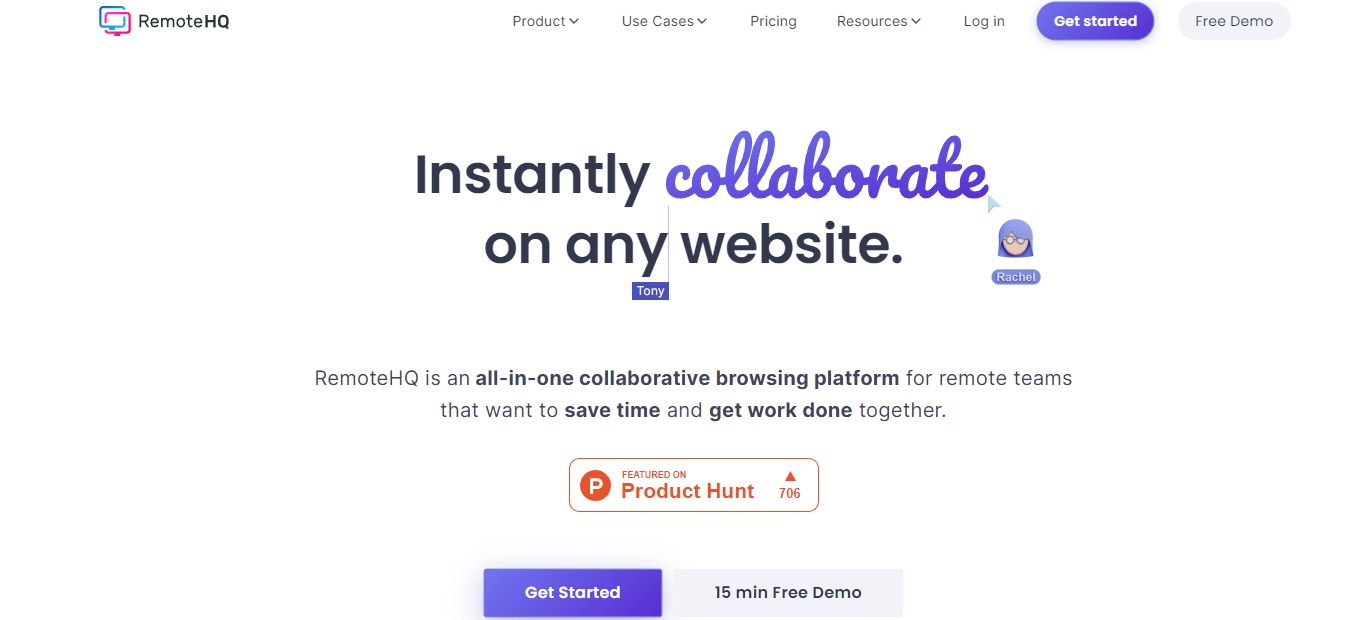
RemoteHQ is an online collaborative remote browser that lets multiple people co-browse and control any website easily in real-time. This application is an all-in-one collaborative browsing platform suited for teams working remotely for them to save more time and accomplish more work together.

RemoteHQ revolutionized internet browsing for online teams. The remote browser that this app employs is a multiplayer cloud-based browser. With this application, you can co-browse and co-edit any web application with your peers or customers being part of your daily work stack online. 

There are three ways how to use this app. It can be used as a collaboration hub, as integration for apps, and as an embeddable remote browser. Additionally, RemoteHQ is integrated with Slack, Webex, Intercom, and Zoom.

🎁 What’s In It For You?

With RemoteHQ, you can get the most out of every remote meeting as everything you need to collaborate remotely with team members, clients, customers, and anyone is included in this app! RemoteHQ allows you to turn any website into a multiplayer experience with the Remote Browser that can be run in the cloud, is 100% secure, and does not require any installation. 

This application also features app persistence across your sessions. With that, you can work with persistence across recurring meetings just by entering the room. You can also carry over apps, layouts, and content from one meeting to another.

RemoteHQ also lets you feel like you and your team are literally beside each other with the HD audio and video. It also enables you to co-browse with as many people as you require just by inviting them. Not only that but RemoteHQ also lets you search across all session logs and stuff regarding your notes, images, transcripts, etc. all in one place!

πŸ–₯️ How Does It Work?

  1. After logging in, create a new workspace and invite new members. You can create multiple workspaces.
remotehq
  1. Create different rooms in a workspace according to your needs.
remotehq
  1. Click on any room to see any artifacts including notes, recording, files, duration, and guests.
remotehq
  1. The green dot on a room lets you know there’s an active meeting. Join by clicking the blue β€˜join’ button.
remotehq
  1. While inside a room, hit cmd+K to open the app launcher. You can share different sites and apps using the launcher just by typing in the search bar.
remotehq
  1. Click the β€˜open app’ button on the bottom right side of the screen to add a tile. You can drag and drop any application on the screen.
remotehq
  1. Change your layout and share it with your team.
remotehq

πŸ’² Pricing Plans & Support

RemoteHQ offers simple and transparent pricing for different types of organizations.

remotehq

πŸ’Ž Professional – $15/Month

This deal for individuals and team collaboration is only $15 per month!

γ€° 10 rooms (public only)

γ€° Remote browser

γ€° Limited access to other applications

γ€° 90 days of session log

γ€° 2GB storage

γ€° Basic support

πŸ’Ž Business – $30/Month

This deal for sales, support, onboarding, training, and collaboration is only $30 per month!

γ€° Everything in professional

γ€° Unlimited rooms (public and private)

γ€° Access to all apps

γ€° Indefinite session log

γ€° 5GB storage

γ€° Premium real-time support and onboarding

γ€° Search across all session logs and artifacts

γ€° CRM integrations

πŸ“ The Competition

πŸ‘ ProsπŸ‘Ž Cons
πŸ‘ Easy to use and user-friendly
πŸ‘ Good UI
πŸ‘ Chat and call options
πŸ‘ Access history of meeting
πŸ‘ Integrations
πŸ‘Ž Missing important features
πŸ‘Ž Issues and bugs
πŸ‘Ž No 2-factor authentication

Try a multiplayer cloud-based Chrome browser with RemoteHQ

Werk: Async first, all in one collaboration for remote teams

βš–οΈ Our Verdict

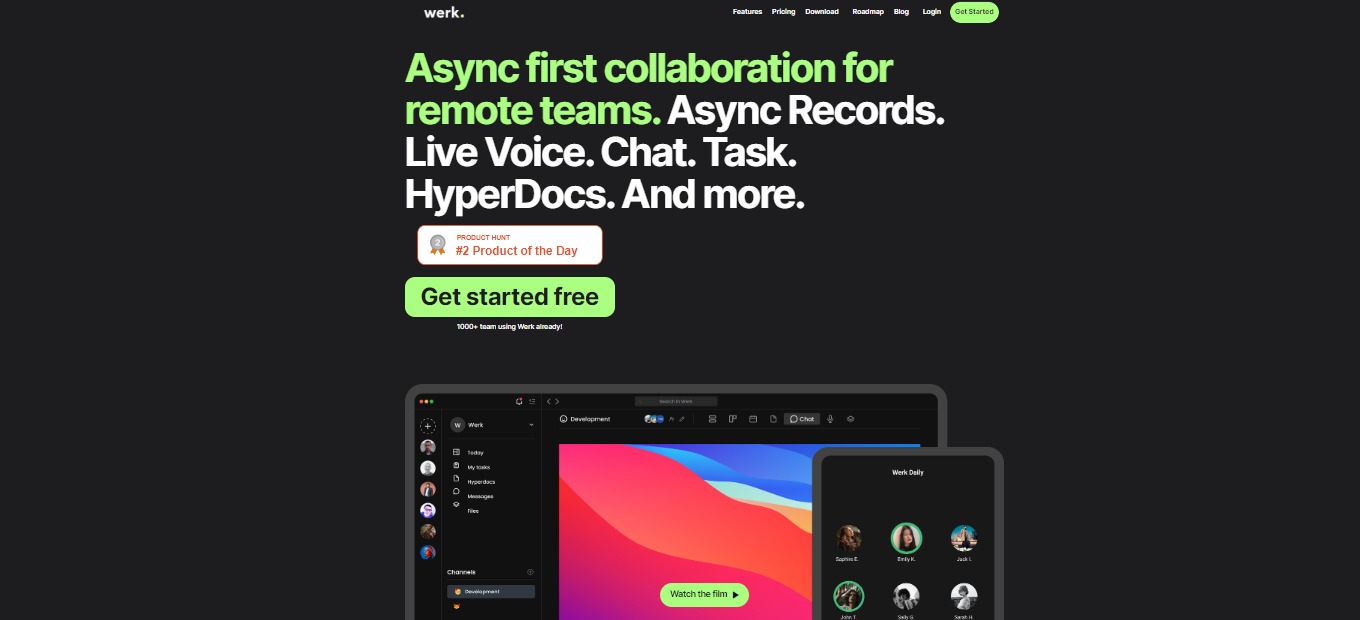
Werk is an all-in-one team management platform that features a task manager, voice chat, productivity score, and more! This tool is best used by remote or hybrid teams but is not limited to that since it can also be used by individuals. 

With this application, there is no need to purchase several tools that help you in productivity since it can be handled by Werk alone. Even in beta, Werk lives up to its expectations and is a gamechanger in the industry.

All in all, it’s an essential, affordable, and complete platform for all remote working needs! 

πŸ‘ ProsπŸ‘Ž Cons
πŸ‘ Tools for remote working
πŸ‘ Communication feature
πŸ‘ Team management and document management
πŸ‘ Native mobile and desktop apps
πŸ‘Ž UI is not intuitive
πŸ‘Ž Hyperdocs can be better

🌟 About Werk

Werk is an asynchronous collaboration tool designed for remote and hybrid teams. that combines team collaboration, communication, and project management into a single platform. You may manage your tasks, communicate with your team, use voice rooms to interact conveniently, create and manage documents, and use asynchronous communication to keep in contact.

It lets you list your assignments, take notes and share them with your team members, and create multiple workspaces for certain projects or departments when your team is working remotely or hybrid. When you begin utilizing Werk, you will also have the opportunity to eliminate the excessive fees you have been paying for fancy apps.

Werk is a tool that has everything you require to work remotely. Replace your current tool stack with a next-generation strategy and centralize your workflow.

🎁 What’s In It For You?

With Werk, you can collaborate remotely via the Async Records feature. It also allows you to share files, hyperdocs, and more, making you never miss a conversation. The task manager is a simple and customizable tool that Werk lets you utilize. You can manage your tasks and build your task manager with what you need.

If you are tired of video calls, Werk lets you get into voice collaboration. You can meet with your peers in a simple voice chat and start collaborating without problems with time. The Hyperdocs feature allows you and your team to take notes and documentation, ridding the unnecessary apps that you previously used. 

Not only that, but you can also share your screen with teammates while speaking on the voice chat. Werk also has a calendar with different views such as lists and kanban views for your tasks. 

πŸ–₯️ How Does It Work?

  1. Once you sign up, you can invite teammates to join your workspace.
werk
  1. Select a channel that you want to use or you can create one by clicking the add button.
werk
  1. The taskbar at the top lets you utilize the different features of Werk. Select the β€˜Records’ button to record your screen or just your voice. You can share them with your peers.
werk
  1. Click the β€˜Voice’ button to join the voice chat. 
werk
  1. The task manager can be seen on the β€˜Tasks’ button. Here you can organize and assign several tasks.
werk
  1. Click the β€˜messages’ button to view the chat thread and start discussing with your team!
werk

πŸ’² Pricing Plans & Support

Werk offers pricing plans that might be the solution to your problems!

werk

πŸ’Ž Free – $0/Month

This deal is great for side projects, starters, and school projects and is for free!

γ€° Up to 5 teammates

γ€° All features

γ€° Up to 5 channels

γ€° 500MB storage per user

πŸ’Ž Pro – $7/Month

This deal is for teams, startups, and companies all for $7 per user per month!

γ€° Unlimited teammates

γ€° All features

γ€° Unlimited channels

γ€° 10GB storage per user

πŸ’Ž Enterprise – $Custom/month

This amazing deal is for medium and big companies with extended permissions and analytics!

γ€° Everything in Pro

γ€° Extended permission management

γ€° Comprehensive analytics

γ€° Advanced identity management through SAML-based SSO

πŸ“ The Competition

πŸ‘ ProsπŸ‘Ž Cons
πŸ‘ Remote collaboration tool
πŸ‘ Integrations with Gmail, calendar, and Trello
πŸ‘ Integrate, communicate and delegate tasks
πŸ‘ Native mobile and desktop apps
πŸ‘Ž Less customization on dashboardπŸ‘Ž Has a learning curve

All in one collaboration for remote teams with Werk!

Framer: Design and publish websites faster than ever before

βš–οΈ Our Verdict

Framer is a one-stop-shop for teams to design all parts of the product experience. From the start, it includes some really interesting advanced features such as magic motion animation, live inputs, complex interactions, and interactive components.

It has several uses, including marketing, freelancing, prototyping, and organization. Anyone, from individuals to large organizations and enterprises, can utilize Framer.

All in all, it’s an efficient, easy-to-use, and fun application for website designing and deployment.Β 

πŸ‘ ProsπŸ‘Ž Cons
πŸ‘ Deploy webpages instantly
πŸ‘ Easy to use
πŸ‘ Many components and integrations
πŸ‘ Good UI and UX
πŸ‘Ž Shortcuts need improvement
πŸ‘Ž Has bugs
πŸ‘Ž Editor is slightly constrained

🌟 About Framer

Framer is an immersive website design and prototyping tool. It is particularly adept at creating full marketing sites, landing pages, internet campaigns, and much more. It helps with every step of the process, from visual mockups to interactive prototypes, but its unique selling point is publishing right from the canvas.

It features speed because you can develop and deploy sites instantly, it empowers everyone to design and ship sites, and it allows anybody to make great websites. Framer is also expandable and comprehensive, making website creation enjoyable and efficient!

🎁 What’s In It For You?

Framer removes complicated workflows by allowing you to design and publish them instantly. With Framer, you will not rebuild your designs again from scratch. All that you put on your canvas can be readily published. Framer additionally includes different templates to kickstart your project.

This application simplifies your stack without depending on front-end services. The need for engineers to get involved will not be the case on Framer. Additionally, you do not need to wait for your builds to finish; just hit publish and get it live in a matter of seconds.

Framer lets you utilize the blazing fast application with world-class hosting. It enables you to create stunning designs even with your team in real-time. Framer also allows you to document easily. The components inside the app make it easy to build rich documents around. With that, you can save time, money, and effort on unnecessary integrations.

πŸ–₯️ How Does It Work?

  1. The left-hand side allows you to drag and drop pre-made components.
  1. The right-hand side shows the property panel which allows you to customize and style layers and components.
  1. Click insert to see the overview of the web pages, layer panel, and project assets. Click the β€˜new web page’ button to create a page from scratch. You can also duplicate an existing page by right-clicking on a certain page.
  1. Click on the upper right of the canvas to create a breakpoint.
  1. Select the layer and click the arrow to add a link to a page.
  1. Click the upper-left side of the canvass for the preview. 
framer

πŸ’² Pricing Plans & Support

Framer offers different pricing plans that scale with your site’s needs. 

πŸ’Ž Free – $0/Month

This basic deal is for free!

γ€° Design editor

γ€° Publish to framer.app

γ€° 1 GB bandwidth

γ€° 100 CMS items

γ€° 1000 visitors

γ€° Banner

πŸ’Ž Basic – $15/Month

This amazing deal is only $15 per month!

γ€° Everything on free

γ€° Custom domain

γ€° Password protect

γ€° 10 GB bandwidth

γ€° 1,000 CMS items

γ€° 10,000 visitors

γ€° Basic CDN

πŸ’Ž Pro – $25/month

This amazing deal is only $25 per month!

γ€° Everything on free and basic

γ€° Site staging

γ€° Visitor analytics

γ€° 100 GB bandwidth

γ€° 10,000 CMS items

γ€° 100,000 visitors

γ€° Global CDN

πŸ’Ž Premium – $75/month

This amazing deal is only $75 per month!

γ€° Everything on free, basic, and pro

γ€° Premium support

γ€° 30 day version history

γ€° 500 GB bandwidth

γ€° 50,000 CMS items

γ€° 500,000 visitors

γ€° Premium CDN

πŸ“ The Competition

πŸ‘ ProsπŸ‘Ž Cons
πŸ‘ Has transparency, flexibility, and scalability
πŸ‘ Contain basic requirements of web design
πŸ‘ Drag and drop app builder
πŸ‘Ž Additional costsπŸ‘Ž Less range of services

Design and publish websites faster than ever before with Framer!

Acapela: The central inbox for all your work tools

βš–οΈ Our Verdict

Acapela works with everyone including students, professionals, businessmen, and the like. Users of Acapela gain the benefit of more concentrated work and fewer distractions, resulting in a satisfying workday, every day. Acapela removes time spent on busywork, centralizes your work communication, and applies Inbox Zero to your tools. 

This application should be included in everyone’s workflow as it allows you to save time and effort by centralizing all your work stuff in a single platform. In some respects, the product is the contrary of Zoom’s and Slack’s real-time and attention-hogging shortcomings. However, this application is only downloadable on Mac, but expect a Windows native app in the future.Β 

All in all, it is an essential, affordable, and easy-to-use application for remote working to be done efficiently.

πŸ‘ ProsπŸ‘Ž Cons
πŸ‘ All work notifications in one inbox
πŸ‘ Rich integrations
πŸ‘ Good UI/UX
πŸ‘ Has free plan

πŸ‘Ž Limited integrations on the free plan
πŸ‘Ž No social media integration
πŸ‘Ž No Windows version

🌟 About Acapela

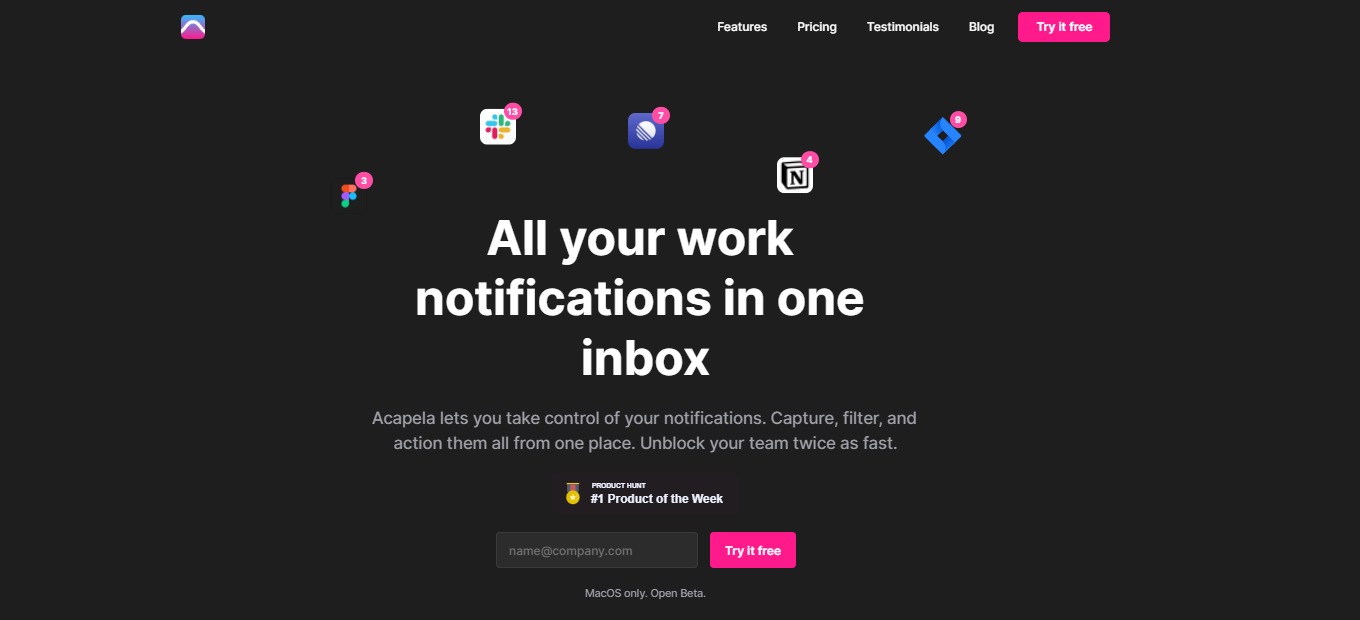
Acapela is a central inbox that unifies all your work tools in a single application. It collates all scattered notifications and messages in one place. All of your work communication may be captured, filtered, and acted upon while using this application. Apply Inbox Zero even to Slack, Notion, GitHub, Figma, Jira, Linear, and other services. 

Acapela was created because there is a need for a tool to make remote work calmer and more focused. Additionally, using this application allows you to stay responsive without being interrupted and switching contexts. With that, this tool lets you be in charge of all your notifications. With Acapela, there will be fewer interruptions, lesser FOMO, and more time for deeper work.

Using Acapela, you do not need to switch between apps anymore and get distracted. You now have fewer disruptions and a very much better workflow for more quality work! 

🎁 What’s In It For You?

Acapela offers an integrated inbox that connects your everyday tools. With that, you achieve a bird’s eye view of all your notifications, all without checking different applications. Additionally, Acapela allows you to filter out the noise using customization that lets you decide which notifications will be shown first. Now you can get rid of unimportant messages and focus on what’s more important.

With Acapela, you have no mess and no stress. The inbox view brings you peace of mind and removes the feeling of fear of missing out. This application assures you that nothing goes missing and that every message and notification will be accounted for. Acapela also offers a keyboard-first design that employs usability without mouse clicks. It is also fast and gives a smooth workflow.

πŸ–₯️ How Does It Work?

  1. Set up your profile and link all necessary applications. 
  1. The sidebar shows all inboxes for different tools. Click each one or use the β€˜tab’ button to navigate each tool. 
  1. The central part of the screen shows all the notifications across different applications. 
  1. Click on the notification and you may directly control the tool from Acapela. 
  1. Create a new list from the sidebar. 
  1. Add a filter to the list according to your requirement. You can set conversation and message types, people, threads, and more customization. 

πŸ’² Pricing Plans & Support

Acapela offers pricing that lets you control your workday efficiently! 

πŸ’Ž Free – $0/Month

Take control of your notifications for free!

γ€° 3 integrations

γ€° 2 custom inboxes

γ€° 1 Slack workspace

πŸ’Ž Premium – $8/Month

Connect all work tools to transform your workflow for only $8 per month!

γ€° 10 integrations

γ€° 5 custom inboxes

γ€° 3 Slack workspaces

πŸ’Ž Unlimited – $12/month

Inbox Zero for every tool for only $12 per month!

γ€° Unlimited integrations

γ€° Unlimited custom inboxes

γ€° Unlimited Slack workspaces

γ€° Gmail and Google suite integration

πŸ“ The Competition

πŸ‘ ProsπŸ‘Ž Cons
πŸ‘ Collaboration between different apps
πŸ‘ Easy to access Google apps
πŸ‘ Cloud-based
πŸ‘Ž Few features are unavailable
πŸ‘Ž Centered only on Google

Make a central inbox for all your work tools with Acapela!