PandaDoc: Streamlining Your Document Workflow

πŸ† Our Verdict

PandaDoc stands out as a versatile document management platform, offering robust features tailored to streamline document workflows for businesses of all sizes.

βœ… Pros & ❌ Cons

Pros:

  • πŸ“„ Comprehensive Document Management: PandaDoc provides a wide array of tools for document creation, editing, and electronic signatures, enhancing workflow efficiency.
  • 🎨 Customizable Templates: The platform offers intuitive tools for designing professional documents, from proposals to contracts, with customizable templates.
  • πŸ“Š Analytics: PandaDoc’s analytics feature provides valuable insights into document engagement and performance, aiding in optimizing sales processes.
  • πŸ”§ Integration: Seamlessly integrates with various CRM and business tools, ensuring smooth document management within existing workflows.

Cons:

  • πŸ’² Pricing: Some users may find PandaDoc’s pricing plans higher compared to competitors, particularly for advanced features and larger teams.
  • 🀯 Learning Curve: New users might experience a learning curve while navigating through the platform’s extensive features and customization options.

πŸ“– About PandaDoc

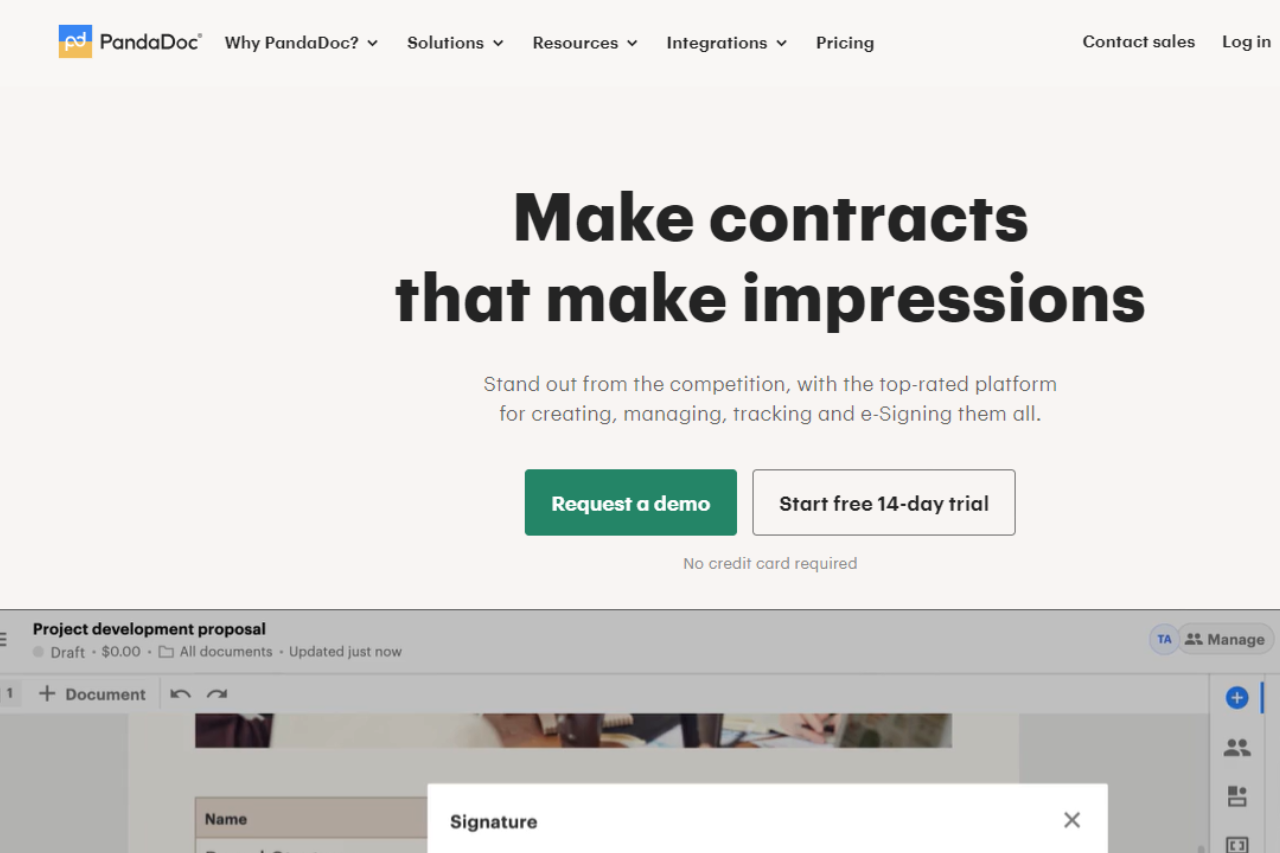
PandaDoc has established itself as a leading platform for modern document management, empowering businesses to streamline their document workflows and accelerate sales cycles.

πŸ—“οΈ How It Works

  1. Sign Up: Visit the PandaDoc website and create an account.
  2. Choose a Plan: Explore the available pricing plans and select the one that best suits your business needs. Setup: Complete the setup process by integrating with your CRM and uploading your document templates.
  3. Create Documents: Use PandaDoc’s intuitive editor to create and customize documents tailored to your business needs.
  4. Send for Signature: Send documents for electronic signatures directly from the platform, ensuring secure and legally binding agreements.
  5. Track and Analyze: Monitor document engagement and performance using PandaDoc’s analytics tools to optimize your sales processes.

πŸ’² Pricing Overview

PandaDoc offers flexible pricing plans designed to meet varying business needs and budgets:

Simple, Scalable Pricing No extra charges. No hidden fees.

Essentials For creating impressive documents that generate results.

  • $19 USD per seat per month, 2 seats max
  • Start a free trial (No credit card required)

Key Features:

  • Unlimited document uploads and e-Signatures
  • Templates
  • Real-time tracking and notifications
  • Rich media drag and drop document editor
  • Document analytics
  • Email and chat support

Business For seamless integrations and sending documents in bulk.

  • $49 USD per seat per month
  • Request a demo (No credit card required)

Everything in Essentials, plus:

  • Unlimited document uploads and e-Signatures
  • CRM integrations
  • RoomsNEW
  • Content library
  • Custom branding and themes
  • Approval workflows
  • Forms*
  • Bulk send*
  • Salesforce integration*

Enterprise For large companies with complex document workflows.

  • Let’s talk (Per-seat or per-document pricing)
  • Contact sales

Everything in Business, plus:

  • Unlimited document uploads and e-Signatures
  • Configure price quote
  • Smart content (conditional content)
  • Single sign-on (SSO)
  • Team workspaces
  • Reports
  • Notary
  • API*

This pricing structure ensures that businesses can choose a plan tailored to their specific needs, whether they require basic document creation tools or advanced integrations and enterprise-level features. Each plan offers transparent pricing without hidden fees, along with options for trials and demos to explore PandaDoc’s capabilities.

πŸ₯Š Competition

PandaDocDocuSign
ProsPros
– Comprehensive document management– Extensive electronic signature capabilities
– Customizable templates– Robust integration with CRM systems
– Analytics for document performance– Advanced security and compliance features
ConsCons
– Higher pricing for advanced features– Complex pricing structure for larger teams
– Learning curve for new users– Learning curve for initial setup

πŸ“Œ Conclusion

PandaDoc emerges as a top choice for businesses seeking a robust document management solution. With its comprehensive features, customizable templates, and seamless integration capabilities, PandaDoc empowers teams to enhance productivity and accelerate sales processes.

PandaDoc: Redefining Document Management Efficiency
Virtuagym: Elevating Your Fitness Management

πŸ† Our Verdict

Virtuagym stands out as a comprehensive fitness management platform, catering to fitness businesses of all sizes with its extensive features and intuitive interface.

βœ… Pros & ❌ Cons

Pros:

  • πŸ‹οΈβ€β™‚οΈ Comprehensive Fitness Management Tools: Virtuagym offers a wide range of tools for managing memberships, scheduling classes, and tracking client progress.
  • 🎨 Visual Design: The platform provides customizable templates and intuitive design tools for creating engaging workout plans and promotional materials.
  • πŸ“Š Analytics: Virtuagym’s analytics dashboard offers detailed insights into client engagement and business performance, aiding in strategic decision-making.
  • πŸ’» Integration: Seamlessly integrates with various fitness apps and payment gateways, streamlining operations.

Cons:

  • πŸ’² Pricing: Some users may find Virtuagym’s pricing plans higher compared to competitors, particularly for advanced features and large-scale operations.
  • 🀯 Learning Curve: New users may experience a learning curve while adapting to Virtuagym’s extensive feature set and customization options.
  • πŸ”§ Limited Customization: Customization options for branding and user interface may be somewhat limited compared to other fitness management platforms.

πŸ“– About Virtuagym

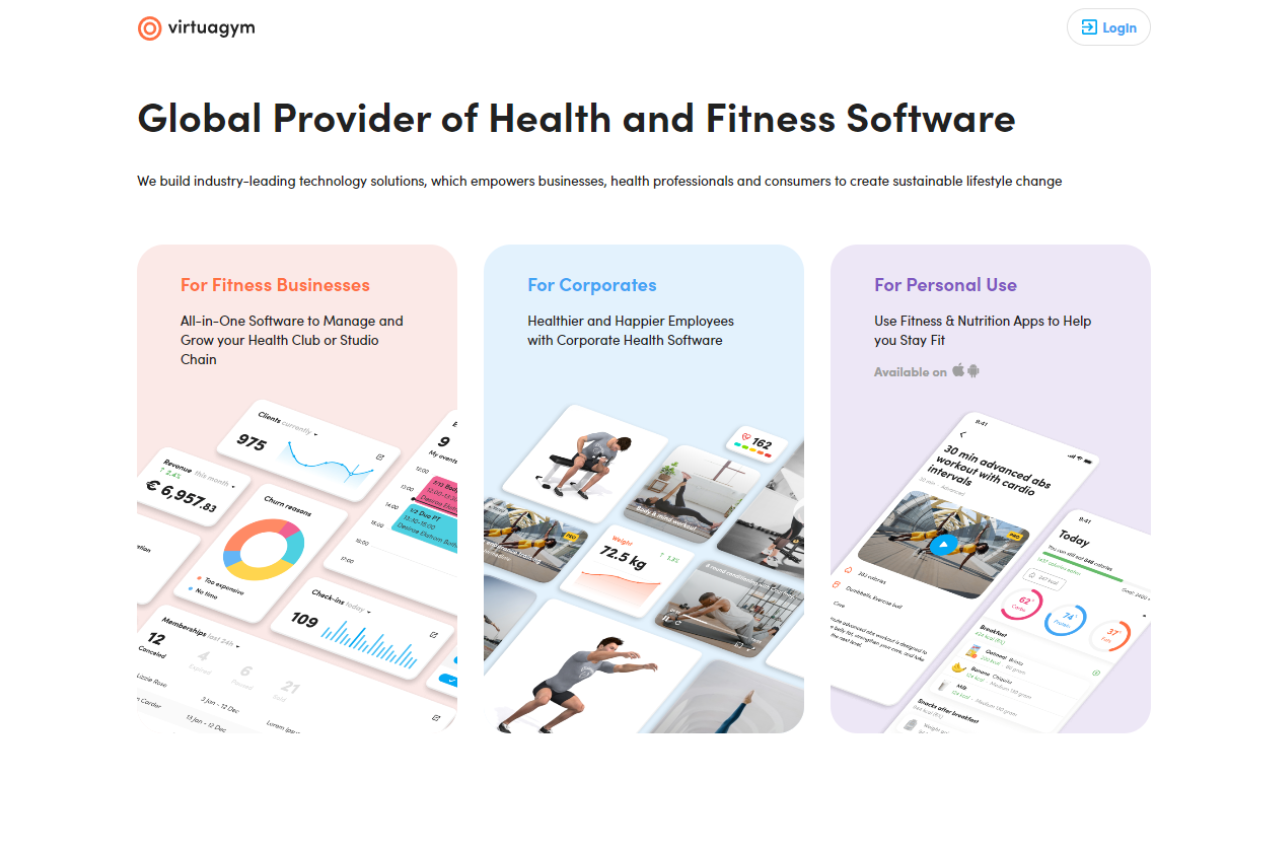
Virtuagym has established itself as a leader in the fitness management industry, providing gyms, studios, and personal trainers with robust tools to optimize operations and enhance client experience.

πŸ—“οΈ How It Works

  1. Sign Up: Visit the Virtuagym website and sign up for an account.
  2. Choose a Plan: Explore the available pricing plans tailored to different business needs.
  3. Set Up Your Account: Complete the setup process by configuring settings and integrating with other tools.
  4. Manage Your Gym: Utilize Virtuagym’s tools to manage memberships, schedule classes, and track client progress.
  5. Analyze Performance: Use the analytics dashboard to monitor business performance and optimize strategies.

πŸ’² Pricing Overview

Virtuagym offers flexible pricing plans to accommodate varying business sizes and needs:

Virtuagym Pricing Details:

  • Virtuagym offers a flexible and tailored pricing structure to accommodate different types of fitness businesses, from neighborhood gyms to fitness chains and individual fitness professionals. Here’s a detailed overview:
  • Pay for a Plan that Fits Your Budget:
  • Neighborhood Gyms to Fitness Chains: Virtuagym provides plans that cater to a wide range of fitness businesses, ensuring that you only pay for the features and services you need.
  • Tailored Demo:
  • Personalized Demonstration: Virtuagym offers a tailored demo to showcase how their software can simplify your daily operations and enhance your clients’ success. This demo helps you understand the specific benefits and features that suit your business needs.
  • Flexible Plans:
  • Scalable Pricing: As your business grows, Virtuagym’s pricing grows with you. They provide flexible plans that adapt to the increasing needs of your expanding client list, ensuring you always have the tools and support required.
  • Honest Advice:
  • Transparent Pricing: Virtuagym commits to providing clear and honest advice about pricing. They offer straightforward pricing with no hidden fees, ensuring you understand exactly what you are paying for and how it benefits your business.
  • To get a detailed quote and see how Virtuagym can benefit your fitness business, visit their pricing page and request a tailored demo.
  • For more details, you can visit their website and fill out the form to discuss your specific needs and get a personalized quote.

πŸ₯Š Competition

Virtuagym VS Mindbody

VirtuagymMindbody
ProsPros
Comprehensive fitness management toolsExtensive scheduling and booking features
Visual design customizationRobust client management capabilities
Integration with fitness appsAdvanced analytics and reporting
ConsCons
Higher pricing for advanced featuresComplexity in setup and customization
Learning curve for new usersAdditional costs for certain integrations

πŸ‹οΈ Gym-first alternative

Virtuagym leans heavily into personal training, rehab, and online coaching plans. For a gym-floor-first experience where class scheduling, whiteboards, and member billing matter more than virtual coaching flows, Wodify is the usual alternative, especially for CrossFit affiliates and strength-focused studios.

πŸ“Œ Conclusion

Virtuagym emerges as a top choice for fitness businesses seeking an all-in-one management solution. With its comprehensive tools, integration capabilities, and focus on client engagement, Virtuagym empowers fitness professionals to thrive in a competitive industry.

Virtuagym: Your Partner in Fitness Management Success

Phorest: Elevating Salon Management

πŸ† Our Verdict

Phorest stands out as a comprehensive salon management platform, tailored to streamline operations and enhance client engagement with its robust features and user-friendly interface.

βœ… Pros & ❌ Cons

Pros:

  • 🌟 Comprehensive Salon Management: Phorest offers a complete suite of tools for managing appointments, client records, inventory, and marketing campaigns.
  • 🎨 Visual Design: Intuitive tools allow for creating visually appealing marketing materials and client communications.
  • πŸ“Š Analytics: Detailed analytics help salon owners understand business performance and client trends. πŸ› οΈ Integration: Seamless integration with third-party applications enhances operational efficiency.

Cons:

  • πŸ’² Pricing: Some users may find Phorest’s pricing on the higher end compared to competitors.
  • 🀯 Learning Curve: New users may require time to familiarize themselves with the platform’s extensive features.
  • πŸ”§ Limited Customization: Customization options may be somewhat constrained compared to other salon management solutions.

πŸ“– About Phorest

Phorest has established itself as a leading salon management software, empowering salons and spas with tools to thrive in a competitive market.

πŸ—“οΈ How It Works

  1. Sign Up: Visit the Phorest website and sign up for a free trial or account.
  2. Choose a Plan: Explore Phorest’s pricing plans tailored to different salon sizes and needs.
  3. Set Up Your Account: Complete the setup process by configuring services, staff, and client management settings.
  4. Manage Operations: Utilize Phorest’s tools for scheduling, inventory management, marketing, and reporting.
  5. Monitor Performance: Track key metrics and client feedback to optimize salon operations and grow your business.

πŸ’² Pricing Overview

Phorest offers several pricing tiers to accommodate varying salon needs and sizes.

  • Starter Plan: Pricing starts at $129/month, suitable for smaller salons.
  • Standard Plan: Ideal for medium-sized salons, starting at $199/month.
  • Premium Plan: Customized solutions for larger salons, pricing available upon request.

πŸ₯Š Competition

PhorestZenoti
🌟 Comprehensive salon management🌟 Extensive spa and salon management tools
🎨 Visual design tools🎨 Modern interface with intuitive design
πŸ“Š Detailed analyticsπŸ“Š Advanced analytics for strategic insights
πŸ› οΈ Seamless integrationπŸ› οΈ Extensive marketplace integrations
πŸ’² Higher pricingπŸ’² Higher pricing for smaller businesses
🀯 Learning curve for new users🀯 Complex setup and learning curve
πŸ”§ Limited customization optionsπŸ”§ Limited customization options

πŸ“Œ Conclusion

Phorest emerges as a top choice for salon owners looking to optimize operations and enhance client engagement. With its robust feature set and user-friendly interface, Phorest empowers salons to thrive in a competitive industry.

Phorest: Your Partner in Salon Management Success

Salon Iris: Streamlining Salon Management

πŸ† Our Verdict

Salon Iris excels as a comprehensive salon management software, designed to optimize operations and enhance client experiences with its robust features and intuitive interface.

βœ… Pros & ❌ Cons

Pros:

  • 🎨 Visual Design: Salon Iris offers a modern and user-friendly interface that simplifies salon management tasks.
  • πŸ“… Appointment Scheduling: Efficient scheduling tools enable easy booking and management of appointments.
  • πŸ“Š Analytics: Insightful analytics provide salon owners with data-driven insights to improve business performance.
  • πŸ’» Integration: Seamless integration with third-party apps enhances operational efficiency and flexibility.

Cons:

  • πŸ’² Pricing: Some users may find Salon Iris pricing relatively higher, especially compared to competitors with more affordable options.
  • 🀯 Learning Curve: New users might experience a learning curve while familiarizing themselves with all features.
  • πŸ”§ Customization Limitations: Customization options may be limited compared to other salon management solutions.

πŸ“– About Salon Iris

Salon Iris is a trusted salon management software known for its extensive features and user-friendly design, helping salons streamline operations and enhance client satisfaction.

πŸ—“οΈ How It Works

  1. Sign Up: Visit the Salon Iris website and sign up for a demo or account.
  2. Choose a Plan: Explore the pricing plans tailored to different salon sizes and needs.
  3. Set Up Your Account: Complete the setup process by configuring services, staff, and other business specifics.
  4. Manage Operations: Utilize Salon Iris’s features for appointment scheduling, client management, inventory tracking, and marketing campaigns.
  5. Monitor Performance: Track key metrics and client feedback to optimize operations and grow your salon business.

πŸ’² Pricing Overview

Salon Iris offers flexible pricing plans to accommodate various salon needs and budgets:

  • Starter Plan: Basic features for smaller salons.
  • Standard Plan: More comprehensive features for growing salons.
  • Pro Plan: Advanced tools and capabilities for larger salons.

πŸ₯Š Competition

Salon IrisMindbody
ProsPros
– Modern interface for easy management– Robust scheduling and booking capabilities
– Insightful analytics for business improvement– Extensive marketplace integrations
ConsCons
– Higher pricing for smaller businesses– Complex setup and learning curve
– Limited customization options– Higher costs for additional features

πŸ“Œ Conclusion

Salon Iris stands out as a comprehensive solution for salon owners looking to streamline operations and enhance client experiences. With its user-friendly interface, robust features, and effective support, Salon Iris empowers salons to thrive in a competitive market.

Salon Iris: Elevating Your Salon Management Experience

Unlocking Fitness Success with TrueCoach

πŸ† Our Verdict

TrueCoach emerges as a robust fitness coaching platform, providing coaches with intuitive tools to streamline their training programs and enhance client engagement. With its user-friendly interface, comprehensive analytics, and seamless integrations, TrueCoach is a top choice for fitness professionals seeking to optimize their coaching services.

βœ… Pros & ❌ Cons

Pros:

  • πŸ”„ Intuitive Workout Program Creation: Simplifies the process of designing customized workout plans for clients.
  • πŸ”— Seamless Client Management: Offers tools for easy communication, progress tracking, and goal setting.
  • πŸ“… Calendar Integration: Integrates with popular calendar platforms for efficient scheduling of sessions.
  • πŸ“Š Comprehensive Analytics: Provides detailed insights into client progress and engagement.
  • 🌐 Extensive Integrations: Offers integration with various third-party apps for enhanced functionality.

Cons:

  • πŸ’² Higher Pricing for Advanced Features: Some users may find the pricing plans comparatively expensive for access to advanced features.
  • πŸ“‰ Learning Curve for New Users: Beginners might experience a learning curve while getting acquainted with the platform’s features.
  • πŸ“š Limited Customization Options: Customization capabilities may be somewhat restricted compared to other fitness coaching platforms.

πŸ“– About TrueCoach

Established as a leading fitness coaching platform, TrueCoach is dedicated to empowering fitness professionals to deliver personalized training programs and support to their clients. With its innovative features and user-friendly interface, TrueCoach aims to revolutionize the fitness coaching experience.

πŸ—“οΈ How It Works

Getting Started with TrueCoach:

  1. Visit the TrueCoach Website: Navigate to the TrueCoach website to begin the signup process.
  2. Choose a Plan: Explore the available pricing plans and select the one that best fits your coaching needs.
  3. Create an Account: Provide your email address, create a password, and fill in necessary details to set up your account.
  4. Set Up Your Profile: Complete your profile setup by entering your coaching information and preferences.
  5. Invite Clients: Invite your clients to join your coaching program and provide them access to the TrueCoach platform.
  6. Design Workouts: Utilize TrueCoach’s intuitive tools to design personalized workout plans for your clients.
  7. Schedule Sessions: Use the calendar integration feature to schedule coaching sessions with your clients.
  8. Track Progress: Monitor your clients’ progress and engagement using the comprehensive analytics provided by TrueCoach.

πŸ’² Pricing Overview

the pricing plans available at TrueCoach:

  • Starter Plan: $19.99 per month
    • Up to 5 active clients
    • Free automated payments via Stripe
  • Standard Plan: $52.99 per month
    • Up to 20 active clients
    • Includes wearable integration with devices like Apple, Garmin, and Fitbit
  • Pro Plan: $106.99 per month
    • Up to 50 active clients
    • Includes all features of the Standard Plan plus integration with Zapier

Each plan offers a free trial and provides features such as a program builder, progress tracking, nutrition and habit tracking, in-app messaging, and more. Annual savings are also available.

πŸ₯Š Competition

TrueCoach vs Trainerize

AspectTrueCoachTrainerize
Pros– Intuitive workout creation– Comprehensive fitness management
– Seamless client management– Customizable workout plans
– Calendar integration– Progress tracking
– Comprehensive analytics– Mobile app integration
– Extensive integrations– Extensive integration
Cons– Higher pricing for advanced features– Learning curve for new users
– Learning curve for new users– Limited customization options
– Limited customization options– Higher pricing for advanced features

πŸ“Œ Conclusion

TrueCoach emerges as a comprehensive solution for fitness professionals looking to elevate their coaching services. With its intuitive interface, robust features, and dedicated support, TrueCoach empowers coaches to deliver personalized training programs and achieve success in their fitness endeavors.

Unlock Your Fitness Potential with TrueCoach!

Streamlining Appointment Management: A Review of TrainerFu

πŸ† Our Verdict

TrainerFu distinguishes itself as a robust training management platform, offering a comprehensive suite of tools tailored to fitness professionals. With its user-friendly interface and feature-rich offerings, TrainerFu simplifies client management, workout planning, and progress tracking.

βœ… Pros & ❌ Cons

Pros:

  • πŸ”„ Comprehensive Client Management: Efficiently organize and manage client profiles, schedules, and progress within the platform.
  • πŸ“… Customizable Workout Plans: Tailor workout routines and plans to suit individual client needs and preferences.
  • πŸ“Š Progress Tracking: Track client progress, measurements, and achievements over time to monitor results effectively.
  • πŸ“± Mobile App Integration: Seamlessly access and manage client data, workouts, and schedules on-the-go with the TrainerFu mobile app.
  • πŸ”— Integration with Wearables: Integrate data from fitness wearables and devices to enhance client monitoring and engagement.

Cons:

  • πŸ’² Relatively Higher Pricing for Some Users: Pricing plans may be perceived as costly for individual trainers or smaller fitness businesses.
  • πŸ“‰ Learning Curve for New Users: New users may experience a learning curve while familiarizing themselves with the platform’s features and functionalities.
  • πŸ“š Limited Customization Options: Customization features may be limited in certain areas compared to other training management platforms, restricting personalization options for trainers.

πŸ“– About TrainerFu

TrainerFu is a leading training management platform designed to streamline client management, workout planning, and progress tracking for fitness professionals. With its intuitive interface and versatile feature set, TrainerFu empowers trainers to deliver personalized training experiences and optimize client results.

πŸ—“οΈ How It Works

Getting Started with TrainerFu

  1. Visit the TrainerFu Website: Navigate to the TrainerFu website to begin the signup process.
  2. Sign Up for an Account: Click on the “Sign Up” or “Get Started” button to create your TrainerFu account.
  3. Choose a Plan: Explore the available pricing plans and select the one that best fits your business needs and budget.
  4. Create Your Account: Provide your email address, create a password, and fill in the necessary details to set up your TrainerFu account.
  5. Complete Your Profile: Fill in your personal information, including your name, location, and contact details.
  6. Customize Your Settings: Set up your preferences and customize your TrainerFu account settings according to your training style and business requirements.
  7. Set Up Client Profiles: Add client profiles to your TrainerFu account, including their personal details, fitness goals, and any relevant health information.
  8. Create Workout Plans: Utilize TrainerFu’s intuitive interface to create customized workout plans tailored to each client’s needs, preferences, and fitness levels.
  9. Schedule Sessions: Schedule training sessions, appointments, and consultations with your clients directly through the TrainerFu platform.
  10. Track Progress: Monitor and track your clients’ progress, measurements, and achievements over time to ensure they stay on track towards their fitness goals.
  11. Engage with Clients: Stay connected with your clients through TrainerFu’s messaging and communication tools, providing support, motivation, and accountability.
  12. Access Mobile App: Download the TrainerFu mobile app to access and manage your client data, workouts, and schedules on-the-go, ensuring seamless integration and flexibility in your coaching approach.

Following these steps will enable you to effectively set up and utilize TrainerFu to streamline your training business and provide optimal support and guidance to your clients.

πŸ’² Pricing Overview

Free Trial: 14 days without contracts, with one-click cancellation.Monthly Plans:

  • Trainer Plans:
    • Basic: $29/month for up to 10 clients.
    • Standard: $49/month for up to 20 clients.
    • Plus: $79/month for up to 40 clients.
  • Studio Plans:
    • Basic: $99/month for up to 60 clients.
    • Standard: $119/month for up to 80 clients.
    • Plus: $139/month for up to 100 clients.
  • Gym Plans:
    • Gym: $189/month for up to 150 clients.
    • Gym Pro: $250/month for up to 250 clients.
  • Enterprise Plan: Custom pricing for 250+ clients.

Add-ons:

  • Branded App: Additional $75/month for a custom-branded iOS and Android app.

Payment Methods: Accepts all major credit cards.Account Management: Features easy plan changes and cancellations directly through the account management page.

πŸ₯Š Competition

ProsTrainerFuTrueCoach
Comprehensive Client ManagementEfficiently organize and manage client profiles, schedules, and progress within the platform.Versatile training options
Customizable Workout PlansTailor workout routines and plans to suit individual client needs and preferences.User-friendly interface
Progress TrackingTrack client progress, measurements, and achievements over time to monitor results effectively.Progress tracking
Mobile App IntegrationSeamlessly access and manage client data, workouts, and schedules on-the-go with the TrainerFu mobile app.Extensive exercise library
Integration with WearablesIntegrate data from fitness wearables and devices to enhance client monitoring and engagement.
Cons
Relatively Higher PricingPricing plans may be perceived as costly for individual trainers or smaller fitness businesses.Higher pricing for advanced features
Learning Curve for New UsersNew users may experience a learning curve while familiarizing themselves with the platform’s features and functionalities.Limited client management features
Limited Customization OptionsCustomization features may be limited in certain areas compared to other training management platforms, restricting personalization options for trainers.Learning curve for new users

πŸ“Œ Conclusion

TrainerFu emerges as a top choice for fitness professionals seeking a comprehensive training management solution. With its robust features, seamless integration, and user-friendly design, TrainerFu empowers trainers to deliver exceptional training experiences and drive client success effectively.

“Transform Your Training Business with TrainerFu.”

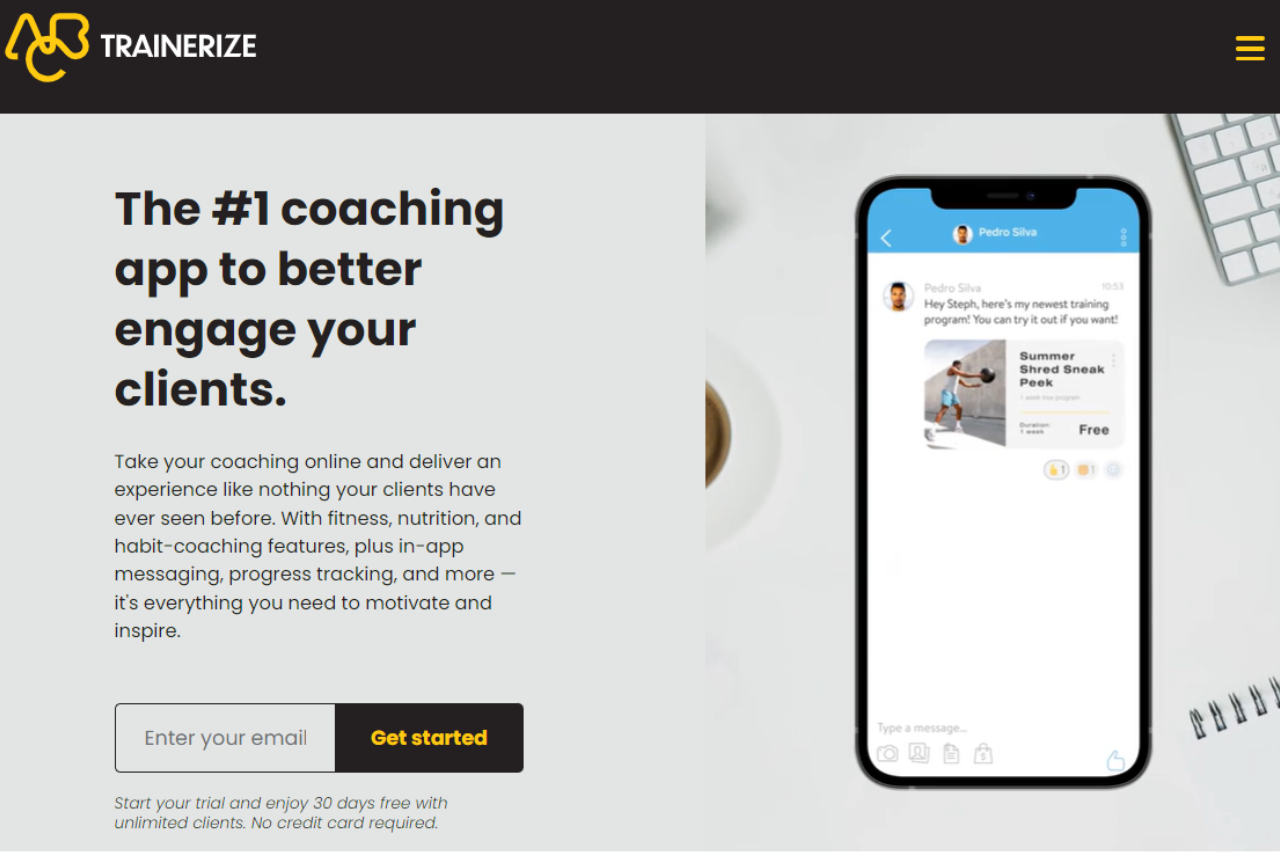
Exploring Trainerize: An In-Depth Examination of its Offerings and User Experience

πŸ† Our Verdict

Trainerize stands out as a comprehensive fitness management platform, offering versatile tools tailored for personal trainers and fitness professionals. With its user-friendly interface and robust feature set, it provides seamless solutions for client management, workout planning, and progress tracking.

βœ… Pros & ❌ Cons

Pros:

  • πŸ”„ Comprehensive Fitness Management: Enables trainers to efficiently manage clients, workouts, and progress tracking in one platform.
  • πŸ“… Customizable Workout Plans: Allows trainers to create personalized workout plans tailored to individual client needs and goals.
  • πŸ“Š Progress Tracking: Provides tools for tracking client progress, including measurements, photos, and performance metrics.
  • πŸ“± Mobile App Integration: Offers a dedicated mobile app for clients to access workouts, track progress, and communicate with their trainers on-the-go.
  • 🌐 Extensive Integration: Integrates smoothly with various fitness devices, apps, and platforms for enhanced functionality and data syncing.

Cons:

  • πŸ’² Pricing: Some users may find the pricing plans relatively higher compared to competitors, especially for advanced features.
  • πŸ“‰ Learning Curve: New users may experience a learning curve while familiarizing themselves with the platform’s features and functionalities.
  • πŸ“š Limited Customization: Customization options may be somewhat restricted in certain areas compared to other fitness management tools, limiting branding and personalization options.

πŸ“– About Trainerize

Trainerize is a leading fitness management platform designed to streamline the process of personal training and client management. It offers a comprehensive suite of features aimed at empowering trainers to deliver personalized workouts, track client progress, and engage with their clients effectively.

πŸ—“οΈ How It Works

Signing Up for Trainerize

  1. Visit the Trainerize website: Navigate to the Trainerize website to begin the signup process.
  2. Choose a Plan: Explore the available pricing plans and select the one that aligns with your business needs.
  3. Create an Account: Provide your email address, create a password, and fill in the necessary details to create your account.
  4. Account Setup: Complete the setup process by entering your business information and customizing your training preferences.
  5. Client Onboarding: Invite your clients to join Trainerize and set up their accounts for seamless communication and workout tracking.
  6. Customize Workouts: Create personalized workout plans for each client based on their goals, preferences, and fitness levels.
  7. Track Progress: Monitor client progress using built-in tools for measurements, photos, and performance tracking.
  8. Engage with Clients: Communicate with your clients through in-app messaging, video calls, and progress updates to keep them motivated and accountable.

πŸ’² Pricing Overview

🌟 Pricing Tiers

Trainerize offers a range of pricing plans to accommodate different business needs and scales. From basic plans for individual trainers to advanced solutions for fitness studios and enterprises, there’s an option for everyone.

βœ… Essentials Plan

Ideal for individual trainers or small studios seeking essential features for client management and workout delivery.

πŸš€ Advanced Plan

Designed for medium to large-scale businesses and fitness studios looking for advanced features, including custom branding, group training, and client engagement tools.

🏒 Enterprise Plan

Suited for larger fitness organizations and enterprises requiring scalable solutions with dedicated support, custom integrations, and advanced analytics.

πŸ₯Š Competition

Trainerize VS TrueCoach

FeatureTrainerizeTrueCoach
Pros
Comprehensive fitness management – Customizable workout plansβœ“βœ“
Progress tracking – Mobile app integrationβœ“βœ“
Extensive integrationβœ“βœ“
Cons
Relatively higher pricing for some users – Learning curve for new usersβœ“βœ“
Limited customization optionsβœ“βœ“

πŸ“Œ Conclusion

Trainerize emerges as a top-notch fitness management platform, offering a wide range of features to streamline personal training and client management. With its intuitive interface, robust functionality, and seamless integration capabilities, it’s an invaluable tool for fitness professionals looking to elevate their coaching experience.

“Empower Your Fitness Journey with Trainerize.”

TouchBistro: A Restaurant Management System

πŸ† Our Verdict

TouchBistro offers a comprehensive restaurant management solution, catering to establishments of all sizes. With its intuitive interface and robust feature set, it streamlines operations, enhances customer service, and boosts efficiency.

βœ… Pros & ❌ Cons

Pros:

  • πŸ“Š Advanced Restaurant Management: TouchBistro provides powerful tools for managing orders, inventory, and staff, optimizing restaurant operations.
  • πŸ“± Intuitive Interface: Its user-friendly interface ensures ease of use for restaurant staff, minimizing training time and increasing productivity.
  • πŸ“… Table Management: TouchBistro offers seamless table management functionalities, allowing restaurants to efficiently handle reservations and seating arrangements.
  • πŸ”— Integration Capabilities: It seamlessly integrates with various third-party platforms, enhancing its functionality and adaptability to specific restaurant needs.

Cons:

  • πŸ’² Pricing Complexity: Some users may find TouchBistro’s pricing structure complex, especially when considering additional features and integrations.
  • πŸ“‰ Learning Curve: New users may experience a learning curve while getting accustomed to the system’s features and settings, potentially impacting initial efficiency.
  • πŸ“¦ Limited Customization: TouchBistro’s customization options may be somewhat restricted in certain areas, limiting flexibility for specific restaurant requirements.

πŸ“– About TouchBistro

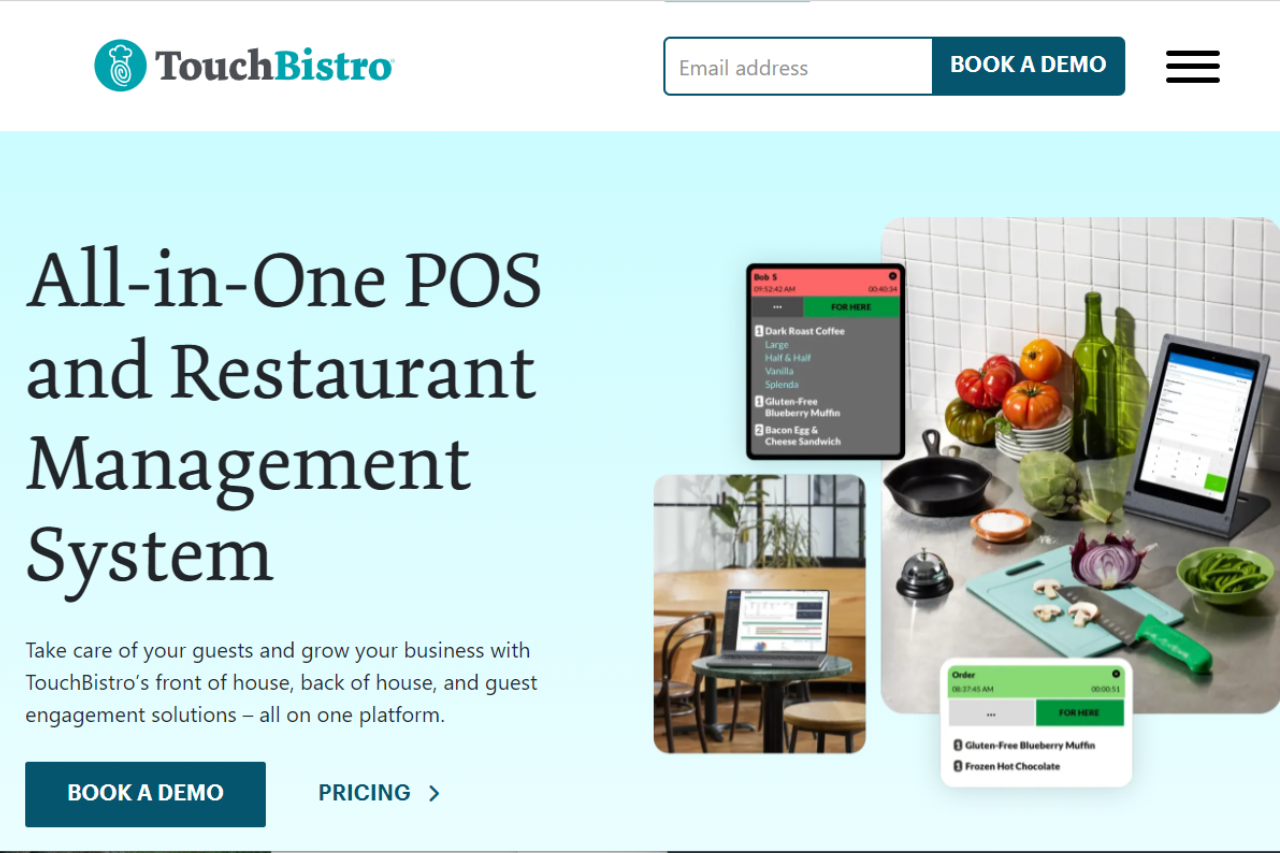
TouchBistro is a leading restaurant management system designed to streamline operations and enhance customer experiences. With its comprehensive feature set and intuitive interface, it caters to the unique needs of restaurants, cafes, and bars.

πŸ—“οΈ How It Works

Signing Up for TouchBistro

  1. Visit the TouchBistro website: Navigate to the TouchBistro website to begin the signup process.
  2. Choose a Plan: Explore the available pricing plans and select the one that aligns with your restaurant’s needs.
  3. Create an Account: Provide necessary details to create your account, including restaurant information and contact details.
  4. Account Setup: Complete the setup process by configuring settings, menus, and staff profiles according to your restaurant’s requirements.
  5. Training and Onboarding: Utilize TouchBistro’s training resources and support to onboard staff and familiarize them with the system.
  6. Integration: Integrate TouchBistro with other platforms such as payment processors and accounting software for enhanced functionality.
  7. Start Using: Begin using TouchBistro to manage orders, payments, inventory, and more, optimizing your restaurant’s operations.

πŸ’² Pricing Overview

Pricing Tiers

TouchBistro offers various pricing plans tailored to different restaurant sizes and needs:

  • Starter Plans: Suitable for small establishments or startups looking for essential restaurant management features.
  • Standard Plans: Designed for medium-sized restaurants with more advanced requirements, offering additional features and customization options.
  • Pro Plans: Ideal for larger restaurants or chains requiring comprehensive management tools, advanced reporting, and integrations.

πŸ₯Š Competition

TouchBistro vs. Toast

TouchBistroToast
ProsPros
– Advanced restaurant management capabilities– Comprehensive POS functionalities
– Intuitive user interface– Robust inventory management
– Seamless table management– Loyalty program integration
– Integration capabilities– Customizable reporting
ConsCons
– Pricing complexity– Limited offline functionality
– Learning curve for new users– Higher initial setup costs
– Limited customization options– Limited compatibility with certain hardware and software

πŸ“Œ Conclusion

TouchBistro emerges as a leading restaurant management system, offering a comprehensive suite of features to optimize operations and enhance customer service. With its intuitive interface, advanced functionalities, and integration capabilities, it’s an ideal choice for restaurants looking to streamline their operations and boost profitability.

“Transform Your Restaurant with TouchBistro.”

Toasting Success: A Comprehensive Review of Toast’s Restaurant Management Solution

πŸ† Our Verdict

Toast stands out as a versatile and efficient point-of-sale solution tailored for the foodservice industry. With its intuitive interface and robust feature set, it streamlines operations for restaurants of all sizes, enhancing efficiency and customer satisfaction.

βœ… Pros & ❌ Cons

Pros:

  • πŸ“Š Advanced Analytics: Provides detailed insights into sales, inventory, and customer trends, aiding in informed decision-making.
  • πŸ“± Mobile Compatibility: Offers mobile-friendly tools for on-the-go management, ensuring flexibility and convenience.
  • πŸ’³ Payment Flexibility: Supports various payment methods, including contactless payments and online ordering, enhancing transactional flexibility.
  • πŸ“ˆ Scalability: Scales seamlessly with the growth of the business, adapting to evolving needs and requirements.
  • πŸ› οΈ Customization Options: Allows for extensive customization of menus, layouts, and workflows, catering to specific business preferences.

Cons:

  • πŸ’² Pricing Complexity: Some users may find the pricing structure intricate, requiring careful consideration to choose the most suitable plan.
  • βš™οΈ Integration Challenges: Integrating with third-party applications and systems may pose challenges, potentially limiting seamless workflow integration.
  • πŸ“‰ Learning Curve: New users might experience a learning curve while familiarizing themselves with the platform’s features and functionalities.

πŸ“– About Toast

Toast is a leading provider of restaurant management and point-of-sale systems, designed to empower restaurants with innovative technology solutions. With a focus on enhancing operational efficiency and customer experience, Toast offers a comprehensive suite of tools tailored to the unique needs of the foodservice industry.

πŸ—“οΈ How It Works

Signing Up for Toast:

  1. Visit the Toast website: Navigate to pos.toasttab.com to initiate the signup process.
  2. Choose a Plan: Explore the available pricing plans and select the one that best suits the restaurant’s size and requirements.
  3. Create an Account: Provide necessary details to create an account, including restaurant name, location, and contact information.
  4. Account Setup: Complete the setup process by configuring menu items, pricing, and other relevant details to customize the platform according to the restaurant’s specifications.
  5. Training and Onboarding: Participate in training sessions and onboarding activities to familiarize yourself with Toast’s features and functionalities.
  6. Go Live: Once setup and training are complete, the restaurant can start using Toast to manage orders, payments, and other operations effectively.

πŸ’² Pricing Overview

Toast POS Pricing Summary

Subscription Plans

  • Starter Kit: Free monthly cost with a hardware kit included.
  • Point of Sale: Starting at $69 per month with customizable hardware options.
  • Build Your Own: Custom pricing based on selected features and hardware.

Special Offers

  • New Restaurant Special: Combines POS and Toast Payroll starting at $69 per month plus $9 per employee.

Features

  • Includes online ordering, payroll, inventory management, and guest marketing. Each plan can pair with various hardware setups.

πŸ₯Š Competition

Toast competes with Square in the restaurant management and point-of-sale space. While both platforms offer robust solutions for restaurants, Toast specializes in providing tailored tools and features specifically designed for the foodservice industry, setting it apart from Square’s more general-purpose approach.

πŸ“Œ Conclusion

Toast emerges as a leading choice for restaurants seeking a comprehensive and intuitive point-of-sale solution. With its focus on enhancing operational efficiency, driving sales, and improving the overall dining experience, Toast empowers restaurants to thrive in an increasingly competitive industry.

“Transform Your Restaurant with Toast’s Innovative Solutions.”

Unraveling Clover: A Comprehensive Review

πŸ† Our Verdict

Clover presents itself as an efficient point-of-sale system offering a wide array of features tailored for businesses of all sizes. However, its usability and pricing structure may pose challenges for some users.

βœ… Pros & ❌ Cons

Pros:

  • πŸ›οΈ Comprehensive Point-of-Sale System: Clover offers a robust suite of features designed to streamline transactions and enhance customer experiences.
  • πŸ“± Mobile Compatibility: Its mobile-friendly design allows for flexibility and convenience, enabling transactions on-the-go.
  • πŸ’³ Payment Flexibility: Clover supports various payment methods, including EMV chip cards, NFC payments, and mobile wallets, providing customers with diverse payment options.
  • πŸ“Š Business Insights: The platform provides valuable insights into sales trends, inventory management, and customer behavior, empowering businesses to make informed decisions.
  • πŸ” Security Features: With advanced security measures like encryption and tokenization, Clover ensures secure transactions and protects sensitive customer data.

Cons:

  • πŸ’² Pricing Complexity: Clover’s pricing structure can be complex, with additional fees for certain features and services, potentially leading to higher costs for users.
  • πŸ–₯️ Limited Customization: While Clover offers a range of features, its customization options may be limited compared to other POS systems, restricting businesses with specific needs.
  • πŸ”„ Integration Challenges: Integration with third-party apps and services may pose challenges, limiting the scalability and adaptability of the system.

πŸ“– About Clover

Clover is a versatile point-of-sale platform designed to meet the diverse needs of businesses across various industries. With its intuitive interface and extensive feature set, Clover aims to streamline transactions and optimize business operations.

πŸ—“οΈ How It Works

  1. Setting Up Your Account: Visit the Clover website and sign up for an account. Provide your business details and preferences to customize your Clover experience.
  2. Selecting Hardware: Choose the Clover hardware that best suits your business needs, whether it’s a countertop terminal, mobile device, or station.
  3. Installing Software: Install the Clover software on your chosen hardware device. Follow the prompts to configure settings and connect to your network.
  4. Customizing Menu Items: Create and customize your menu items, including prices, descriptions, and categories, to tailor your offerings to your customers.
  5. Processing Transactions: Use Clover to process transactions quickly and securely. Accept various payment methods, including credit/debit cards, contactless payments, and mobile wallets.
  6. Managing Inventory: Track and manage your inventory in real-time with Clover’s inventory management tools. Set up low-stock alerts and reorder thresholds to ensure you never run out of essential items.
  7. Analyzing Sales Data: Utilize Clover’s reporting features to analyze sales data, track performance metrics, and identify trends. Gain valuable insights into your business to make informed decisions.
  8. Providing Customer Support: Access Clover’s customer support resources, including online guides, tutorials, and a dedicated support team, to address any questions or issues that may arise.

πŸ’²Clover POS Pricing Overview

Subscription Plans

  • Clover offers a monthly subscription model for its POS systems which combines both hardware and software services.
  • Specific plans and pricing depend on the type of business (e.g., dining, retail, services).

Processing Fees

  • Transaction fees vary with the type of payment handling, including in-person and online transactions.

Hardware Options

  • Customers can choose from various hardware options like Clover Station, Mini, or Flex, eligible for a statement credit under promotional offers.

Additional Services

  • Clover provides additional features such as inventory management, customer loyalty programs, and employee management tools integrated into its POS systems.

πŸ₯Š Competition

Clover ProsSquare Pros
ProsComprehensive point-of-sale systemSeamless integration with various platforms
Mobile compatibilityEasy-to-use interface
Payment flexibilityExtensive payment options
Business insightsDetailed analytics and reporting
Security featuresAdvanced security measures
ConsPricing complexityPricing transparency
Limited customizationLimited customization options
Integration challengesIntegration challenges with third-party apps

πŸ“Œ Conclusion

Clover offers a robust suite of features designed to streamline transactions and optimize business operations. While it may present challenges such as pricing complexity and limited customization, its user-friendly interface and comprehensive functionality make it a viable option for businesses seeking an all-in-one point-of-sale solution.

“Enhance Your Business with Clover’s Versatile Point-of-Sale System.”