⚖️ Our Verdict on Xero
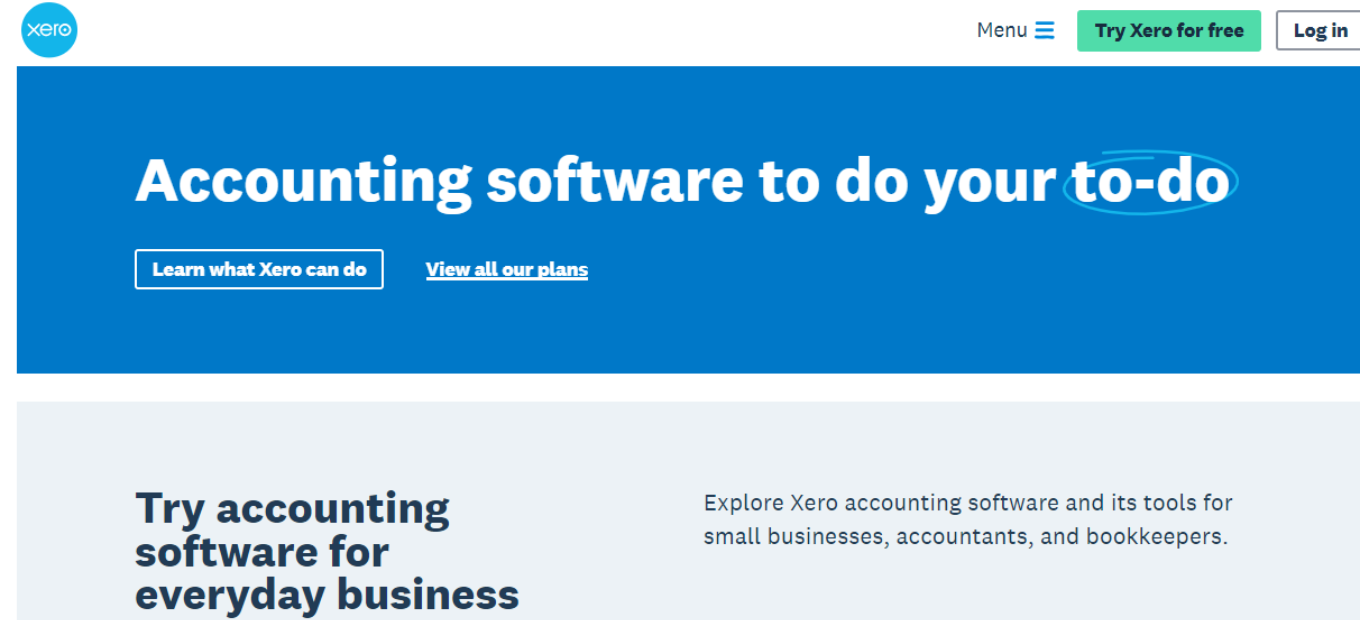
Xero stands out as a premier cloud-based accounting software, particularly favored for its user-friendly design and comprehensive set of features. It’s particularly suited for small to medium-sized businesses, offering a seamless approach to managing finances, invoicing, payroll, and more. The platform’s strong suite of integration capabilities with various third-party applications enhances its value, making it an essential tool for businesses seeking to streamline their accounting processes efficiently and effectively.
Pros & Cons
Pros:
- 🌐 User-friendly interface, making financial management accessible and efficient.
- 🔗 Extensive integration options with a wide array of third-party applications.
- 💹 Real-time access to financial data, offering up-to-the-minute insights.
- 💰 Efficient tools for invoicing and payroll management, simplifying these critical business operations.
- 🏷️ Attractive pricing plans, complemented by a free trial option for new users.
Cons:
- 📊 Limited advanced features for larger enterprises, which may require more robust solutions.
- 🧩 The array of customization options can be initially overwhelming for new users.
- 💸 Some advanced features incur additional costs, which could add up for businesses utilizing these tools.
About Xero
Xero, as a cutting-edge accounting software solution, redefines financial management for businesses. By integrating key accounting functions such as invoicing, payroll, and reporting, it provides a streamlined, user-friendly platform. This fosters efficient and effective financial operations, making it a valuable asset for businesses looking to simplify their accounting practices.
What’s In It For You?
Xero is equipped with a diverse range of features designed to cater to the varying needs of businesses:
- 📈 Easy Invoicing: Streamlines the billing and invoicing process, making it faster and more accurate.
- 💵 Payroll Management: Simplifies the complexities of employee payments and tax filings.
- 📊 Real-Time Reporting: Delivers up-to-date financial insights, aiding in better business decision-making.
Getting Started with Xero: A Step-by-Step Guide

- Sign Up for Xero: Visit the Xero website and choose the ‘Sign Up’ option. Select a suitable plan based on your business needs.
- Set Up Your Organization: After signing up, you’ll be prompted to set up your organization in Xero. This includes entering details like your organization’s name, financial year end, and tax details.
- Customize Your Financial Settings: Customize settings such as chart of accounts, tracking categories, and financial year end to match your business operations.
- Connect Your Bank Account: Link your business bank account to Xero for automatic transaction feeds. This step is crucial for accurate and up-to-date financial records.
- Set Up Invoicing: Customize your invoice template with your business logo and details. This prepares you to send professional invoices to clients.
- Enter Opening Balances: Input the opening balances for your accounts, which is essential for a seamless transition to Xero.
- Add Users: If other team members need access, add them as users and set permissions according to their roles.
- Explore Xero’s Features: Familiarize yourself with Xero’s various features, such as payroll, expense tracking, and reporting tools.
- Use Xero’s Resources: Take advantage of Xero’s tutorials, guides, and customer support for a smooth onboarding experience.
- Regularly Update and Review: Regularly update your records and review financial reports to ensure accurate and efficient financial management.
This step-by-step guide is designed to help new users navigate the initial stages of setting up and using Xero for their business accounting needs.
Xero Pricing Plans Overview 🌟💰

Xero offers three main pricing plans, each designed to suit different business needs while covering essential accounting features:
- Starter Plan – $29 USD per Month
- Aimed at small businesses and solo entrepreneurs.
- Includes basic features for financial management and invoicing.
- Standard Plan – $46 USD per Month
- Suitable for growing businesses requiring more comprehensive accounting tools.
- Offers additional features compared to the Starter plan.
- Premium Plan – $62 USD per Month
- Best for larger businesses with more complex accounting needs.
- Includes advanced features and capabilities.
All plans ensure:
- 🔒 Safe and secure data handling.
- 🔄 Easy cancellation with one month’s notice.
- 📞 24/7 online support for assistance anytime.
These plans are designed to provide flexibility and scalability, allowing businesses to choose a package that best fits their current operations
Xero vs. QuickBooks
Xero’s strengths:
- 🖥️ A streamlined interface that’s easy to navigate and use.
- 🤝 A wide range of integration capabilities, enhancing overall software utility.
- 💡 Affordable pricing models, particularly advantageous for small businesses.
QuickBooks’ strengths:

- 🌟 Comprehensive feature set suitable for larger businesses with complex needs.
- 📊 Advanced reporting tools, providing detailed insights.
- 🌐 Extensive user community and support, facilitating knowledge sharing and problem-solving.